Desk Setups
A Productivity-First Desk Setup: IKEA Furniture and Practical Tech That Earn Their Spot
A deliberately less-comfortable workstation built for flow: IKEA furniture, a five-year-old MacBook Pro, and a short list of accessories chosen for results over coziness.
Introduction
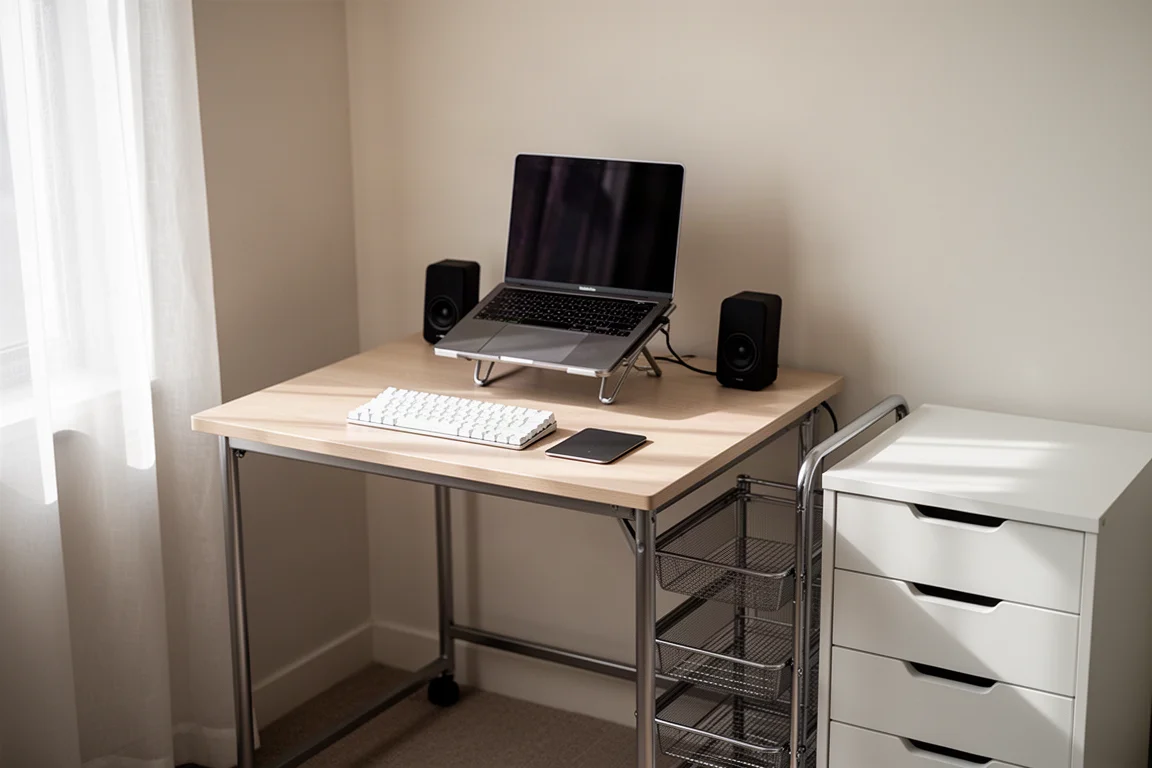
Most people design their desks for maximum comfort. This setup takes the opposite approach: it is purposely a little less comfortable, on the theory that cozy complacency quietly kills productivity. The goal here is flow, not lounging, and every choice below reflects that, from a deliberately modest chair to skipping a mouse entirely.
The foundation of the furniture is entirely IKEA, chosen to fit a condo-sized space, while the tech layer is built around older, proven gear that still gets the job done.
The Philosophy: Built for Flow, Not Coziness
The guiding idea is simple: if the setup is too comfortable, you stay planted for hours and stop moving. If it is slightly uncomfortable, you naturally get up, refill your water, and reset. That rhythm is treated as a feature, not a flaw.
The same philosophy shows up in the small decisions, like using a trackpad instead of a mouse to keep muscle memory consistent between desk work and travel. It is a setup tuned for output, and each piece below was chosen with a specific type of work in mind: client calls, keyboard-heavy tasks like writing and creative software, and hands-on product design work.
The IKEA Furniture Foundation
The Desk: IKEA Mittzon
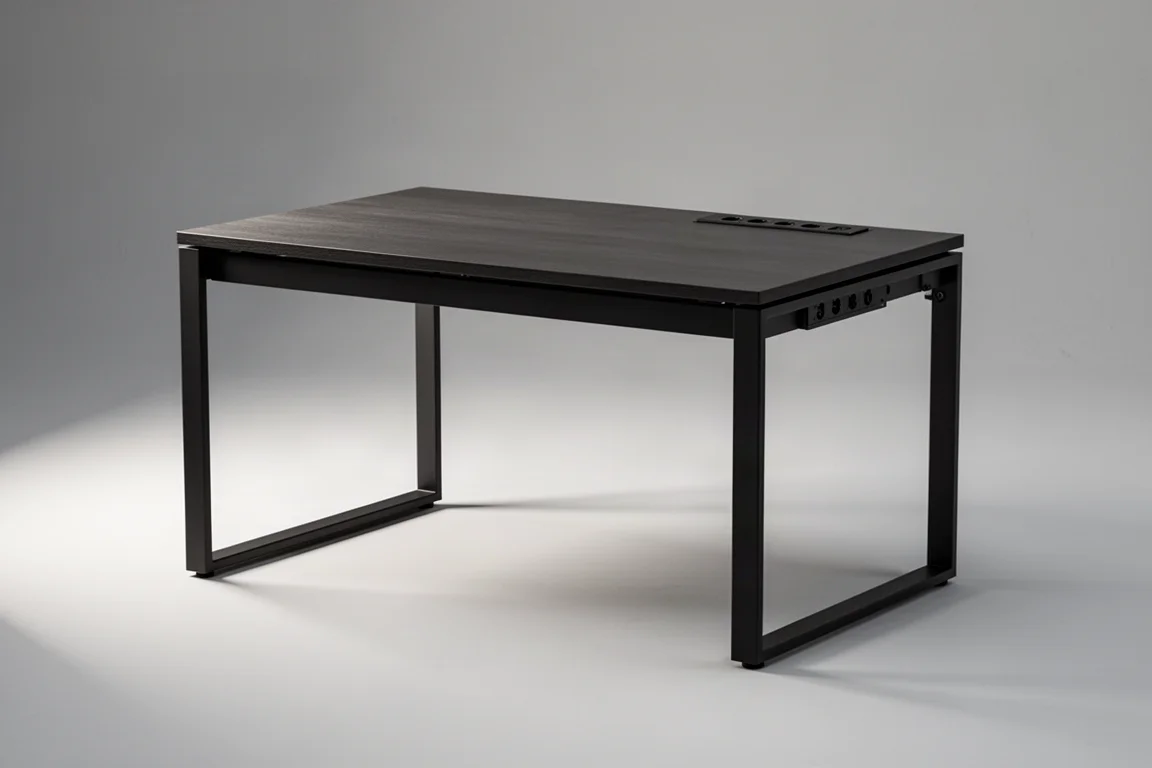
The centerpiece is the Mittzon, a 2 by 4-foot metal-framed desk in IKEA’s smallest size, chosen because condo living simply does not allow for more. Surprisingly, it is enough desk for three distinct types of work, and the IKEA power bar integrated into it keeps cables under control. Its compact footprint is what makes the whole system work in a small space.
The Sidekicks: Raskog Cart and Alex Drawer Unit
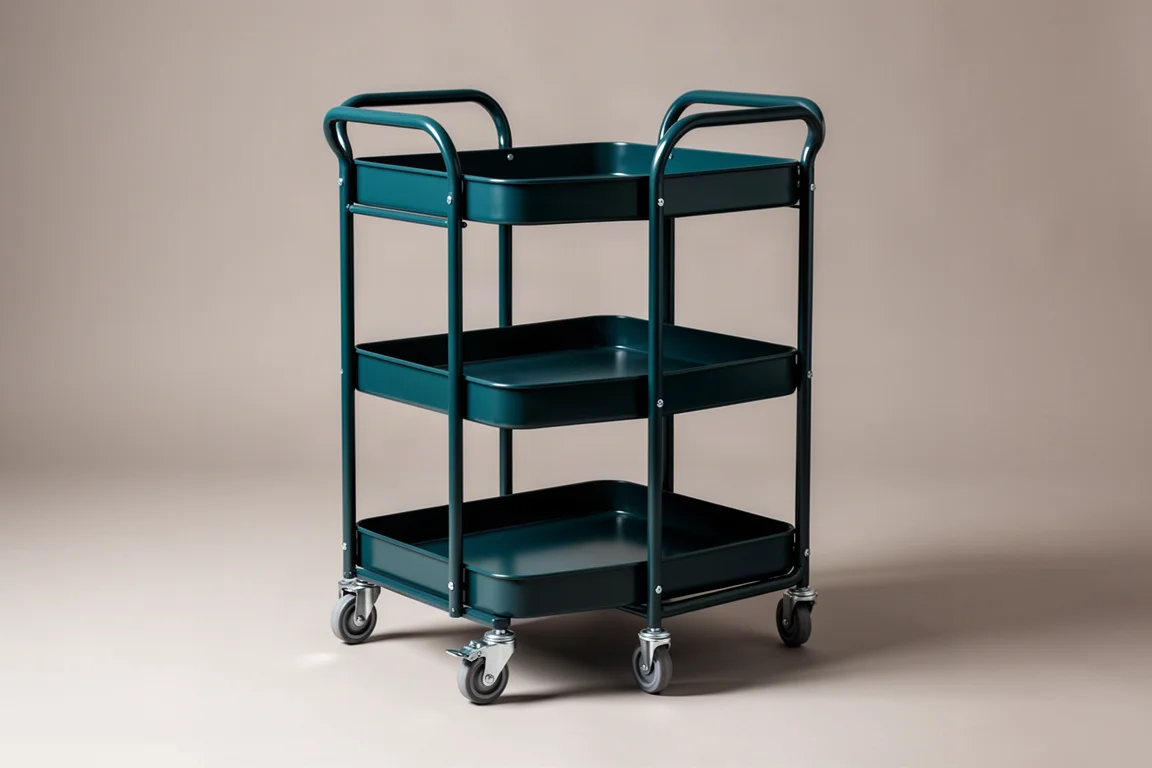
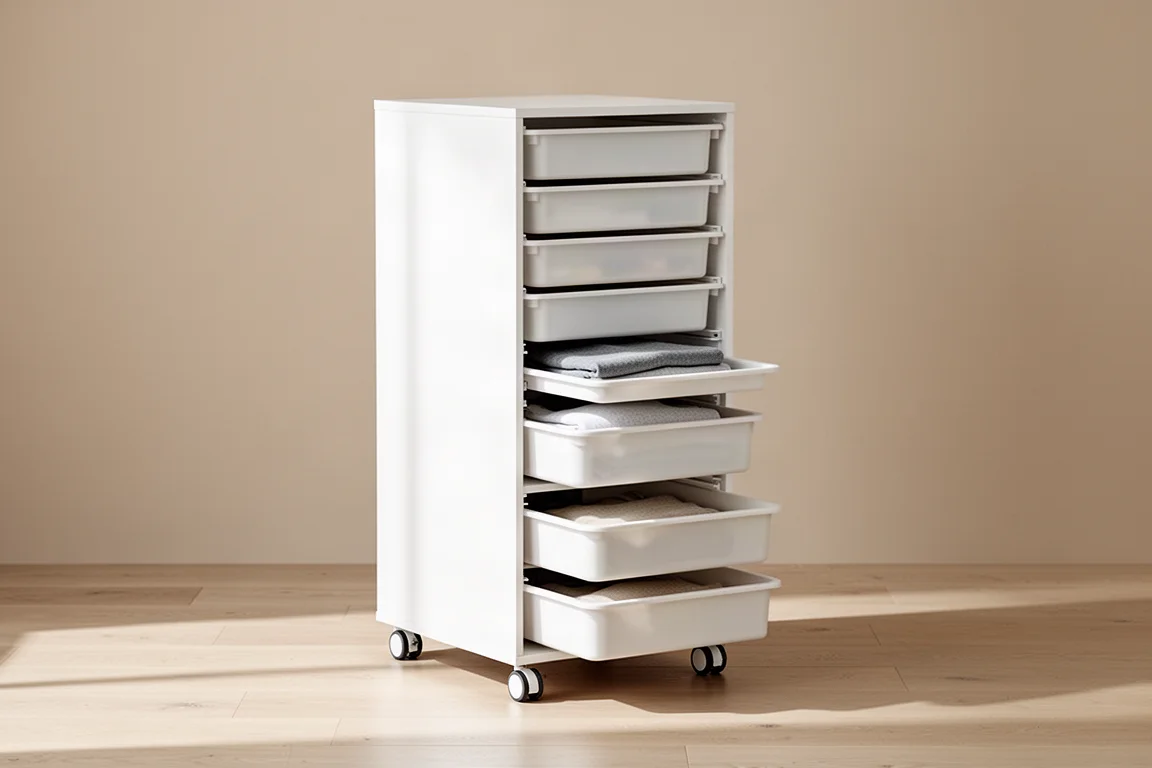
Because the desk alone is too small, it is extended on either side by two other IKEA pieces. On the left sits the Raskog cart, and on the right the Alex drawer unit, which together act as storage wings for the main desk.
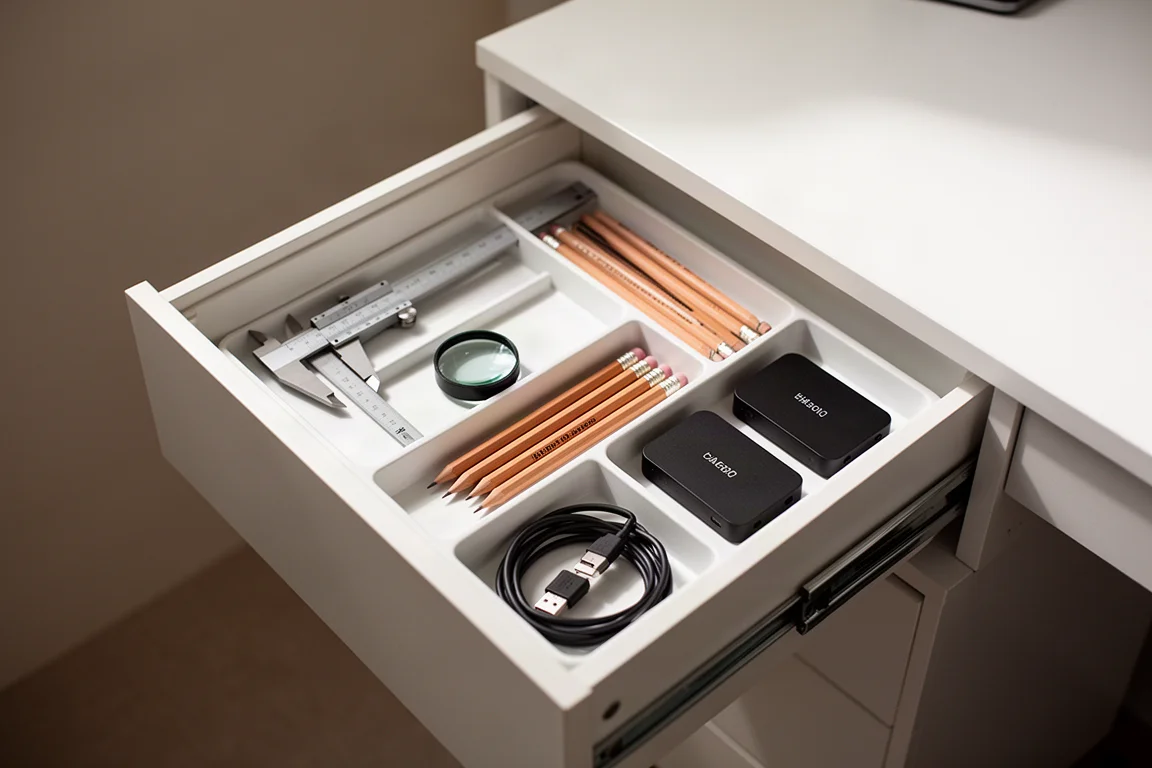
The Alex drawer unit is the more substantial of the two. Its four drawers are organized by function: the top drawer holds frequently used supplementary tools like cutting and cleaning supplies plus labeled external hard drives; the second is dedicated to creation, with a caliper, micrometer, a Pantone book for color communication, a fabric magnifier, and sketching supplies; the third stores consumables that need restocking; and the bottom drawer files away paperwork such as invoices, bills, and receipts to make tax season more bearable.
The Chair: IKEA Langfjall
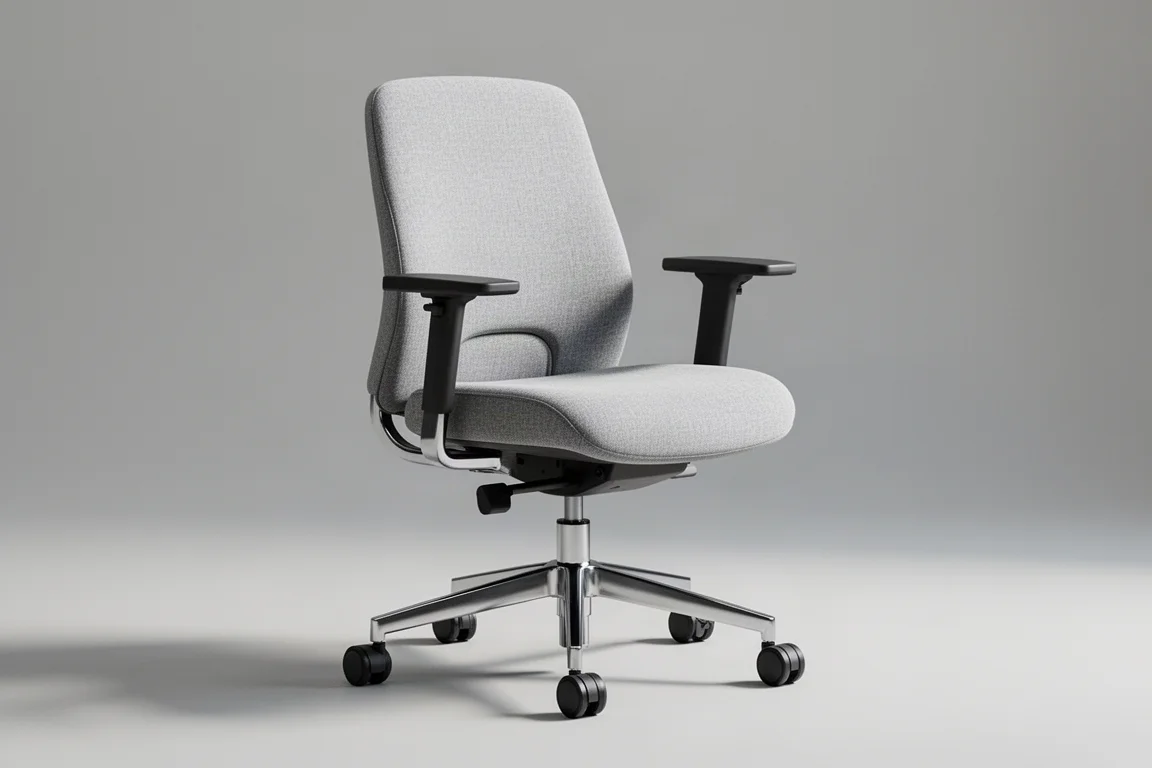
The Langfjall chair sits well below gaming chairs or the thousand-dollar ergonomic thrones. It was chosen after borrowing a friend’s, because the cushioning supports well and the lumbar support keeps back pain away. Crucially, it is just uncomfortable enough to encourage standing up and walking around every hour or so, which fits the whole philosophy of this setup.
The Laptop and Monitor Pairing
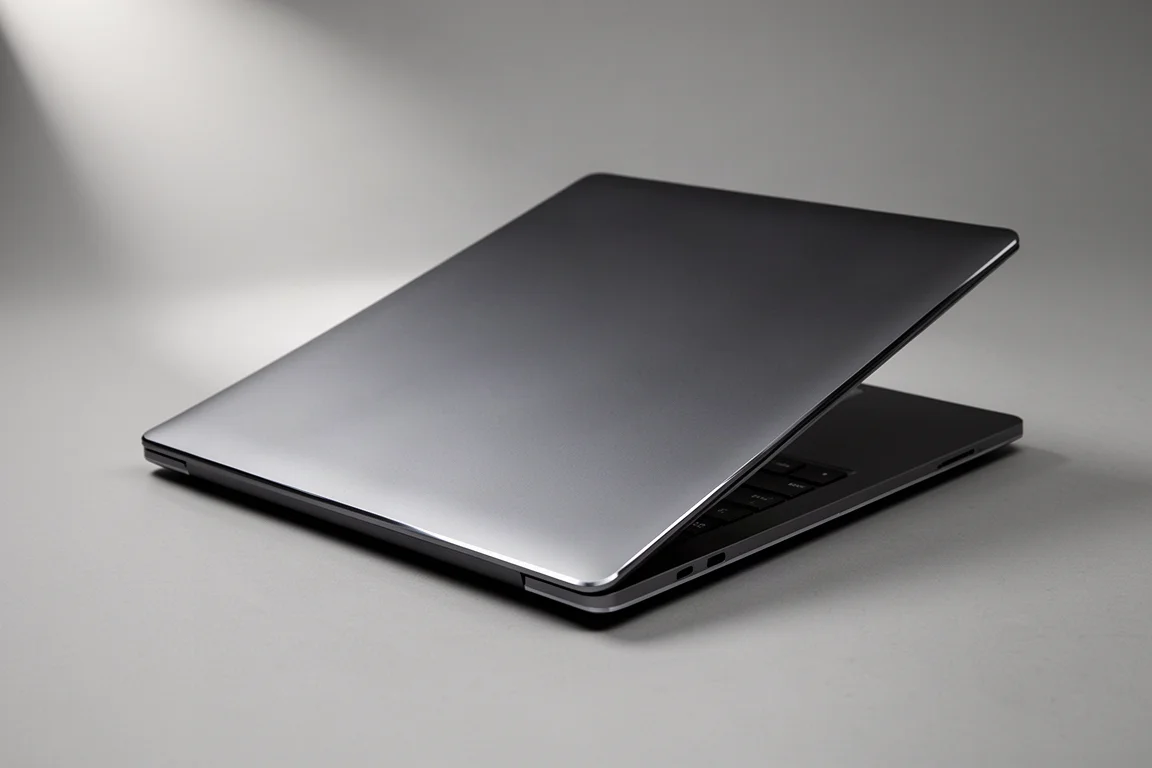
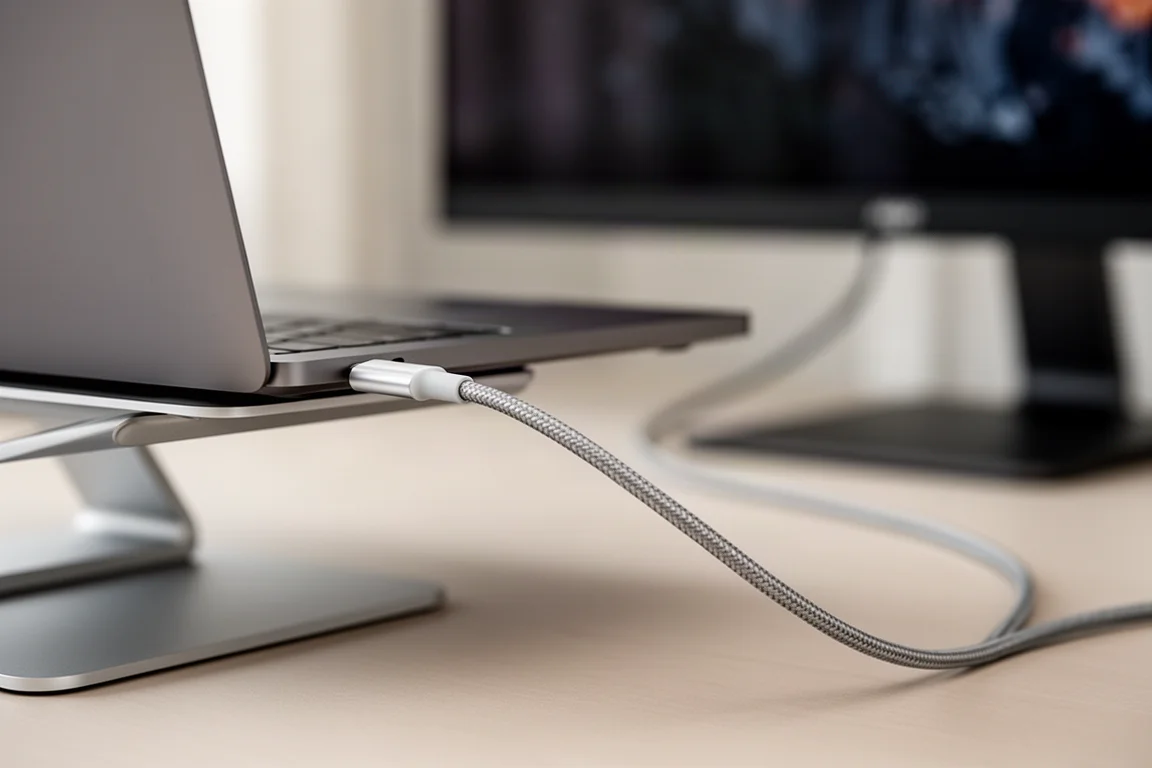
With regular ping-ponging between a workshop, client visits, and nearly six months of business travel per year, a laptop is non-negotiable. At the time of writing, that machine is still the nearly five-year-old 16-inch M1 MacBook Pro, proof that capable hardware does not need replacing every cycle.
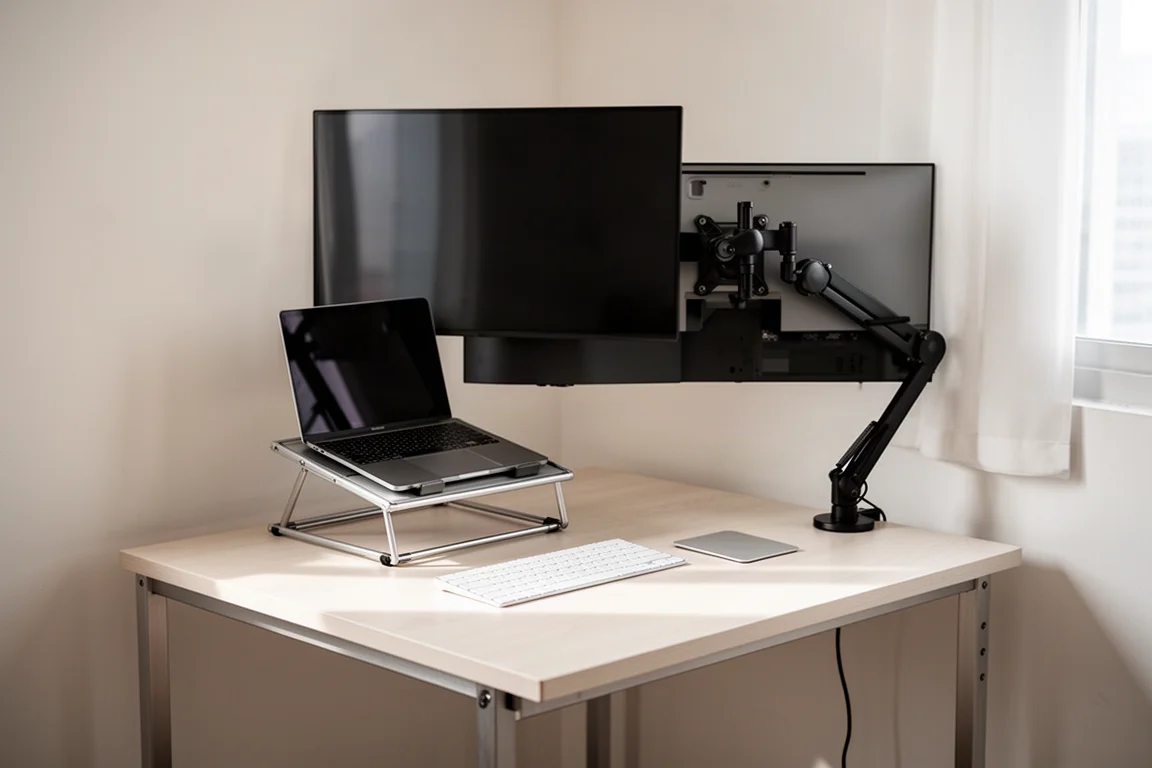
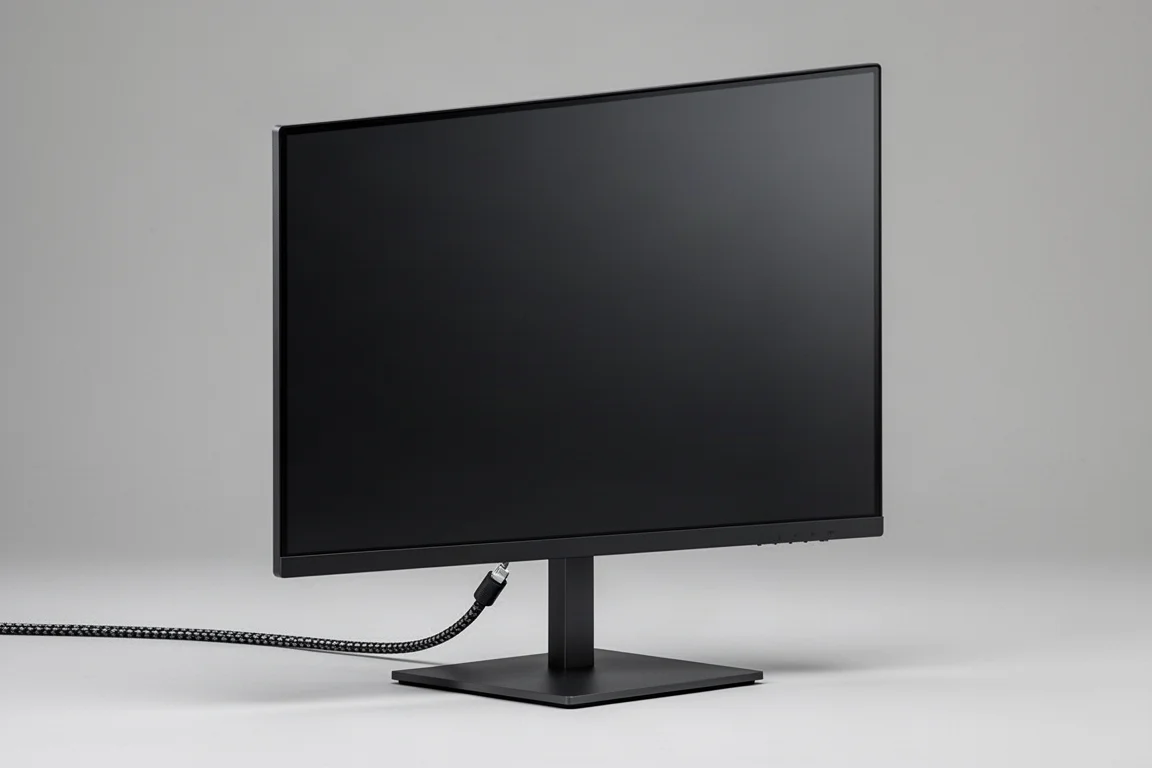
For deep work and especially multi-app work, a larger monitor helps enormously. The 27-inch UltraSharp 4K Thunderbolt Hub monitor from Dell has been a standout: a single Thunderbolt cable into the MacBook Pro simultaneously powers it, transfers data back and forth, and drives the display. A pop-out multi-port sub-hub makes plugging external drives and card readers in and out seamless, and a desk-clamp mount keeps the desk clutter-free.
Peripherals: Keyboard and Trackpad
Keychron K10 HE
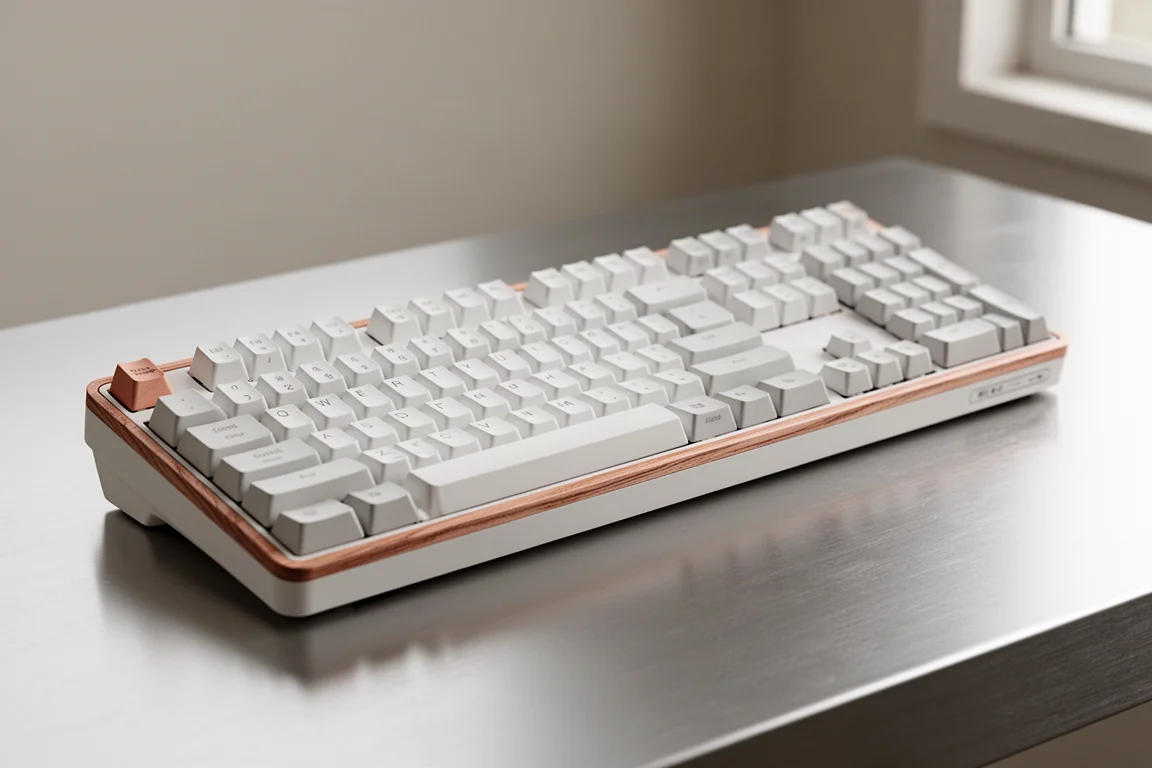
The keyboard is the Keychron K10 HE, loved for its matte white finish with rosewood accents. The built-in number pad has become a must for bookkeeping, making spreadsheet work faster and more intuitive than the MacBook Pro’s keyboard. The magnetic switches are a favorite feature: noticeably quieter than previous mechanical keyboards, with lighting effects as a fun late-night touch.
Apple Magic Trackpad Instead of a Mouse
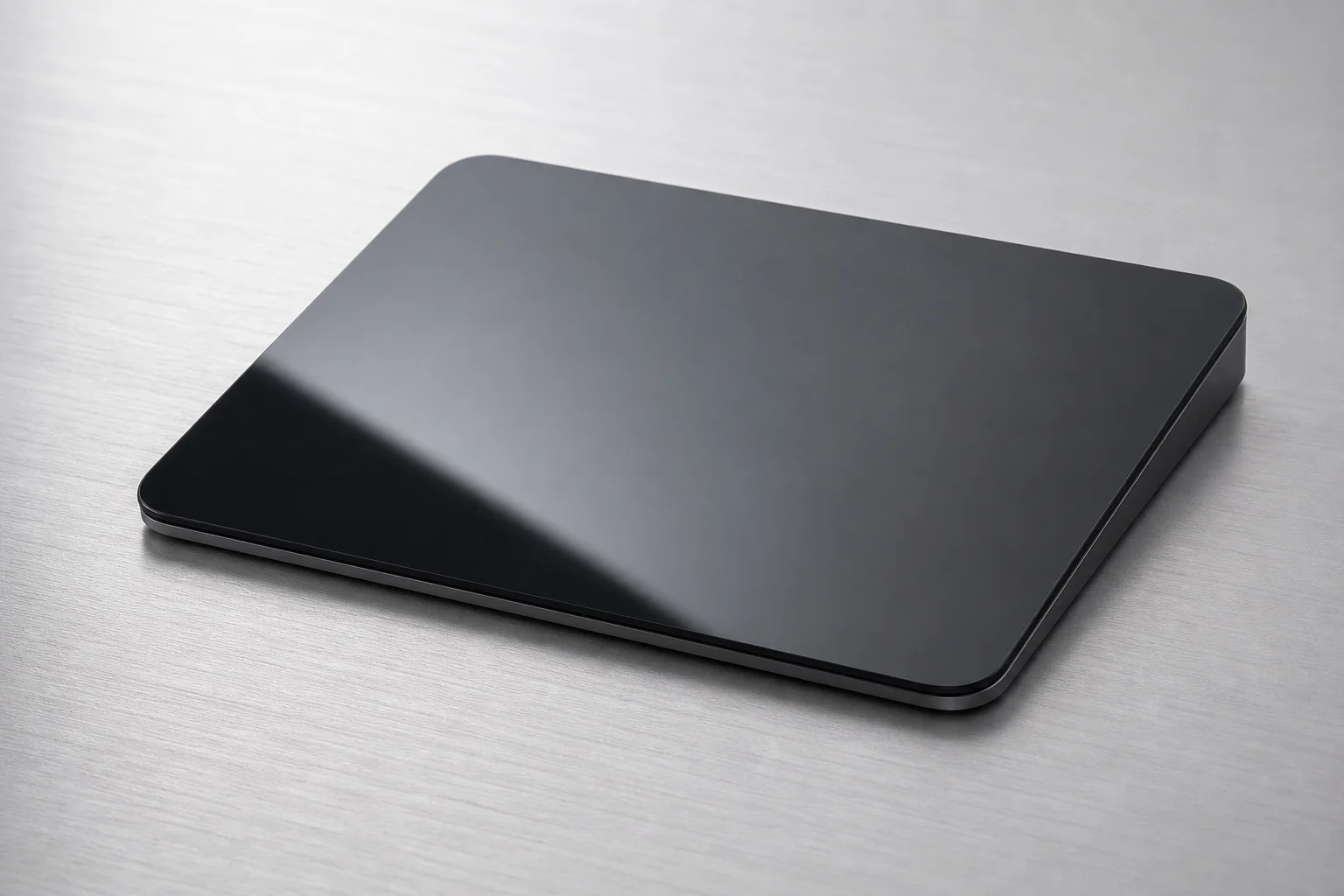
Here is another example of intentional discomfort. Spending so much time on the road means traveling with only the laptop, whose trackpad is the sole controller. Adding a mouse at the desk would create a constant pattern interrupt when switching back and forth. So although a mouse is more efficient and ergonomic, the Magic Trackpad wins on continuity.
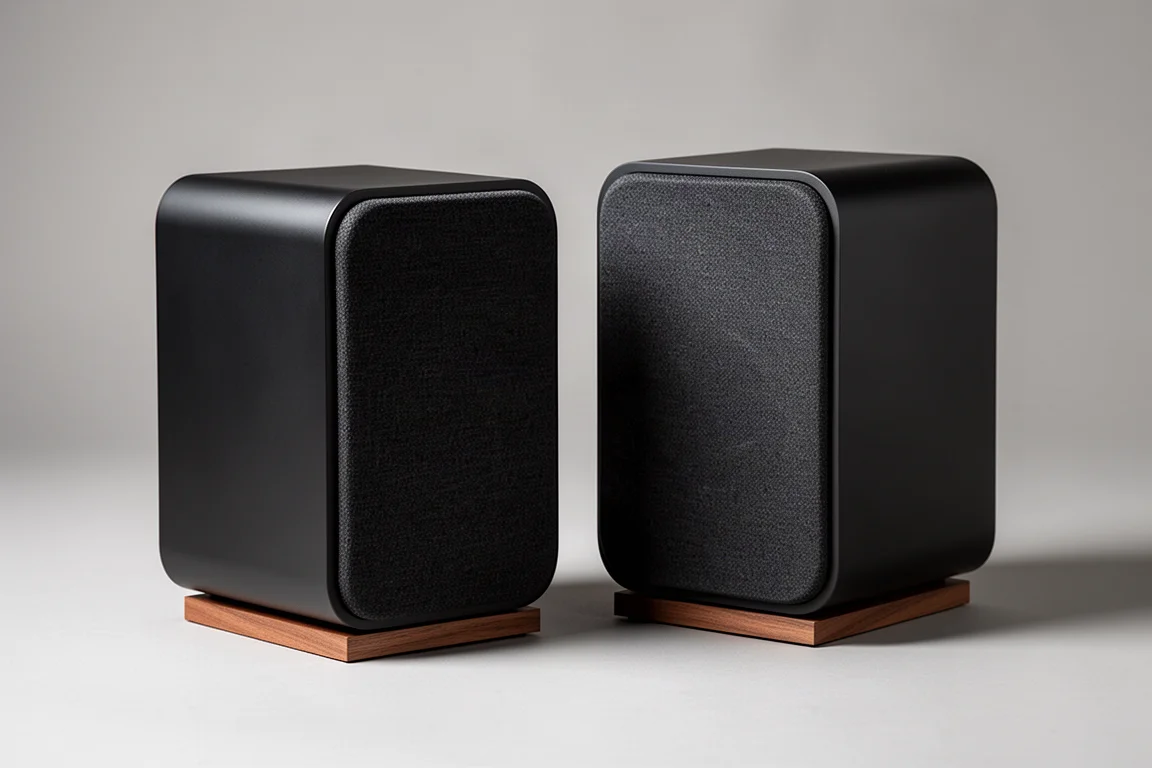
Audio: Kanto U2 Speakers
The Kanto U2 speakers deliver output and sound quality that feel remarkable for their size. They are necessary for monitoring and balancing audio when editing, but music and background noise are also personally essential while working.
Charging and Small Desk Trinkets
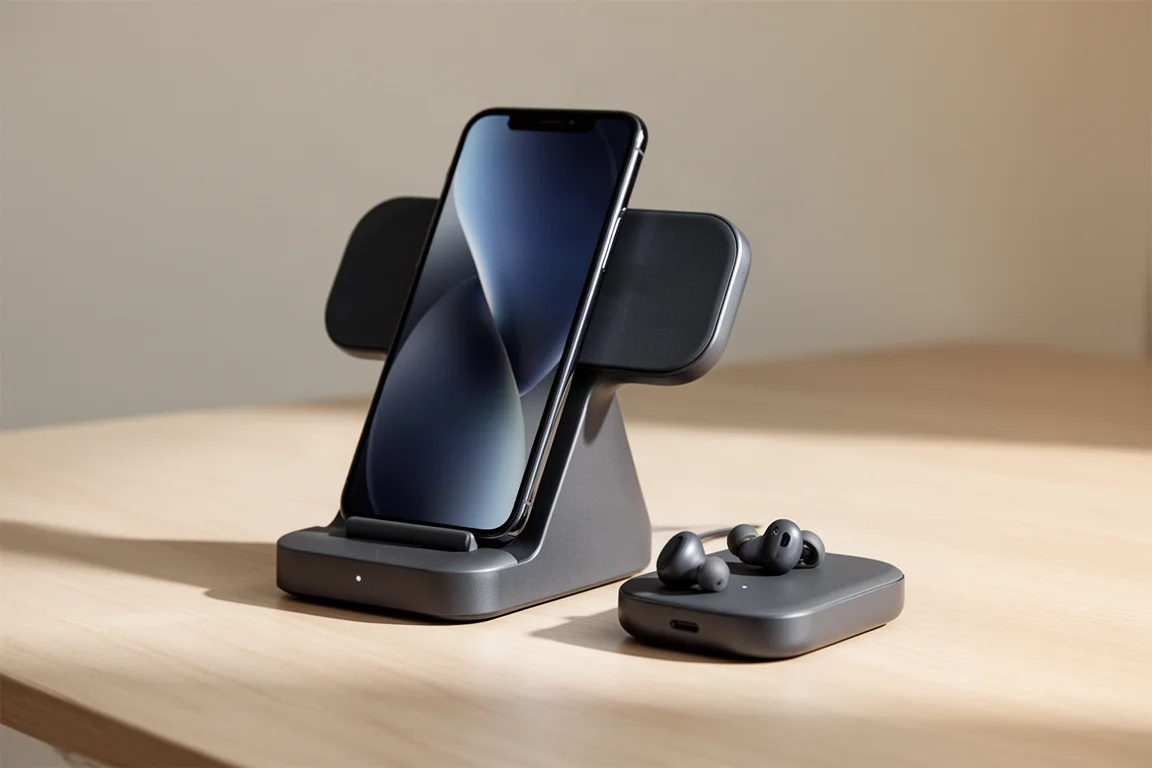
Even though the Mittzon desk has an integrated power bar, it stays mostly empty. With a lot of time spent on calls and meetings, the one thing constantly plugged in is the Ugreen wireless charging dock, which charges both a phone and AirPods. Combined with the phone’s standby mode, the charging stand doubles as an at-a-glance desk clock.
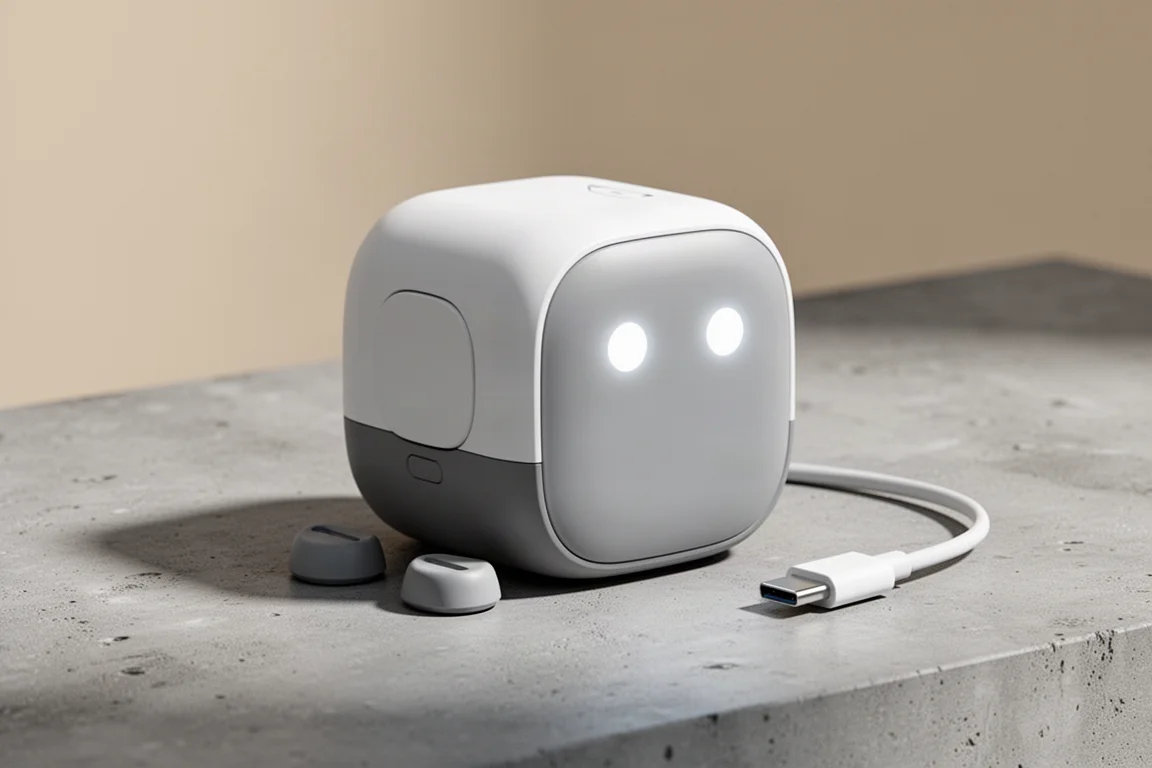
The other charging peripheral is a 100W charging brick called the Uno, which is styled like a little robot and doubles as desk decor. Since the keyboard and trackpad are wireless, its feet come off, it plugs into the power bar, a face lights up to confirm power flow, and a USB-C cable from the top drawer tops up both peripherals overnight, good for another month or two.
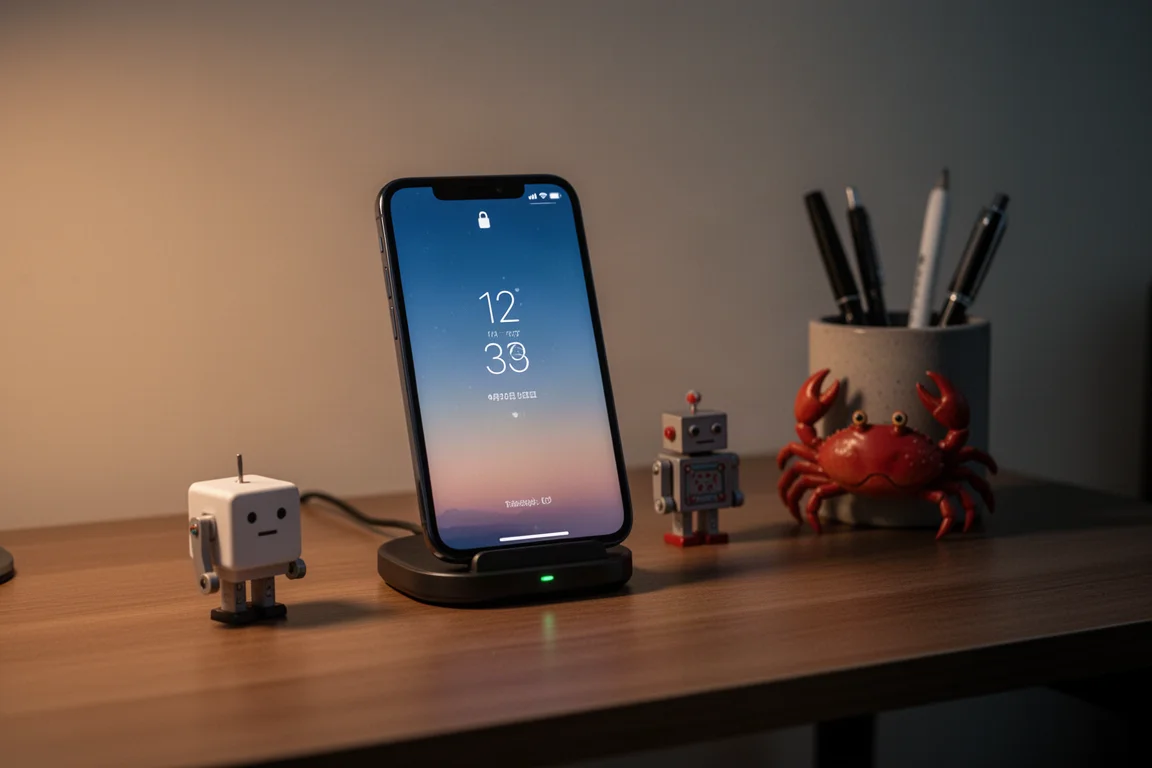
The remaining trinkets round out the personality of the desk: a crab pen holder reserved for morning scribbles in a five-year diary, a miniature Raskog cart holding SD cards and a USB drive, and an analog kitchen timer tucked under the left speaker. That timer is a focus tool: when stuck on a task, rotating it to a visual 20-minute mark and committing to doing anything that moves the needle until the dial darkens often turns into focused flow that lasts far longer. A miniature model of a car on the top right speaker nods to the habit of taking a drive to think through big decisions.
Buying Advice
Before copying any of this, a word of caution: the furniture and physical tools represent less than 10% of the actual results. The other 90-plus percent comes from clearly defined goals, self-awareness about what motivates you, and genuine care for the outcomes you want. So resist knee-jerk purchases. Pick the pieces that map to how you actually work, and let the setup serve those goals rather than define them.
Conclusion
This is not a perfect setup, and it is not the most comfortable one either, but it works because it reflects a specific working style: condo-sized IKEA furniture, proven older tech, and small rituals that keep momentum going. The takeaway is not to replicate the exact list, but to shape a workspace around how you work. When your desk reflects who you are, even purposeful discomfort starts to feel right.
Further reading
Related Reviews

Backpacking Gear
Building a 10 lb Base Weight: An Ultralight Backpacking Gear List
A practical walkthrough of the ultralight pieces behind a 10 lb base weight, from a 765 g pack and a roomy one-person tent to a full camp chair and a dependable water filter.

Road Bikes
10 New Road Bikes Worth Watching: Aero, Titanium, Steel and Endurance Standouts
A practical roundup of 10 new road bikes, from aero flagships chasing single-watt gains to titanium, steel and endurance platforms built for real roads.
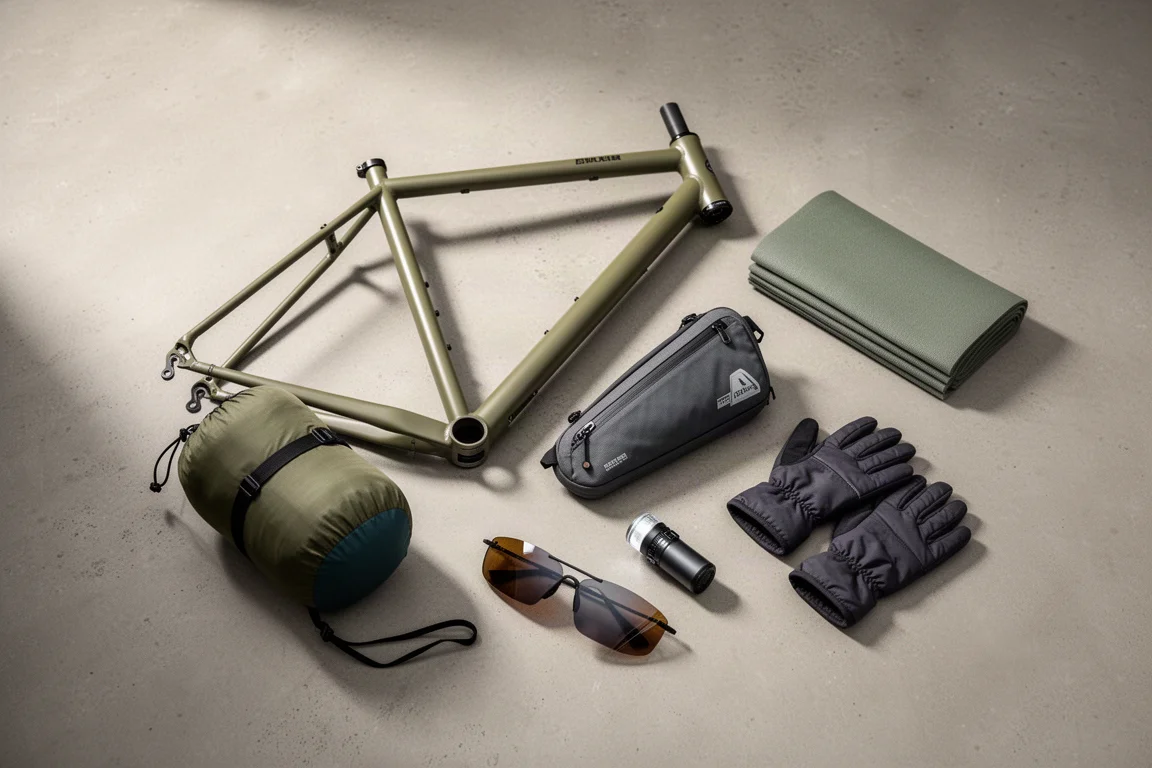
Bikepacking Gear
11 Bikepacking Essentials for Long-Distance Cycling
Eleven bikepacking essentials for long-distance cycling, from a steel gravel frame and a two-person tent to helmet lights, packable gloves, and a frame bag that puts weight in the right place.