Creative Apps
Procreate Pocket Review: Serious Art Tools on a Tiny Screen
We tested Procreate Pocket on a phone with an inexpensive stylus to see whether the beloved iPad drawing app holds up in pocket form.
Introduction
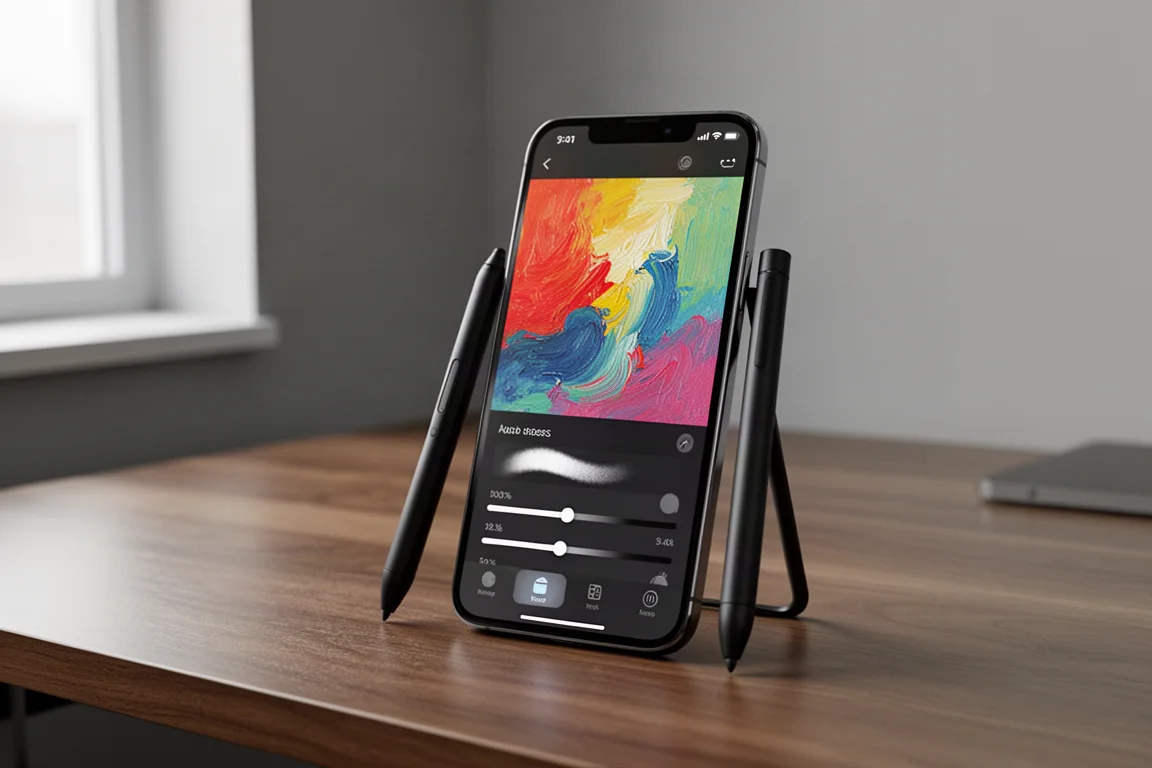
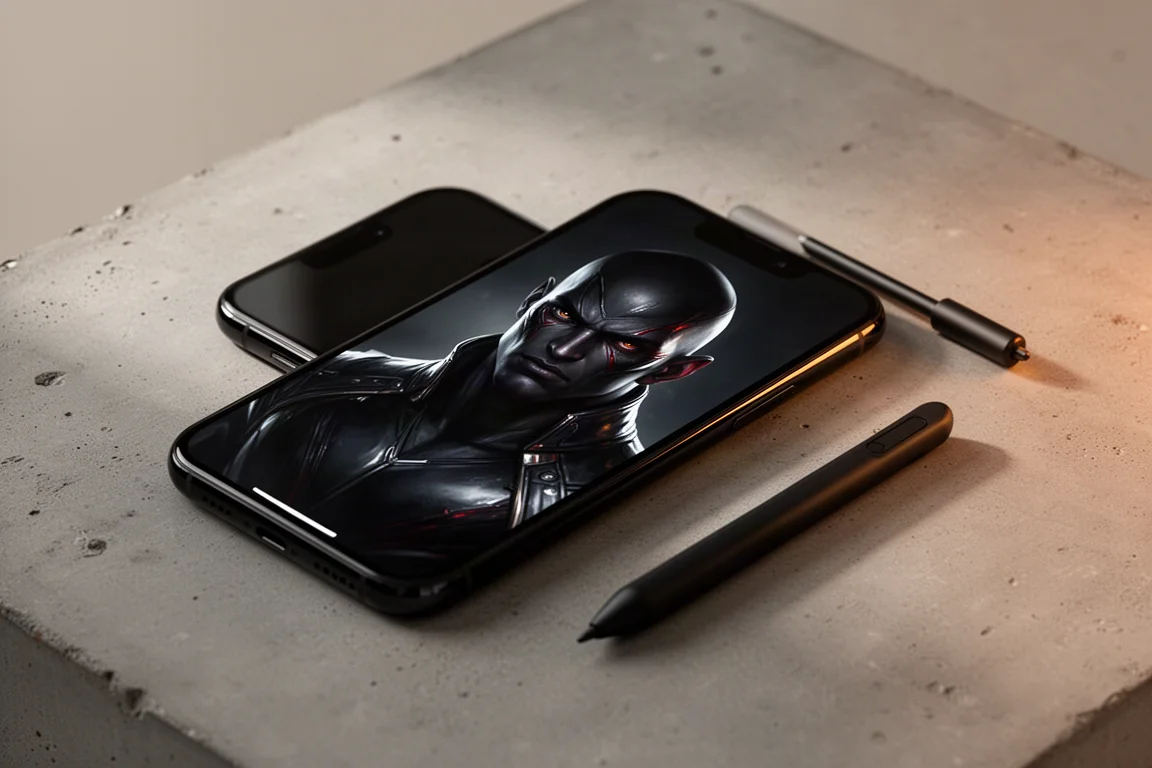
Procreate Pocket is the phone-sized sibling of Procreate, the iPad drawing app that many digital artists treat as their default tool. Priced at $4.99 and marked as an editor’s choice app on the app store, it promises much of the same experience on a device you already carry everywhere. We spent a full drawing session with it, using nothing more than a $10 generic stylus and a small phone stand, to find out whether the app itself delivers and how much the hardware around it matters.
The short version: the app is excellent, but drawing on a phone screen is a genuinely different challenge than drawing on an iPad.
Getting Started with Procreate Pocket
If you already know Procreate on the iPad, Pocket feels immediately familiar. Creating a new canvas is simple, the layout is clean, and nothing about the interface is confusing. The app opens with community artwork that shows what is possible, and from the first tap it feels like a polished, thoughtfully built tool rather than a stripped-down port.
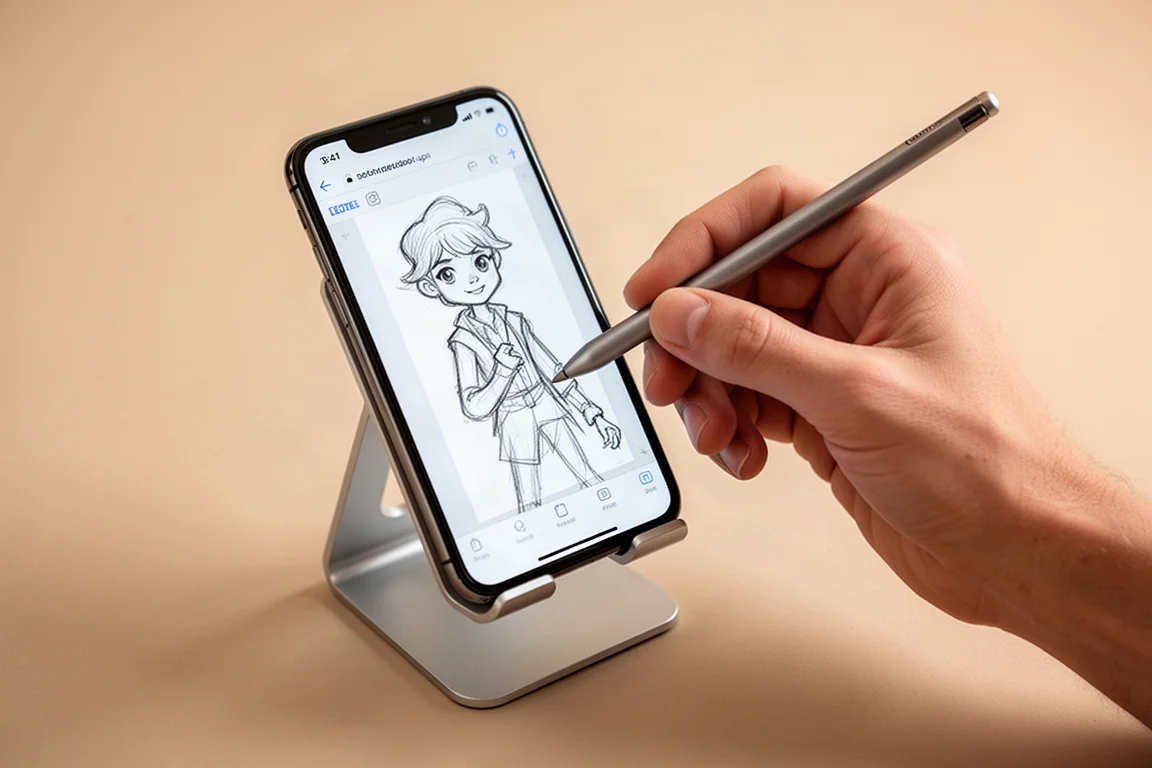
One early stumble: the undo gesture is a double tap on the screen. Without knowing that, it is easy to spend hours drawing over mistakes by hand, and then accidentally erase work later by double tapping without meaning to. A minute spent learning the basic gestures saves a lot of frustration.
Interface, Brushes, and Features
For five dollars, the feature set is generous. There is a large library of brushes, a smudge tool that doubles as a blending brush, layer support, and full time-lapse recording of your artwork. During our testing the app never crashed, never stuttered, and behaved exactly as expected from start to finish.
The smudge tool deserves a special mention. Manual blending with brushes was not realistic on a screen this small, but the smudge tool blended colors so smoothly that it carried most of the finishing work on its own.
How Hard Is It to Draw on a Phone?
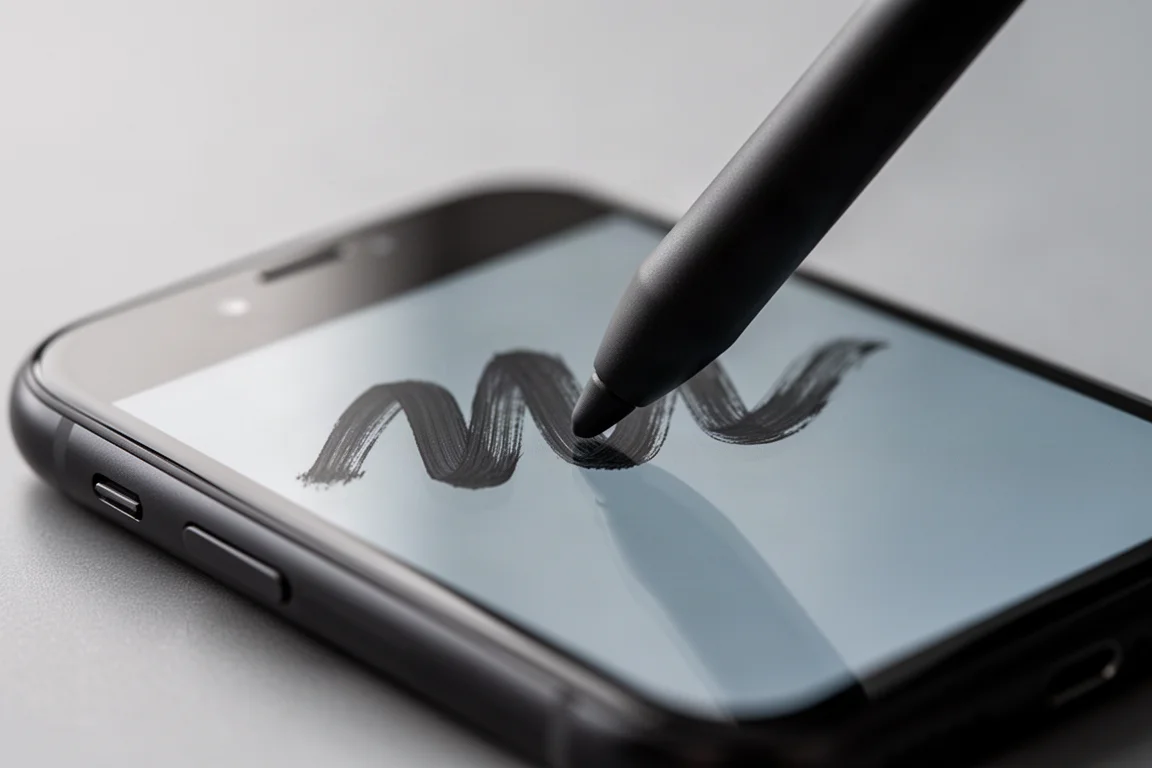
This is where honesty matters. Drawing on a phone with a cheap stylus was one of the most difficult drawing experiences imaginable, and most of the trouble had nothing to do with the app itself.
Strokes frequently failed to register or appeared wobbly and offset from where the stylus tip actually was. Zooming in past 100 percent often helped force a stroke to behave, but heavy zoom leaves so little working area that perspective falls apart, so constant zooming in and out becomes part of the workflow. To verify whether the problem was the app or the hardware, the same test was run in a different drawing app, and it produced identical issues. That points firmly at the stylus and the phone screen, not at Procreate Pocket.
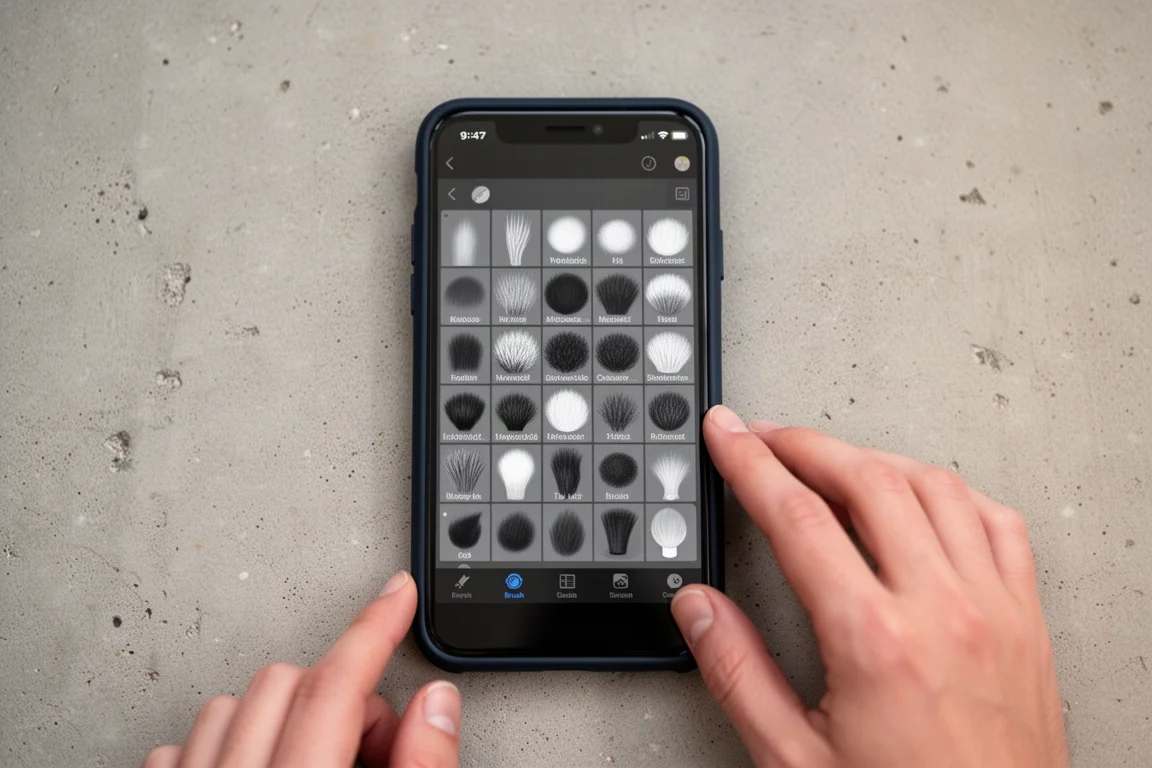
There are also physical limits no app can fix. Phones are not designed for palm rejection, so resting the side of your hand on the screen creates stray strokes, and one accidental pinky touch can add a mark you did not ask for. iPads handle this gracefully; phones simply cannot. A screen protector is strongly recommended, because this kind of drawing involves a lot of frustrated, aggressive contact with the glass.
The best results came from cycling through brushes until one cooperated, zooming in as far as possible without losing perspective, and leaning hard on the smudge tool for blending. With those adjustments, the final artwork turned out genuinely satisfying, and the built-in time-lapse capture still recorded the whole process.
Things to Consider Before Buying
Procreate Pocket is not the source of the frustration; the hardware is. The app itself is seamless, stable, easy to use, and packed with brushes and features for a one-time price of $4.99. The low user ratings likely reflect people fighting the same phone-and-cheap-stylus battle rather than judging the software.
If you can pair the app with a better stylus, or simply accept that phone drawing demands patience, the value is hard to beat. It also works well as a portable sketchbook for times when your main setup is not available.
Buying Advice
Who should buy Procreate Pocket? Three groups come to mind:
- Existing Procreate users who want the same interface in their pocket for sketching away from a desk.
- Beginners who want a full-featured drawing app for five dollars without committing to tablet hardware.
- Patient artists who understand the limits of a small screen and a budget stylus and are willing to adapt their technique.
For context on the wider hardware picture: dedicated drawing screen tablets from lesser-known brands start around $200 and require plugging into a computer, while Apple’s cheapest iPad sits at $329. Apple Pencil at $100 is admittedly overpriced, and third-party styluses around $10 perform nearly identically. In other words, you do not need expensive hardware to make digital art, and a phone app like this is the cheapest entry point of all.
Conclusion
Procreate Pocket is a legitimately great app let down by the realities of drawing on a phone screen with a cheap stylus. The brushes, smudge tool, stability, and time-lapse recording all work exactly as promised, and the final artwork produced during testing was genuinely satisfying. If you go in knowing that the small screen, not the software, is the bottleneck, $4.99 is an easy decision. Just learn the double-tap undo early.
Product link
View more details for Procreate Pocket
This product is mentioned in the review. Check the specifications, options, and compatibility before buying.
View more details for Procreate PocketFurther reading
Related Reviews
Creative Apps
Mental Canvas Review: A 3D Drawing and Coloring App That Breaks the Flat Canvas
Mental Canvas lets you draw and color across multiple layered canvases in 3D space, including a first-of-its-kind 3D coloring book experience. Here is what it is like to use and who it suits.
Art Apps
Five iPad Art Apps Tested: Which Ones Are Worth Your Time?
From realistic oil textures to frame-by-frame animation and anatomy reference, we put five iPad drawing apps through their paces with an Apple Pencil.
AI Tools
Dall-E 2 Review: What This AI Image Generator Can (and Can't) Do
A hands-on look at Dall-E 2, the text-to-image AI that turns a sentence into detailed artwork in any style, plus what artists should realistically expect from it.