AI Tools
Dall-E 2 Review: What This AI Image Generator Can (and Can't) Do
A hands-on look at Dall-E 2, the text-to-image AI that turns a sentence into detailed artwork in any style, plus what artists should realistically expect from it.
Introduction
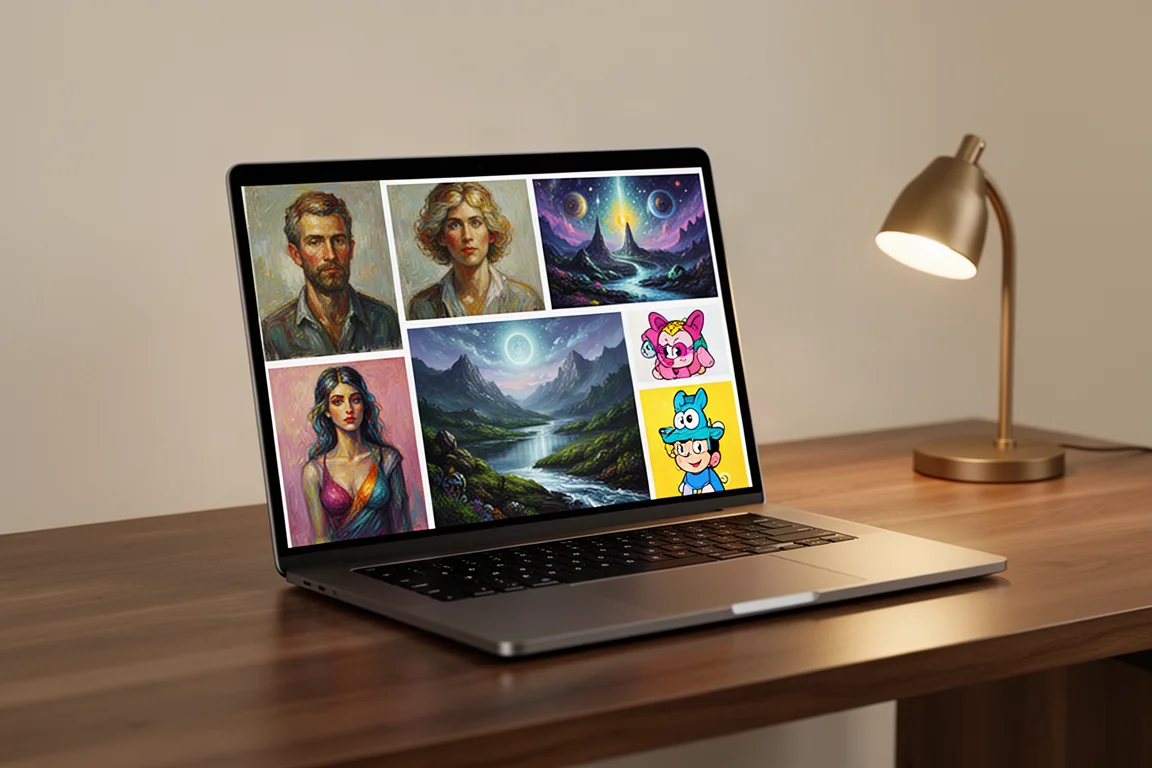
Imagine a tool that takes any idea you can describe and instantly brings it to life. A giraffe with glasses? Done. A typewriter made of cheese? Here come three variations. That tool exists, and it is called Dall-E 2, a name that nods to Wall-E and Dali in equal measure. In short, it is like a robot that can paint a masterpiece: it generates incredibly detailed images of almost anything you can imagine, in almost any style you can ask for.
Who This Tool Is For
Dall-E 2 is aimed at anyone who needs visual ideas fast. If you are looking for specific reference images to draw from, creating storyboards, exploring photo composition ideas, or just curious what a baby stormtrooper would look like (adorable, for the record), it delivers in seconds. Artists who received early access were consistently blown away, with reactions ranging from “I’m speechless” to “that’s incredible and scary.”
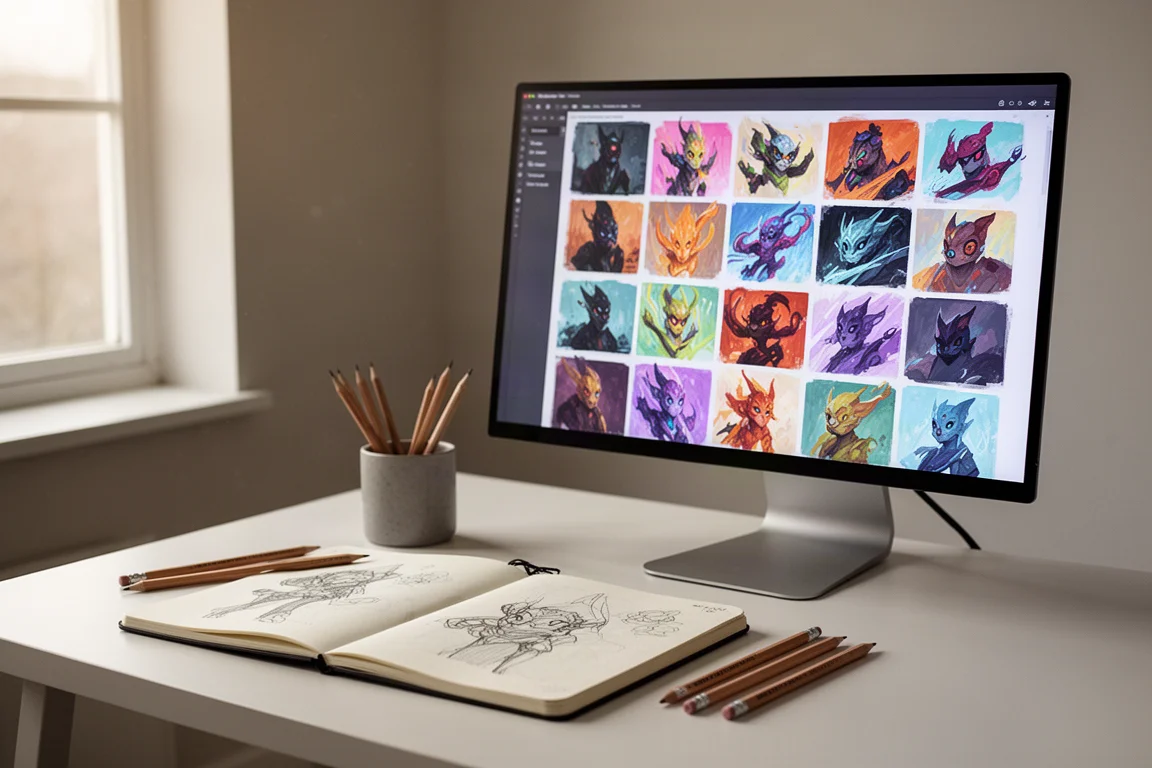
Beyond image creation, it can also generate variations of an image, which is handy if you have one landscape reference and want to turn it into a series.
What Dall-E 2 Does Well
The range of styles is where this tool genuinely shines. You can ask for a photograph, or get far more specific: a photo “from National Geographic,” a disposable camera shot, commercial fashion photography, even an X-ray or an ultrasound. If you know your lenses and cameras, you can specify focal length or shutter speed for greater control over the output.
It handles vintage formats too: polaroids, daguerreotypes, pinhole photos, and lomography. If there is a word for it, Dall-E 2 can probably recreate it. Lighting works the same way: studio lighting produces a completely different result than golden hour, and you can add light leaks or bokeh, or simply ask for an isolated background.
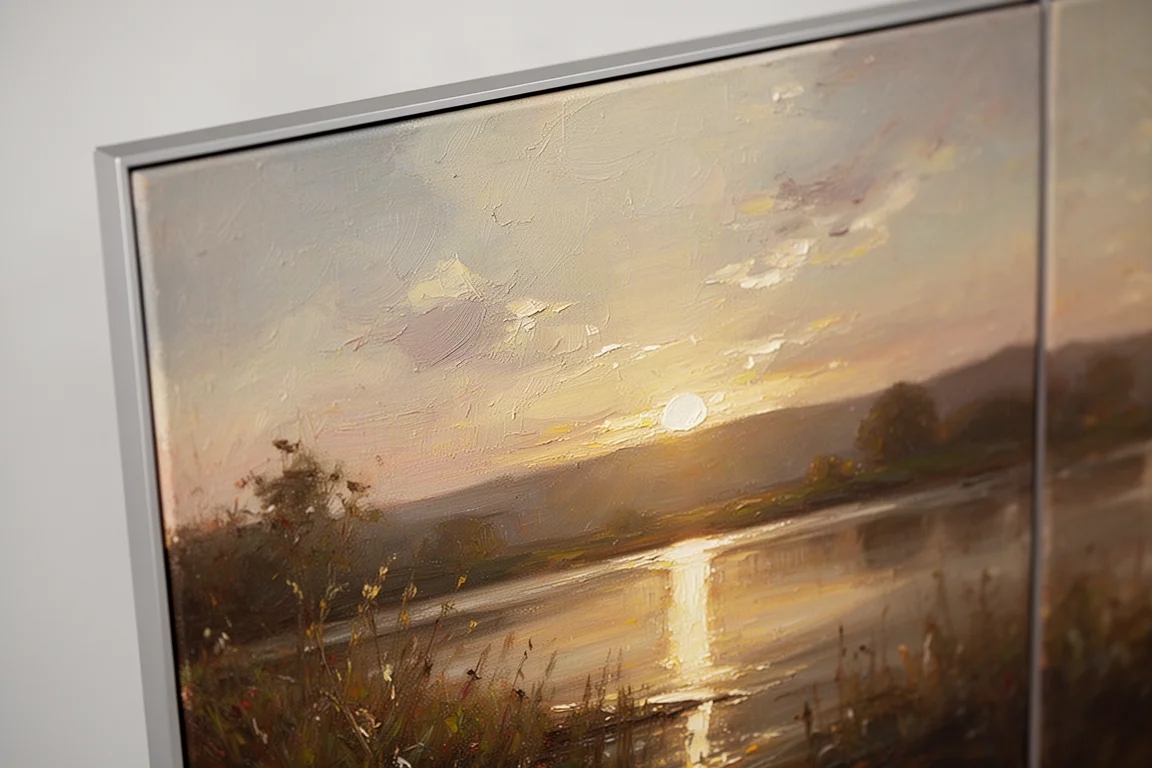
And it is not limited to photography. Choose a famous artist, create a painting, make your own cartoon-inspired art, or experiment with a style swap of a favorite character. It also recognizes an astonishing range of craft and media styles, from needle felting, crochet, and claymation to glass blowing, embroidery, wood carving, baking, chalk art, fashion design, architecture, landscaping, and coloring pages. What stands out most is its ability to choose colors and composition that look good every time, even when the details are not perfect.
Things to Consider Before Buying
The results are not always perfect. It sometimes messes up fingers, gets confused about object placement when you give very specific instructions involving two or more objects, and the details often fall apart when you zoom in. It has not quite learned the importance of counting limbs, and it can take a few attempts to phrase your vision in the right words.
It is also worth noting the output quality is not high enough to sell prints or replace most artist jobs right now. The images are not ready for commercial use in most cases, though clients could use them for mockups or to generate ideas for their designers. Access is also currently limited: OpenAI is studying its limitations and capabilities with a small research group, with a waitlist for those hoping to get in.
Buying Advice
Think of Dall-E 2 as a research and brainstorming tool rather than a finished-art machine. It can fast-track an initial concept, help with color theory, lighting, and composition (things many artists struggle with), and produce a storyboard in seconds to sell an idea before pouring hours into animation. It can also generate the perfect reference image for paintings and drawings, instead of scrolling stock sites and settling for something close enough.
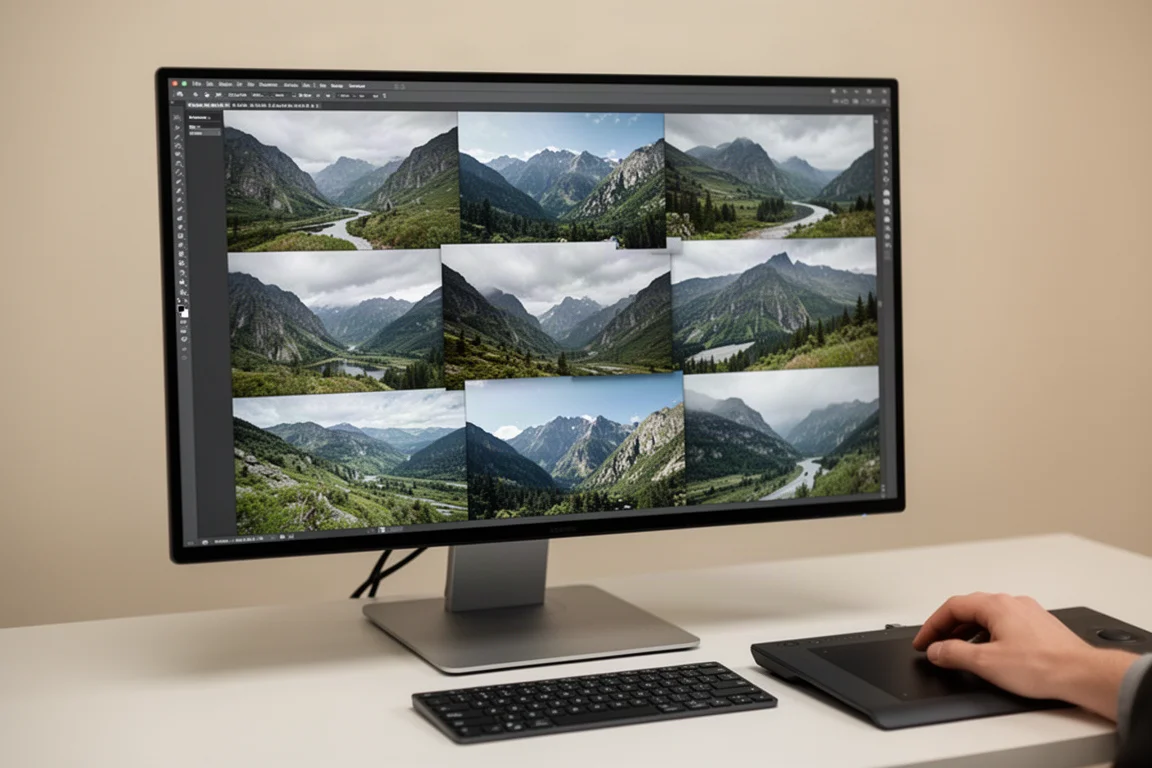
Advanced users get far more out of it. The in-painting editing features let you select a portion of an existing image for the AI to recreate, whether to better define a request it misunderstood or to edit your own photos in small ways, like adding a hot air balloon to a mountain scene. Users have already combined the in-painting tools with Photoshop to extend images or fill in gaps in scenes, and even stitched multiple variations together into one large, higher-resolution artwork. That kind of project takes human interaction and creativity, and it is where artists can stretch this tool far beyond simple stock image generation.
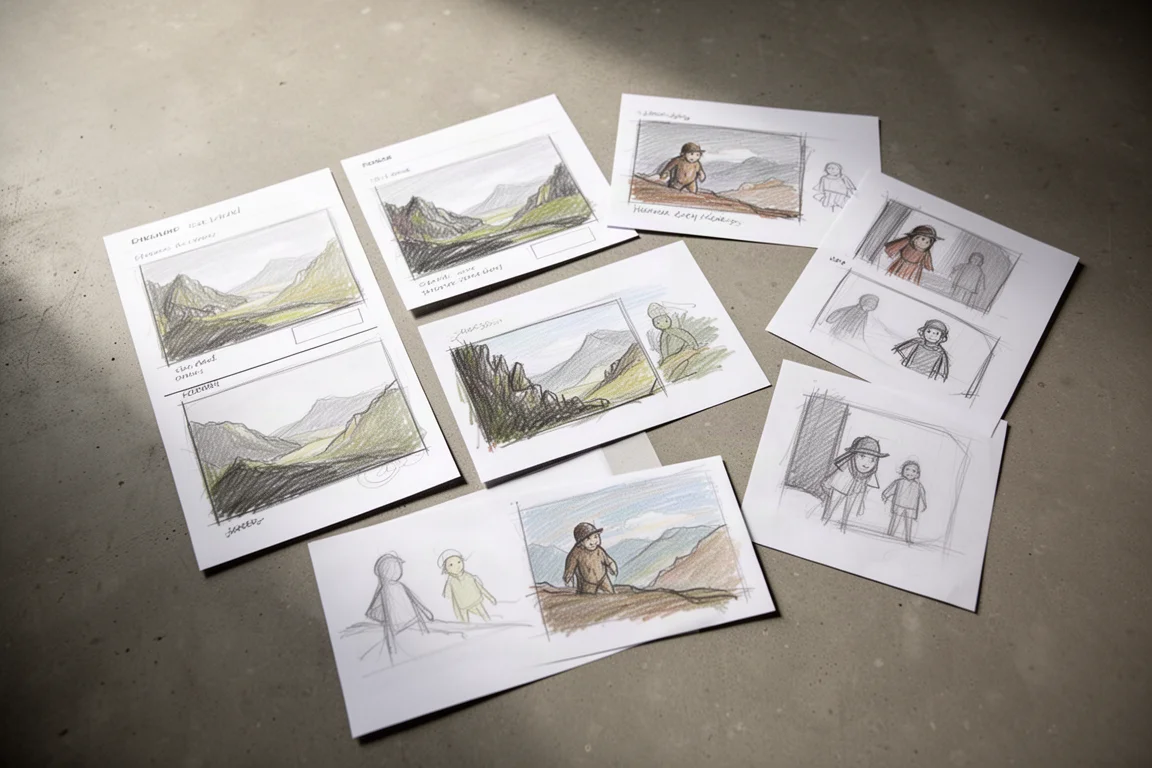
Will it replace artists? Probably not. It always needs human input and curation, professional photographers who know their camera settings will keep producing images most people cannot achieve, and traditional art will always thrive: original paintings sell for more than prints for a reason, and the same appreciation for effort will apply to human-made art versus AI-made art.
Conclusion
Dall-E 2 is one of the most impressive creative tools to appear in years: fast, versatile, and genuinely fun to use. Its flaws are real, from fingers to fine detail, but as a brainstorming partner, reference generator, and rapid storyboard tool, it is hard to beat. Artists should not be scared; they should be curious. The most creative people will find a way to stand out, even with a tool like this in their hands.
Product link
View more details for Dall-E 2
This product is mentioned in the review. Check the specifications, options, and compatibility before buying.
View more details for Dall-E 2Further reading
Related Reviews
AI Tools
Pi Coding Agent: Building Flexible AI Tools for Real Workflows
Mario Zechner discusses why Pi prioritizes workflow flexibility over hype, the reality of spec-driven development with agents, and why code is never actually free.
Portable Displays
Best Portable Displays 2026: Ten Options for Mobile Work and Creative Professionals
A comprehensive roundup of ten portable displays designed for remote workers, creators, and professionals who need flexible workspace solutions on the go.
Tech Accessories
Logitech MX Master 4 Review: Wireless Mouse for Professionals
The Logitech MX Master 4 combines upgraded materials, haptic feedback, and customizable gesture controls to streamline workflows across Windows, Mac, and creative applications.