Art Apps
Five iPad Art Apps Tested: Which Ones Are Worth Your Time?
From realistic oil textures to frame-by-frame animation and anatomy reference, we put five iPad drawing apps through their paces with an Apple Pencil.
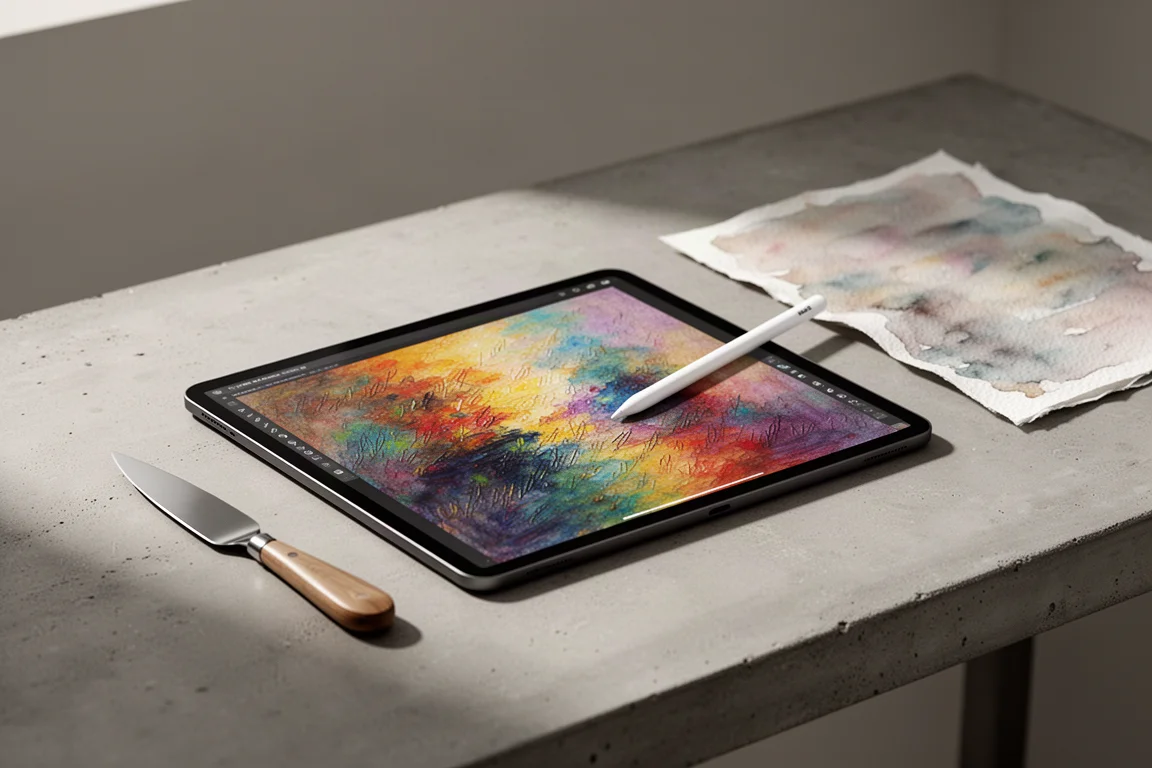
Introduction
Four years after first rounding up obscure art apps for the iPad, it felt like the right time to go back into the App Store. iPads and the Apple Pencil have only gotten better, so the question was simple: has the art app scene improved too?
The short answer is yes, mostly. Some apps have grown impressively, one has barely changed at all, and a couple are still, to put it politely, questionable. We tested five apps using an Apple Pencil, judging each on ease of use, feature depth, value for money, and how likely an artist is to actually keep it installed. Here is how they stack up.
Art Set 4: Realistic Paint Textures
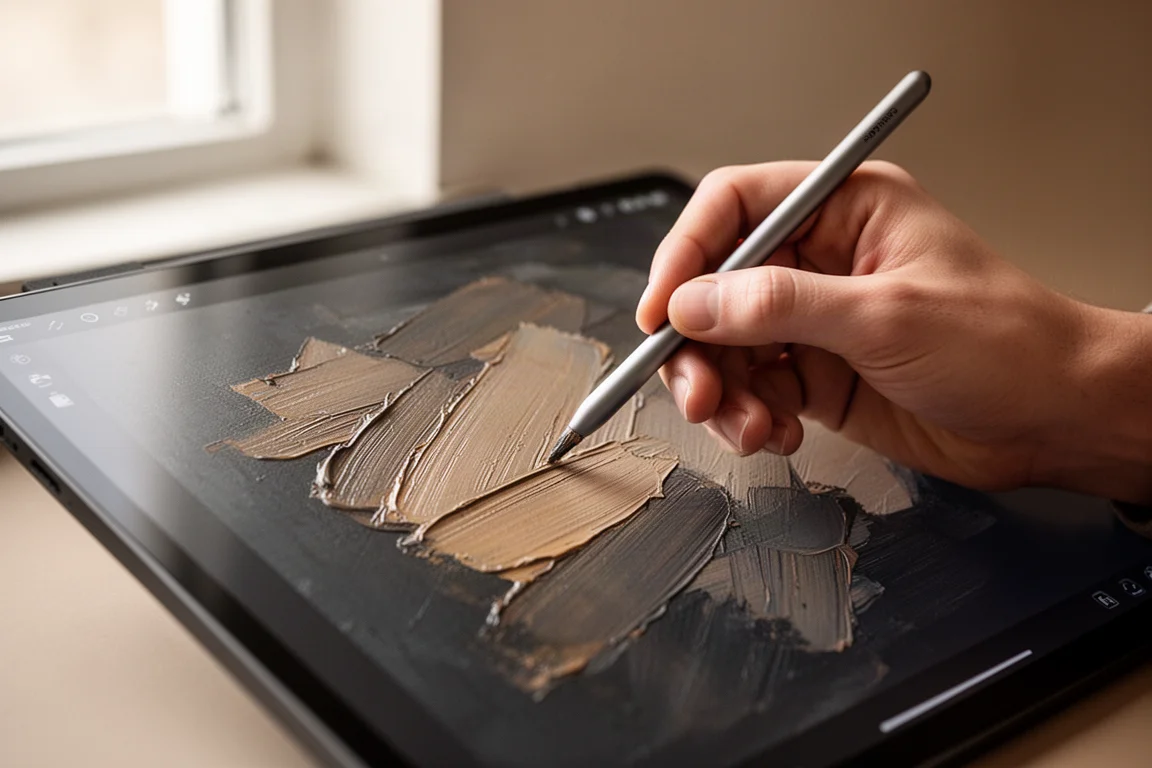
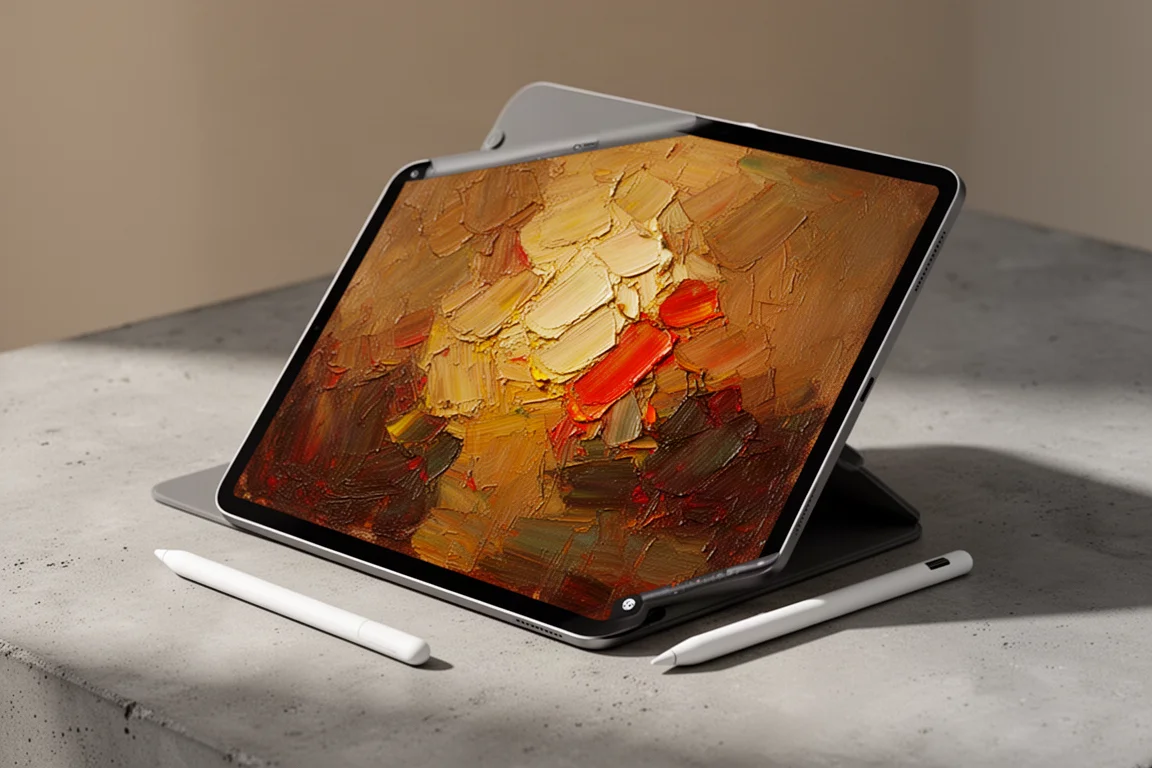
Art Set 4 markets itself as having “the most realistic art tools,” and that claim holds up better than expected. What sets it apart is texture: the oil and thick oil brushes produce results that genuinely look like paint on a canvas, complete with paper texture on the drawing surface itself. The palette works like a real paint palette, where tapping a color adds it to your oil palette, and the palette knife tool lets you smear and scrape paint in a way that is deeply satisfying.
The app is free to download with basic features, but meaningful tools sit behind a one-time $9.99 unlock, the same price as Procreate. That comparison is where it struggles. The interface is harder to figure out, layers are confusing to work with, and pressure response is inconsistent: pressing harder with the Pencil does not always thicken strokes unless you use the side of the brush. Importing an image also proved slow and laggy. The verdict: a solid three out of five. It has promise and a genuinely unique texture engine, but it needs work before it can compete at its price point.
Flipaclip: Easy 2D Animation
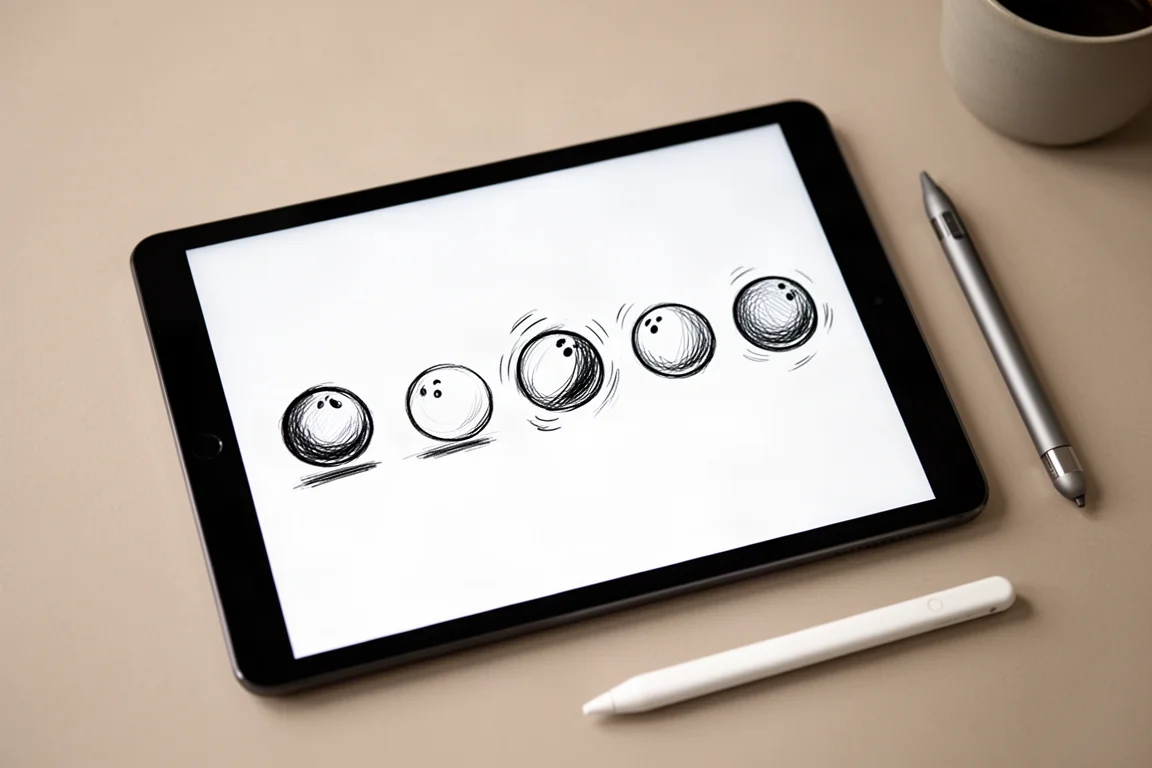
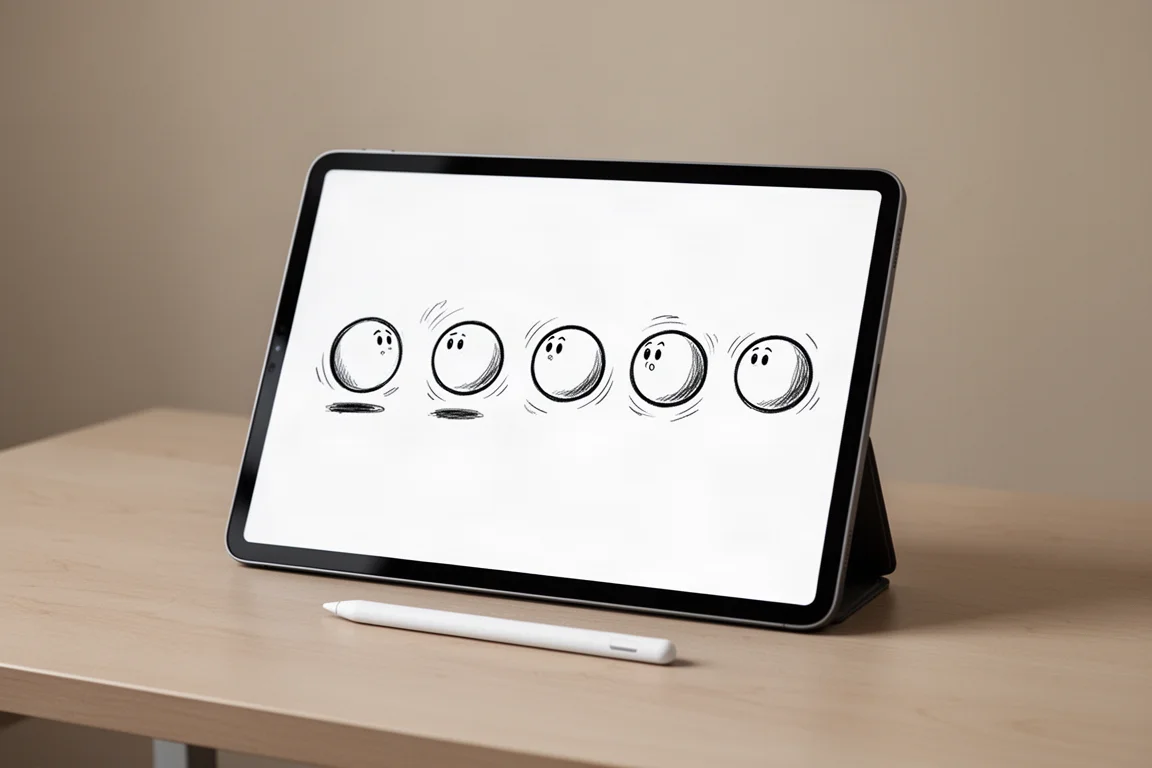
Flipaclip works like a flip book: instead of drawing on pages, you draw on frames. A friendly built-in tutorial walks you through the classic bouncing ball exercise, and within about 30 seconds you can have a working animation playing back. For anyone who has never touched animation, that is a remarkable first experience.
In testing, building a short multi-frame animation of a car chase was crude but genuinely fun, with playback, sharing, and even a painting option among the tools. The interface is clean, the frame workflow is easy to grasp, and the app is free. This one earns a strong four and a half out of five purely on enjoyability and accessibility. It will not replace dedicated animation suites for professionals, but as a friendly entry point into 2D animation, it is excellent.
Squishy Magic: Fun Premise, Too Many Ads
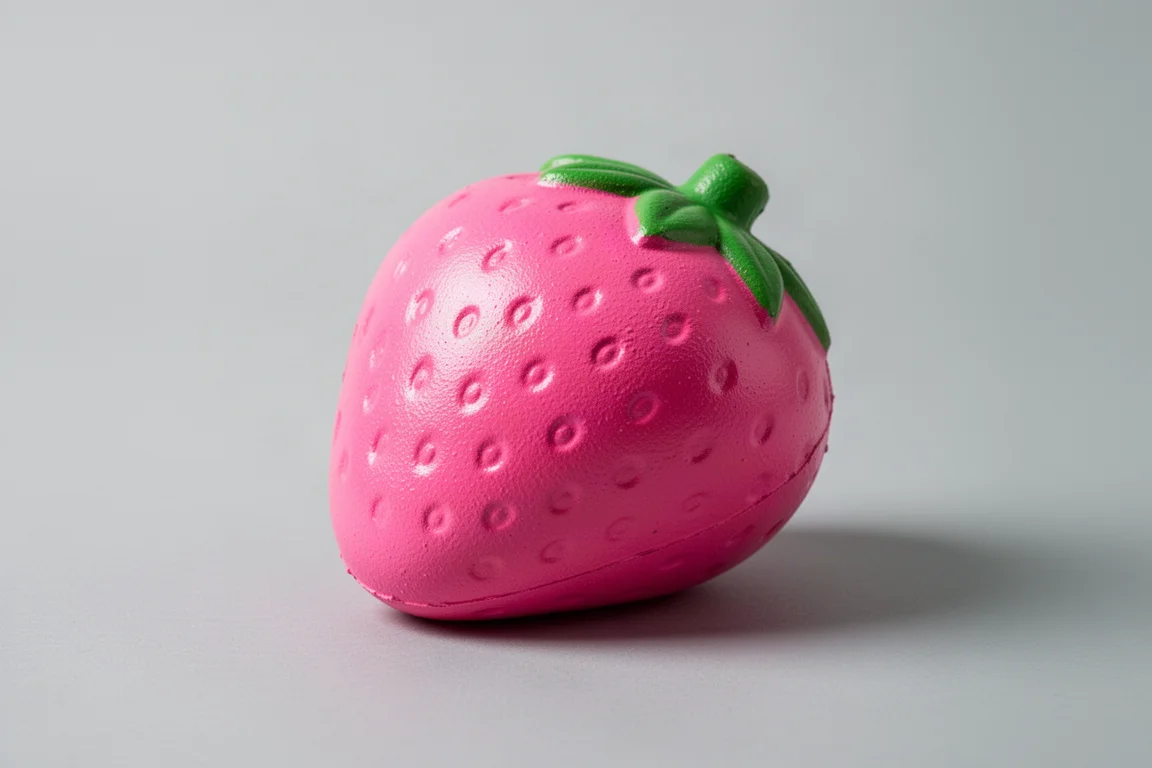
Squishy Magic lets you design and squish your own virtual squishy toys, customizing shapes, colors, and backgrounds with pleasant sounds and effects. The premise is charming and well executed, and the visual presentation is genuinely nice.
The problem is everything around the fun. Ads appear constantly, and there is no option to remove them, which grinds the experience down fast. A two out of five is fair: a great premise, well done visuals, but an ad load that makes it hard to recommend for any serious use.
Magic Poser: Anatomy Reference Done Right
Magic Poser was the standout. Four years ago it was basic and the model quality was rough. Today the app has been enhanced dramatically, with impressive shadow and shading for muscle tone and adjustable lighting that adds real depth to your references.
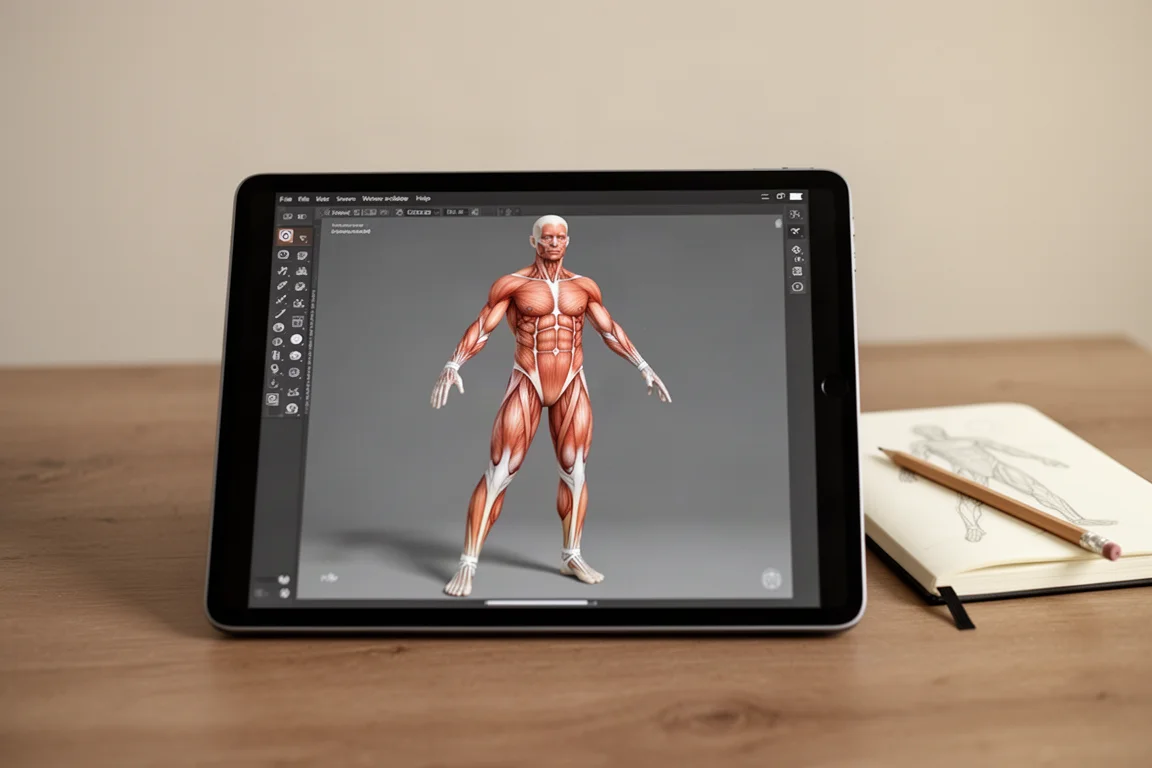
The free tier is generous: posing limbs, adjusting arms, and building a usable reference pose costs nothing, with pro features available if you want more. One of the best additions is full body morphing, letting you make the figure skinnier, remove muscle definition, and shape the character into exactly the body type you need for a reference. Presets like crawling poses add quick starting points, though some poses still take fiddling to get right, and the controls take some getting used to. That keeps it at four and a half out of five rather than a perfect score. For artists who want a free, powerful anatomy and pose reference tool, this is an easy download and 100 percent recommended.
Procreate: Still the King
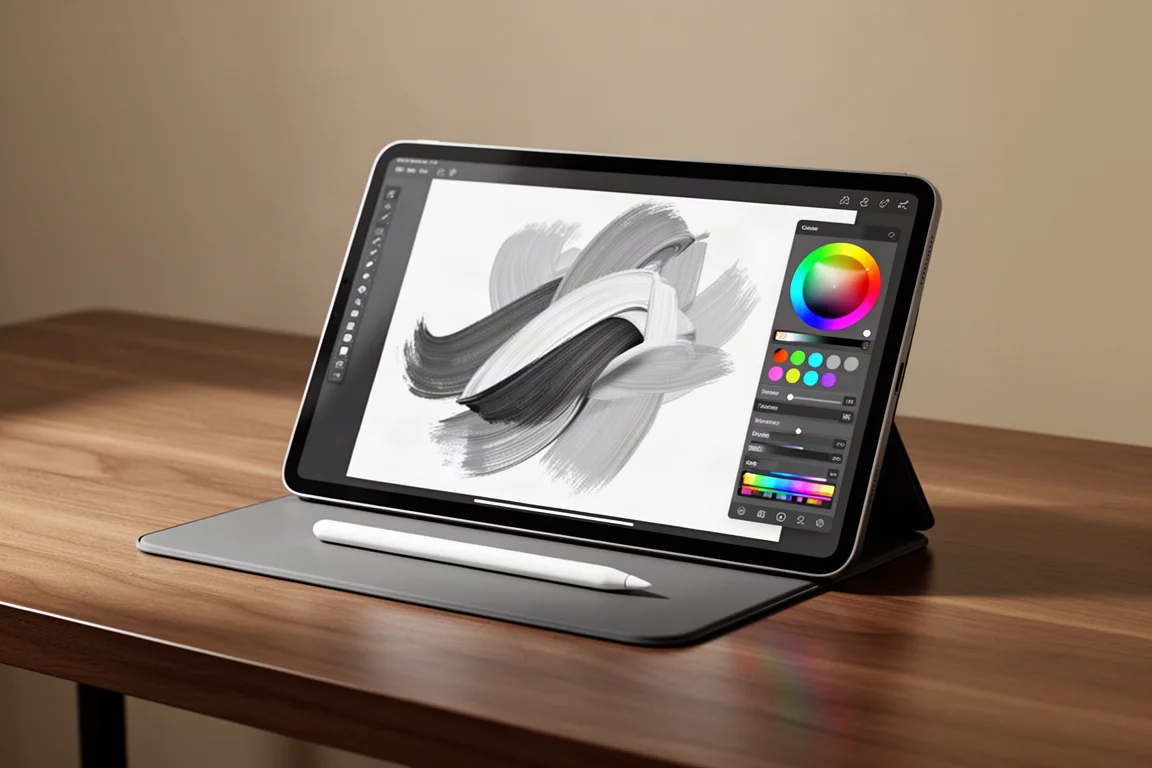
Procreate remains the benchmark that every other drawing app gets measured against. The interface is clear and easy to navigate, layers are simple to add, color selection is intuitive, and the brush library is deep, with the ability to import additional brushes on top of the built-in selection. Pressure sensitivity behaves the way you expect: the harder you press, the thicker the stroke.
At $9.99 it costs the same as the full unlock of Art Set 4, but the day-to-day drawing experience is simply more polished and more capable. If texture is what Procreate lacks, the smart workflow we found is to finish a piece in Procreate, then bring it into Art Set 4 to add painterly texture with tools like the palette knife. As an all-round drawing app, though, nothing tested came close.
Buying Advice
If you only buy one paid app, make it Procreate. It is the most complete, most polished drawing experience on iPad and the safest investment for any serious artist.
If you want to supplement it, Magic Poser is the best free addition by a wide margin, especially if anatomy is a weak spot. Art Set 4 is worth a look only if realistic paint texture is your priority and you are willing to tolerate a clunkier interface; try the free version before paying the $9.99. Flipaclip is a no-brainer free download if you are curious about animation. Squishy Magic is easy to skip unless you enjoy casual toy-like apps and can live with the ads.
Conclusion
The iPad art app scene has genuinely matured. Procreate still rules, Magic Poser has transformed into a fantastic free reference tool, Flipaclip makes animation approachable, Art Set 4 shows promise with its texture engine, and Squishy Magic remains a fun-but-fragmented novelty. Match the app to what you actually need, and there has never been a better time to draw on an iPad.
Further reading
Related Reviews
Art Apps
Best Art Apps Worth Trying: Six Apps Tested, From Doodle Editors to Pose References
Six top-rated art apps put to the test, covering photo doodling, drawing games, forensic sketch puzzles, keyboard customization, and poseable figure references.

Backpacking Gear
Building a 10 lb Base Weight: An Ultralight Backpacking Gear List
A practical walkthrough of the ultralight pieces behind a 10 lb base weight, from a 765 g pack and a roomy one-person tent to a full camp chair and a dependable water filter.

Road Bikes
10 New Road Bikes Worth Watching: Aero, Titanium, Steel and Endurance Standouts
A practical roundup of 10 new road bikes, from aero flagships chasing single-watt gains to titanium, steel and endurance platforms built for real roads.