Pro Audio Accessories
Radial Pro AV2 and Rapco Horizon LTI: Two Adapter Solutions for Studio and Live Sound
Two purpose-built boxes for sending a phone or laptop stereo signal into a professional audio system, plus what to check before you buy.
Introduction
Pro audio leans on two connector types more than any others: XLR and 1/4 in TRS. They are essentially the same connector in a different form, and while each has its own structural benefits, both can carry balanced mono signals over long distances. Most mic inputs on a mixer or audio interface are XLR, while line inputs and outputs are usually 1/4 in TRS, although plenty of mixers and interfaces use XLR for line level as well. Sooner or later you will need to connect a 1/4 in TRS output to an XLR input, or the other way around.
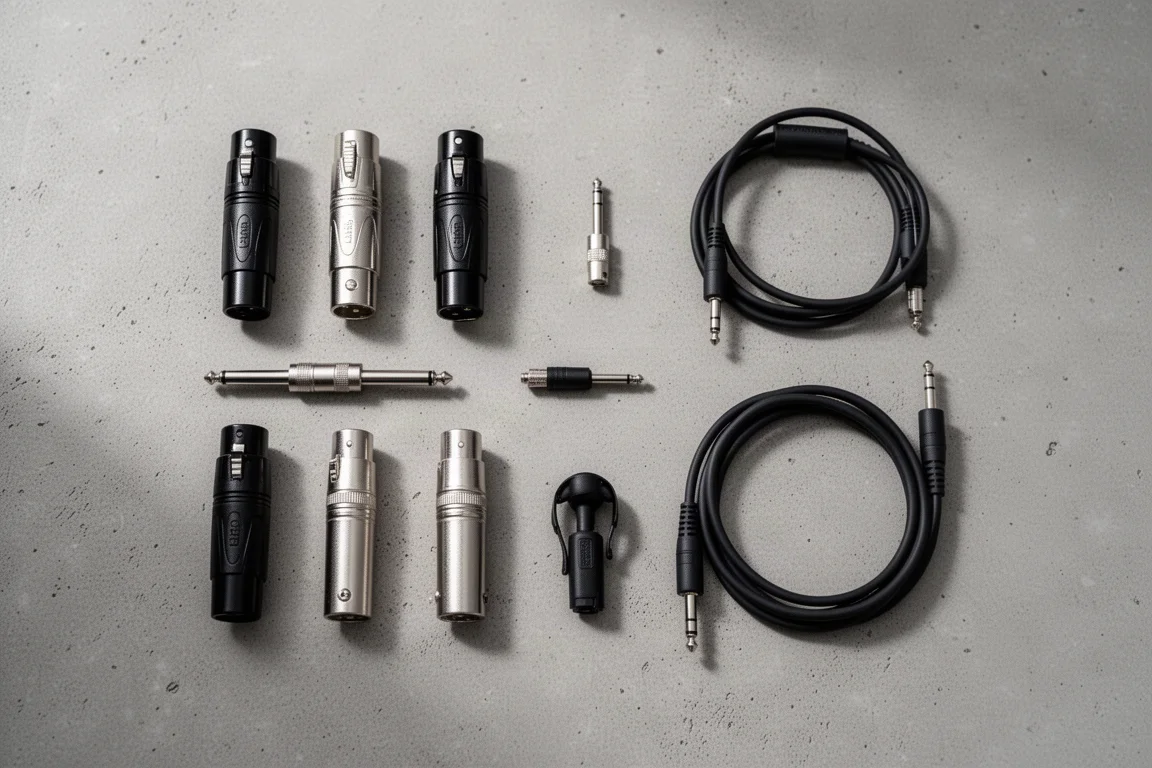
A TRS to XLR male or an XLR female to TRS adapter covers that situation. Cable versions are often the more practical choice, because they put less strain on the jack you are plugging into and leave more room when you need adapters on consecutive inputs. A pair of male-to-male XLR turnarounds and a pair of female-to-female turnarounds is another small addition that saves time when a sub snake needs to be reversed, or when a long XLR cable has been run backwards.
The harder problem is the consumer device. Phones and laptops output an 1/8 in stereo signal at high impedance. For runs of less than 15 to 20 ft, a simple 1/8 in TRS to dual 1/4 in TS adapter is perfectly acceptable, and it has an advantage over the dual XLR version because the dual 1/4 in TS plugs connect to line inputs on smaller mixers, which helps avoid accidentally damaging a device with phantom power. Beyond that distance, a DI box or a purpose-built interface is the right tool. Two options designed for exactly this job are the Radial Pro AV2 and the Rapco Horizon LTI.
What to Look For in a Stereo-to-Mono Interface
The job sounds simple: take a high-impedance stereo output and deliver it to a professional input. What changes from one gig to the next is the destination, the cable length, and the person doing the plugging.
Three questions cover most of it. Do you need both stereo channels kept separate, or does a summed mono signal suit the PA? How far does the signal have to travel before it reaches the console or the powered speaker? And will the person plugging in the phone be comfortable with the gear, or does the setup need to be obvious to a non-audio user?
Answer those and the choice narrows quickly. A short run into line inputs can be handled with an adapter. A long run, or an input that has to survive repeated plugging and unplugging by whoever is on stage, points toward a dedicated box with a proper balanced output.
Radial Pro AV2: A Stereo DI for High-Impedance Sources
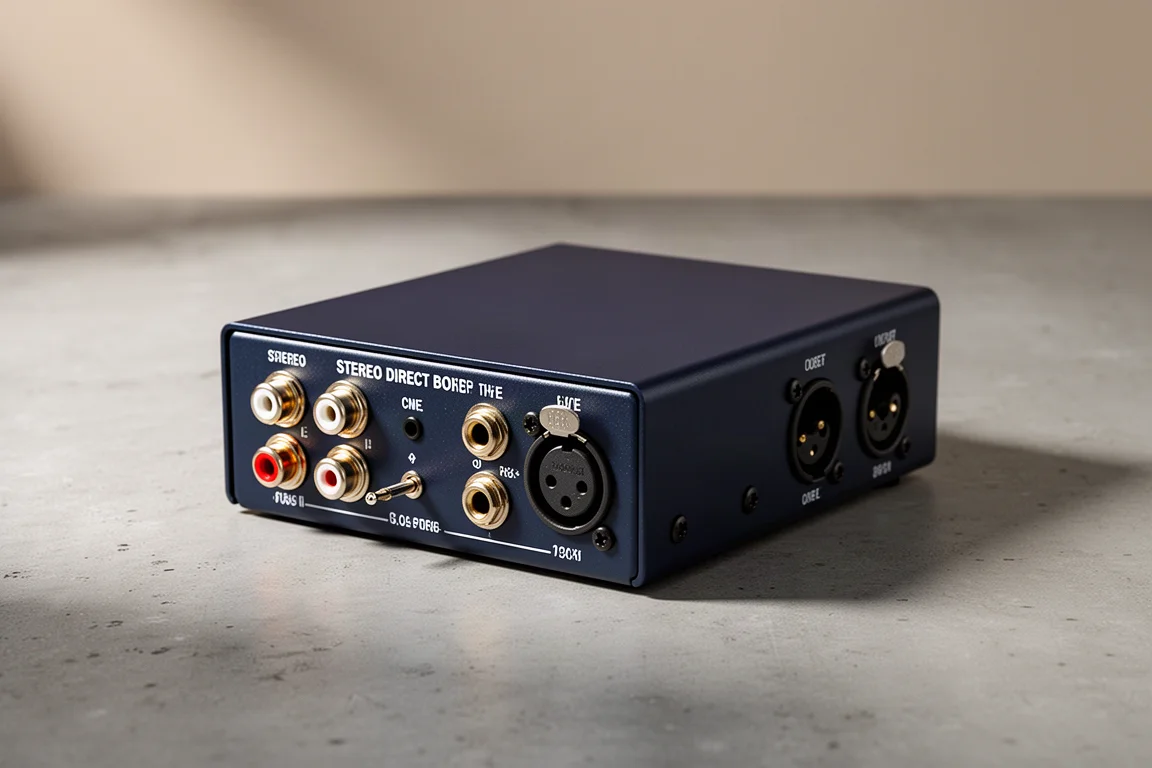
When a high-impedance stereo source needs to reach a balanced input, the usual workaround is to pair an 1/8 in to dual 1/4 in TS adapter with two mono DI boxes, or with a single stereo DI. The Radial Pro AV2 is a direct box built specifically for these applications, which removes the improvised part of that chain.
It makes most sense when the two channels need to stay separate: feeding a stereo PA, or occupying two channels on the console. In that setup, keeping the left and right signals intact is the whole point, and a dedicated stereo DI is a cleaner answer than stacking adapters.
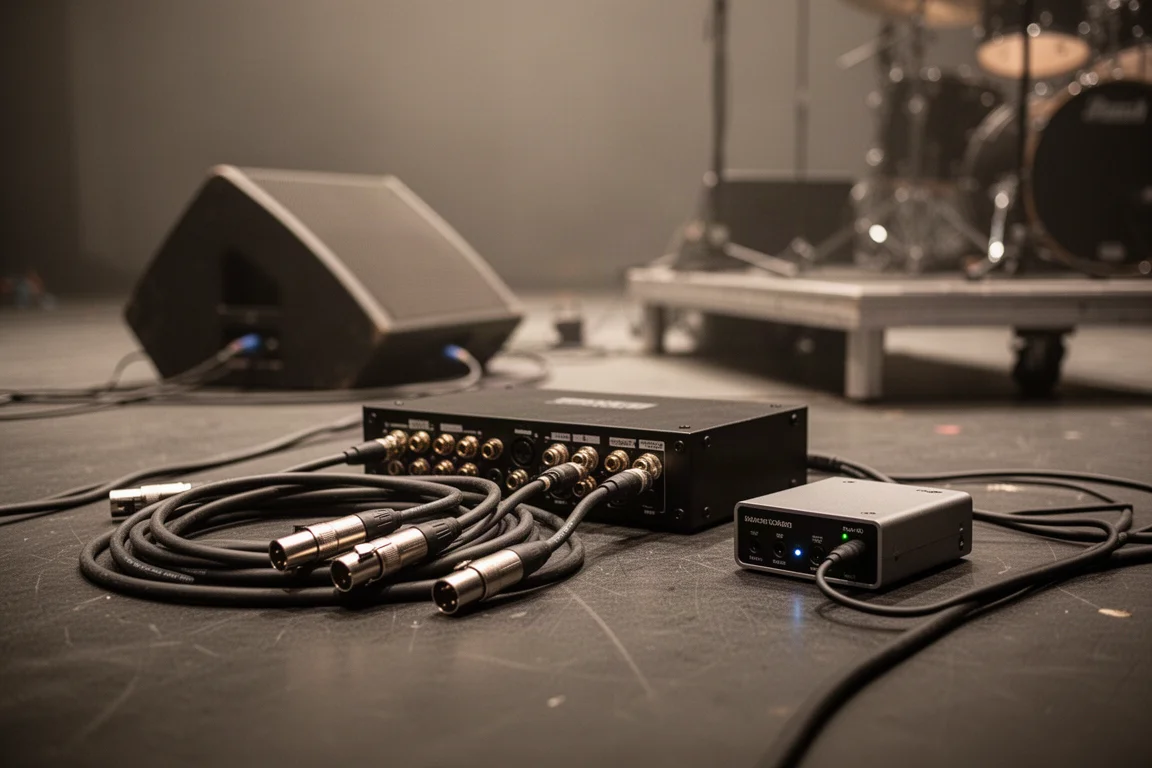
It is also the more appropriate choice when the run is long. A DI transforms the high-impedance output of a consumer device into a balanced signal, which is what keeps noise and distortion out of a long cable. A plain adapter cannot do that.
Rapco Horizon LTI: Balanced Mono from Any Stereo Output
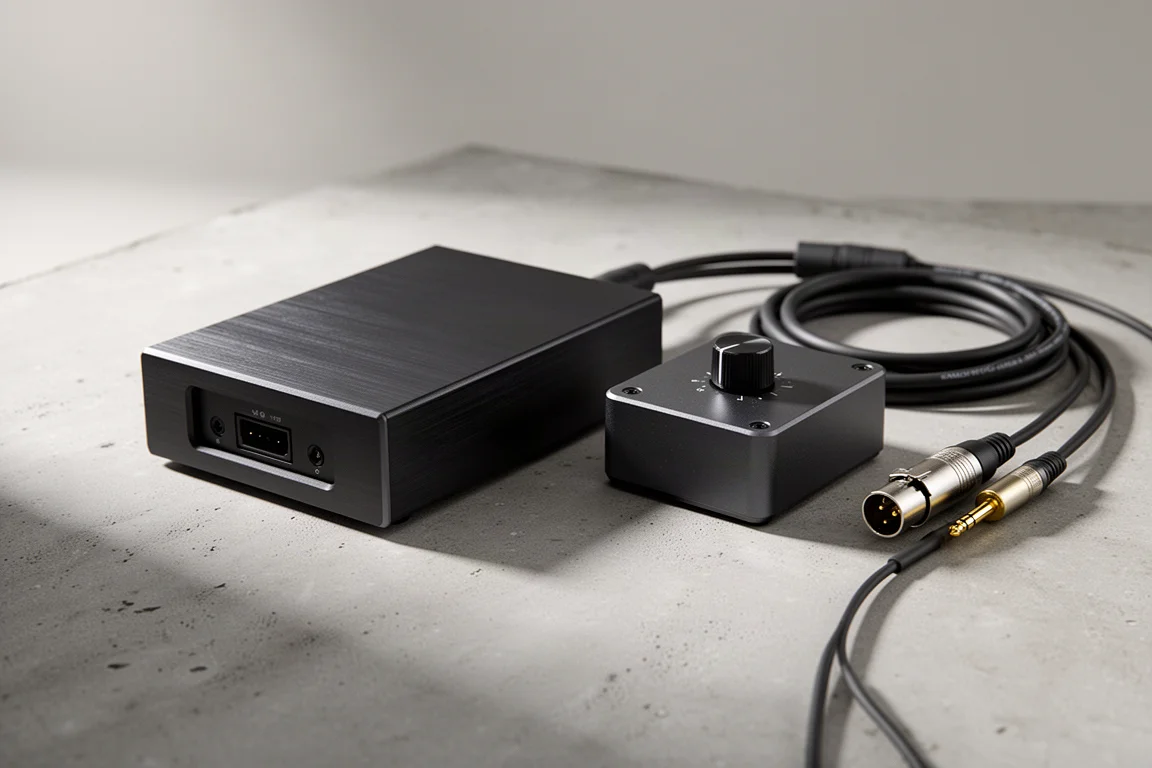
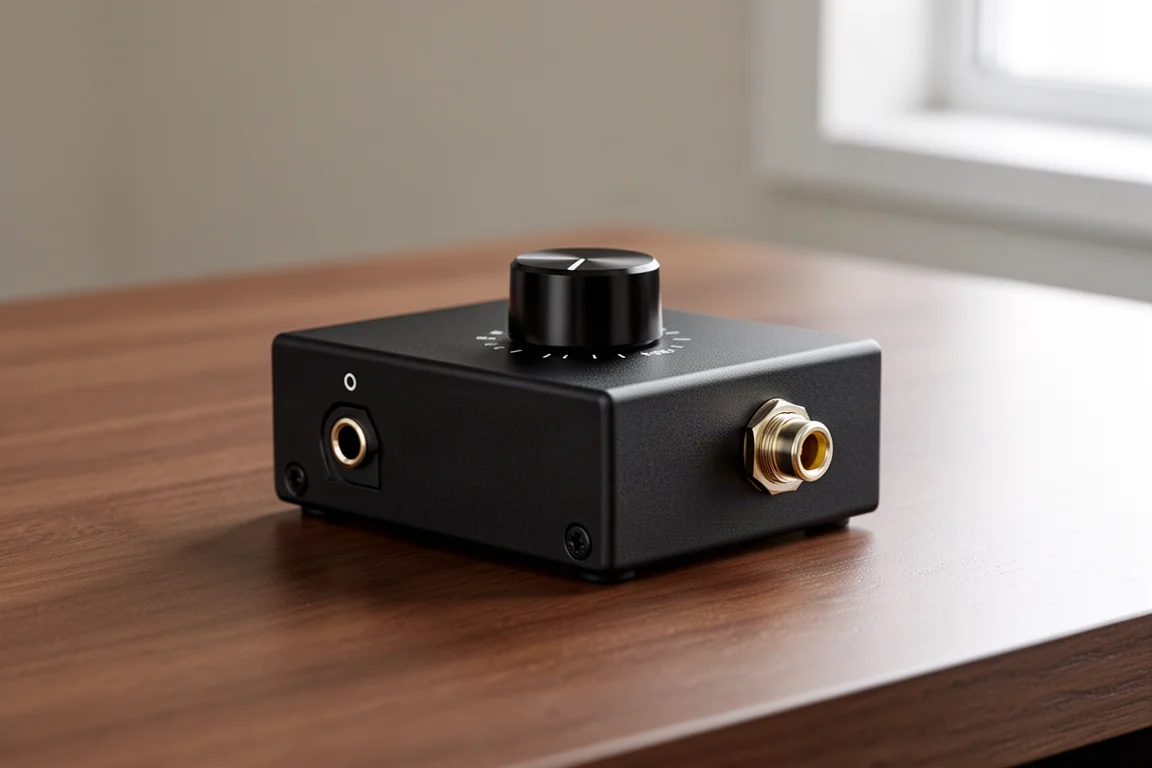
If the destination is a mono PA rather than a stereo system, the whole process can be simplified. The Rapco Horizon LTI turns any 1/8 in stereo output into a balanced mono signal, so the source can be placed wherever it is needed without worrying about cable length.
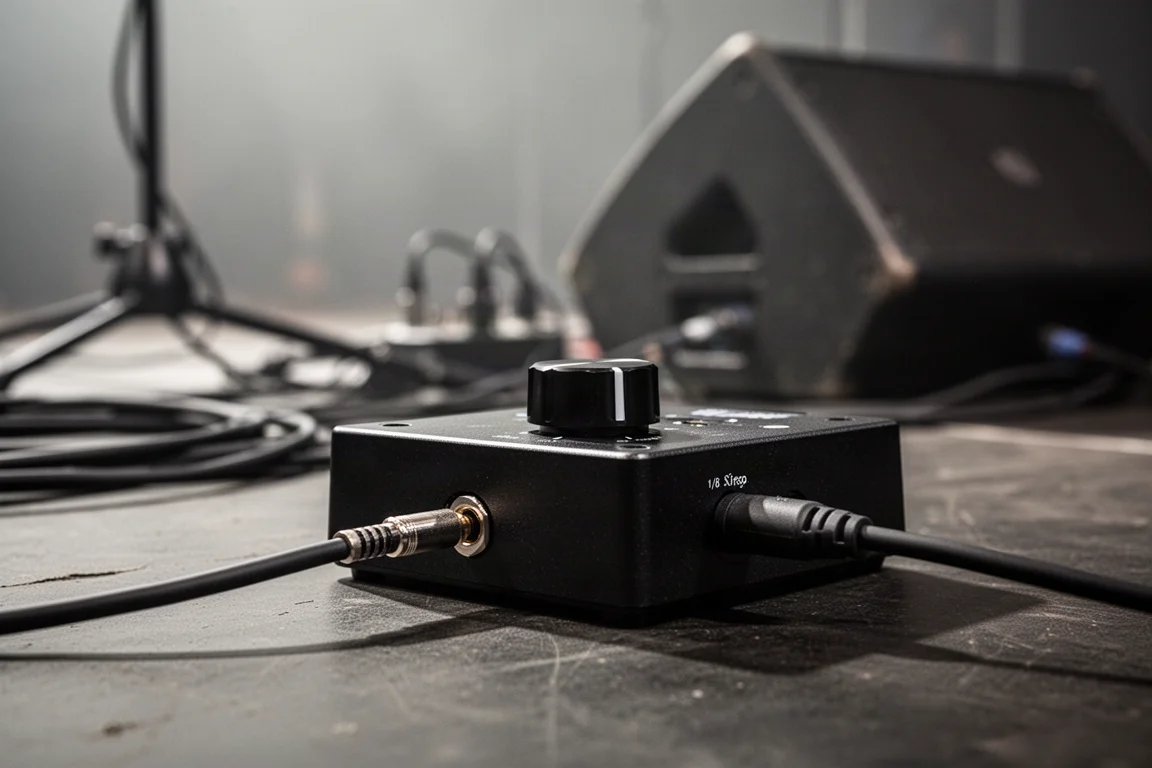
The built-in level knob is the detail that matters most in day-to-day use. It allows a device to be disconnected and reconnected without causing a pop through the speakers. Because it sums the stereo signal into a single channel and is simple to operate, it works well as an on-stage auxiliary input, including when the person plugging in is not an audio person.
Matching the Adapter to the Cable Run
Y cables are generally best avoided, but they can help in a pinch. An XLR female to dual XLR male adapter is useful for sending a single output to multiple destinations without using two separate sends, for example routing a main PA output to a powered speaker and a subwoofer, or to a PA that requires multiple amplifiers. Many speakers, amps, and amp racks have parallel outputs built in for this purpose, but where that option does not exist, a Y cable is worth having in the bag. Sending two sources into the same input is a different matter, and a switcher or a mixer is the better answer there.
Headphone splitters follow a similar logic. A simple splitter is not a perfect solution, but it works when only one headphone amplifier is available. It changes the load on the amplifier and does not let each listener control their own level independently, so two headphone amps remain the better setup when you have the choice.
1/4 in and 1/8 in jacks are both common enough that a couple of adapters between them belong in every kit. Most headphones include one built in and most professional gear offers a 1/4 in headphone output, which makes the adapter that connects an 1/8 in plug to a 1/4 in jack the more important of the pair to carry.
Analog audio from a phone now needs its own adapter as well: a Lightning to 1/8 in adapter for Apple phones, or a USB-C to 1/8 in adapter for most other phones. A basic adapter is fine as long as the device has plenty of battery or can charge wirelessly, but an adapter that allows charging by cable and audio extraction at the same time is more practical. These also make it possible to send audio into the phone when that is needed.
For any run longer than about 15 ft, a DI box or something similar should replace the simple adapter, because the high-impedance output of a consumer device needs to be transformed into a balanced signal before it travels that far. Otherwise there is a real risk of noise and distortion creeping into the signal.
Overall Buying Advice
None of this gear is glamorous, and almost nobody on the gig will notice it. What they will notice is a setup that comes together without a scramble when the wrong cable shows up at the wrong input.
A practical order of priority starts with the TRS to XLR adapters, since those cover the most common mismatch between line outputs and mic inputs. The 1/4 in to 1/8 in headphone adapters come next, along with the phone adapter that suits the devices you actually carry. Only then does it make sense to decide between a simple adapter, the Radial Pro AV2, or the Rapco Horizon LTI, and that decision depends on the runs you make most often.

If most of your work is short runs into line inputs on a smaller mixer, a single 1/8 in TRS to dual 1/4 in TS adapter will handle it, and it keeps you on line inputs away from phantom power. If you regularly push a consumer source across a stage, between rooms, or into a studio system, a purpose-built box is easier to justify than the noise and distortion a long unbalanced run can introduce.
Conclusion
Adapters are the least visible part of a rig and often the part that decides whether a session or a show starts on time. XLR and TRS adapters, turnarounds, headphone adapters, and phone adapters cover the everyday mismatches, and they take up almost no space in a bag.
For consumer sources feeding a professional system over distance, the Radial Pro AV2 suits stereo destinations where both channels need to stay separate, while the Rapco Horizon LTI handles the mono PA case and adds a level knob that keeps plugging and unplugging quiet. Match the tool to the run, and the rest of the setup stays out of the way.
Further reading
Related Reviews
Recording Gear
Best DI Boxes for Recording: Passive and Active Direct Boxes Compared
A practical guide to seven direct boxes, from budget passive units to premium active models, with clear guidance on matching each DI to the source you are recording.
Audio Equipment
Clean Audio From Stage to PA: Four Radial Devices That Fix Unbalanced Connections
Why a passive XLR adapter introduces noise, and how four Radial devices deliver a properly balanced, protected connection from laptops, phones, and DJ mixers to a PA.
Immersive Audio
L-Acoustics L-ISA Review: Immersive Object-Based Mixing for Live Sound
L-ISA decorrelates signals in real time and places up to 64 objects inside a described space. Here is what changes in practice and what to weigh before buying.