Audio Equipment
Clean Audio From Stage to PA: Four Radial Devices That Fix Unbalanced Connections
Why a passive XLR adapter introduces noise, and how four Radial devices deliver a properly balanced, protected connection from laptops, phones, and DJ mixers to a PA.
Introduction
Connecting a phone, a laptop, or a DJ mixer to a PA system looks like a solved problem. A short adapter, a long XLR cable, and the signal should arrive intact. In practice, the audio often turns noisy as soon as the cable run passes a few metres, and the adapter is usually the reason.
An XLR cable is genuinely capable of carrying audio over very long distances without picking up noise, but that ability depends on what is connected at each end. This guide explains the difference between a balanced and an unbalanced connection, and covers four Radial devices that handle the conversion properly rather than simply changing the shape of the plug.
Why an XLR Adapter Is Not Enough
When two pieces of professional audio equipment are connected, a balanced output meets a balanced input and a plain XLR cable is all that is required. The cable is doing exactly what it was designed to do.
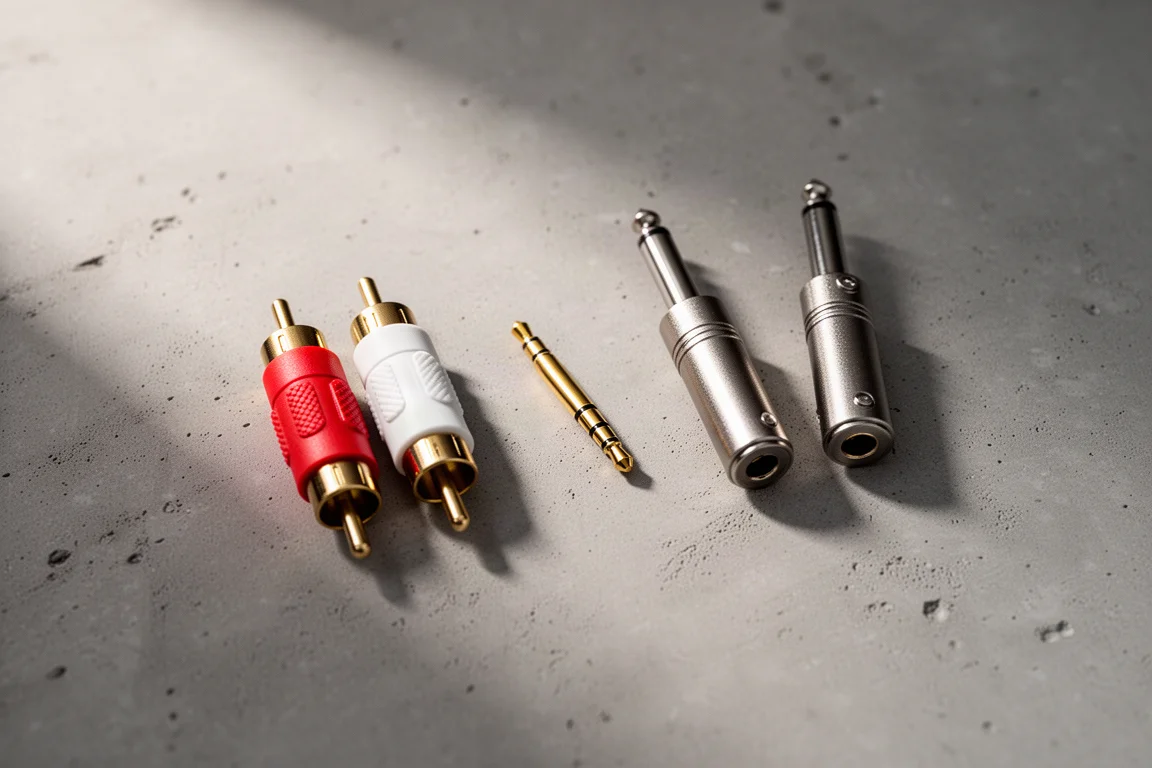
The trouble starts with consumer devices. A 3.5mm jack, an RCA output, or another unbalanced connector carries its signal referenced to ground on a single conductor. Converting that connector to XLR with a passive adapter only changes the plug type. It does not create a balanced circuit, and once the run exceeds roughly 5 to 8 metres, or 15 to 25 feet, the connection becomes noticeably noisy.

A balanced connection works differently. Two signal wires carry the audio at opposite polarity, and the differential input at the receiving end responds only to the difference between them, which is known as differential mode gain. Any noise induced along the cable path appears equally on both wires with the same polarity, so the differential input rejects it. That is common mode rejection, and it is why a balanced connection can run close to 100 metres with almost no interference or signal degradation.
To get there, the sending device has to present a genuinely balanced output. A transformer-based DI box or an interface built for the purpose does exactly that, and each of the four devices below suits a different kind of source.
What to Look For in a DI Box or Interface
Beyond the balanced output itself, a transformer brings several practical advantages. Phantom power is direct current, so it cannot pass through a transformer. A transformer-isolated device therefore shields a phone or laptop headphone output from accidental phantom power, which can otherwise destroy that output permanently.
A transformer also manages the level and impedance difference between source and destination. Consumer sources are typically high impedance and deliver a hotter signal than a mixer’s low impedance microphone input expects. The transformer steps the voltage down to an appropriate level and isolates the output side from the high impedance input side, so the mismatch that would occur when connecting a high impedance device directly to a low impedance input is avoided.
Ground lift switches address a separate problem. When several audio devices are connected to different power sources, current can circulate in a loop between their ground points and produce an audible hum, buzz, or other interference. A ground lift provides a way out of that loop.
Some of these devices also include a mono sum switch, which combines the left and right channels into a single XLR output. That is useful for saving channels on the mixer when the PA is run in mono anyway.
Radial Pro AV2: Stereo DI for Unbalanced Playback Sources
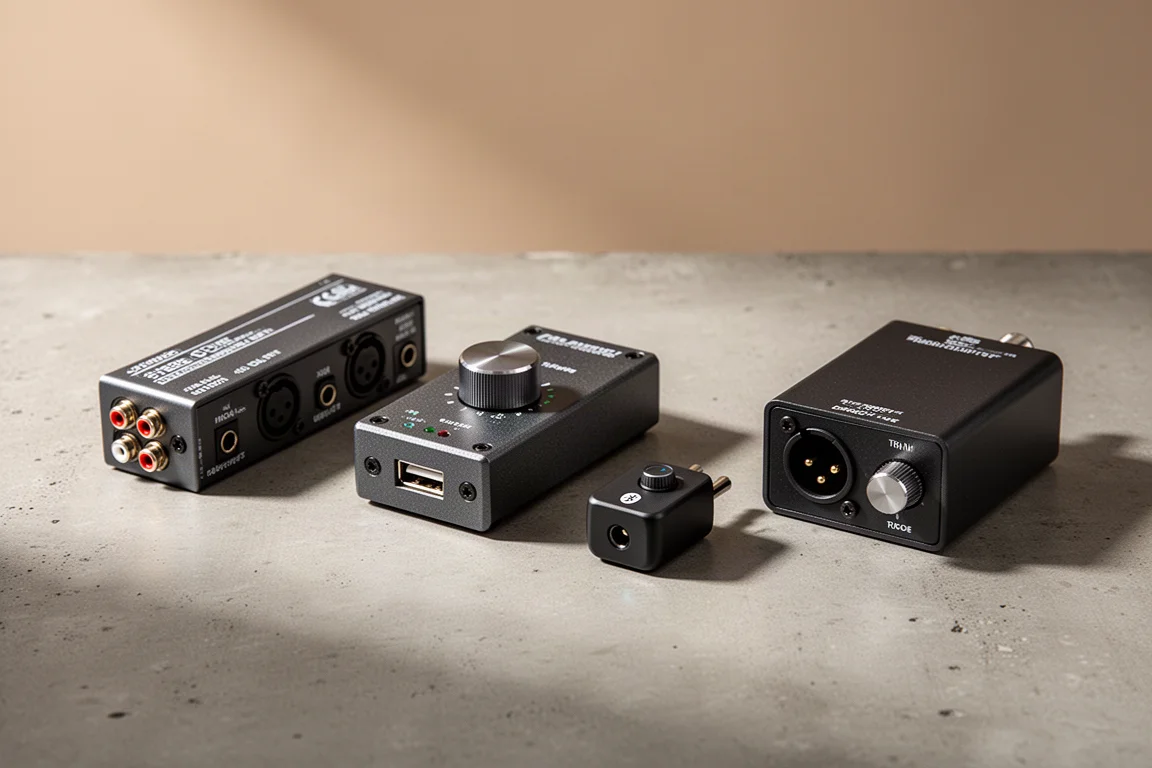
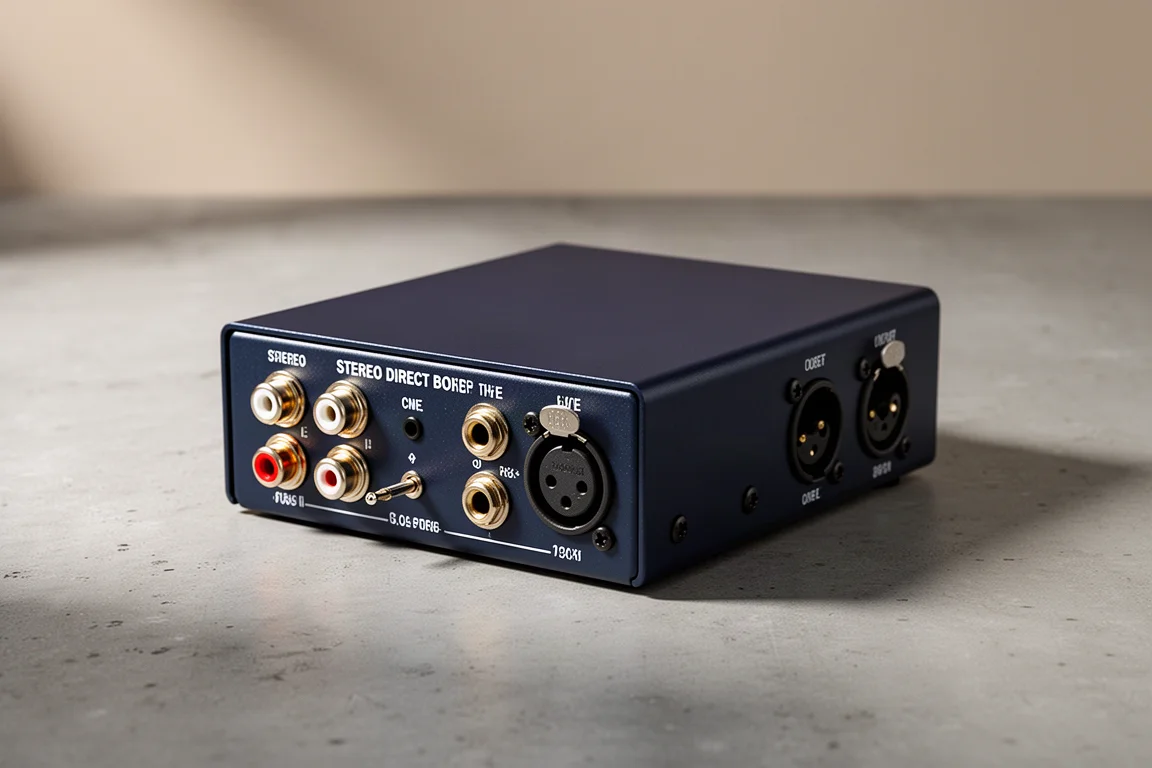
The Radial Pro AV2 is a stereo DI box built around the connections found on stereo playback devices. It offers stereo RCA, stereo 3.5mm TRS, and stereo TS inputs, with balanced XLR outputs on the other side.
That combination makes it a straightforward answer for a DJ mixer with unbalanced outputs or a presenter’s laptop on stage. The unbalanced device connects to the input side, and two long XLR cables or a front of house snake carry the stereo signal to the mixer.
Because the Pro AV2 is transformer-isolated, it also sidesteps the phantom power risk. If phantom power is switched on at the console by mistake, the transformer blocks the direct current from reaching the connected device.
Radial USB Pro: A Rugged Interface for Laptops
Headphone jacks are becoming less common, and some laptops have no analogue output at all. For those situations, the Radial USB Pro takes the signal digitally instead.
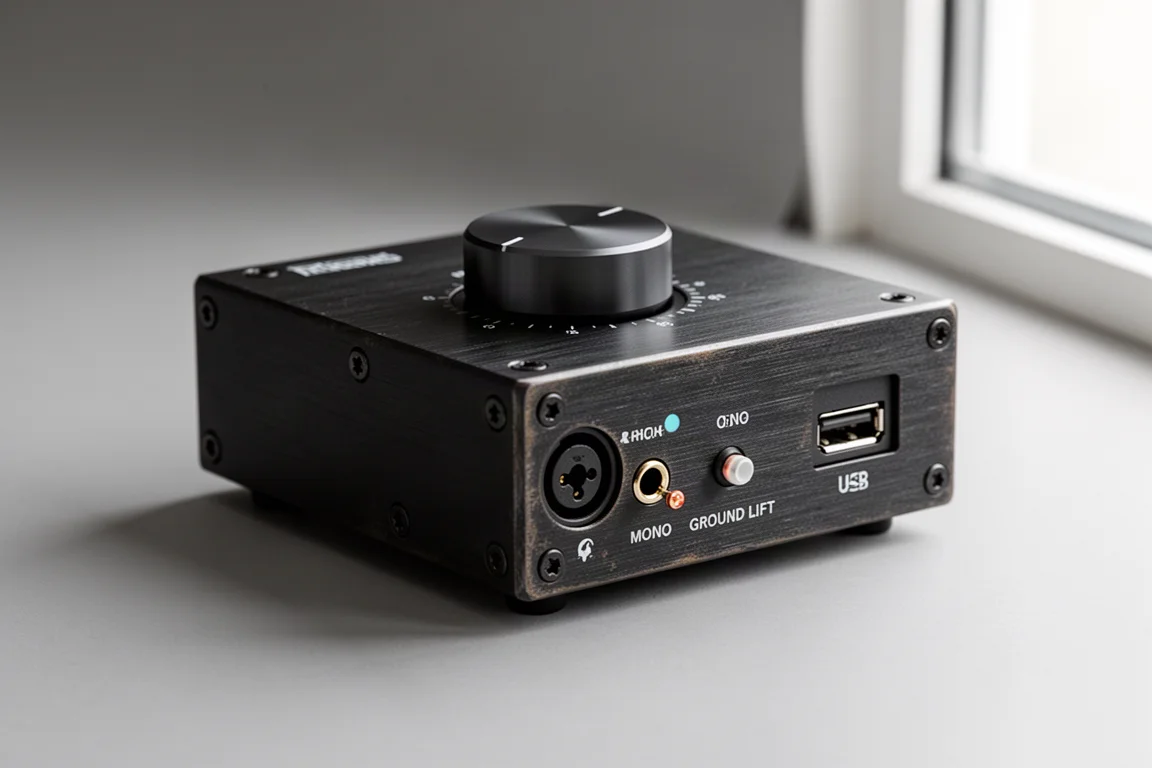
The USB Pro is built like a tank, and it adds several features that make it easier to live with: output level control, mono summing, a headphone output, and a ground lift. It is a simple option to place in a lectern or under a table, with a USB connection for a PowerPoint laptop or a multimedia playback machine.
Radial BT Pro V2: Wireless Audio From a Smartphone
When the person on stage is using a smartphone and has no headphone adapter for it, the Radial BT Pro V2 covers the same ground without a cable. It keeps the level control, headphone output, mono switch, and ground lift, and acts as a Bluetooth receiver so audio arrives from the phone wirelessly.
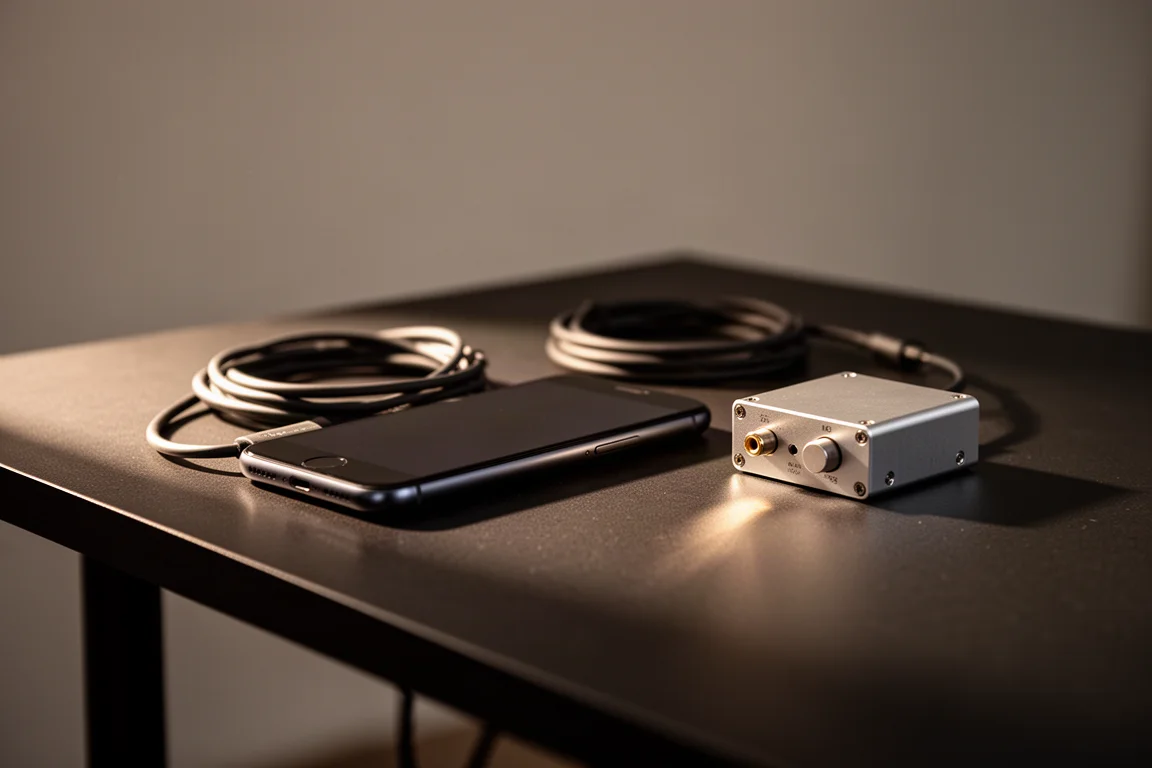
The mono switch is worth noting here. Summing the left and right channels into a single XLR output saves a channel on the mixer, which matters when the PA system is running in mono for the event.
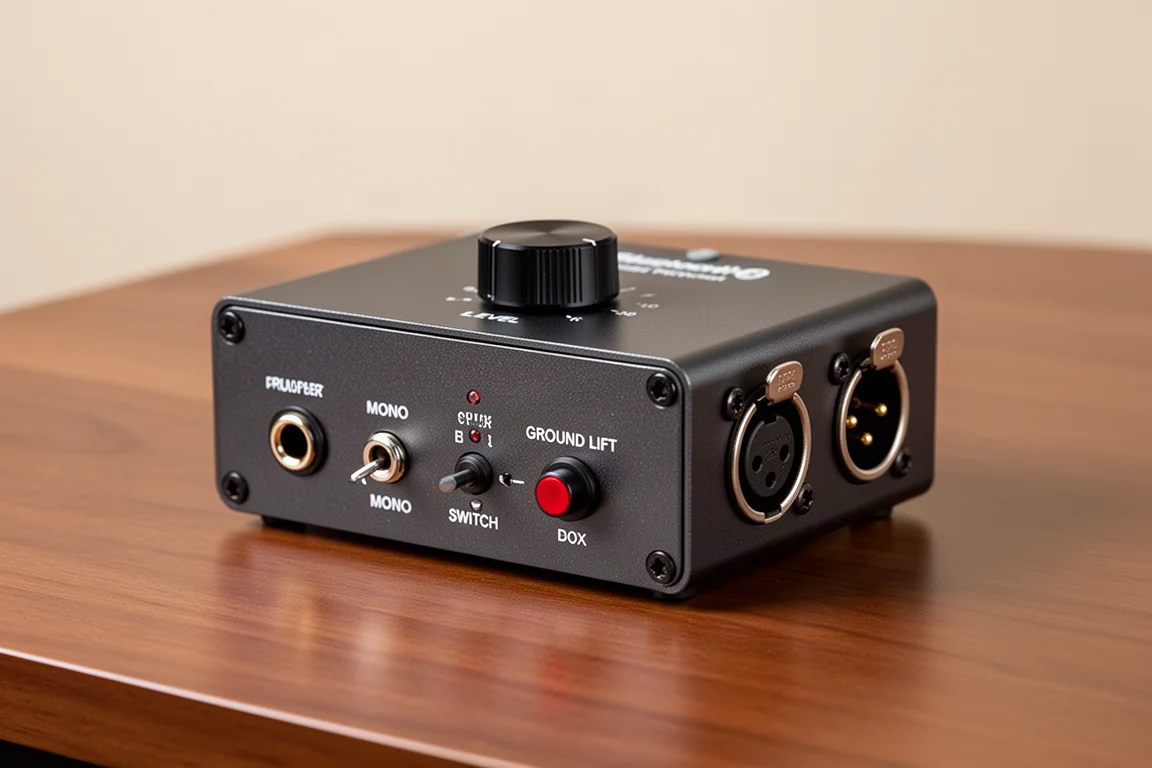
Radial Trim 2: Stereo DI With Level Trim Control
The Radial Trim 2 is close in concept to the Pro AV2, with one addition that makes it useful at front of house or backstage: a trim control for fine tuning the level before the signal reaches the console. It is a good fit for an analogue source such as a video crew feed, where the incoming level may need adjustment before it hits the desk.
All four devices share the same core advantage. Their outputs are balanced, which is almost certain to solve a noise problem caused by running an unbalanced source through an XLR adapter.
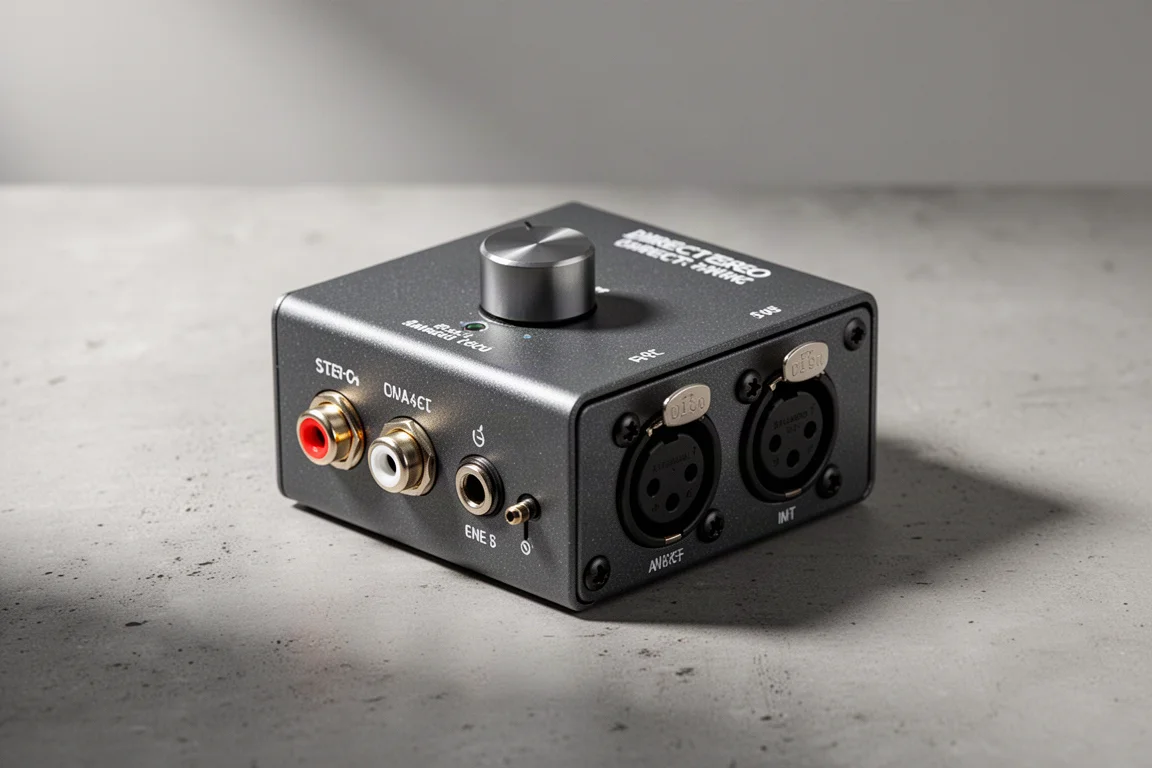
Buying Advice
The right choice comes down to the source you need to connect. A DJ mixer, a media player, or a presenter’s laptop with analogue outputs points to the Pro AV2. A laptop with no analogue output, or a permanent install in a lectern or under a table, suits the USB Pro. A smartphone without a headphone adapter is best served by the BT Pro V2. An analogue feed at front of house or backstage that needs level adjustment is the case for the Trim 2.
Whichever you choose, the reliability of the hardware matters as much as the feature list. Radial DI boxes are widely used in professional work, and the transformers inside them are well regarded for their sound. Build quality is also apparent from the weight of the unit and the feel of its controls, which is a meaningful consideration for anything that will travel on stage or on tour.
Conclusion
An XLR adapter changes a connector. A transformer-based DI box or a dedicated interface changes the connection itself, which is what allows a long cable run to stay clean. For anyone regularly patching a consumer device into a PA, one of these four Radial devices is a practical and protective upgrade over a passive adapter.
Further reading
Related Reviews

Audio Equipment
Best Bookshelf Speakers Under $1,500: Six Standout Models for Every Priority
Six passive bookshelf speakers under $1,500 that deliver premium build quality, meaningful sound improvements, and real value across vocals, bass, home theater, detail, design, and overall performance.

Audio Equipment
Best Budget Bluetooth Speakers: 5 Models That Actually Sound Good
Five affordable Bluetooth speakers tested for real-world sound quality, durability, and value. From ultra-portable to feature-rich, find the right speaker for your budget and use case.
Audio Equipment
Best Budget PA Speakers: Four Solid Options for Gigs Without Breaking the Bank
Four reliable PA speakers that deliver professional sound at budget-friendly prices, with clear strengths and trade-offs to consider before purchasing.