Privacy Tech
Privacy Gadgets Worth Considering: Flipper Zero, Raspberry Pi, Modded iPod Classic, and Framework Laptop
Four privacy-minded devices, from a handheld signal tool to a modular Linux laptop, with the strengths and trade-offs to weigh before buying.
Introduction
Improving your privacy does not always mean giving up the devices you enjoy using. More often it means choosing hardware that lets you decide what happens to your data, and then configuring it yourself.
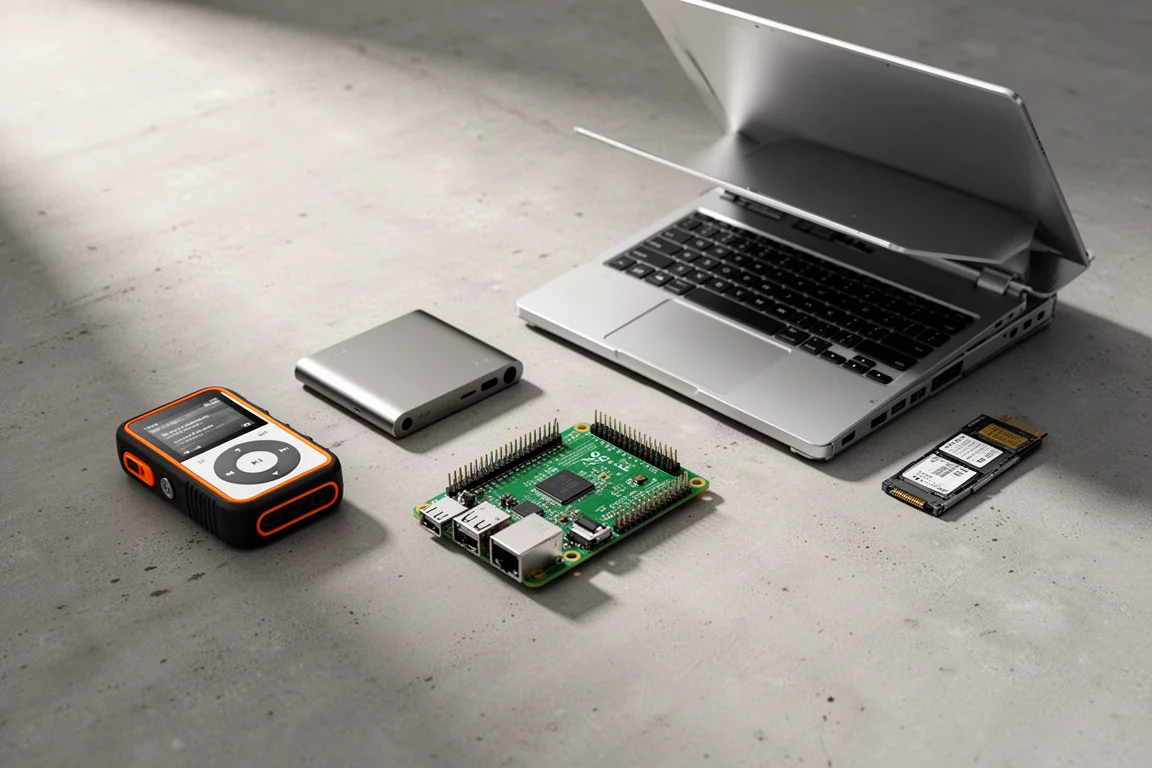
The four tools in this guide sit at different points on that spectrum. One is a handheld device for inspecting the wireless signals around you. One is a tiny computer that filters advertising domains for an entire network. One is a portable music player rebuilt to work without a streaming account. One is a laptop designed to be opened, assembled, and reconfigured by its owner.
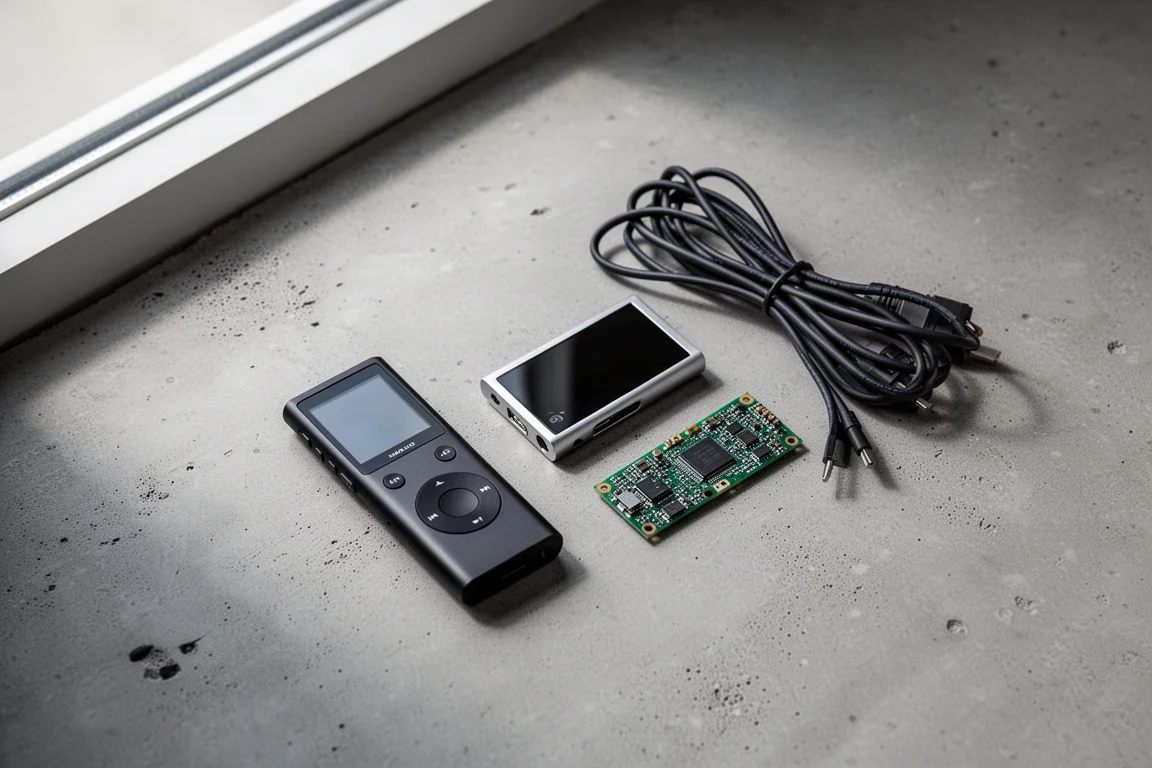
A wider privacy toolkit might also include a bootable live operating system, a travel router for hotel and rental networks, or an offline reference archive for the day the internet is unavailable. The four devices below are the ones most likely to earn a permanent place in everyday use, which is why they are the focus here.
How These Tools Were Selected
Each device in this guide solves a specific, practical problem rather than promising blanket anonymity. They were chosen because they hand a decision back to the owner: which signals leave a device, which DNS requests reach the internet, where music files live, and what software a computer is allowed to run.
They also differ in how much effort they ask of you. Some work best after a single setup session. Others reward ongoing tinkering. The sections below describe what each tool actually does and where it is most likely to fit into a daily routine.
Flipper Zero: Understanding the Signals Around You
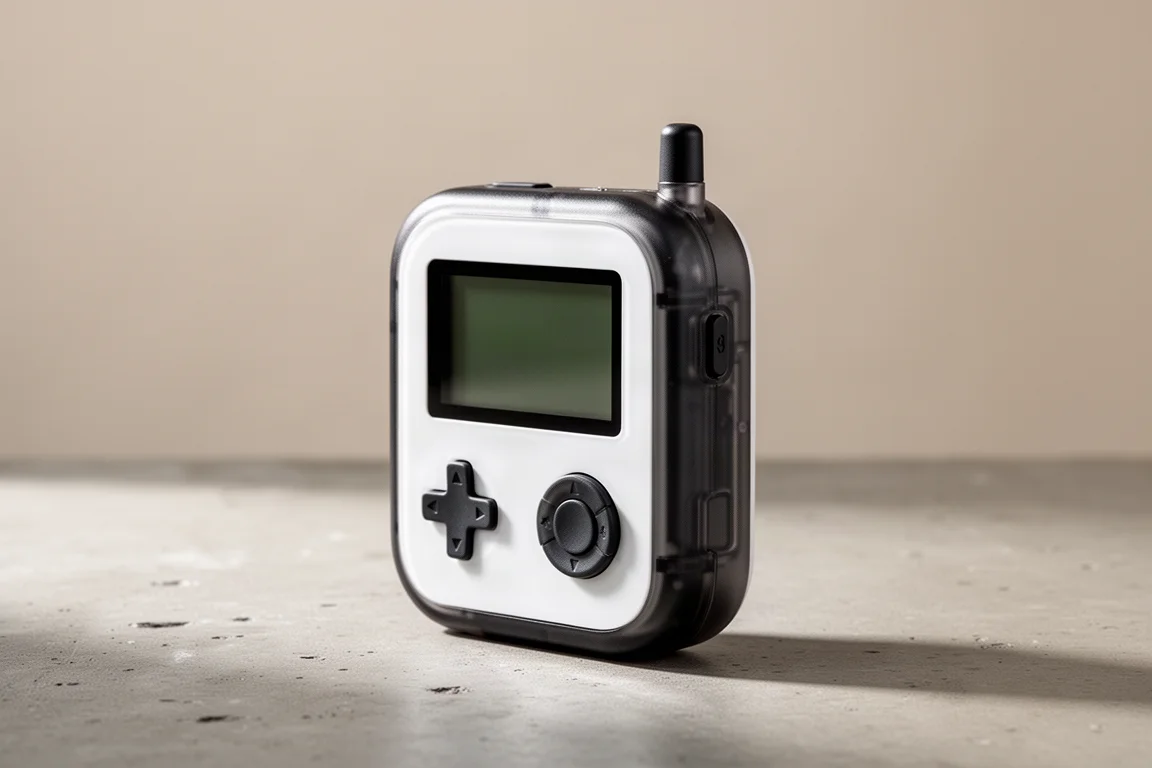
The Flipper Zero is a pocket-sized device built to help you understand the wireless signals that surround you every day. Data moves constantly between remotes, access systems, and building equipment, and much of that traffic is invisible until you go looking for it.
The device can clone those signals and then emulate them. In practice, that means putting the Flipper into a learning mode, pointing a remote at it so the signal registers, and then replaying it later. Once an air conditioner remote has been captured, the Flipper can turn that unit on or off without the original remote being present.
For anyone curious about how everyday wireless communication works, that hands-on quality is the appeal. It is best understood as a Swiss Army knife for wireless technology: a compact way to experiment with signals rather than a single-purpose gadget.
Raspberry Pi 3B: Network-Level Ad Blocking with Pi-hole
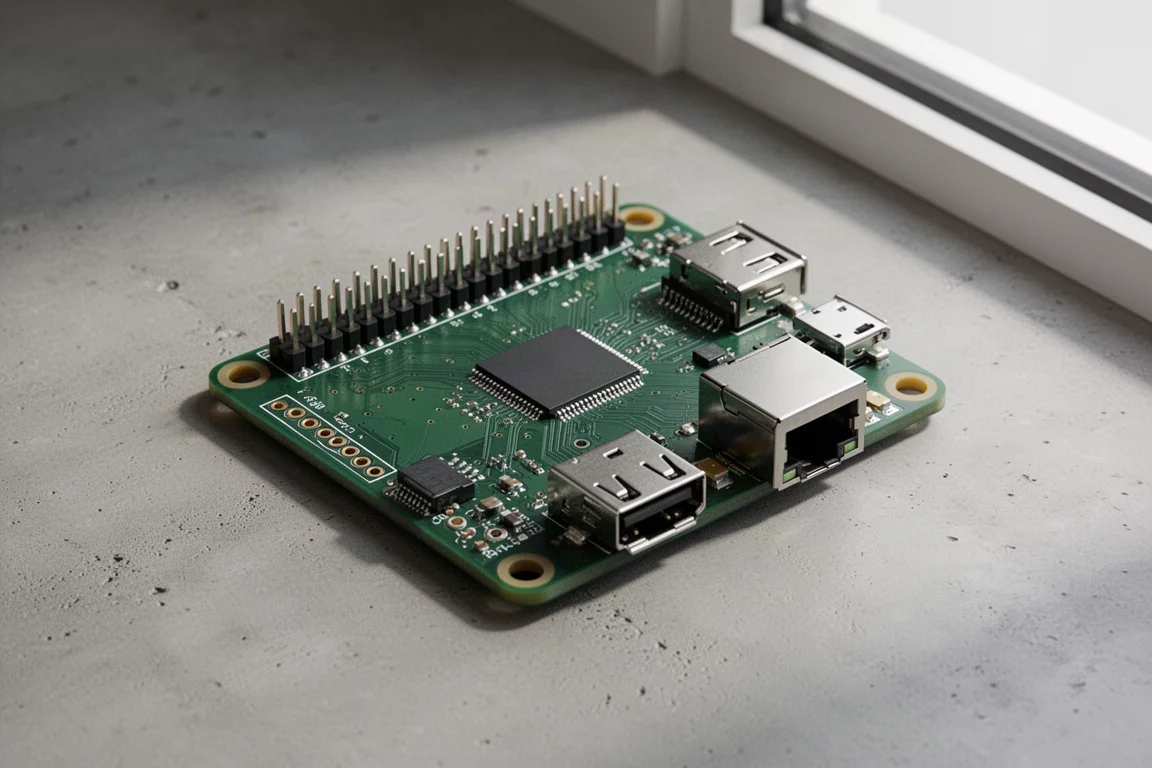
A Raspberry Pi 3B is an older and very small computer, and in this setup it does one job extremely well: it handles DNS for an entire network through software called Pi-hole, with a second tool called Unbound running alongside it.
DNS is essentially a phone book for the internet. Computers work with numeric IP addresses, while people work with readable domain names. A DNS lookup is the translation step between the two. By handing that job to the Pi, every lookup on the network passes through one device that can also discard requests headed for known advertising domains before they ever reach a computer.
The block lists come from freely available community collections, and the Pi-hole dashboard shows both the total number of queries made on the network and how many were blocked, along with a query log of what was stopped and when.
Unbound takes the idea a step further. Normally a device asks another company’s server where to find a website. With Unbound running locally, the Raspberry Pi resolves more of that work itself and remembers the answers, gradually building a small local map of the internet on hardware you own.
Modded iPod Classic: Local Music Without Streaming
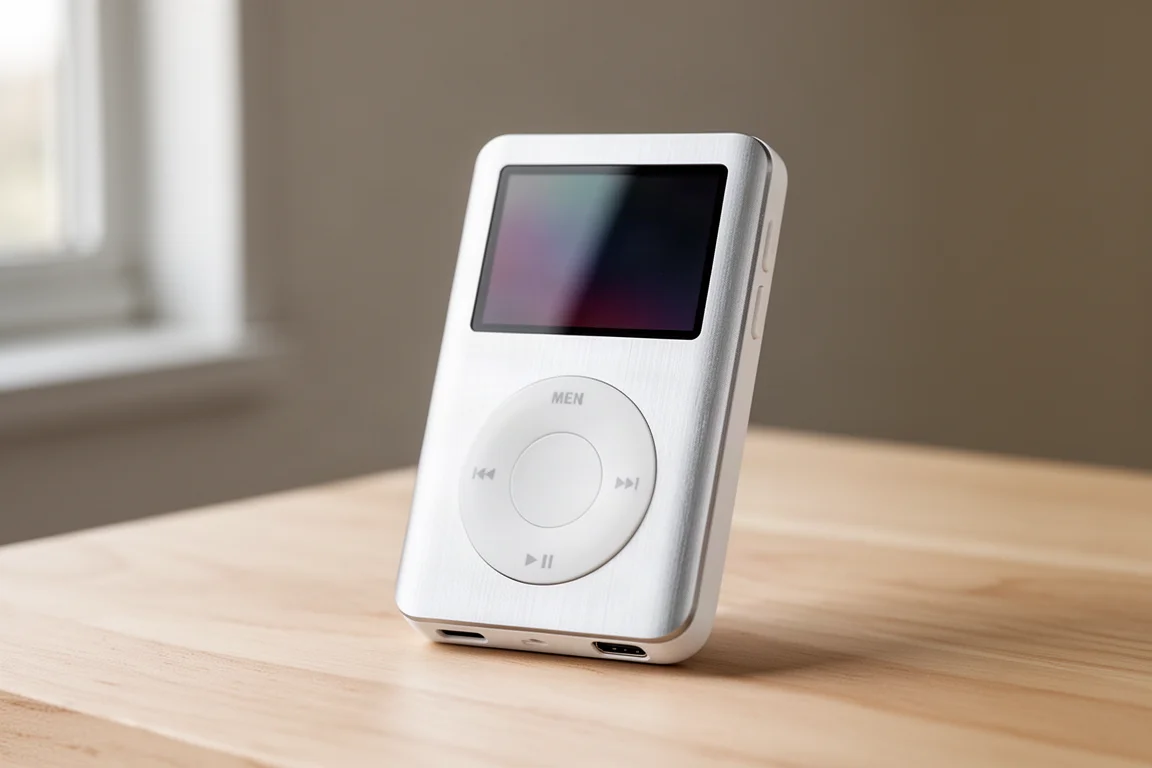
Music streaming services collect large amounts of listening data, and a subscription is not the only way to carry a music library around. A modded iPod Classic replaces the subscription with local files and a device that does nothing else.
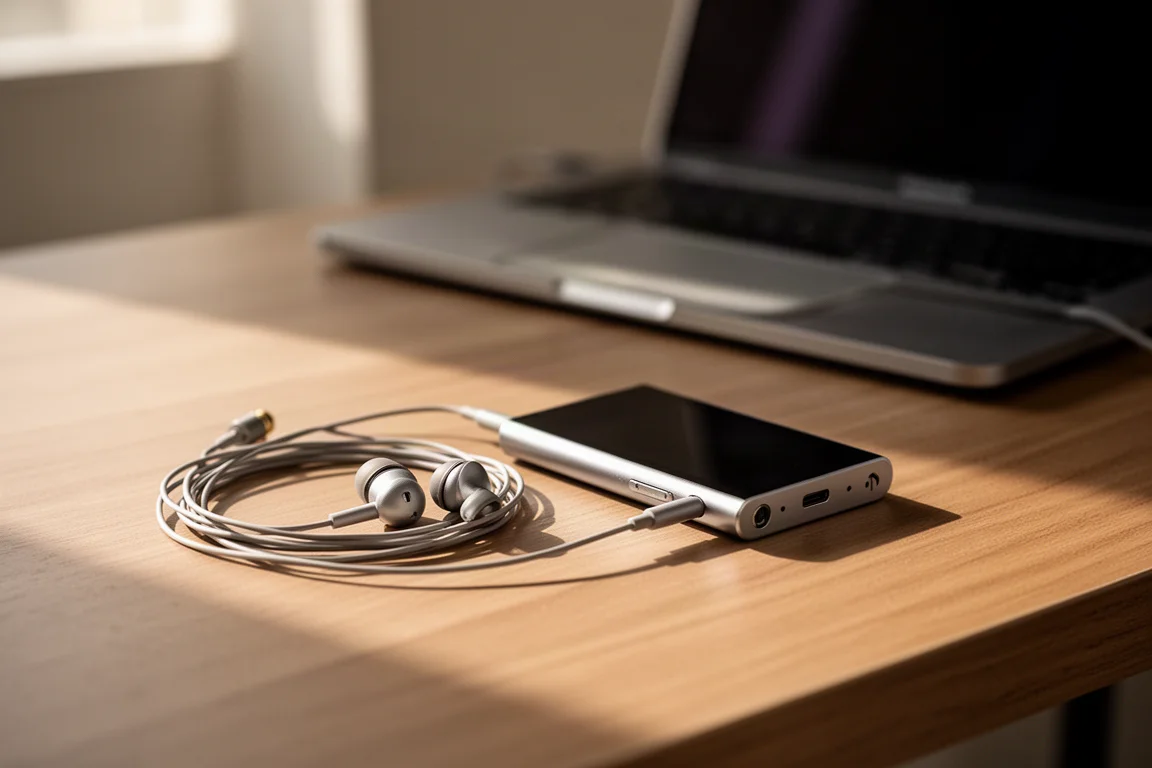
The modifications are practical rather than cosmetic. The original hard disk, long dead in many units, is replaced with microSD card storage, and a USB-C port replaces the older connector. The player runs Rockbox instead of the stock firmware, which allows far more control over how the interface looks and behaves. For anyone who enjoys tinkering, it can even run Doom.
Wired headphones are part of the point. Bluetooth headphones continually ping nearby devices looking for a connection, so pairing a player with a cable avoids that broadcast entirely. Loading your own files also means the music you own stays on a device you control.
Framework Laptop: Modular Hardware with Linux
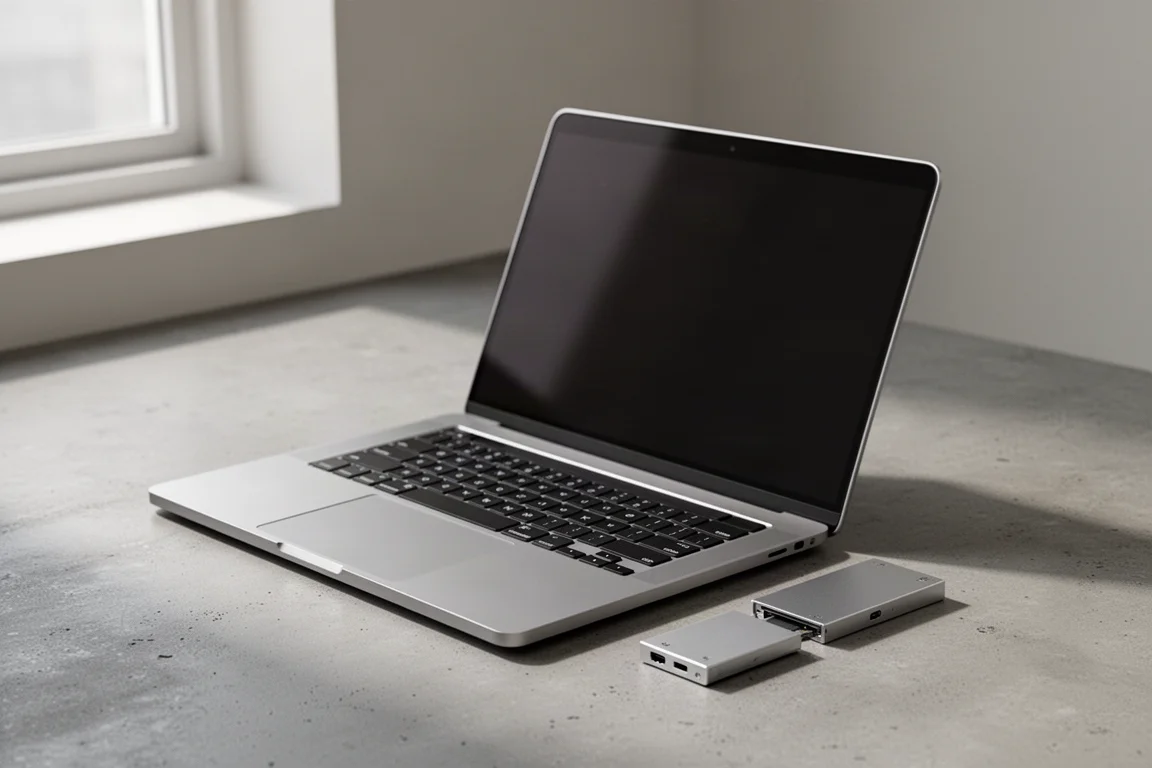
The Framework Laptop is the centerpiece of this kind of setup. It is a modular machine that the owner assembles, built around hot-swappable expansion ports. If the power connection would be more convenient on the left than the right, the module simply moves, and a port that is not being used can be swapped out in seconds.
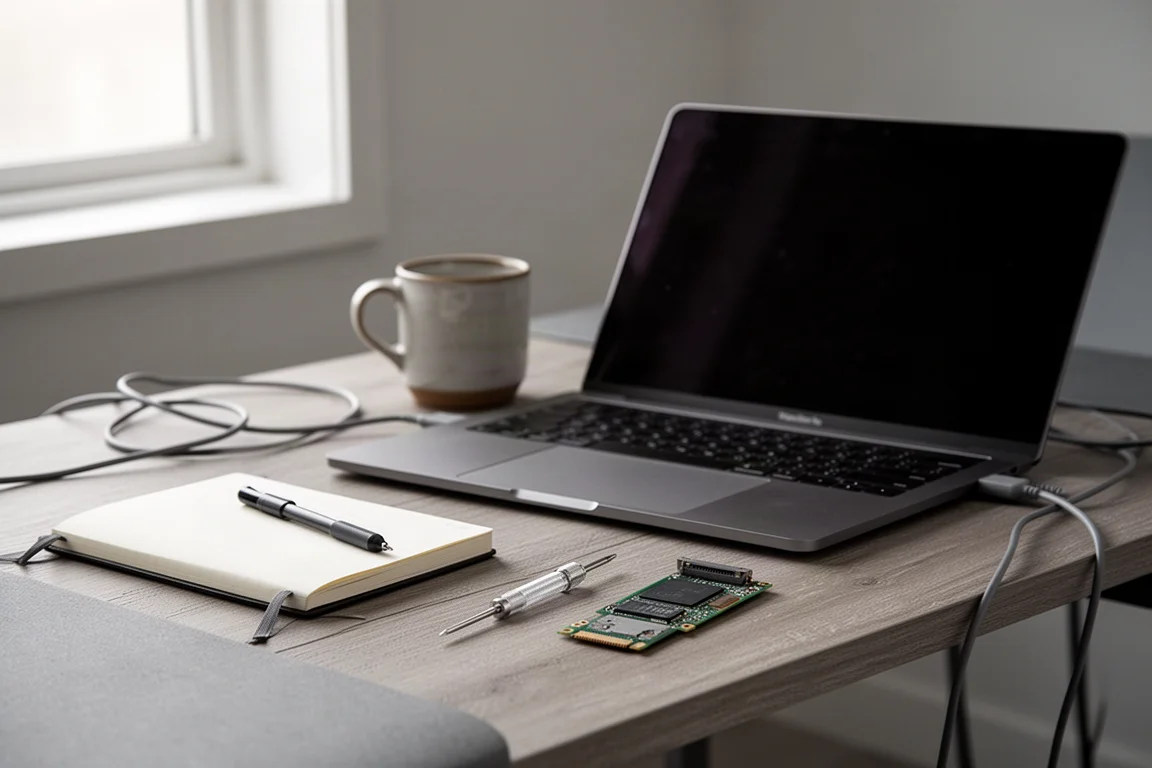
Just as important, the hardware leaves the choice of operating system open. Running Linux gives a much greater degree of control over how the computer behaves, and most of the code in that operating system is open source. Anyone with the technical ability can inspect that code and check that it does what its developers say it does.
That openness does not make a machine private or secure by default. What it provides is control, and control is the raw material from which both privacy and security can be built.
What These Four Tools Have in Common
The common thread across all four devices is control over defaults. Each one replaces an arrangement you cannot see with one you can inspect, adjust, or switch off entirely.
None of them is a complete solution on its own, and none of them requires abandoning the technology you already use. The Raspberry Pi filters a network from a corner of a shelf. The Flipper Zero turns invisible signals into something you can study. The modded iPod Classic keeps a music library in your pocket rather than on someone else’s server. The Framework Laptop puts the choice of operating system and the choice of ports back in the owner’s hands.
Buying Advice: Matching the Tool to Your Priorities
The right starting point depends on the problem you actually have. If advertising and tracking requests across a whole household are the annoyance, the Raspberry Pi setup addresses that at the network level, and it is the kind of project that keeps working quietly once configured.
If you want to stop paying for a streaming subscription and keep a music library you own, a modded iPod Classic is a focused, single-purpose answer that pairs naturally with wired headphones.
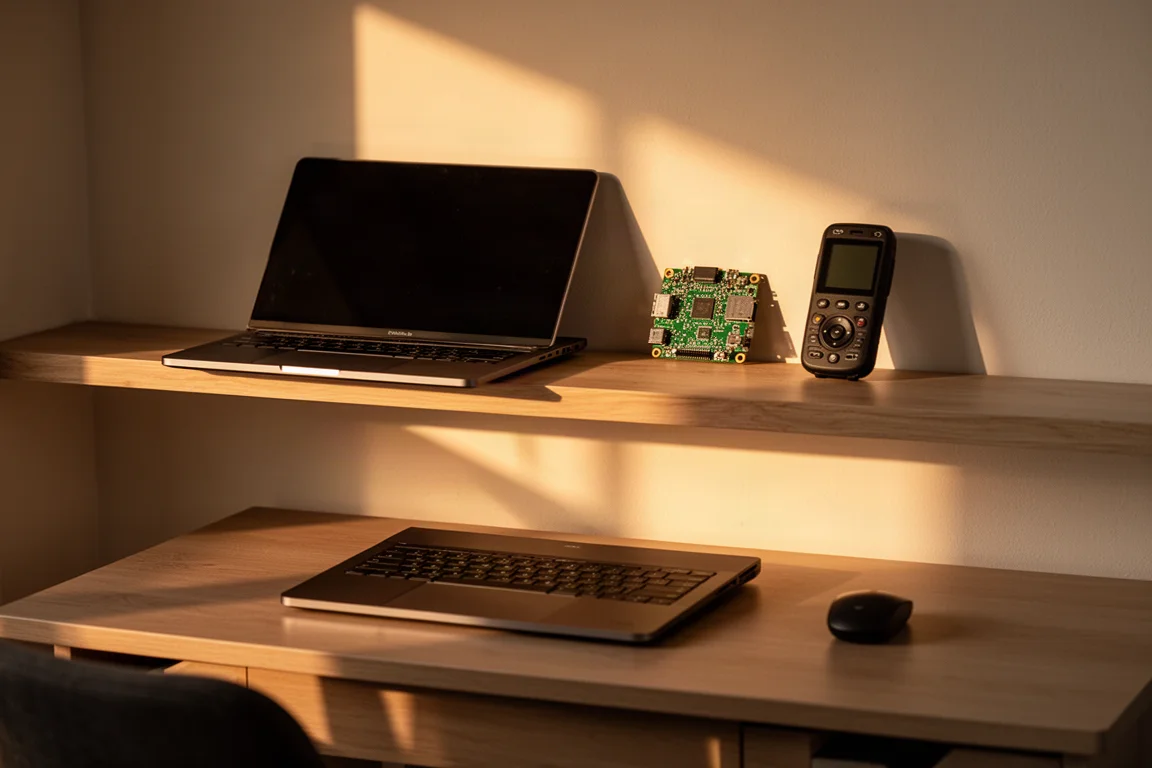
If your priority is a machine you can assemble, reconfigure, and run Linux on, the Framework Laptop is the largest commitment of the four, and the one with the most long-term flexibility built into its design.
And if you are simply curious about the wireless signals moving around you, the Flipper Zero is the lowest-pressure way to start learning. It rewards experimentation rather than demanding a permanent place in your setup.
Whichever you choose, the principle is the same: the default setting is not the only one available, it is just the path of least resistance. A small amount of setup is often all it takes to make a device behave the way you want it to.
Conclusion
These four devices cover different parts of the same idea. The Flipper Zero makes invisible signals visible, the Raspberry Pi filters a whole network from one small board, the modded iPod Classic keeps music local, and the Framework Laptop puts hardware and software choices back in the owner’s hands.
You do not need all four. Pick the one that matches the problem you notice most often, set it up carefully, and let it do its job. Control over your own devices tends to start with a single deliberate choice.
Further reading
Related Reviews
Privacy Tech
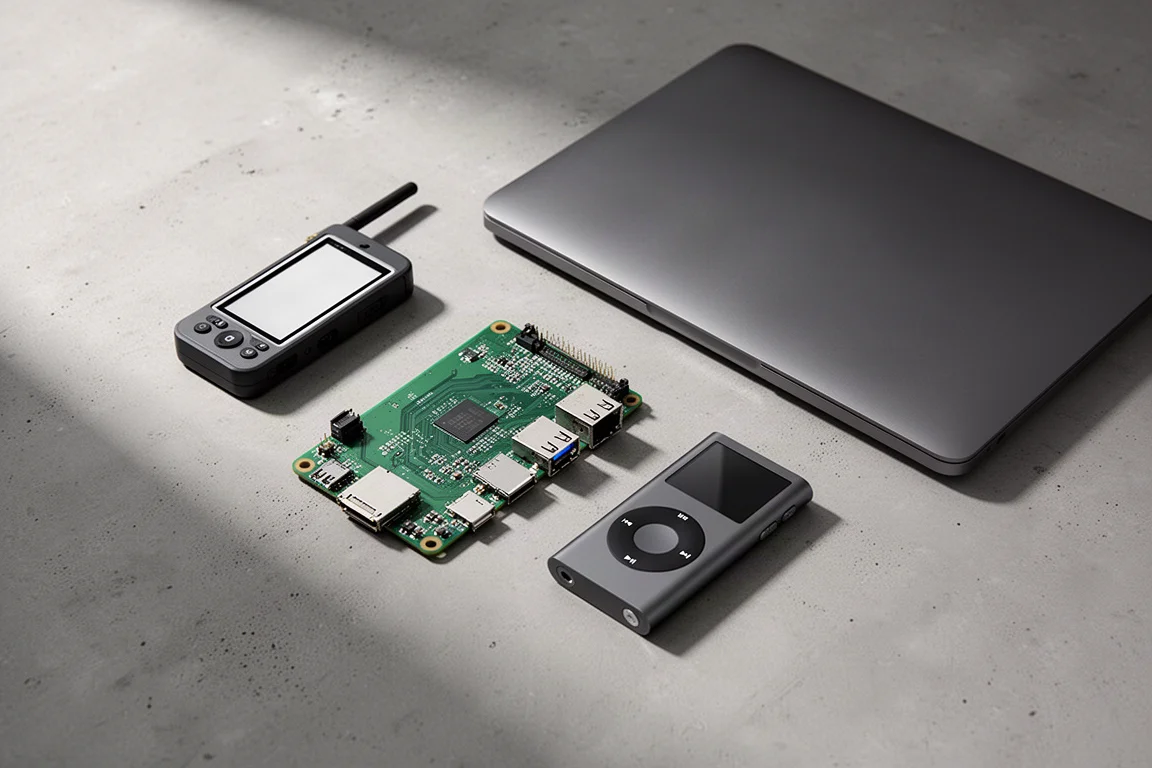
Privacy-First Gadgets: Four Devices You Actually Control
A practical roundup of four privacy-minded devices: a wireless signal tool, a home network gatekeeper, a modular laptop, and a modified music player.
Privacy Tech
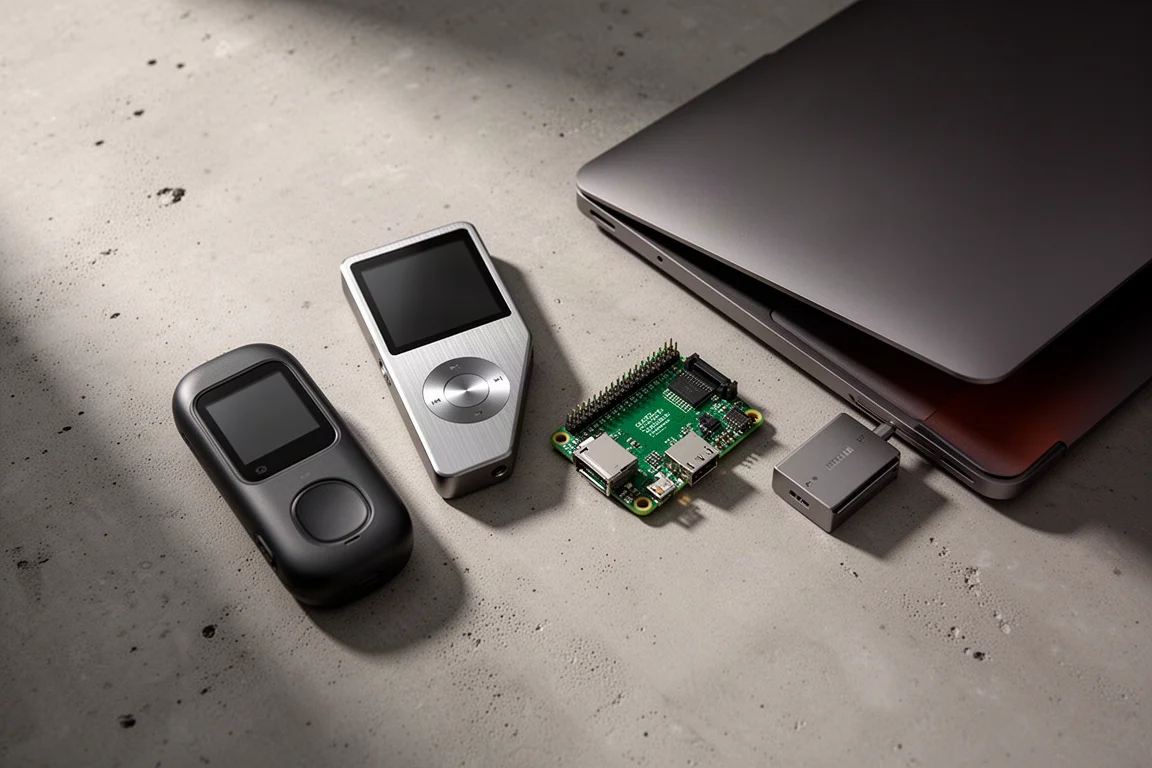
Privacy-Focused Gadgets: Four Tools for Taking Back Control of Your Data
Four practical privacy-minded gadgets, from a signal-sniffing multi-tool to a modular laptop, with clear strengths and trade-offs before you buy.

Backpacking Gear
Building a 10 lb Base Weight: An Ultralight Backpacking Gear List
A practical walkthrough of the ultralight pieces behind a 10 lb base weight, from a 765 g pack and a roomy one-person tent to a full camp chair and a dependable water filter.