Privacy Tech
Privacy-First Gadgets: Four Devices You Actually Control
A practical roundup of four privacy-minded devices: a wireless signal tool, a home network gatekeeper, a modular laptop, and a modified music player.
Introduction
Privacy is rarely the result of a single gadget. It is usually a collection of small decisions about which devices you allow into your daily routine and how much they are permitted to report back. Some of those decisions are habits, some are software, and some take the form of hardware that sits quietly in a corner of a room or travels in a bag.
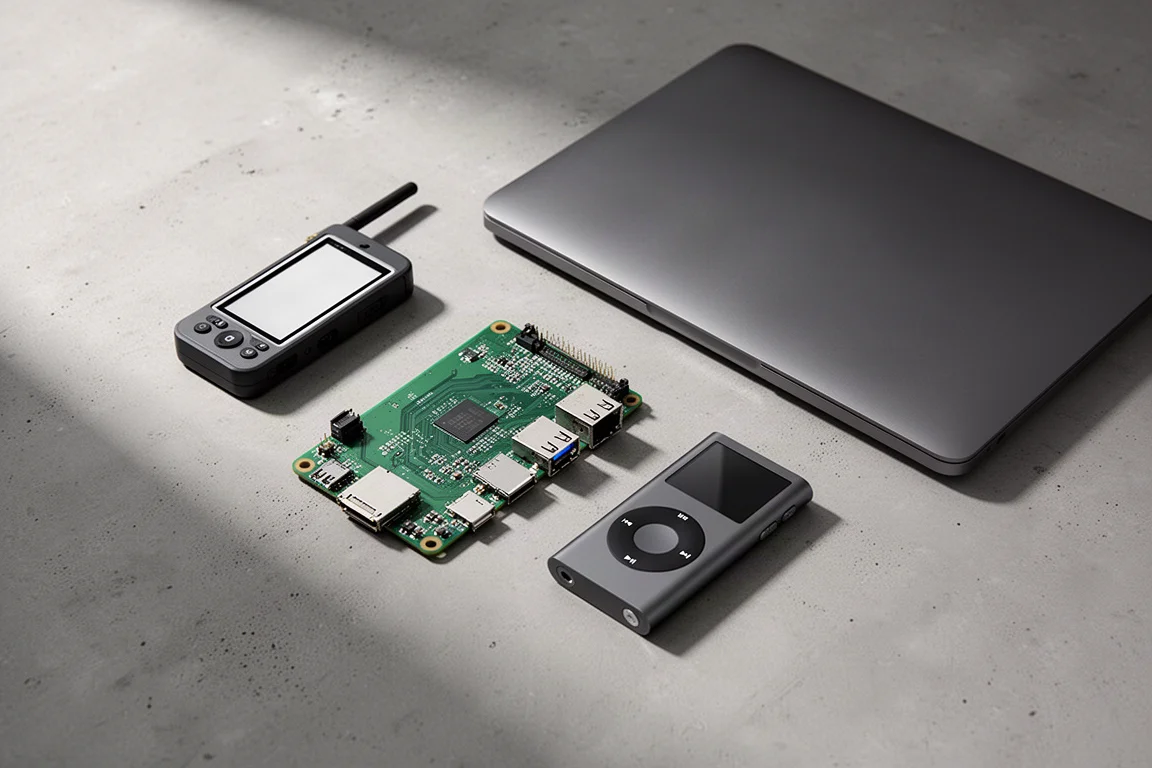
The four devices in this roundup cover that range. One helps you understand the invisible wireless traffic in the rooms you walk through, one runs constantly at home as a gatekeeper for your network, one is a laptop designed to be opened, repaired and reconfigured, and one plays music without a subscription or an account.
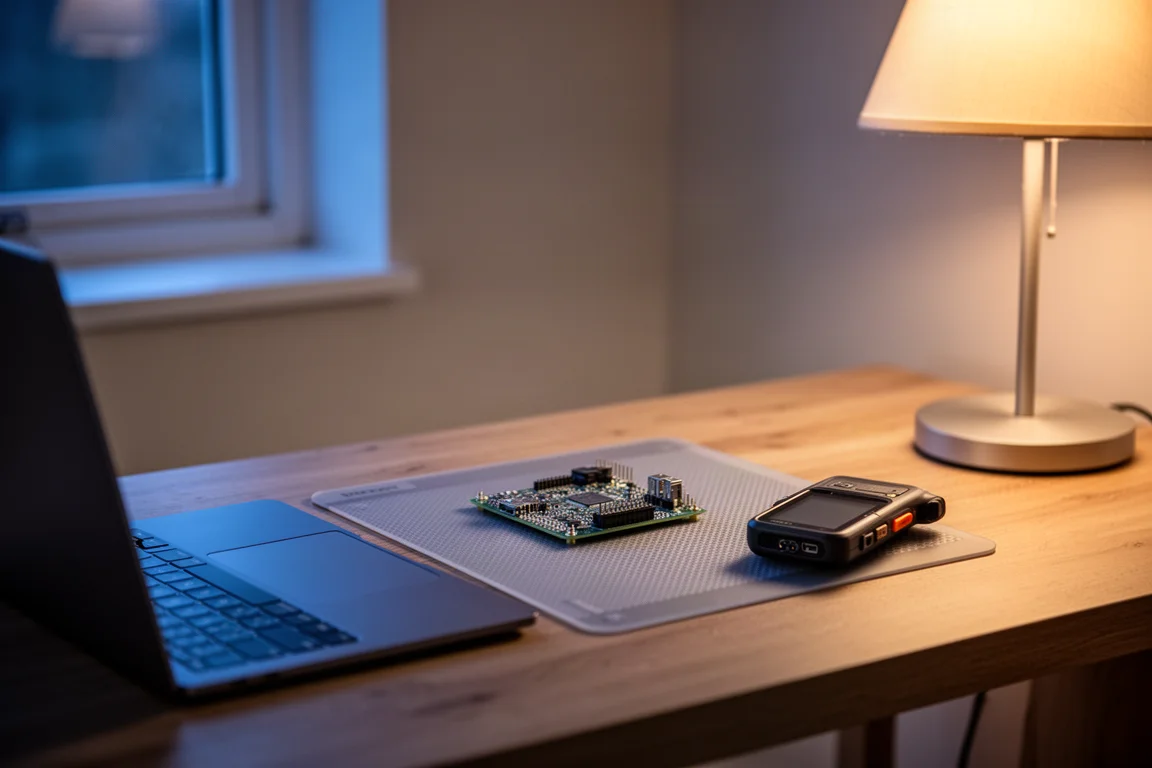
None of them is a complete privacy solution on its own, and that is rather the point. What they share is a design philosophy: the person holding the device decides what it does, rather than the other way around. The sections below cover what each one is good at, where it asks more of you, and who gets the most value from it.
How to Think About a Privacy-First Kit
Three questions are worth asking before spending money in this category.
The first is control. A device you can inspect, modify or rebuild gives you options that a sealed alternative does not. That does not automatically make it more private or more secure, but it does put the decisions in your hands rather than someone else’s.
The second is data. Ask what leaves the device, where it goes, and whether you can reasonably turn that off. Several of the tools here are valuable precisely because they keep information local.
The third is effort. Every device in this roundup asks something of its owner, whether that is an evening of setup, a willingness to open a case, or simply a change of habit. Be honest about how much of that you want to take on before you buy.
Flipper Zero: Experimenting With the Signals Around You
The Flipper Zero is a pocket-sized tool built for examining the wireless signals that fill everyday spaces. Data moves around us in more ways than most people stop to consider. Remote controls for air conditioning, entry systems for buildings, and a long list of other devices all transmit without a screen or a keyboard attached.
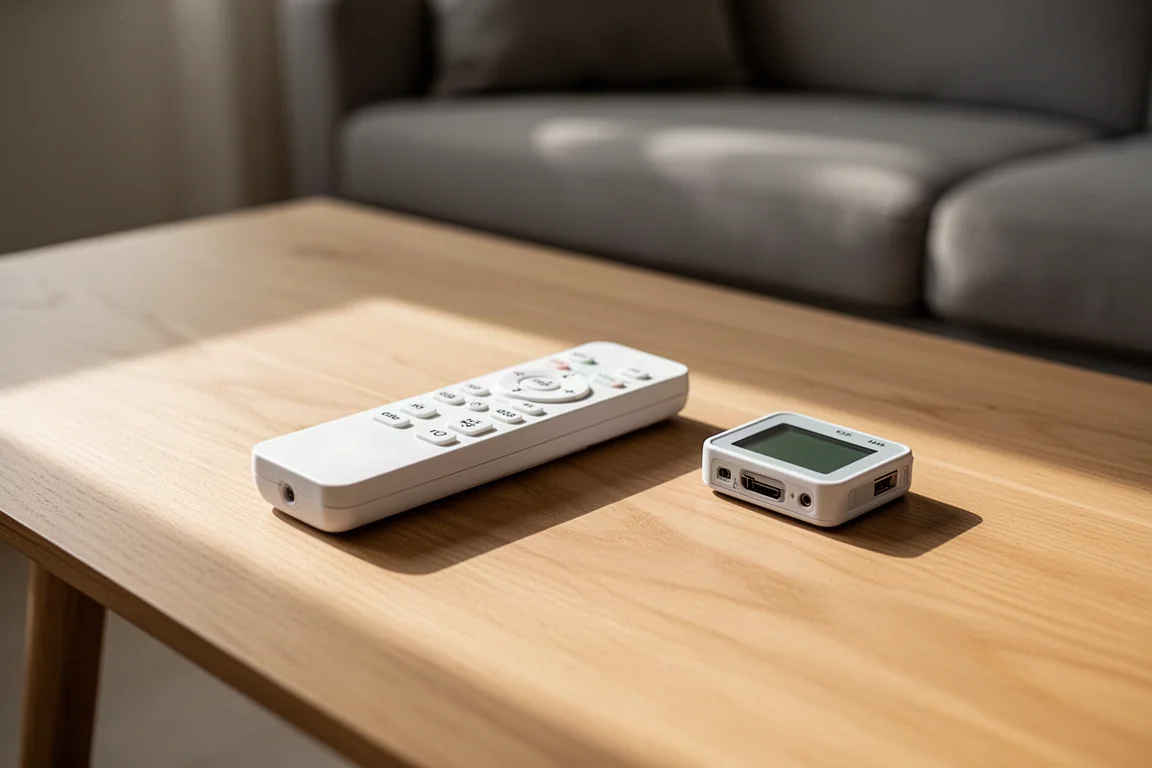
The device works by learning a signal and then reproducing it. In practice you point an existing remote at the Flipper, let it register the transmission, and it can then emulate that command. A simple demonstration involves an air conditioning remote: register the signal once, and the Flipper can switch the unit on or off in place of the original handset.
It is best understood as an instrument for understanding rather than a gadget for pranks. It rewards curiosity and patience, and it is most useful to people who want to learn how the wireless world actually behaves instead of only reading about it. As with any tool that can copy signals, it is best used on hardware you own or have clear permission to work with.
Raspberry Pi 3B: A Small Computer as a Network Gatekeeper
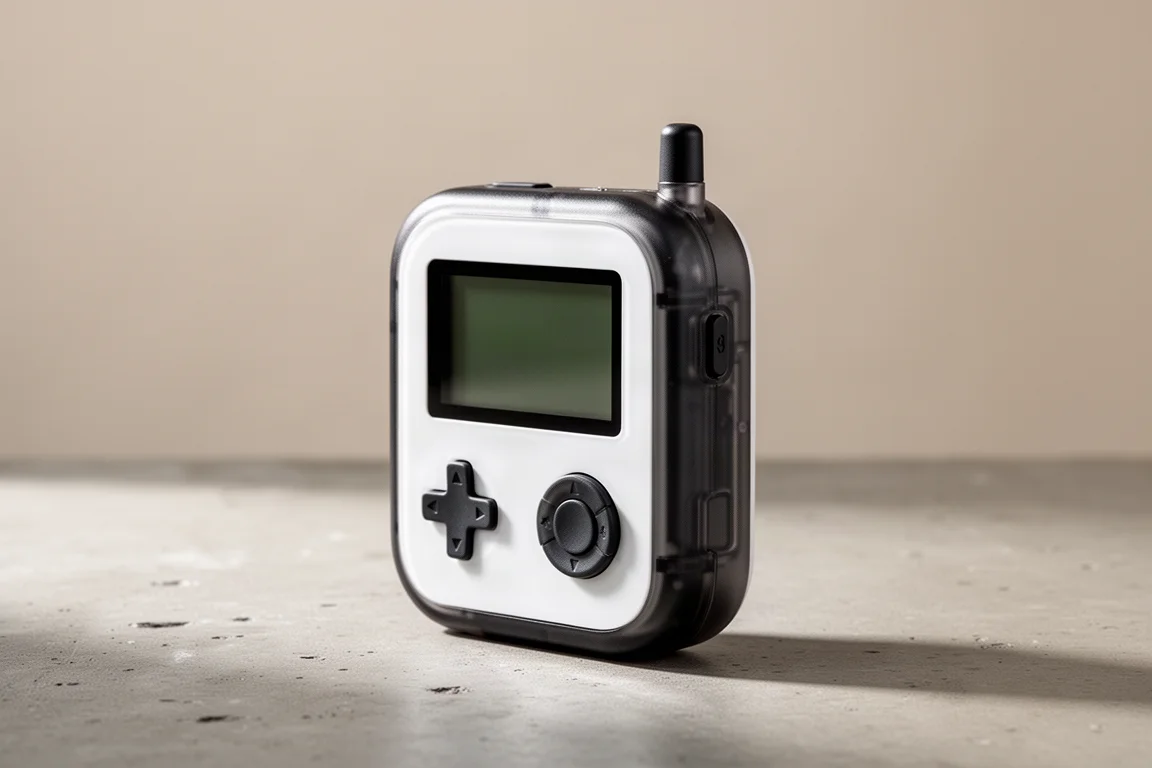
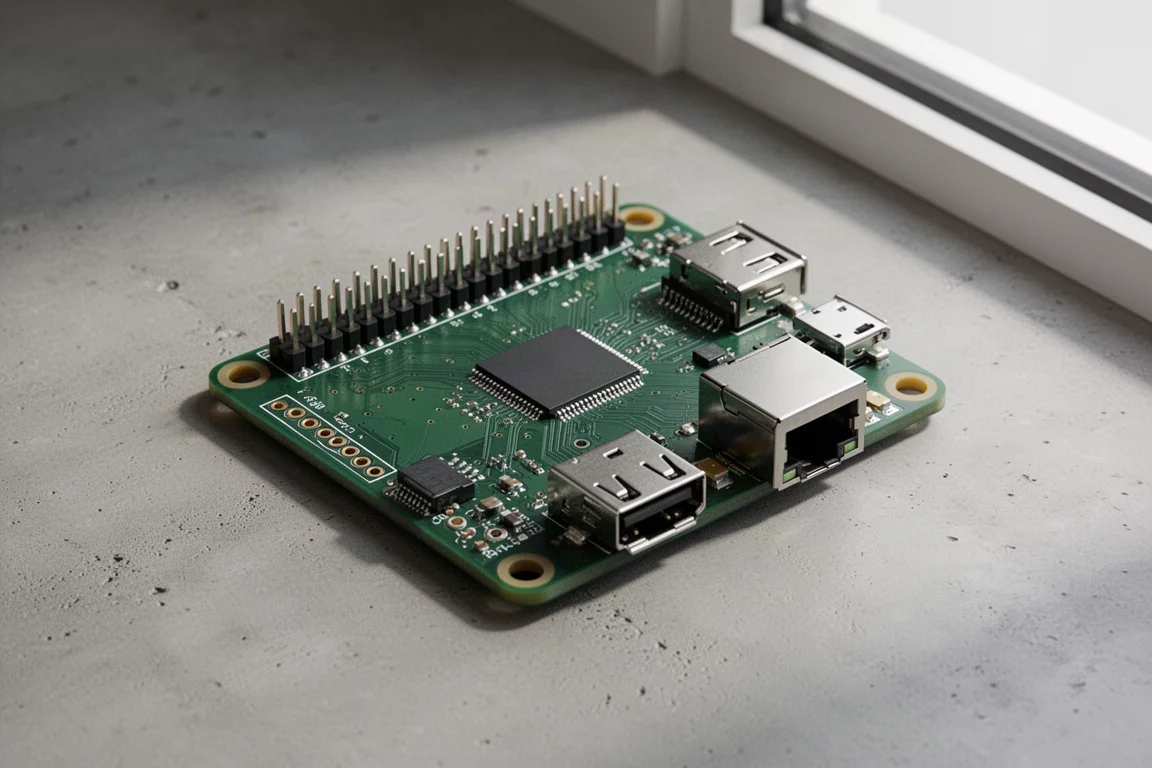
A Raspberry Pi 3B is an older single-board computer, small enough to sit unnoticed beside a router. In this setup it runs two pieces of software, Pi-hole and Unbound, and quietly handles a job that most households hand over to a third party.
Pi-hole is a network-level ad blocker that works at the DNS layer. DNS is effectively the phonebook of the internet: computers deal in numeric addresses, while people deal in readable names, and the translation between the two is called a lookup. Handing that task to a device you own means every lookup passes through hardware in your home. Anything matching an entry on the blocklists you load is discarded before it ever reaches your devices, and those lists are compiled and shared openly. Most setups also let you watch a live log of what has been requested and what was stopped.
Unbound takes the idea a step further. Rather than passing every lookup along to an outside resolver, the Pi can do more of that work itself and remember the answers locally. Over time the machine builds its own small map of the internet, which reduces how much of your browsing pattern is visible elsewhere. The trade-off is upkeep: this is a device that expects occasional attention, and the board itself is an older model with modest performance.
Framework Laptop: Hardware You Can Reconfigure
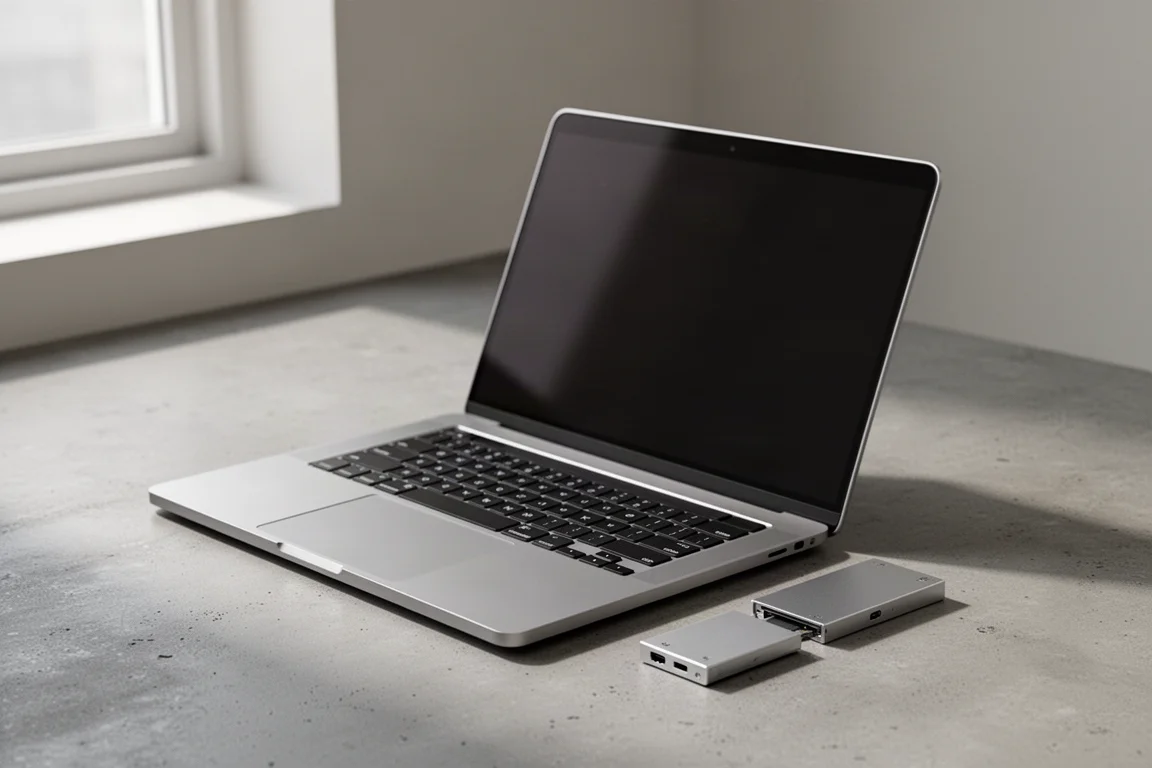
The Framework Laptop is the centre of this kind of setup, and it is unusual for one reason above all: it is designed to be assembled and altered by its owner. The ports are hot swappable expansion cards, so if the power connection on the right side would be more useful on the left, you pull the card out, pop it into an empty bay on the other side, and the machine has a different configuration within seconds.
That modular approach also means you choose the operating system. Linux is the natural fit for many owners. The majority of the code in a typical Linux distribution is open source, which means anyone with the technical ability and the interest can read through it and check that the software is doing what its developers claim. It is worth being precise here: open source does not make a computer private or secure by default. What it does is give you more control, and control is what allows you to make it both of those things.
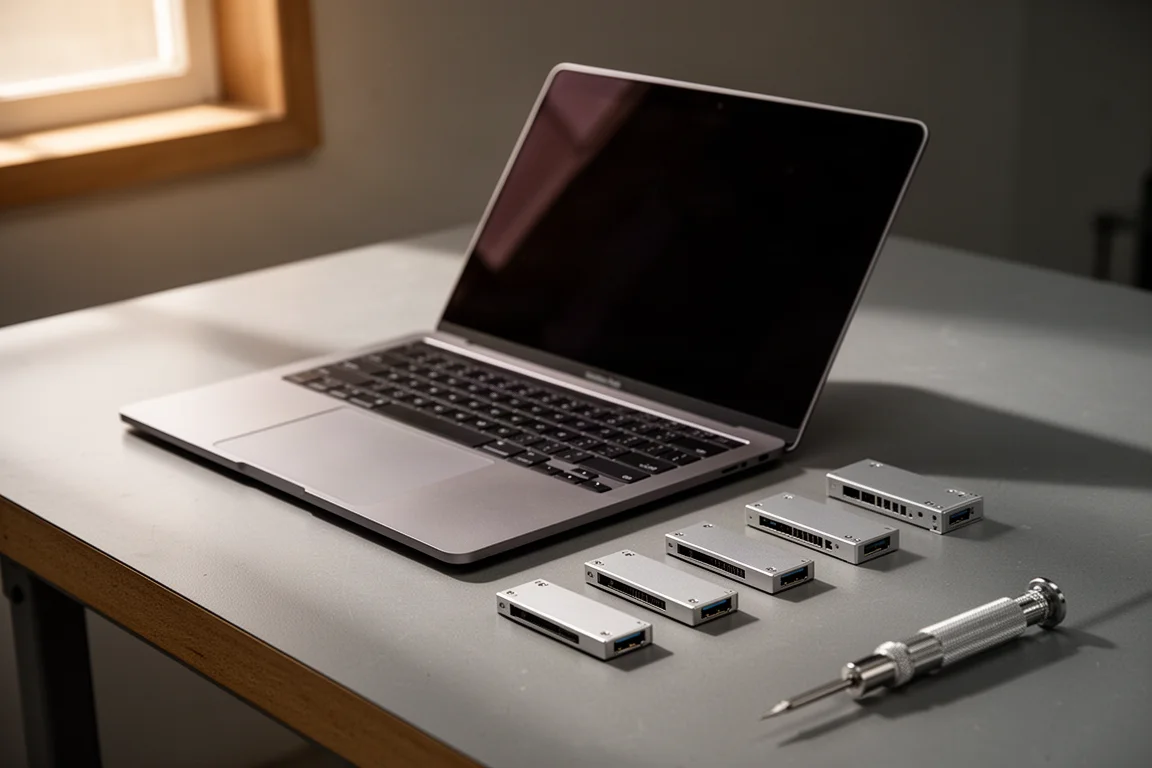
If you would rather not assemble a machine yourself, this will feel like extra work rather than freedom. For anyone who already enjoys building and maintaining their own hardware, it is one of the few laptops that treats you as the owner in a literal sense.
Modded iPod Classic: Music Without the Streaming Account
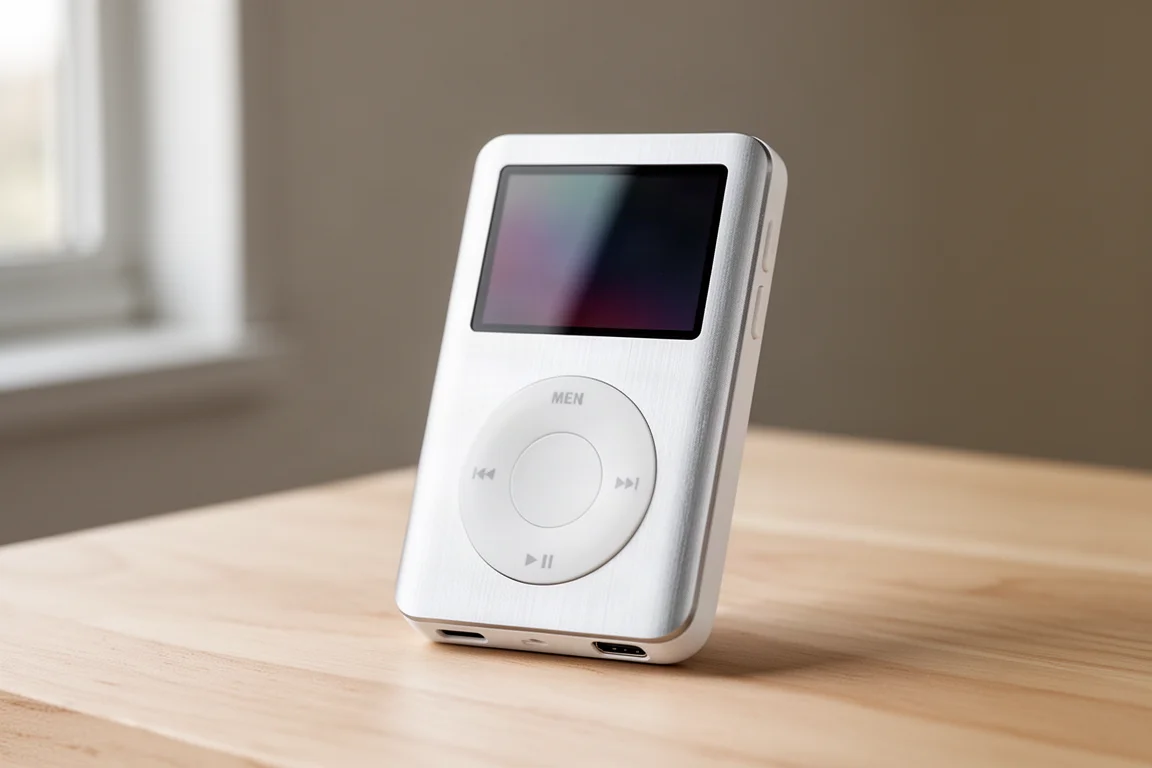
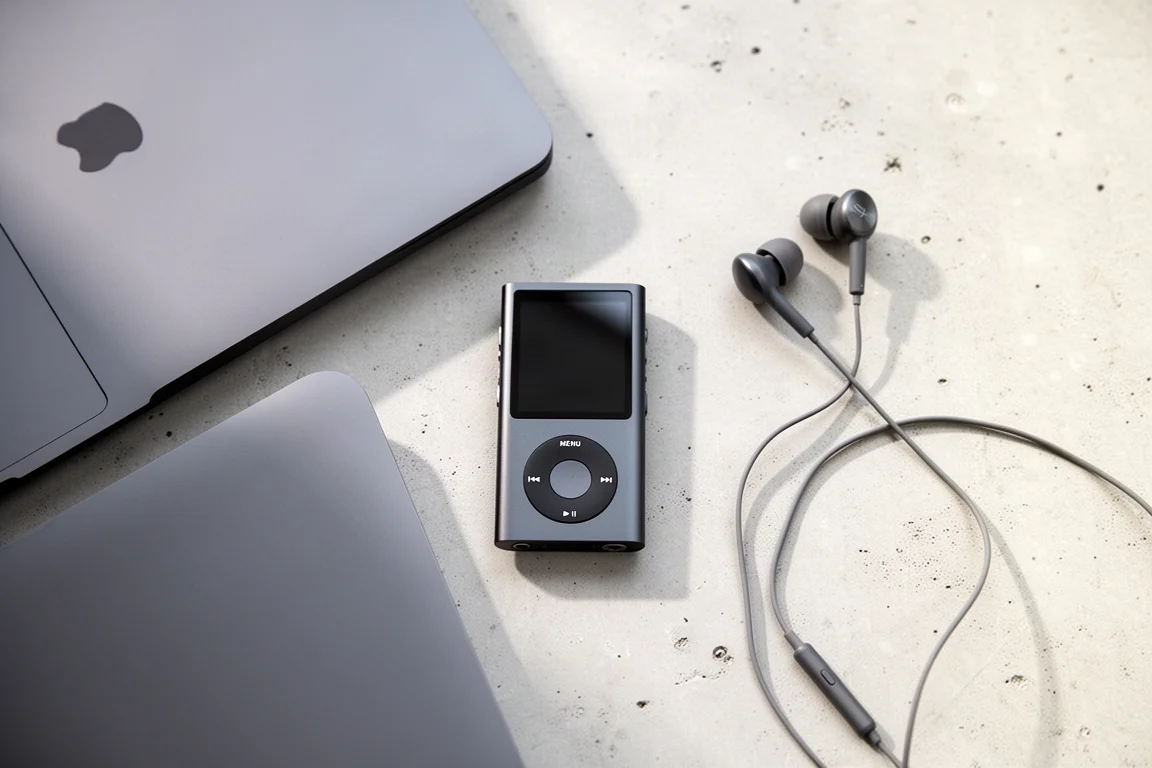
Streaming subscriptions are convenient, and they collect a substantial amount of information about what you listen to and when. A modified iPod Classic offers the alternative: a dedicated player with a library stored on the device itself.
The unit here has been updated in several ways. The original hard disk had long since failed, so storage now comes from microSD cards, and the charging port has been replaced with USB-C. It does not run the standard firmware. Instead it uses a distribution called Rockbox, which allows far more control over the look and behaviour of the interface, and which can, as a demonstration of what the hardware is capable of, run Doom.
The listening side matters just as much. Bluetooth headphones announce themselves to nearby devices that are looking for connections, so this setup relies on wired headphones instead, with Wi-Fi and Bluetooth switched off while out and about. The result is a player that does one job well and asks nothing of a server in return, though it does mean managing your own music library by hand.
Buying Advice: What to Prioritize
If you are choosing just one device from this group, start with the specific problem that bothers you most rather than the tool that sounds the most interesting.
Households bothered by advertising and unwanted requests across every connected device will get the most immediate, ongoing benefit from the small computer running network-level filtering, because it works in the background without changing anyone’s habits.
Anyone who wants to understand the wireless environment, or who simply enjoys taking things apart to see how they work, will find the handheld signal tool the more rewarding purchase, provided they are prepared to learn and to use it responsibly.
If your priority is owning hardware for the long term, the modular laptop is the bigger investment and the bigger commitment, since it arrives as something you put together and configure yourself.
And if the goal is simply to stop feeding a streaming account your listening history, the modified music player is the least disruptive change of the four, because it replaces one habit with another rather than asking you to rebuild anything.
Whichever you pick, expect the first week to involve some setup. These are tools that reward a little patience early on, and they tend to become invisible parts of daily life once that is done.
Conclusion
None of these four devices requires you to become an expert, but all of them assume you want a say in how your technology behaves. The handheld signal tool makes the invisible visible, the small computer filters a whole household’s traffic, the modular laptop can be repaired and reshaped as your needs change, and the modified music player proves that a dedicated device can still be the simplest answer.
The default setting is not the only one available. It is just the path of least resistance, and these four are what it looks like when you decide to take a different route.
Further reading
Related Reviews
Privacy Tech
Privacy-Focused Gadgets: Four Tools for Taking Back Control of Your Data
Four practical privacy-minded gadgets, from a signal-sniffing multi-tool to a modular laptop, with clear strengths and trade-offs before you buy.
Privacy Tech
Privacy Gadgets Worth Considering: Flipper Zero, Raspberry Pi, Modded iPod Classic, and Framework Laptop
Four privacy-minded devices, from a handheld signal tool to a modular Linux laptop, with the strengths and trade-offs to weigh before buying.

Backpacking Gear
Building a 10 lb Base Weight: An Ultralight Backpacking Gear List
A practical walkthrough of the ultralight pieces behind a 10 lb base weight, from a 765 g pack and a roomy one-person tent to a full camp chair and a dependable water filter.