Privacy Tech
Privacy-Focused Gadgets: Four Tools for Taking Back Control of Your Data
Four practical privacy-minded gadgets, from a signal-sniffing multi-tool to a modular laptop, with clear strengths and trade-offs before you buy.
Introduction
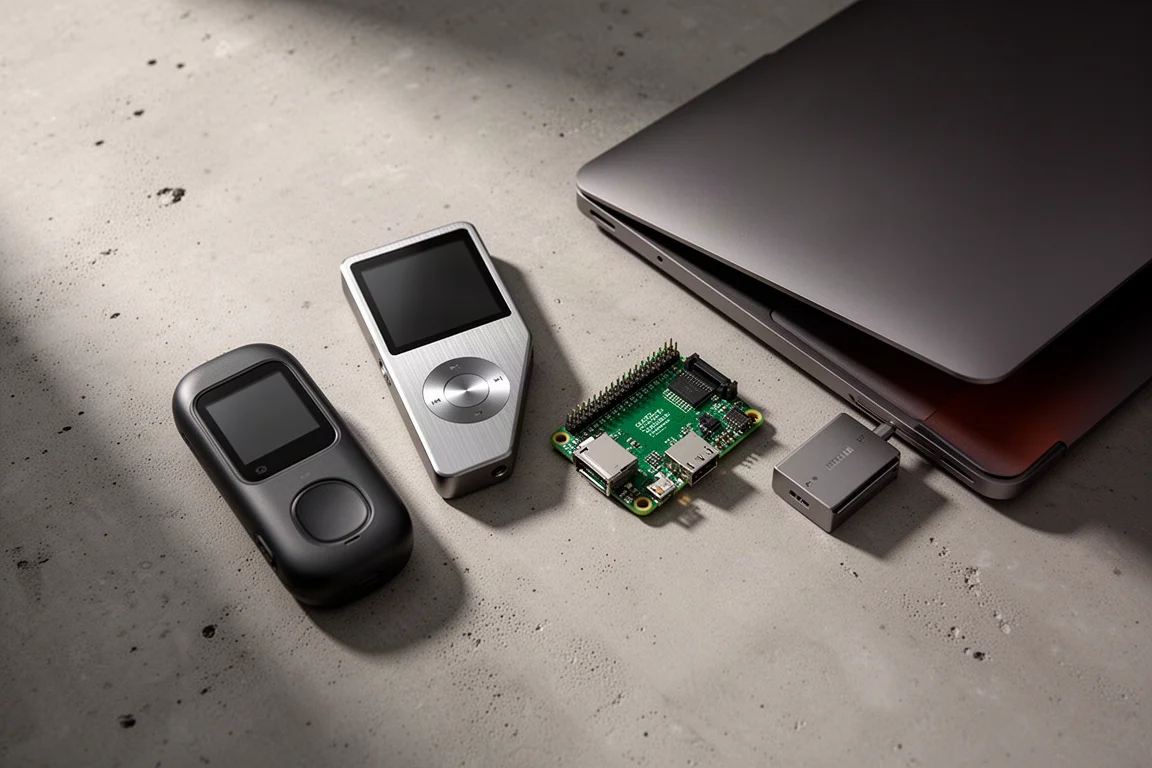
Most gadgets ask you to accept whatever the manufacturer decided. A smaller group gives you some say in how they work, what they store, and who they talk to. The four items below sit in that second category. They do not share a single form factor or a single purpose, but they share a philosophy: the default setting is not the only one, it is simply the path of least resistance.
That matters most for people who want more control over their own devices, whether that means understanding the wireless signals in a room, keeping a music library on physical media, blocking ads before they reach a single computer, or choosing the operating system that runs on the machine they type on every day.
What to Look For in a Privacy-Focused Tool
Before comparing individual devices, it helps to know what actually separates a useful tool from a marketing claim.
The first question is where the data lives. A device that keeps everything locally behaves very differently from one that quietly forwards information to an app or a server. The second question is how much you are allowed to change. Open source code can be inspected by anyone with the technical ability and the interest, which does not automatically make a device private or secure, but it does give you the means to make it both.
The third question is whether the tool solves a real problem you actually have. A gadget that duplicates something your phone already does well is rarely worth carrying. A gadget that removes a dependency, a subscription, or a company sitting between you and your own data is a different proposition entirely.
Finally, consider effort. Some of these tools work the moment you unbox them. Others reward a willingness to learn, configure, and occasionally tinker. Neither approach is wrong, but the honest answer is that control usually costs a little time.
Flipper Zero: Making Sense of the Signals Around You
Everyday life is full of invisible traffic. Air conditioners, door entry systems, and countless household remotes all communicate over wireless signals that most of us never see.
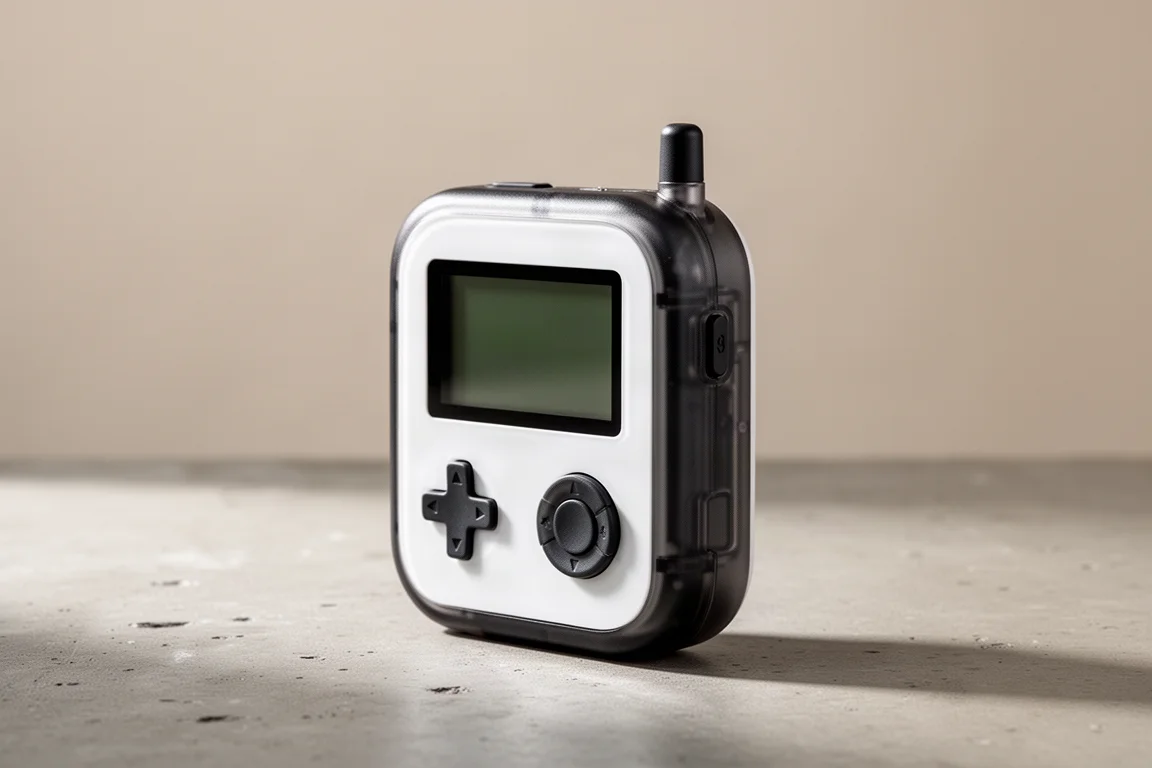
The Flipper Zero is a small handheld tool built for exactly that world. It can capture the signal from a remote, store it, and then emulate it back, which makes it useful for understanding how these everyday transmissions work. In practice, that means learning how a device talks before deciding whether it is something you want in your home.
Think of it as a Swiss Army knife for wireless technology rather than a finished consumer product. It is a tool for experimenting and for building intuition about the connected objects around you.
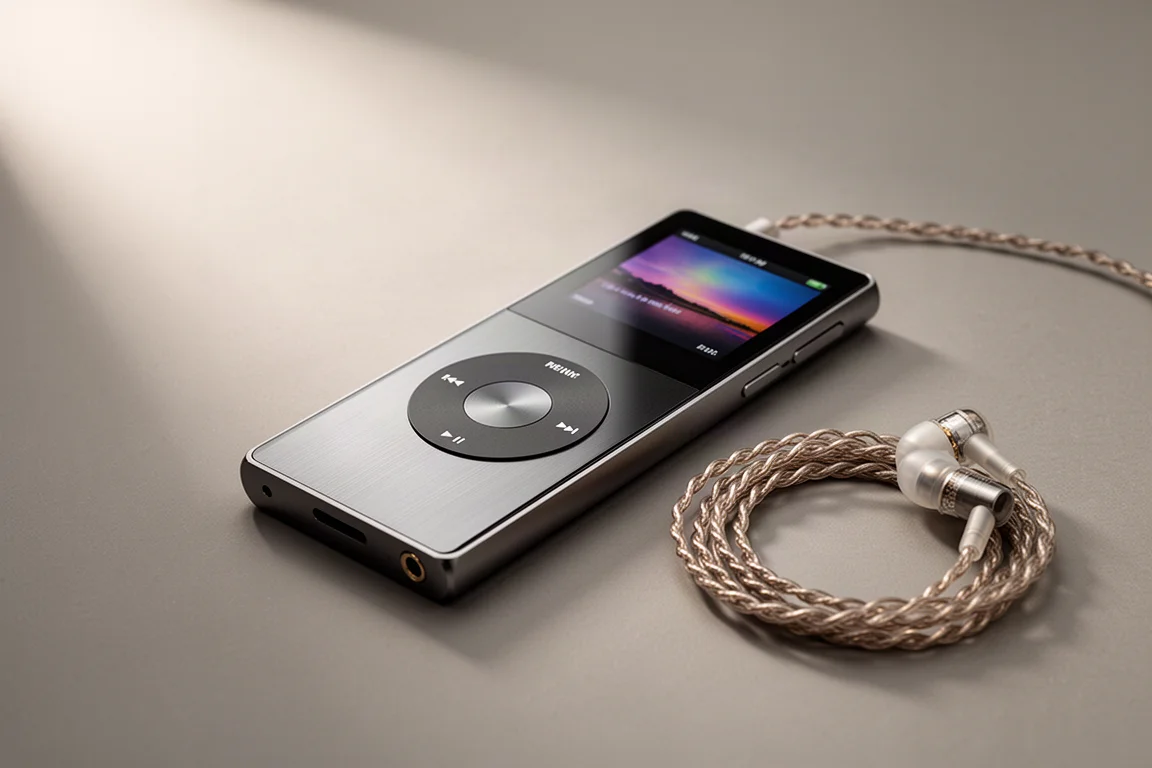
Modded iPod Classic: Music Without a Streaming Subscription
Streaming services collect large quantities of data about what you listen to and when. One alternative is to go back to owning the files themselves, and that is where a modified iPod Classic comes in.
The unit here has been rebuilt rather than simply restored. It now charges and transfers over USB-C, and its storage uses microSD cards instead of the original mechanical drive. It also runs Rockbox instead of the standard Apple firmware, which opens up a much wider range of layout and interface customisation, and yes, it can run Doom.
There is a second layer to the idea. Because the player is wired, you can keep Bluetooth and Wi-Fi switched off on your phone while you walk around, instead of broadcasting a constant search for nearby devices. The trade-off is a small one: you have to manage your own music library rather than letting an algorithm curate it.
For anyone who already owns a large collection of audio files, this is a straightforward way to put it back to use without paying for a subscription.
Raspberry Pi 3B: Network-Level Ad Blocking With Pi-hole
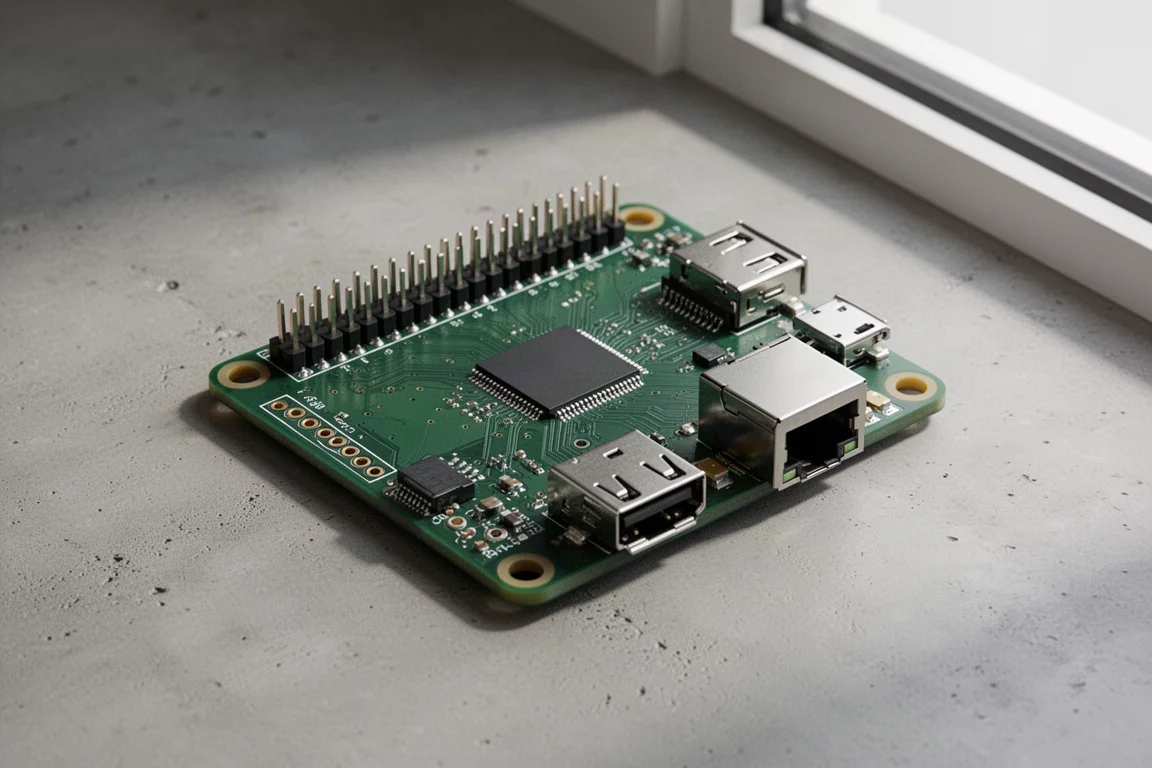
A Raspberry Pi 3B is a small, older single-board computer, and in this setup it has one job: it resolves DNS for the whole network while quietly discarding anything that looks like it comes from an advertising domain.
DNS is essentially the phonebook of the internet. Computers deal in IP addresses, humans deal in names, and a DNS lookup is the translation between the two. Pi-hole takes over that translation for every device on the network, checking each request against blocklists that are freely available to download and maintain. The dashboard shows how many queries have been made in total and how many were blocked before they ever reached a computer.
The next step is Unbound, which lets the Raspberry Pi do more of that resolution work itself and remember the answers locally. Over time the device builds its own small map of the internet rather than asking a third party for directions every time.
Setup requires a little confidence with configuration, and blocklists occasionally need review so that legitimate domains are not caught in the net. Once running, though, the benefit is broad: every device on the network is covered, including the ones that do not support ad blockers.
Framework Laptop: Modular Hardware and an Open Operating System
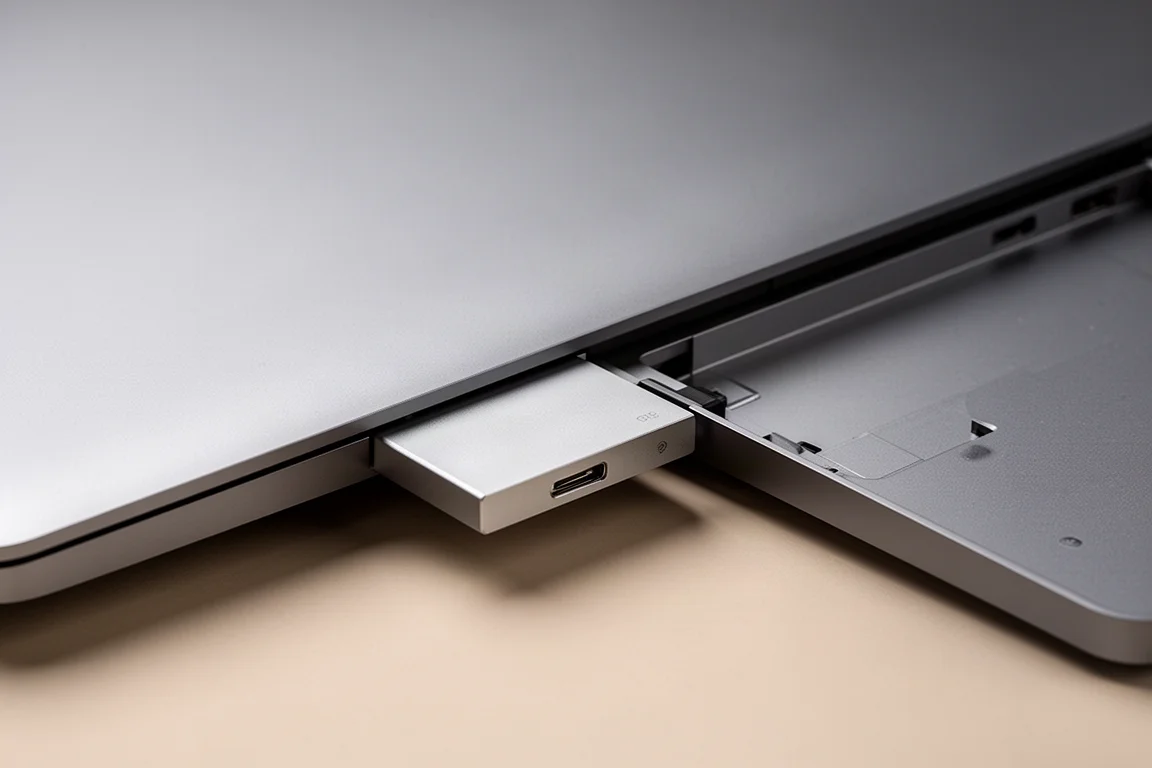
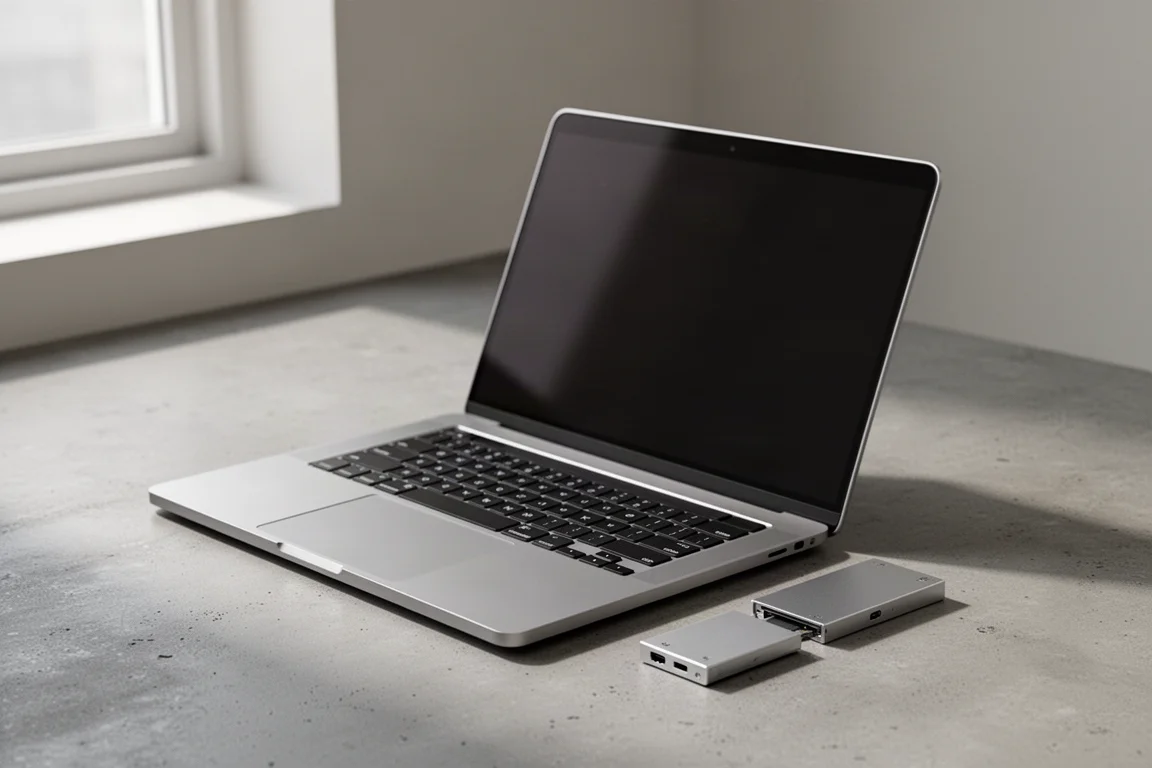
The centrepiece of this approach is a laptop from Framework, a company that builds modular machines. This one arrives as a kit that the owner assembles, and its ports are hot swappable: if the power connector is on the right and would be more useful on the left, you simply pop the modules out and reposition them. A different configuration takes seconds rather than a new purchase.
Because the hardware is modular, the operating system is a genuine choice as well. This machine runs Linux, which offers a far greater degree of control over how the computer behaves. Much of the code in that system is open source, so anyone with the ability and the interest can inspect it and check that it does what it claims. That does not make the laptop private or secure by default, but it does put the owner in a position to make it both.
It is worth being clear about what this buys you. Not a guarantee, but an option: the ability to decide what runs on your machine, and to change your mind later.
How These Tools Work Together
Individually, each device solves a narrow problem. Together, they cover a surprising amount of ground: a network that filters requests before they leave the house, a laptop whose hardware and software you can inspect and rearrange, a music library that lives on physical media, and a small handheld tool for understanding the wireless signals that surround all of it.
The common thread is not paranoia. It is the practical difference between using a device and being used by one.
Overall Buying Advice
Start with the problem you actually have rather than the tool you find most interesting.
If you want to cut advertising across every device at home, the Raspberry Pi 3B running Pi-hole is the most far-reaching single purchase on this list, and it is the one that asks the most patience during setup. If your priority is a machine you can repair, reconfigure, and run on your own terms, the Framework laptop is the more substantial investment, and it is priced accordingly.
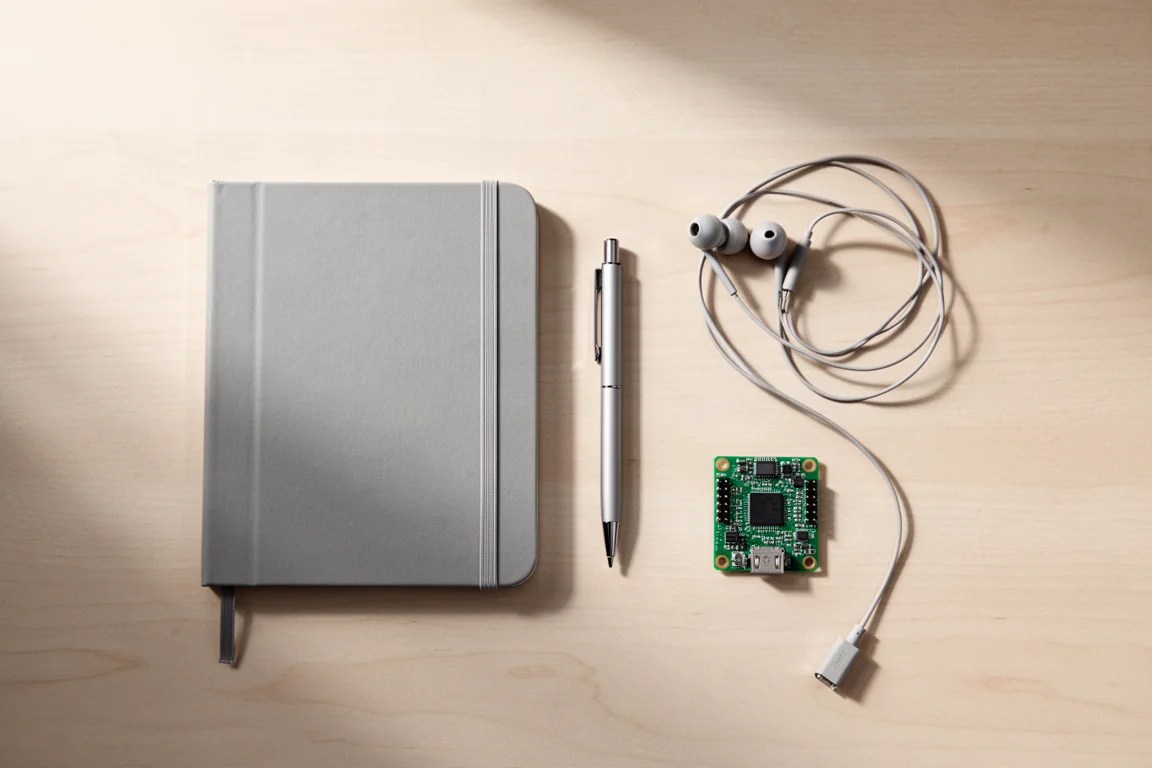
For music, a modified iPod Classic makes sense if you already have files to play or are willing to build a library again. It is a niche choice, but a satisfying one for listeners who want an offline player. The Flipper Zero is the most exploratory pick of the four, best suited to people who enjoy learning by doing, and least suited to anyone looking for an out-of-the-box solution.
None of these tools requires a total change of habits. Each one simply replaces a default with a decision you made yourself.
Conclusion
The four devices here share one quality: they hand control back to the person holding them. A network that blocks requests at the source, a laptop you assemble and configure, a music player built around files you own, and a handheld tool that makes invisible signals visible.
They are not for everyone, and they are not meant to be. But for readers who want more say over how their technology behaves, each one is a reasonable place to start.
Further reading
Related Reviews
Privacy Tech
Privacy-First Gadgets: Four Devices You Actually Control
A practical roundup of four privacy-minded devices: a wireless signal tool, a home network gatekeeper, a modular laptop, and a modified music player.
Privacy Tech
Privacy Gadgets Worth Considering: Flipper Zero, Raspberry Pi, Modded iPod Classic, and Framework Laptop
Four privacy-minded devices, from a handheld signal tool to a modular Linux laptop, with the strengths and trade-offs to weigh before buying.

Backpacking Gear
Building a 10 lb Base Weight: An Ultralight Backpacking Gear List
A practical walkthrough of the ultralight pieces behind a 10 lb base weight, from a 765 g pack and a roomy one-person tent to a full camp chair and a dependable water filter.