Privacy Hardware
Privacy Gadgets Roundup 2026: Four Tools for Everyday Control
Four privacy-focused gadgets, from a signal-reading multi-tool to a modular Linux laptop, with the trade-offs worth weighing before you buy.
Introduction
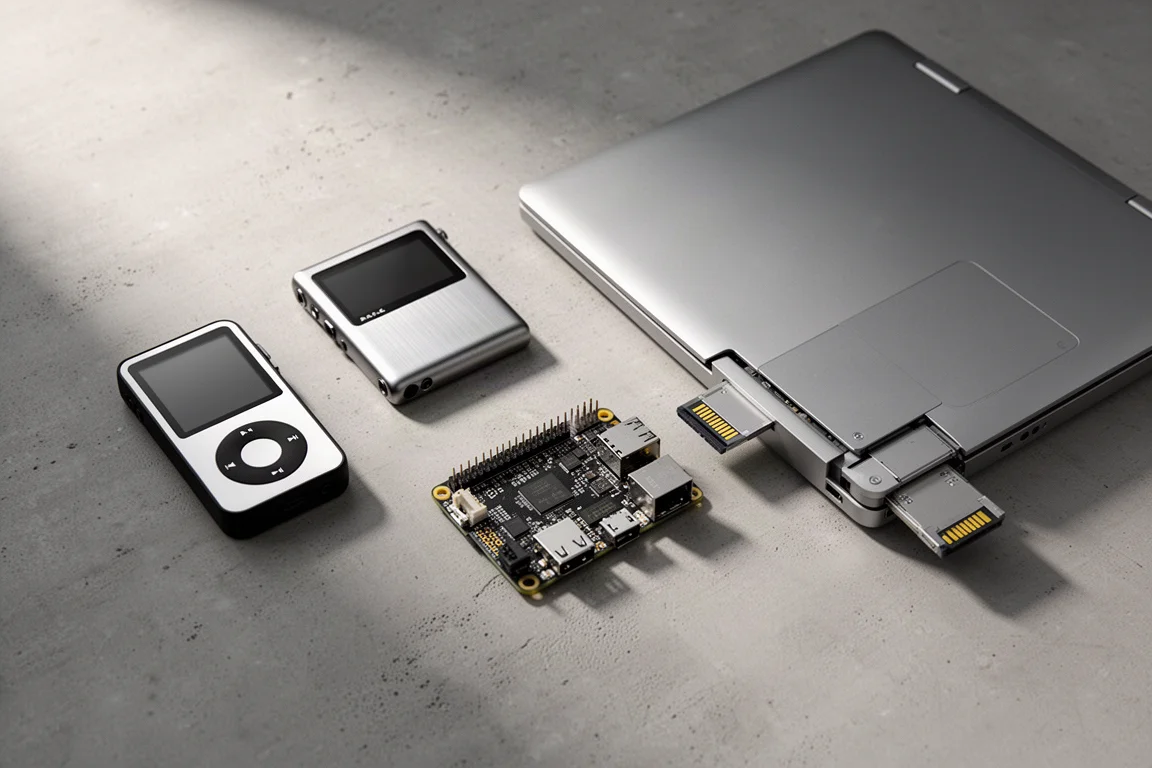
Privacy tools are usually built by people who rely on them every day, and the four devices here come from exactly that kind of habit. Each one solves a specific, practical problem rather than promising blanket anonymity. One reads the wireless signals around you, one keeps your music library off streaming servers, one blocks advertising requests before they reach your devices, and one gives you a laptop you assemble and configure yourself.
They are not interchangeable, and none of them is a complete solution on its own. What they share is a bias toward control: the sense that the default settings on everyday hardware are a starting point, not a rule.
How to Evaluate a Privacy-Focused Gadget
Four things are worth checking before you spend money on any tool in this category.
First, what the device actually controls. A network-level ad blocker changes how every device in your home resolves domain names. A handheld signal tool changes what you can observe and reproduce in your immediate surroundings. The narrower the job, the easier it is to judge whether it is worth the money.
Second, where your data goes. Some of these tools keep everything on the device itself, while others work by taking a service that normally runs on someone else’s server and moving it into your home.
Third, how inspectable the software is. Open source code can be read and checked by anyone with the technical ability and the interest, which is a meaningful difference from software you can only take on trust.
Fourth, daily practicality. A tool you stop carrying, or a service you stop maintaining, provides no benefit. The most useful privacy hardware tends to be the kind you keep using after the novelty wears off.

It also helps to be honest about what you are solving for. Blocking ads across a whole network and swapping a streaming subscription for a local music library are different goals with very different amounts of setup, and mixing them up usually leads to buying the wrong thing.
Flipper Zero: Reading the Invisible Signals Around You
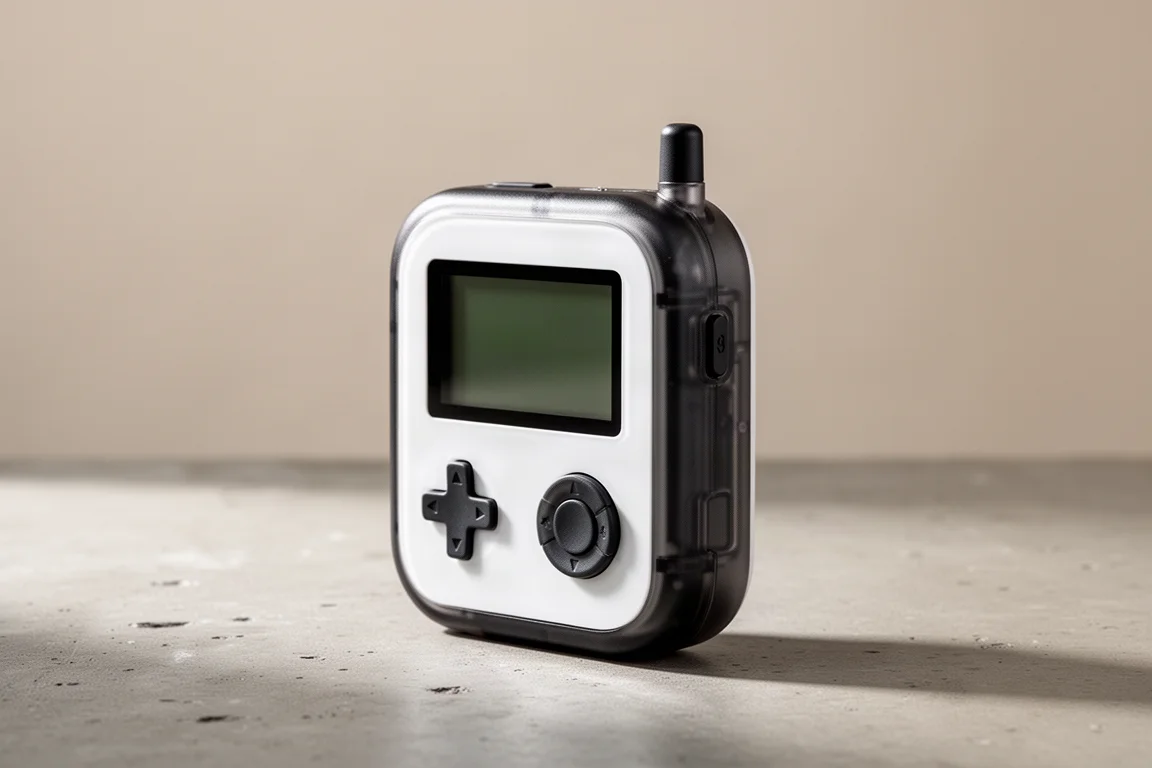
The Flipper Zero is a small handheld device built around a simple observation: the world is full of wireless signals, and most people have no way to look at them. It puts a learning mode in your pocket. Point a remote at it, the device registers the transmission, and from then on it can replay that signal, which means an air conditioner remote can be cloned and then emulated from the Flipper itself.
That makes it a tool for understanding and experimenting rather than a finished appliance. The comparison that fits best is a Swiss Army knife for wireless technology: a compact collection of radios and interfaces that covers a lot of small jobs without being the best possible tool for any single one.
Anyone who has wondered how a building entry system, a garage door, or a hotel air conditioner actually communicates will find the learning curve short and the feedback immediate. If the signals themselves hold no interest for you, this device will spend most of its time in a drawer.
Modded iPod Classic: Music Without the Streaming Subscription
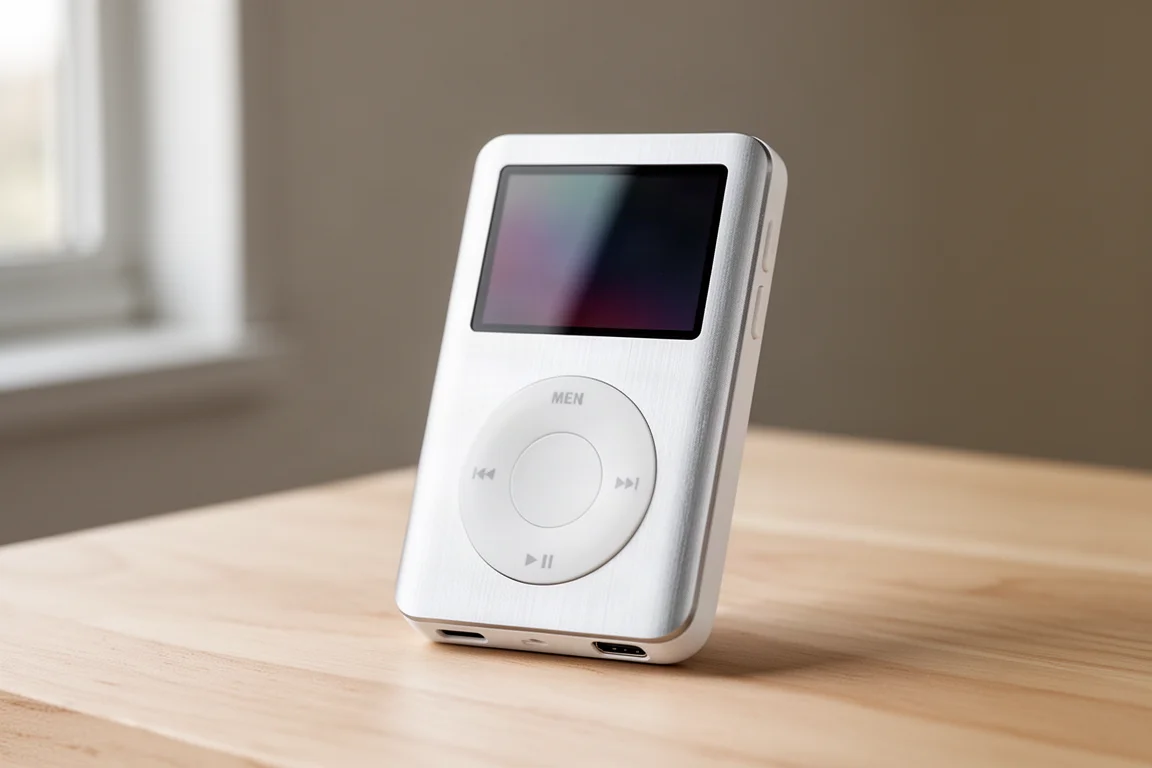
Streaming services are convenient, and they also collect a large amount of data about what you listen to and when. A rebuilt iPod Classic is the counterargument: a dedicated music player with your own files on it and no account attached.
The unit in this setup has been modified in a few practical ways. The original drive has been replaced with microSD card storage, and charging and syncing now happen over USB-C instead of the older connector. It also runs Rockbox rather than the standard firmware from Apple, which opens up a much deeper level of customization over how the player looks and behaves. As a demonstration of how far that goes, it can run Doom.
There is a listening benefit too. Bluetooth headphones constantly ping nearby devices looking for connections, so pairing a wired set with a player like this keeps that chatter out of the picture while you walk around. The trade-off is that you have to source and load your own music, and a modified unit is only as good as the work that went into it.

For anyone rebuilding a music library, the appeal is straightforward: the files are yours, the player does one job, and it does that job without a subscription attached.
Raspberry Pi 3B with Pi-hole: Blocking Ads at the Network Level
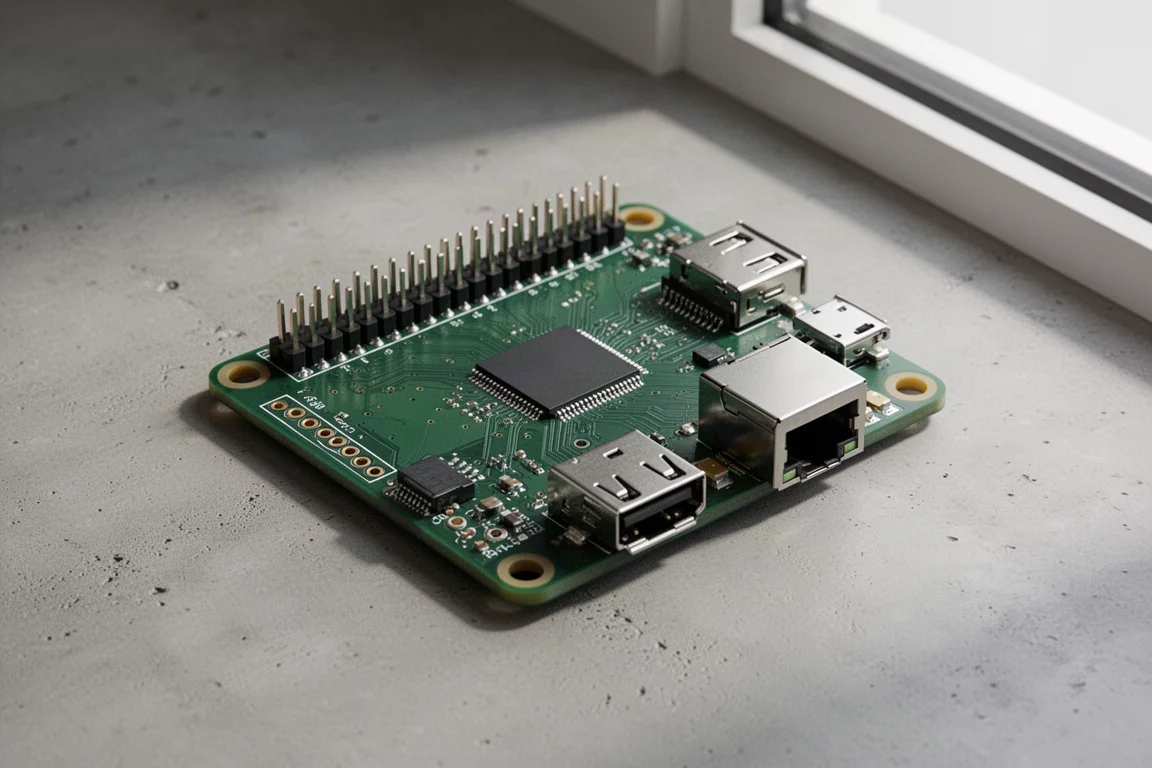
A Raspberry Pi 3B is an older, very small computer, and in this setup it runs two pieces of software: Pi-hole and Unbound.
Pi-hole is a network-level ad blocker. It works by taking over DNS resolution for your network, which is the process that translates a readable address into the numeric IP address a computer actually connects to. Handing that job to the Pi means every lookup passes through it, and anything matching a known advertising domain is discarded before it reaches your devices. Block lists are freely available, often compiled and shared by communities on sites like GitHub, so coverage depends on which lists you load.
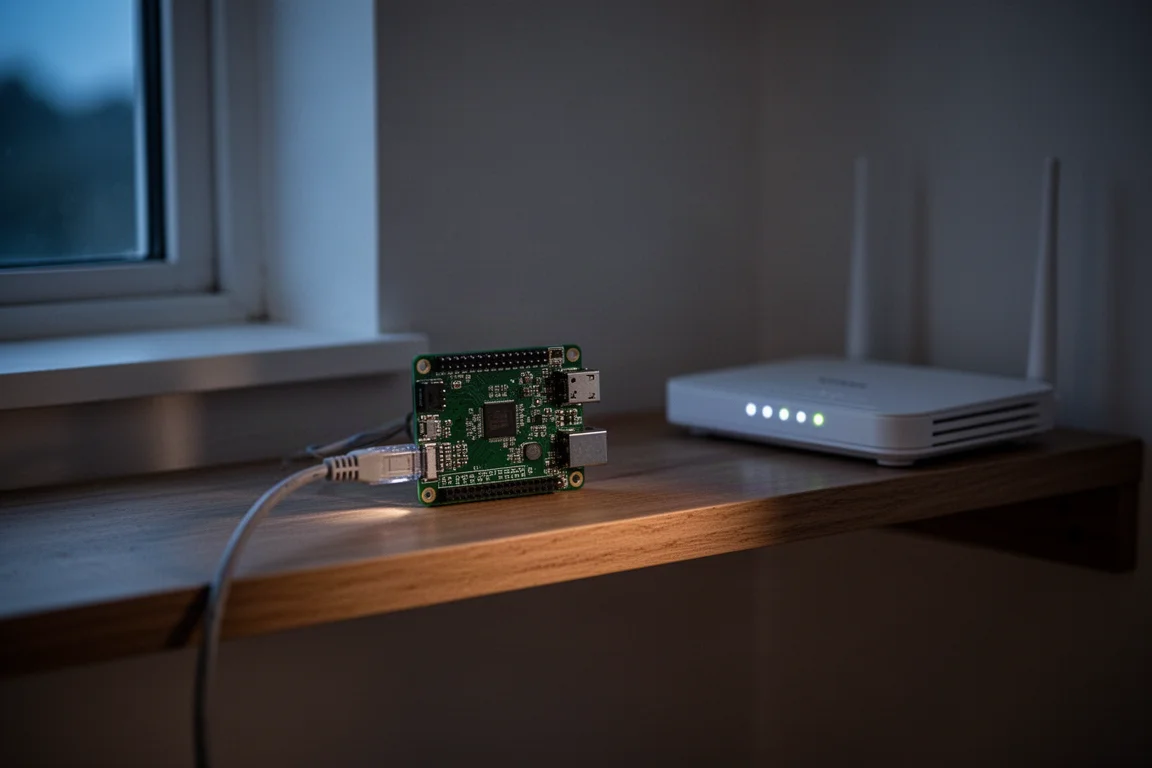
Unbound takes the idea a step further. Instead of forwarding every request to another company’s server, the Pi resolves more of them itself and remembers the answers locally, gradually building a small local map of the internet. The result is quieter browsing across every device on the network, including phones and televisions that cannot run browser extensions. Setup is not trivial, and the board is old enough that you should treat it as a modest, low-power appliance rather than a fast machine.
Framework Laptop with Linux: Modular Hardware and Open Software
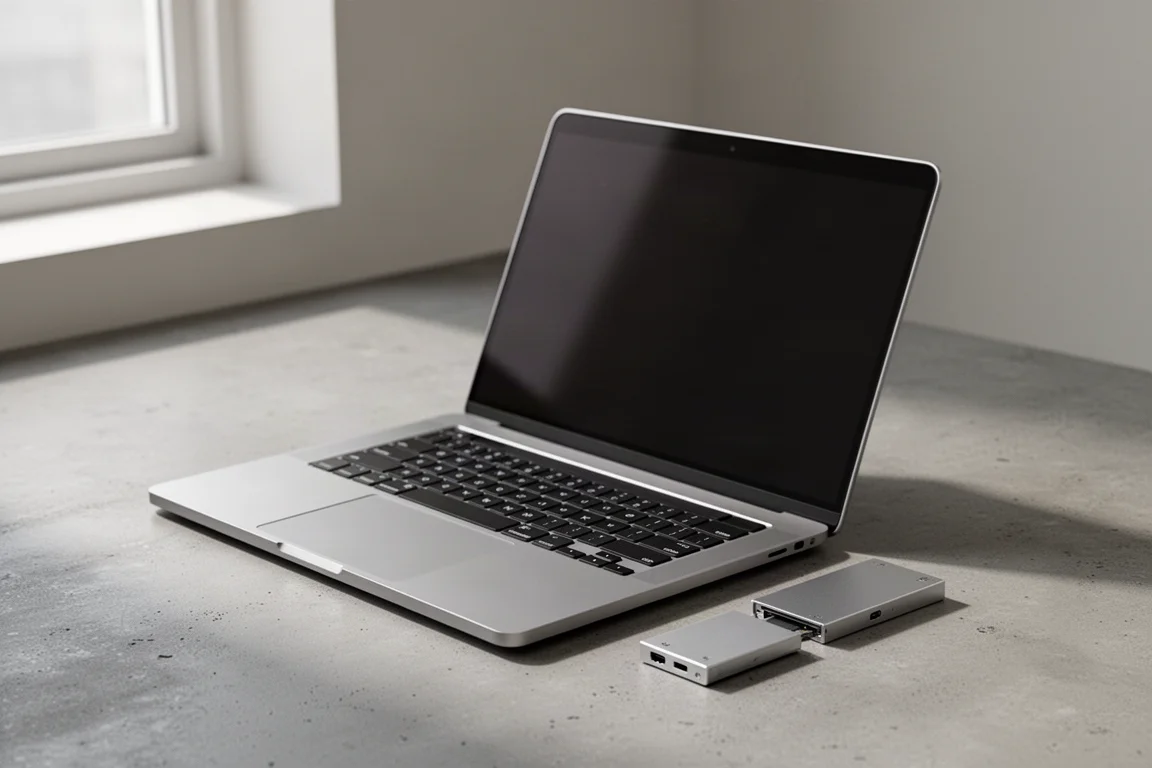
The laptop in this setup comes from Framework, a company that builds modular machines you assemble yourself. The most visible benefit is the port layout. Expansion cards are hot-swappable, so if the power connector on the right would be more useful on the left, you pull it out, drop it into another bay, and the configuration changes in seconds. Ports you do not need can simply be swapped for ones you do.
The second benefit is choice of operating system. This unit runs Linux, which gives the owner considerably more control over how the machine behaves. Much of the code in that system is open source, so anyone with the technical ability and the interest can inspect it and check that it does what its developers say it does. That is not the same as being private or secure by default, but it does put the decisions in your hands.
If you want a laptop you can reconfigure, repair, and reinstall on your own terms, this is the most flexible option of the four. If you want something that works out of the box with no assembly, it is not the right fit.
Where These Tools Fit Together
None of these devices replaces the others. A network-level blocker covers every device in the house, a handheld tool covers the physical signals you encounter, a local music player covers what you listen to, and the laptop covers the machine you do everything else on. Layering them is the point.
The common thread is that the default configuration of everyday hardware is a path of least resistance, not a requirement. Each of these tools exists because someone decided to change a setting that most people never see.
Buying Advice: Matching a Tool to the Problem You Want to Solve
Start with the problem you can actually name. If your concern is advertising and tracking across a household of devices, the Raspberry Pi setup addresses it directly and quietly. If your concern is what you carry and what it broadcasts, the modded player and the handheld signal tool are the more relevant pair. If your concern is the machine you work on, the modular laptop gives you the most room to decide.
Budget matters too, and these tools sit at different points on the scale. A single-board computer is the least expensive way into the category, the handheld signal tool and a rebuilt music player land in the middle, and the modular laptop is the largest commitment of the four. Consider starting with the one that fixes a frustration you already have rather than buying the whole set at once.
Conclusion
Four devices, four different layers of everyday control. The handheld tool answers questions about the signals around you, the rebuilt player keeps your listening habits local, the single-board computer filters requests for the whole network, and the modular laptop puts the hardware and software decisions back in your hands.
The default setting is not the only one. These are simply four practical ways to choose a different one.
Further reading
Related Reviews

Backpacking Gear
Building a 10 lb Base Weight: An Ultralight Backpacking Gear List
A practical walkthrough of the ultralight pieces behind a 10 lb base weight, from a 765 g pack and a roomy one-person tent to a full camp chair and a dependable water filter.

Road Bikes
10 New Road Bikes Worth Watching: Aero, Titanium, Steel and Endurance Standouts
A practical roundup of 10 new road bikes, from aero flagships chasing single-watt gains to titanium, steel and endurance platforms built for real roads.

Bikepacking Gear
11 Bikepacking Essentials for Long-Distance Cycling
Eleven bikepacking essentials for long-distance cycling, from a steel gravel frame and a two-person tent to helmet lights, packable gloves, and a frame bag that puts weight in the right place.