Smart Home
Turn Your Philips Hue Lights into a Zwift Effort Display with Light My Walks
A smart trainer, a Philips Hue bridge, and a one-time three-dollar app turn any room into a color-coded power meter for indoor riding.
Introduction
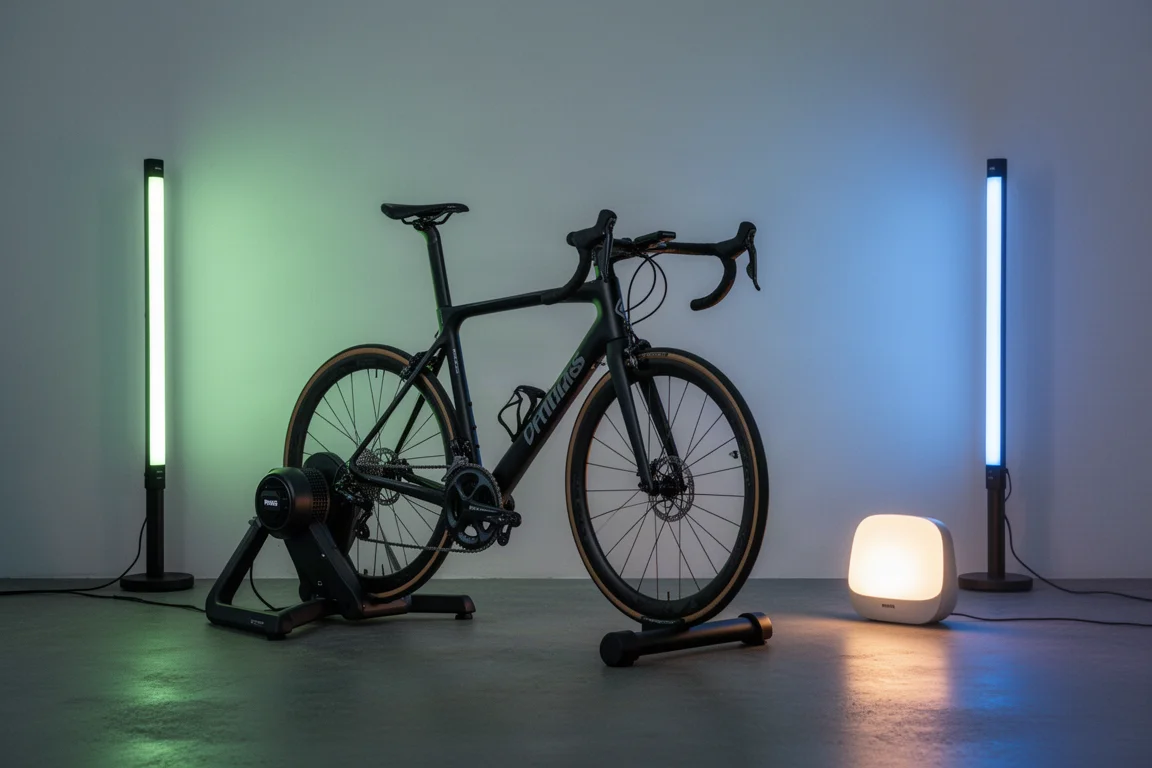
Controlling your entire Philips Hue setup from a smart trainer, power meter, or heart rate strap is a brand-new integration, and it makes indoor riding feel surprisingly different. While a rider is in the middle of a 90-minute Zwift workout, the lights in the room change color based on the effort being pushed into the pedals. Sprint hard and the room goes red; settle into endurance pace and it settles back to green.
The best part is how simple and cheap the software side is. A one-time purchase app called Light My Walks handles the whole connection, and it costs three dollars with no subscription of any kind. Here is how the setup works, what hardware you need, and which lights make the most sense.
What You Need Before You Start
You basically need three things. First, something that controls the intensity: a trainer, a power meter, or a heart rate strap. Second, Philips Hue lighting in some form, along with a Hue bridge, which is required if you have Hue lights. Third, the Light My Walks app, a one-time three-dollar purchase.
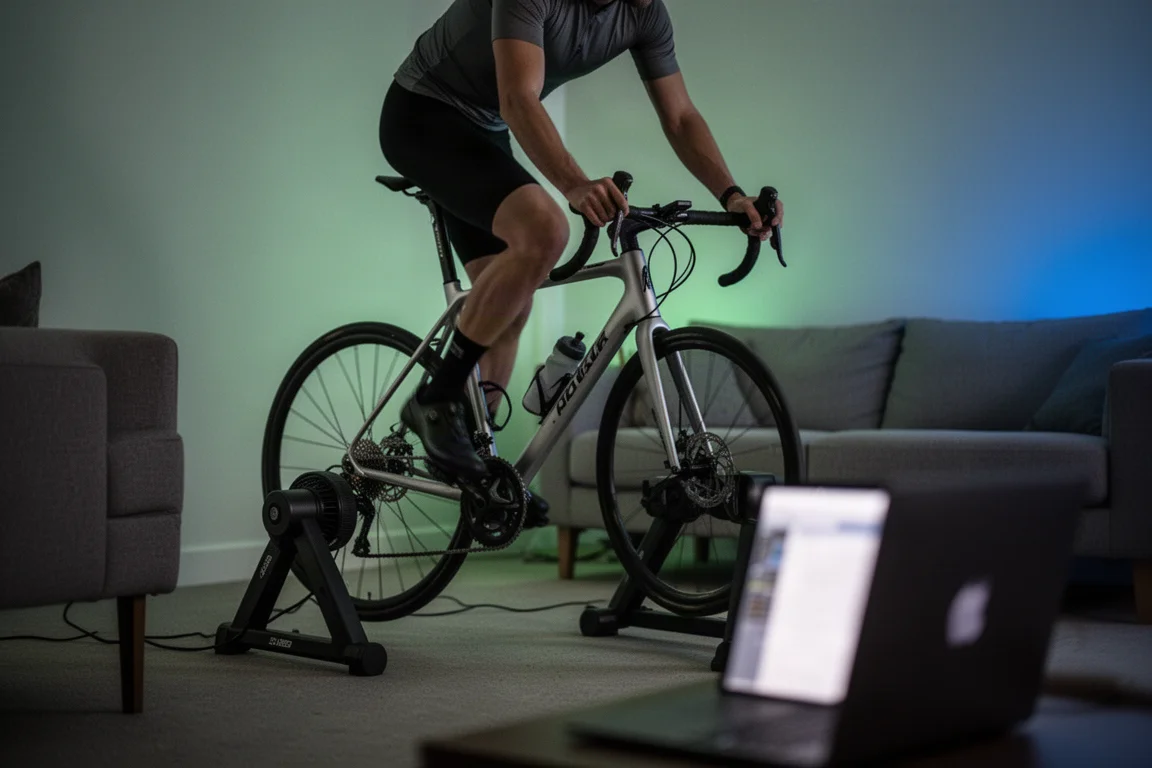
One caveat matters on the trainer side: the sensor has to be on Bluetooth, which is basically every trainer, power meter, and heart rate sensor from the last decade. Depending on how old your trainer is, it may support one, two, or three Bluetooth connections. An older trainer with only one connection can be a problem, because your computer or tablet may already be using that connection to control the trainer. In that case, use a power meter on the bike instead, or as a last resort, a heart rate sensor.
Setting Up the App and Hue Bridge
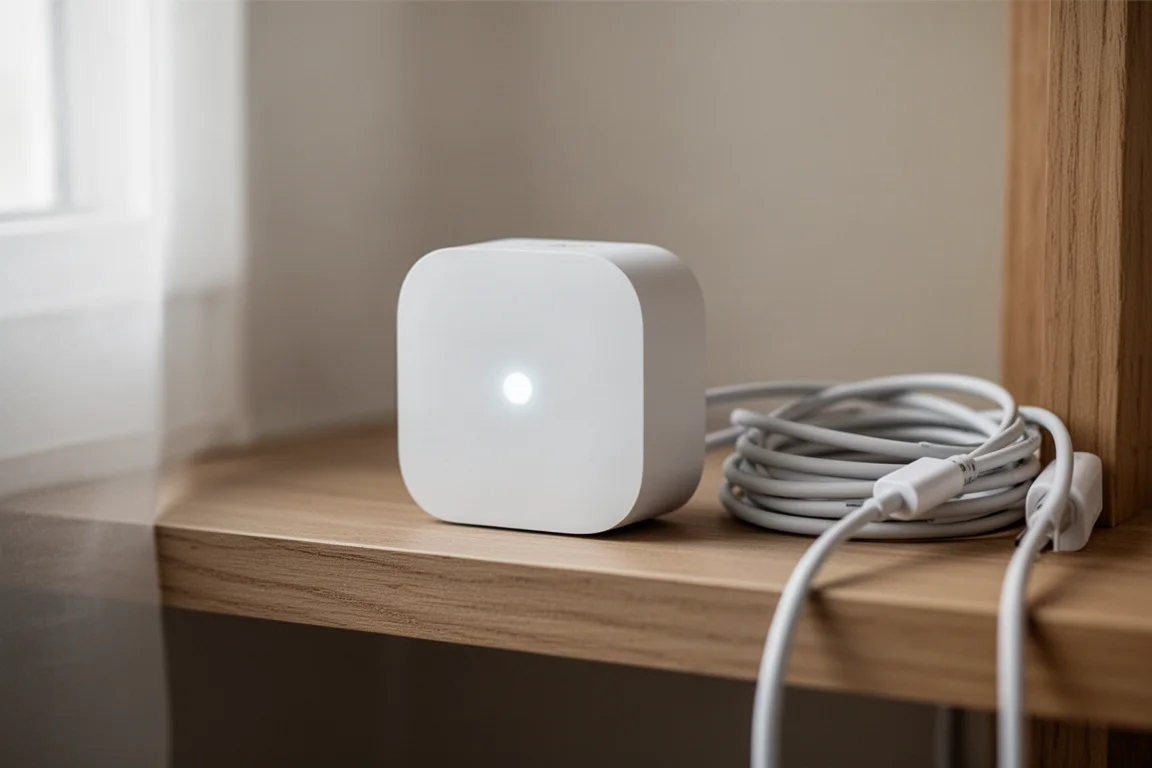
After installing the app, you authenticate it to your Philips Hue bridge. The app searches for bridges on your Wi-Fi network, and you press the button on top of the bridge to authorize control. You only have to do that once.
Next, the app asks you to enumerate your rooms. Put all the Hue lights you want to control into one room, which you can name whatever you like, and the app controls everything in that room as one group. Then scan for your trainer, power meter, or heart rate sensor, and configure your FTP or max heart rate so the light colors match the same zone colors used in Zwift. You can customize the colors and brightness in the app, and a reset button returns everything to the defaults.
Keep the app running in the background on your phone or computer. It does not need to be in the foreground the entire time, which makes it easy to forget about once it is configured.
How the Lights Respond to Your Effort
Latency comes in two pieces. Sensor data generally reaches the app in a second or under, depending on the trainer. The Hue side is also quick: even with lights positioned 20 to 30 meters away, latency measured around a third of a second. For a hard sprint, expect roughly one to two seconds before the transition begins, depending on how fast your trainer reacts.
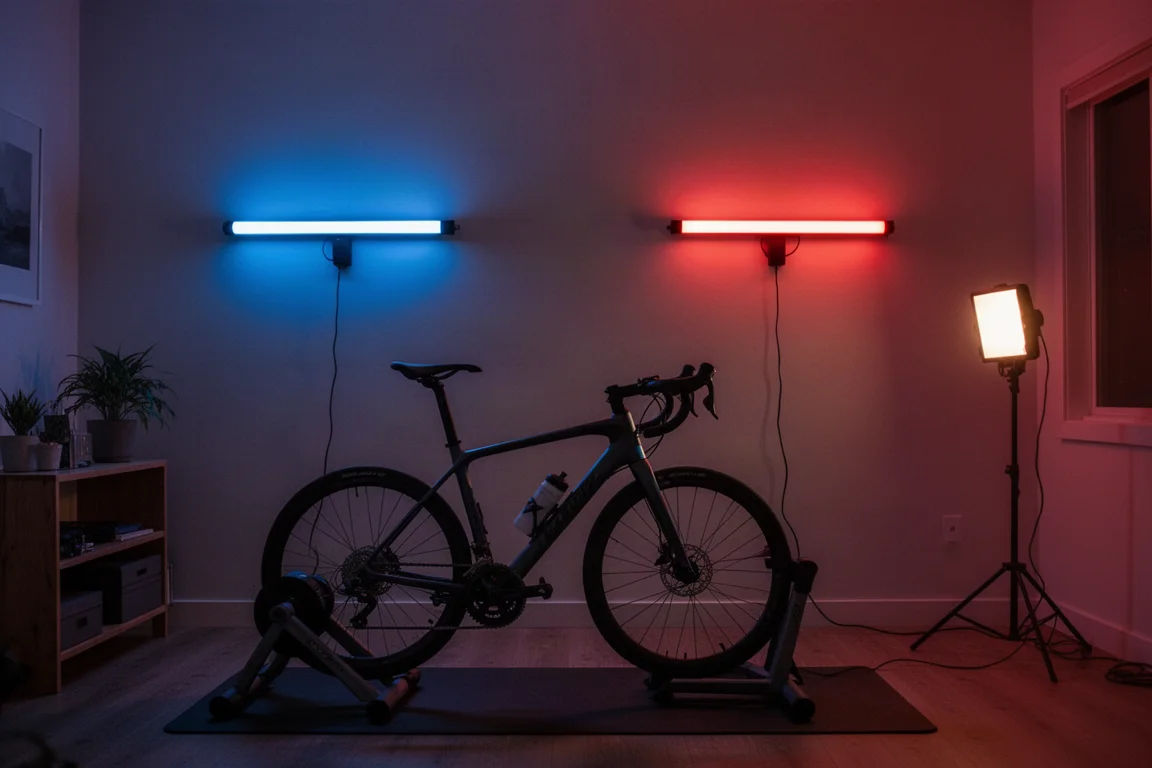
The bigger quirk is the flip side: most trainers and power meters broadcast fairly variable 1-second power, so lights flicker up and down between zones even when your actual effort is steady. A power smoothing toggle in the app solves this. Sliding it to around three to five seconds of smoothing kept the color rock solid during erg workouts, and it has been spot-on since.
Choosing Your Philips Hue Lights
The Hue ecosystem offers a huge range of options: indoor, outdoor, ceiling fixtures, bulbs, strips, and bars. They all behave the same in this setup, since the integration only cares about light and color.
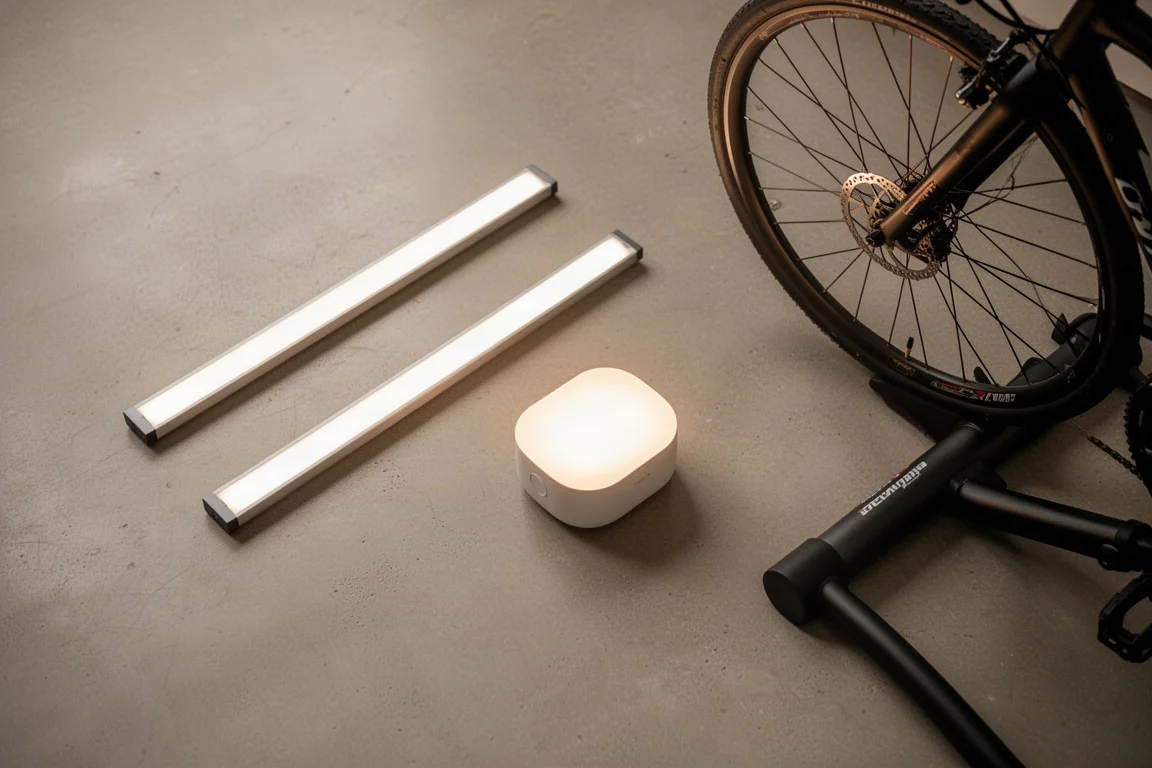
Two light formats work especially well for a training room. Light bars are flexible and easy to reposition, and they are the recommended starting point even though they cost a bit more than strips. LED strips are better suited to permanent installations where you know exactly where you want the light to live.
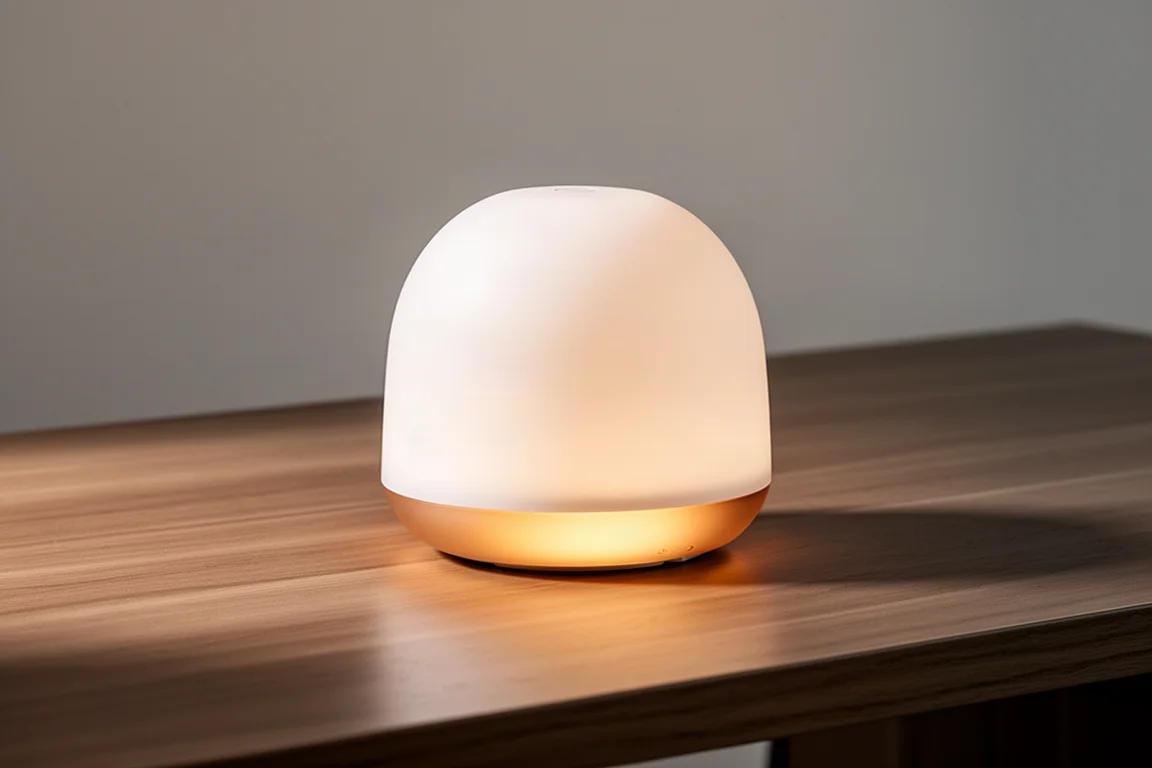
A portable, battery-powered light is the other core piece here. Because it has a built-in battery, it can be placed anywhere in the room for the trainer setup and then moved elsewhere for other occasions, which makes it a genuinely versatile part of a Hue collection.
Which Bridge Do You Need?
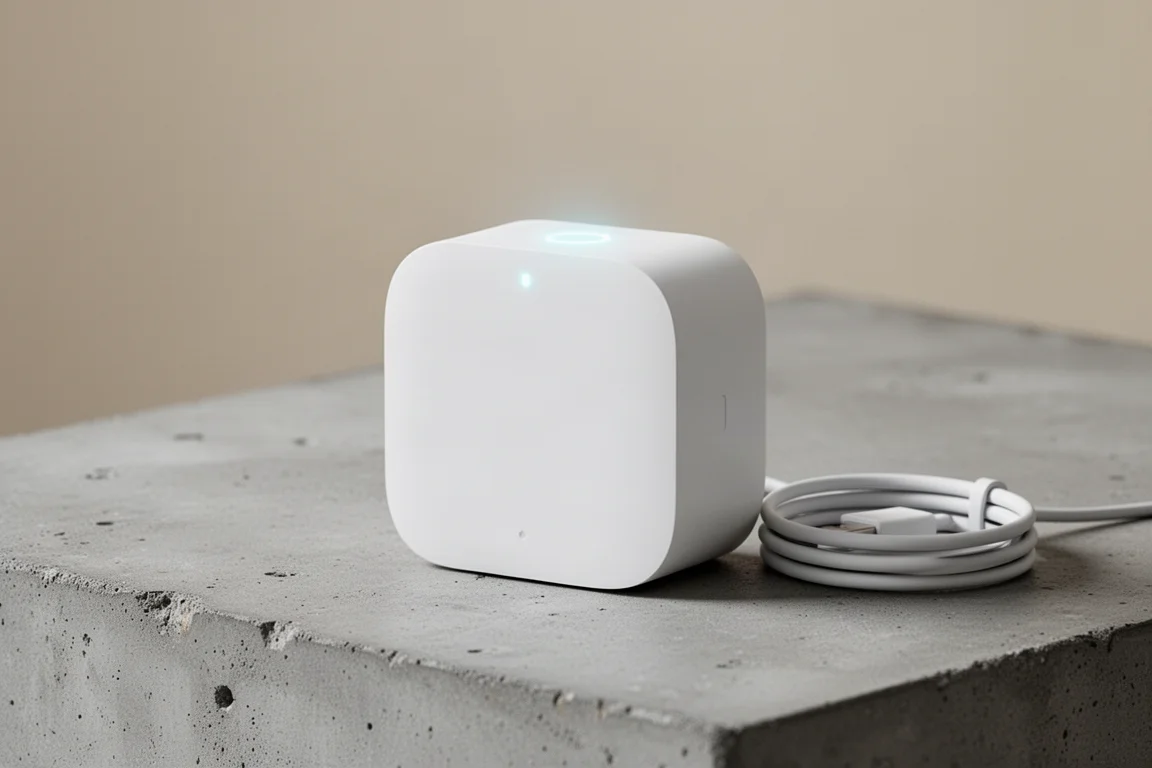
Philips sells a base bridge and a newer pro bridge, and for this integration there is no difference whatsoever between them. Beta testers have reported no latency advantage either way, so the base bridge works totally fine and is what many setups use.
Is Light My Walks Worth It?
Compared with other ways to sync Hue lighting with Zwift, such as an HDMI pass-through box or certain TVs that mirror screen content, this app does something different. Screen mirroring makes the room match the virtual world, while Light My Walks makes the lights reflect your actual physical effort.
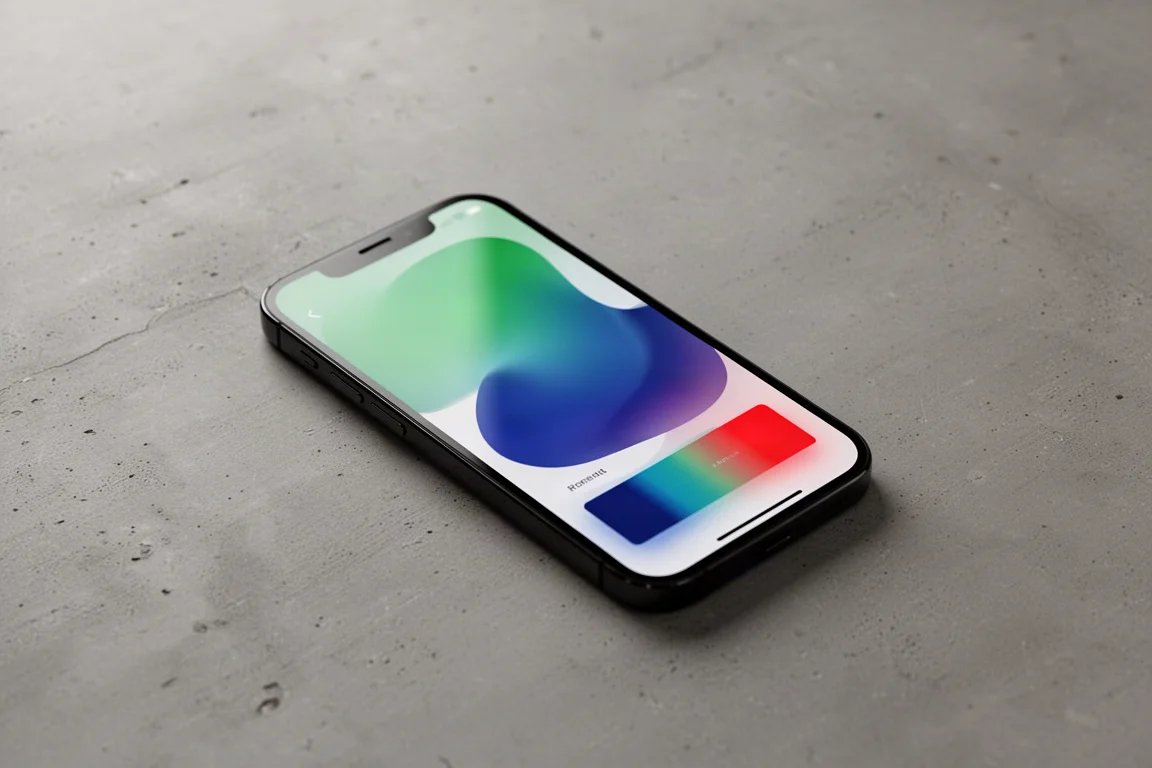
It runs on your phone, setup takes a couple of minutes, and the three-dollar one-time price with no subscription is hard to argue with. Once you get past the cost of the Hue lights themselves, this is one of the least expensive ways to make indoor training sessions more immersive.
Conclusion
This integration is easy to set up, works with hardware most riders already own, and costs only three dollars for the app. Light bars and a portable light make a flexible starting point, the base bridge is all you need on the Hue side, and power smoothing keeps the colors steady through erg workouts. If you already ride in Zwift and have Hue lights in the room, this is a fun, affordable upgrade that makes every zone change visible in the whole space.
Further reading
Related Reviews
Smart Home
Amazon Echo Hub Review: A Smart Home Dashboard That Finally Gets It Right
The Amazon Echo Hub puts smart home controls front and center with a fast, simple interface. Here is how it performs as a family-friendly dashboard.
Smart Home
15 Amazon Smart Home Automations: Practical Ideas for Every Room
Fifteen practical Amazon Alexa routines and automations that solve real household problems, from pet care to security and entertainment.
Smart Home
Apple TV as HomeKit Hub: Why It's Your Best Choice for Home Automation
The Apple TV combines HomeKit hub functionality with a display, camera viewing, and local automation control. Here's what makes it stand out from iPad and HomePod Mini alternatives.