DIY Audio
Parts Express Copperhead DIY Desktop Monitor Kit Review: A Beginner-Friendly Near-Field Speaker Build
A flat-pack desktop speaker kit built around a three-inch full range driver, with simple assembly, a bright on-axis balance, and placement tips that make it work.
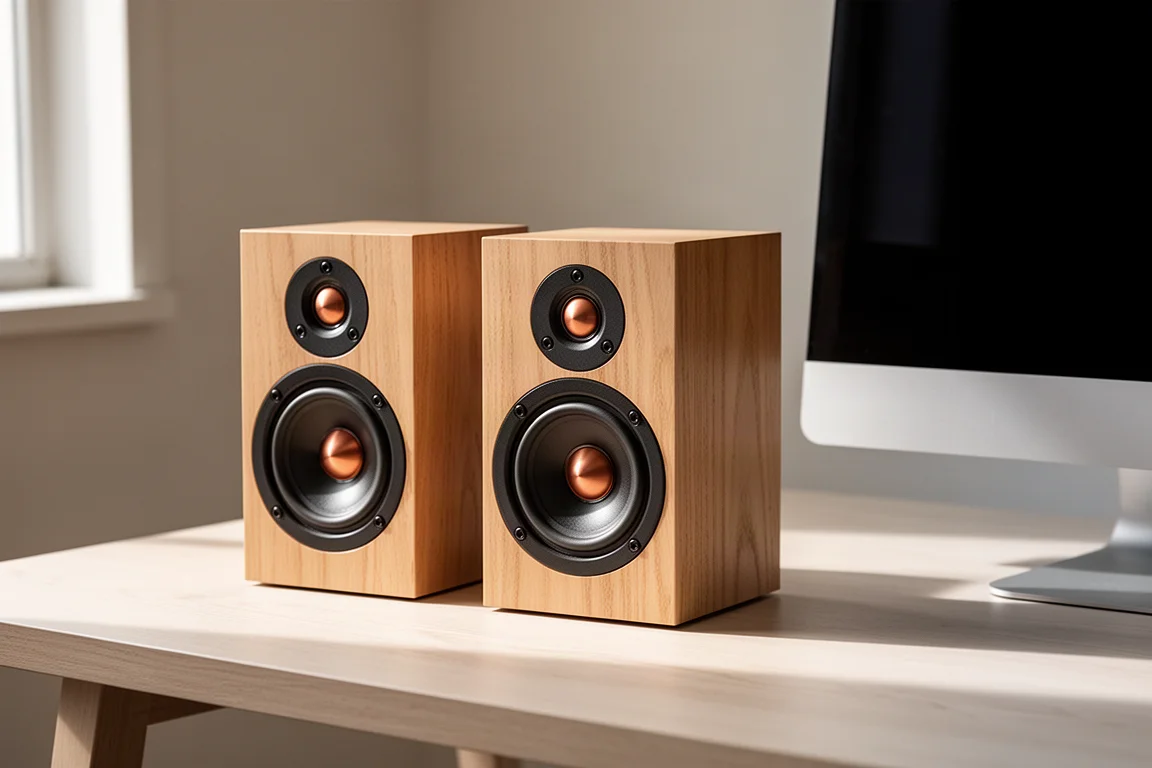
Introduction
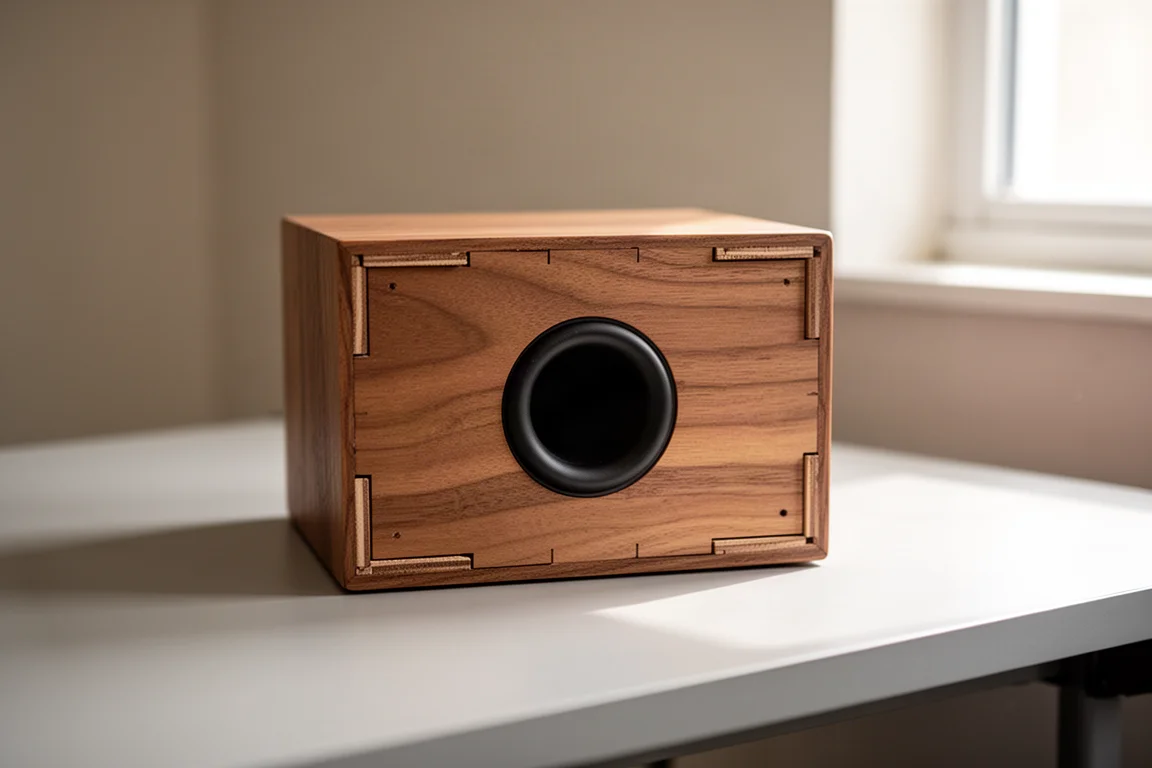
The Parts Express Copperhead is a DIY desktop monitor kit sold as a flat pack. Inside the box you get a pair of knockdown cabinets, two 3 inch full range drivers with a copper phase plug, a port that fires through the bottom of each cabinet, a small crossover network built from an inductor, a resistor and a capacitor, plus wire and binding posts. Pricing sits around $100 to $120 for the pair depending on current promotions, which is a modest outlay for a project that ends with a working set of near-field speakers on your desk. The kit is marketed as a desktop monitor, and that framing matters: it is designed for close listening at sensible volumes rather than for filling a room.
Who This Desktop Monitor Kit Is For
This kit makes most sense for three kinds of buyers. The first is a parent who wants a weekend project a child can help with, since the assembly is straightforward and the finished speaker keeps working long after the glue dries. The second is a first-time builder who wants to learn how a speaker goes together without buying tools or expensive parts. The third is a desk listener who wants a compact pair for background music, casual video and light editing work, at moderate volume and a short listening distance.
Anyone hoping for room-filling output or a flat, neutral balance out of the box should look elsewhere. The Copperhead has a pronounced treble lift when you sit directly on its axis, and it is happiest when you sit slightly above it and let it point a little past your ears.
Placement is not a small detail here. The cabinet is built with a slight upward tilt of roughly three to five degrees, so the speaker naturally aims a little above the horizontal. The recommended listening position sits about 20 to 30 degrees above the driver, typically around a foot above the cabinet on a desk. Sitting level with the driver and pointing it straight at your face is the fastest way to find the treble lift uncomfortable.
What Comes in the Kit and How Assembly Works
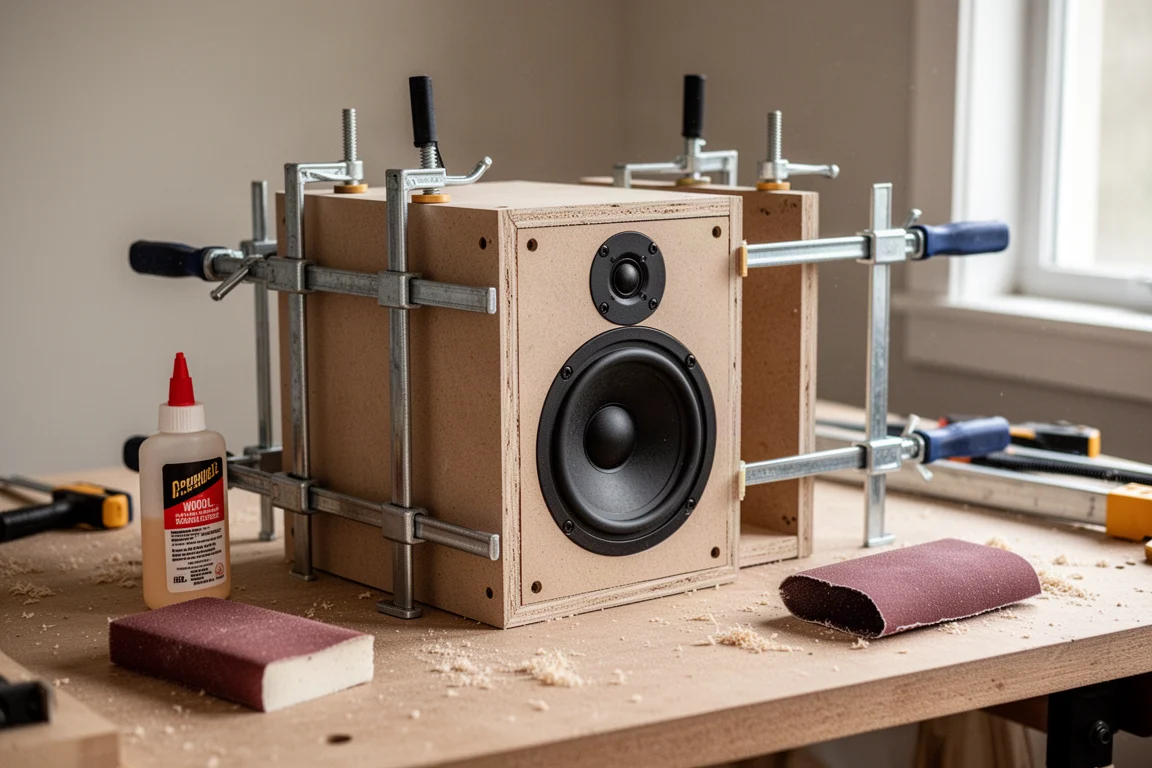
Everything structural arrives in the box: the flat-pack panels for both cabinets, the two drivers, the crossover parts, the port tube, the wire and the binding posts. The one thing you supply is the acoustic damping material that goes inside the cabinet, along with wood glue and something heavy to hold the panels together while the glue cures, such as clamps, bricks or a stack of books.
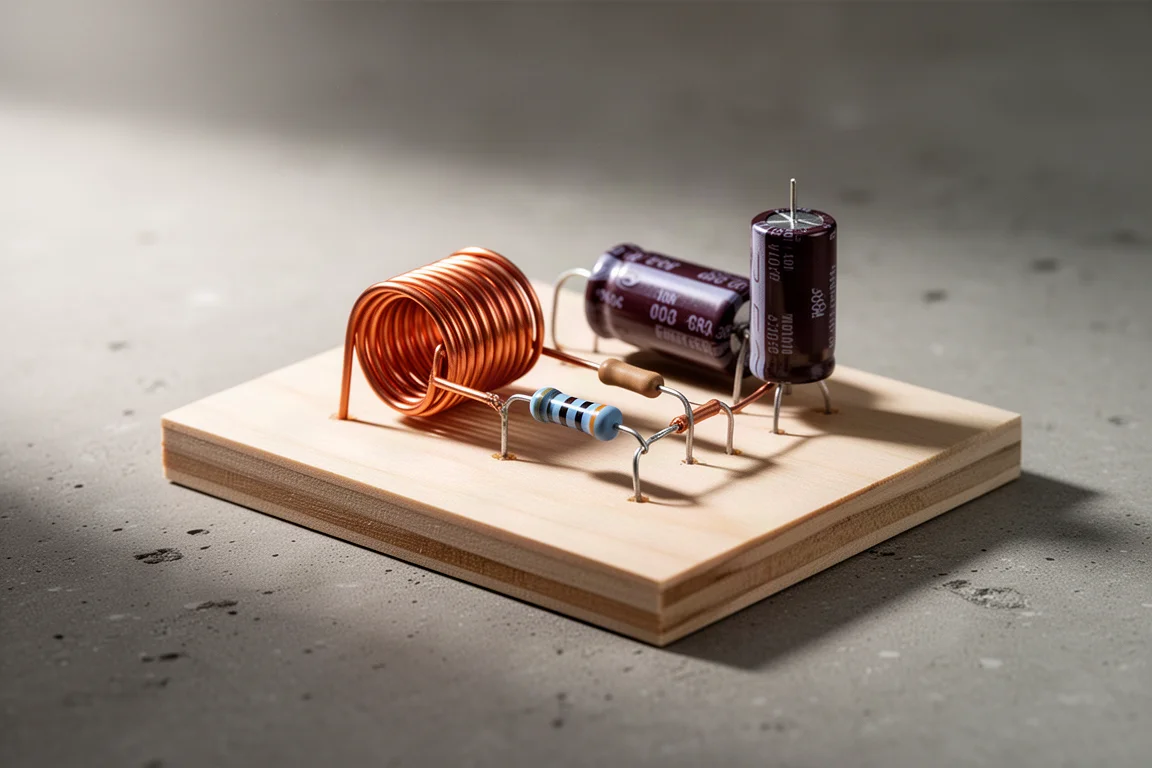
Assembly follows a simple sequence. Glue and clamp the enclosure, drill out the holes, fit the damping material, slide the port into place and mount the full range driver. The port exits through the bottom of the cabinet, so the enclosure needs a little clearance underneath. The crossover is a small network with an inductor, a resistor and a capacitor that compensates for baffle step, plus a second inductor that attenuates the top end. The kit documentation lists that second inductor as optional, but keeping it in place tames the high frequencies noticeably.
Soldering is optional. The connection points can be twisted together and will work, although soldered joints are more secure and hold up better over time. For a first build, the twisting route keeps the required tool list close to zero.
Sound Character and Placement
The Copperhead uses a single full range driver, so there is no crossover point between a tweeter and a woofer, and the character of the speaker comes mostly from that one driver and the cabinet around it. The claimed response is 80 Hz to 20 kHz. In practice the top end is the dominant feature: there is a clear treble lift that becomes obvious when the speaker is aimed at the listener, and it is the main reason the kit rewards an off-axis setup. Angling the cabinets slightly away from your ears, and sitting above them, makes the balance far more agreeable without losing detail.
Midrange presence is reasonable for a driver of this size, and the small cabinet keeps voices and acoustic material easy to follow at close range. This is a near-field speaker in the truest sense: the sweet spot is small, and it is measured in inches rather than feet.
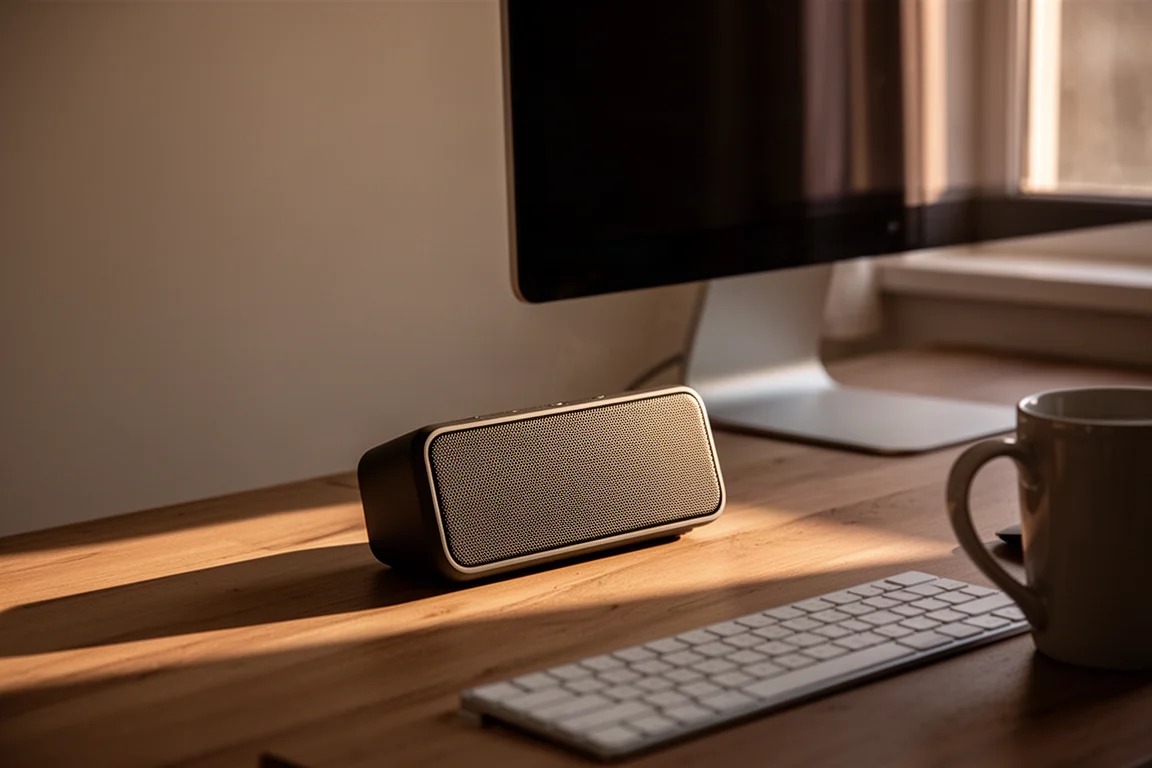
Positioning experiments pay off quickly. Because the cabinets are small and light, moving them a few inches or rotating them a few degrees changes the tonal balance more than most owners expect, so it is worth spending an evening trying a handful of placements before settling on one.
Output Limits and Measured Behaviour
Volume is the other defining characteristic. The Copperhead is not a loud speaker, and it makes no claim to be. Pushed toward 80 to 85 dB at one meter, the drivers begin to sound strained. Harmonic distortion measured at 86 dB at one meter already sits above the 3 percent threshold, and at 96 dB at one meter it rises well beyond that, which points to a suspension that cannot keep the driver under control at high levels. Compression measurements show roughly 3 to 4 dB of output lost between moderate and high drive levels, so a system asked for 96 dB is closer to 92 or 93 dB in practice.
Band limiting helps. Restricting the signal to 100 Hz and above, or 200 Hz and above, cuts distortion substantially and reduces compression to about 2 to 3 dB. That makes a subwoofer crossover or a high-pass filter a sensible companion if you want more usable headroom.
Frequency Response Notes
Measured data for the assembled speaker shows a resonance near 2 kHz and another around 8 kHz. Output above roughly 14 kHz runs about 5 to 8 dB above the rest of the response, which is the region responsible for much of the perceived brightness. A diffraction-related dip appears in the low treble, near 3 to 4 kHz, caused by the cabinet edges and the driver’s own directivity.
Tuning Options
Because the directivity is reasonably smooth, the response can be equalized. Computer-based EQ is the simplest route: a narrow cut of 2 to 3 dB with a high Q around 2 kHz, a similar narrow cut with a Q of about 5 around 8 kHz, and a broad cut of several dB centred near 16 kHz. For those who want to go further, raw driver data is published for use in crossover simulation software, which lets a builder model alternative crossover parts before buying anything. Passive notch filters for each of those regions are the equivalent approach, though the extra components add cost.
Things to Consider Before Buying
The treble lift is the biggest consideration. Sitting directly on axis is uncomfortable for long sessions, so plan on placing the speakers above ear level and angled slightly away. If your desk setup forces the speakers to point straight at you, this kit will be harder to live with.
Output is the second. These are quiet near-field speakers, and they will not carry a large room or a loud listening session. Buyers who want party volume should look at larger, more sensitive designs.
Third, the kit is not entirely complete out of the box. Damping material is not included, and neither is wood glue, so budget a small amount extra. The optional high frequency inductor is worth keeping in the circuit. Finally, the crossover is simple by design, and anyone hoping for a perfectly flat response will want to use EQ or modify the network.
None of these points are dealbreakers at this price. They are the trade-offs that come with a small full range driver in a compact cabinet, and knowing about them in advance makes the build more satisfying rather than less.
Buying Advice
At roughly $100 to $120 for the pair, the Copperhead is priced like a project rather than a finished product, and that is the fairest way to judge it. The parts alone would cost more than this if bought separately, and the assembly is simple enough that a beginner can finish it in an afternoon without special tools or soldering.
Value improves further if you already own a computer and are willing to apply a few EQ cuts, since software equalization costs nothing and addresses the main tonal complaint directly. Pairing the speakers with a subwoofer or a high-pass filter at 100 Hz also extends usable volume and lowers distortion, which suits anyone who wants to use them for more than background listening.
For parents, the kit doubles as a shared project with a tangible result. For tinkerers, the published driver data opens the door to a custom crossover later. For someone who simply wants a finished, neutral desktop speaker with no assembly, a different product will be a better fit.
It is also easy to recommend as a second or third build for anyone who wants to practise crossover work without risking expensive drivers. The low cost of entry means mistakes are cheap to correct.
Conclusion
The Parts Express Copperhead DIY Desktop Monitor Kit is a modest, honest project speaker. It arrives as a flat pack, goes together with glue and a little patience, and produces a compact near-field monitor with a bright top end that needs careful placement. It does not play loud, and its response is not flat, but at this price the trade-offs are clear and the assembly is genuinely approachable. Buyers who want a first build, a parent-and-child weekend project, or a small desk speaker they can tune to taste will find a lot to like here. Buyers who want volume or a neutral response straight out of the box should keep looking.
Product link
View more details for Parts Express Copperhead DIY Desktop Monitor Kit
This product is mentioned in the review. Check the specifications, options, and compatibility before buying.
View more details for Parts Express Copperhead DIY Desktop Monitor KitFurther reading
Related Reviews
Desktop Audio
ADAM Audio D3V vs Kali Audio LP-UNF: Two $299 Desktop Monitors Compared
Two compact powered desktop monitors at the same price, compared on bass extension, linearity, placement settings, directivity, and realistic output limits.
Preamplifiers
Akitika PR-102 Review: A Preamp That Sounds as Good as It Is to Build
The Akitika PR-102 is a discrete line preamp sold as a kit or fully assembled, with two amplifier outputs, swappable op amps, and a neutral, three-dimensional sound.
Amplifier Kits
Akitika Z4 Amplifier Kit Review: Excellent Sound, Frustrating Assembly
A close look at the Akitika Z4 amplifier kit, covering its sound, build quality, value, and the documentation pitfalls worth planning for before you pick up a soldering iron.