Health Wearables
Oura Ring Horizon vs Heritage: Tips for Getting the Most Out of Your Smart Ring
Practical tips for fit, accuracy, workout tracking, and subscriptions, plus how the Horizon and Heritage editions compare in daily use.
Introduction
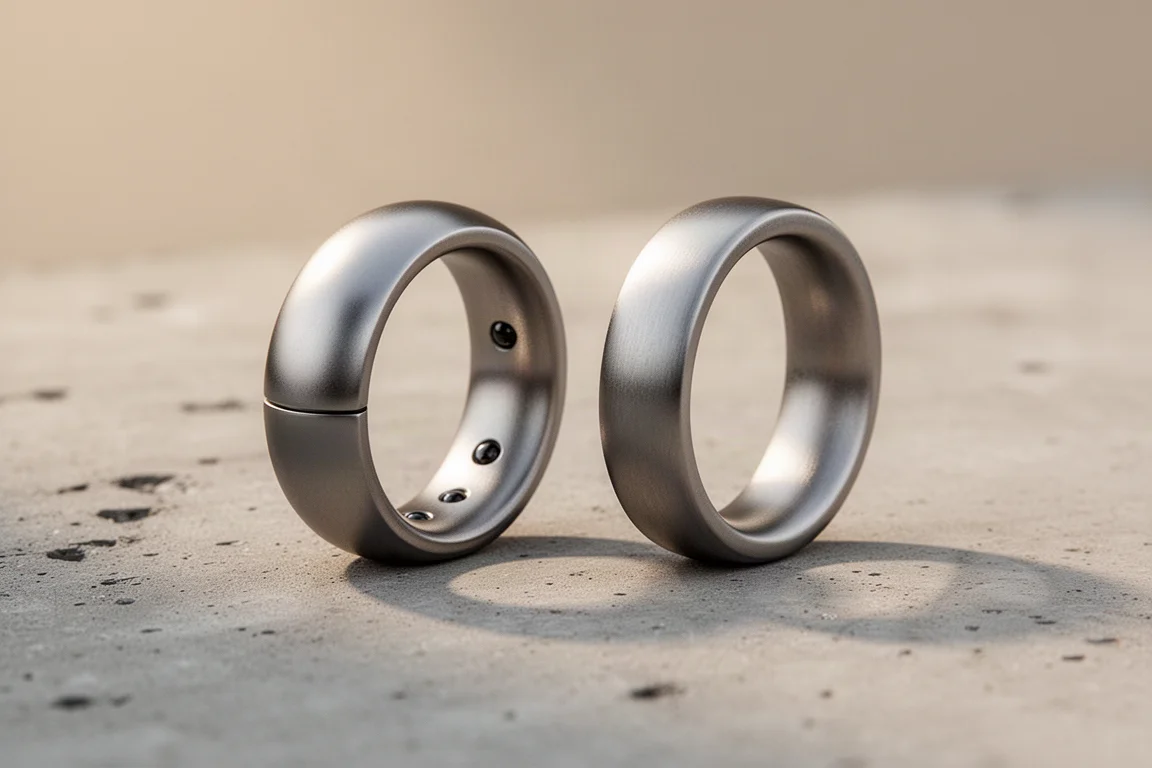
A smart ring earns its place on your finger by doing one thing well: it tracks your health and recovery continuously without getting in the way. That is exactly why the Oura Ring has stayed in daily rotation here for close to three years, worn alongside a rotating cast of smartwatches. It captures sleep stages, resting heart rate, and heart rate variability overnight, when a watch often feels like one accessory too many.
The lineup now includes the newer Oura Ring Horizon alongside the older Heritage Edition, and both benefit enormously from a few setup habits that most owners skip. This guide covers the practical tips that make the biggest difference, from finger placement to workout logging, plus what separates the two editions in everyday use.
Getting the Fit and Finger Placement Right
Accuracy starts with fit. The ring should not sit so loose that the sensors lose contact with your skin, but not so tight that it restricts circulation either. A snug, comfortable fit on a finger with good blood flow is the goal.
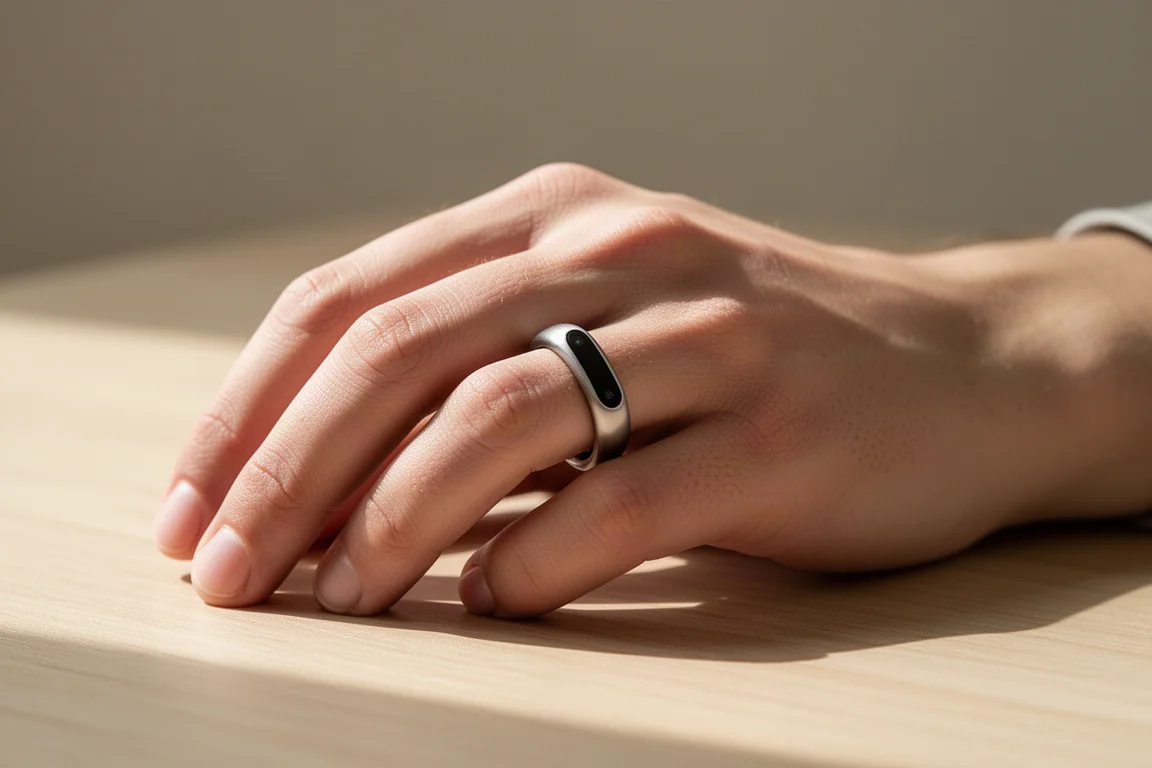
Finger choice matters more than most people realize. The index finger is the recommended spot, and in side-by-side testing the ring worn there tracked heart rate nearly perfectly against a chest strap and an optical arm monitor, while the same ring model on a ring finger lagged behind. The index finger simply tends to have more soft tissue and larger blood vessels for the sensors to read.
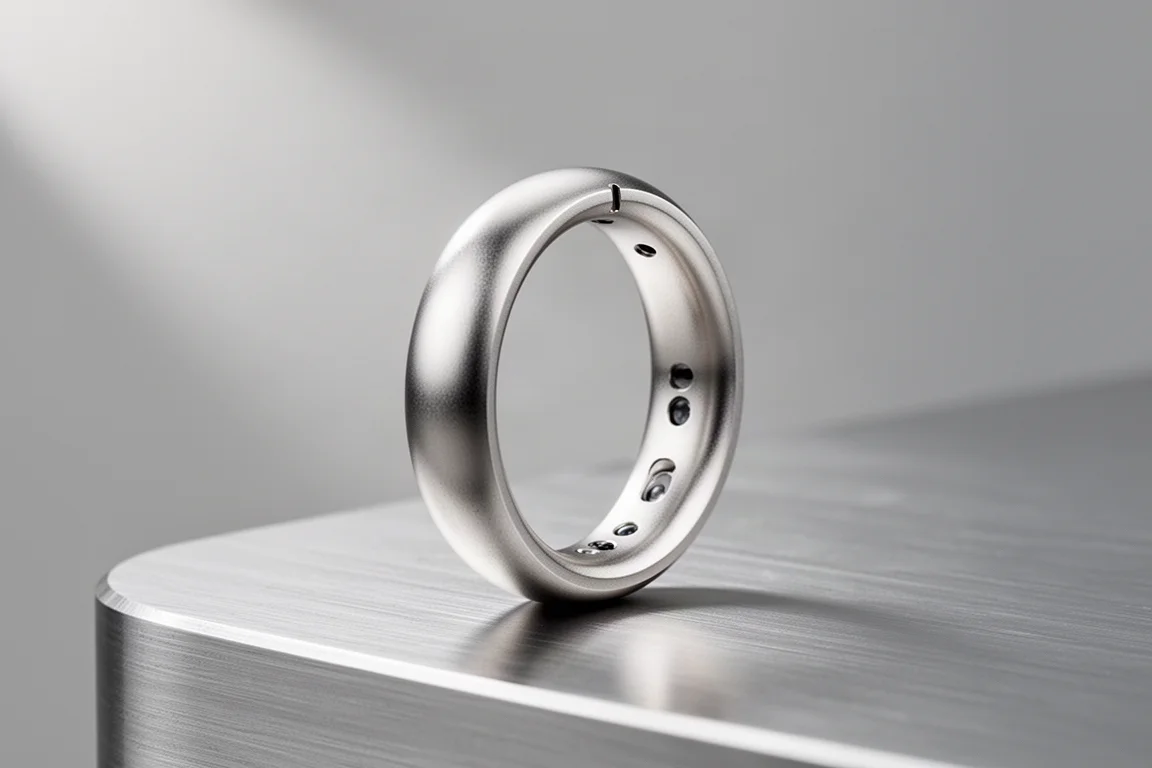
Orientation is the final piece. The heart rate sensor occupies roughly a third of the inner surface, and it should face the underside of your finger rather than the top or sides. On the Horizon Edition, a small notch makes it easy to confirm correct orientation by feel alone, which is a genuinely useful touch when you are putting the ring on half-asleep.
Recording Workouts Without Fuss
You can record workout heart rate directly from the app by scrolling to your activity goal and tapping record, with options for running, cycling, and walking. In practice, there is an easier route: simply do your workout normally. The ring detects elevated heart rate automatically and prompts you afterward to tag the activity type, logging it to your history. With location services enabled, it even attaches GPS distance from your phone to outdoor sessions.
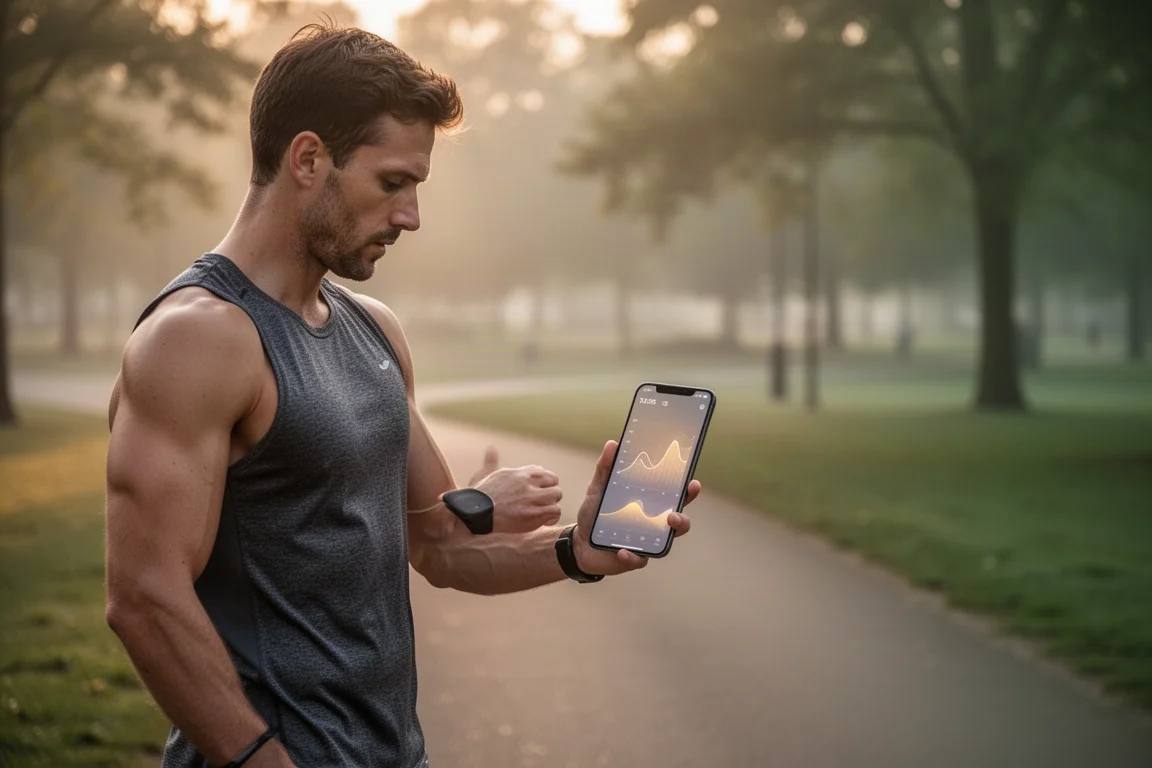
Forgot to open the app after training? It will remind you the next day to tag yesterday’s activity, which removes the pressure to fumble with your phone mid-workout entirely.
One honest caveat: weight training is the weak spot. Gripping dumbbells presses the ring uncomfortably into your finger, and knurled barbells raise the risk of scratching the finish. That is where the workaround below becomes the better option.

Strava and Apple Health Integration
Strava integration is arguably the most valuable trick in the entire Oura ecosystem, and it works in both directions. Workouts recorded with the Oura app sync out to Strava, and anything recorded in Strava, whether from the app itself, a smartwatch, a bike computer, or another platform, automatically flows into your Oura account. Nothing needs to be logged twice.
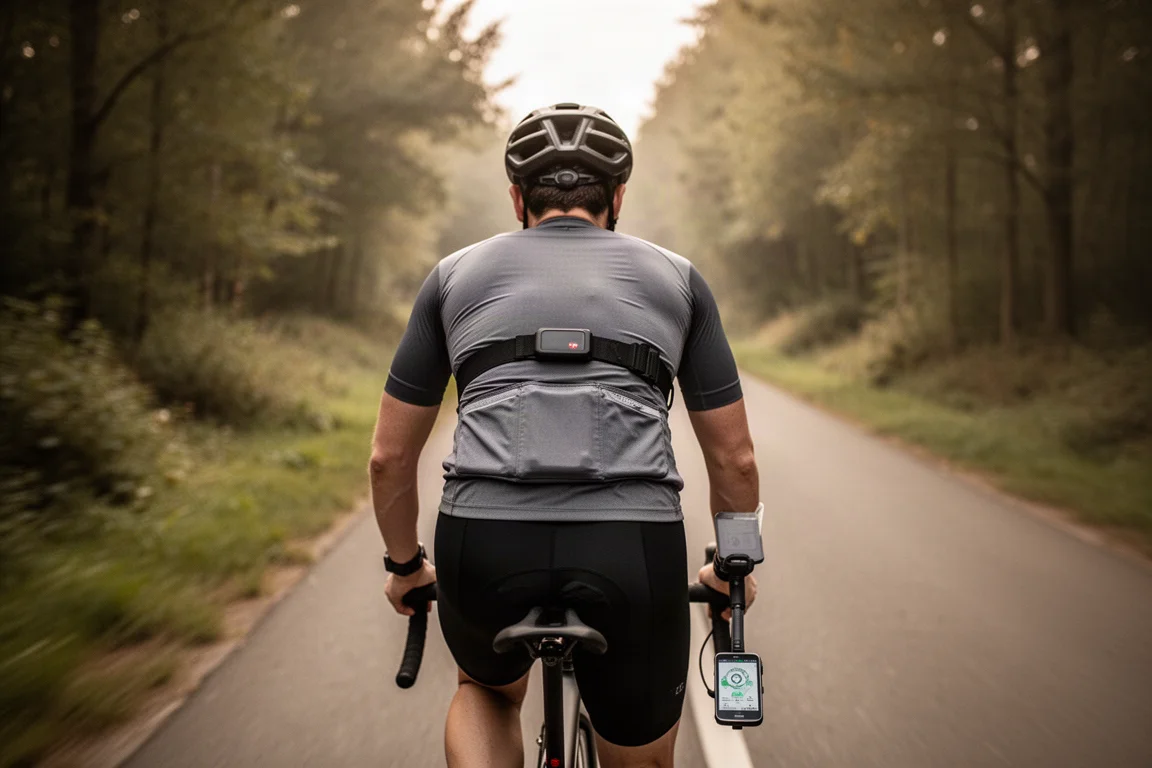
This also solves the accuracy question. A chest strap or optical arm strap delivers more precise heart rate data than the ring during hard efforts, so recording your session in Strava with an external strap feeds higher-quality data into Oura while keeping everything in one place.
For weight training, the payoff is even better: a workout tracked in Strava counts toward your Oura activity goal even if you leave the ring at home. You will see a gap in heart rate data for that period, but the session still registers.
Apple Health serves as the aggregation hub, and it is also the most reliable path for exporting workout data. Pair it with the HealthFit app, which links to Apple Health, and recorded workouts flow through to platforms like TrainingPeaks for deeper analysis.
Subscription, App Content, and Sleep Support
The subscription costs $5.99 per month, with a free 30-day trial included with a ring purchase. Without it, you keep the three core scores for sleep, readiness, and activity, but lose detailed stats and historical data. The price sits on the lower end of wearable subscriptions, and comparable readiness-style scoring through a third-party app can cost more on top of a smartwatch purchase.
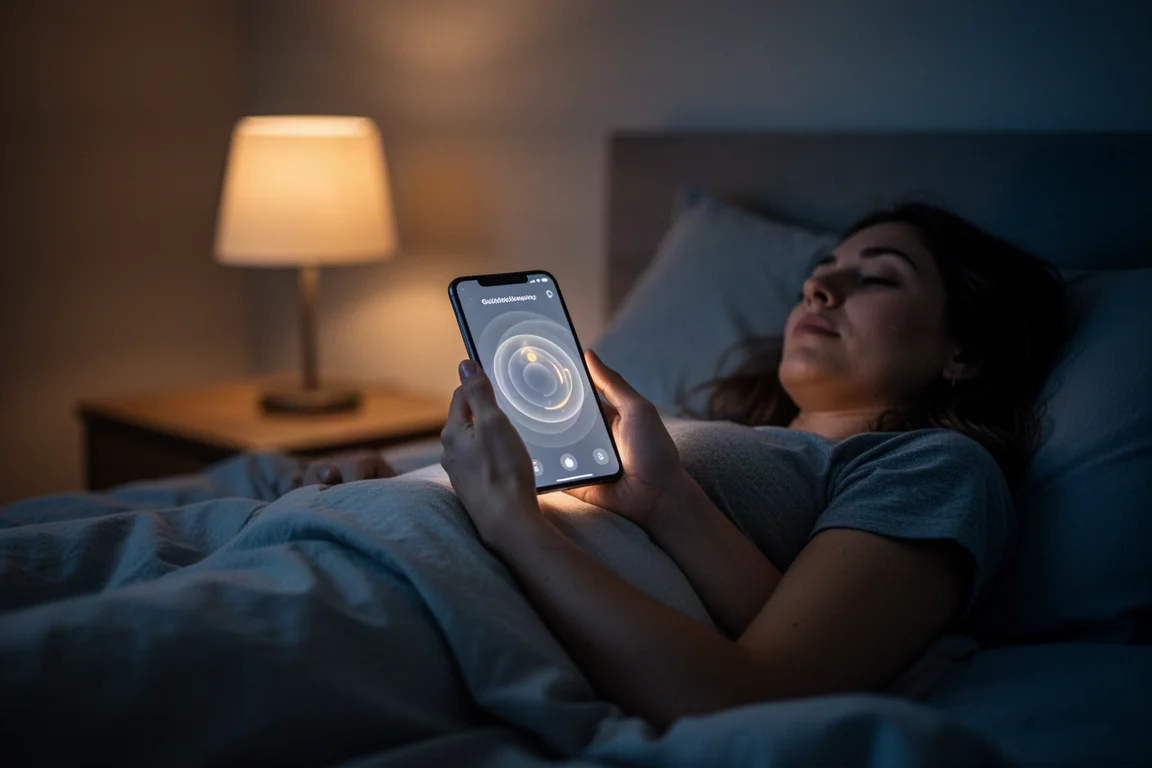
Even without paying, the Explore tab offers genuinely useful interactive content: guided sessions for meditation, breathing exercises, and sleep, plus educational material on how caffeine and alcohol affect your body. The guided sleep sessions are particularly handy for anyone who climbs into bed exhausted and then lies awake, easing the transition from lying down to actually falling asleep. Sessions stop automatically when your phone is already in sleep mode.
Which Edition Makes Sense
The Horizon Edition is the more current design, with the orientation notch that simplifies correct sensor placement and strong accuracy when worn on the index finger. The Heritage Edition remains a capable tracker, and long-term owners on an active subscription continue to get full value from it years after purchase. If you are buying today, the Horizon’s fit-and-forget orientation detail is the practical differentiator; if you already wear a Heritage model, the tips above apply equally and there is no urgent need to switch.
Conclusion
The Oura Ring works best when you set it up deliberately: index finger, correct orientation, snug fit, and Strava doing the heavy lifting for workouts. The Horizon Edition adds small conveniences like the orientation notch, while the Heritage Edition continues to deliver reliable sleep and recovery tracking. Pair either one with the subscription’s guided content and a sensible export workflow, and you have a health tracker that stays out of your way while quietly building a complete picture of your recovery.
Further reading
Related Reviews

Backpacking Gear
Building a 10 lb Base Weight: An Ultralight Backpacking Gear List
A practical walkthrough of the ultralight pieces behind a 10 lb base weight, from a 765 g pack and a roomy one-person tent to a full camp chair and a dependable water filter.

Road Bikes
10 New Road Bikes Worth Watching: Aero, Titanium, Steel and Endurance Standouts
A practical roundup of 10 new road bikes, from aero flagships chasing single-watt gains to titanium, steel and endurance platforms built for real roads.
Bikepacking Gear
11 Bikepacking Essentials for Long-Distance Cycling
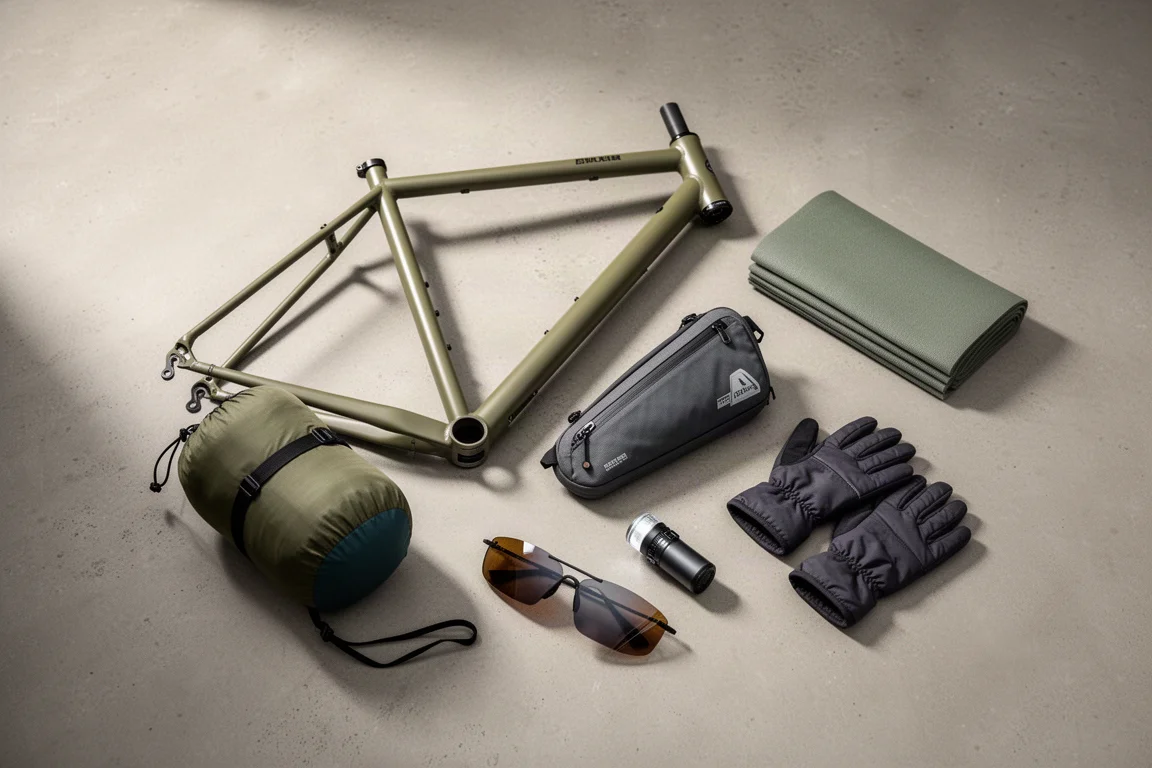
Eleven bikepacking essentials for long-distance cycling, from a steel gravel frame and a two-person tent to helmet lights, packable gloves, and a frame bag that puts weight in the right place.