Audio Plugins
Oeksound Bloom and Soothe 2: Adaptive Mixing Plugins Explained
A practical look at two Oeksound plugins, the adaptive tone shaper Bloom and the dynamic resonance suppressor Soothe 2, and where each one fits in a modern mix.
Introduction
Mixing tools have evolved a great deal over the past few decades, and the skills and strategies around them have had to evolve too. In the early days of digital, there was a stark difference between the near-sterile perfection of digital signal processing and the vibey analog gear that preceded it. As processing improved and mixing in the box became the norm, plugins settled into two broad camps: tools that embraced the technical perfection of DSP, and tools that emulated the technical imperfections of analog hardware.
Analog gear is appealing because it does more to a sound than you tell it to. Real electronic components are non-linear, and the harmonic distortion they introduce is often pleasing rather than destructive. Digital tools are the opposite. A standard EQ or compressor will not do you any favours: it does what you tell it to, no more and no less.
A third approach has emerged over the last decade. Instead of leaving every technical adjustment to the engineer, plugins such as Oeksound Bloom and Oeksound Soothe 2 use the precision of DSP to reach a musical result more quickly and more intuitively. Bloom is an adaptive tone shaper and Soothe 2 is a dynamic resonance suppressor, and both come from a company whose earlier releases, including Spiff, have earned a strong reputation among engineers working at a high level in the industry.
What Makes Adaptive Plugins Different
Most plugin categories are easy to describe. An EQ shapes frequency balance. A compressor shapes dynamic character. Adaptive tools resist that shorthand, which is exactly why they are worth understanding before you buy one.
Soothe 2 behaves something like a multiband compressor with an unusually large number of bands. Those bands automatically seek out resonant frequencies as they appear and reduce them. Bloom is context-aware: it responds differently to different input signals based on the perceived tonal balance, and it continuously adapts to the incoming audio to make it sound more balanced. A regular digital EQ, by comparison, applies one static curve to everything it receives.
The practical difference is the amount of detective work involved. With a static tool you hunt for problem frequencies and draw the correction yourself. With an adaptive tool you describe an intention, listen, and refine. The processing still follows your taste, but it handles a large share of the searching.
Oeksound Bloom: Adaptive Tone Shaping
Bloom’s most immediate control is its amount knob. Raising it brings a level of clarity to the signal that would otherwise take a long stretch of experimentation with standard tools. From there, a set of parameters lets you deviate from Bloom’s default tonal curve when you want a particular character rather than a neutral balance.
In a mix, Bloom tends to sit near the end of the chain, where it shapes the overall frequency balance of a track and helps place it against everything else. On a kick drum, turning up the amount brings forward low end and snap without a hand-drawn EQ move. On a vocal, a little more amount lifts the high mids so the voice reads as more upfront in the arrangement.
What keeps Bloom from being a novelty is the control it leaves with the engineer. If you want to change something, you can change it, which makes it a genuine blend between relying on the processing and relying on your own judgement.
Why Resonances Move With the Music
Resonances are rarely as stable as a static EQ curve assumes. A synth pad that has already been rendered to an audio track is a good illustration. A subtractive cut in the low mids may clean up the mud in the first chord, but the next chord brings a different resonance and the cut no longer applies. With conventional tools you would need a wider Q, several filters, or automation to follow it.
The same pattern shows up in recorded instruments. An acoustic guitar can lack clarity in the low mids, and a vocal can sound boxy somewhere between 500 Hz and 1 kHz. Those problems come and go with the performance, so a fixed curve never quite lands on them.
This is also why adaptive plugins are hard to evaluate from a graph. The useful information is in how the processing moves from moment to moment, which is something you hear rather than read.
Oeksound Soothe 2: Dynamic Resonance Suppression
Soothe 2 works as a resonance hunter. You can point it at an area and ask it to be particularly sensitive there, and it will change dynamically as the material changes. You can also pull sensitivity down in ranges you want to leave alone, for example reducing it in the high mids and highs so the brightness already present in a vocal stays intact.
The results are often easier to hear than to describe. On a snare with an obvious ring, a notch from a stock EQ removes the most prominent frequency but leaves further resonance behind, and Soothe 2 addresses the rest. Placed on a drum bus, a single instance can clarify the whole kit, doing a remarkable amount of work compared with what a standard EQ could achieve in the same slot.

Building a Mix With Adaptive and Traditional Tools
A familiar framework still holds: cut problematic frequencies with an EQ to clean up the balance of each instrument, use a compressor to define its dynamic character, then finish with additive EQ or colourful compression to blend everything into a cohesive mix.
Take a simple acoustic guitar and vocal session. Soothe 2 restores clarity in the low mids of the guitar. On the vocal, a Soothe 2 instance focused between 500 Hz and 1 kHz addresses boxiness while sensitivity is reduced above that range so the existing high mids survive. A compressor on each track controls guitar transients and balances the vocal performance. Finally, Bloom goes on both tracks to steer frequency balance so the listener’s ear is drawn toward the vocal, with a touch more amount on the voice to bring out the high mids.

The order matters less than the intention behind each move: cleanup, then balance, then enhancement. Adaptive plugins simply make the first and third stages faster to reach.
Where Traditional Tools Still Matter
There is still a place for traditional EQ, dynamic EQ, compression, and multiband compression, and adaptive plugins do not make those skills redundant. What they change is how much of the problem solving happens automatically before you start making decisions.
It also helps to approach them as tools that do what you want rather than tools that do exactly what you tell them. That distinction is the reason experimentation and listening matter more here than reading a specification sheet. The engineers who get the most from them tend to treat them as collaborators rather than as fixed processors.
Buying Advice: Matching the Plugin to the Task
If your recurring task is tonal balance, Bloom is the more direct fit. It gives you a fast route to a clearer, better-balanced track, and its additional parameters let you push the result away from its default curve when a part needs character rather than neutrality.
If your recurring problem is resonances that shift as the performance moves, Soothe 2 is the more direct fit. Its frequency-specific sensitivity controls make it useful both for individual tracks and for a whole drum bus, where a single instance can tighten a kit noticeably.

Because both plugins are easier to feel than to explain, a trial is the sensible way to judge them. Set aside a session with material you know intimately, work on one track at a time, and listen for how the processing responds when the part changes. That will tell you more than any walkthrough.
Conclusion
The interesting shift in modern mixing is not simply that plugins have become smarter. It is the balance of responsibility between the engineer and the processing. Static tools ask you to make every decision yourself. Adaptive tools make many of those decisions for you and hand control back when you want it.
Bloom and Soothe 2 both sit in that middle ground. Bloom handles tone shaping with a speed that is hard to match by hand, and Soothe 2 handles resonances that no fixed curve can follow. Used alongside the EQ and compression skills you already have, they make the technical side of a mix less laborious and leave more room for the part that matters most: how the record should sound.
Further reading
Related Reviews
Audio Plugins
Sound Theory Gullfoss Review: An Intelligent EQ Built for Masking Problems
Sound Theory Gullfoss is an EQ plugin that recalculates its frequency response more than 300 times per second, targeting the masking problems fixed EQ tools handle poorly.
Studio Headphones
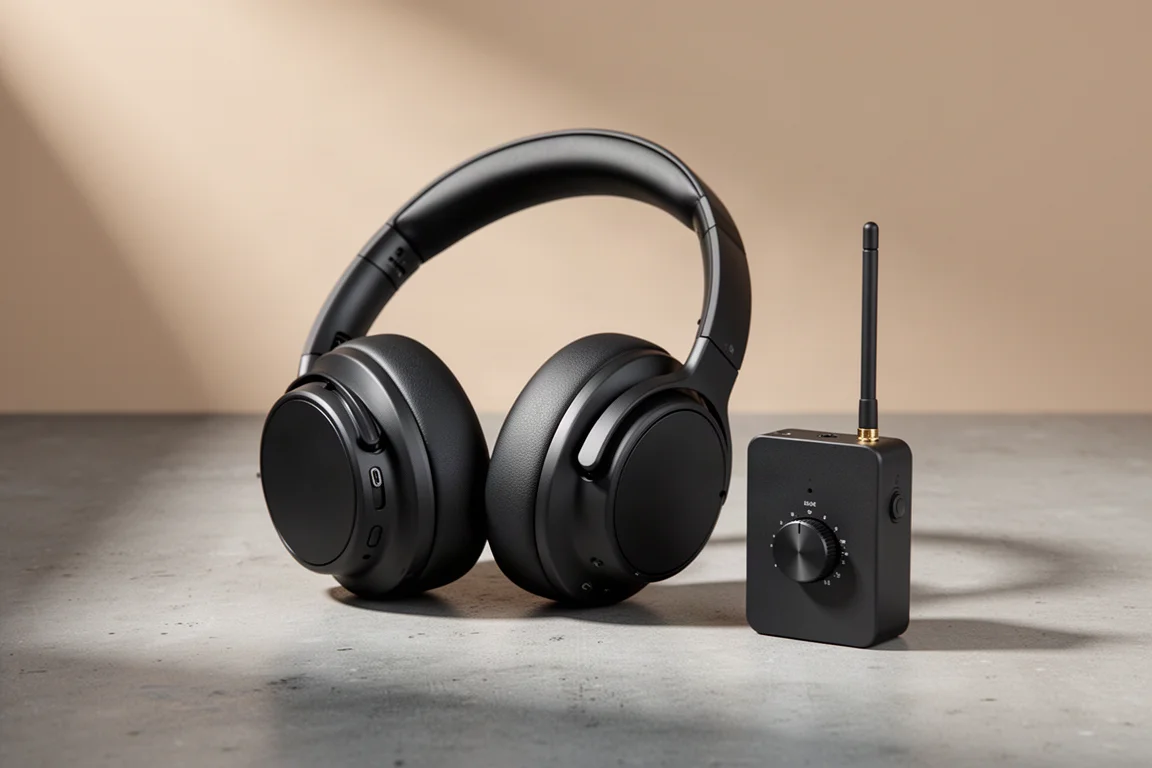
AIAIAI TMA-2 Studio Wireless Plus Review: Low-Latency Wireless That Works in the Studio
A studio-focused wireless headphone set with a low-latency lossless transmitter, Bluetooth and wired modes, plus the trade-offs worth knowing before buying.
Music Production
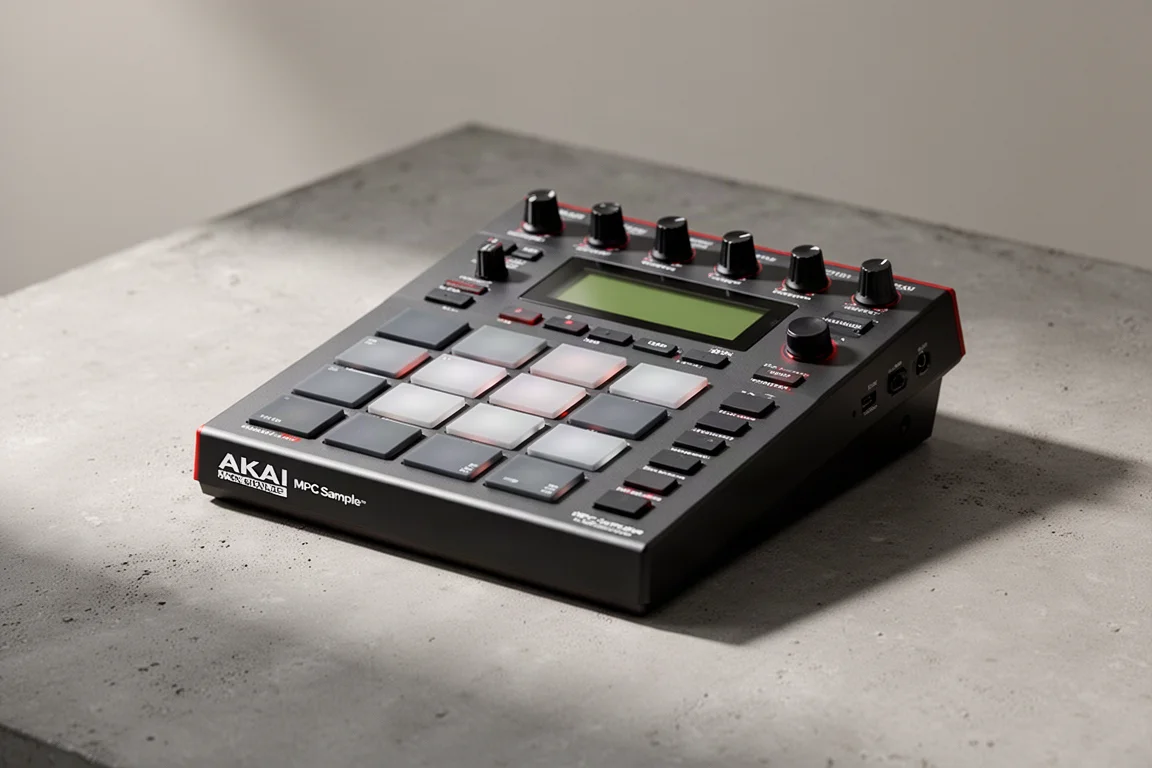
Akai MPC Sample Review: A Portable Beatmaking Powerhouse
The Akai MPC Sample brings the classic MPC workflow into a portable, standalone device with a built-in speaker, mic, and battery. Here is our full review.