MIDI Controllers
Novation Launch Control 3 Review: A Compact MIDI Controller That Earns Its Place
The Novation Launch Control 3 brings 16 endless encoders, an OLED screen, and LED feedback to a compact control surface. Here is how it performs in real studio use.
Introduction
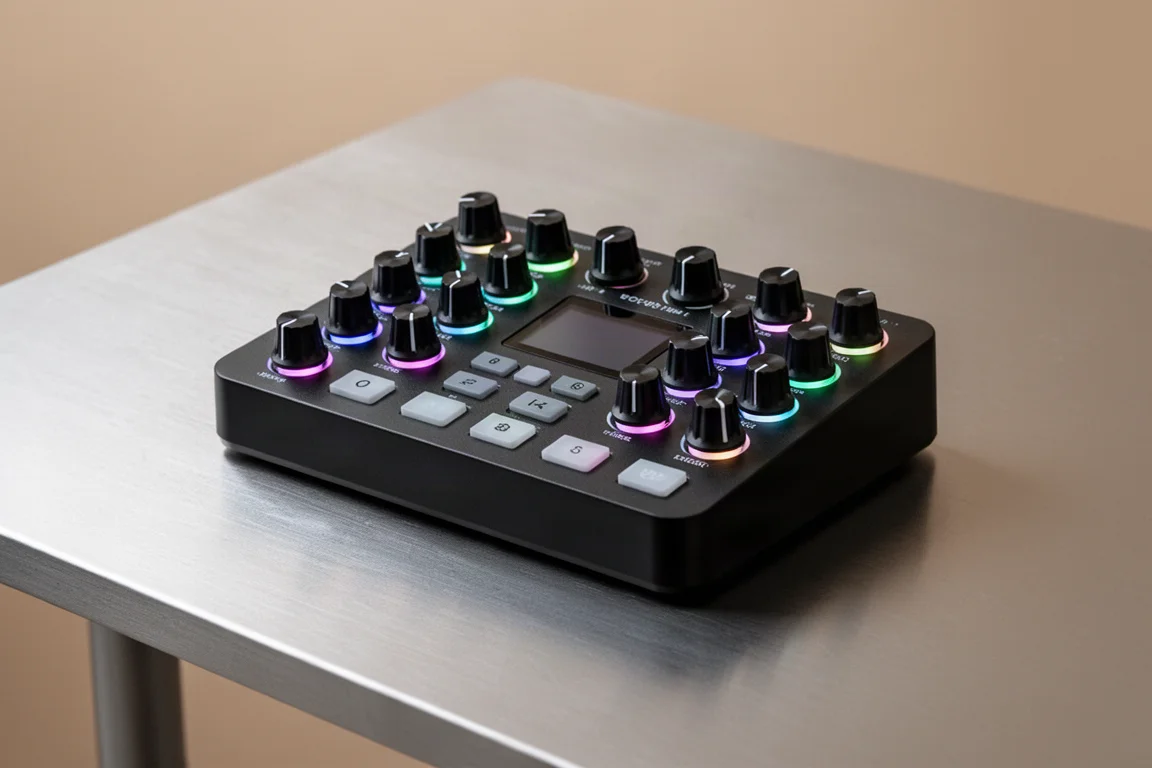
The Novation Launch Control 3 is a compact control surface designed to give you hands-on control over your DAW, plugins, and even hardware. It packs 16 endless rotary encoders, eight assignable buttons, and a small OLED screen that shows parameter names and values as you make adjustments. It also includes USB-C and full MIDI in, out, and through ports, so it can work with both software and hardware gear. The idea is simple: instead of clicking your mouse, you can control your music with real knobs and build a more tactile workflow in the studio or even on stage.
The build quality is immediately impressive. The unit feels premium and more expensive than it really is. Every surface, button, and encoder has a solid, well-considered feel that makes it comfortable to use for long sessions.
Who This Product Is For
The Launch Control 3 is for producers and musicians who spend a lot of time tweaking plugin parameters with a mouse or trackpad. If you work with synths, EQs, compressors, and delays, this controller gives you a more tactile way to shape your sound. It is also well suited for mixing, with a dedicated DAW mixer mode that controls track levels, panning, and sends across multiple tracks.
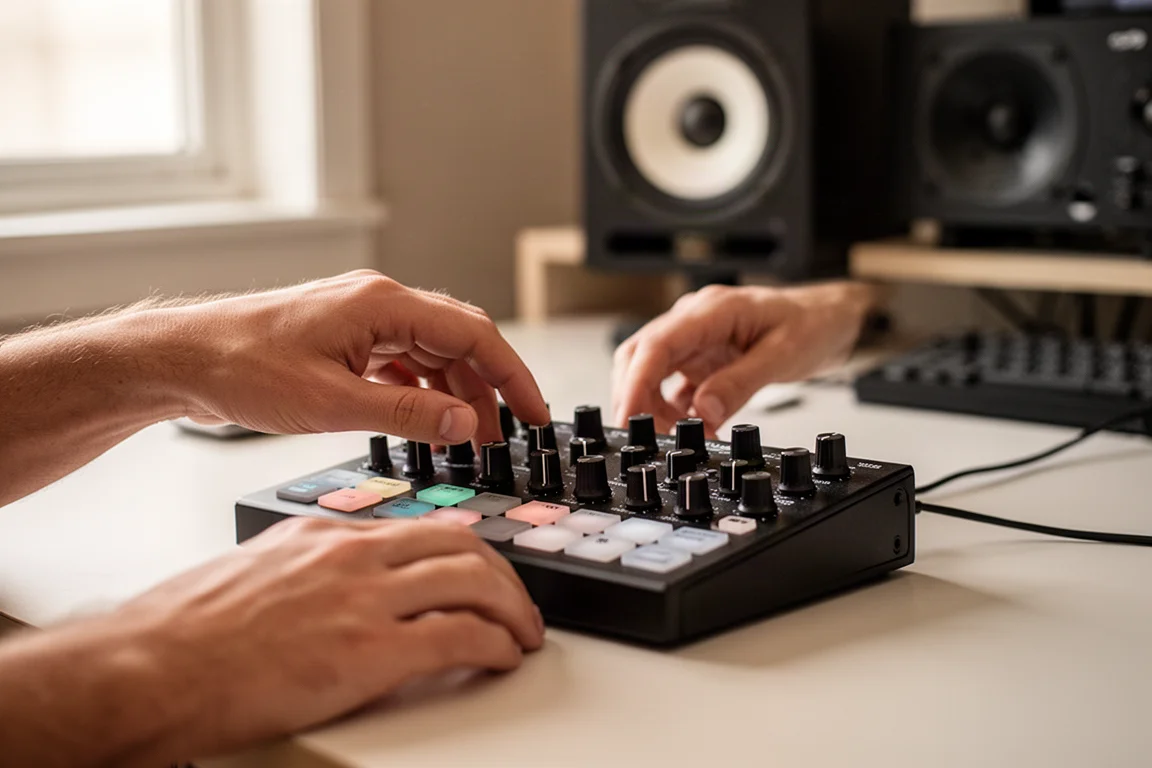
The compact footprint makes it a strong choice for smaller studio desks or for musicians who want a portable control surface for stage use. If you prefer encoders over faders, this controller fits that workflow well.
Main Strengths
Hands-On Control for Your Plugins
Most producers control plugins with a mouse or trackpad. It works, but it is not exactly inspiring. With the Launch Control 3, you get 16 endless encoders that you can map to the most important parameters in your plugins. For fully integrated DAWs, these are already pre-mapped, so you can control things like filter cutoff, resonance, reverb mix, delay feedback, and EQ bands right away.
Because these are endless encoders, you do not run into the annoying issue where parameters suddenly jump when you switch tracks or plugins. Everything stays smooth, which makes the controller feel more like playing an instrument than working on a computer.
You can also adjust the acceleration curve of the encoders so they move faster or slower, though this only works in custom modes rather than DAW modes.
The OLED Screen Makes the Encoders More Useful
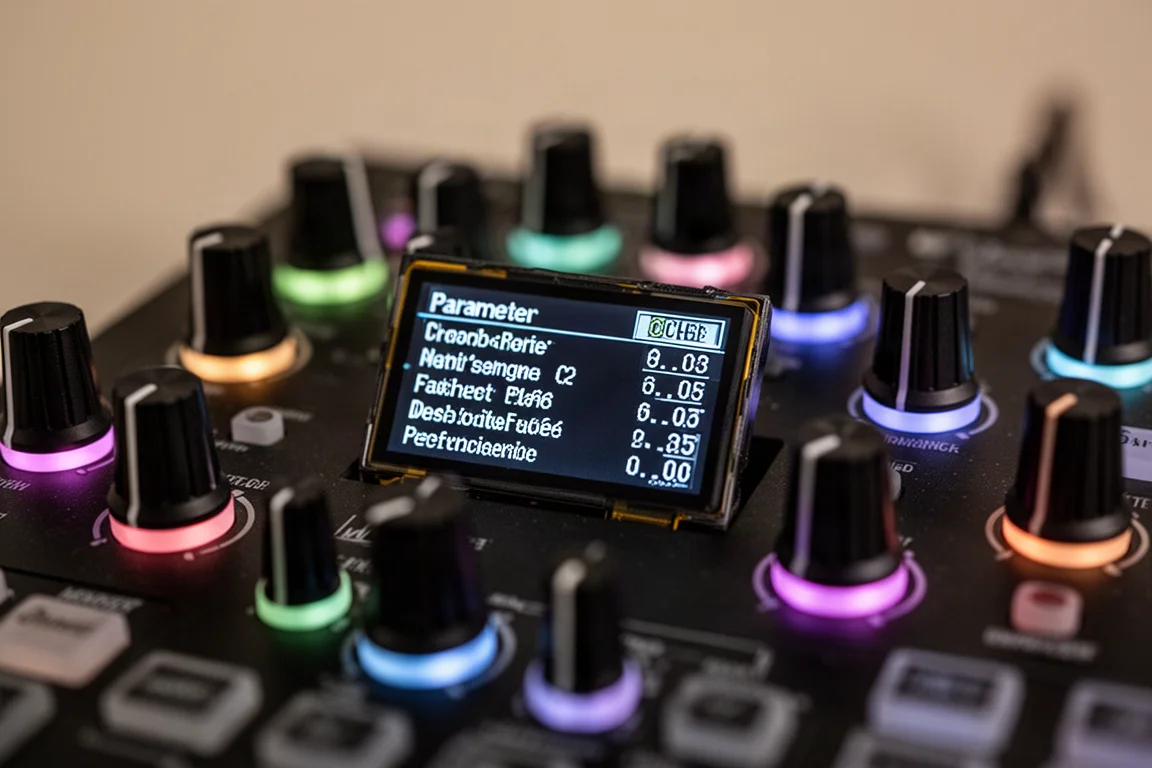
At this price point, similar controllers typically do not include screens. The Launch Control 3 solves this with a small OLED display that shows the parameter name and the current value as you move the encoder. Values display in hertz, decibels, or other relevant units depending on what you are controlling.
This might sound like a small thing, but it makes a big difference when you are working with many plugins and parameters. You are not guessing anymore. You can actually see what is happening as you tweak your sound.
Mixing Control
The Launch Control 3 has a dedicated DAW mixer mode that controls track levels, panning, and sends across multiple tracks. In Ableton Live, for example, one row of encoders controls mixer levels while the other controls pan or send levels for the selected bank of tracks. The OLED screen shows parameter values as you adjust them.
This makes it much easier to make quick mix adjustments with your hands instead of constantly looking at the screen and reaching for your mouse, especially when balancing multiple tracks at once.
LED Feedback That Works in the Dark
The encoders have small RGB LEDs underneath that light up in different colors. At a quick glance, you can tell what you are reaching for, even in a darker studio or on stage. In some DAWs like Ableton Live, the color changes depending on what the parameter is doing. For example, when you pan left or right, the color changes: center is white, left turns blue, and right turns orange.
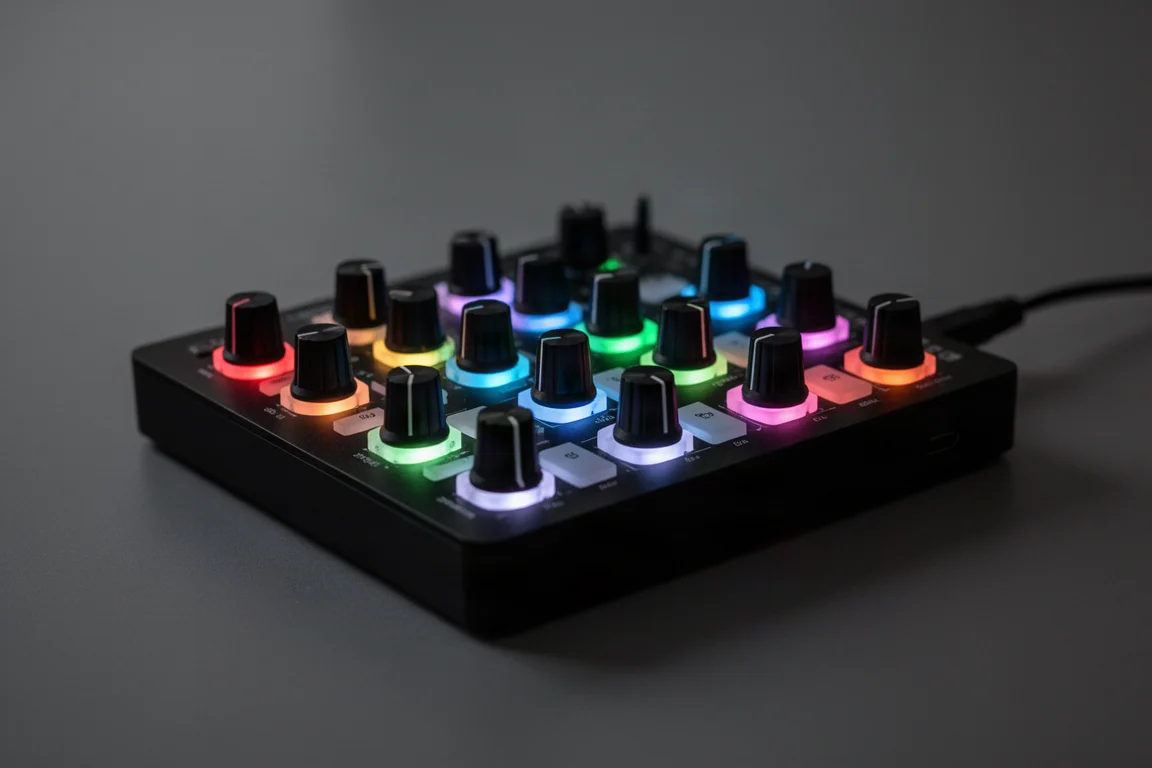
The LEDs also dim and brighten when parameters go up or down, though this only works for custom modes like when controlling external hardware. In Ableton Live, the LEDs under the buttons at the bottom match the colors of the tracks in your set.
Flexibility With Custom Modes
Using Novation’s component software, you can create custom layouts where the encoders and buttons can be assigned to control almost anything: plugin parameters, MIDI CC messages, hardware synth controls, or other functions in your DAW. This means you can build different setups for different tasks or for different gear. It essentially lets you tailor the controller to fit your own workflow instead of forcing you into one fixed layout.
Things to Consider Before Buying
The encoders are not touch sensitive. If you want a quick preview of what you are about to change, you have to hold the shift button and then move the control. This does not have an effect on the plugin you are controlling; you can just see what you are controlling with those encoders. Release the shift and now you are actually controlling it. It works, but touch sensitive encoders would have been a nice addition.
There is no on-device MIDI learn. You cannot just click a parameter in your DAW and then turn a knob to have it learn that instantly. You have to manually do that through your DAW’s MIDI mapping or the Novation component software.
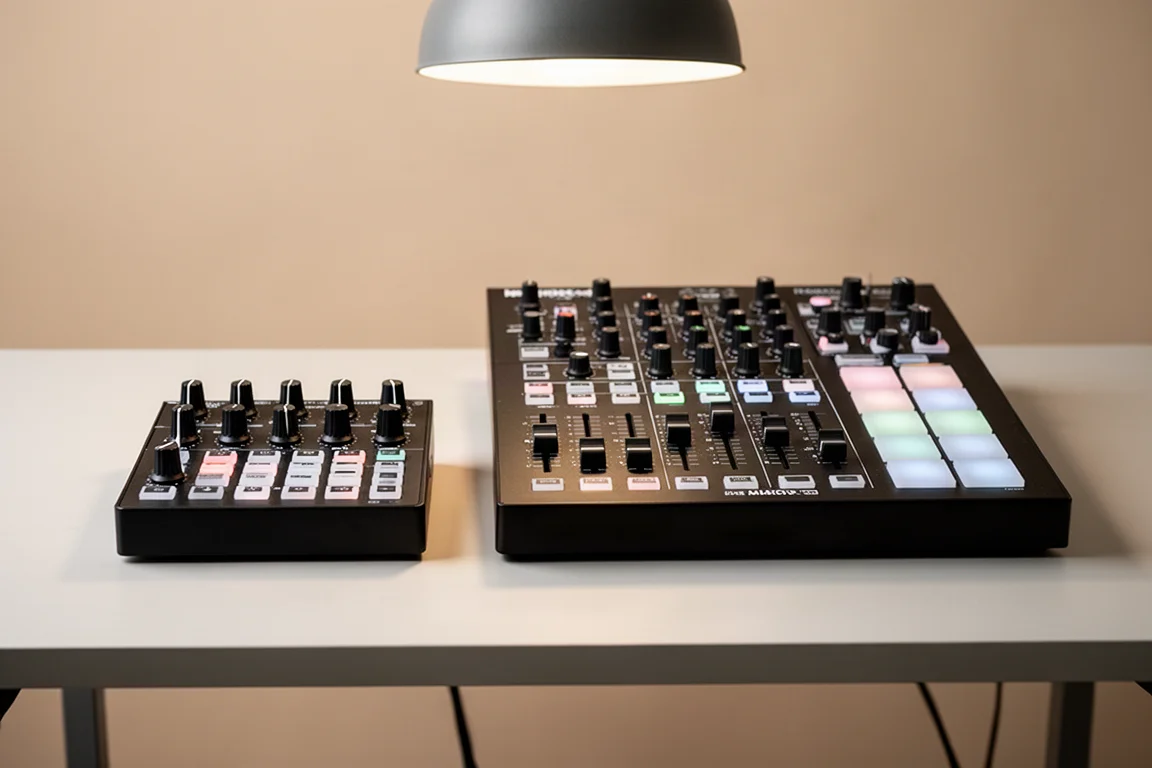
There are also no faders on this controller. Some producers actually prefer encoders over faders, but it is something to consider if you plan to use this mainly for mixing. Novation does make the Launch Control XL Mark III, which includes eight faders, more encoders, and dedicated transport controls. If those features are important to you, that model might be a better fit.
Buying Advice
The Launch Control 3 is a very capable MIDI control surface that gives you hands-on control of your plugins, mixers, and even some hardware gear. It does not take much space on your studio desk. The endless encoders, the OLED screen, and the LED feedback make it stand out compared to other controllers in this price range.
If you are looking for something with faders and even more controls, the Launch Control XL Mark III is worth considering. When you break it down by price, the XL works out to roughly $4 per control, while the smaller Launch Control comes to about $5 per control. The XL might actually be a better value for the money if you have the desk space for it, since it is about twice the size.
Conclusion
The Novation Launch Control 3 delivers a premium feel and practical workflow improvements at a reasonable price. The endless encoders, OLED screen, and LED feedback work together to make plugin control and mixing more intuitive. It is a strong choice for producers who want tactile control without sacrificing desk space. If faders are essential to your workflow, the XL version offers better value, but for most plugin-heavy production work, the Launch Control 3 earns its place on the desk.
Product link
View more details for Novation Launch Control 3
This product is mentioned in the review. Check the specifications, options, and compatibility before buying.
View more details for Novation Launch Control 3Further reading
Related Reviews
MIDI Controllers
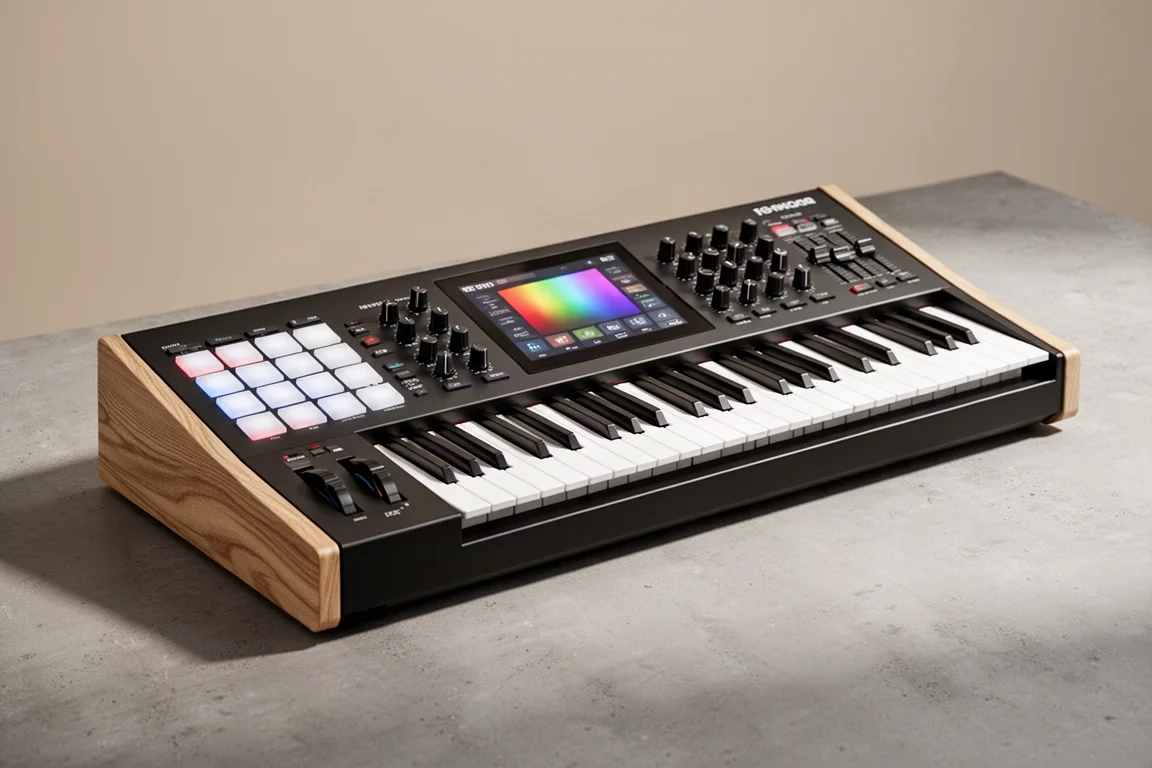
Arturia KeyLab 88 MK3 Review: A Weighted Hammer Action Controller for Serious Virtual Instrument Work
The Arturia KeyLab 88 MK3 brings a fully weighted hammer action keybed, deep software integration, and hands-on controls to a flagship MIDI controller.
MIDI Controllers
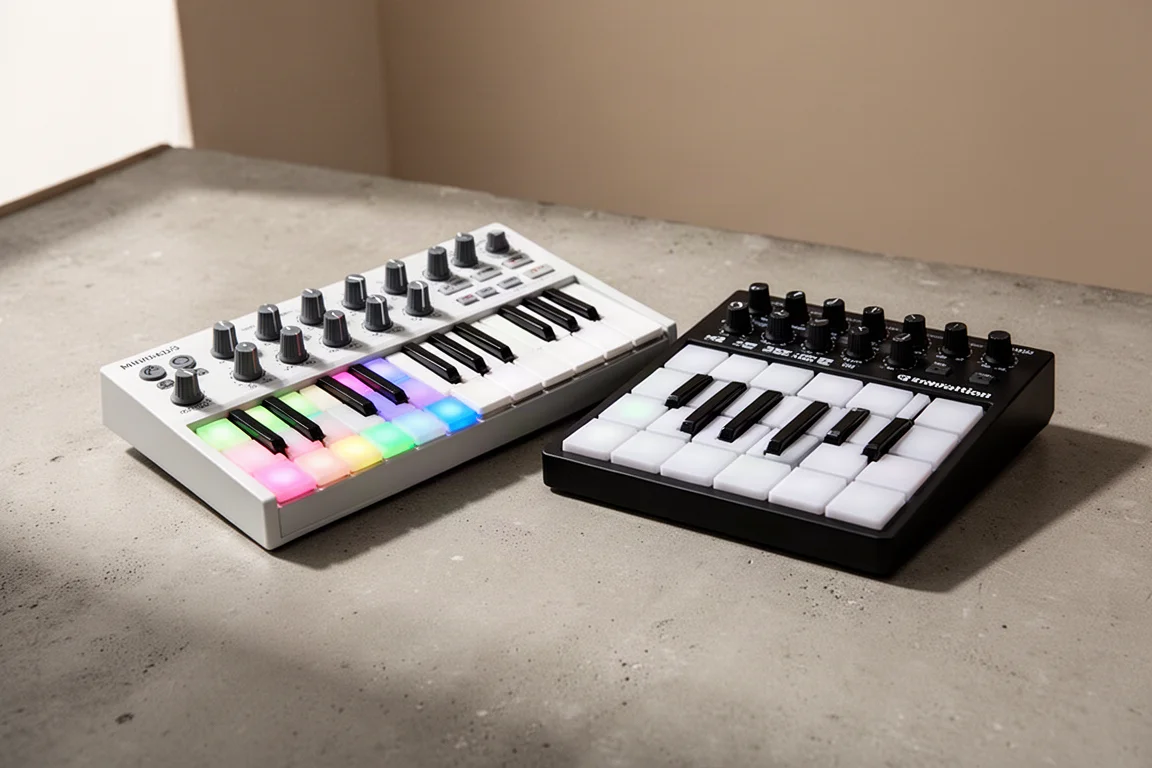
Arturia MiniLab 3 vs Novation Launchkey Mini MK4: Which Mini Keyboard Fits Your Workflow?
A feature-by-feature comparison of two popular 25-key MIDI controllers, covering key feel, pads, DAW integration, software bundles, and creative tools.
MIDI Controllers
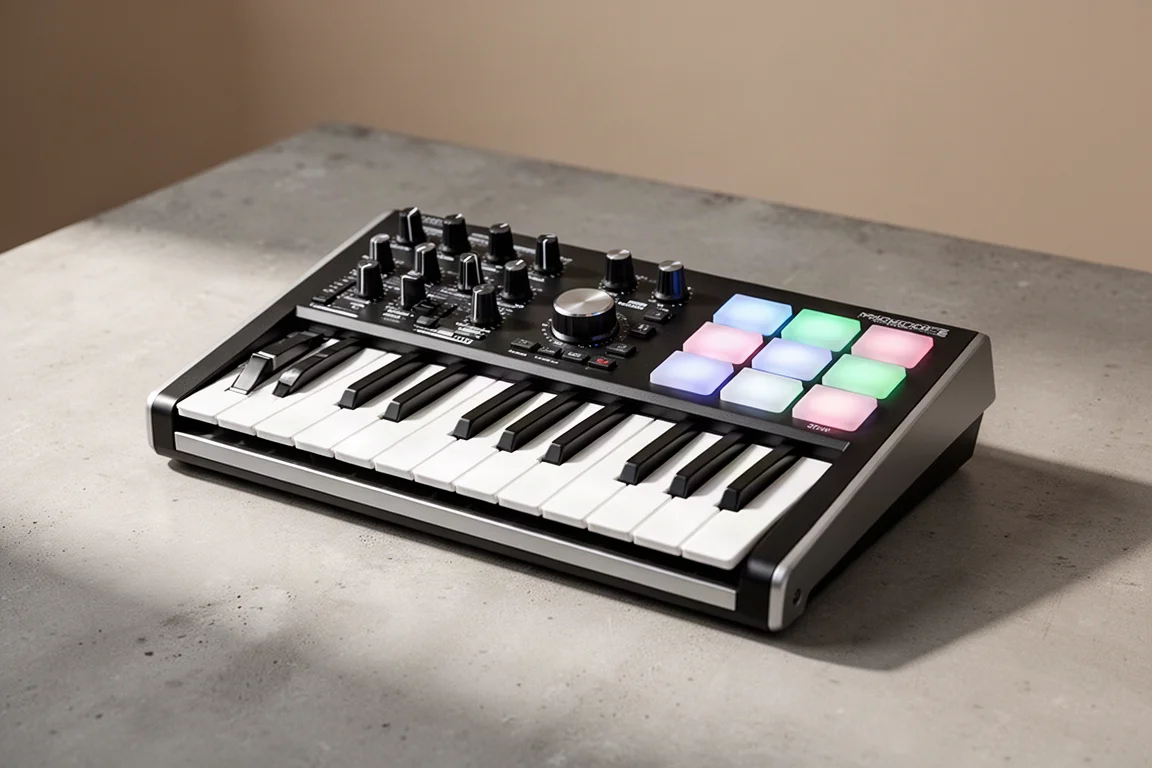
Arturia MiniLab 37 Review: More Keys, Same Winning Feel
The Arturia MiniLab 37 expands on the MiniLab 3 with a longer keybed, while keeping the controls that made the original stand out. Here is how it compares.