MIDI Controllers
Arturia MiniLab 37 Review: More Keys, Same Winning Feel
The Arturia MiniLab 37 expands on the MiniLab 3 with a longer keybed, while keeping the controls that made the original stand out. Here is how it compares.
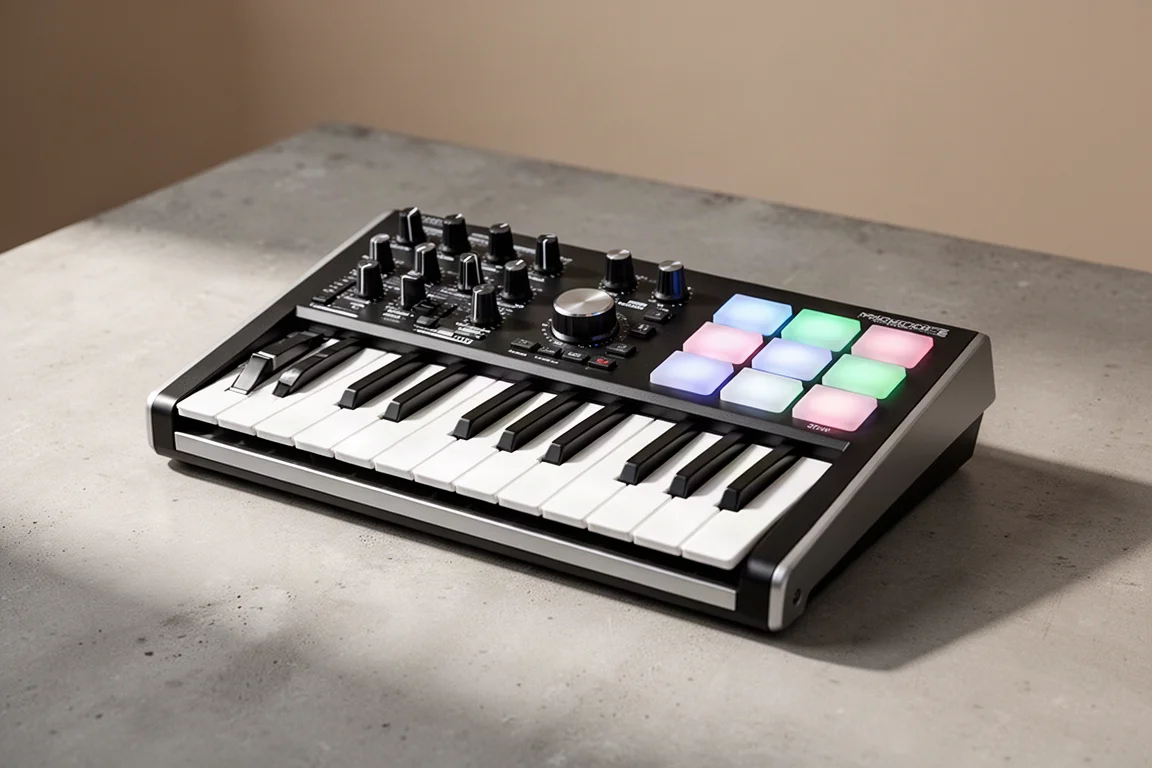
Introduction
The Arturia MiniLab 37 takes one of the best features of the MiniLab 3 and gives you more of it: more keys. This compact controller adds a longer keybed while keeping the controls that made the original stand out. There are some small differences that may make the 37 the right choice for you, but there are also a few things missing. This review breaks down what is great, what is different, and how it stacks up against the competition.
Who This Product Is For
The MiniLab 37 is aimed at music producers and keyboard players who want a compact MIDI controller with a more playable keybed. If you found the 25-key MiniLab 3 too cramped but still want something portable, the 37-key layout hits a useful middle ground. It is also a strong option if you want deep integration with Arturia’s Analog Lab software and broad DAW control in a small footprint.
Design and Layout
The MiniLab 37 is actually shallower than the MiniLab 3, thanks to a rearranged control layout. All the controls are the same size, but there is more surface area to use, so Arturia was able to shrink the depth a bit. The new layout moves some controls, and it moves them in a good way. The faders are now closer to your fingers than on the original, and the transport controls remain close to the keyboard.
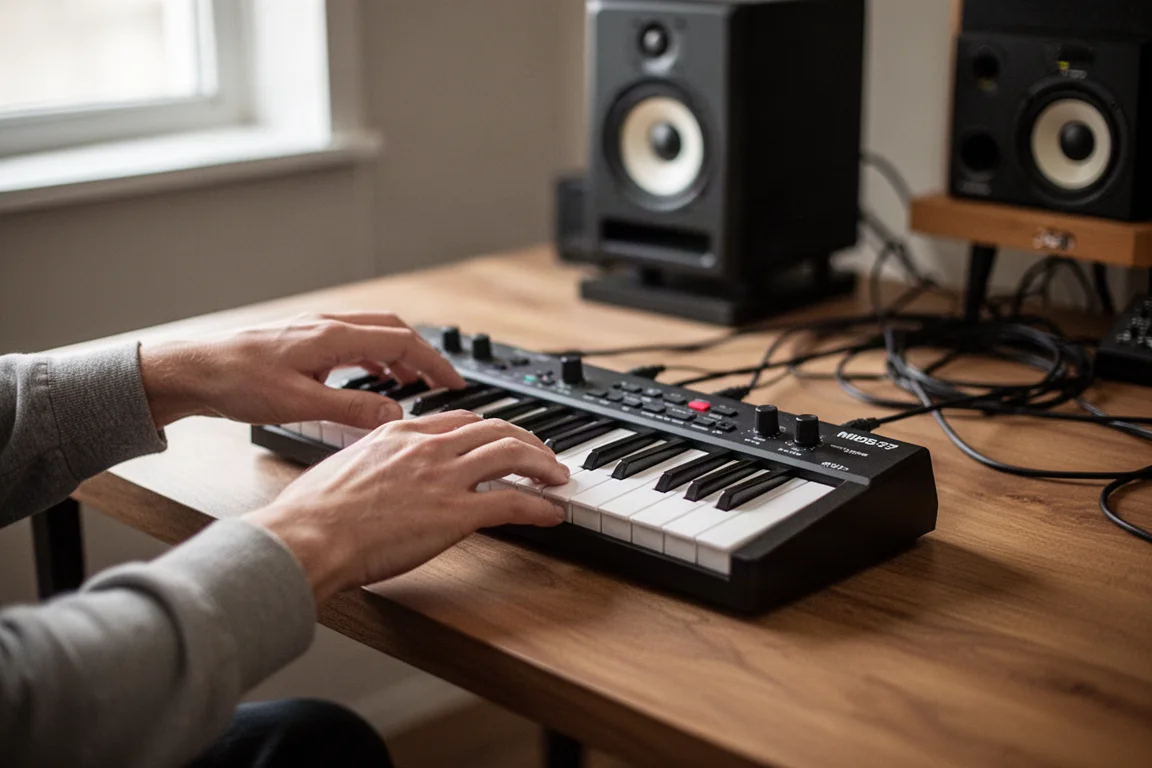
The pitch and mod touch strips are still here, rather than wheels. Some players prefer wheels, and that is a matter of personal taste. The rest of the buttons and knobs are largely the same. You get octave up and down controls that also function as transpose, a hold and chord button, and a shift button for accessing different modes. The pads support arp, pad, and program modes, and they work as drum pads as well.
Controls and Workflow
The MiniLab 37 offers more controls than most mini keyboards. Most controllers give you eight knobs and stop there, but Arturia adds four faders and a central encoder. This gives you more hands-on control than typical compact keyboards.
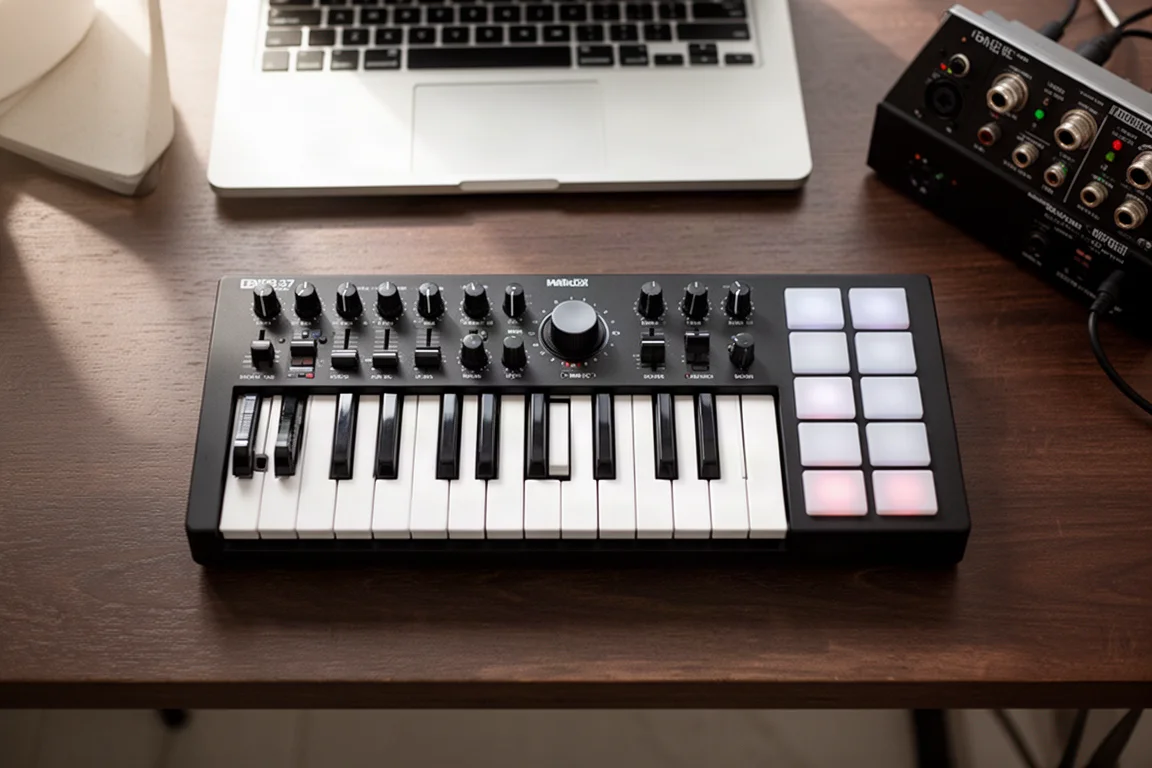
One thing to note is how the faders behave in DAW mode. When controlling your DAW, the faders control parameters for one track at a time. They control volume, sends, and pan for the active track, rather than multiple track volumes. In Arturia’s Analog Lab software, the faders give you control of extra parameters. It would have been nice to have dedicated transport buttons instead of sharing the drum pads, but the shift-based access works once you learn it.
Software Integration
The MiniLab 37 offers DAW control for Ableton Live, FL Studio, Bitwig, Logic Pro, Reason, and the MCU standard, so it works with just about every DAW out there. Pressing shift gives you access to transport controls like stop, play, record, tap, and loop. Transport features like these were missing on the previous version of the MiniLab, so this is a welcome addition.
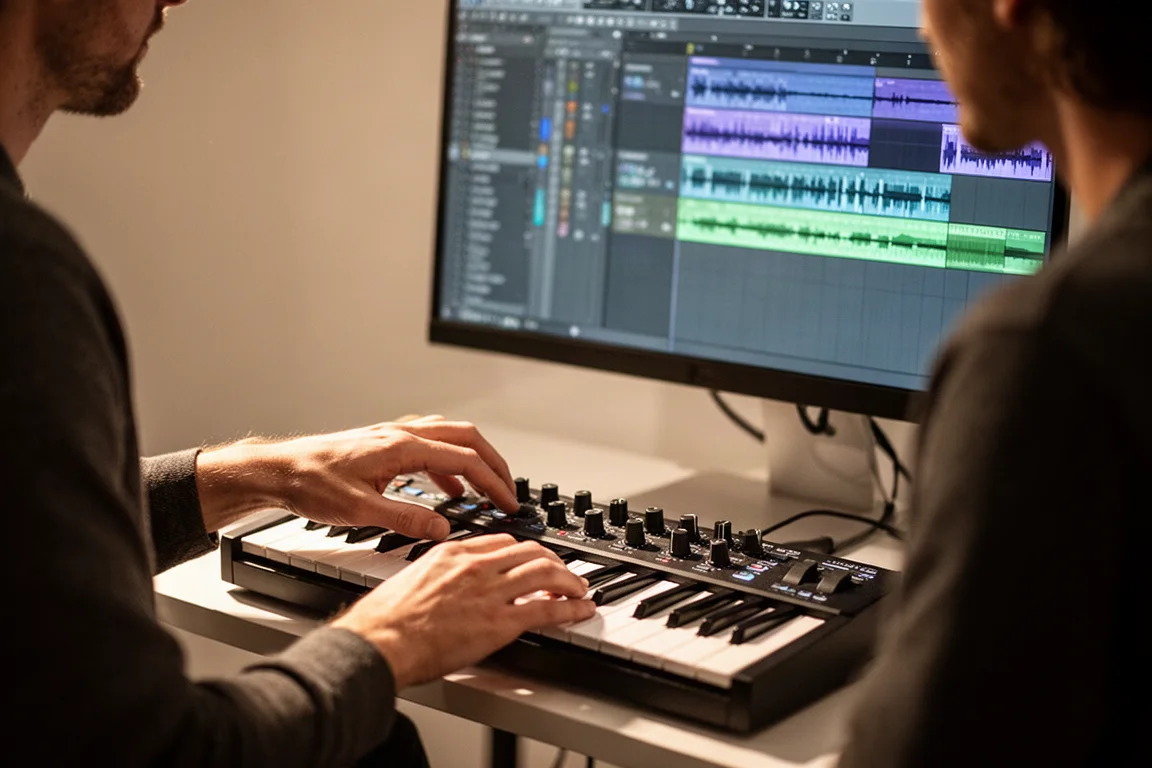
In Ableton, the knobs control devices, and the screen shows the selected device’s name, so you always know what you are controlling. When you turn a knob, the display shows the parameter name and the unit of measure, such as hertz or decibels. In Ableton session view, clips can be triggered with the pads, and the active scene is selected with the black knob. Logic and FL Studio offer similar transport controls and screen feedback.
One of the key selling points is the integration with Analog Lab, one of the best virtual instrument platforms available. Analog Lab gives you access to Arturia’s large collection of virtual synths, pianos, electric pianos, strings, and more. You can navigate presets, load them, and sculpt the sounds with the eight knobs and four faders. The black knob cycles through presets, and pressing it loads a sound. Holding shift while turning cycles through sound types. This is some of the most control a mini keyboard gives you.
Arp and Chord Features
The arpeggiator is activated using the shift button, and a long press with shift gives you arpeggiator options. You can change the mode, rate, division, octaves, and even swing. Chord mode is accessed by pressing shift and the hold button. Single notes then play chords. You can create custom chords by long pressing shift and hold, then playing the notes of the chord.
How It Compares
If you are looking for more keys, two other keyboards come to mind: the Akai MPK Mini Plus and the M-Audio Oxygen Pro Mini. Both give you more than 25 keys, but the keys themselves are not as good as the MiniLab. If key feel is most important, the MiniLab 37 is the better choice.
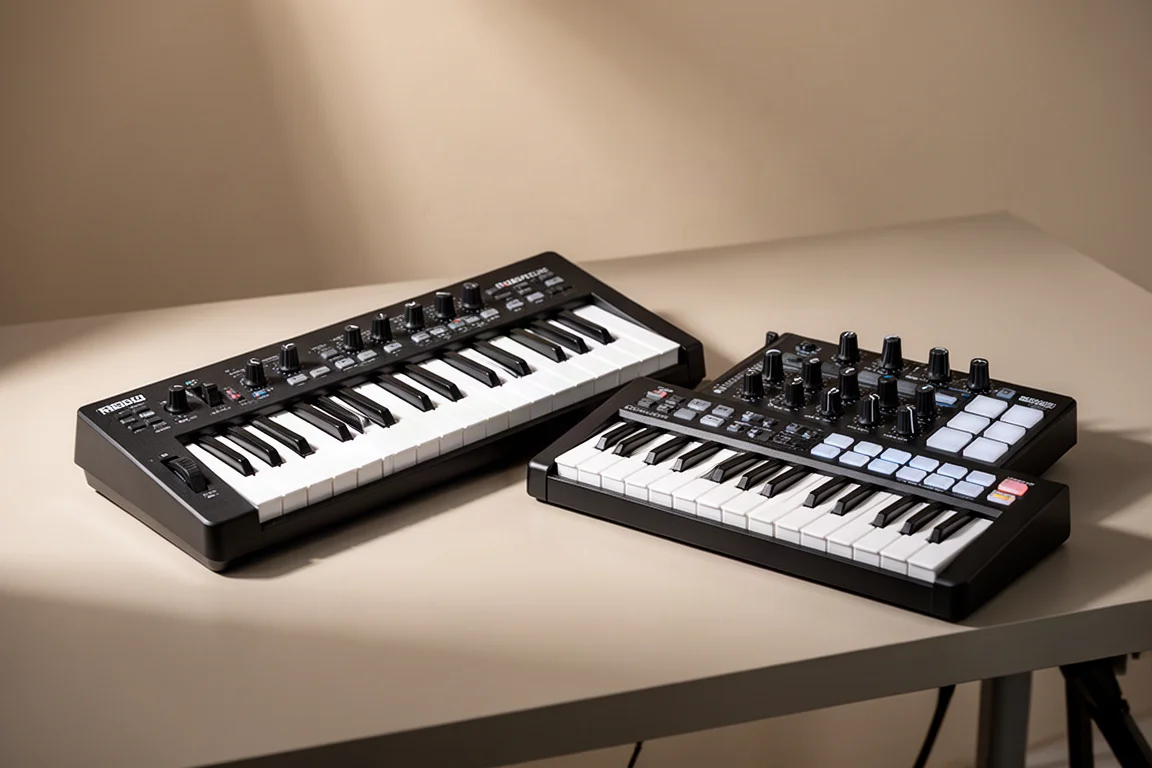
Both the MPK Plus and the Oxygen Pro Mini offer dedicated transport controls, which is a nice feature, and they use pitch and mod wheels instead of touch strips. However, neither offers the tight integration with virtual instruments that the MiniLab 37 provides through Analog Lab. Each keyboard also comes with different software packages, so it is worth checking what is included. Arturia gives you a solid set of sounds with Analog Lab, which is a real advantage.
Buying Advice
The MiniLab 37 makes the most sense if you value key feel and software integration above all else. The longer keybed is genuinely comfortable to play, and the Analog Lab integration is a strong reason to choose it. If dedicated transport buttons and pitch and mod wheels matter more to you, the Akai MPK Mini Plus or the M-Audio Oxygen Pro Mini are worth considering. Think about what matters most in your workflow before deciding.
Conclusion
The Arturia MiniLab 37 is a thoughtful expansion of the MiniLab 3. It gives you more keys without sacrificing the controls that made the original popular. It is not perfect, and dedicated transport controls would have been a welcome addition, but the combination of key feel, software integration, and hands-on control makes it a compelling option for compact MIDI controllers.
Product link
View more details for Arturia MiniLab 37
This product is mentioned in the review. Check the specifications, options, and compatibility before buying.
View more details for Arturia MiniLab 37Further reading
Related Reviews
MIDI Controllers
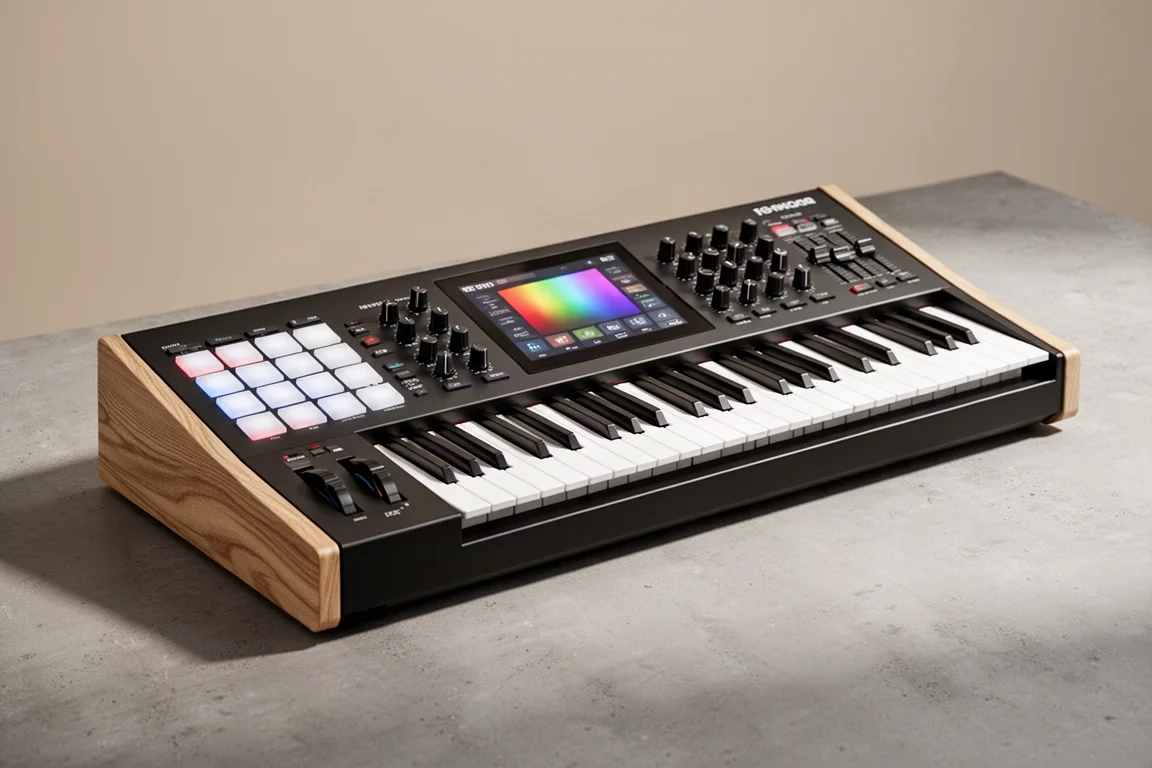
Arturia KeyLab 88 MK3 Review: A Weighted Hammer Action Controller for Serious Virtual Instrument Work
The Arturia KeyLab 88 MK3 brings a fully weighted hammer action keybed, deep software integration, and hands-on controls to a flagship MIDI controller.
MIDI Controllers
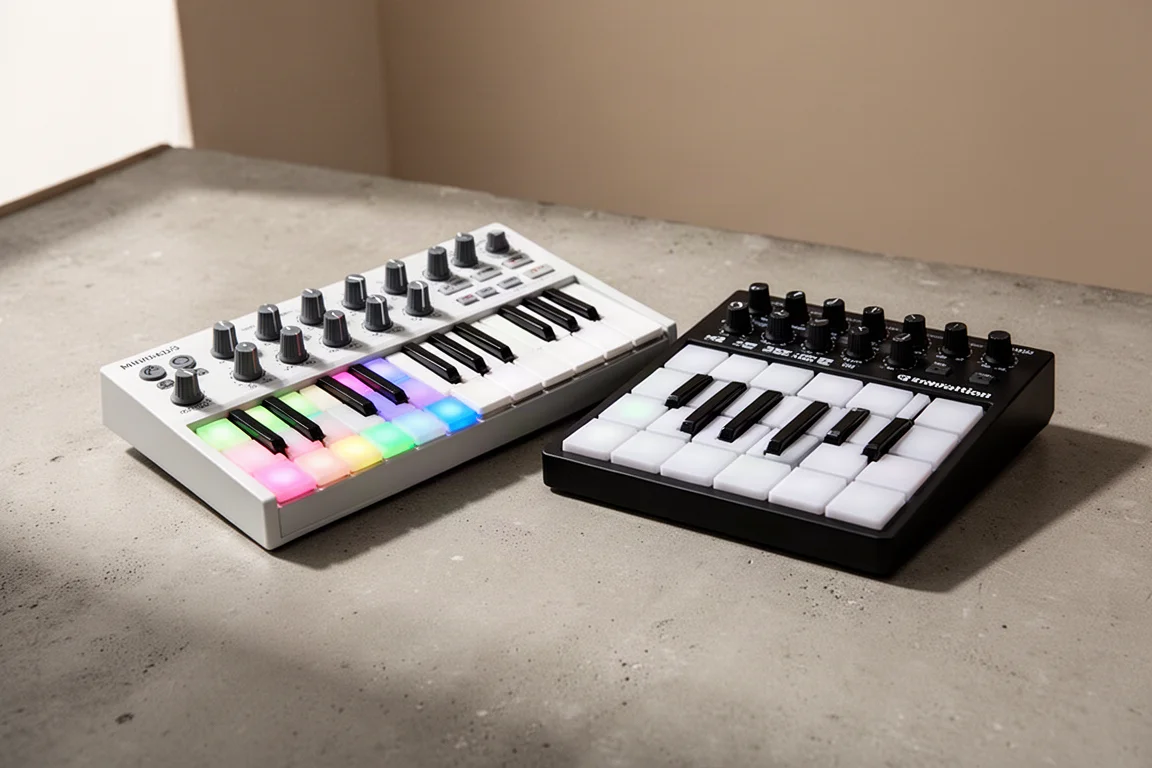
Arturia MiniLab 3 vs Novation Launchkey Mini MK4: Which Mini Keyboard Fits Your Workflow?
A feature-by-feature comparison of two popular 25-key MIDI controllers, covering key feel, pads, DAW integration, software bundles, and creative tools.
MIDI Controllers
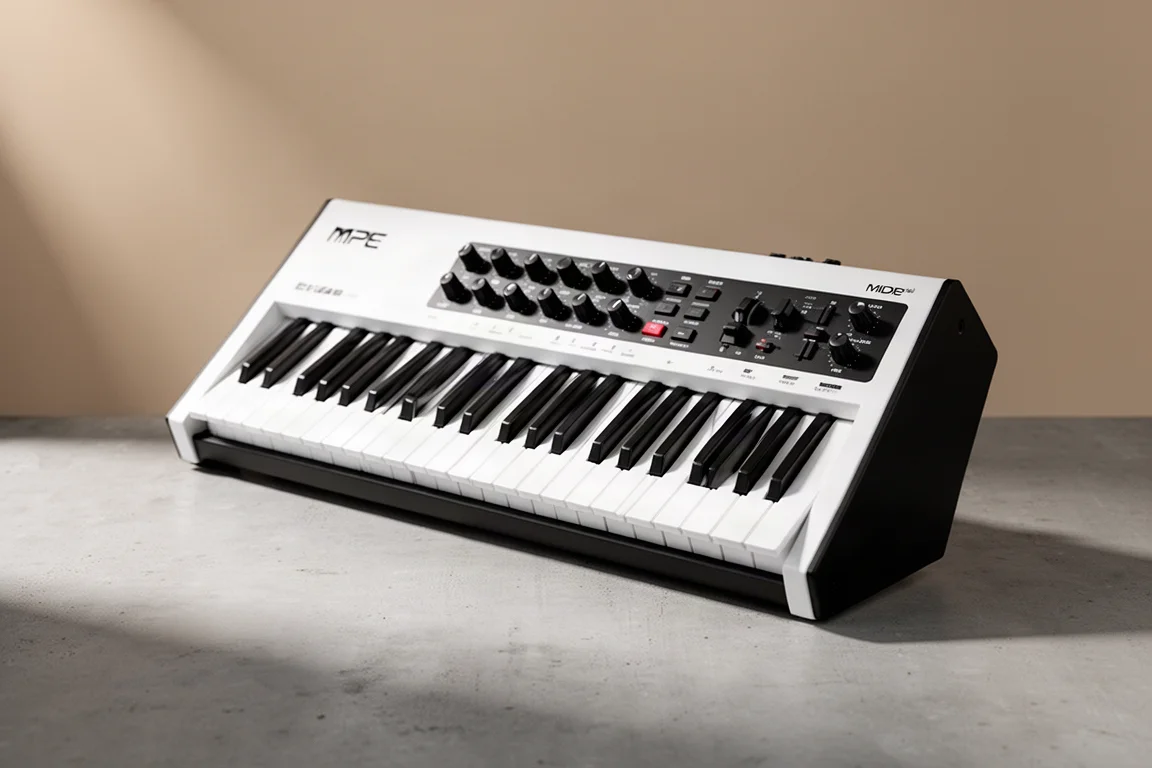
Expressive E Osmose CE Review: A Premium MPE MIDI Controller
The Osmose CE brings Expressive E's expressive MPE keys to a dedicated MIDI controller with DAW controls and bundled software.