MIDI Controllers
Arturia MiniLab 3 vs Novation Launchkey Mini MK4: Which Mini Keyboard Fits Your Workflow?
A feature-by-feature comparison of two popular 25-key MIDI controllers, covering key feel, pads, DAW integration, software bundles, and creative tools.
Introduction
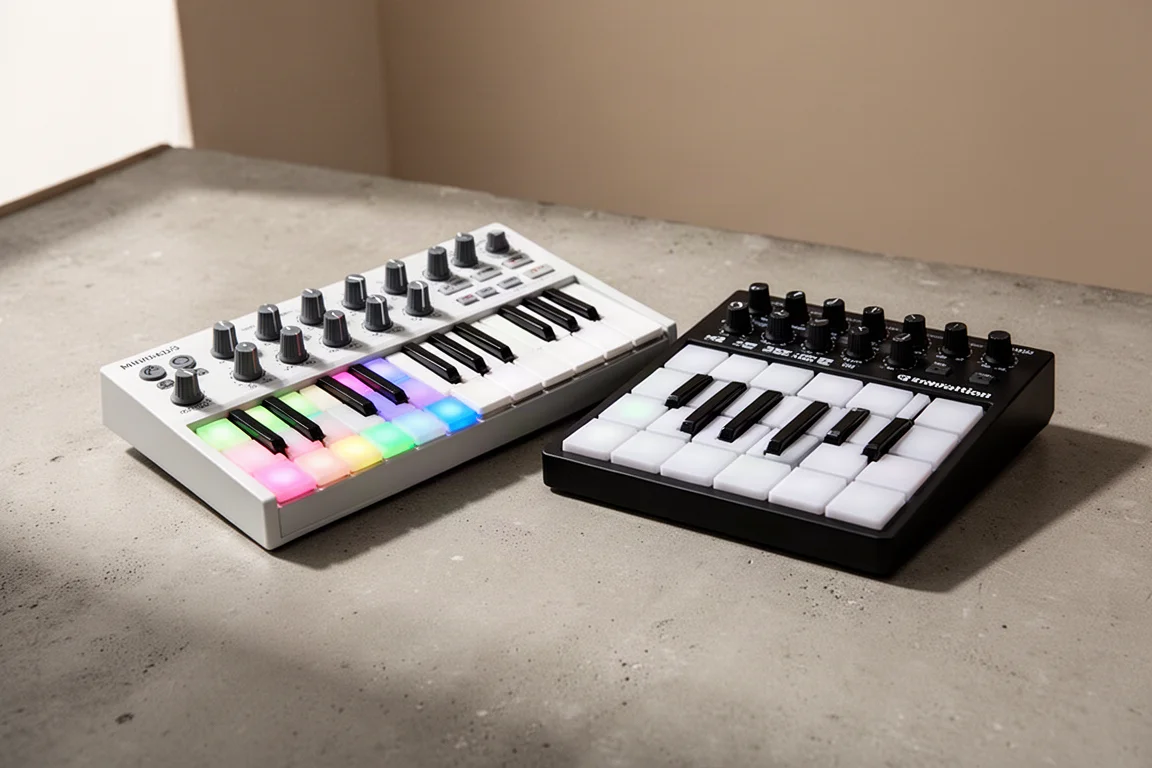
The Arturia MiniLab 3 and the Novation Launchkey Mini MK4 are two of the most popular compact MIDI controllers on the market. Both offer 25 velocity-sensitive keys, eight pads, and a range of knobs and creative tools, but they take very different approaches to music production. This comparison breaks down the key differences so you can decide which one fits the way you actually work.
Key Feel and Playing Experience
The MiniLab 3 delivers what is widely considered the best key feel of any mini controller. The 25 velocity-sensitive keys are responsive and inviting, making them a genuine pleasure to play. For pianists or anyone who values a natural playing experience, these keys stand out clearly. The Launchkey Mini MK4, by contrast, uses synth action keys that feel noticeably cheaper and springier. The weight and bounceback are not in the same league, and this is the area where the Launchkey is at its weakest.
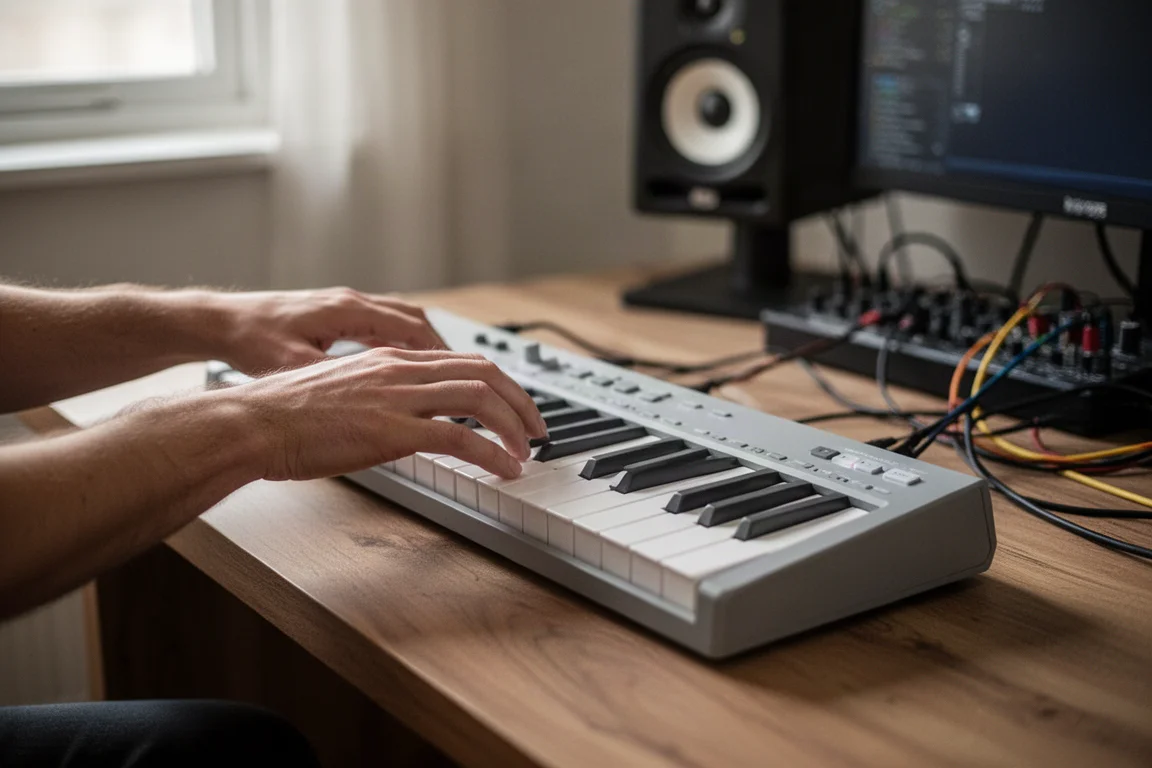
If playing feel is your top priority, the MiniLab 3 is the clear winner here.
Pads and Drumming
The MiniLab 3 includes eight velocity-sensitive RGB-lit pads. They feel slightly better than the previous model, but the difference is minimal, and at times you may need to tap a little harder to trigger sounds. The Launchkey Mini MK4, on the other hand, makes its pads the strong point. They are small but have a satisfying stiffness that makes finger drumming comfortable. The pads are velocity-sensitive with poly aftertouch, and multiple pad banks let you play larger kits.
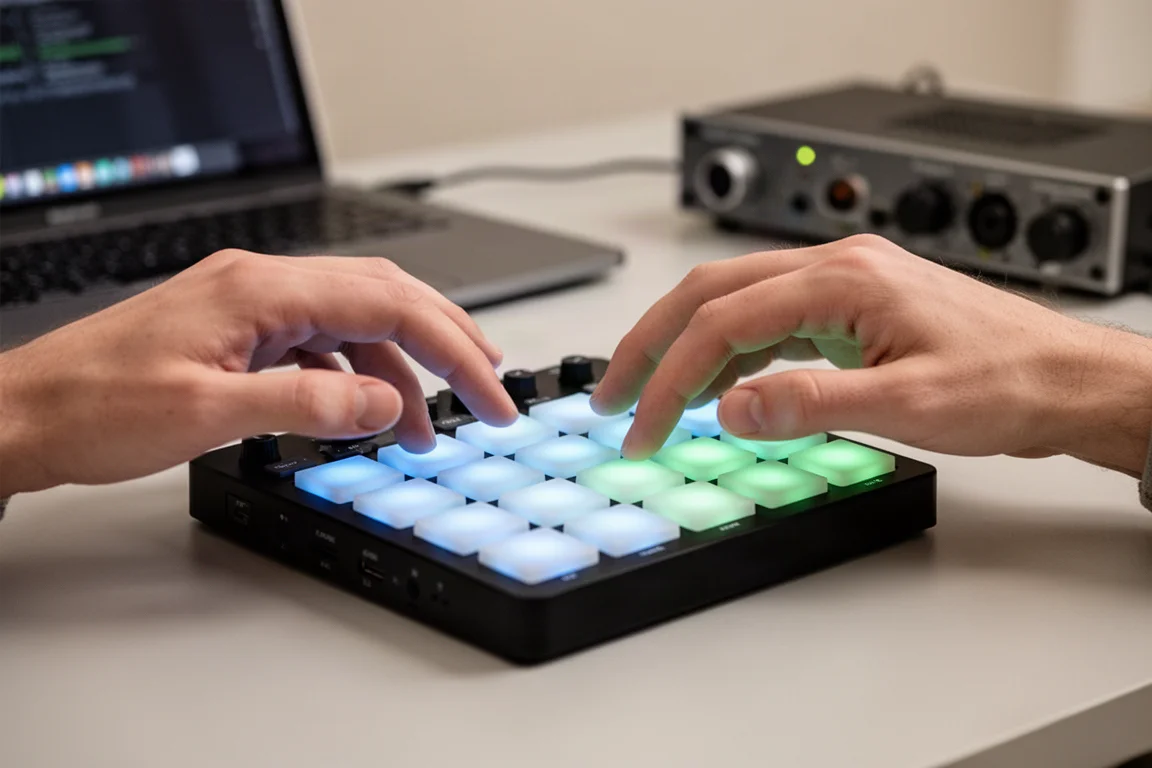
Both keyboards also let their pads handle additional functions like clip triggering, scene triggering, and sequencing, which we will cover shortly.
Controls and Tactile Feedback
The MiniLab 3 gives you eight endless encoders, four faders, and a ninth knob for other functions. The knobs and faders feel tight and precise, with more resistance than the outgoing model. The Launchkey Mini MK4 offers eight endless encoders, but they are very small and a bit harder to handle compared to the nicely spaced controls on the MiniLab. The Launchkey has no faders, so you get fewer hands-on controls overall. That said, if you plan to control multiple tracks with the MiniLab faders, note that each fader is mapped to a specific function rather than individual tracks.
DAW Control and Integration
Both keyboards offer solid DAW integration, but they approach it differently. The MiniLab 3 has DAW control for Ableton Live, FL Studio, Bitwig, Logic Pro, and Reason, plus the MCU standard, so it works with almost any DAW. In Ableton, you can use the knobs to control devices and see the selected device name on the screen. The four faders control one track at a time: fader one controls the current track volume, two and three control sends, and four controls pan. In session view, the black knob navigates scenes, and pressing it triggers a scene.
The Launchkey Mini MK4 has custom scripts for Ableton Live, Logic Pro, Cubase, Reason, and FL Studio, and uses the HUI protocol for Reaper, Pro Tools, and Studio One. For Ableton Live, the Launchkey is exceptionally strong. You get transport controls, capture MIDI, clip and scene launching, and the ability to solo, mute, and arm tracks when the pads are in mixer mode. For live looping in Ableton, this workflow is remarkably efficient. The Launchkey also gives you solid mixer and plug-in control in Logic, FL Studio, and Cubase.
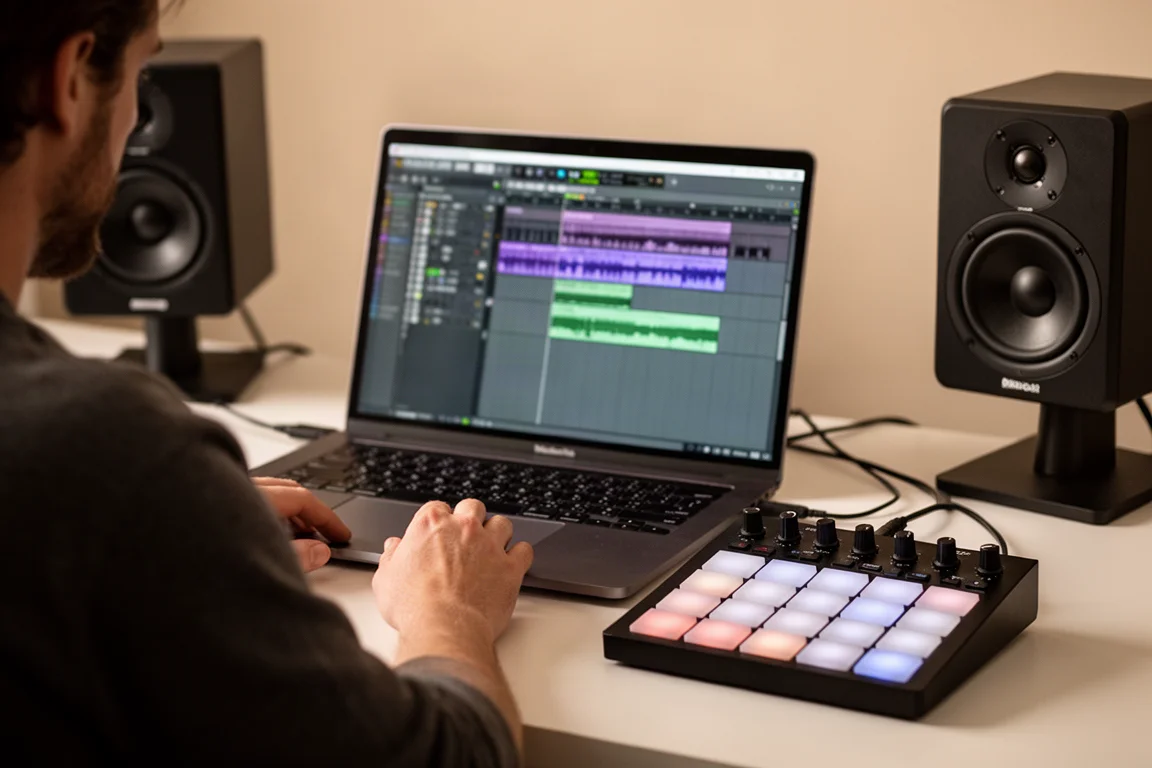
If you live in Ableton Live, the Launchkey Mini MK4 is the more capable controller. If you use a range of DAWs and want broad compatibility, the MiniLab 3 is very versatile.
Virtual Instrument Integration
Where the MiniLab 3 truly shines is virtual instrument control. It offers outstanding integration with Analog Lab, Arturia’s plugin that provides access to a massive collection of virtual synths, pianos, electric pianos, strings, and more. You can navigate presets, load them, and sculpt sounds using the eight knobs and four faders. The black knob cycles through presets, and pressing it loads the sound. This is the most control a mini keyboard gives you over a virtual instrument, making it a sound designer’s dream.
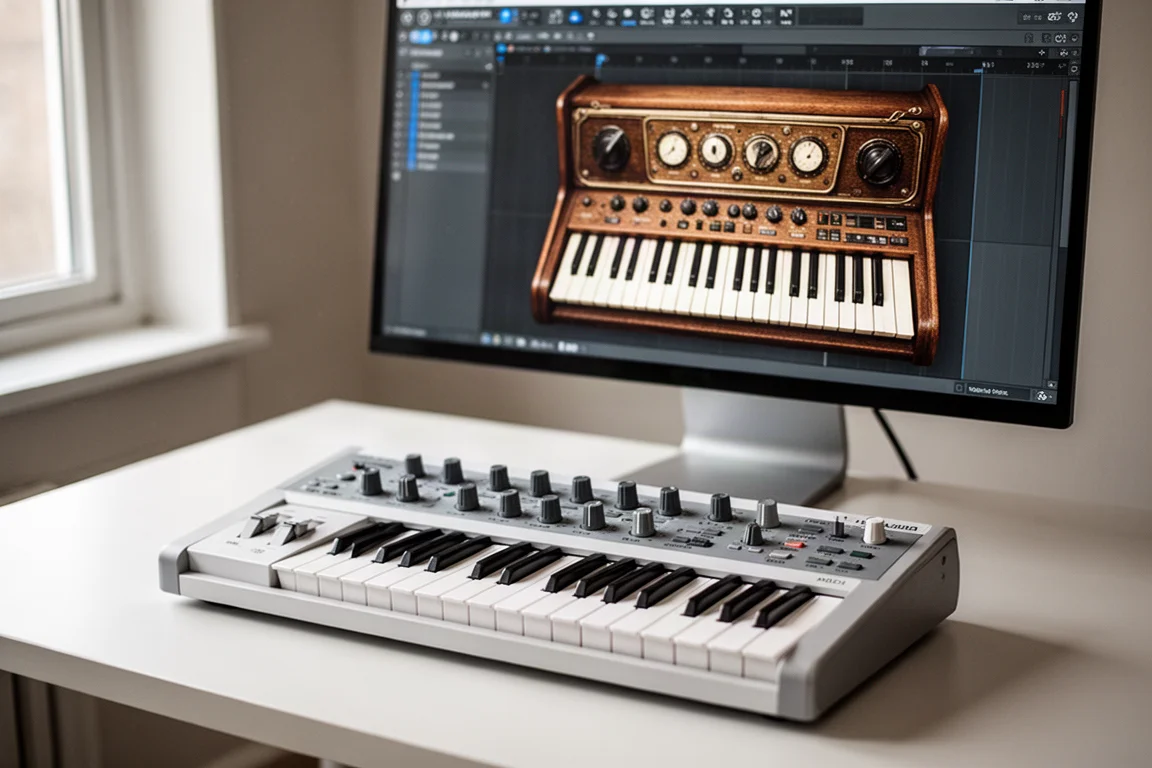
The Launchkey Mini MK4 does not have dedicated virtual instrument integration. You can control parameters for your DAW stock plugins, but there is no Analog Lab style control here. For virtual instrument work, the MiniLab 3 is the winner.
Creative Tools: Arps, Chords, and Scales
Both keyboards include arpeggiators and chord modes, but the Launchkey adds more depth. The Launchkey has a scale mode with options like major, minor, and Dorian, plus three modes: snap to scale, filter out of scale, and easy scale. Its arpeggiator is comprehensive, with tempo sync, swing, gate, and modes like up, down, random, chord, and strum. There is even an arp sequencer with mutate and deviate functions for creating rhythmic patterns.
The MiniLab 3 has a solid arpeggiator with options for mode, gate, rate, division, octave, and swing. Its chord mode lets you play chords with single notes. The Launchkey offers three chord modes: chord map, user chord, and fixed chord. Chord map mode selects a scale and gives you access to chords that fit within it, with encoders to adjust chord spread and inversion. For experimenting with harmonic ideas, the Launchkey’s additional modes are genuinely creative.
Included Software
The MiniLab 3 comes with Ableton Live Lite, Analog Lab Intro, the UVI Model D Grand Piano, Native Instruments The Gentleman upright piano, and a two-month subscription to Loopcloud. Arturia also provides its own MIDI control software for customizing the MiniLab’s controls. The Launchkey Mini MK4 includes some effects from GForce and an orchestral bundle from Orchestral Tools, plus Ableton Live Lite. The Arturia software bundle, especially with Analog Lab, is widely considered the stronger package.
Build Quality and Warranty
Arturia is known for excellent build quality, and the MiniLab 3 is no exception. The latest model uses a plastic bottom instead of metal, which feels sturdy and reduces weight considerably. It comes in classic Arturia white and black versions, and includes a five-year warranty. The Launchkey Mini MK4 is compact and lightweight, smaller than the MiniLab. It is not built to feel premium, but the knobs feel good and the button presses are decent with very little noise. It sits on the budget side of the spectrum, so expectations should be adjusted accordingly.
Which One Should You Choose?
If you want superior virtual instrument control, especially if you are into vintage synths and Arturia’s software collection, the MiniLab 3 is the obvious choice. It pairs the best keys on a mini keyboard with a software bundle that is hard to beat. If you are an Ableton Live user, or you want deep DAW workflow control and stock plug-in control, the Launchkey Mini MK4 is excellent for live looping and sequencing. Just be aware that you will be sacrificing key feel, which is plain uninspiring on the Launchkey.
Keep in mind that if you use FL Studio, Novation has a dedicated controller called the FLkey, so make sure you pick the right one for your DAW. When it comes to the bonus arp, chord, and scale features, you can do most of that in your DAW anyway, so weigh that against your actual workflow. Both keyboards feature MIDI outputs, so those arps can also be fun to use with hardware synths.
Conclusion
Both the Arturia MiniLab 3 and the Novation Launchkey Mini MK4 are excellent compact MIDI controllers, but they serve different priorities. The MiniLab 3 wins on key feel, build quality, and virtual instrument integration, making it ideal for sound design and playing. The Launchkey Mini MK4 wins on Ableton Live workflow, sequencing, and creative tools like scale and chord modes. Choose the one that matches the way you make music, and you will not be disappointed.
Product link
View more details for Arturia MiniLab 3
This product is mentioned in the review. Check the specifications, options, and compatibility before buying.
View more details for Arturia MiniLab 3Further reading
Related Reviews
MIDI Controllers
Arturia KeyLab 88 MK3 Review: A Weighted Hammer Action Controller for Serious Virtual Instrument Work
The Arturia KeyLab 88 MK3 brings a fully weighted hammer action keybed, deep software integration, and hands-on controls to a flagship MIDI controller.
MIDI Controllers
Arturia MiniLab 37 Review: More Keys, Same Winning Feel
The Arturia MiniLab 37 expands on the MiniLab 3 with a longer keybed, while keeping the controls that made the original stand out. Here is how it compares.
MIDI Controllers
Expressive E Osmose CE Review: A Premium MPE MIDI Controller
The Osmose CE brings Expressive E's expressive MPE keys to a dedicated MIDI controller with DAW controls and bundled software.