MIDI Controllers
Novation FLkey 2 Review: Which Size Is Right for Your FL Studio Workflow?
The Novation FLkey 2 lineup brings OLED screens, endless encoders, and deep FL Studio integration. We compare the Mini 25, 37, 49, and 61 to help you choose.
Introduction
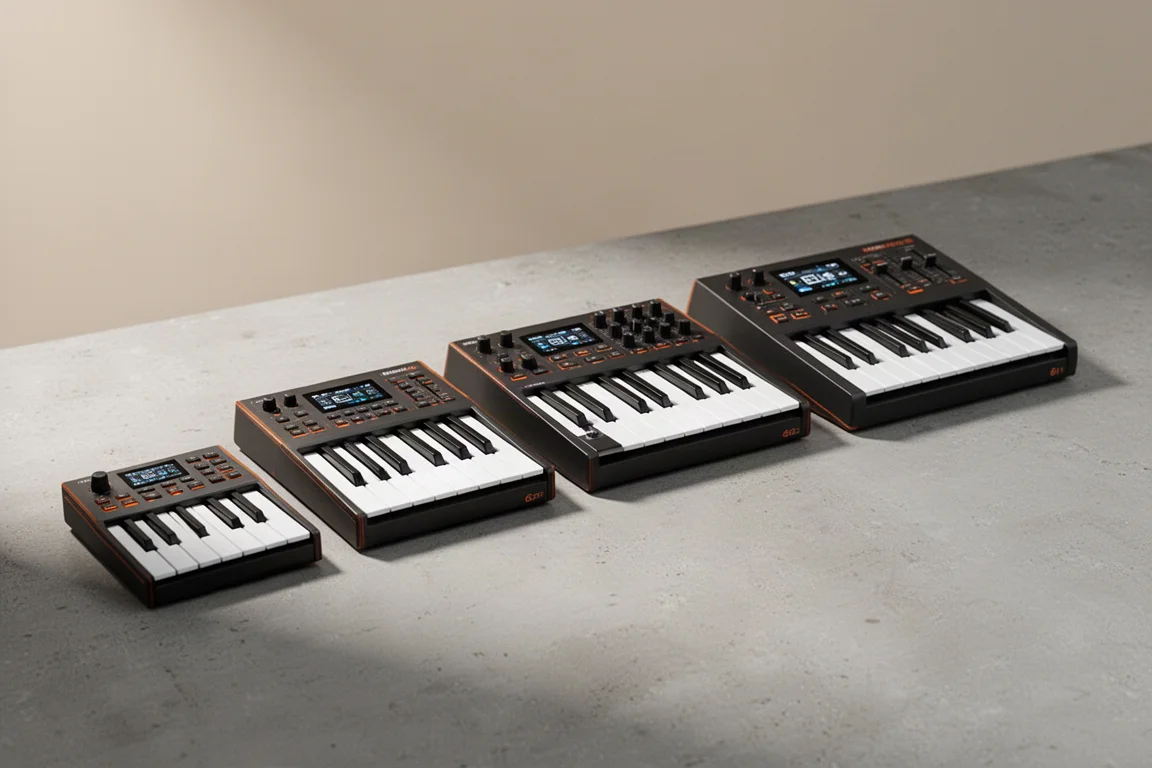
Novation has updated its FLkey series with the FLkey 2, and the changes are substantial. The new lineup brings OLED displays, endless rotary encoders, and deeper FL Studio integration across four sizes: the Mini 25, 37, 49, and 61. While other MIDI keyboards offer basic FL Studio control, the FLkey 2 is designed to feel complete for FL Studio users, with channel rack sequencing that few competitors match.
The lineup spans a wide price range, and the differences between models go beyond key count. Choosing the right one depends on your desk space, your playing style, and how much hands-on control you want over your mixer and plugins.
The FLkey 2 Lineup at a Glance
The FLkey 2 series follows a similar layout philosophy across all four models, but each size adds more dedicated controls. The Mini 25 is aimed at bedroom producers and portable setups, while the 49 and 61 versions feel closer to full production workstations.
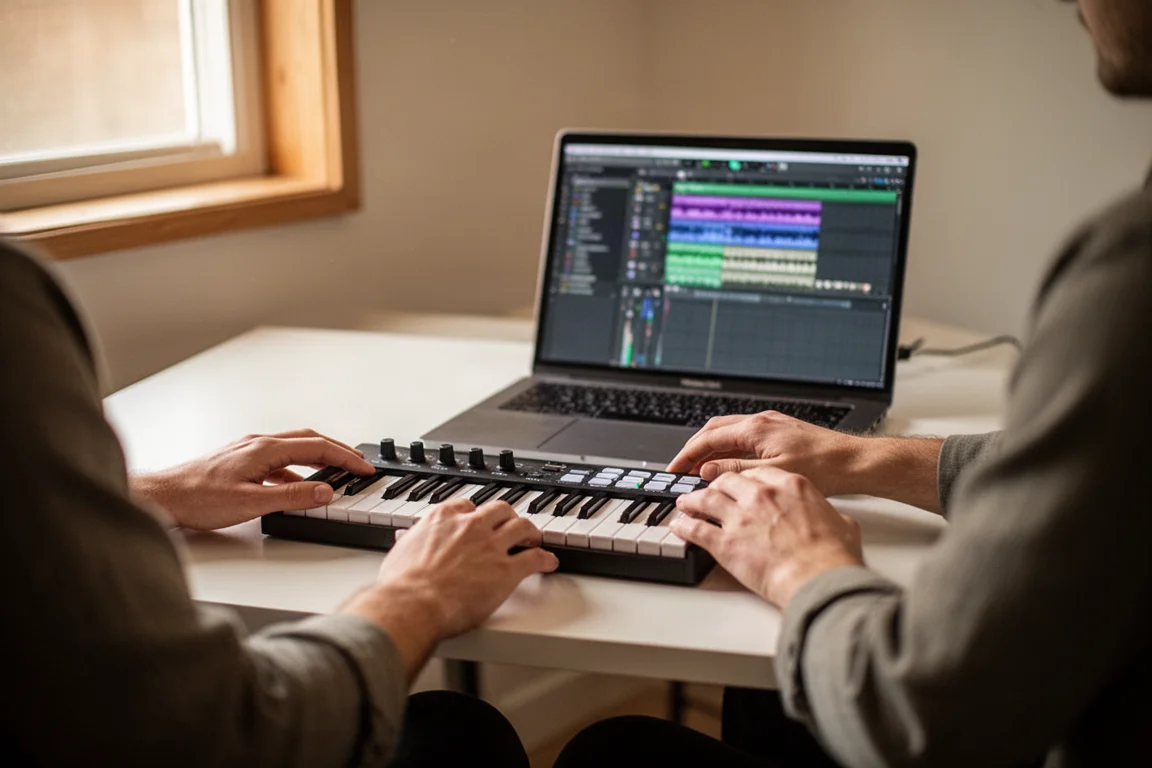
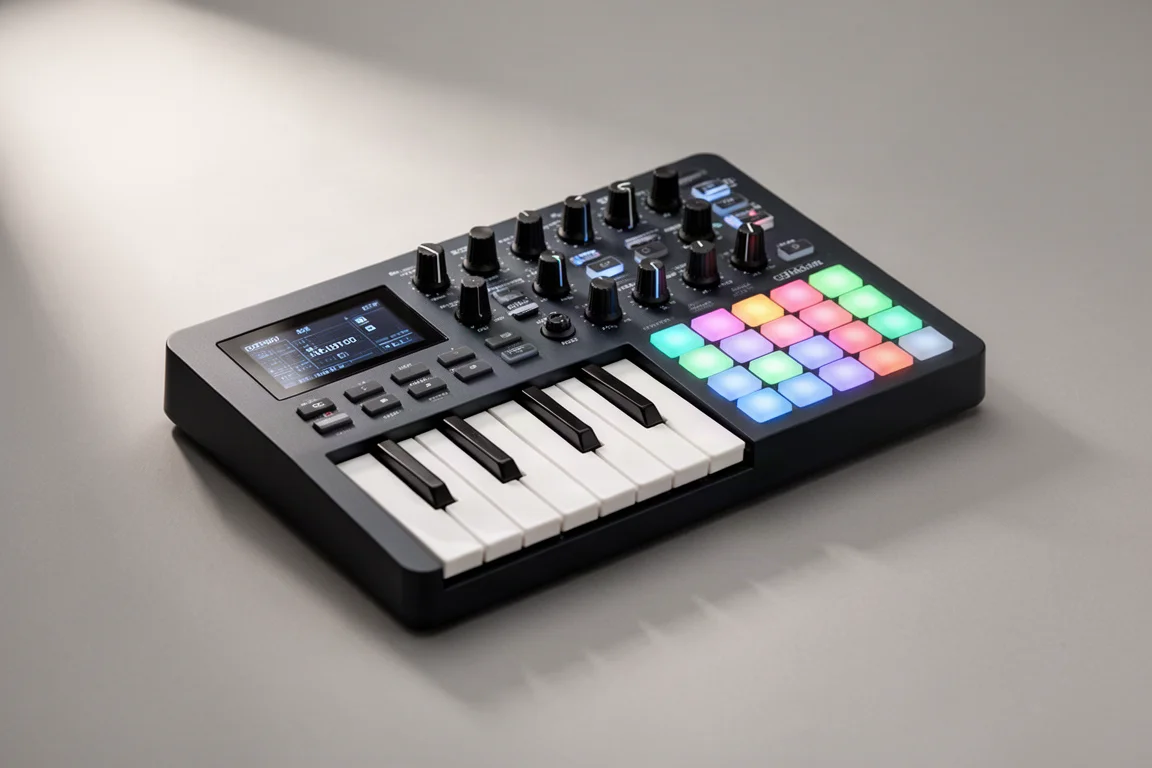
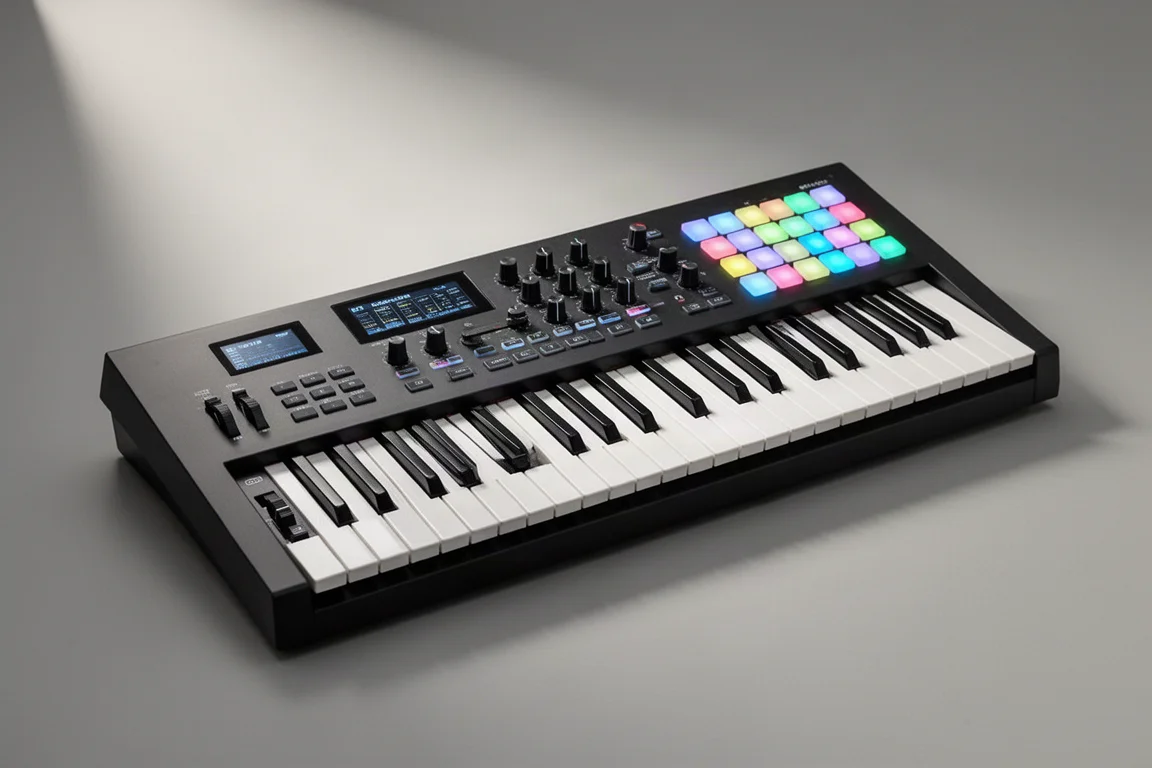
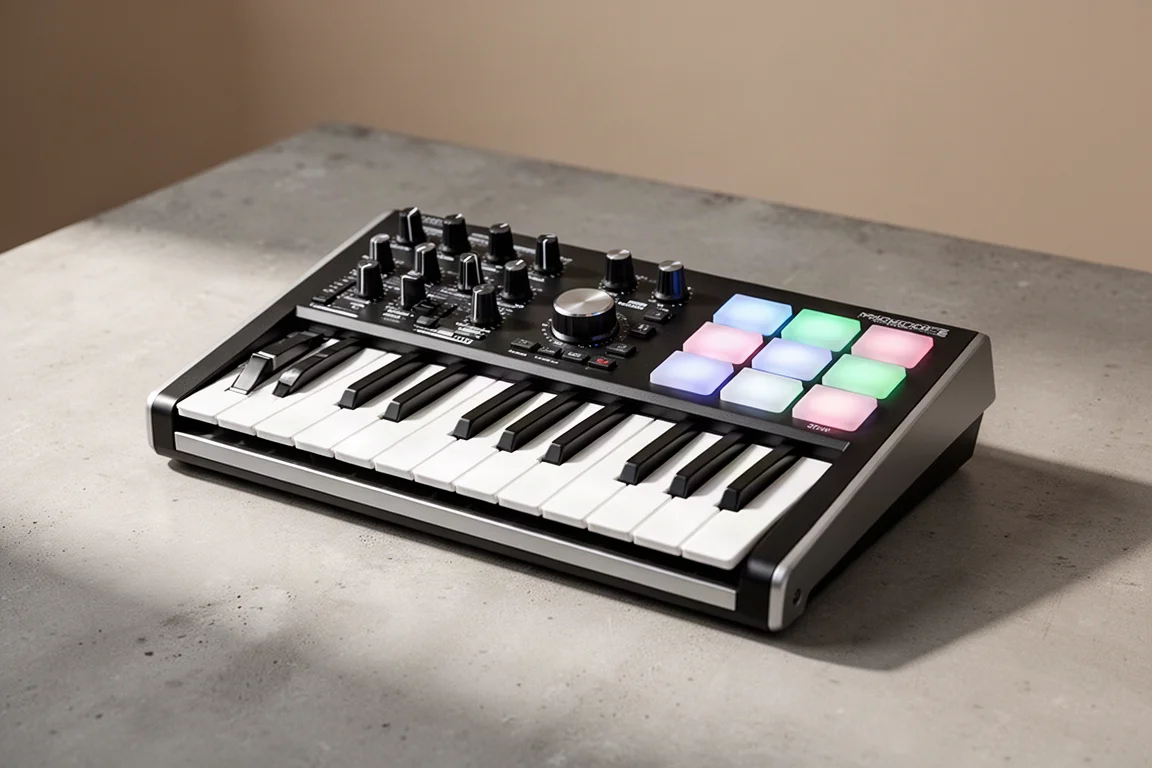
The Mini 25 features 25 mini synth-style keys, pitch and mod touch strips, eight endless encoders, transport controls, and 16 velocity-sensitive pads with poly aftertouch. The 37 adds more buttons and a larger keybed. The 49 and 61 versions step up to full-size semi-weighted keys, regular pitch and mod wheels, nine faders, and dedicated buttons beneath each fader for mixer control.
The 49 and 61 versions have 32 buttons, nine faders, and eight encoders. The 37 has 24 buttons and eight encoders. The 25 has 14 buttons and eight encoders. The larger models also add layers and zones, which let you split the keyboard or layer sounds for performance setups.
OLED Display and Endless Encoders
One of the biggest upgrades across the FLkey 2 lineup is the OLED display. When you adjust plugins, mixer settings, scales, or chord modes, you can see what you are changing without constantly looking at your monitor. It sounds like a small addition, but it makes the controller feel noticeably more premium.
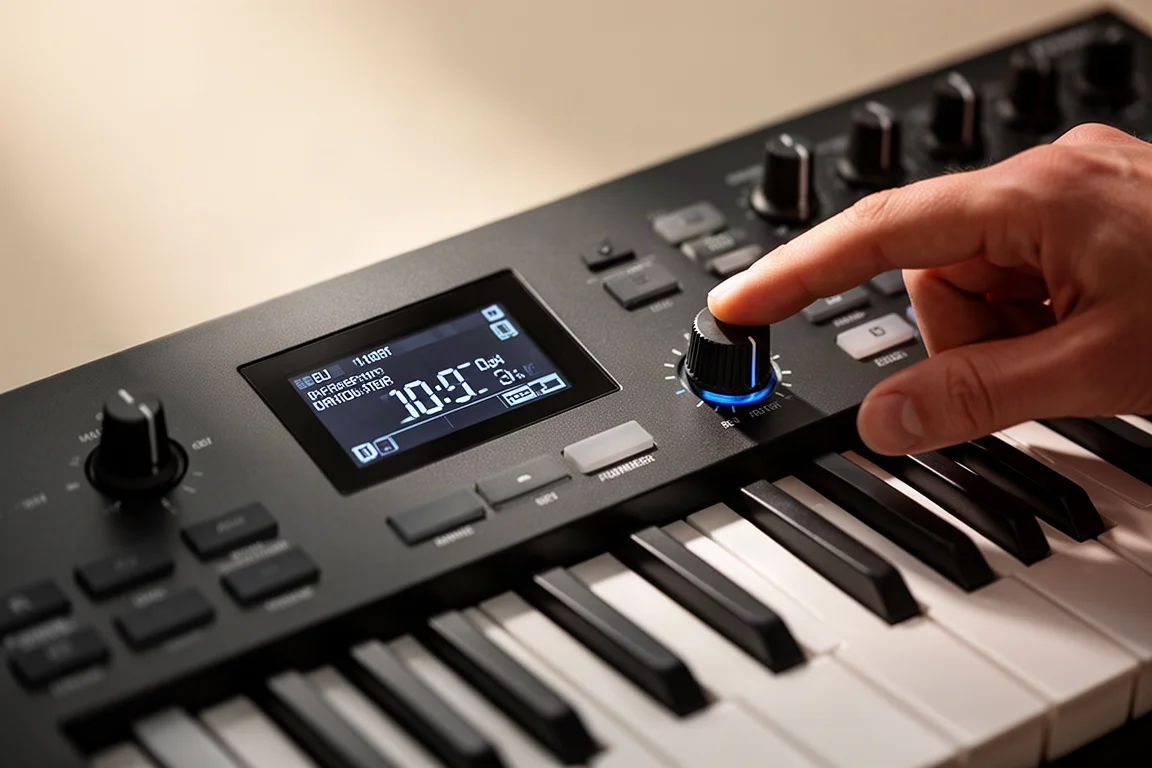
Novation has also switched from traditional knobs to endless rotary encoders. When you switch parameters or plugins, the encoders pick up exactly where the software already is instead of jumping to values all over the place. This is a significant improvement for plugin control, and after using endless encoders, it is hard to go back to standard knobs.
Pads, Scales, and Chord Modes
The FLkey 2 keyboards include 16 velocity-sensitive pads with poly aftertouch, the same pads found on newer Launchkey models. They feel responsive for finger drumming. Note that the pads support poly aftertouch, but the keys themselves do not.
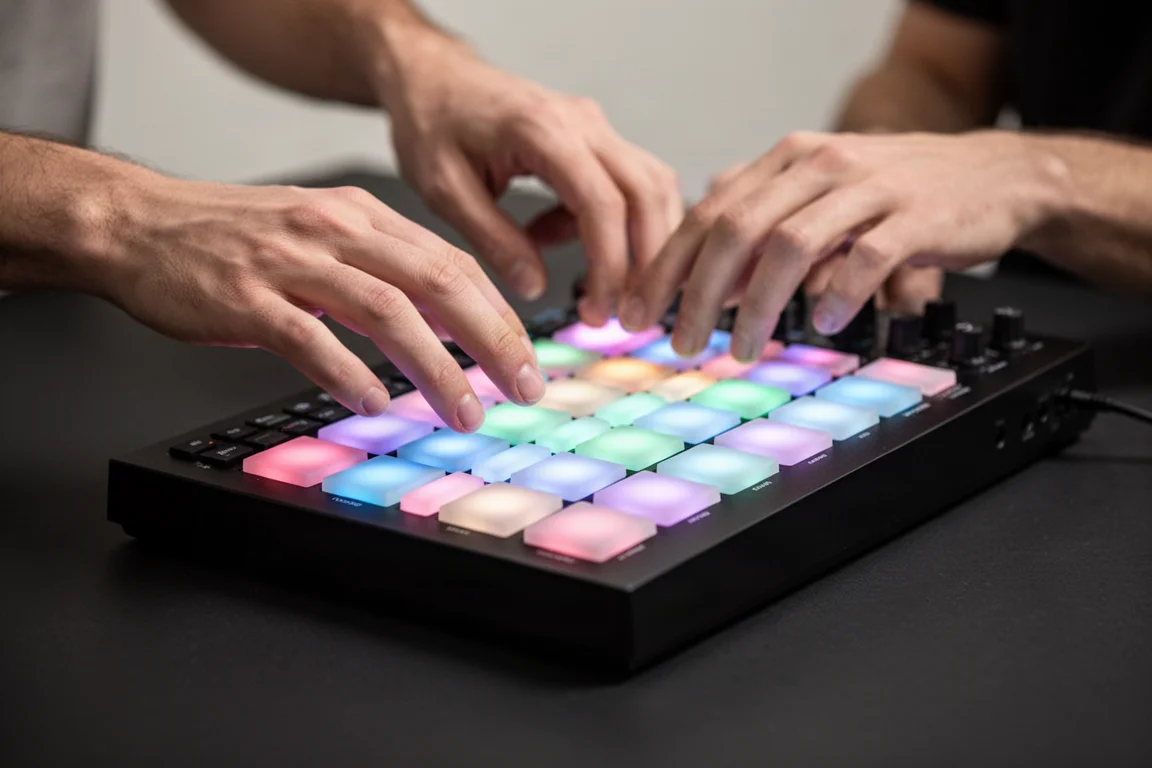
The creative tools are much more advanced than the original FLkey. Scale mode helps keep your playing in key by locking or guiding notes into a selected scale, which is useful for beginners or producers experimenting with melodies and basslines. There are three dedicated chord modes: chord map, user chord, and fixed chords. Chord map helps generate chord progressions within a scale, user chord lets you save custom chords to pads, and fixed chords let you transpose a chord shape across the keyboard with one finger.
The arpeggiator is also deeper this time, with pattern editing tools, rhythmic variations, and performance controls that go beyond basic up and down modes. These creative features are available across the entire FLkey 2 lineup, so even the Mini 25 gets the same core workflow tools as the larger models.
FL Studio Integration
The FLkey 2’s biggest strength is how deeply it integrates with FL Studio out of the box. The knobs, pads, buttons, and faders are already mapped to major FL Studio workflows. You can control the mixer, volumes, pans, and sends, and on the 49 and 61, the faders control tracks directly.
Channel rack control is outstanding. You can sequence beats right on the keyboard, which is not something you typically find on other MIDI controllers. The transport controls are here as well, including play, stop, record, and loop. On the larger models, you get dedicated buttons for metronome control, undo, and song and pattern switching. The encoders automatically map to plugin parameters, and the screen shows you what you are controlling.
The Mini 25: Compact and Portable
The Mini 25 is the most affordable entry point into the FLkey 2 lineup, retailing for $130. It gives you the core FL Studio experience, including the new OLED screen, endless encoders, and the chord, arp, and scale features. It also keeps MIDI out and a sustain pedal input, although it uses a 3.5 mm adapter instead of full-size 5-pin MIDI.
The main compromise is the keybed. The 25 mini synth-style keys feel a little mushy and are not the most inspiring to play. Most other mini keyboards have better keys than these. If you plan to do a lot of melodic playing, this is the one area where the Mini 25 falls short.
The 37: A Middle Ground
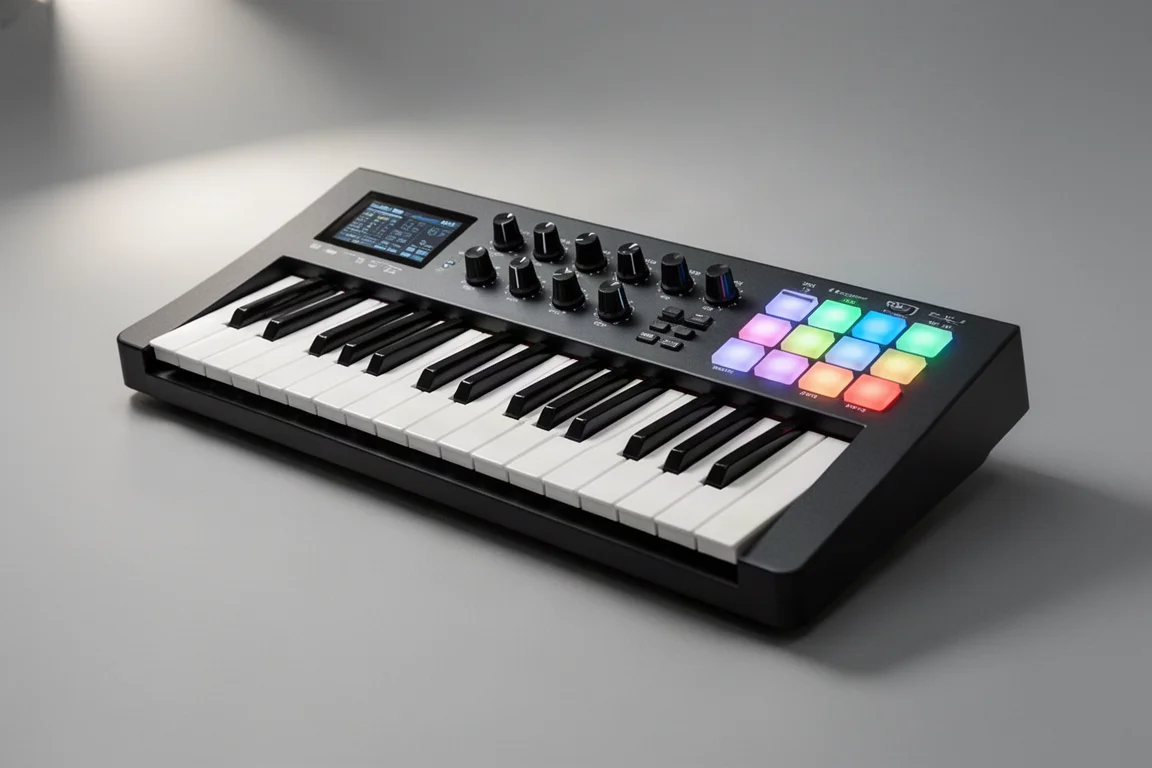
The 37-key version retails for $230 and adds more buttons and a larger keybed than the Mini 25. It follows the same layout ideas as the larger models but does not include the faders found on the 49 and 61. It has 24 buttons and eight encoders.
The 37 is a reasonable middle ground if you want more keys than the Mini 25 but do not have space for a full-size keyboard. However, for only $50 more, the 49 gives you significantly more control.
The 49-Key Sweet Spot
The 49-key version retails for $280 and feels like the sweet spot for most producers. For only $50 more than the 37, you get full-size semi-weighted keys, nine faders, dedicated buttons beneath them, and a setup that starts feeling less like a compact MIDI controller and more like a full production centerpiece.
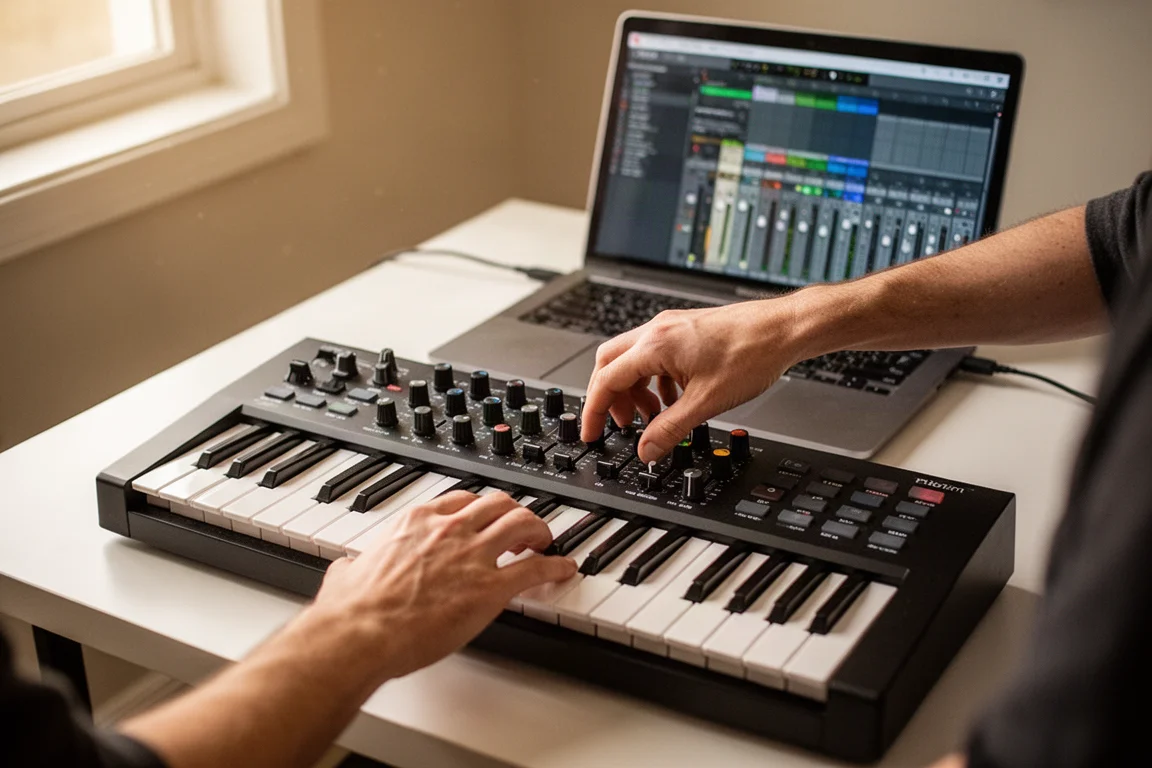
The semi-weighted keys feel noticeably more substantial than the Mini 25’s keys. You also get regular pitch and mod wheels instead of touch strips, which many players prefer. The faders are particularly useful for mixer control inside FL Studio, and the additional buttons mean less menu diving.
The 61: Maximum Control
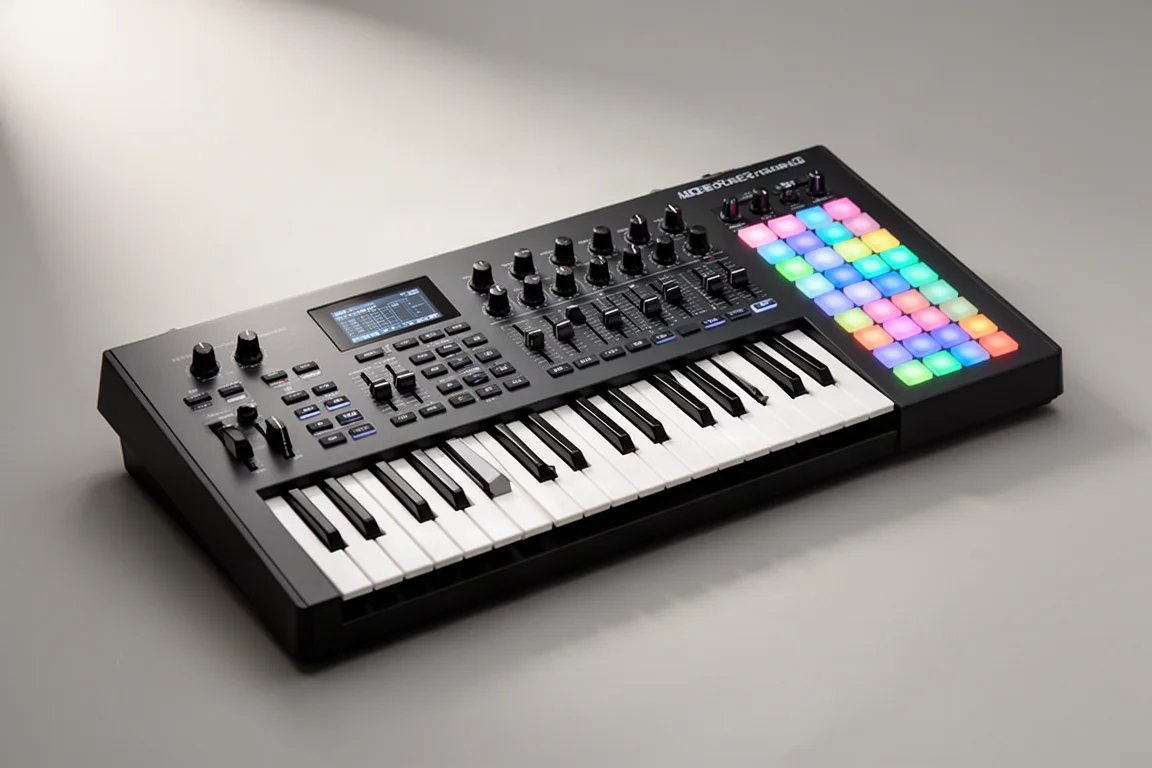
The 61-key version retails for $330 and offers the most control in the lineup. It has the same 32 buttons, nine faders, and eight encoders as the 49, but with a larger keybed for more playing range. If you have the space and play parts that span more than four octaves, the 61 gives you the most complete production workstation experience.
How It Compares to the Arturia KeyLab Mk III
The Arturia KeyLab Mk III is the only other MIDI keyboard that offers channel rack sequencing in FL Studio, but it is available only on the premium KeyLab model. You cannot get it on cheaper Arturia models. If budget is a concern, the Novation FLkey 2 gives you more FL Studio control at a lower price.
However, the FLkey 2 is missing tight software instrument integration like you find on Arturia and Native Instruments keyboards. If you play a lot of virtual instruments, that type of control can be a game changer for sound design and exploring presets. Recently, Native Instruments opened up the NKS standard to other keyboards, so you will have some control of the Native Instruments Complete Control plugin with the FLkey 2, but it is not as deep as dedicated integration.
What Is Missing
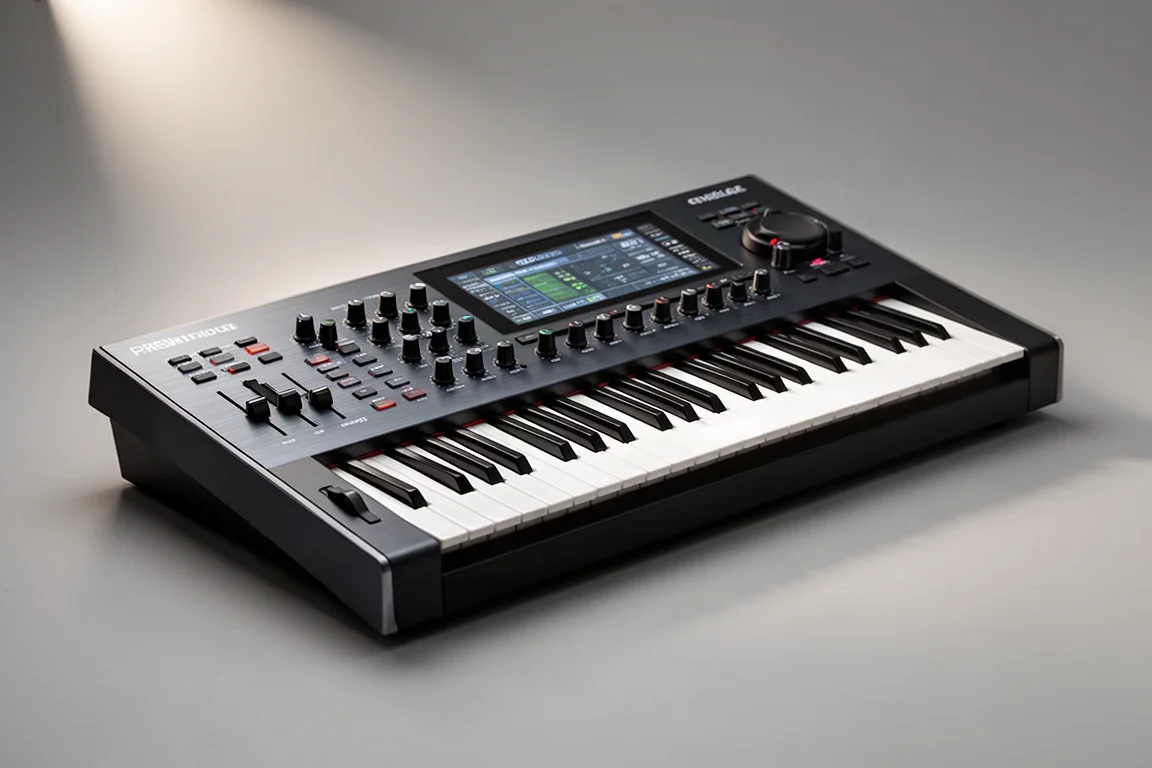
The dedicated note repeat button from the original FLkey is gone. You can still create similar rhythmic effects using the arpeggiator, but it is not quite as immediate as having a dedicated button ready to go.
The lack of aftertouch on the keys is another consideration. The pads have poly aftertouch, but the keys do not. If expressive key playing is important to you, this is a limitation to keep in mind.
Buying Advice
If you want something compact for beatmaking, portability, or a smaller studio space, the Mini 25 still gives you the core FL Studio experience, but the keys are not great. If you have the space, the 49-key version is probably the sweet spot for most producers. For not much more money than the 37, you get semi-weighted full-size keys, dedicated faders, more direct controls, and a setup that feels much more like a complete production workstation.
If you already own the original FLkey, the upgrade is worth considering. The OLED screen alone makes plugin control and workflows feel dramatically better, and the endless encoders are a huge improvement. The FLkey 2 is a much more modern and refined keyboard overall.
Conclusion
The Novation FLkey 2 lineup is a significant step forward for FL Studio users. The OLED displays, endless encoders, and deep channel rack integration make these keyboards feel modern and complete. The 49-key version offers the best balance of control and value, while the Mini 25 remains a solid portable option if you can live with its keybed. If you use FL Studio, the FLkey 2 is a strong choice, though you may want a second keyboard with tighter virtual instrument integration if that matters to you.
Further reading
Related Reviews
MIDI Controllers
Arturia KeyLab 88 MK3 Review: A Weighted Hammer Action Controller for Serious Virtual Instrument Work
The Arturia KeyLab 88 MK3 brings a fully weighted hammer action keybed, deep software integration, and hands-on controls to a flagship MIDI controller.
MIDI Controllers
Arturia MiniLab 3 vs Novation Launchkey Mini MK4: Which Mini Keyboard Fits Your Workflow?
A feature-by-feature comparison of two popular 25-key MIDI controllers, covering key feel, pads, DAW integration, software bundles, and creative tools.
MIDI Controllers
Arturia MiniLab 37 Review: More Keys, Same Winning Feel
The Arturia MiniLab 37 expands on the MiniLab 3 with a longer keybed, while keeping the controls that made the original stand out. Here is how it compares.