Home Entertainment
NexiGo Aurora Pro 4K Laser Projector Review: Big Screen Gaming and Movies Without the TV Price
The Aurora Pro delivers 4K 120Hz gaming, laser brightness, and a 100-inch screen experience at a fraction of traditional TV costs. A practical look at what works, what requires patience, and who should consider it.
Introduction
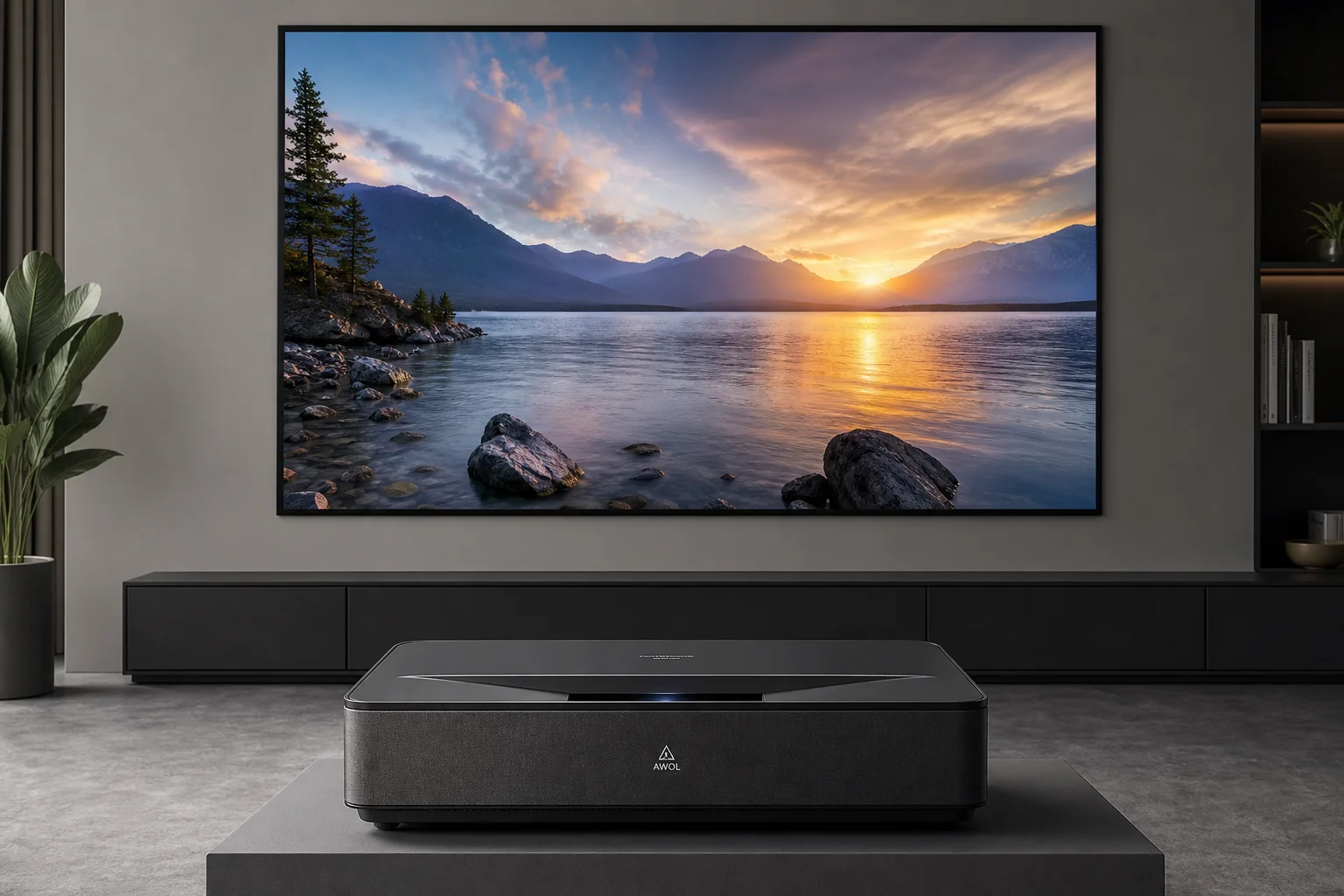
A 100-inch television costs $10,000 to $15,000 or more. The NexiGo Aurora Pro is a 4K laser ultra short throw projector that can deliver a comparable viewing experience for significantly less, especially when paired with a compatible screen. This review covers what the Aurora Pro does well, where it requires patience, and whether the projector-plus-screen approach makes sense for your space.
Design and Build Quality
The Aurora Pro’s most distinctive feature is its short-throw lens design. Unlike conventional projectors mounted on ceilings or shelves far from the screen, this projector sits directly beneath the display, projecting upward at a steep angle. This placement solves a practical problem: the projector’s front-facing speaker grille actually points toward the viewer, rather than away.
The projector houses two 15-watt woofers and two 15-watt tweeters. The speaker output is surprisingly usable for casual viewing, though serious home theater enthusiasts will likely add a dedicated soundbar or receiver.
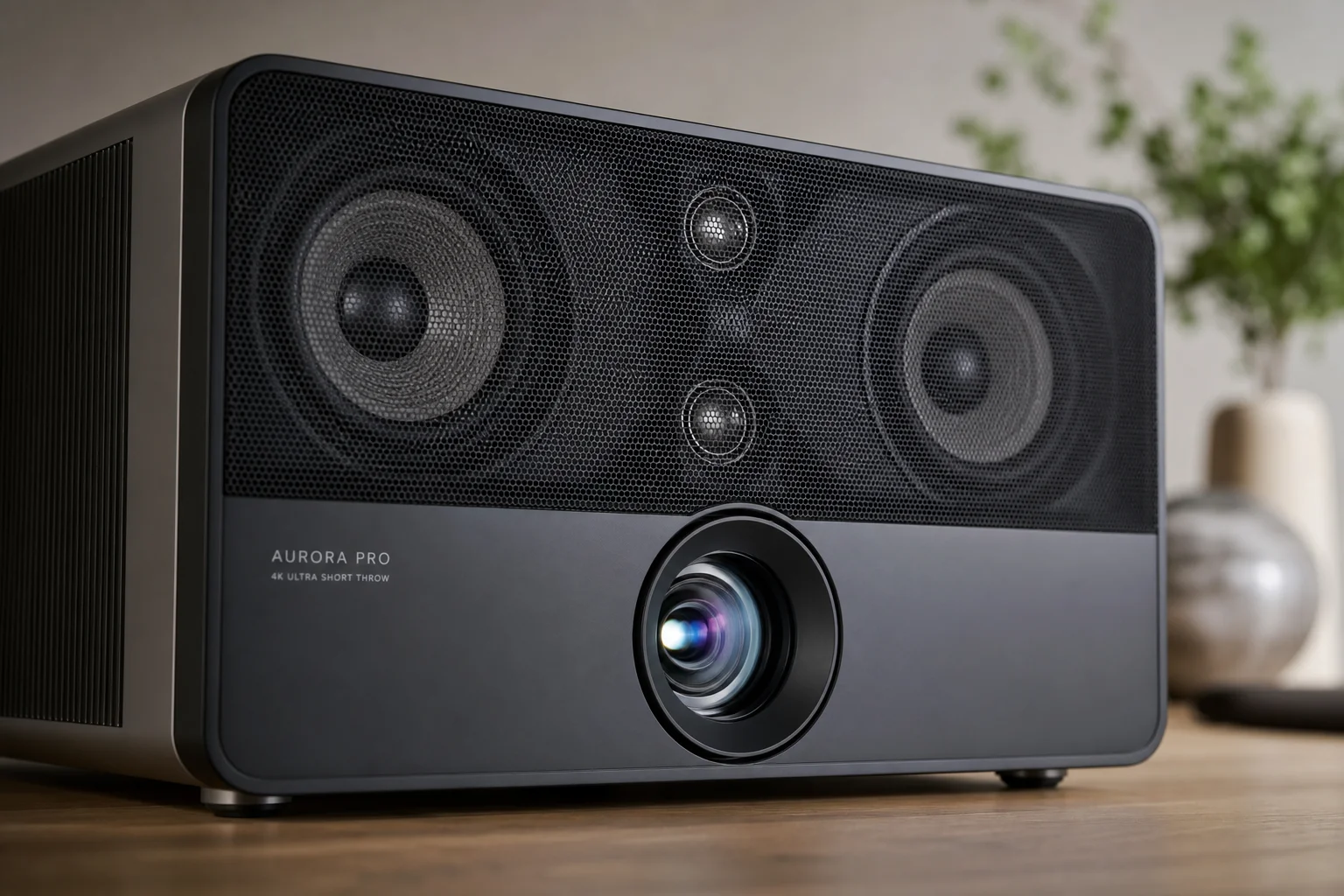
The short-throw lens itself is the engineering centerpiece. Because the lens is much closer to the screen than a conventional projector, different parts of the screen sit at vastly different distances from the lens. Achieving even brightness and minimal distortion across the entire image requires precise optical design. The projector includes auto-focus sensors and supports keystoning adjustments to handle alignment.
Setup took approximately 30 minutes in this evaluation, which is longer than ideal. The included documentation could benefit from clearer guidance on optimal screen positioning relative to the projector’s height and distance. Once aligned, the image remains stable without constant adjustment.
The projector includes cooling fans, which produce noticeable noise during startup but become less intrusive once content is playing.
Picture Quality and Brightness
The Aurora Pro uses laser light sources rather than traditional lamps, which delivers two key advantages: extremely high contrast and consistent brightness over the projector’s lifespan. The laser approach eliminates the washed-out appearance common in conventional projectors.
The projector supports 4K resolution, Dolby Vision, and HDR. It produces 2,400 ANSI lumens, which is bright enough to function in rooms with moderate ambient light, though performance improves significantly in darker environments.
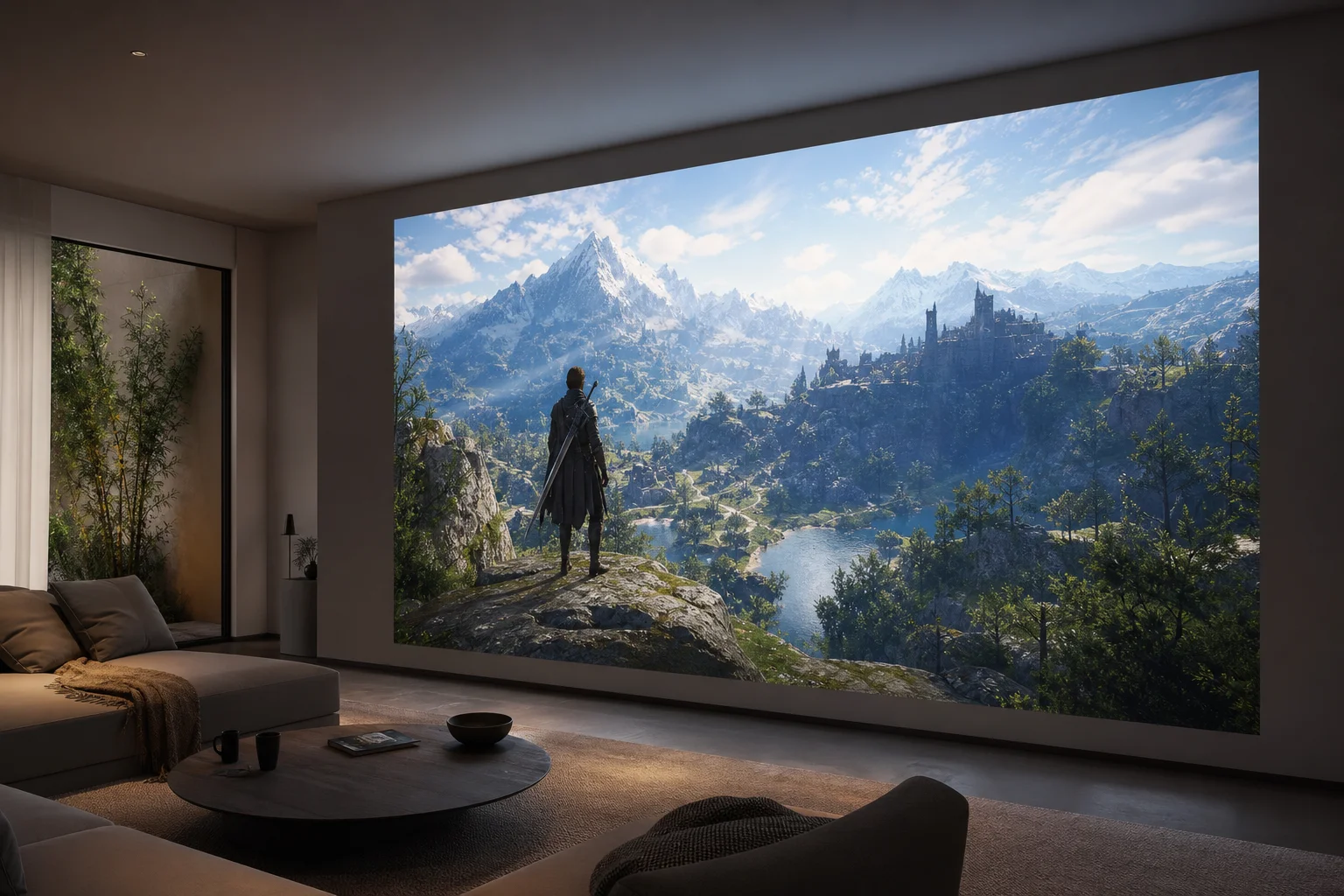
The included Nexigo ambient light rejecting screen is a gray material designed to improve contrast by reflecting the projector’s light straight back while rejecting ambient room light. This trade-off means viewing angles are narrower than with a lighter screen, and peak brightness is reduced compared to a white screen. However, for a room where some ambient light is unavoidable, the gray screen is a practical compromise. The screen costs approximately $1,000 and is rated to work with projections from 80 to 150 inches.
In a fully dark room, the image quality is striking. The laser brightness and HDR support create vivid colors and deep blacks. In a room with studio lighting simulating late-afternoon sunlight, the image remains visible and usable, though brightness and contrast are noticeably reduced compared to darkness.
Connectivity and Gaming Features
The Aurora Pro includes three HDMI 2.1 ports, though only the third port supports the full HDMI 2.1 specification, including 4K at 120Hz. The other two ports support standard HDMI 2.1 features but not high refresh rate 4K. One HDMI port includes eARC for connecting external audio devices.
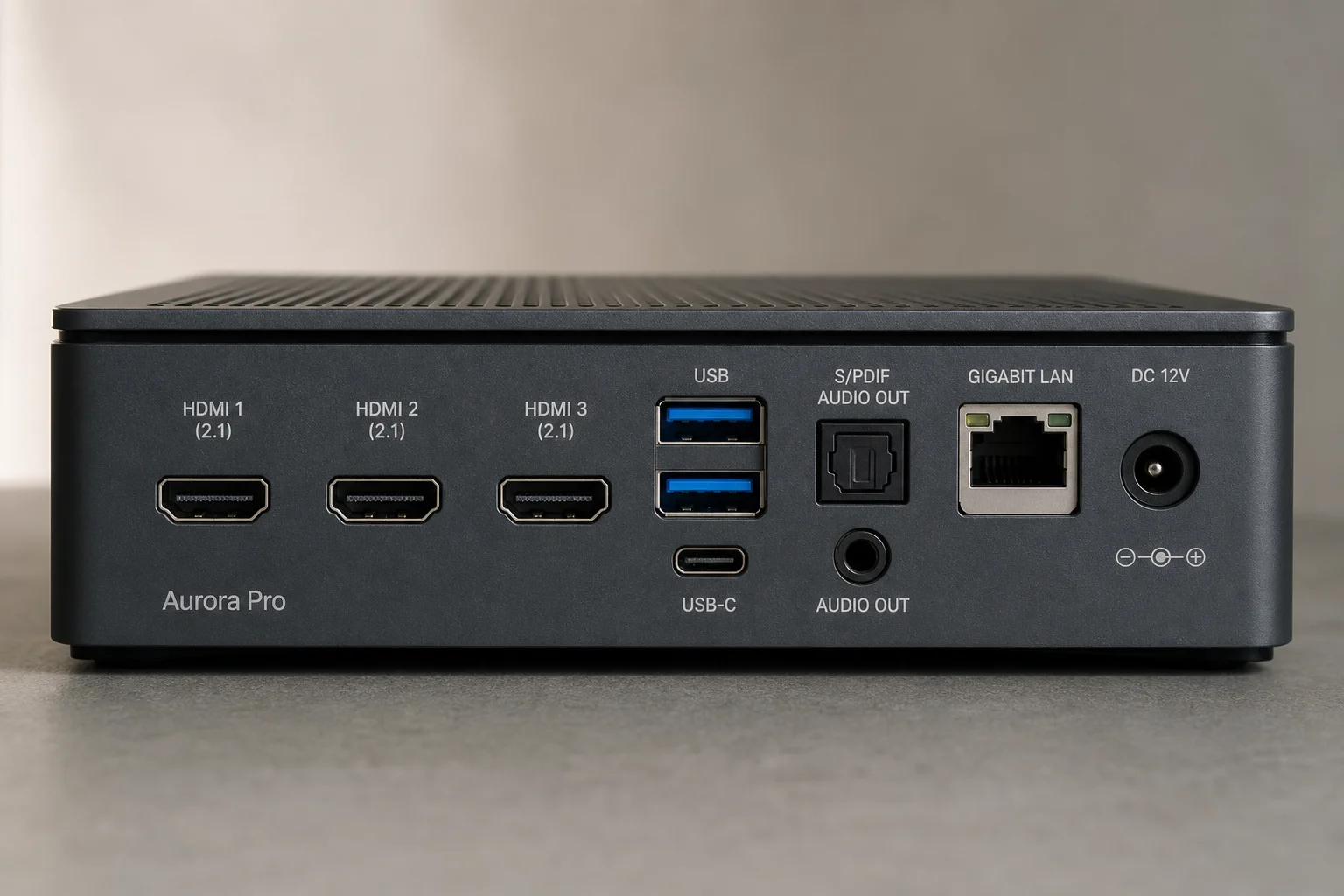
Additional connectivity includes two USB ports, S/PDIF audio output, standard audio output, and gigabit Ethernet. The projector runs Android 9 with a MediaTek processor, 3GB of RAM, and 128GB of storage, enabling direct streaming of content via Wi-Fi 6 without external devices. The projector supports Miracast, AirPlay, and DLNA for wireless content delivery.
The remote is notably uncluttered, with essential controls for power, navigation, volume, and input selection. It avoids the common problem of remotes cluttered with streaming service shortcuts.
Gaming Performance and Input Latency
The Aurora Pro advertises less than 15 milliseconds of input lag in gaming mode, with some claims as low as 12 milliseconds. In practical testing with Xbox and PC gaming, input latency felt responsive and did not create noticeable lag during fast-paced gameplay. The difference between 12 and 30 milliseconds of latency is smaller than the dead zones in most game controllers, so real-world gaming performance is solid.
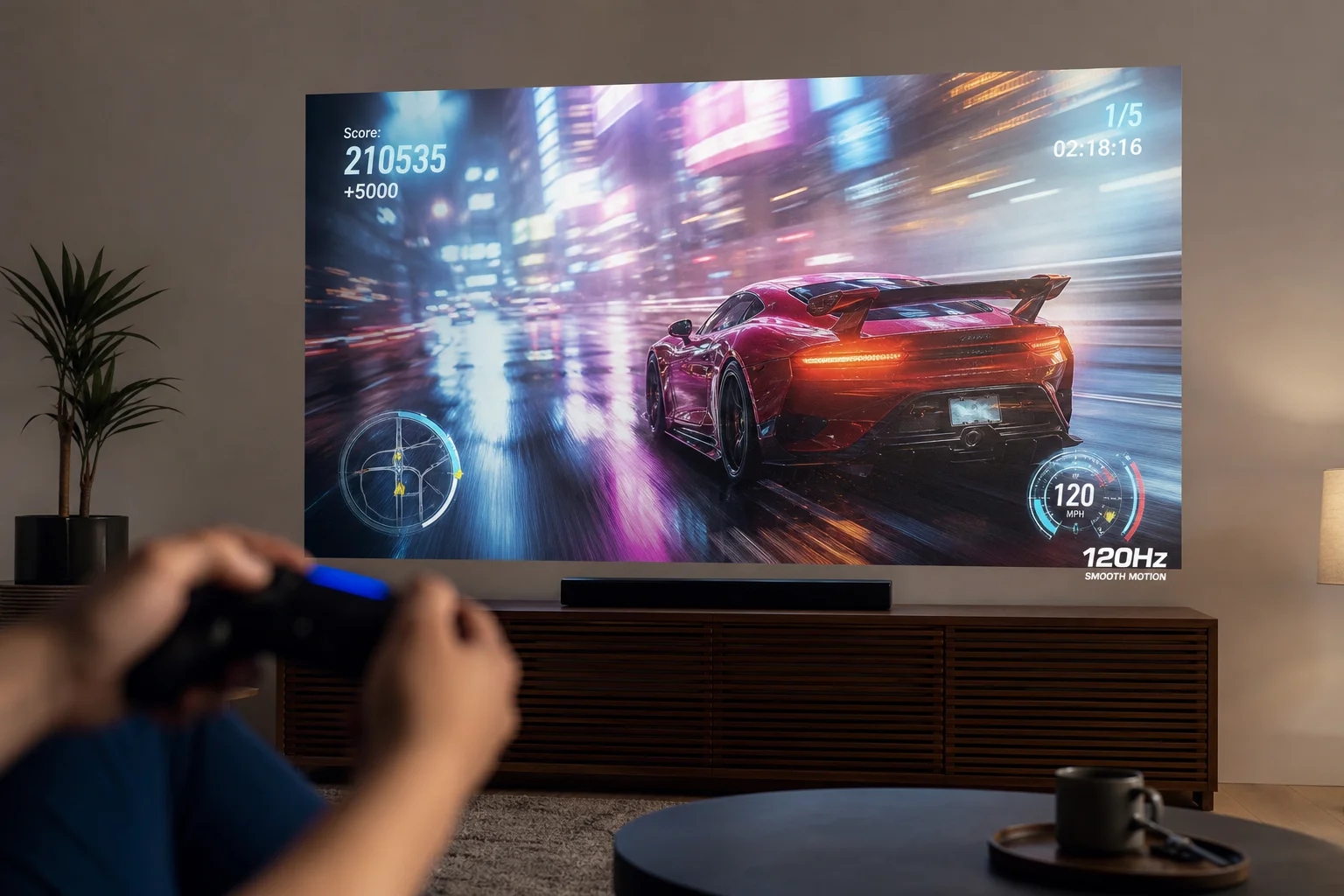
The projector supports 4K at 120Hz, which is valuable for next-generation gaming consoles and high-end PCs. Motion handling at 120Hz is noticeably smoother than 60Hz, though the improvement is most apparent in games optimized for high refresh rates. Some games may not run at 120Hz natively, which limits the benefit in those cases.
The projector’s auto low latency mode activates automatically when gaming content is detected, and Dolby Vision is supported for gaming, which is uncommon in projectors.
Practical Considerations
Setup and alignment require patience. The projector’s position relative to the screen height and distance must be carefully planned, and keystoning adjustments are necessary to achieve a properly aligned image. This is a one-time task, but it is not as straightforward as mounting a television.
The gray ambient light rejecting screen reduces viewing angles compared to a white screen. Viewers sitting far to the side will notice reduced brightness and contrast. Viewing from directly in front of the projector is optimal.
The projector performs best in dark environments. While it is usable in rooms with moderate ambient light, the contrast and color saturation improve dramatically when ambient light is minimized.
Conclusion
The Aurora Pro delivers a large-screen home theater experience at a lower cost than a comparable television. The 4K laser brightness, 120Hz gaming support, and integrated speakers make it a capable all-in-one solution for viewers who prioritize screen size and have the space and patience for setup. The short-throw design is practical for rooms where ceiling mounting is not feasible. The trade-off is that setup requires more care than a television, and image quality depends on room lighting conditions. For viewers who want a 100-inch screen and can accommodate the projector’s requirements, the Aurora Pro is a strong value proposition.
Product link
View more details for NexiGo Aurora Pro
This product is mentioned in the review. Check the specifications, options, and compatibility before buying.
View more details for NexiGo Aurora ProFurther reading
Related Reviews
Gaming Monitors
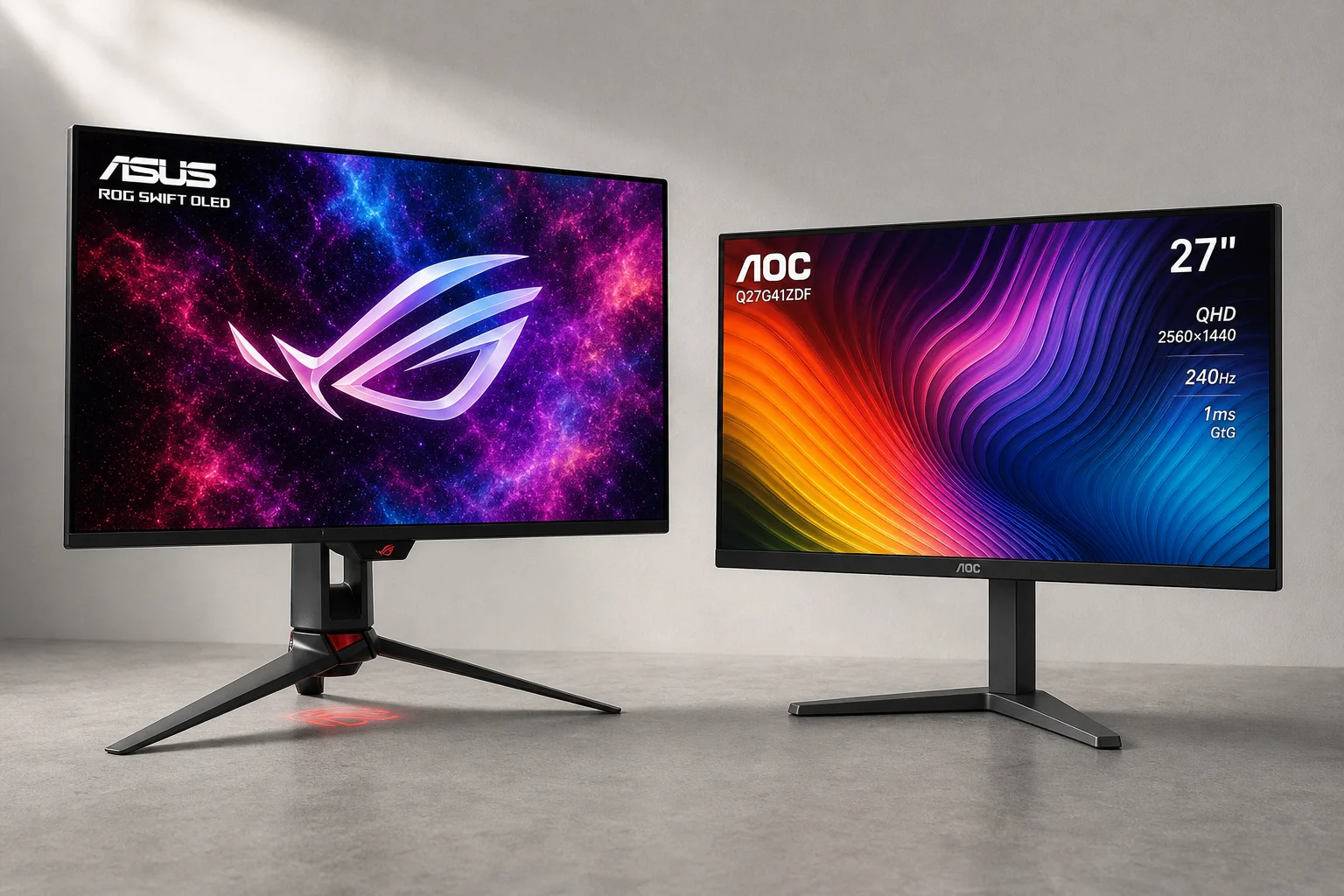
AOC Q27G41ZDF vs Asus ROG Swift OLED PG27AQDP: Budget vs Premium OLED Gaming
Two 27-inch 1440p OLED gaming monitors at vastly different price points. We compare brightness, color accuracy, text sharpness, refresh rates, and real-world performance to see what justifies the premium.
Graphics Cards
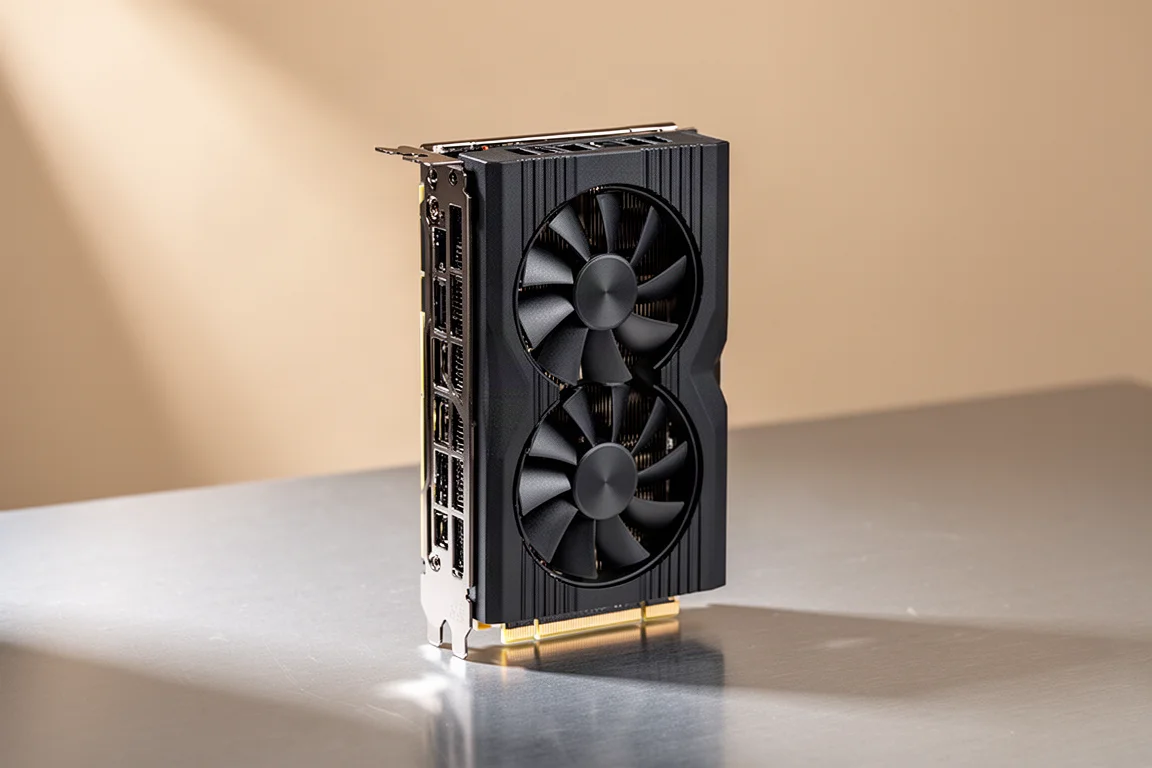
Asus Prime RTX 5070 Ti Review: A Solid 4K Performer at the Right Price
The Asus Prime RTX 5070 Ti delivers 4080-class performance, easy overclocking, and strong cooling in a compact design. Here is what to consider before buying.
TV Reviews
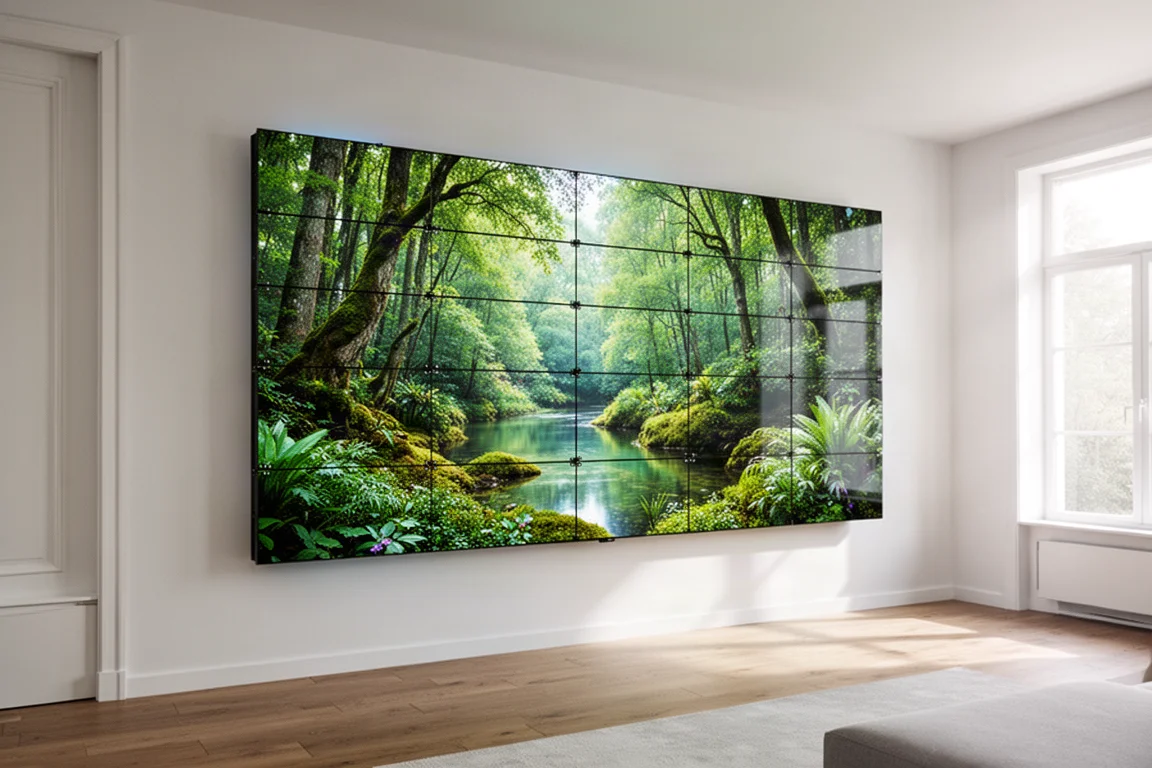
AWOL 157-Inch MicroLED TV Review: Big Screen, Big Questions
A hands-on look at the AWOL 157-inch MicroLED TV, covering the technology, installation, and real-world performance of this massive display.