Room Correction
Anthem ARC Genesis Beta Review: Smarter Speaker and Subwoofer Integration
A practical look at Anthem's ARC Genesis beta, including phase-aware speaker calibration, all-pass subwoofer blending, and the settings worth adjusting.
Introduction
Room correction rarely gets credit for how much it changes the sound of a system. Anthem’s ARC Genesis beta, running on the company’s current AV receiver platform, is a case where the update matters more than a version number suggests. The beta adds two capabilities the shipping version does not have: it calculates the distance and phase of each speaker, and it works out the correct phase relationship between the front left, center and right speakers and the subwoofers using an all-pass filter.
This review covers what those changes deliver in a real 5.2.2 system, what the calibration report actually shows, and which settings are worth adjusting before settling on a final result.
Who ARC Genesis Beta Is For
ARC Genesis Beta is aimed at owners of Anthem’s current AV receivers who want their speakers and subwoofers to behave as one system rather than two separate halves. It matters most in rooms where the main speakers roll off early and the subwoofers have to take over well above the usual crossover point.
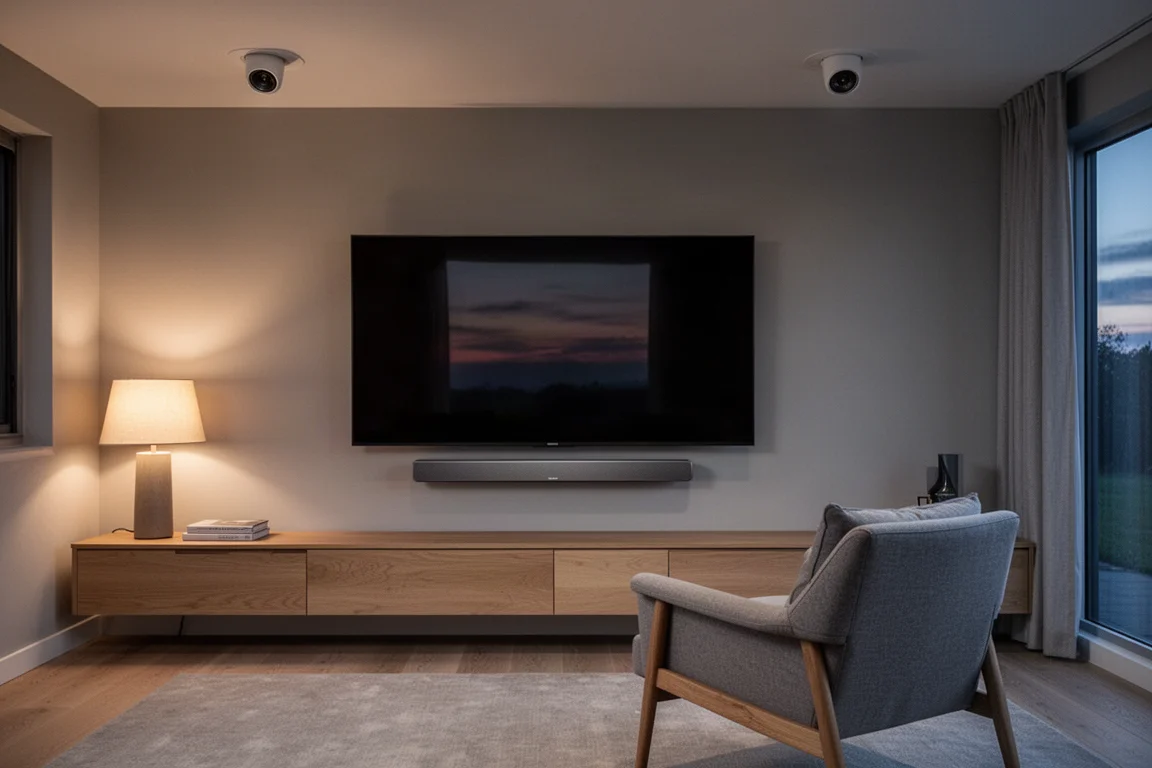
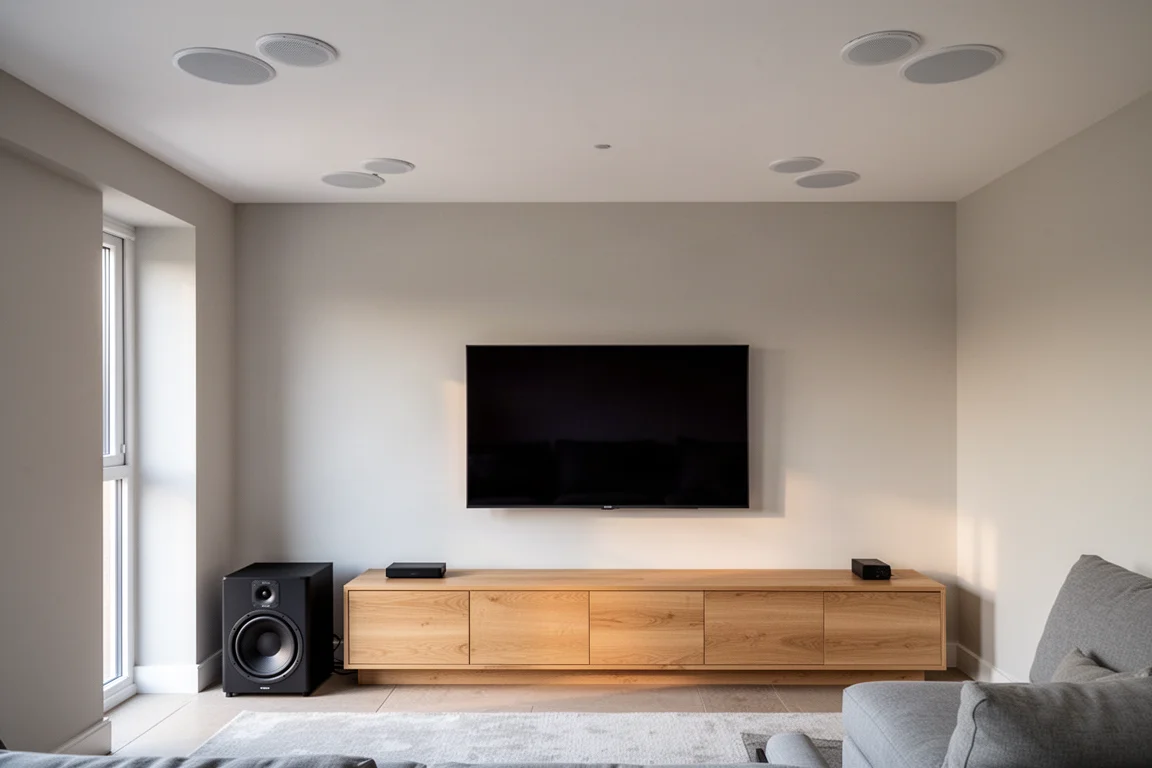
The evaluation system here is a 5.2.2 layout with a passive LCR soundbar using roughly four-inch drivers, in-ceiling subwoofers with high-excursion eight-inch drivers, and matching surround and top-middle speakers. The soundbar began rolling off near 100 Hz, so the subwoofers had to carry a wider band than a typical tower-based system would require. That is exactly the kind of setup where a phase-aware calibration earns its keep.
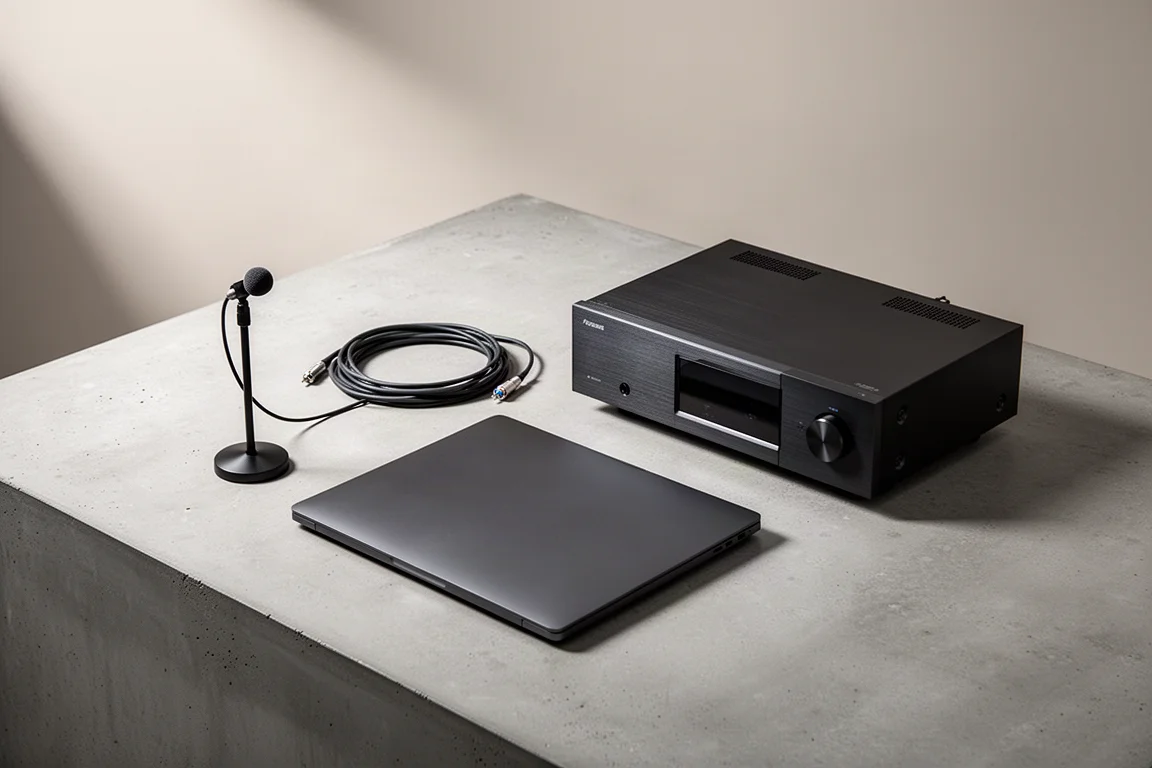
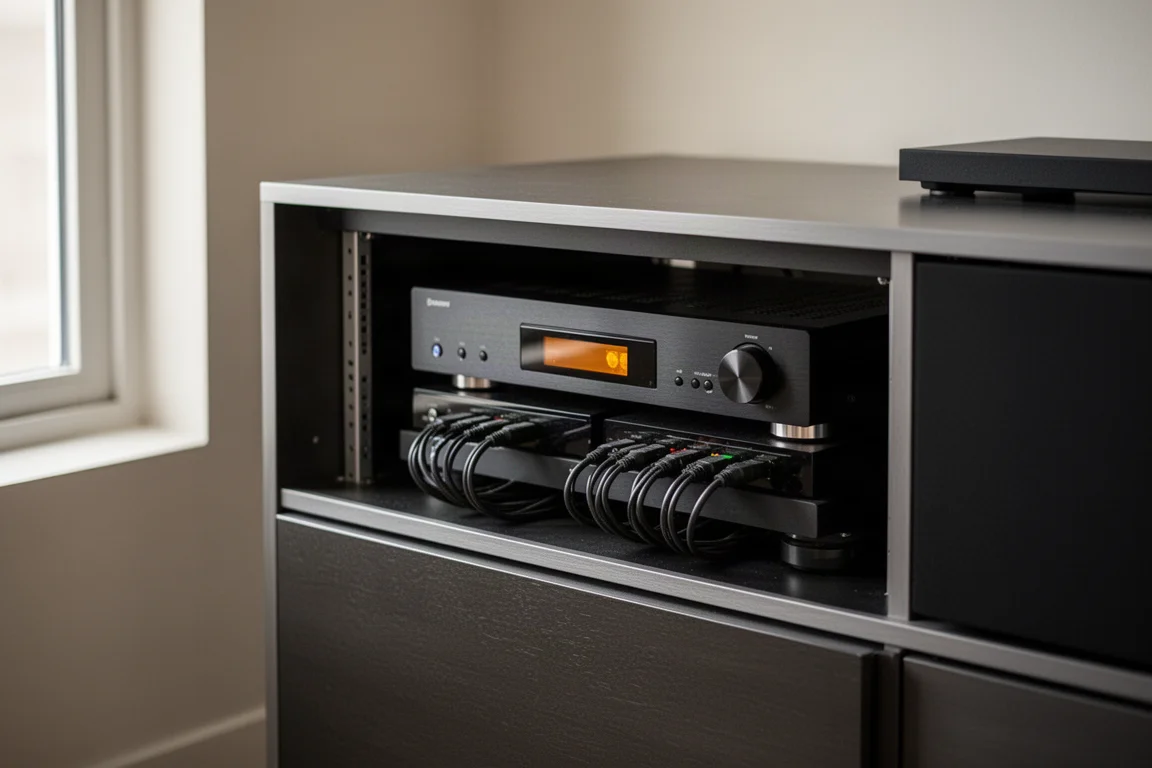
One practical detail is worth knowing before you plan a calibration session. The microphone plugs directly into a laptop rather than the receiver, and as long as that computer sits on the same network as the receiver, calibration can be run from anywhere in the house. The receiver does not need to share a room with the display and speakers.
Main Strengths
The beta’s improvements are concentrated in the areas that are hardest to get right by ear: speaker distance, phase, and the handover between the main speakers and the subwoofers.
Speaker Distance and Phase Calculation
After a calibration run, the receiver’s distance readouts are not literal tape-measure distances. They are relative values, calculated from the distance between the listening area and the front left speaker and then applied across the other channels. The beta uses those figures to set delays properly rather than to report physical positions, and the receiver’s display reflects that relative approach rather than absolute distances.

Levels came out accurately set across every channel, and the crossovers were assigned correctly as well, including a deliberately higher crossover for the soundbar’s small drivers. Getting the low-frequency behaviour of each speaker right is the foundation everything else is built on.
Subwoofer Integration With an All-Pass Filter
This is the headline feature. An all-pass filter passes every frequency at the same amplitude while shifting phase only where it is needed, which is precisely the tool required to blend main speakers and subwoofers without altering the tonal balance of either.
Once the standard correction is complete, the beta asks whether to run the phase correction. It then sweeps the main speakers and the subwoofer while stepping through phase angles, showing a graphical result as the gap between the two fills in. In this system the correction landed around 120 Hz at roughly 125 degrees. That transition region, where the subwoofer takes over from the mains, is one of the hardest things to dial in manually, and it is where the beta makes its clearest difference.
A Calibration Report You Can Read at a Glance
After calibration, ARC Genesis produces a slide-style PDF report showing measured and corrected curves for each speaker. In this room a broad peak between roughly 25 Hz and 30 Hz was flattened out, which is the kind of correction that makes generous bass output usable without boom. The report also covers room gain, channel levels and crossover points, so you can see what the software decided and why.
Because the low-frequency peak was tamed, more room gain could be added later without the system sounding bloated. That is the useful part of the workflow: correction first, taste second.
Flexible Targets and Correction Limits
Correction does not have to be applied across the full bandwidth. Limiting it to 5 kHz, where most of the audible correction work was happening, keeps the character of the speakers intact while still cleaning up the lower range. Full-bandwidth correction up to 20 kHz is available, and results can be edited and re-imported into the receiver, so a calibration is a starting point rather than a final answer.
Targets are equally adjustable. Room gain can be raised to taste, deep bass boost can be nudged upward from its default of about 1 dB, and the tilt of the target curve can be changed. There is also a subwoofer high-pass filter setting, which can be switched to flat for subwoofers that carry their own protection circuitry.
Things to Consider Before Buying
The beta is beta. The distance readouts currently show relative values rather than real physical distances, and that presentation may change before a final release, so it is worth treating the numbers as delay information rather than measurements.
One setting deserves attention: the subwoofer’s low frequency extension, defaulted at 80 Hz and raised to 130 Hz in this configuration, appears to be separate from the LFE crossover and is not shown in the receiver’s on-screen display. Its exact role is worth confirming rather than assuming.
Two further points are worth weighing. Deep bass boost can overload a subwoofer if pushed hard, so it should be used sparingly. And results depend heavily on measurement quality; full-bandwidth correction at high frequencies is difficult to get consistent because the software has to separate what the speaker is doing from what the room is doing. Starting with a 5 kHz limit and expanding later is the more predictable path.
Finally, plan for a computer on the same network as the receiver, since the calibration microphone connects to the laptop rather than the AV receiver.
Buying Advice
For owners of Anthem’s current AV receivers, the beta is worth running. The improvements are not cosmetic: correct distances, correct phase, and a properly blended subwoofer-to-main transition change how a system sounds more than most feature additions do.
A sensible sequence is to run the standard correction first, confirm that crossovers and levels look reasonable, then run the phase correction pass. Limit correction to around 5 kHz initially, add a small amount of room gain rather than a large amount, and set the subwoofer high-pass filter to flat if your subwoofers have their own protection. Then listen with correction engaged and disengaged.
Because the calibration can be edited and re-imported, there is no penalty for experimenting. Small changes to room gain, deep bass boost and target tilt are easy to reverse, and the system keeps its corrected curves in the report for reference. That flexibility is what makes the beta practical rather than merely interesting.
Conclusion
ARC Genesis Beta concentrates on the parts of calibration that are hardest to solve by ear: distance, delay, and the phase relationship between the main speakers and the subwoofers. In a 5.2.2 system built around a passive soundbar and in-ceiling subwoofers, the result was a more cohesive presentation, with the room peak at 25 to 30 Hz flattened and the dynamics of the system left intact. For Anthem receiver owners willing to spend an afternoon on setup, that is a meaningful return.
Product link
View more details for Anthem ARC Genesis Beta
This product is mentioned in the review. Check the specifications, options, and compatibility before buying.
View more details for Anthem ARC Genesis BetaFurther reading
Related Reviews
AV Processors
Anthem AVM 90 8K Review: A Reference-Grade AV Processor for Music and Movies
A close look at the Anthem AVM 90 8K AV processor: measured performance, two-channel and immersive listening notes, bass control, and what to weigh before buying.
Home Theater
Anthem AVM 90 Review: A 15.4-Channel Flagship Preamp Processor
A close look at Anthem's flagship preamp processor, covering its dual ESS DAC architecture, 15.4-channel layout, ARC Genesis calibration and four independent subwoofer outputs.
Home Theater Processors
Anthem AVM 90 vs AVM 70: Which Anthem Surround Processor Fits Your Theater?
A practical look at the Anthem AVM 90 flagship surround processor, how it differs from the Anthem AVM 70, and which one makes more sense for your room.