Astrophotography Software
NAIF Review: A Free Tool for Boosting Detail in Hydrogen Alpha Solar Images
NAIF (Noise Adaptive Fuzzy Equalization) is a PC utility that adds contrast and surface detail to processed solar images, with a few trade-offs worth knowing about.
Introduction
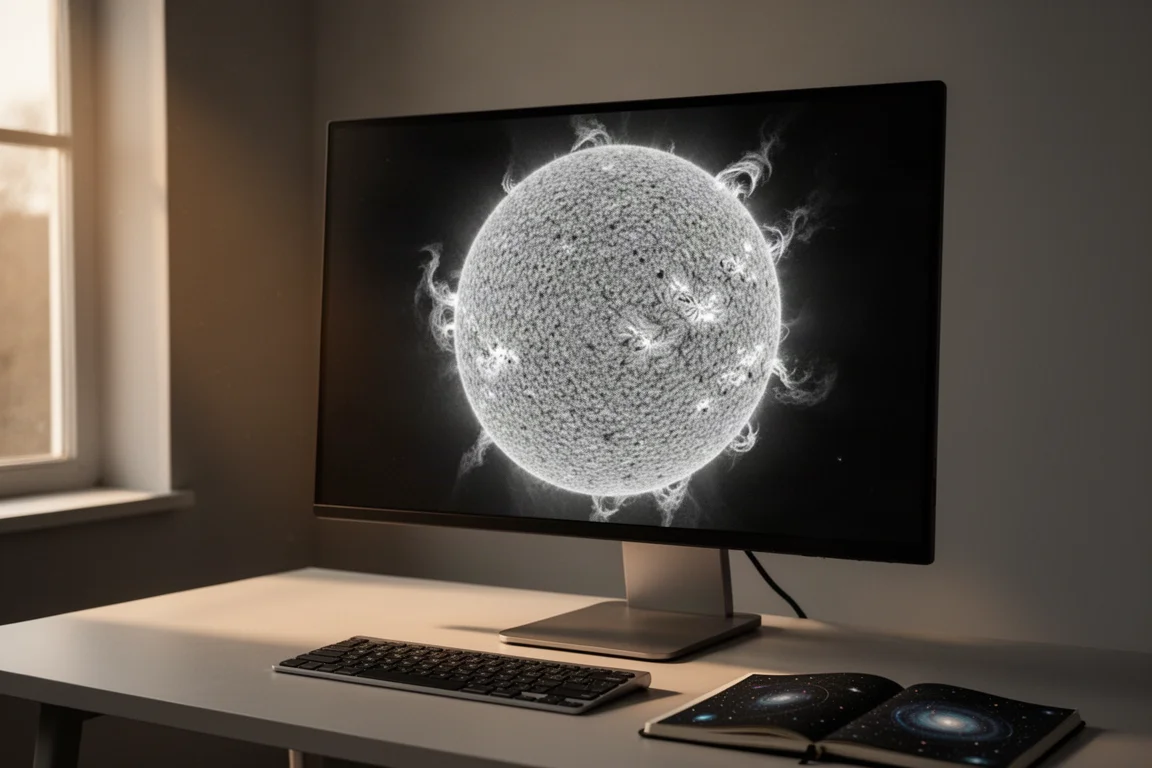
If you image the sun in hydrogen alpha, you probably already have a routine: capture, stack, sharpen in a tool like IMPPG, then clean everything up in a full editor. NAIF, short for Noise Adaptive Fuzzy Equalization, adds one more step to that chain. It is free PC software that you run on your processed data to pull noticeably more contrast and surface detail out of the solar disk.
After spending time with it on several kinds of solar images, the short verdict is this: the detail gains are real, the controls are simple, and the main drawback is the way it saves its output. Used sensibly, though, it is a worthwhile addition to a solar processing repertoire.
What NAIF Does
NAIF is designed for the stage after sharpening. You finish your IMPPG pass, save the result, and then load that file into NAIF to boost local contrast on the solar surface. The interface is straightforward: you open a file, activate the process on your region of interest, and the result appears within seconds on typical frames.
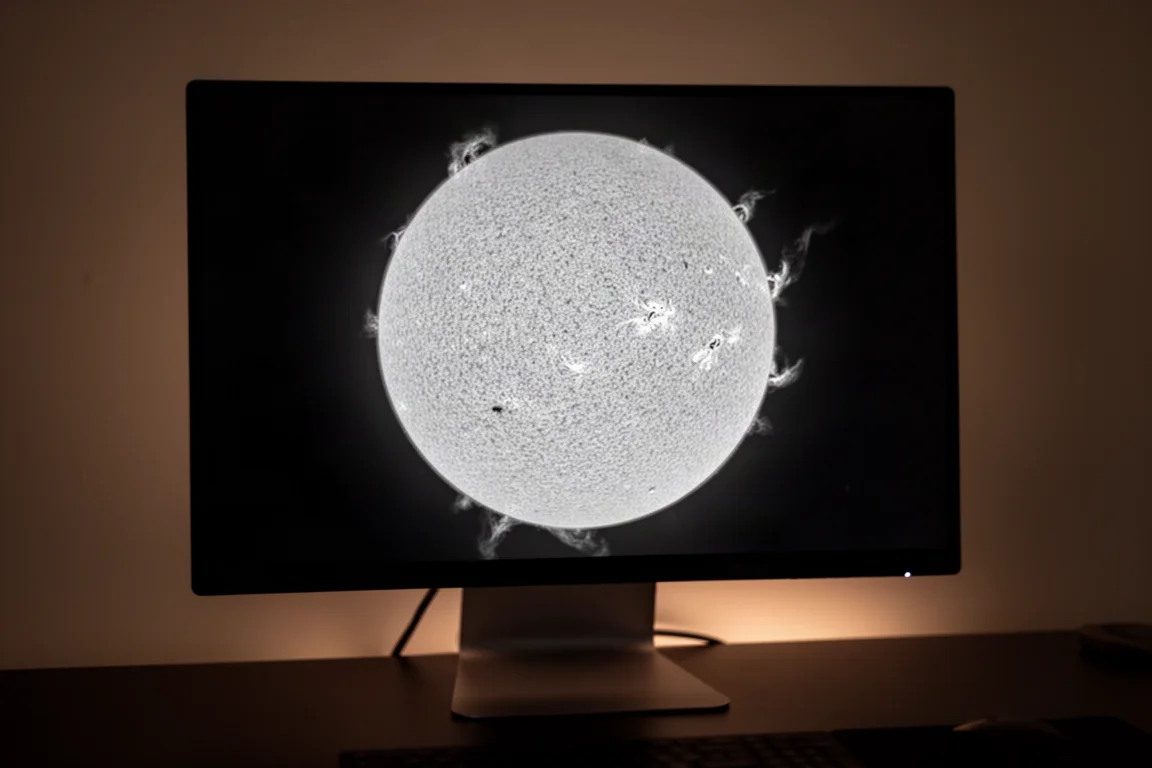
On a disk image straight out of IMPPG, the difference is immediate. Surface contrast increases noticeably, and fine structure that looked flat before starts to stand out. You also get basic black and white level controls, which let you clamp the extremes, useful for keeping prominences from getting swallowed if you push the black point too far.
How It Works in Practice
The main NAIF adjustment defaults to 1.5, with an allowed range of 0.3. That maximum is usually far too aggressive. In practice, values somewhere between 0.15 and 0.22 tend to give the best balance between added detail and added noise.
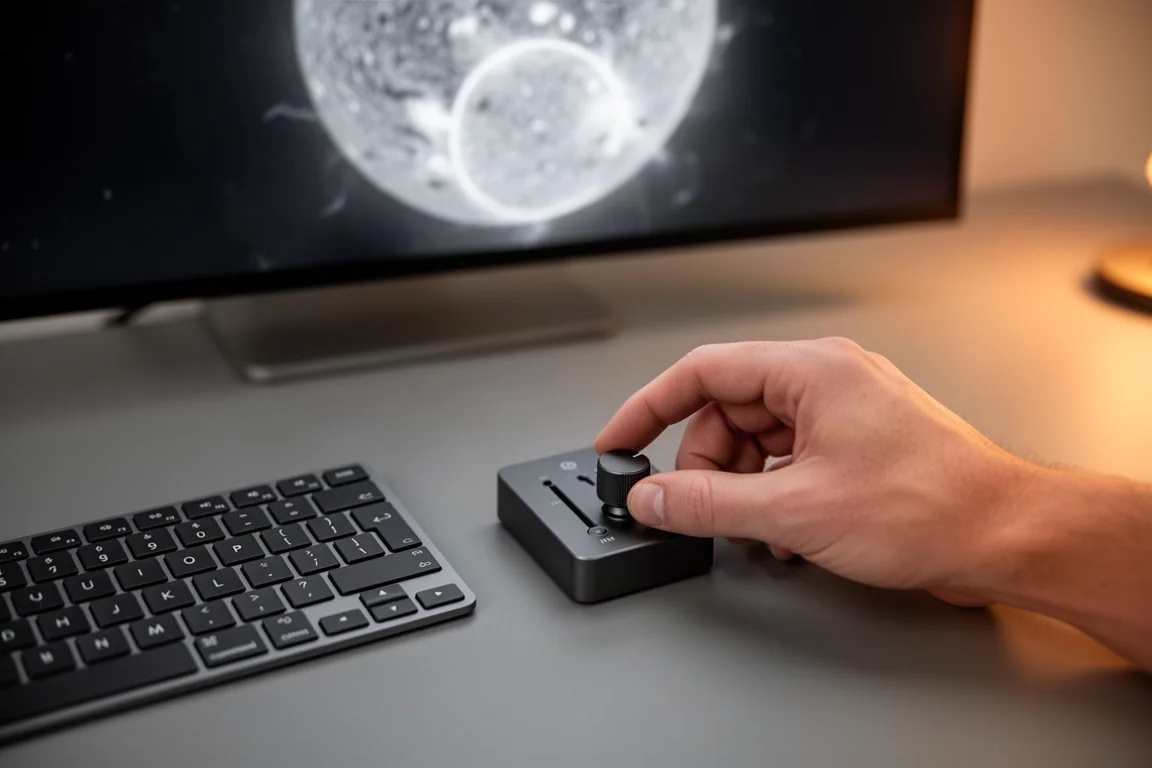
Working the software is simple. You choose a TIFF, FITS, or PNG file, select the full frame or a region, run the process, and save. There is no real learning curve here, which makes it easy to slot into an existing session without rethinking your workflow.
Detail Gains on Prominences and Full Disks
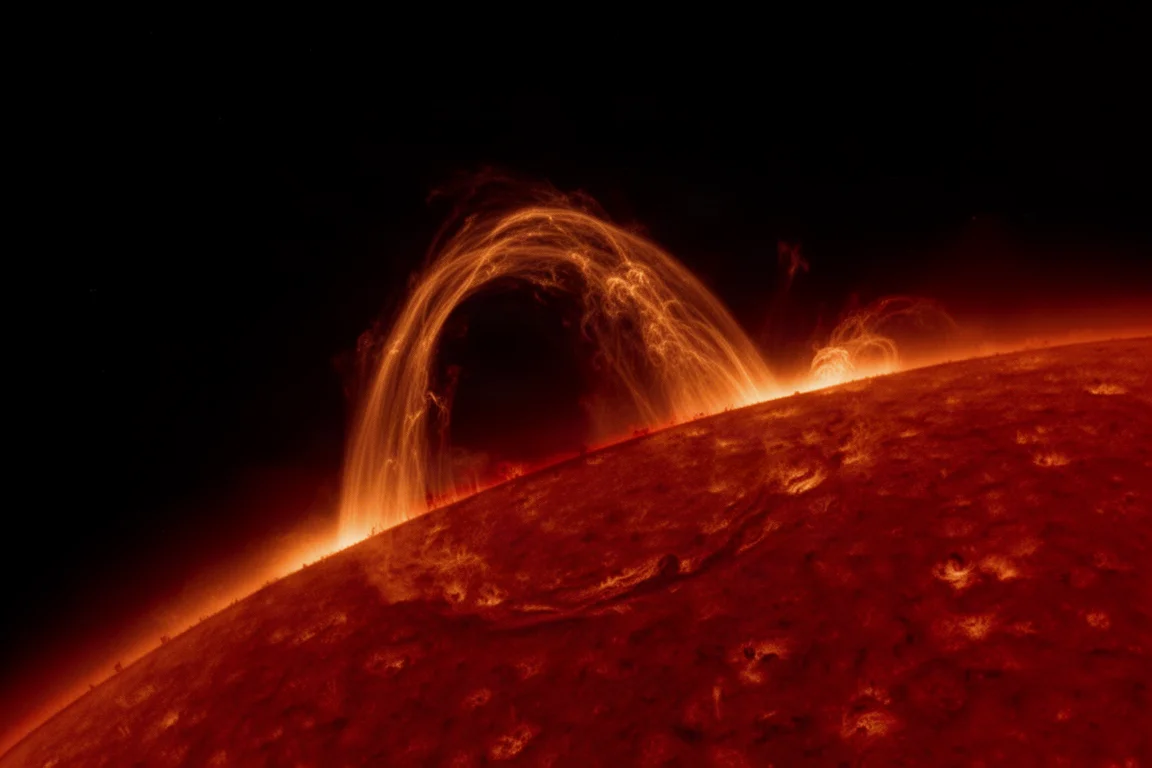
On a close-up of an interesting prominence, the NAIF pass brings out substantially more structure inside the prominence itself. The trade-off is that extra noise and outer artifacts appear around the feature. Those are easy to deal with afterwards by selecting just the prominence and layering it over the original image.
Full disk frames show the same pattern. Processing a full disk takes longer, and on a weaker machine it can take a while to complete. The results tend to be worth the wait, though: fine surface detail that was barely visible in the IMPPG output becomes clearly present after the pass.
Things to Consider Before Buying
NAIF is free, so there is no cost barrier, but there are real limitations to weigh before adding it to your routine.
The biggest one is output format. NAIF saves only PNG files, either full-frame or scaled. You cannot export a TIFF or any higher-quality format. PNG is also lower resolution than you might want, and the process introduces a fair amount of noise that you will need to clean up in post-processing anyway.
That noise is the second consideration. Every example showed noticeable added grain, especially at 100% zoom. If your final images are meant to be clean, plan on spending time in your editor dealing with it.
Fitting NAIF Into Your Workflow
The most practical way to use NAIF is as a supplementary layer rather than a replacement for anything. The approach that works well: save the NAIF output, then drop it into Affinity Photo or Photoshop as an additional layer on top of your original IMPPG file. Blend that layer at around 30 to 50% opacity, and the overall contrast of the final image increases without inheriting all of the noise.
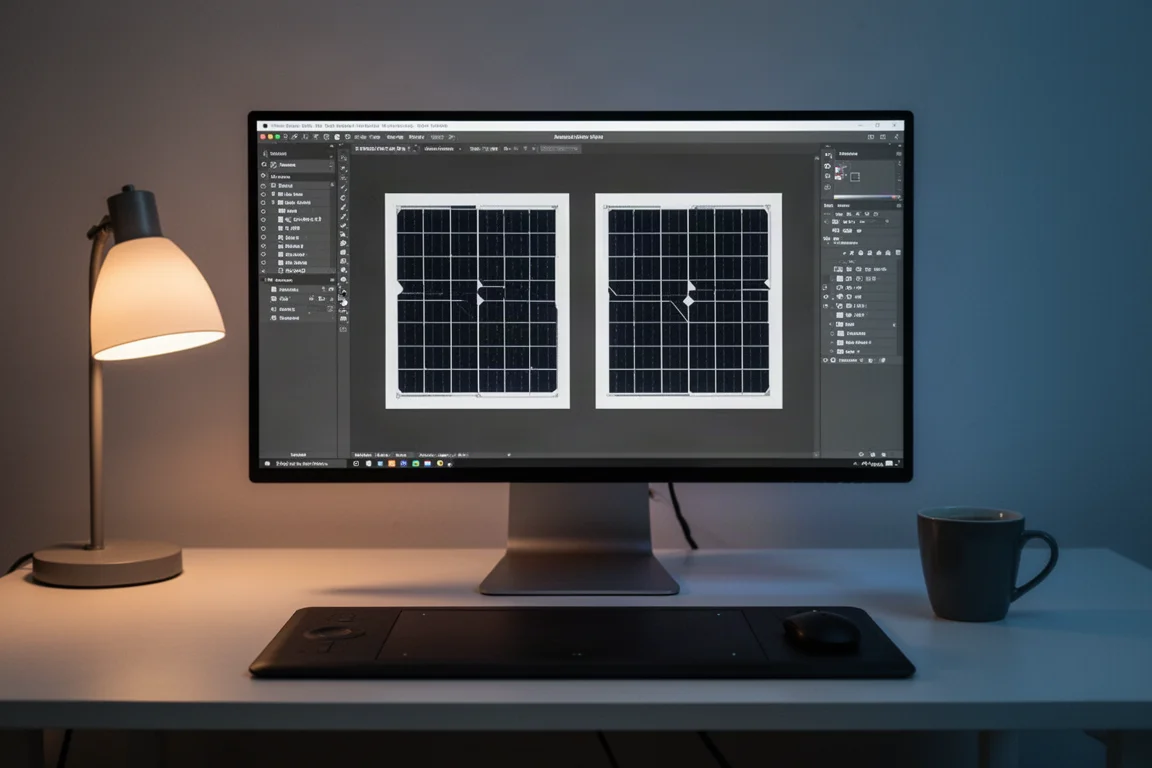
This blending approach also lets you be selective. For a prominence shot, you can select only the prominence region from the NAIF output and overlay just that part, leaving the noisy surroundings behind.
Buying Advice
NAIF costs nothing, installs quickly, and does one specific job well. If you regularly process hydrogen alpha solar images and want more surface contrast than your current chain delivers, it is easy to justify trying. Just go in knowing the PNG-only output and the added noise, and treat it as one layer in a multi-step workflow rather than a final polish tool.
Conclusion
NAIF is a nice addition to the solar imager’s toolkit. It reliably surfaces more detail on the disk and in prominences, its controls are simple enough to learn in one session, and its weaknesses, PNG-only saving and added noise, are manageable with sensible blending in your main editor. For a free tool, the improvement in final image contrast is easy to recommend.
Product link
View more details for NAIF
This product is mentioned in the review. Check the specifications, options, and compatibility before buying.
View more details for NAIFFurther reading
Related Reviews
Astrophotography Software
AstroWizard vs Siril vs PixInsight: A Practical Comparison for 2026
We compare three astrophotography processing tools across real images, looking at ease of use, control, and final results.
Astrophotography Software
RC Astro Tools Standalone: Blur, Noise, and Star Exterminator Explained
RC Astro's Blur Exterminator, Noise Exterminator, and Star Exterminator are now available outside PixInsight, bringing advanced processing to free software like Siril.
Astrophotography Software
Affinity V3 for Astrophotography: A Free Photo Editor That Takes Deep Sky Processing Seriously
A hands-on look at the new free Affinity by Canva for deep sky astrophotography, including stacking, star removal, and noise reduction workflows.