Digital Planning
My Daily Organizer 2027: A Detailed Look at the New Annual, Academic, and Fiscal Editions
The 2027 My Daily Organizer adds academic and fiscal year variants, new color palettes, and improved precision. Here is what is new and who it suits best.
Introduction
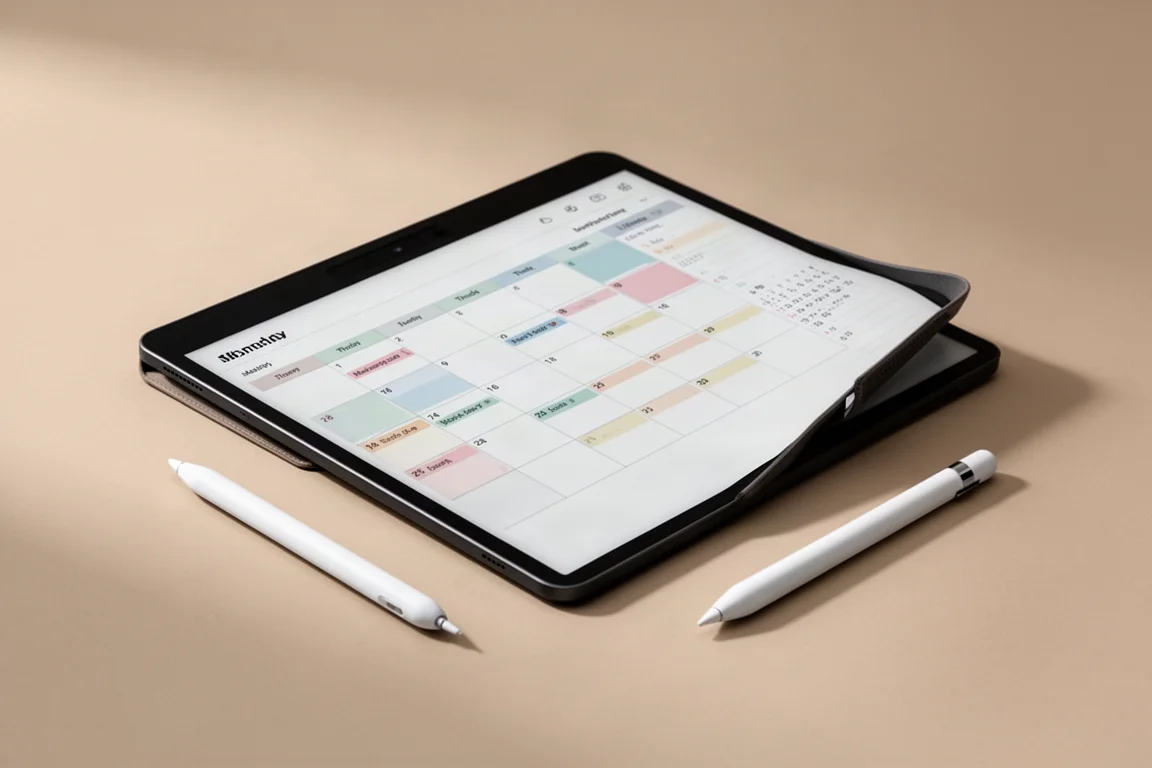
The My Daily Organizer, often shortened to MDO, has been a staple for digital planners since 2021. The 2027 edition brings several meaningful changes, including new year formats, color options, and a more refined production process. This guide covers what is new, how the planner works, and who will get the most value from it.
What Is the My Daily Organizer?
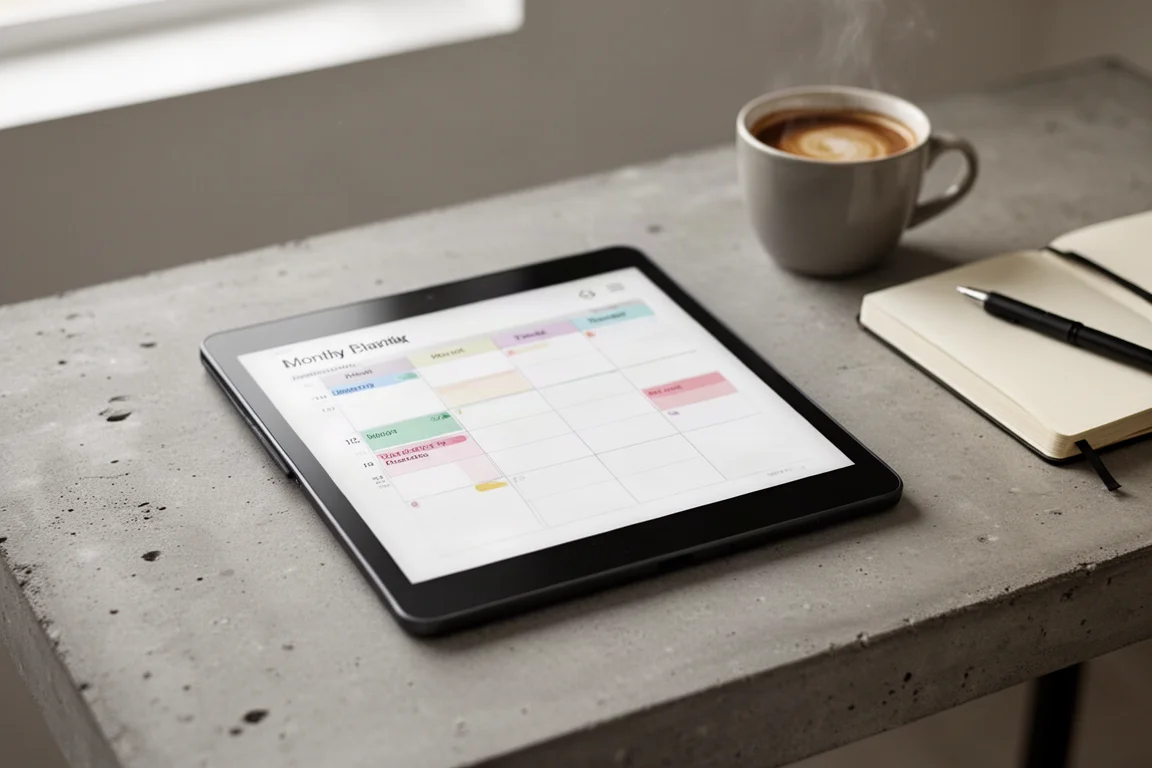
MDO is an organizer PDF file designed to handle yearly, quarterly, monthly, weekly, and daily planning needs. It is not an app. It follows the logic of a traditional analog planner, but it lives on your digital e-ink device. The power comes from careful user interface design that makes navigating through roughly 1,800 pages feel effortless.
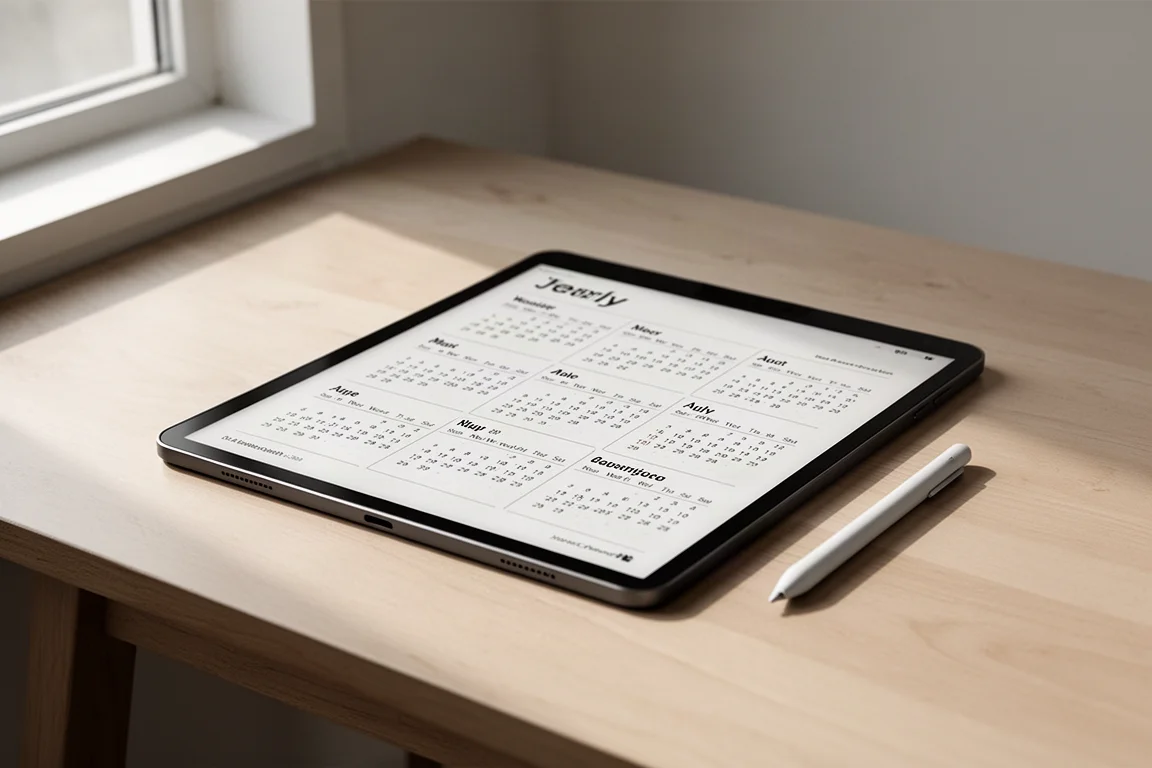
The document starts with a yearly calendar page where you can tap on any month or day to jump directly to that page. From there, you can move through quarterly planners, monthly views, weekly pages, and dedicated daily planners. Throughout the document, you also have access to “My Lists” and “My Notes” pages.
What Is New in the 2027 Edition
The 2027 edition introduces three distinct year formats. The annual version follows the calendar year from January 1st to December 31st. The academic version runs from July 1st to June 30th, designed for students and school staff who need to plan before and after the official term. The fiscal version follows a fiscal year calendar starting April 1st and ending March 31st the following year.
Another notable addition is color. The planner now comes in four carefully calibrated color palettes, each available in a neutral or tinted variation. These palettes were tested across multiple color e-ink devices to ensure consistent appearance. If you prefer a more traditional look, the grayscale pack remains available.
The production method has also been completely revamped, allowing for a new level of precision. When placed side by side with the 2026 version, the 2027 edition shows noticeably sharper lines and cleaner layouts. The native PDF size has been reduced to 3.44 megabytes for a document with over 13,000 internal links.
How the Daily Planner Works
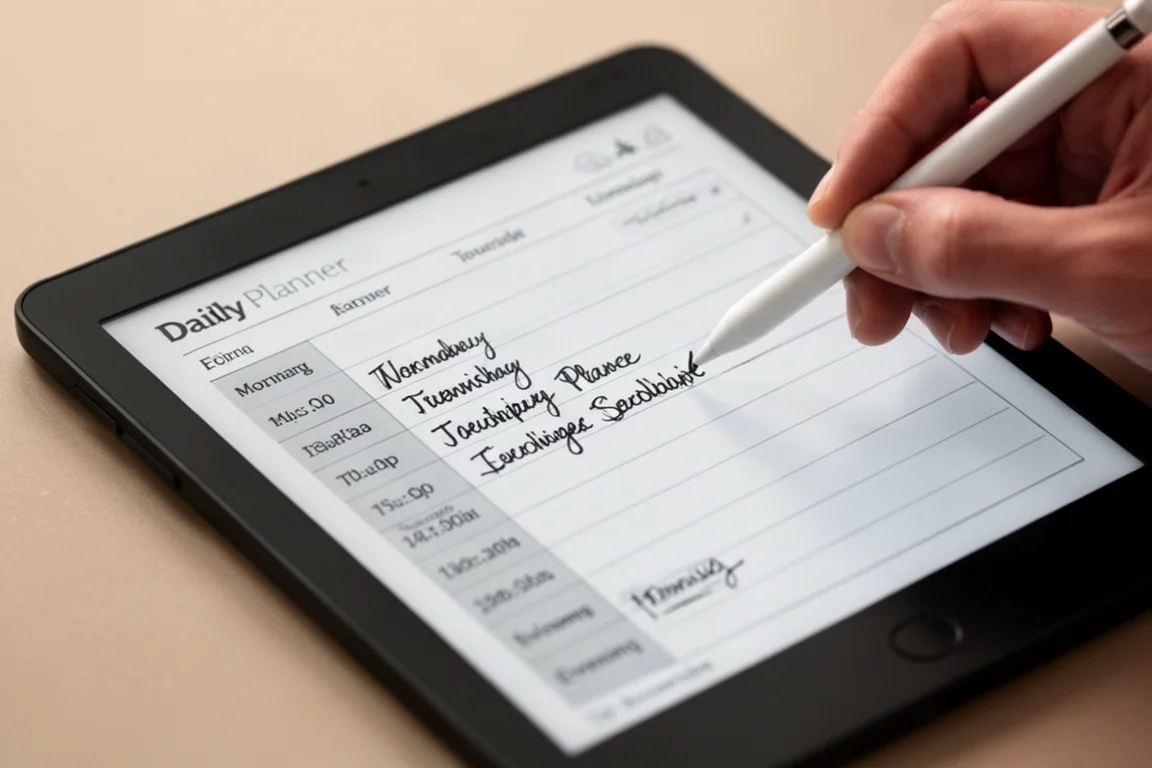
The daily planner page is the heart of the organizer. It is divided into two vertical columns. The right-hand column contains a schedule running from 5:00 a.m. to 11:00 p.m., with full lines marking each hour and dotted lines marking half-hour intervals. You can choose between 24-hour or 12-hour time formats, and the layout adjusts accordingly.
The intended workflow is to zoom into a section, fill it in, then zoom out to see the full picture. This allows you to focus on scheduling, then shift attention to your to-do list without distraction. Each day also comes with two extra pages of daily notes and a dedicated daily diary page for reflection and gratitude practices.
Navigation and User Interface
Navigation is built around simple tap targets. On the monthly planner, the header of each day box is the interactive link, so you can still write entries inside the box without accidentally jumping to another page. Left and right arrows appear consistently across monthly, weekly, and daily pages for quick movement between periods.
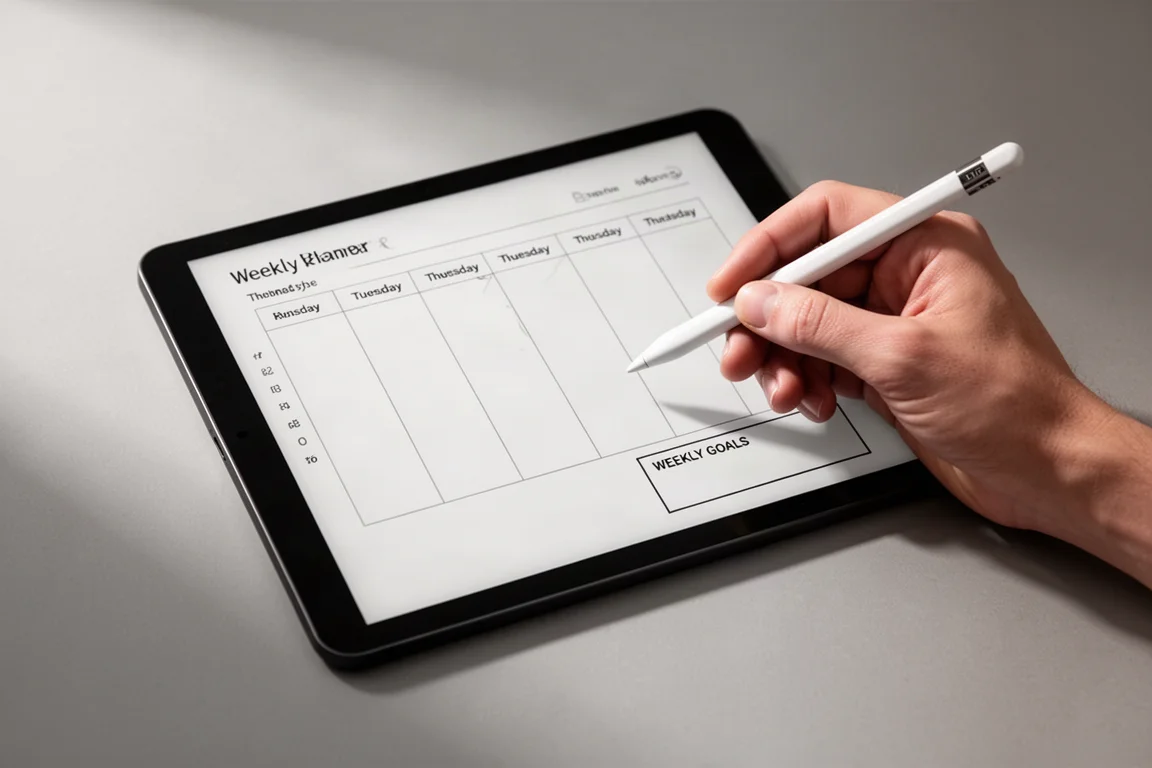
Weekly pages include all seven days, a weekly goals box, and a linked weekly notes page. From any yearly, quarterly, monthly, or weekly view, you can tap a day to reach its dedicated daily planner. The daily page header lets you jump back to the corresponding month, week, weekly notes, or yearly calendar.
Device Compatibility and Requirements
MDO works on any device that supports two things: internal links within a PDF document and the ability to add handwriting marks. This covers most Boox, Remarkable, Supernote, and Kindle Scribe devices, as well as iPads with compatible PDF apps and Android tablets with the right reader software.
There are some exceptions. Devices smaller than 7 inches are impractical for this document due to its size and complexity. Some manufacturers have also had issues with PDF hyperlink support. Montblanc Digital Paper did not support hyperlinks in PDF files at launch, and iFlytech devices have recently had an update that interferes with tapping hyperlinks. If you use one of these devices, it is worth checking whether the functionality has been improved.
What Is Included in Each Pack
When you purchase MDO, you first choose between the annual, academic, or fiscal year format. Then you choose between the grayscale pack or the color pack. The grayscale pack includes three cover variations for each combination of week start and time format. The color pack includes the grayscale version plus four color palettes in neutral and tinted variations, giving you nine versions total.
Regardless of your choice, you automatically receive both Sunday and Monday week start versions, and for each, both 24-hour and 12-hour time formats. Existing customers should check their email for a loyalty discount code, which may take up to 48 hours to arrive.
Buying Advice
The My Daily Organizer 2027 is best suited for people who already use an e-ink tablet for planning and want a structured, navigable PDF that feels like a paper planner. The new academic and fiscal versions make it more flexible for teachers, students, and anyone who plans around a non-calendar year.
If you are new to digital planning, the included installation manual and the companion video playlist are worth reviewing before you start. If you already own a previous MDO version, the improved precision and new color options are the main reasons to consider upgrading.
Conclusion
The 2027 My Daily Organizer builds on years of user feedback with three year formats, refined color palettes, and a cleaner production standard. It remains a thoughtful, well-executed PDF planner for anyone who prefers the feel of analog planning on a digital device.
Product link
View more details for My Daily Organizer 2027
This product is mentioned in the review. Check the specifications, options, and compatibility before buying.
View more details for My Daily Organizer 2027Further reading
Related Reviews

E-Readers
Boox Go 10.3 After OS 4.1: A Detailed Look at What Changed
A hands-on look at the Boox Go 10.3 after the OS 4.1 update, covering the new features, the frustrating bugs, and whether the upgrade is worth the risk.
E-Ink Tablets
iFlyTek AINote: How It Performs Offline and Without an Account
A practical look at what the iFlyTek AINote can and cannot do when you go offline or skip the user account entirely.