E-Ink Tablets
iFlyTek AINote: How It Performs Offline and Without an Account
A practical look at what the iFlyTek AINote can and cannot do when you go offline or skip the user account entirely.
Introduction
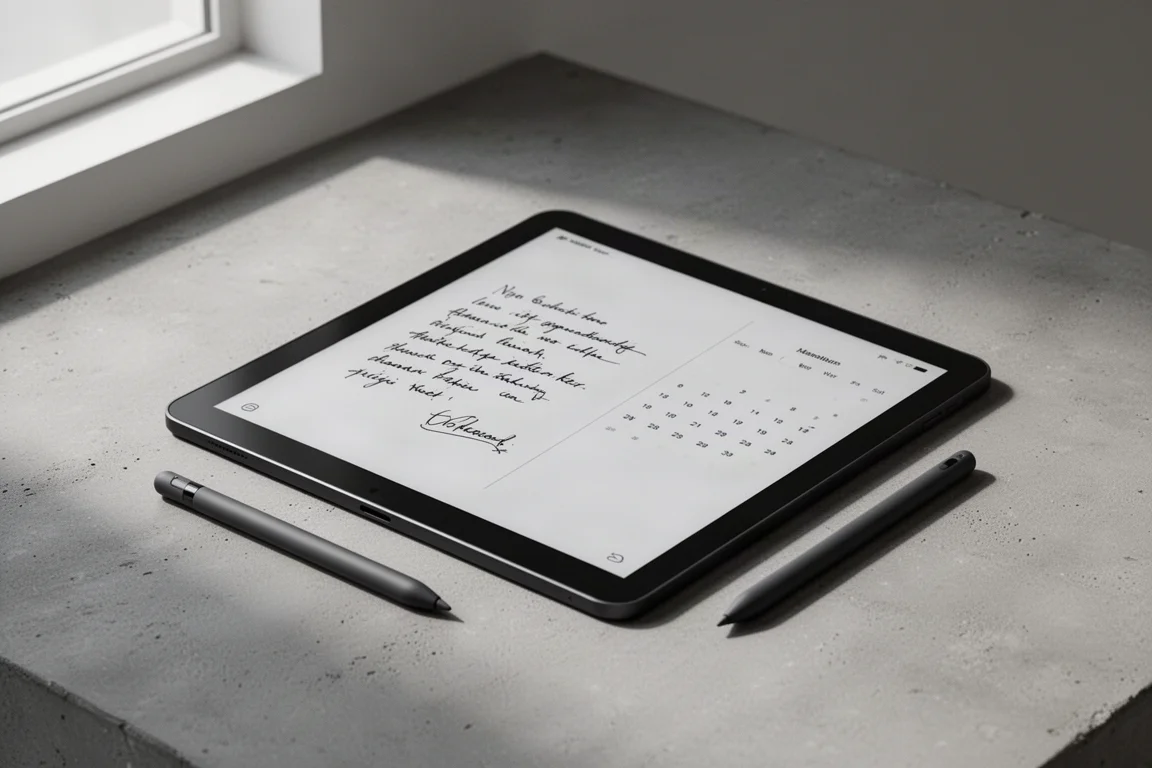
The iFlyTek AINote is a large-format e-ink tablet designed for notetaking, reading, and scheduling. It offers a range of AI-powered features, including audio transcription, OCR, and mind mapping. But a key question for many potential buyers is how much of this functionality remains available when you are offline or when you choose not to create a user account. This guide breaks down exactly what works, what does not, and where the limitations sit.
What the iFlyTek AINote Offers
The iFlyTek AINote functions as a notetaker, e-reader, and scheduler. In its ideal state, which means being logged in with an iFlyTek user account and connected to the internet, the device performs well across all three areas. You can create notebooks, make handwritten entries, record audio with automatic transcription, run OCR on documents, generate mind maps, and export content in various formats including PDF and text documents.

The device also integrates with a scheduler, allowing you to link notes to tasks and generate daily reports. The AI features, such as meeting minutes and content summarization, are part of what makes the AINote stand out. However, these features depend heavily on the account and network connection.
Notebook Features in Ideal Conditions
When logged in and online, the notebook section works fully. You can create notebooks, choose templates, make entries, and record audio that is automatically transcribed. OCR and formatting tools are available, and you can generate mind maps directly from your notes.
Exporting is straightforward in this mode. You can save notebooks as web text documents, recording files, or PDFs. Encryption is also supported, allowing you to protect sensitive notebooks with a password. The device even lets you select a section of a note and add it directly to a task in the scheduler, creating a useful link between your notes and your daily planning.
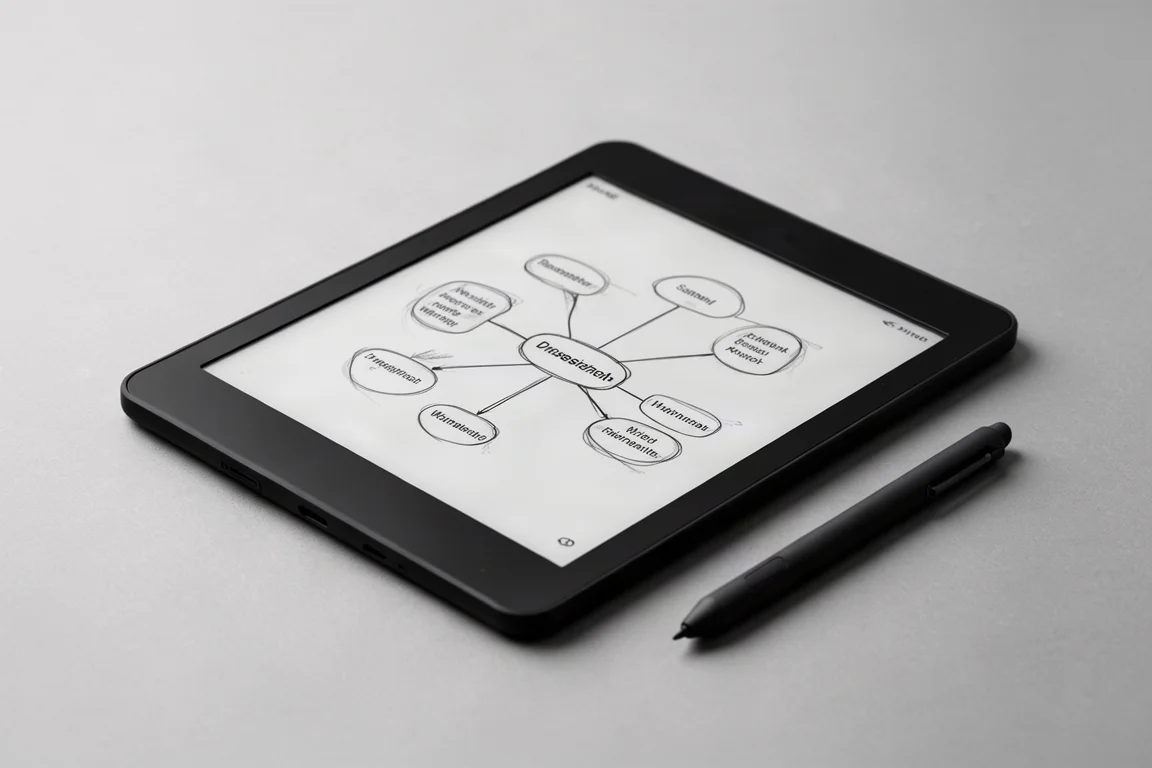
In this optimal state, the notebook section scores a full eight out of eight for available functionality.
Notebook Features Offline
When you switch to airplane mode while still logged in, the experience changes noticeably. You can still create notebooks, choose templates, and make handwritten entries. Selections and basic editing continue to work. However, several key features disappear.
Voice input is unavailable offline, and audio recording will not transcribe unless you have a Pro subscription. The device can record audio, but the transcription function is locked behind the subscription. OCR and formatting tools require a network connection and will not work offline.
Mind maps still function, and encryption remains available. However, exporting is a mixed bag. You can export recorded audio files as MP3s, but you cannot export a notebook as a PDF, even locally to your own device. This is a significant limitation, as it prevents you from taking your written content out of the device environment without an account.
Notebook Features in Guest Mode
Logging out of the iFlyTek account while staying online reveals another set of limitations. You can still create notebooks, make entries, and record audio with transcription. This is a positive surprise, as the core notetaking functionality remains accessible without an account.
However, OCR and other AI features are locked behind the account. Mind maps still work, but encryption is unavailable without a user account. The ability to join a selection to a task hits a usage limit, and exporting a notebook as a PDF is not possible in guest mode.
In guest mode, the notebook section scores four out of eight, meaning roughly half of the functionality is unavailable.
Reading and Document Handling Offline
The reading experience on the iFlyTek AINote is more resilient to offline use. When logged in and online, you can open local documents, zoom in and out, add markups, bookmark pages, and create highlights and excerpts. The split-view feature works well, allowing you to view an excerpt alongside the original document. The inquire function provides definitions and translations, which is a useful tool for reading.
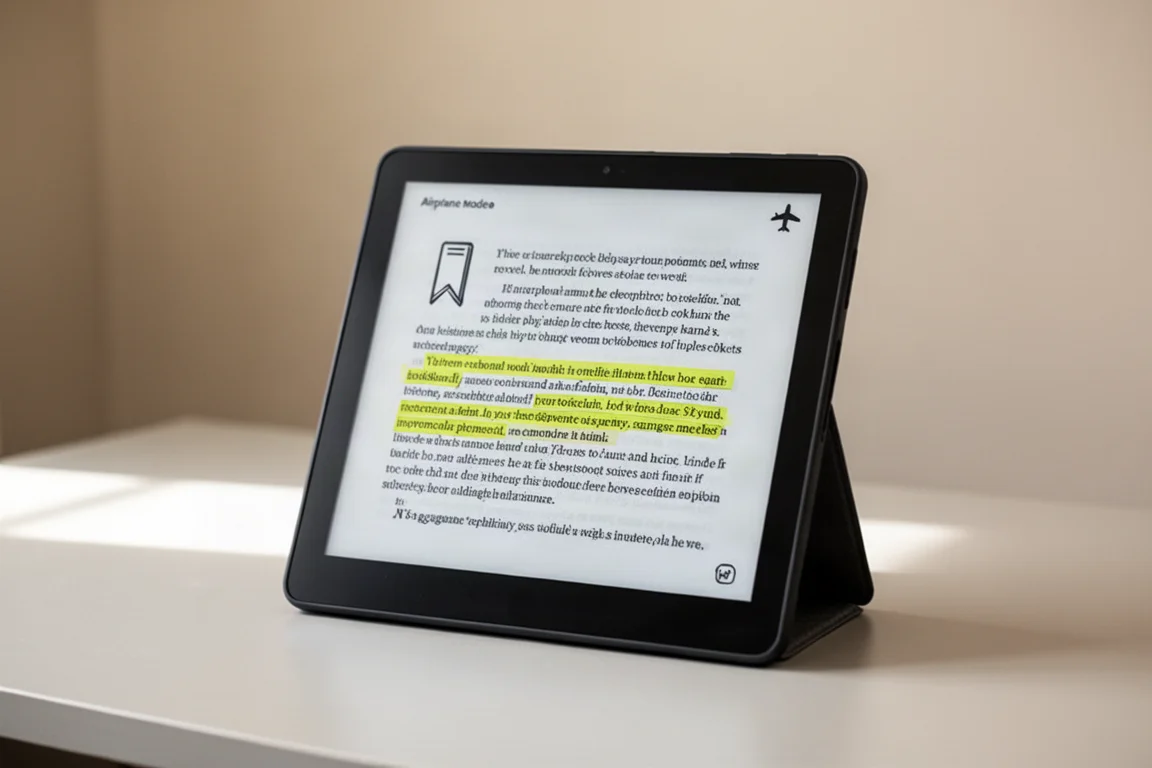
When you go offline while still logged in, most of these features continue to work. You can open documents, navigate, add markups, bookmark, and create highlights and excerpts. The only feature that stops working is the dictionary and translation function, which requires a network connection.
In guest mode online, the reading experience is nearly identical. You can read, mark up, bookmark, and use the dictionary. The one notable difference is that exporting a document as a PDF does not work without an account. This is a puzzling limitation, as the device is clearly capable of doing it.
Scheduler and Task Management
The scheduler on the iFlyTek AINote works well across all modes. When logged in and online, you can create tasks, add memos, generate daily reports, and link notes to tasks. The integration between notes and the scheduler is a strong point, allowing you to build a connected workflow.
Offline, the scheduler remains functional. You can open the scheduler, add entries, create memos, and link notes to tasks. The daily report generation requires a network connection, which is expected. In guest mode, the scheduler works similarly, with the main difference being that AI-powered features are unavailable without an account.
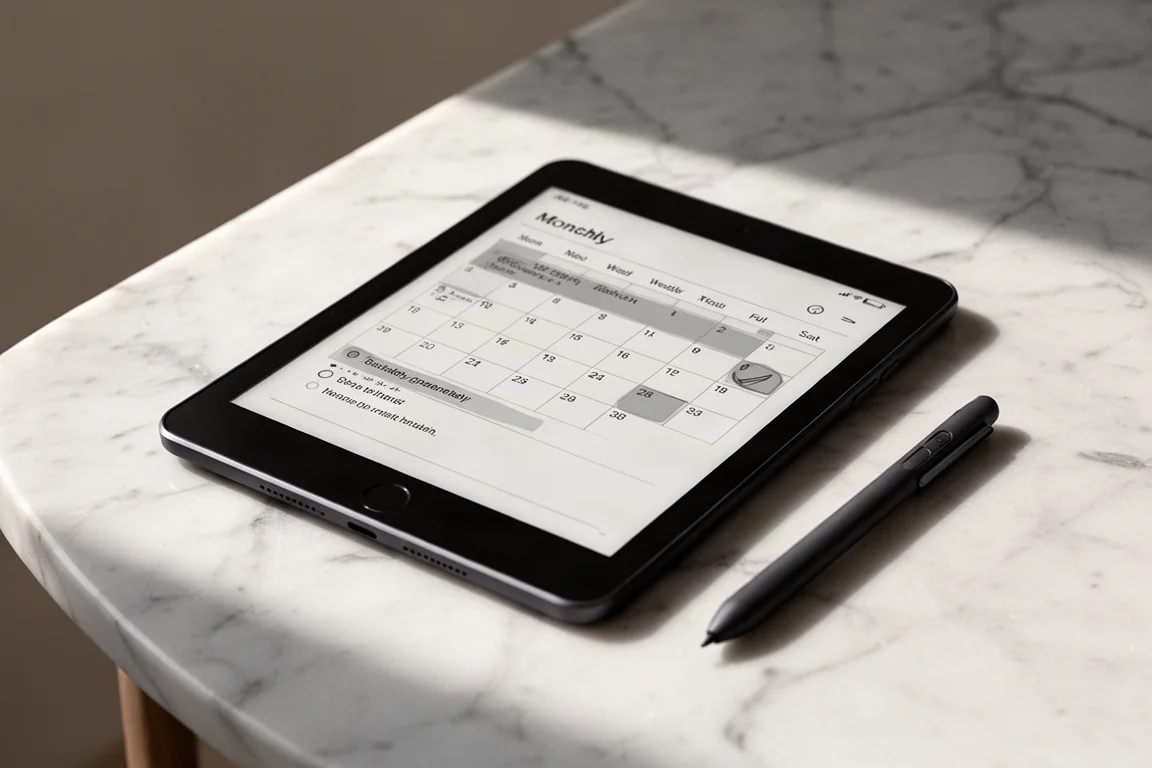
The scheduler scores three out of three across all modes, with the caveat that AI features require an account and a connection.
Overall Buying Advice
The iFlyTek AINote is a capable device, but its functionality is closely tied to the iFlyTek user account. If you are comfortable creating an account and staying online, you get access to the full range of features, including AI transcription, OCR, and cloud-based tools.
If privacy is a concern and you prefer to use the device without an account, you will still be able to take notes, read documents, and manage your schedule. However, you will lose access to AI features, encryption, and the ability to export notebooks as PDFs. The inability to export content is the most significant limitation, as it makes it difficult to integrate the device into an existing workflow without an account.
For most users, the iFlyTek AINote is best used with an account to unlock its full potential. If you are willing to trade some functionality for privacy, the device still works as a solid notetaker and reader, but you should be aware of the export limitations before making a purchase.
Conclusion
The iFlyTek AINote offers a strong feature set when used in its ideal state, but its reliance on a user account and network connection creates real limitations. Offline use removes AI features and some export options, while guest mode locks away even more functionality. The device is most effective when paired with an iFlyTek account, making it a good choice for users who prioritize functionality over privacy. If you are considering this tablet, weigh the trade-offs carefully to decide whether the account requirement fits your needs.
Product link
View more details for iFlyTek AINote
This product is mentioned in the review. Check the specifications, options, and compatibility before buying.
View more details for iFlyTek AINoteFurther reading
Related Reviews
E-Ink Tablets
Best E-Ink Tablets 2026: A Practical Guide to the Top Contenders
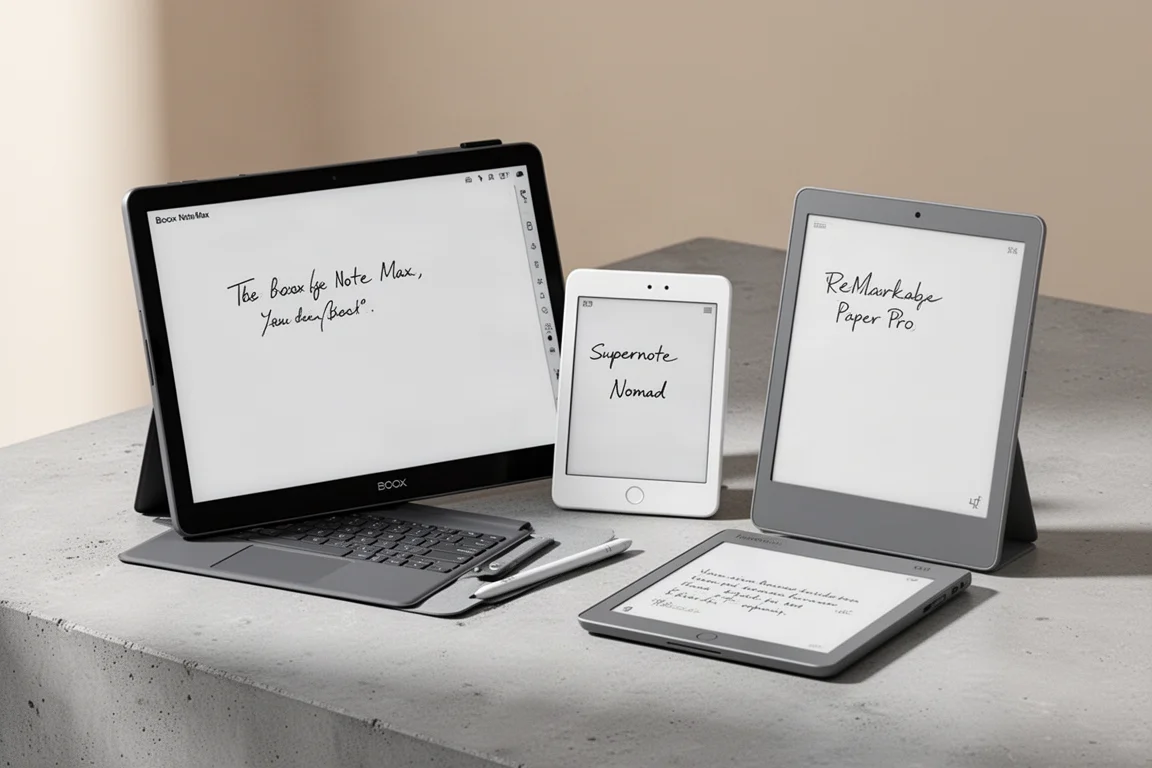
A practical look at the leading e-ink tablets of 2026, covering the Boox Go 10.3 Gen 2 Lumi, Boox Note Max, Boox Tab X, Boox Tab XC, Supernote Nomad, Supernote Manta, and reMarkable Paper Pro.
E-Ink Tablets
reMarkable Paper Pure vs. the Competition: A Practical Buying Guide
A detailed look at the reMarkable Paper Pure, its strengths, its trade-offs, and how it compares to the reMarkable 2, Boox Go 10.3 Gen 2, and Supernote Manta.

E-Readers
Boox Go 10.3 After OS 4.1: A Detailed Look at What Changed
A hands-on look at the Boox Go 10.3 after the OS 4.1 update, covering the new features, the frustrating bugs, and whether the upgrade is worth the risk.