Digital Planners
Digital Doodle Planner 2025 Review: A Coloring Book and Planner in One
The third-generation Digital Doodle Planner adds 24 calendar versions, calendar integration, and a build-your-planner dashboard. Here is what stands out before you buy.
Introduction
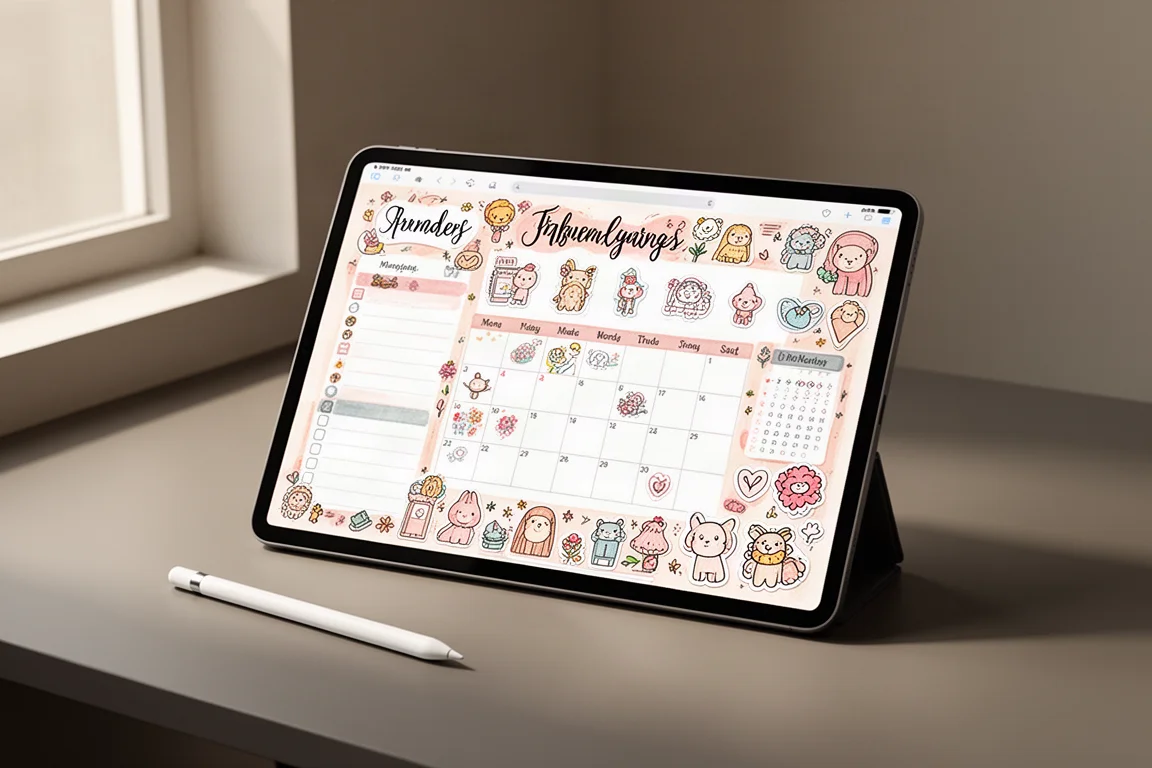
The Digital Doodle Planner 2025 marks the third year of this digital coloring book planner, and it arrives as one of its biggest updates yet. The idea is simple: it works like a traditional planner, but every page is a hand-drawn illustration you can color in digitally, with virtually any color you want.
The 2025 edition is built around customization. There are now 24 different calendar versions to choose from, covering dated or undated, Monday or Sunday start, and optional calendar integrations. Digital planner users are also now on the same monthly theme cycle as users of the physical Doodle Planner, so both communities color the same themes throughout the year.
A Build-Your-Planner Dashboard With Real Choice
After purchase, a download email leads to a build-your-planner dashboard that works like a choose-your-own-adventure setup. First, you pick your format: use the planner in GoodNotes, one of the most popular digital planning apps, or download it as a PDF compatible with most PDF editing apps. Then you choose dated or undated, and whether to integrate Apple or Google Calendar.
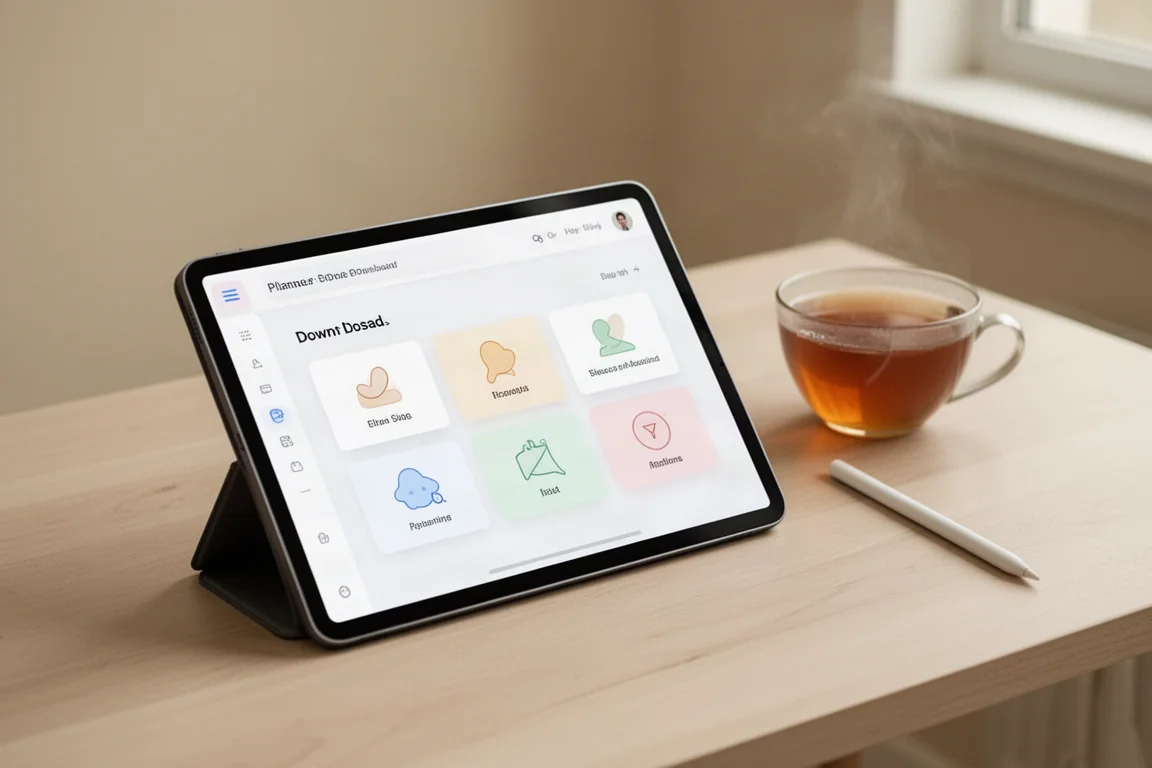
Calendar integration is arguably the headline feature. Shortcuts let you add events directly into your Apple or Google Calendar from any page by tapping the calendar icon in the top corner. Google Calendar users skip the shortcut installation entirely and just need to be signed in through the Google Calendar app.
Along with the planner file, the download package includes digital stickers in three formats, plus a detailed instruction manual updated for GoodNotes 6, which is genuinely useful if you are new to digital planning.
Navigation and Daily Use
Every page has tabs along the right side for jumping around the planner, which is where digital planners really earn their keep over paper. In GoodNotes, toggling reading mode before tapping hyperlinks makes navigation smooth. An overview page acts as the main navigation hub, linking to monthly covers, calendars, tracker spreads, and note papers.
The planner opens with new 2025 covers, including eight renders matching the physical Doodle Planner covers, with themes like plaid, gingham, cherry wine, teddy, and denims. Any page can be set as the cover or bookmarked for quick access later via the favorites tab.
The Coloring Experience Is the Heart of It
Each month begins with a cover page of hand-drawn illustrations built around a unique monthly theme, and the whole planner doubles as a coloring book. The highlighter tool handles coloring, a dropper tool samples and saves colors to keep spreads cohesive, and a precision eraser cleans up any lines you go over.
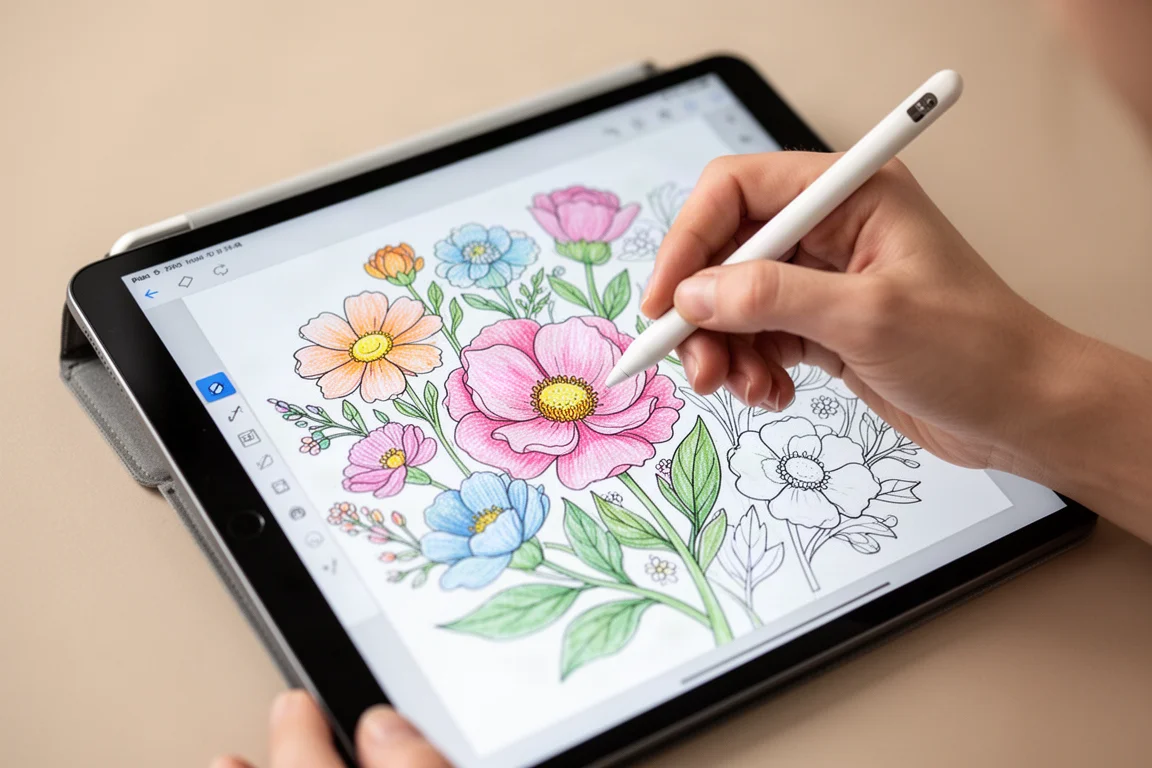
Because everything is digital, you are never limited by the pens you own. The undated version removes all month names, dates, and numbers, letting you pick which theme to use in which month and write in dates yourself. A practical tip from long-time users: write the first set of date numbers once, then copy and paste them across the mini calendars to save time.
Smart Stickers and Widgets Do the Heavy Lifting
The sticker system is one of the more polished parts of this release. The sticker book organizes doodles, labels, icons, widgets, trackers, and stationery-style stickers, and a new section adds the alphabet and numbers in the brand font. Stickers are also available as individual PNGs for use in any app, not just GoodNotes.
Smart stickers marked with a light bulb icon contain customizable elements: labels can be retyped with a different font, color, background, and border via the text tool. The modular smart widget system offers standardized small, medium, and large sizes that fit the daily template, covering lists, meals, expenses, and various paper styles. Since smart elements are made of individual parts, you need to lasso the whole group when copying and pasting.
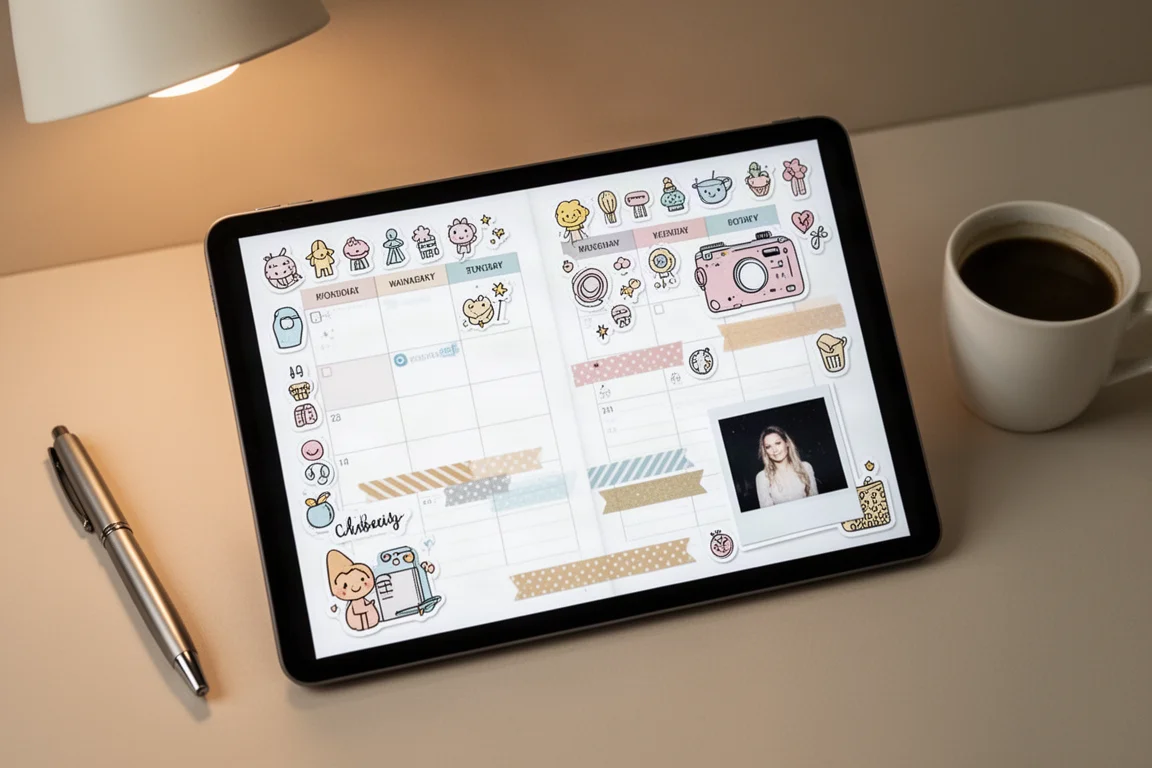
Beyond the stickers, 2025 adds more spread templates, including three smart templates where you can delete, add, and rearrange widgets to fit your own needs. You can also build spreads entirely from scratch using the note papers in the back of the planner.
Things to Consider Before Buying
The daily template is exclusive to the digital version and gives you room the physical planner cannot: space for an hourly schedule, priorities, itemized tasks, and a dotted area for extras or a scrapbook-style journal page. It is easy to duplicate whenever you need more room than a weekly spread offers.
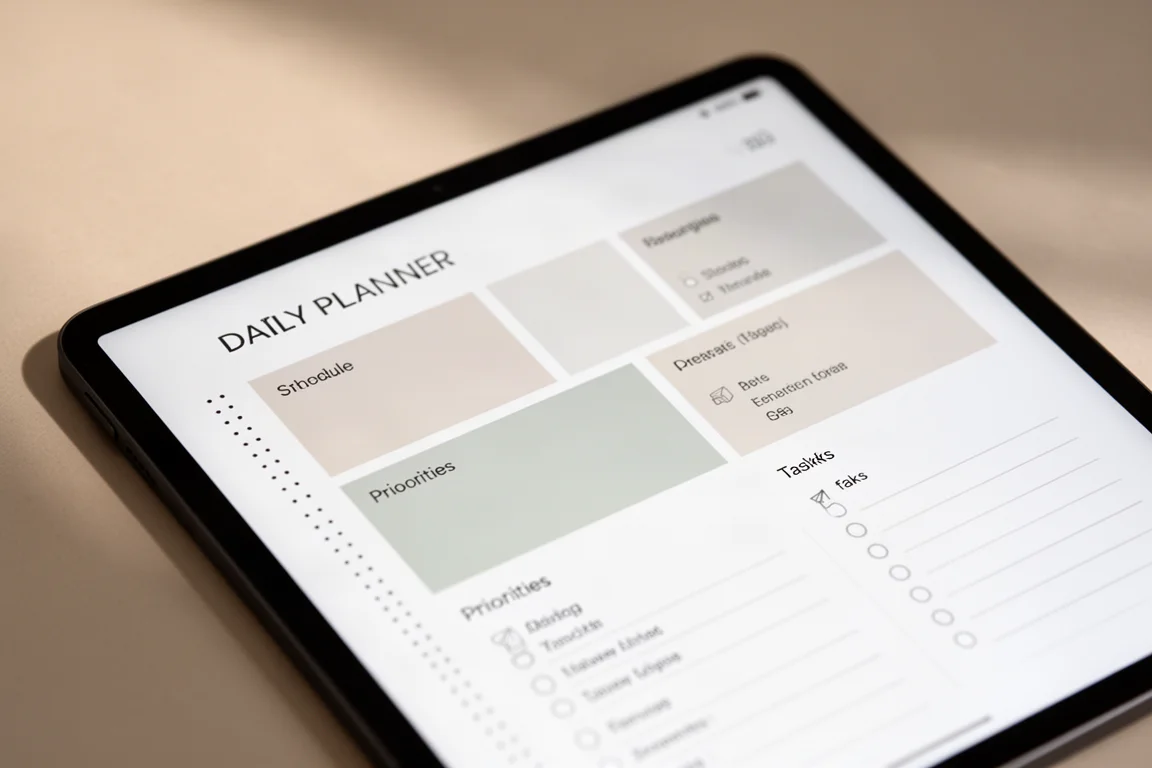
The main consideration is the app requirement. The experience is clearly designed around GoodNotes, and features like elements collections, reading mode, and smart sticker editing assume you know or are willing to learn GoodNotes 6. PDF users get broad compatibility, but the richest experience lives in GoodNotes. Calendar integration also requires installing a shortcut on the Apple side, which adds a small setup step.
Buying Advice
If you want a planner that doubles as a creative outlet, this is an easy recommendation. The 24 configuration options mean you can match it closely to how you actually plan, and the calendar integration finally bridges the gap between analog-style planning and your phone’s schedule. If you are brand new to digital planning, spend some time with the included instruction manual first, since the feature set is deep.
Conclusion
The 2025 Digital Doodle Planner is a thoughtful third-generation release. Customization is the story, from the 24 calendar versions to smart stickers and rearrangeable widget templates, and the shared theme cycle with the physical planner gives the whole lineup a cohesive identity. For coloring fans and digital planning enthusiasts alike, it raises the bar in ways that are easy to appreciate from day one.
Product link
View more details for Digital Doodle Planner 2025
This product is mentioned in the review. Check the specifications, options, and compatibility before buying.
View more details for Digital Doodle Planner 2025Further reading
Related Reviews
Workspace Setup
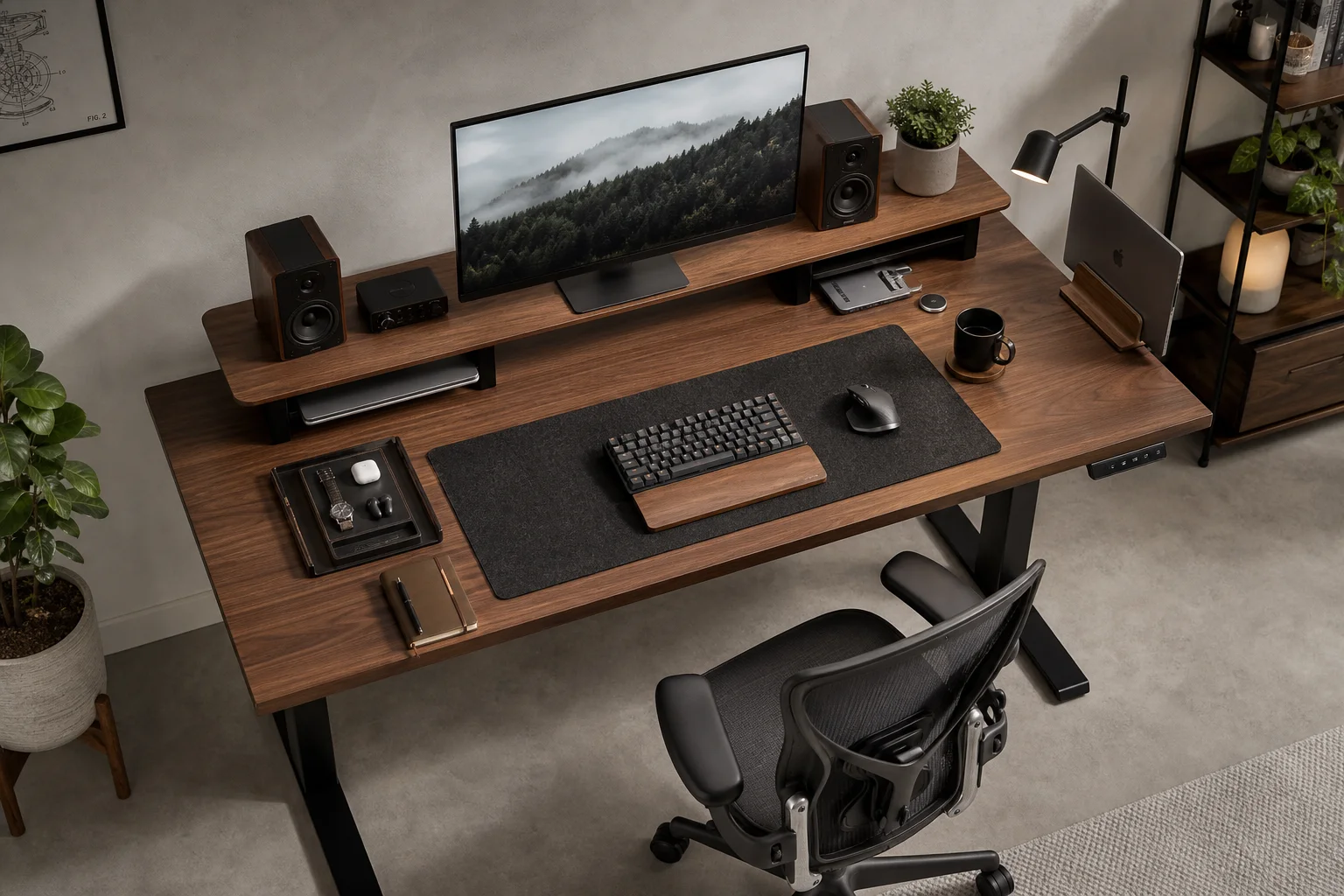
Best Desk Setup Upgrades: A Practical Guide to Ergonomic Workspace Design
Essential desk upgrades for comfort and productivity, from standing desks and ergonomic chairs to monitors, lighting, and accessories that make long work sessions sustainable.
Mac Accessories
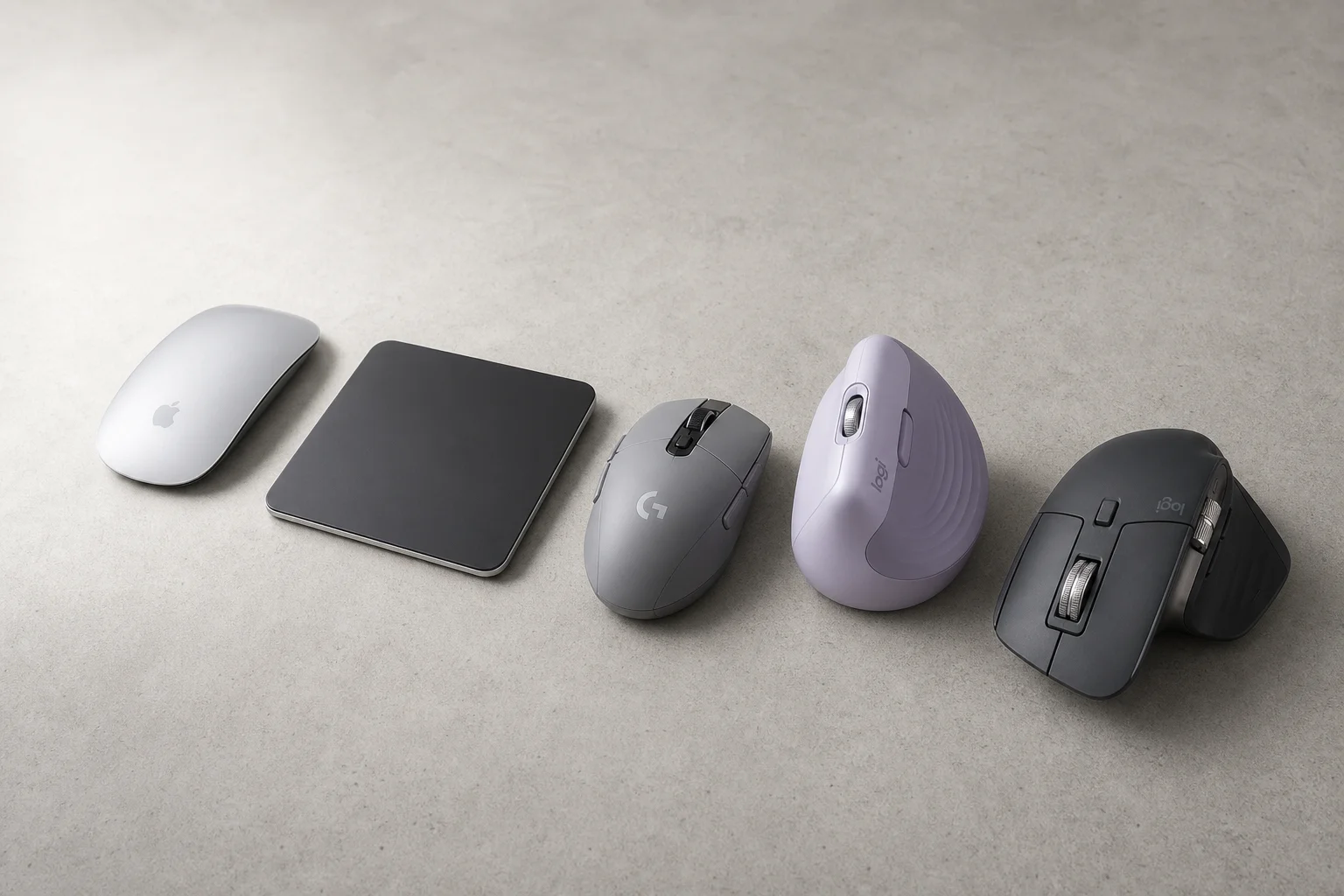
Best Mice for Mac Users: Five Practical Alternatives to the Magic Mouse
The Magic Mouse remains divisive. Here are five alternatives, from budget gaming mice to premium productivity options, each with clear strengths and trade-offs.
Workspace Setup
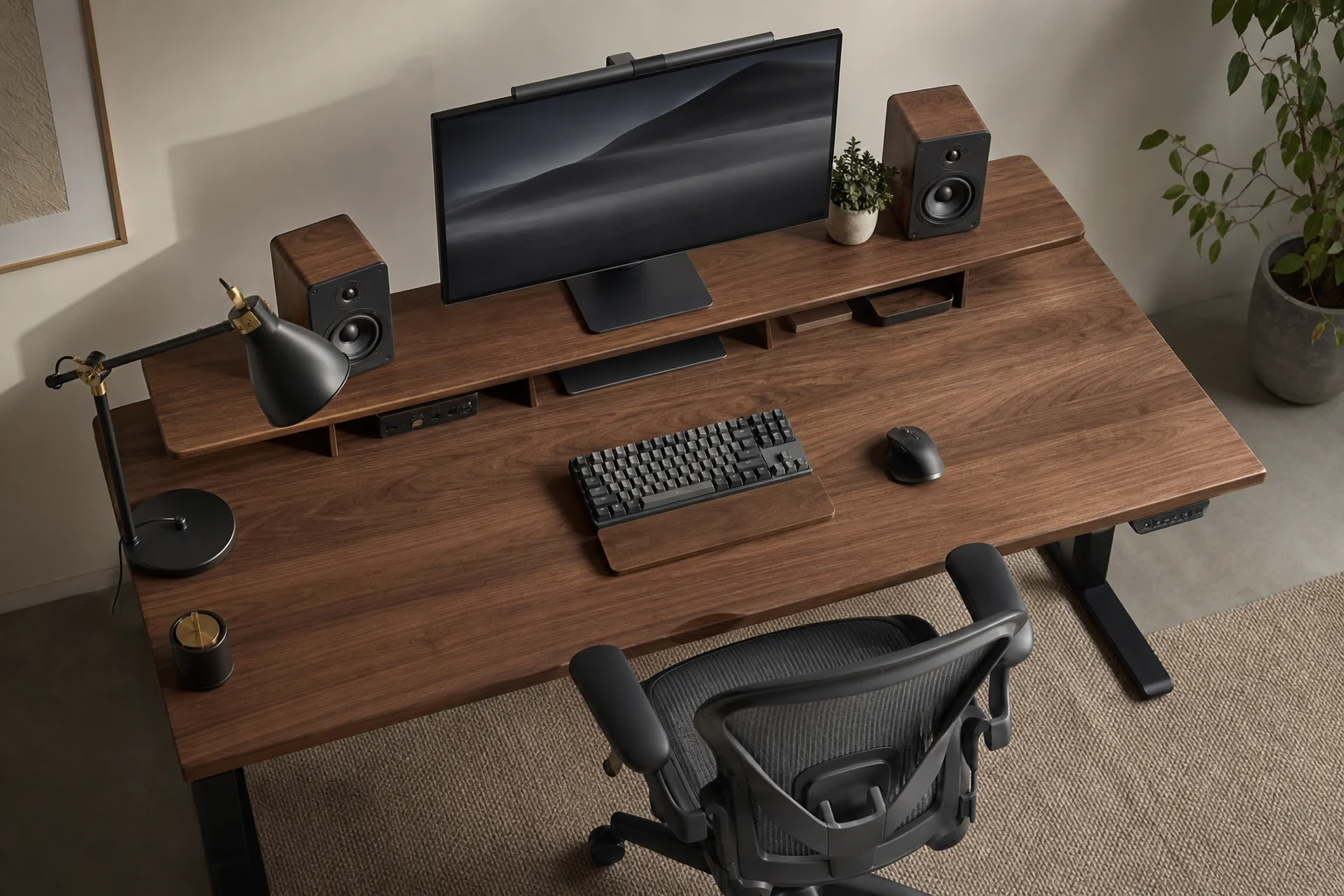
Desk Setup Upgrades: A Practical Guide to Creating a Comfortable Workspace
Essential desk setup improvements for long working hours, from ergonomic chairs and monitor positioning to speakers and webcams that make a real difference.