E-Readers
Boox Go 10.3 After OS 4.1: A Detailed Look at What Changed
A hands-on look at the Boox Go 10.3 after the OS 4.1 update, covering the new features, the frustrating bugs, and whether the upgrade is worth the risk.

Introduction
The Boox Go 10.3 has been a popular choice for those who want a large e-ink tablet for note-taking and reading. Its lightweight design and crisp display made it a reliable companion for many. However, a recent software update, OS 4.1, has introduced a mix of new features and significant problems that have changed the experience for some users.
This article takes a detailed look at what the OS 4.1 update brings to the Boox Go 10.3. We will explore the genuinely useful additions, the frustrating bugs that have appeared, and the overall impact on daily usability. The goal is to provide a clear picture so you can decide if updating is the right choice for your workflow.
Who This Product Is For
The Boox Go 10.3 is designed for people who want a dedicated device for writing, reading, and organizing notes without the distractions of a traditional tablet. It is particularly suited for students, professionals, and researchers who prefer the feel of writing on paper but want the benefits of digital organization.
The device shines when used as a portable notebook. Its large 10.3-inch screen provides ample space for writing, and its lightweight build makes it easy to carry. For those who rely on a consistent and reliable note-taking tool, the Boox Go 10.3 was, until recently, a top contender.
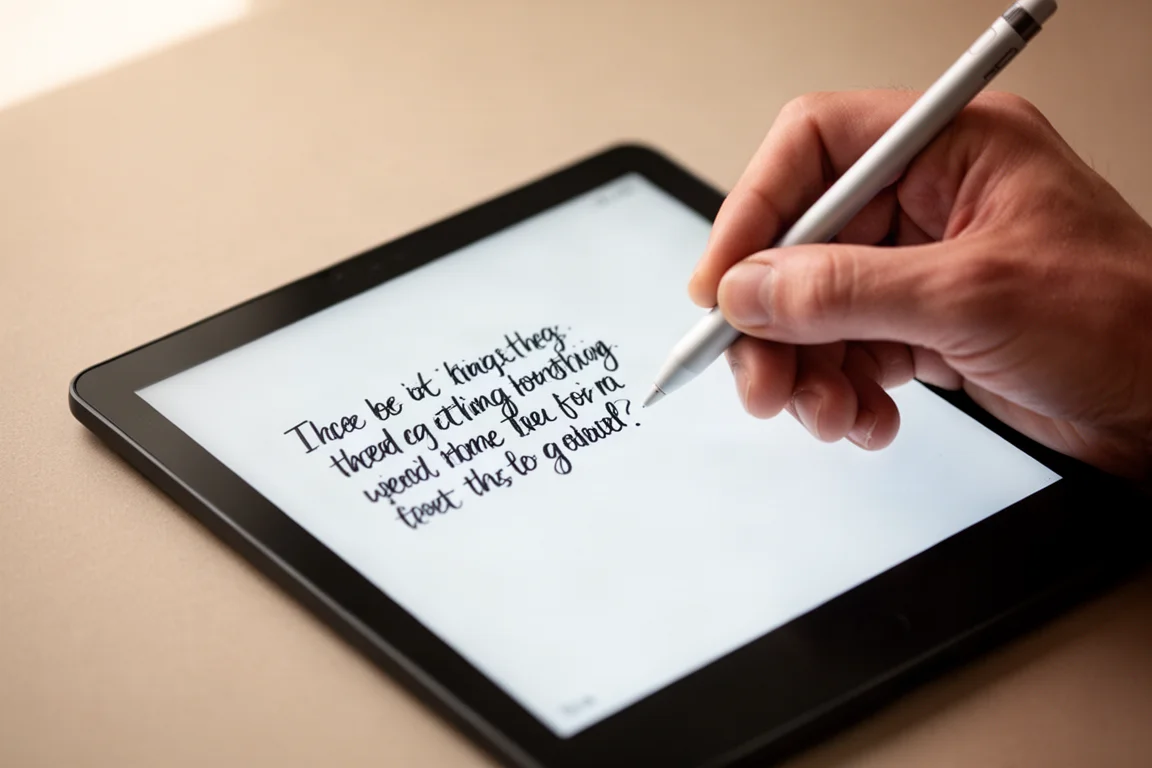
However, the OS 4.1 update has introduced a level of unpredictability that can be frustrating for daily users. If you depend on your device for work and need it to function flawlessly every time, the current software state may give you pause. For casual users who do not rely on the device for critical tasks, the new features might still be worth exploring.
Main Strengths
Despite the issues, the OS 4.1 update does bring several genuinely useful features to the Boox Go 10.3. These additions show that the platform is still evolving, even if the execution is not always perfect.
One of the most notable new features is the introduction of infinite pages in notebooks. This allows you to create a single, endlessly scrolling page instead of being limited to fixed-size pages. This is particularly useful for brainstorming sessions, long-form writing, or any task where you do not want to worry about page breaks. The implementation is basic, and you cannot use custom templates with it, but the core functionality works well.
Another positive addition is the toolbar presets in notebooks. You can now create and switch between different toolbar configurations, each tailored to a specific type of work. For example, you could have a preset for mind-mapping with a different set of tools than one for sketching or journaling. This level of customization is a welcome improvement and makes the notebook experience more flexible.

The reader also received some attention in this update. You can now set up multiple style presets, allowing you to quickly switch between different reading modes. For instance, you could have a preset for text-heavy documents with high contrast, and another for image-rich content where you prefer a softer contrast. This makes it easier to adapt the device to different types of content.
Finally, the straight line adjustment tool has been improved. When you draw a line, you now get adjustment anchors at both ends, allowing you to fine-tune its length and angle. The new 90-degree snapping feature makes it easy to create perfectly horizontal or vertical lines, which is a significant help for creating diagrams or structured notes.
Things to Consider Before Buying
While the new features are welcome, the OS 4.1 update has also introduced a number of significant problems that can severely impact the user experience. These issues are not minor annoyances; they can fundamentally disrupt your workflow.
The most concerning issue is the dramatic inconsistency in loading notebooks. The same notebook can open normally one time and then take an extremely long time to load the next. In some cases, the notebook may not open at all, showing a blank screen with only the toolbar visible. This unpredictability makes it difficult to rely on the device for quick note access.
Even when a notebook does open, you may experience random crashes. These crashes can happen at any time, causing you to lose your place and potentially your work. This is a serious problem for anyone who uses the device for important tasks.
Another major issue is the decline in drawing precision. The device now produces jagged, inconsistent strokes, which is a stark contrast to the smooth, precise lines it was known for. This is particularly noticeable when using a fine liner pen, which is not pressure-sensitive. The result is that your handwriting and drawings look messy and unpolished.

The AI gestures, such as drawing a line or circling an area to select it, have also become unreliable. The line detection, in particular, is now very poor, often producing wavy lines instead of straight ones. This means you may have to attempt the same gesture multiple times before it works correctly, which is a significant slowdown in your workflow.
Perhaps the most frustrating issue is that AI gestures can randomly stop working altogether. You may find that scribbling to delete or lassoing to select simply does nothing, even though the feature is turned on. The only reliable fix is to restart the device, which is a major disruption.
There is also a problem with the handwriting toolbar. The option to hide the toolbar with a tap has been changed, and the gesture to bring it back now conflicts with the system’s side-swipe gesture. This can lead to accidentally exiting the notebook instead of revealing the toolbar. Additionally, the toolbar can no longer be docked flush to the edge of the screen, leaving an unsightly gap.
Finally, the update has introduced a synchronization issue between devices. Strokes made on the Go 10.3 may appear slightly thicker when synced to another Boox device, such as the Note Max. While this is a minor visual difference, it can be distracting when you are used to a consistent look. More seriously, sessions where AI tools were acting strangely can sync as permanent, unerasable strokes, ruining the page.
Buying Advice
The Boox Go 10.3 is a capable device with a lot of potential, but the OS 4.1 update has introduced a level of risk that is hard to ignore. If you are considering buying this device, it is important to weigh the new features against the significant bugs.
For a casual user who primarily reads and takes occasional notes, the new features like infinite pages and toolbar presets may be worth the risk. The bugs, while annoying, may not be a dealbreaker if you do not depend on the device for critical work.
However, for a professional or student who relies on the device for daily note-taking and organization, the current software state is a serious concern. The inconsistent loading, random crashes, and unreliable drawing tools can severely disrupt your workflow. The fact that these issues are new and were not present in the previous software version makes them particularly frustrating.

If you are already a Boox Go 10.3 owner and have not yet updated to OS 4.1, it may be wise to hold off. The new features are nice to have, but they are not worth the risk of introducing instability into your daily routine. Waiting for a more stable update, such as the rumored OS 4.2, could be a safer choice.
If you are a new buyer, consider whether the current software issues are acceptable to you. The hardware is excellent, but the software experience is currently unpredictable. It is a roll of the dice whether you will be affected by the bugs, and that is a risk that may not be worth taking for a device you plan to rely on.
Conclusion
The Boox Go 10.3 remains a well-built and versatile e-ink tablet, but the OS 4.1 update has cast a shadow over its usability. The new features, such as infinite pages and toolbar presets, are genuinely useful and show the platform’s potential. However, the introduction of significant bugs, including inconsistent loading, random crashes, and degraded drawing precision, makes the update a risky proposition.
For those who depend on the device for their daily workflow, the current software state is a major step backward. The unpredictability and unreliability are unacceptable for a tool that is supposed to be a dependable workhorse. For casual users, the new features may be enough to overlook the issues, but it is still a gamble.
Ultimately, the decision to update or buy comes down to your tolerance for risk. If you need a reliable tool that works without fuss, it may be wise to wait for a more stable software release. If you are willing to accept the current bugs for the sake of the new features, the Boox Go 10.3 still has a lot to offer.
Product link
View more details for Boox Go 10.3
This product is mentioned in the review. Check the specifications, options, and compatibility before buying.
View more details for Boox Go 10.3Further reading
Related Reviews
E-Readers
Boox Go 10.3 Gen 2: A Deep Dive Into the Writing Experience, Screen Quality, and Everyday Trade-Offs
A detailed look at the Boox Go 10.3 Gen 2, covering the active pen, front light options, ghosting behavior, and how it compares to the Gen 1 and Note Max.

E-Readers
Boox Go 10.3 Gen II Classic Review: A Non-Front-Lit E-Reader With Trade-Offs
The Boox Go 10.3 Gen II Classic offers a sharp 300 PPI display and lighter build, but ghosting and pen precision issues are worth considering.

E-Readers
Boox Go 6 Gen II Review: A Pocket-Sized Reader With Surprising Writing Power
The Boox Go 6 Gen II brings a refined design, a usable stylus experience, and a few notable trade-offs to the compact e-reader segment.