Flight Simulator Hardware
Moza MGX1000 Review: A Faithful G1000 Replica for Flight Sim Enthusiasts
The Moza MGX1000 brings a true one-to-one scale G1000 replica to your flight sim setup with 500 nits of brightness and physical controls that make flying GA aircraft more enjoyable.
Introduction
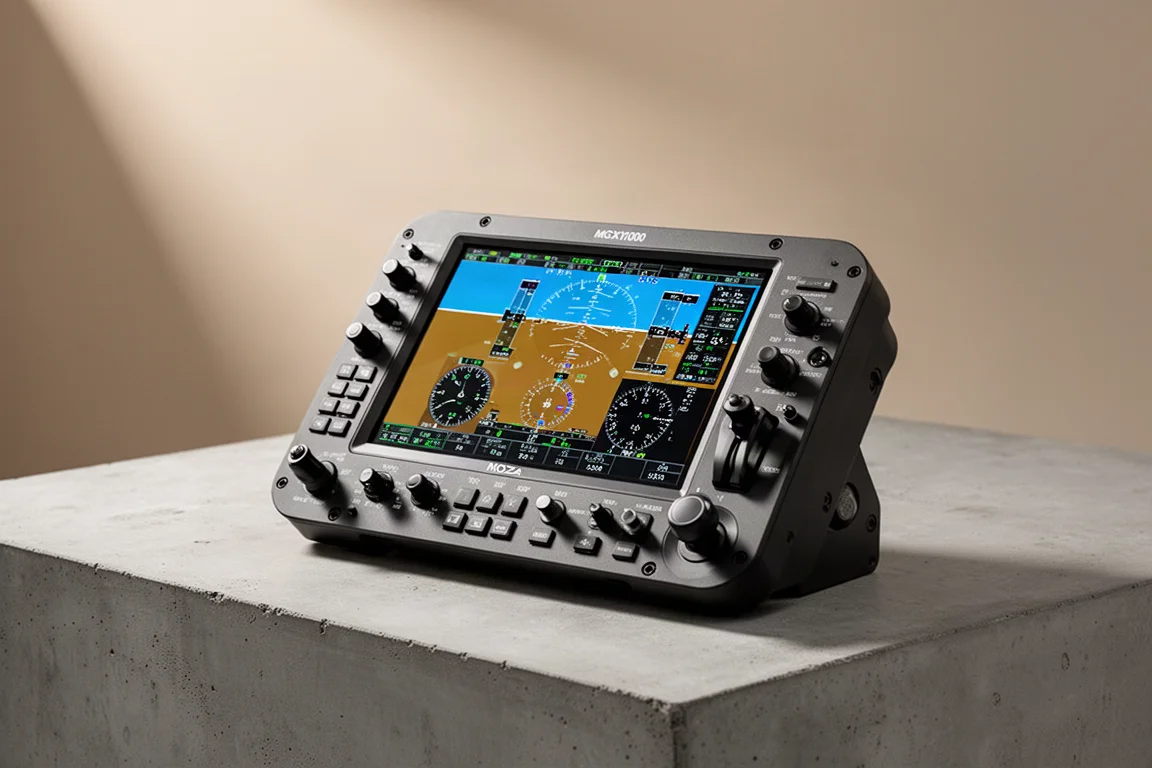
The G1000 glass cockpit has become the standard for modern general aviation aircraft, and flight simmers have long wanted a faithful hardware replica for their setups. Moza’s MGX1000 aims to deliver exactly that: a true one-to-one scale version of the iconic G1000 with adjustable backlighting, 500 nits of brightness, and the physical controls that make operating the real thing feel natural.
The device works as a dedicated primary flight display for simulators like X-Plane and Microsoft Flight Simulator, but it also functions as a standard secondary monitor when you want to use it for other tasks. This review covers the hardware, the software experience, and whether the MGX1000 earns a place on your rig.
Who This Product Is For
The MGX1000 is designed for flight simmers who regularly fly G1000-equipped aircraft. Anyone who has used a real G1000 knows the system has a lot of small buttons and dual concentric knobs that can be frustrating to operate with a mouse. This device puts everything you need for the primary flight display right in front of you, making the experience far more immersive and practical.
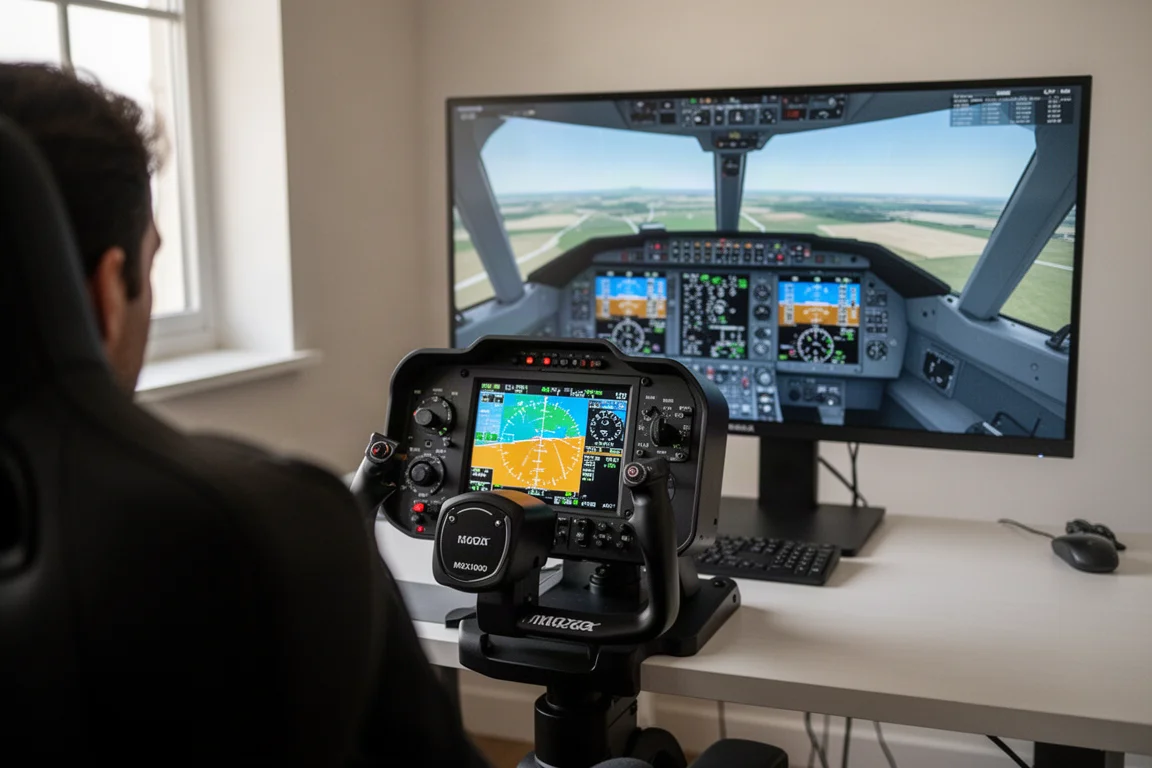
It also suits simmers who want a secondary monitor for their setup. Since Windows recognizes the MGX1000 as a standard display, you can drag Discord, web pages, or even videos onto it when you are not using it for flight simulation. That flexibility makes it more than a single-purpose accessory.
Main Strengths
The physical controls are the standout feature of the MGX1000. The knobs feel consistent and solid in use, with the dual concentric design faithfully recreating the altitude and heading controls from the real aircraft. The buttons have a nice tactile feel, and the rubber is firm enough that accidental presses are rare. Wherever you press, the button activates reliably, which is a significant improvement over trying to click tiny virtual controls with a mouse.
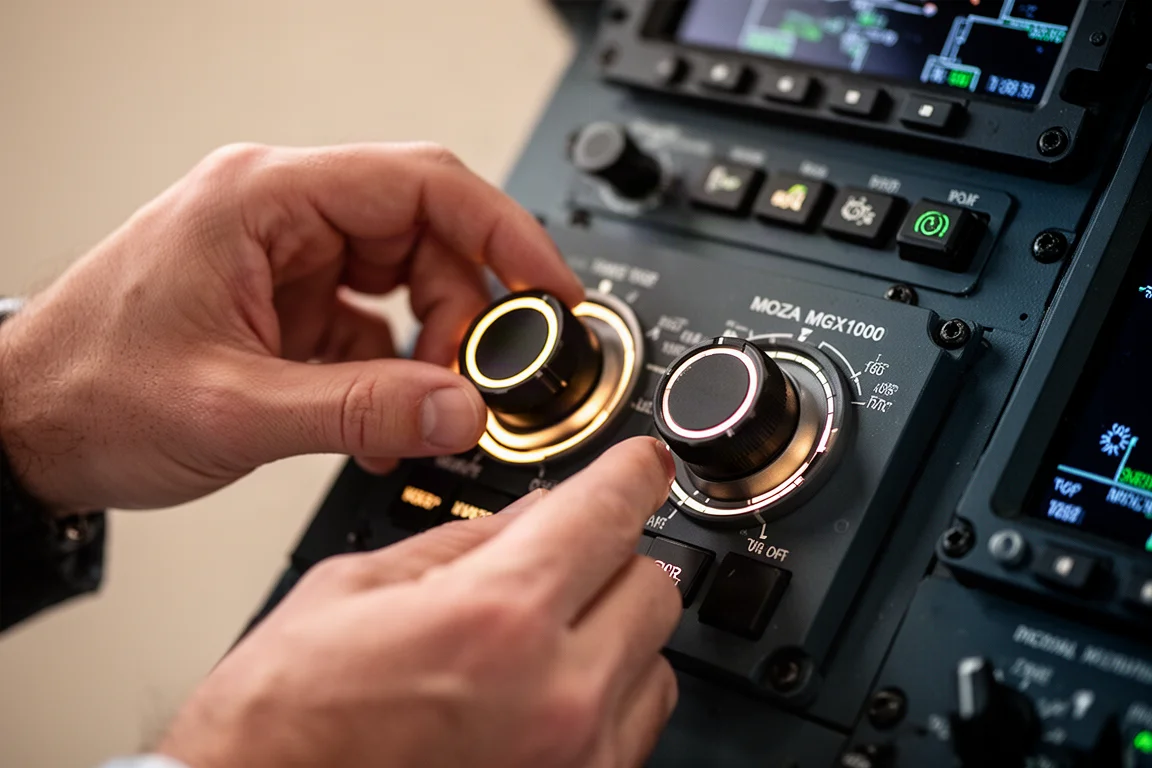
The seven-way joystick, which Moza calls the ALPS knob, is a nice addition that faithfully recreates the real control. It moves left, right, up, and down, rotates clockwise and counterclockwise, and has a push button. This makes entering airports and waypoints feel much more natural than typing with a mouse.
The 500-nit display is bright and clear, likely brighter than the monitor it sits next to on your desk. The 10.4-inch screen runs at 1024 by 768 resolution, the same as the real G1000. Text is easy to read, and videos look fine if you choose to use it as a general-purpose monitor.
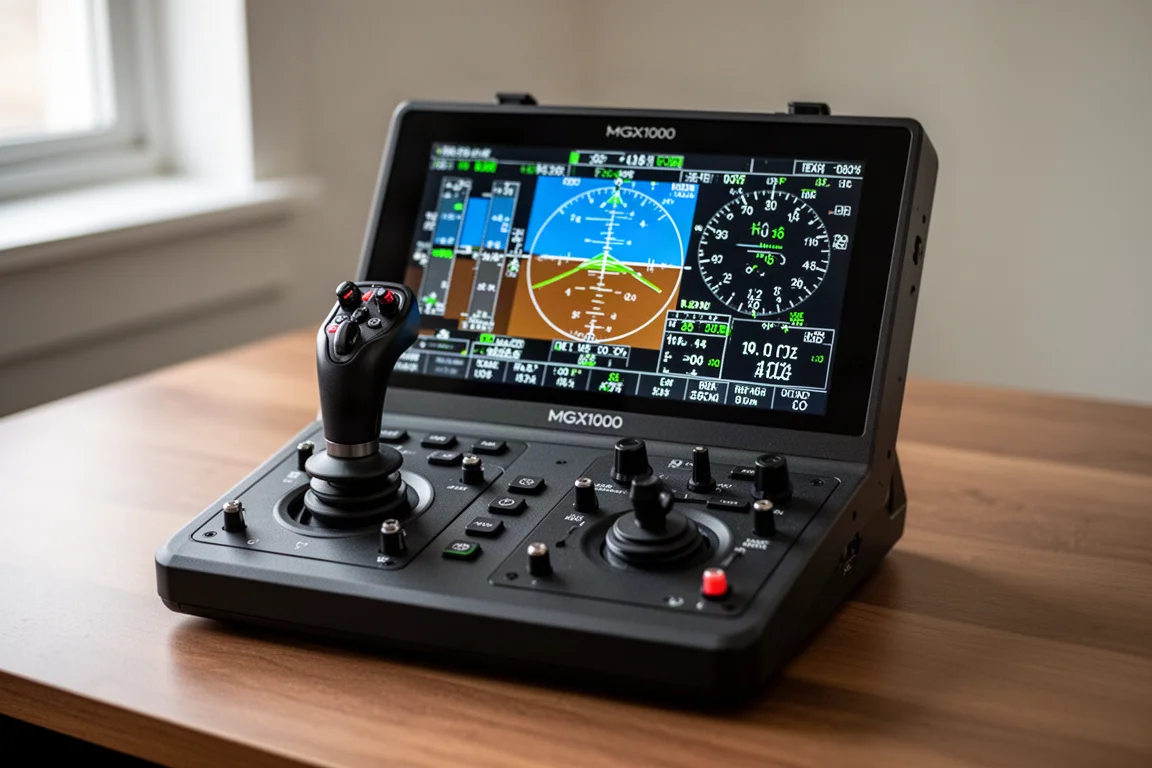
The adjustable backlighting is another strong point. You can set it manually with a slider, tie it to telemetry values like throttle position or flaps, or use the built-in light sensors to adjust dynamically based on your room lighting. This last option is particularly useful if your room lighting changes throughout the day, as it keeps the device readable without manual adjustment.
Things to Consider Before Buying
The software experience has some rough edges. While the Moza Cockpit software handles device configuration well, getting the primary flight display onto the MGX1000 in Microsoft Flight Simulator requires extra steps. Moza points users to a third-party pop-out panel manager rather than providing a built-in solution. This works well, but it means relying on a community developer for a core part of the experience, which is a concern if that developer stops maintaining the software.
The display itself does not automatically dim with the backlighting controls. You can adjust it through physical buttons on the rear of the device, but the control is not integrated into the Moza Cockpit software alongside the existing backlighting adjustment.
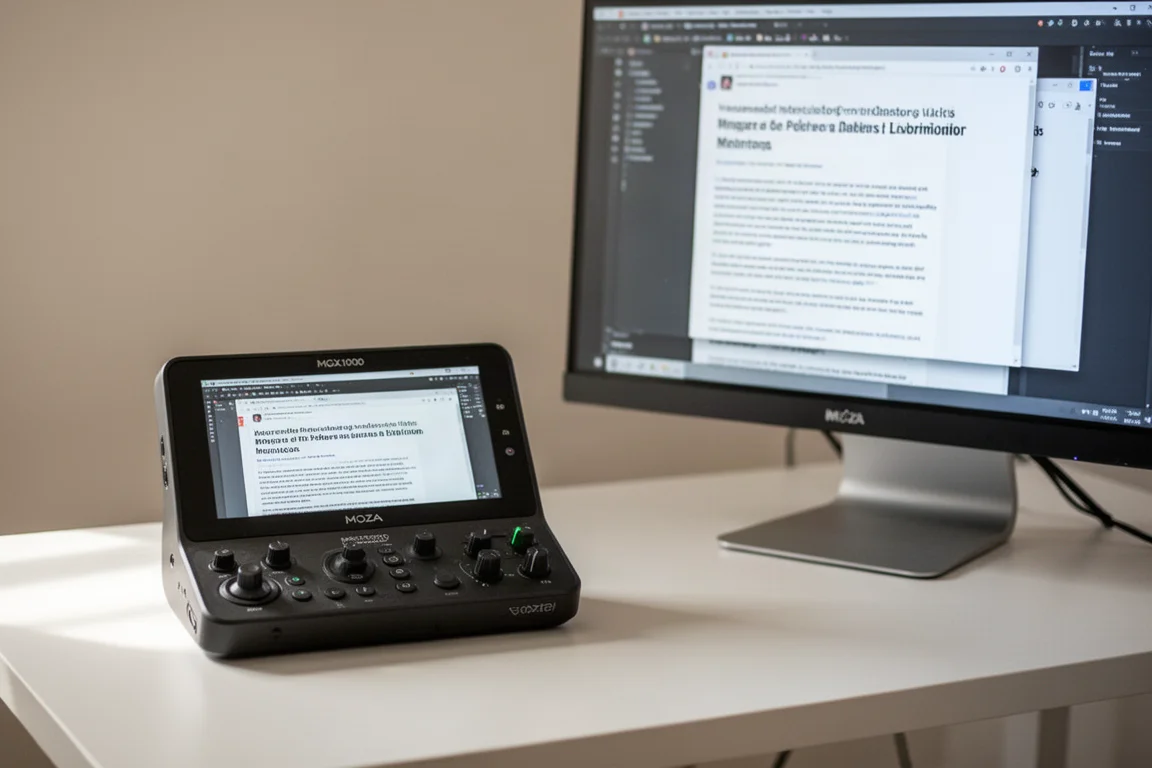
The biggest drawback is the price. In Australia, the MGX1000 costs over $800, which is roughly $450 USD or under 470 euros. For a device that works best in pairs, with one unit for the primary flight display and another for the multifunction display, the cost quickly becomes prohibitive. Two units would set you back around $1,600 in Australian dollars, which feels steep for a screen with push buttons and knobs.
Buying Advice
If you regularly fly G1000-equipped aircraft in your simulator and want a more immersive experience, the MGX1000 is a genuinely useful addition to your setup. The physical controls make a real difference in usability, and the ability to use it as a standard monitor adds versatility.
However, consider whether you can justify the price, especially since the device works best with two units. If you are a student pilot or early in your career, this may be a significant investment. For those who can get past the cost, the MGX1000 delivers a faithful and enjoyable G1000 experience.
Conclusion
The Moza MGX1000 is a well-built, faithful replica of the G1000 that brings real physical controls to flight simulation. The knobs, buttons, and seven-way joystick all feel solid, and the bright display is easy to read in various lighting conditions. The ability to use it as a standard monitor adds practical value beyond its intended purpose.
The software setup for Microsoft Flight Simulator relies on third-party tools, and the price feels high, particularly if you want two units for a complete PFD and MFD setup. But for simmers who fly G1000 aircraft regularly and value physical controls over mouse clicking, the MGX1000 is a worthwhile addition that makes flying general aviation aircraft more enjoyable.
Product link
View more details for Moza MGX1000
This product is mentioned in the review. Check the specifications, options, and compatibility before buying.
View more details for Moza MGX1000Further reading
Related Reviews
Flight Simulator Hardware
Moza MA3F FCU and EFIS Review: A Premium Airbus Autopilot Panel
A detailed look at the Moza MA3F Flight Control Unit and EFIS panels, covering build quality, software, and how it compares to the competition.
Flight Simulator Hardware
MOZA MA3F Flight Computer Display Review: A Premium Airbus MCDU for Your Simulator
The MOZA MA3F is a full-size Airbus MCDU replica with a crisp IPS display, firm tactile keys, and useful built-in software features. We take a close look at the hardware and software.
Sim Racing
Heusinkveld One Steering Wheel Review: A Lightweight Open Ecosystem Wheel With a Polarizing Design
Heusinkveld's first steering wheel focuses on nailing the fundamentals with a lightweight composite build, a clever button layout, and deep software customization. But its unique grip angle may not suit everyone.