Flight Simulator Hardware
Moza MA3F FCU and EFIS Review: A Premium Airbus Autopilot Panel
A detailed look at the Moza MA3F Flight Control Unit and EFIS panels, covering build quality, software, and how it compares to the competition.
Introduction
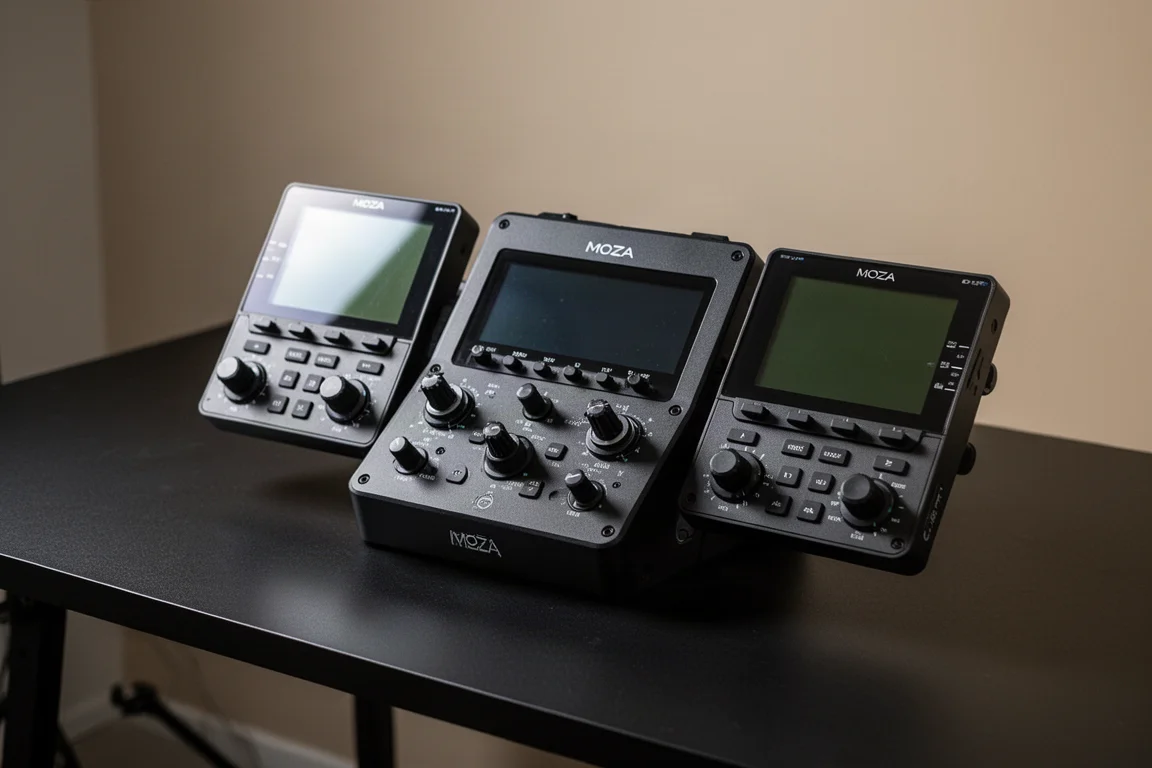
The Moza MA3F Flight Control Module is a full-size replica of the Airbus A320 Flight Control Unit, and it comes with optional left and right EFIS side panels. These panels feature custom-built displays, authentic push-pull controls, and support for both Microsoft Flight Simulator 2020, 2024, and X-Plane. For those who already own the Win Control 3X Zero Glare Shield bundle in this price segment, the big question is whether Moza has done enough to make this the next autopilot control panel on your desk.
Design and Build Quality
The FCU measures 260 mm by 89 mm by 55 mm, with the knobs bringing the length to about 81 mm. The EFIS panels are smaller at 155 mm by 89 mm by 55 mm, with a similar height including the knobs. The FCU includes a 75 by 75 mm VESA mount for desk or rig mounting, a single USB-C port, and two RJ11 ports dedicated for connecting the EFIS panels.
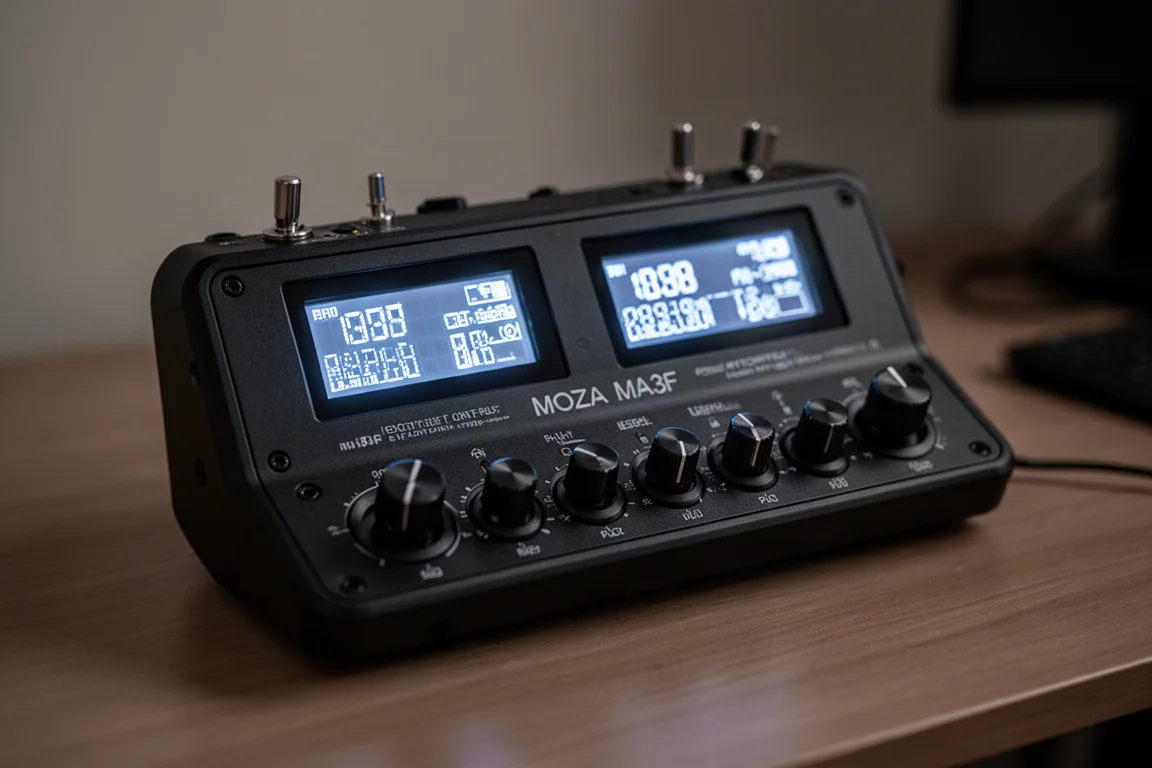
The buttons and switches follow the real Airbus layout closely. The EFIS panels have selection screens for constraint, waypoint, VOR, DB, and airport, each activating with a green annunciator. The AP 1 and 2, auto thrust, lock, speed, and approach buttons all sit slightly behind the face of the panel, with a soft push of about 2 mm. The rotary knobs for the navigation display and range are multi-position switches that snap into place with minimal force.
The iconic push-pull system is present on every knob that has it in the real airplane, including the altimeter on both sides, speed, heading, altitude, and vertical speed. The displays are beautifully well-lit with laser-etched text and purpose-built LCD displays that perform well in both bright and dark conditions.
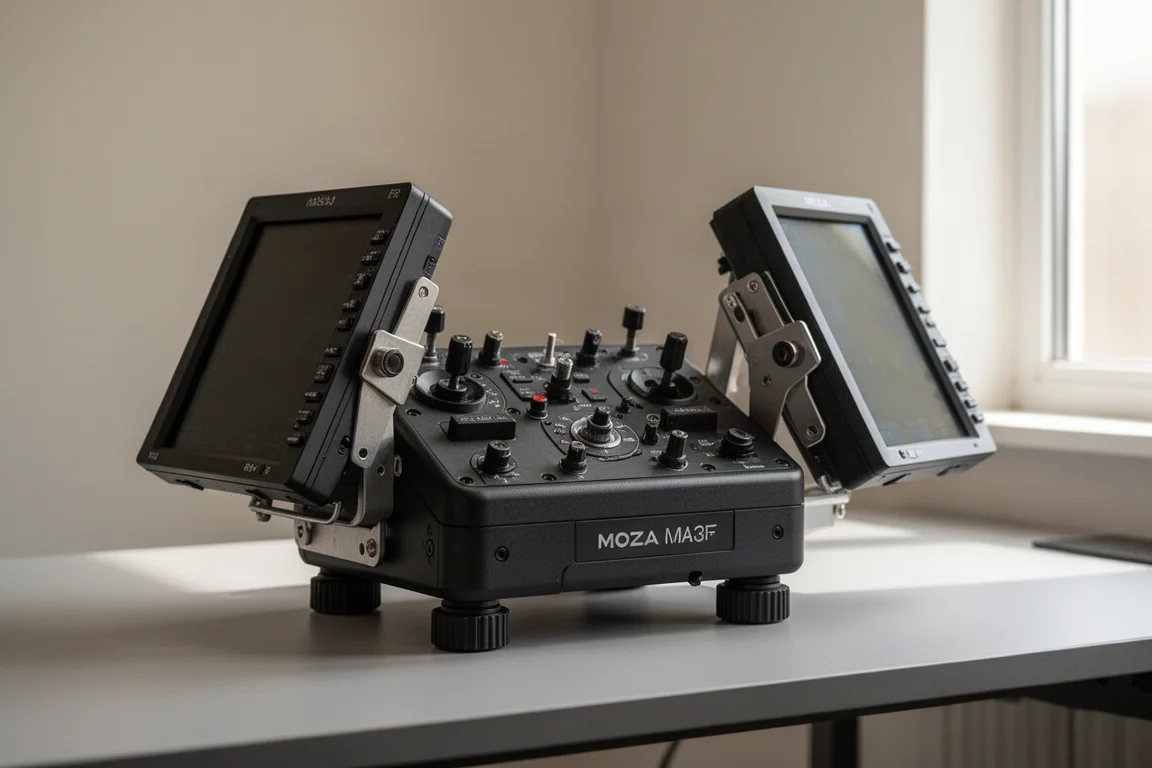
The metal brackets used to connect the EFIS panels to the FCU provide significant structural integrity. The assembly feels firm with only a very slight amount of flex, even when applying more force than you would typically use during normal operation. The included desktop stand is made of metal with a rubberized base, and while it feels solid, there is a slight rock on one side due to a minor quality control issue where the bracket is not completely square.
Comparison with the Competition
When placed side by side with the Win Control 3X Zero Glare Shield Combo, several differences stand out. The Moza device lacks the eyebrow bracket that sits on top of the Win Control unit, which makes it feel a little bare. The EFIS buttons on the Moza are inset and require a soft push, while the Win Control buttons are raised and have a more tactile mouse-click feel. The Moza buttons are actually closer to how they are in the real airplane.
The knob designs differ slightly, with the Moza featuring tighter, closer teeth compared to the fatter, wider teeth on the Win Control. The Moza also includes a white line on the knobs for the display and range, which the Win Control does not have. In terms of backlighting, the Win Control is noticeably brighter, so much so that light leaks through some of the panels. The Moza is not as bright in direct light, but this is not necessarily a problem in practice.
The metal switches for VOR and ADF are the same on both devices, requiring a pull-out action before moving left or right to activate. The displays are much of a muchness, with no significant difference visible in real life.
One area where the Moza clearly wins is the bracket design. The Win Control uses a plastic bracket with hardly any surface area and no rubberized feet, which means it slides around on the desk. The Moza bracket, despite the slight rock, grips the desk well and does not slide at all. The metal bracket connecting the EFIS panels to the FCU also provides much more rigidity than the plastic oval pieces used by Win Control, which allow significant flex when pushing and pulling the outer knobs.
Software and Configuration
The Moza Cockpit software, version 1.1.4.11, is clean and easy to navigate. It shows all connected hardware in the middle, telemetry plugins on the right, and devices on the left. Firmware and software updates are handled through the bottom left corner.
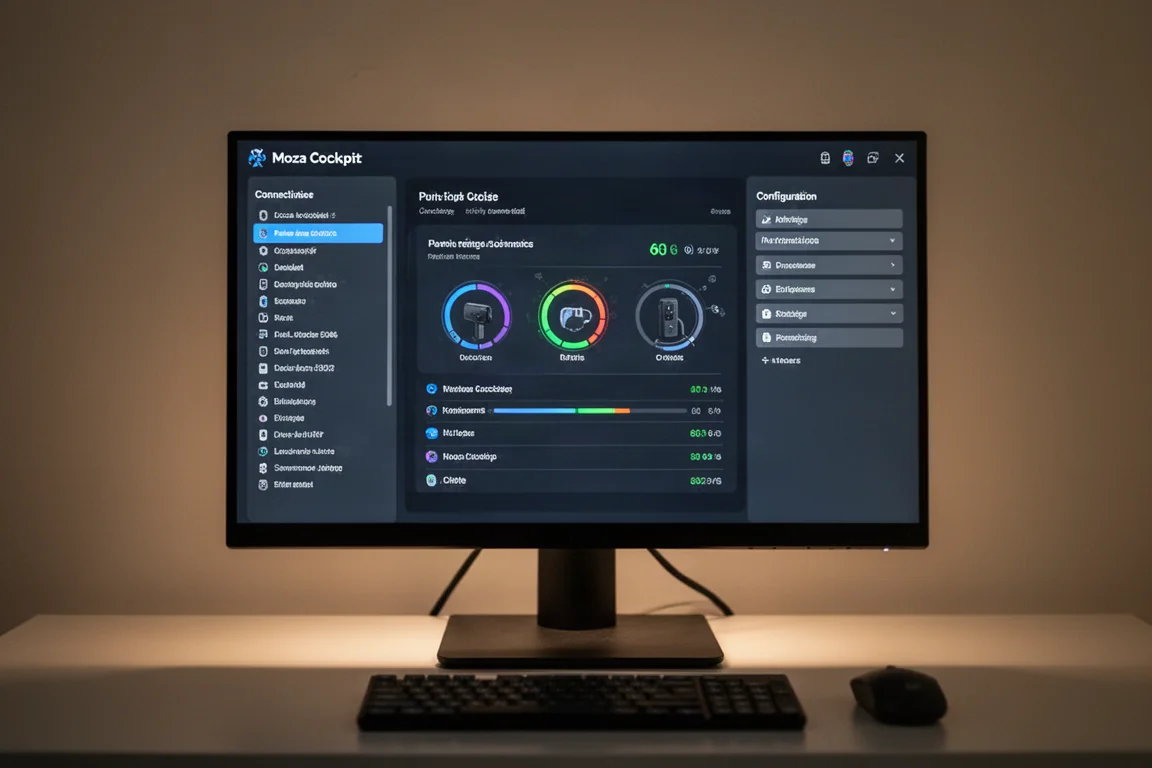
Within the MA-3F configuration, the signal hold setting controls how long a command is sent to the sim, which is useful for different polling rates across X-Plane and Flight Simulator. There are three main lighting areas: panel backlighting, button indicator lights, and screen brightness. Each can be set to telemetry mode, which mirrors the brightness settings from the sim, or manual mode with a range from zero to 15. You can also tie the brightness controls to a physical slider on another Moza device, such as the AB6.
The hall sensor calibration feature is particularly useful. During testing, the push and pull actions on the speed and heading knobs did not work initially, and the altitude knob only worked in one direction. Running through the calibration steps fixed all of these issues.

One of the standout features is the extended functions mode. By pressing the waypoint and constraint buttons together, you unlock a whole new level of control on the EFIS panels. This gives you access to the weather radar, predictive wind shear, APU master and start, transponder codes, seatbelt signs, strobe lights, anti-collision lights, nose lights, and a range of other customizable options. The transponder function is particularly useful for VATSIM flying, allowing you to update your squawk code directly from the EFIS without reaching for the mouse.
Buying Advice
The Moza MA3F FCU is priced at about 279 Australian dollars, roughly 150 US dollars or 159 euros. The EFIS panels are about 189 Australian dollars each, roughly 99 US dollars or 109 euros. There is no combo pricing available at the time of this review, so you will need to buy the parts individually. The full setup with both EFIS panels comes to around 657 Australian dollars, compared to roughly 542 Australian dollars for the equivalent Win Control setup, representing about a 21% premium.
For those already flying with the Win Control panel, the differences may not justify replacing perfectly good hardware. However, for someone building an Airbus cockpit from scratch or upgrading from using a mouse, the Moza setup is a genuinely compelling option. The push and pull actions feel more realistic, the rotary knobs have a more premium feel, and the software is improving rapidly with frequent firmware updates.
Conclusion
Moza has built a really competitive Airbus product with the MA3F FCU and EFIS panels. It feels premium, the controls are satisfying to use, and the extended functions feature shows that Moza is thinking beyond simply building another replica panel. The light bleed through some of the black switches and the slight rock in the included stand are minor drawbacks, but overall this is a solid choice for new buyers looking for dedicated Airbus hardware.
Product link
View more details for Moza MA3F FCU
This product is mentioned in the review. Check the specifications, options, and compatibility before buying.
View more details for Moza MA3F FCUFurther reading
Related Reviews
Flight Simulator Hardware
MOZA MA3F Flight Computer Display Review: A Premium Airbus MCDU for Your Simulator
The MOZA MA3F is a full-size Airbus MCDU replica with a crisp IPS display, firm tactile keys, and useful built-in software features. We take a close look at the hardware and software.
Flight Simulator Hardware
Moza MGX1000 Review: A Faithful G1000 Replica for Flight Sim Enthusiasts
The Moza MGX1000 brings a true one-to-one scale G1000 replica to your flight sim setup with 500 nits of brightness and physical controls that make flying GA aircraft more enjoyable.
Sim Racing
Heusinkveld One Steering Wheel Review: A Lightweight Open Ecosystem Wheel With a Polarizing Design
Heusinkveld's first steering wheel focuses on nailing the fundamentals with a lightweight composite build, a clever button layout, and deep software customization. But its unique grip angle may not suit everyone.