Flight Simulator Hardware
MOZA MA3F Flight Computer Display Review: A Premium Airbus MCDU for Your Simulator
The MOZA MA3F is a full-size Airbus MCDU replica with a crisp IPS display, firm tactile keys, and useful built-in software features. We take a close look at the hardware and software.
Introduction
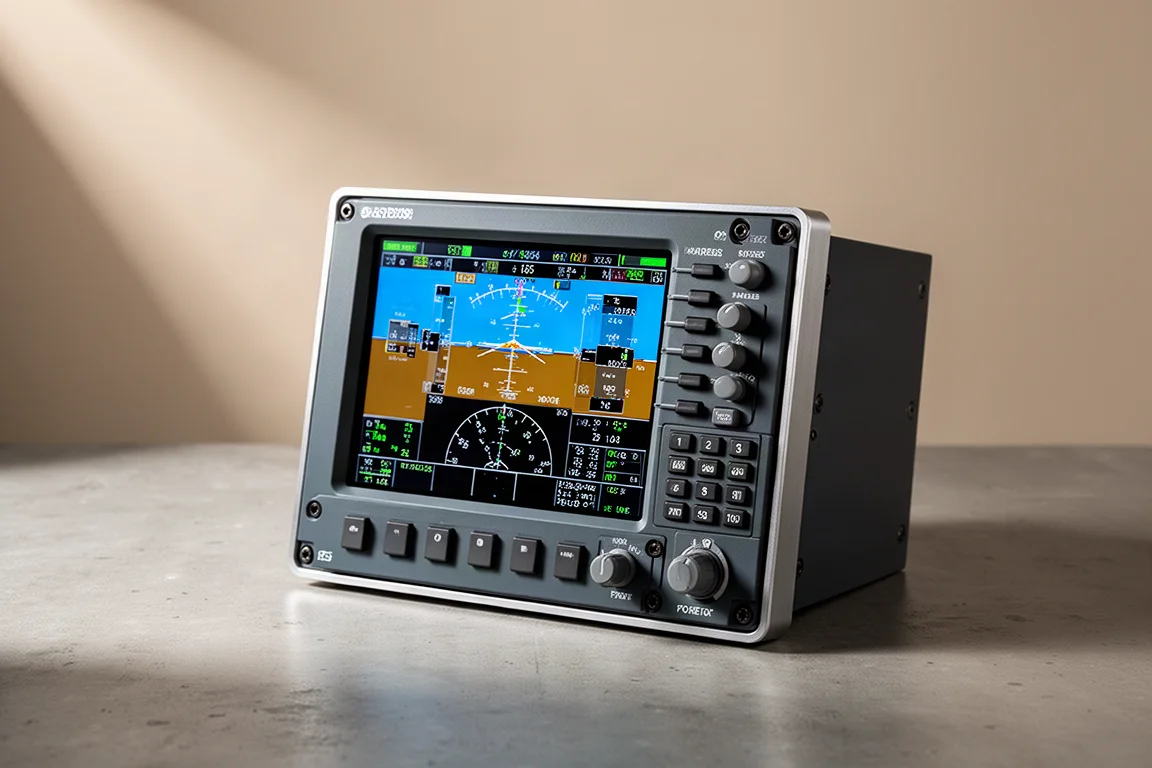
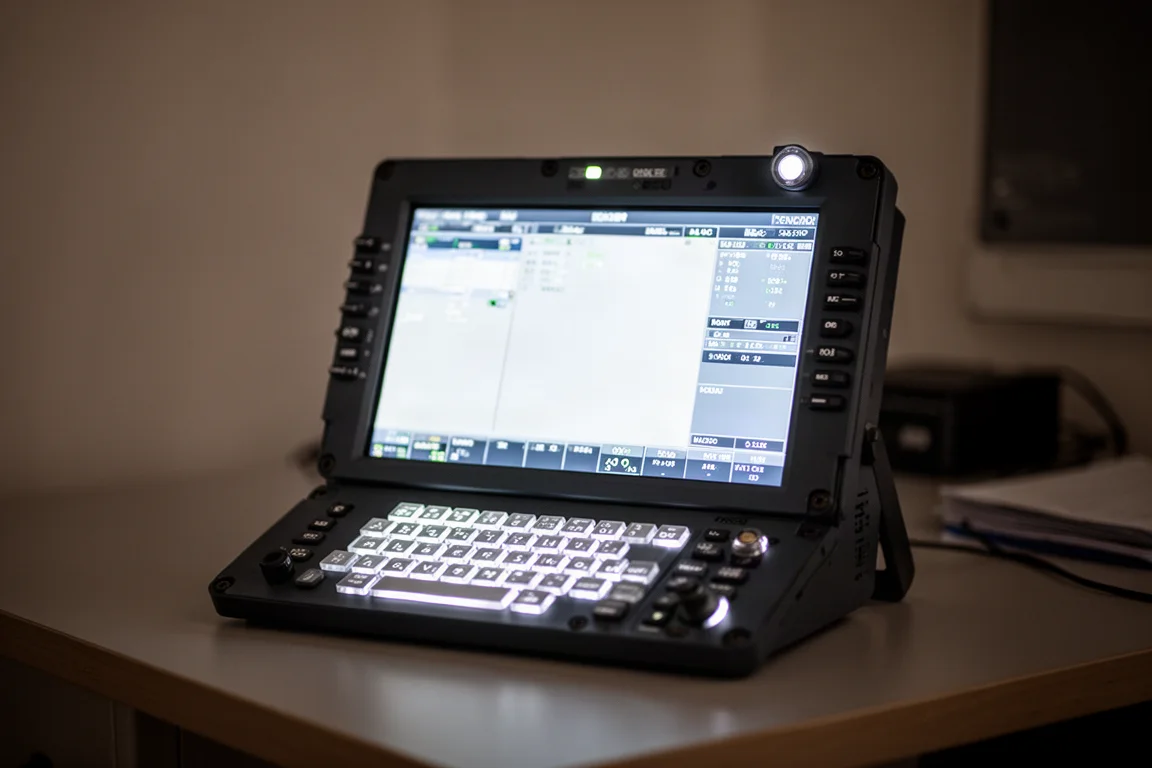
The MOZA MA3F flight computer display is a full-size 1:1 replica of the Airbus MCDU, designed to bring a more authentic flight deck experience to your simulator setup. It features a 5.1-inch IPS display, a diecast aluminum front housing, and silicon backlit keys. It plugs directly into the MOZA Flight Simulator cockpit software, which handles all communication with the device.
At the time of this review, the MA3F is priced at $369 Australian, which is just shy of $200 US. Shipping may be extra. For those already in the MOZA ecosystem or considering joining, this device aims to be a strong addition to a home cockpit.
Who This Product Is For
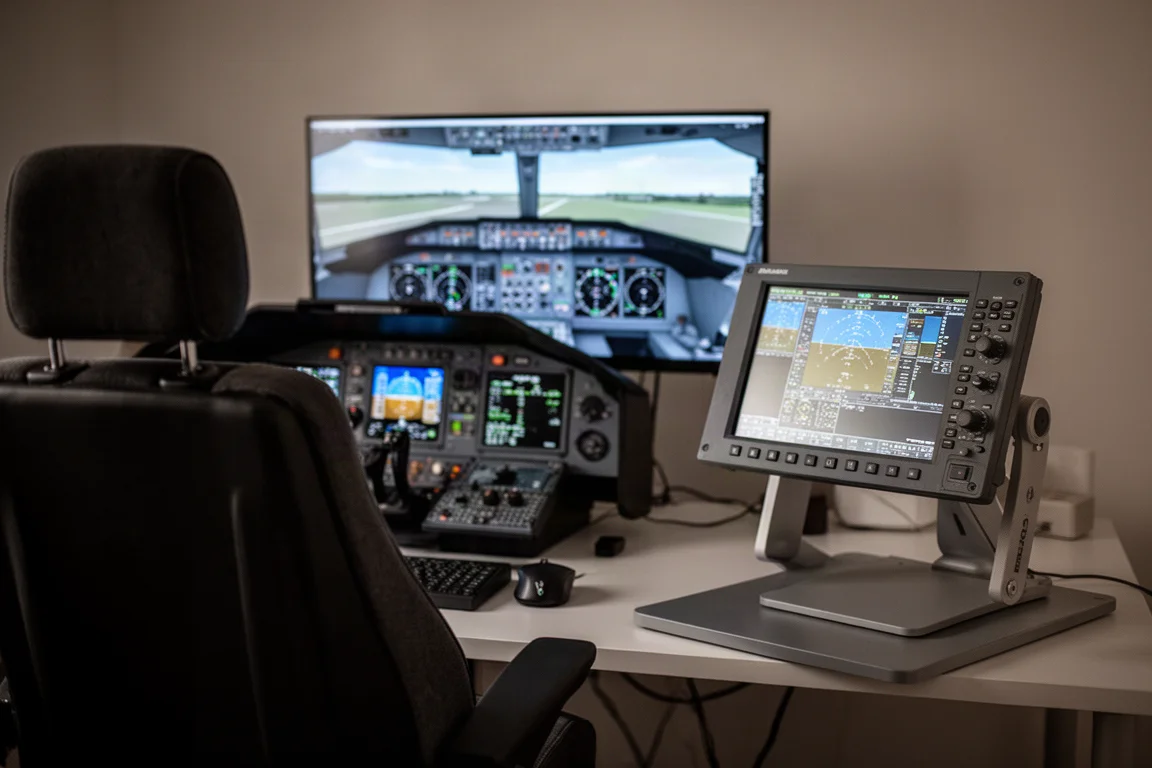
The MA3F is aimed at flight simulation enthusiasts who fly Airbus aircraft and want a dedicated physical MCDU instead of clicking a virtual one on screen. It is especially relevant for those already using MOZA flight hardware, since the device integrates with the MOZA cockpit software. If you spend significant time programming flight plans, navigating menus, and managing checklists, a physical unit like this can make the workflow faster and more satisfying.
It is also a good fit for simmers who appreciate quality hardware. The diecast aluminum front panel and firm tactile keys give it a premium feel that stands out compared to some alternatives. If you are looking for a dedicated Airbus MCDU and value build quality, this device is worth considering.
Main Strengths
Hardware Overview
The MA3F is built around a diecast aluminum alloy front face, which gives it a solid and premium feel. The silicon backlit keys are firm with a positive tactile click, and the same applies to the line select keys. The IPS display offers good viewing angles, color accuracy, and solid brightness and contrast levels.
The device includes left and right light sensors at the top. Using the MOZA control software, you can have the screen brightness and backlit keys adjust dynamically based on the ambient light in your room. This is a convenient feature for simmers who fly at different times of day.
The backing is made from polycarbonate and ABS plastic, and it houses the USB and video controllers. You get a USB Type-C to Type-A cable in the box, along with a desktop stand that requires some assembly. The stand includes nuts, bolts, and textured rubber feet that you attach yourself. There are also 75x75 VESA standard mounting holes, plus two additional mounting holes at the top and bottom for locking the device down where you need it.
Button Feel and Build Quality
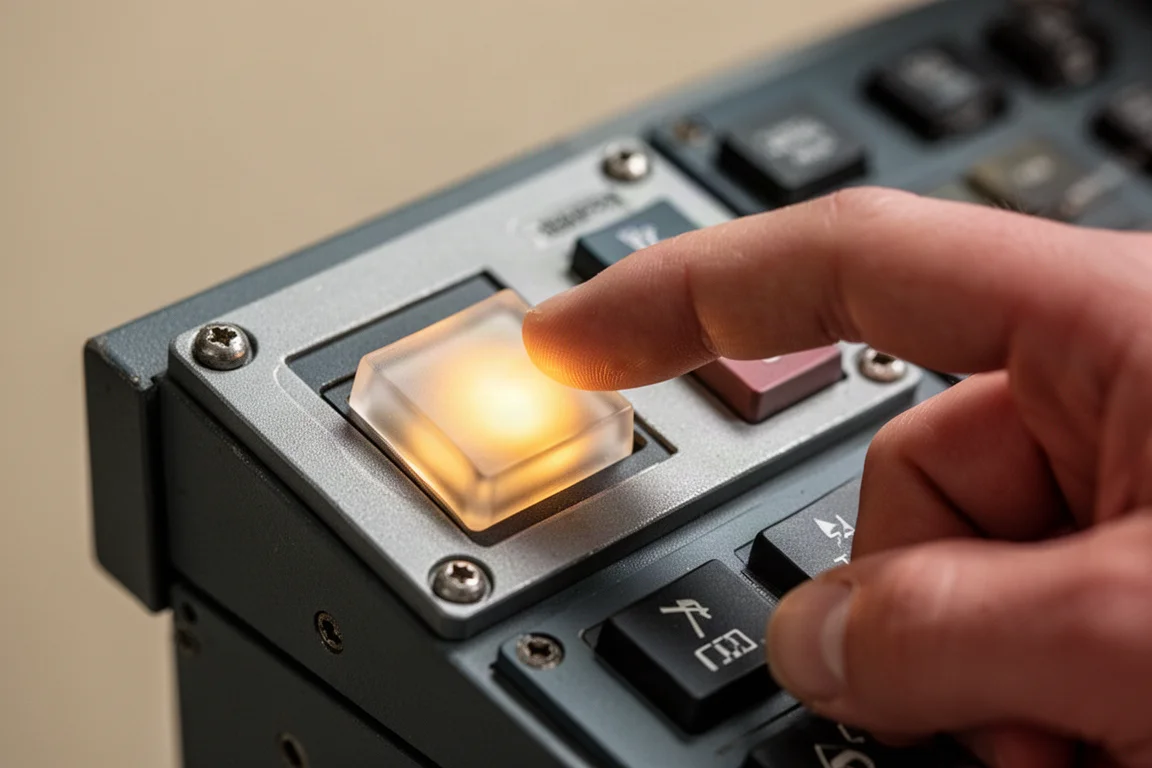
One of the standout features of the MA3F is the button feel. The keys are noticeably firmer than some competing devices, with a much more positive tactile click. This makes entering flight plans and navigating menus feel more satisfying. When you are spending several minutes programming the MCDU and using it throughout a flight, the difference is something you really notice.
The button design also includes a small indent on the page select keys, which matches the real Airbus flight deck. It is a small detail, but it shows the attention to authenticity that MOZA has put into this device.
Display and Lighting
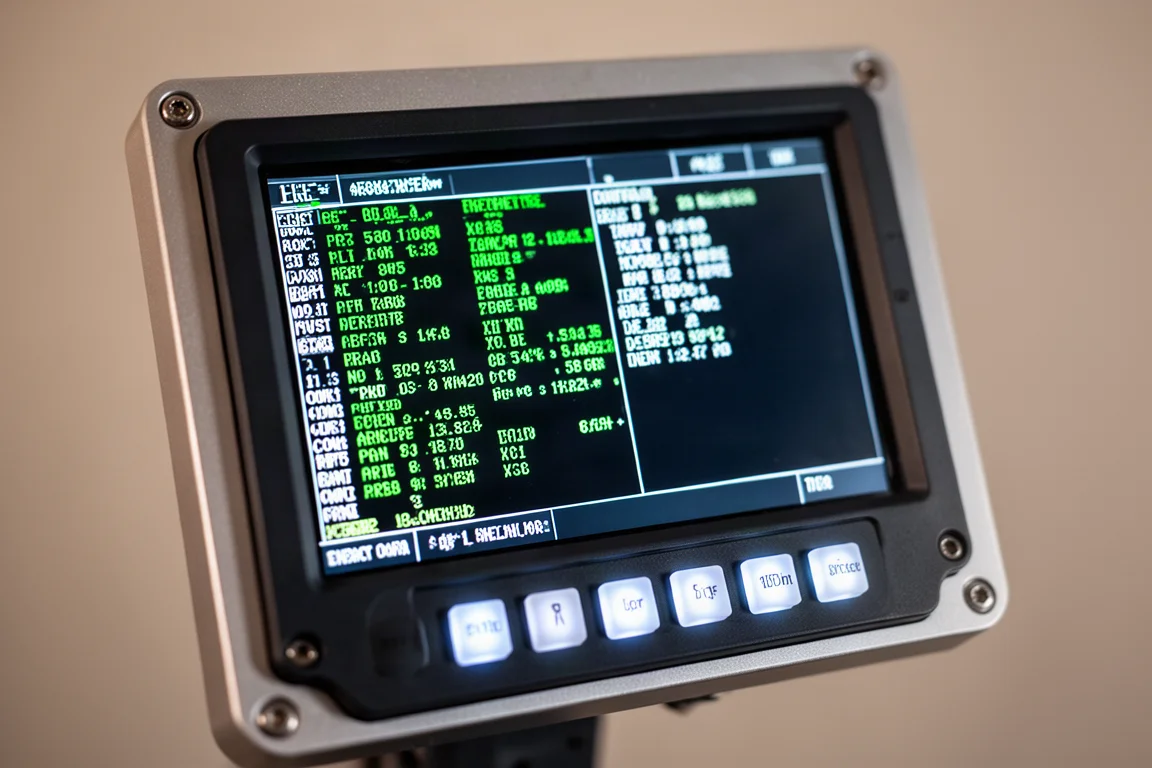
The IPS display on the MA3F is crisp, bright, and easy to read from any position. The text remains sharp from normal seating positions, and you should not find yourself leaning forward or squinting to make out what is on the screen. The display also feels a bit brighter than some alternatives, which makes it a nicer screen overall.
The backlighting is another strong point. It is bright enough to read during the day and can be dimmed for nighttime flying. The ambient light sensors allow the device to automatically adjust display and key brightness based on the lighting in your room, rather than simply linking to the aircraft panel knob. This is a feature found on some other devices, but it is well implemented here.
Software and Configuration
The MOZA cockpit software is straightforward and one of the better configuration tools available for flight simulator hardware. It is version 1.1.4.11 at the time of this review. The software lets you configure which MCDU position you want to use, such as the left captain side or the right first officer side. You can also adjust backlighting, display brightness, and annunciator settings.
The software offers three lighting modes: telemetry, device, and manual. Telemetry connects to the simulator and follows the console light brightness knob. Device mode lets you use another MOZA flight hardware device, such as a slider on the AB6, as a reference for setting brightness. Manual mode is a simple slider for adjusting brightness directly.
One of the more interesting features is the built-in checklist and scratch pad functionality. You can access a normal checklist for the A320, such as cockpit preparation, and tick off items as you complete them. Completed items turn green, and you can reset them when needed. The scratch pad lets you jot down things like taxi clearances or other instructions you need to remember during a flight.
Things to Consider Before Buying
Software Bugs
During testing, there were a few software issues present. The font adjustment feature in the display settings did not work, so changing fonts had no effect. This is something that may be fixed in a future update.
More notably, key presses made while using the checklist or scratch pad were being passed through to the simulator as MCDU inputs. This meant that ticking off checklist items could inadvertently press buttons in the virtual aircraft, and in some cases, it could modify or clear parts of your flight plan. MOZA was aware of the issue and confirmed that a software update was on the way to prevent these key presses from reaching the in-sim MCDU.
The Desktop Stand
The included desktop stand gets the job done, but it feels like an afterthought compared to the rest of the device. The diecast aluminum front and the quality of the buttons set a high bar, and the stand does not quite match that level. A slightly more robust or adjustable design would be a nice finishing touch.
Buying Advice
If you are looking for a dedicated Airbus MCDU and you are already in the MOZA ecosystem or thinking about joining, the MA3F has a lot going for it. The hardware is excellent, with a premium feel and some of the nicest buttons available on an MCDU. The software offers genuinely useful quality-of-life features like the built-in checklist and scratch pad.
The main caveat is the software bugs that were present at the time of this review. Most issues are software-related rather than hardware-related, which is a good sign, and MOZA has been releasing updates as issues are identified. If you are comfortable with the possibility of a few software quirks being ironed out over time, this device has the potential to become one of the better options on the market.
Conclusion
The MOZA MA3F flight computer display is a well-built and thoughtfully designed piece of hardware. The diecast aluminum front panel, firm tactile keys, and crisp IPS display make it a pleasure to use. The built-in checklist and scratch pad features add real convenience to a cockpit setup, and the ambient light sensors are a nice touch.
While there were a few software bugs during testing, they are all software-related and likely to be addressed in future updates. If you are in the market for a dedicated Airbus MCDU and value build quality and useful software features, the MA3F is worth a close look.
Product link
View more details for MOZA MA3F
This product is mentioned in the review. Check the specifications, options, and compatibility before buying.
View more details for MOZA MA3FFurther reading
Related Reviews
Flight Simulator Hardware
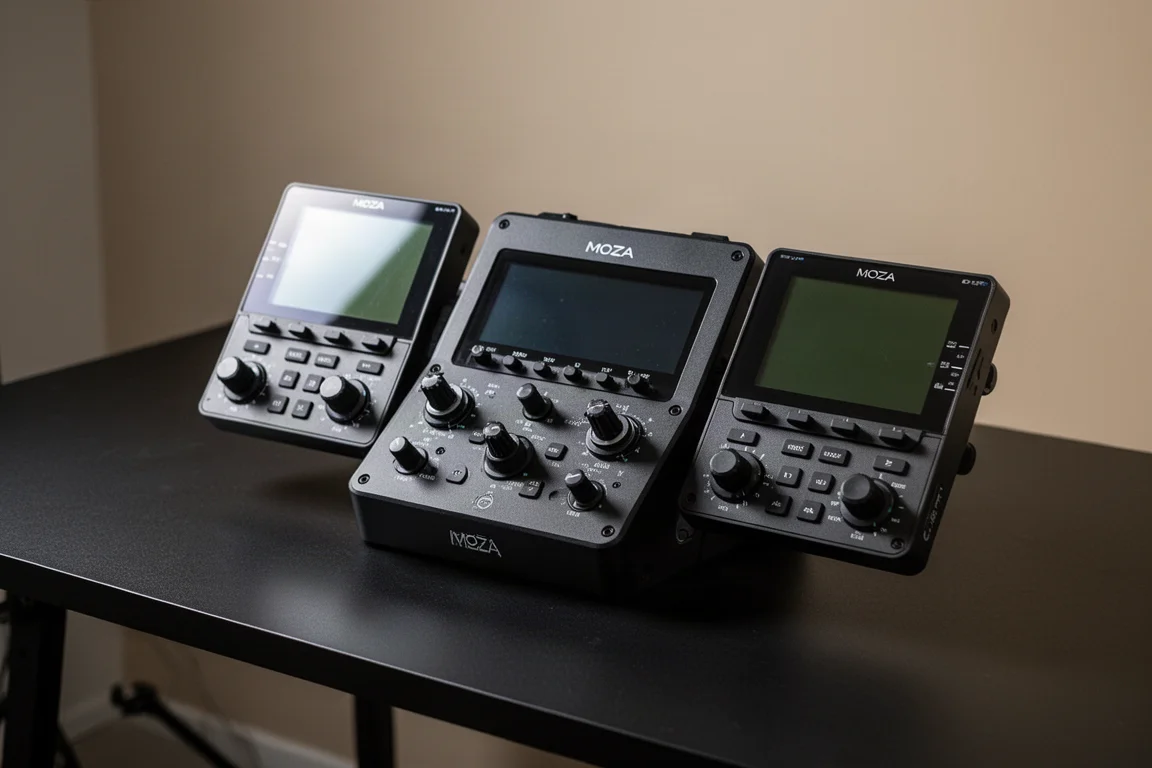
Moza MA3F FCU and EFIS Review: A Premium Airbus Autopilot Panel
A detailed look at the Moza MA3F Flight Control Unit and EFIS panels, covering build quality, software, and how it compares to the competition.
Flight Simulator Hardware
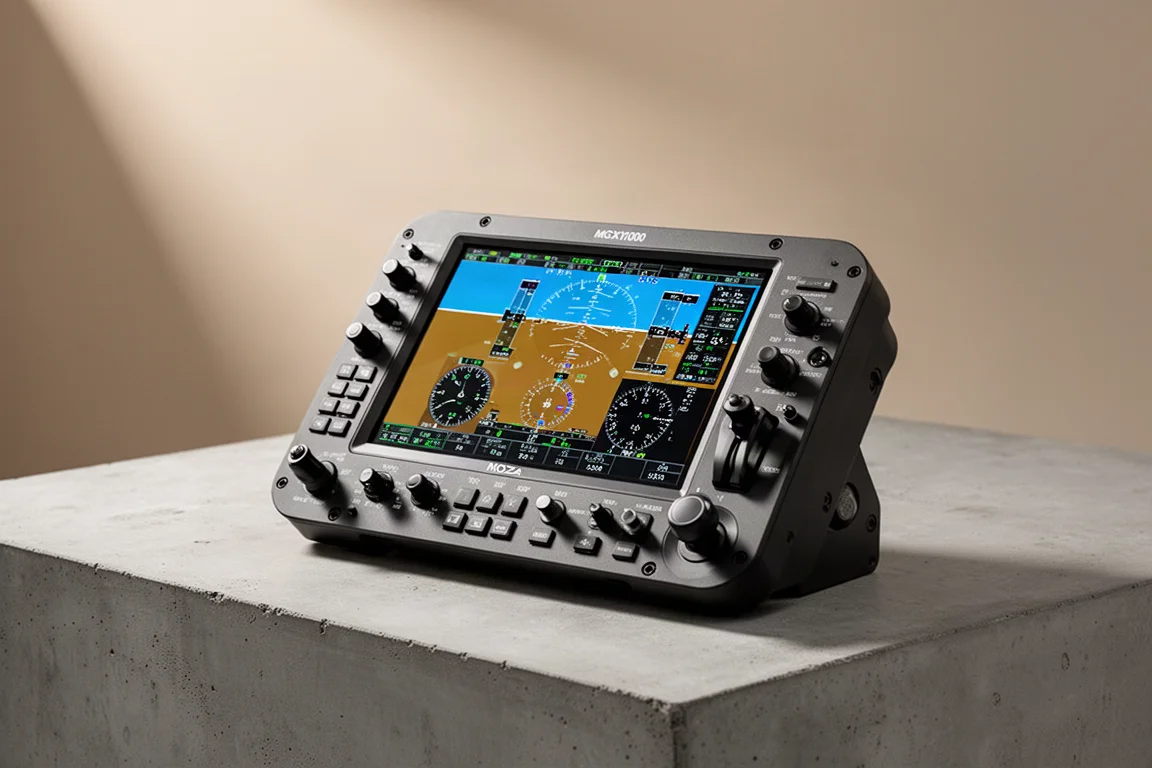
Moza MGX1000 Review: A Faithful G1000 Replica for Flight Sim Enthusiasts
The Moza MGX1000 brings a true one-to-one scale G1000 replica to your flight sim setup with 500 nits of brightness and physical controls that make flying GA aircraft more enjoyable.

Flight Sim Hardware
MOZA AB6 vs AB9: Which Force Feedback Base Fits Your Flight Sim Setup?
We compare the MOZA AB6 and AB9 force feedback bases across torque, smoothness, build quality, and value to help you choose the right one for your flying style and budget.