Tech Buying Guides
Monitor Buying Guide: Why HDR Marketing and Refresh Rate Hype Are Misleading You
Most monitor buyers regret their purchase because they chase marketing specs instead of real performance. Here's what actually matters when choosing a monitor.
Introduction
Over 80% of monitor buyers regret their purchase, and it is not because they made a bad decision. The industry has spent years promoting marketing myths that steer people toward the wrong specifications. When you walk into a store or browse online, you see HDR10, HDR400, 180 Hz, 200 Hz plastered everywhere. These numbers sound impressive, but most of them mean very little in real-world use. The problem is that manufacturers have turned monitor shopping into a spec-sheet game where the biggest numbers win, regardless of whether they actually improve your experience.
This guide cuts through the noise and explains what actually matters when you buy a monitor.
Understanding Real HDR vs. Marketing Labels
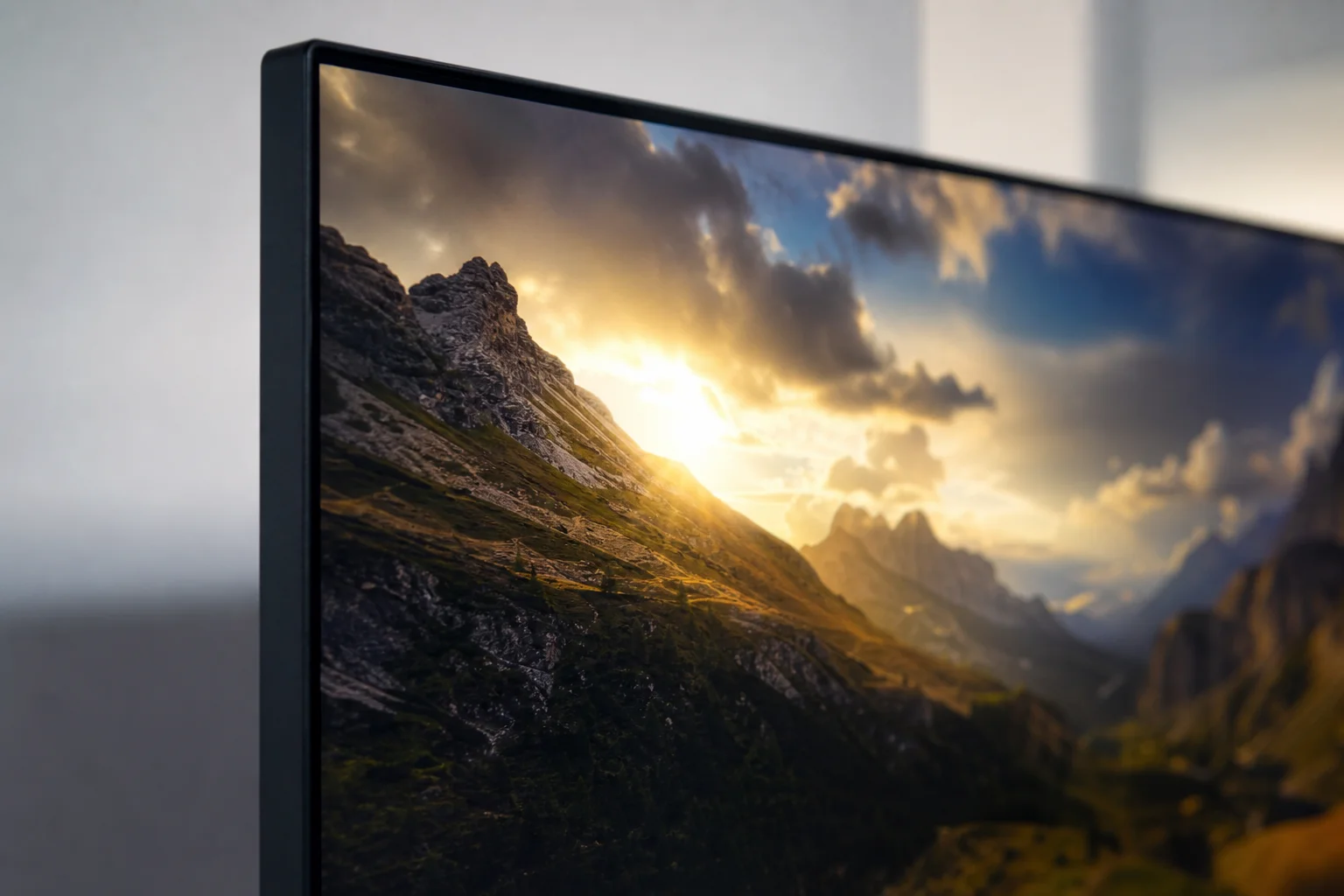
The biggest culprit in monitor marketing is the HDR400 label. To earn HDR400 certification, a monitor only needs to reach 400 nits of brightness. That is the entire requirement. A monitor can hit that number and still deliver a mediocre HDR experience because brightness alone does not create true HDR.
Real HDR requires several things working together: local dimming (the ability to dim different zones of the screen independently), true 10-bit color support, a wide color gamut like DCI-P3, and significantly higher brightness levels. The industry standard for genuine HDR is HDR600 or HDR1000, which demand 600 to 1,000 nits of brightness plus all those other features.
Here is the critical distinction: HDR10 on a monitor spec sheet simply means the display can decode HDR content. It does not guarantee brightness, color accuracy, contrast, or anything else. Since there is no official certification body verifying HDR10 for monitors, manufacturers can label almost any screen as HDR10 without meaningful oversight. The Vesa certification process, by contrast, requires manufacturers to submit monitors for testing and pay a fee. If the monitor fails, it does not get the badge.
Because the HDR400 bar is so low, most budget monitors with that label look nothing like a true HDR display. Turning HDR on in these monitors sometimes makes the image worse, not better. Yet people chase the label anyway because it has become a quality checkbox in their minds.
The Real Cost of True HDR
The argument that true HDR monitors are unaffordable is simply not true. The AOC Q27 G3XMN costs around $230 and delivers genuine HDR performance. It includes local dimming, meets all the real HDR requirements, and offers excellent color accuracy. Yet some buyers dismiss it because it uses a VA panel, which brings us to the next major myth.
Panel Type Matters More Than You Think
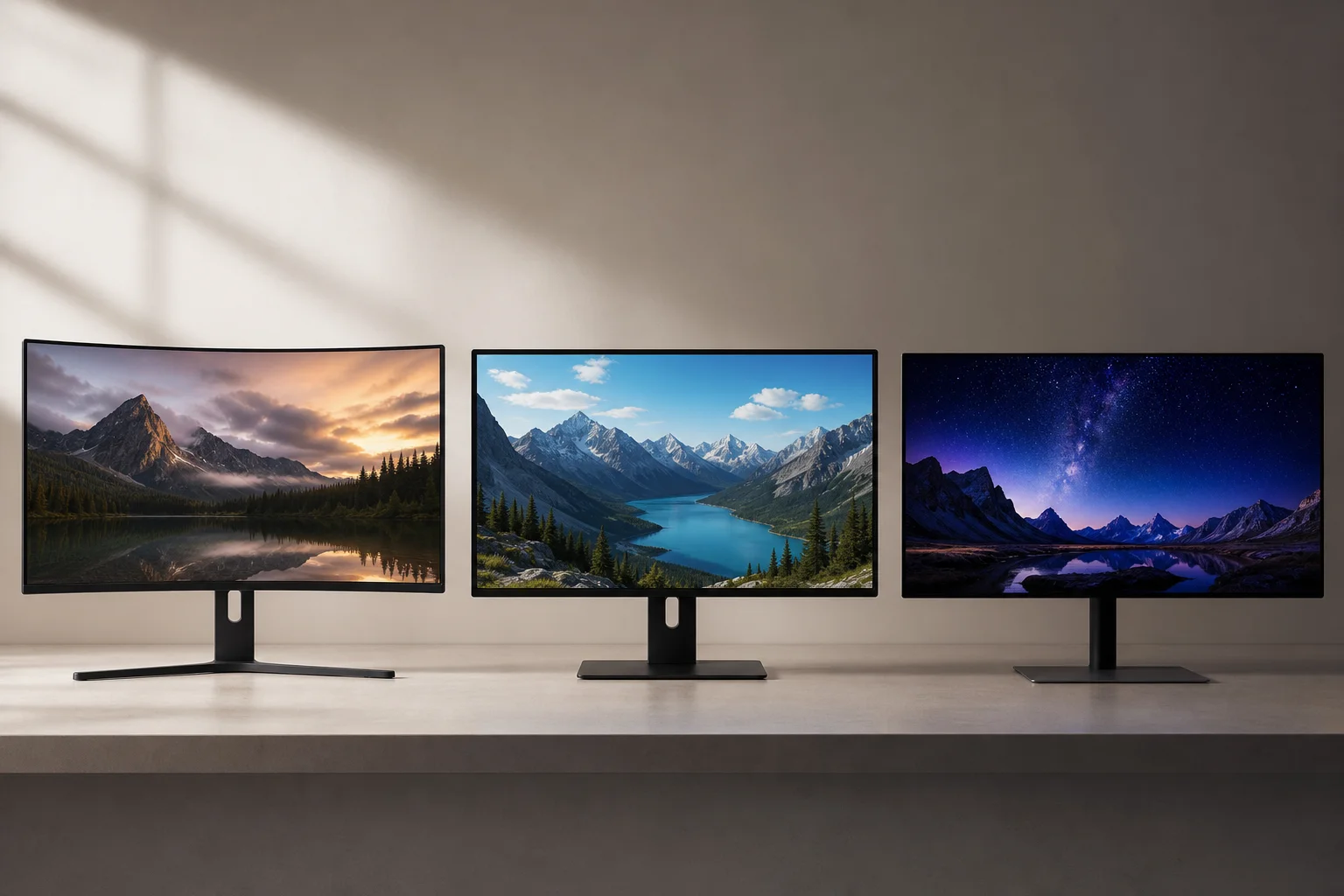
A pervasive belief has taken hold that only IPS and OLED panels are worth buying, and everything else is garbage. The problem is that many people spreading this opinion have never actually seen other panel types in person. They are simply repeating what they heard online.
The reality is more nuanced. Every panel type has strengths and weaknesses. IPS panels offer excellent viewing angles, but they suffer from IPS glow (a washed-out appearance when viewing from angles) and poor contrast ratios. This makes IPS a poor choice for dark-room gaming, yet people still choose IPS over VA for that exact use case.
VA panels deliver high contrast ratios and deep blacks, which is why they excel in dark environments. Years ago, VA panels in the budget segment had narrower color gamuts than IPS, which made them look worse. That has changed. Modern budget VA panels often deliver better color performance than mid-range and even some high-end IPS monitors.
The trade-off with VA is viewing angles and black smearing (trailing artifacts behind dark objects in motion). For competitive gaming, this matters. For general use and content creation, it rarely does. Most people sit directly in front of their monitor anyway, not at a 90-degree angle.
TN panels are fast, which is why they dominated competitive gaming for years, but their colors and viewing angles are poor. OLED panels offer stunning colors and infinite contrast, but they are expensive and carry burn-in risk.
The key is choosing the panel type that matches your actual use case, not following someone else’s preference.
The Refresh Rate Inflation Problem

Manufacturers have engineered a refresh rate arms race that benefits their bottom line, not yours. The jump from 144 Hz to 165 Hz reduces frame time by just over 1 millisecond per frame. Most people cannot feel that difference, especially outside of esports. Yet the industry kept pushing: 170 Hz, 180 Hz, 200 Hz, each bump accompanied by a price increase.
The absurdity is that some 200 Hz monitors now cost more than 240 Hz monitors. A monitor with 180 Hz but poor ghosting, slow response time, and a high price is not better than a 165 Hz monitor with excellent response time, great colors, and a lower cost. Yet people choose the higher number anyway.
Refresh rate is one specification among many. A monitor with 40 Hz more but worse overall performance is not a better buy. This spec inflation has created a situation where buyers focus on a single number instead of evaluating the entire package.
Making Your Final Monitor Choice

To avoid regret, keep three principles in mind:
First, ignore HDR10 and HDR400 labels. If you want true HDR, look for HDR600 or HDR1000 certification, local dimming, and a wide color gamut. Real HDR is affordable and worth the investment.
Second, do not assume that higher refresh rates are always better. A 165 Hz monitor with excellent response time and great colors beats a 180 Hz monitor with mediocre specs and a higher price. Evaluate the entire specification sheet, not just one number.
Third, choose your panel type based on your use case. VA panels are excellent for dark-room gaming and content creation. IPS panels suit bright environments and office work. OLED is premium but expensive. TN is fast but colors suffer. There is no universal best panel; there is only the best panel for you.
Conclusion
Monitor shopping does not have to be confusing. The industry has built a wall of marketing noise, but the fundamentals are simple. Real HDR requires more than a label. Refresh rate is one factor among many. Panel type should match your needs. If you focus on these three things, you will be part of the 20% of buyers who are genuinely happy with their monitor purchase.
Product link
View more details for AOC Q27 G3XMN
This product is mentioned in the review. Check the specifications, options, and compatibility before buying.
View more details for AOC Q27 G3XMNFurther reading
Related Reviews
Pickleball Paddles
2025 Paddle Awards: The Best Pickleball Paddles of the Year
A category-by-category breakdown of the best pickleball paddles of 2025, covering value, control, all-court, power, and paddle of the year.
Automotive Accessories
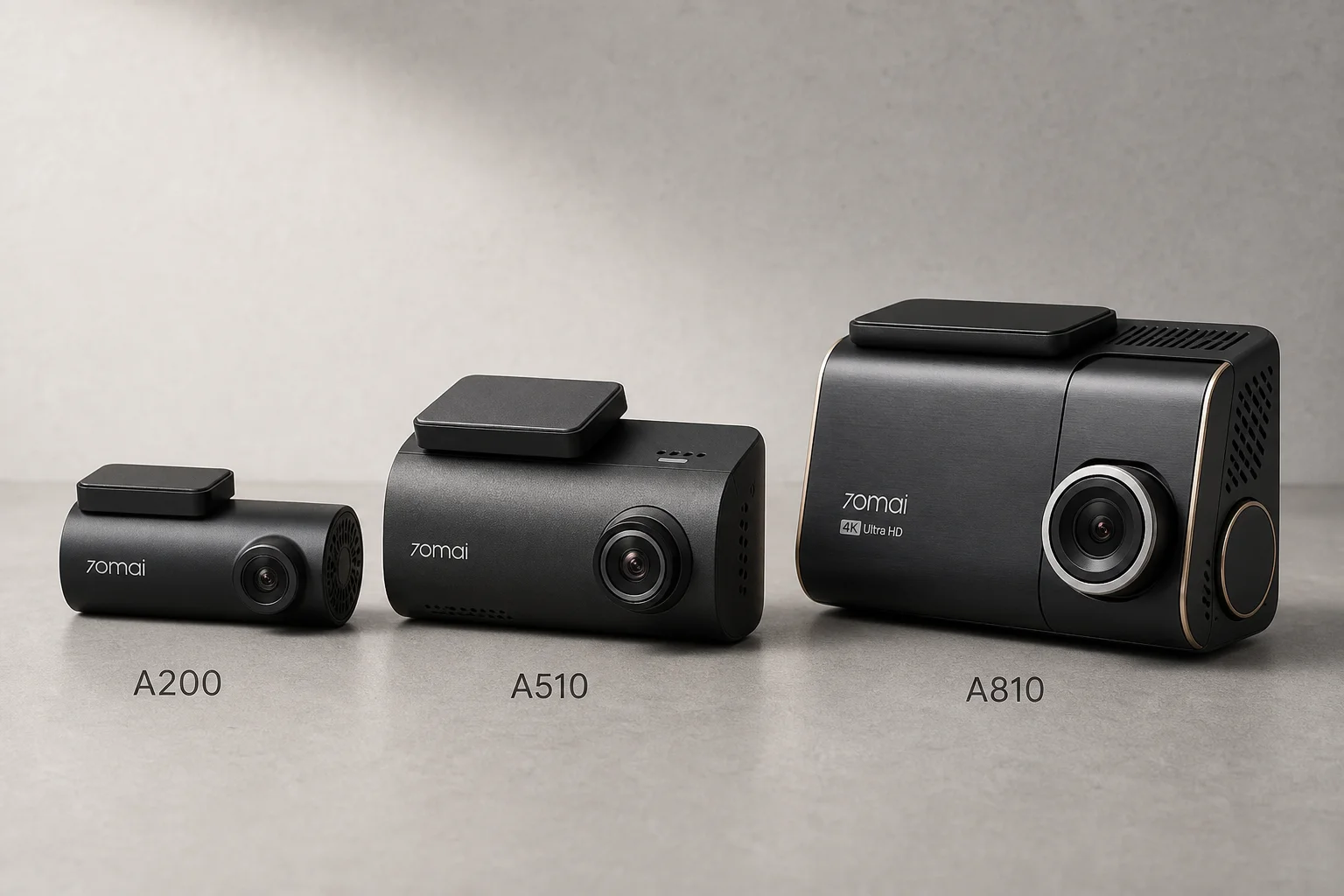
70mai Dash Cam Comparison: A200 vs A510 vs A810
Three dash cameras from 70mai across different price points reveal how resolution and sensor quality impact real-world footage clarity, especially for number plate visibility and low-light performance.
Mobile Gaming Accessories
8BitDo FlipPad vs GameSir Pocket Taco: Which Vertical Phone Controller Fits You Best?
Two compact vertical phone controllers with very different approaches to connectivity, controls, and everyday use. Here is how they compare across seven practical categories.