E Ink Monitors
Modos Enchanter First Impressions: A 13.3-Inch Color E Ink Monitor With Real Promise
A two-person team built a 13.3-inch color E Ink monitor with its own driver board and firmware. Early impressions show impressive speed, clean ghosting, and thoughtful UX.
Introduction
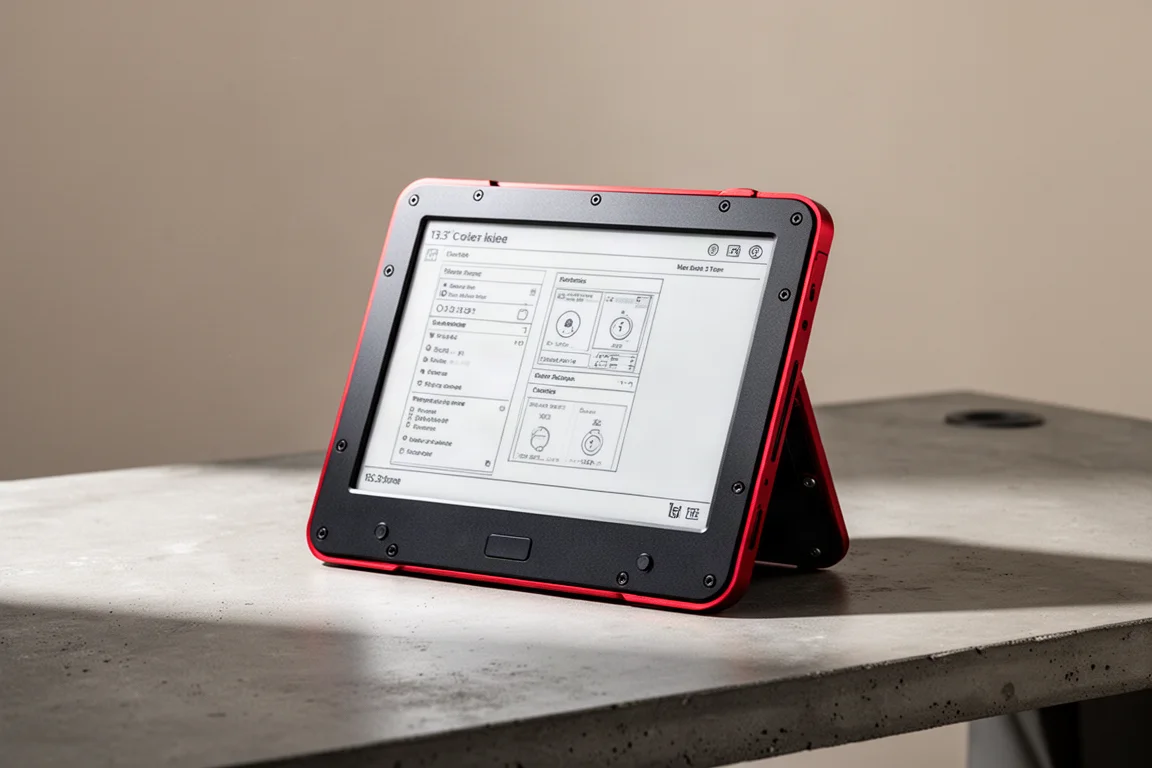
The Modos Enchanter is a 13.3-inch color E Ink monitor built by a two-person team. Rather than developing a new display panel, the team focused on two things: their own driver board and firmware that is still being refined. The firmware is expected to become open source once it reaches a more complete state, which could allow the community to improve and build upon it.
This unit is an early sample, not a production model. It is very close to what the final product may look like, but some details are still being worked on. This first look covers the unboxing, design, and initial performance across several use cases.
Unboxing and First Impressions
The Enchanter ships with a substantial power supply, cables, and a USI stylus. The panel supports both touch and stylus input. The included power supply is notably beefy, and the package includes everything needed to get started without hunting for adapters.
The device itself has a black and red utilitarian design. It feels heavy and solid in the hand. Several details stand out immediately: rounded edges, visible screws on the back, and clicky buttons on the side. The screws are a deliberate design choice that fits the team’s philosophy of letting users open and own their device. On this early unit, the screws are not entirely flush with the surface, which is something the team will likely refine for the final product.
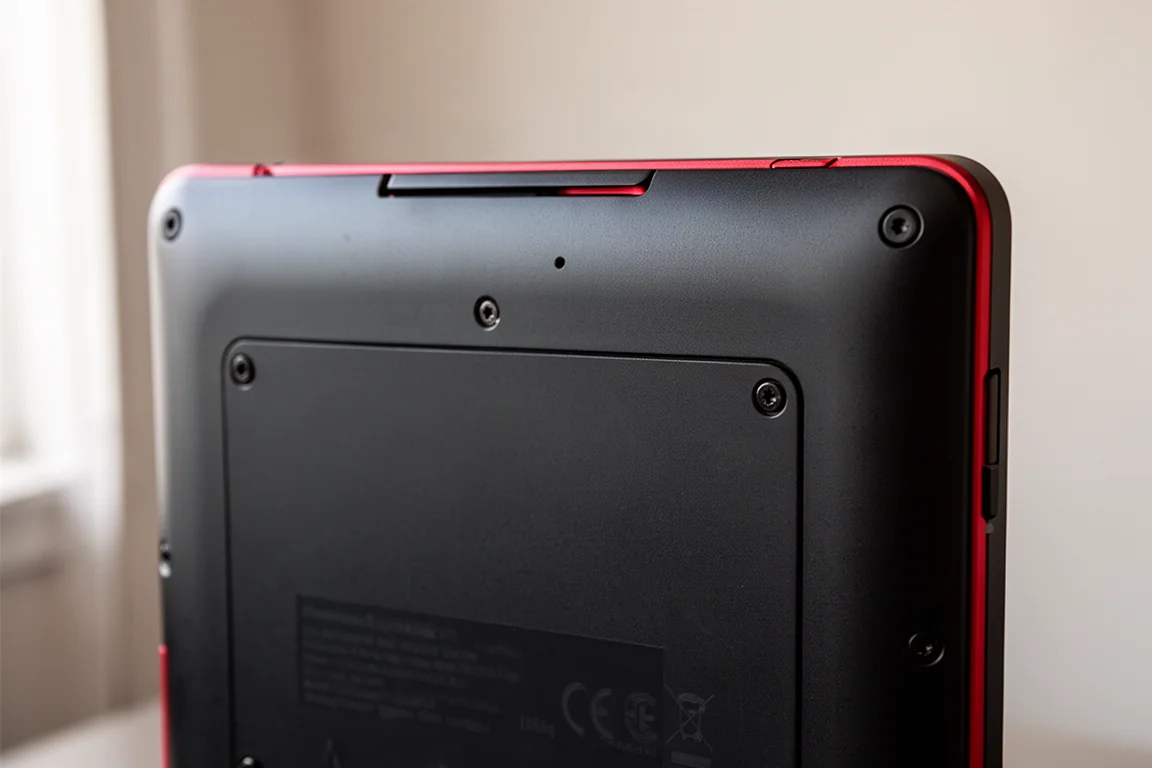
The front design is simple: the screen, a small amount of extra space at the bottom, and a Modos logo. The back has a magnetic cover that snaps on securely, with magnets positioned so it aligns itself properly.
Design and Build Quality
The Enchanter uses a milled unibody aluminum construction. This gives it a premium feel and a clean, precise look. The rounded edges are a welcome touch, and the overall build quality is impressive for an early sample.
The device has standard VESA mounting, so it can be used with a variety of arms and stands. There are no proprietary mounting solutions here, which is a practical decision. The unibody design means the frame feels solid with no creaking or flex.
One small omission is the lack of rubber feet on the bottom edge. On a hard surface, the monitor can slide slightly and may produce some noise during extended use. A soft edge strip would help with both anti-skid and noise dampening. This is a minor point, but worth noting for those who plan to use the monitor on a desk without a stand.
Stand and Ergonomics
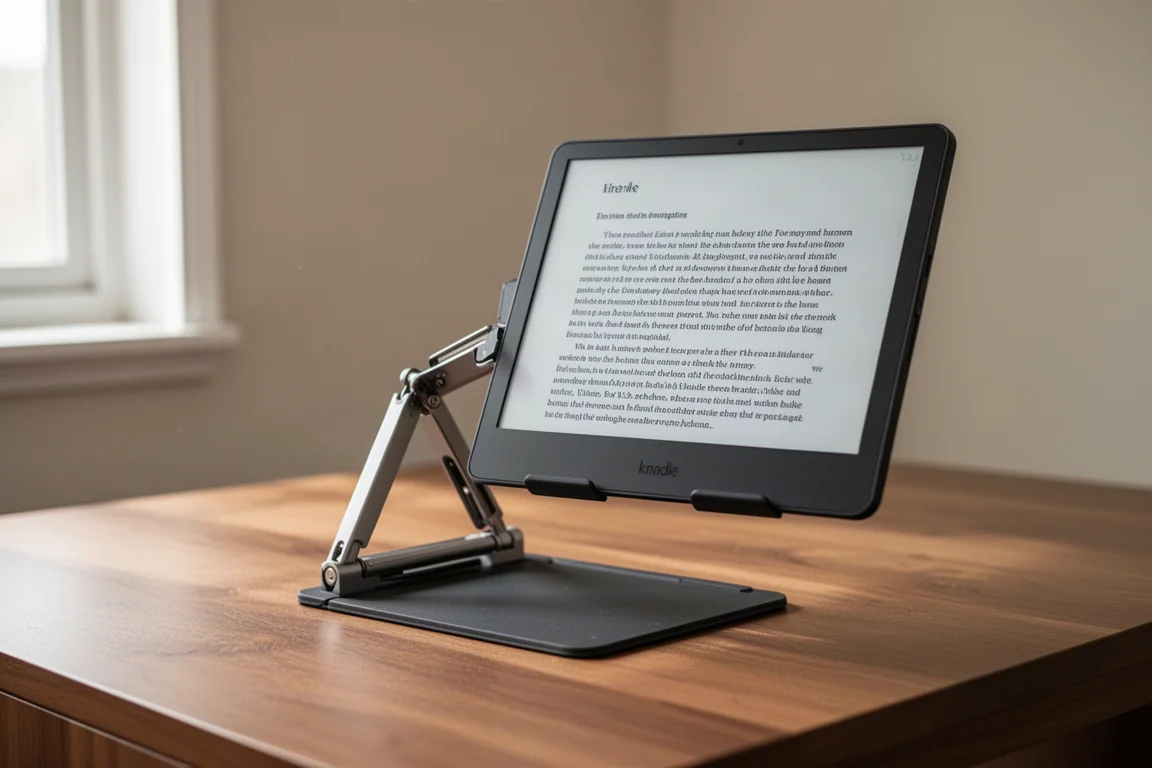
The magnetic back cover doubles as a stand. The hinge allows the screen to be adjusted to a comfortable viewing angle while the magnets hold it in place. The hinge quality is solid, and the adjustment mechanism works smoothly.
The stand design is a collection of good ideas executed well. There is nothing revolutionary here, but the combination of magnetic attachment, adjustable hinge, and clean aesthetics makes for a genuinely pleasant experience. The monitor can be positioned at various angles, which is useful for different tasks and lighting conditions.
Connectivity and Setup
The Enchanter has two USB-C ports. The bottom port handles power, and the top port handles the video signal. There is no single-cable solution here; both cables are required.
For the most reliable connection, the recommended order is to connect the power cable to the bottom port first, then connect the 4K USB-C cable to the top port, ensuring the video cable is already plugged into the computer. Following this sequence, the monitor powered on and was immediately available without issues.
The monitor was tested with both Windows and Linux. In both cases, the setup process was straightforward, and the display was recognized without additional drivers.
Display Modes and Color Handling
The Enchanter offers several display modes: browsing, watching, typing, and reading. Each mode adjusts the panel’s behavior for the task at hand. The on-screen settings menu is opened by pressing two buttons simultaneously, and it is touch-enabled, which is a thoughtful design choice.
The settings menu includes update modes, lightness, saturation, and front light controls. The front light is particularly impressive, with five levels of intensity and five levels of color temperature from cold to warm. At a mid setting, the calibration looks pleasant and natural.
In browsing mode, text rendering is clean and sharp. Image handling is good, though not quite on par with some competing devices in this early firmware state. The saturation control allows for adjustment, but pushing it too high can cause some color differentiation to be lost.
Typing mode delivers excellent responsiveness. The panel keeps up with fast typing without noticeable lag, making it viable for daily typing tasks. Reading mode boosts contrast significantly, which is useful for text-heavy content but can be aggressive for other content.
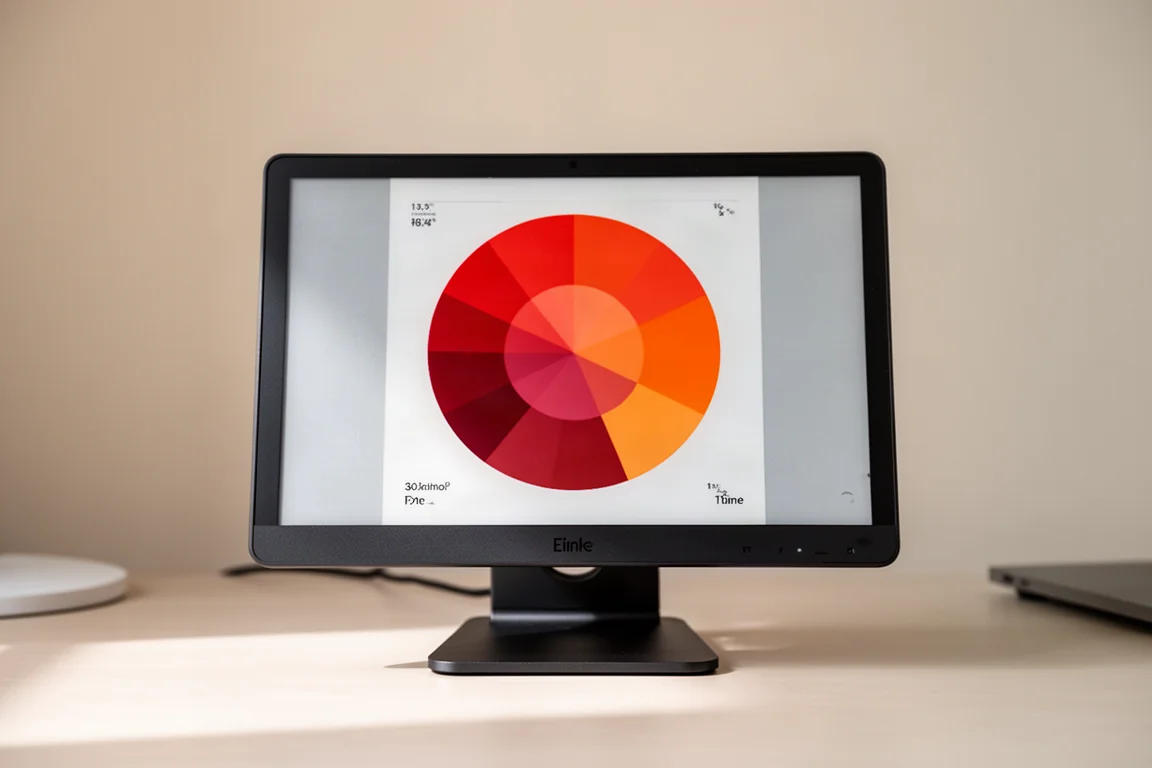
The color wheel test reveals some areas for improvement. Saturated reds and oranges are handled well, but greens and blues can be inconsistent, particularly in typing and reading modes. Color calibration is clearly a work in progress, though the potential is evident.
Video Performance
Video playback on the Enchanter is genuinely impressive for an E Ink panel. The speed and smoothness are notable, and the panel handles motion better than most other E Ink displays tested. However, there is a persistent dithering matrix of black pixels superimposed over the content, which can be distracting.
For video content, the panel performs better than most E Ink alternatives, but E Ink panels are not designed for this use case. The refresh cycles are finite, and pushing the panel harder will consume them more quickly. For those with a medical need to avoid traditional displays, this could be a viable option. For general video consumption, a traditional panel remains the more sensible choice.
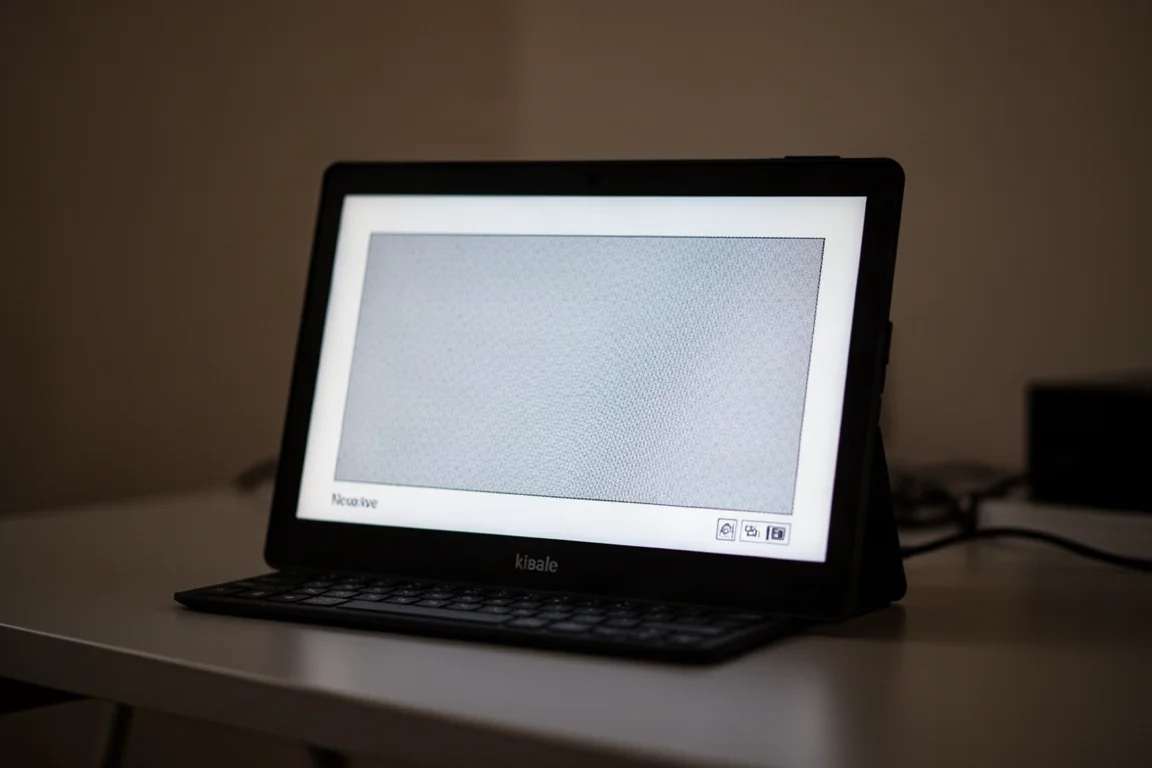
The panel did experience one crash during testing, which required a power cycle to resolve. This is expected at this early firmware stage, and the recovery process was simple.
Firmware and User Experience
The firmware is currently in an alpha state, below version 0.2. Despite this, the user experience is remarkably complete. The on-screen settings menu, customizable buttons, and display mode controls are all functional and thoughtfully designed.
The three physical buttons can be assigned to six customizable functions, including previous and next display modes, front light toggle, brightness controls, clear screen, and auto-clear toggle. Long-pressing the power button turns the device off, and the front light can be toggled with a dedicated button.
This level of polish at such an early stage is a major difference from other products that feel like unfinished patches. The foundation is solid, which suggests the final product will be genuinely enjoyable to use.
Things to Consider Before Buying
The Enchanter is still in early development. The firmware has stability issues, including occasional crashes and some color calibration inconsistencies. Multi-touch support is not yet implemented, and the touch latency is noticeable. The stylus works like a mouse, which may or may not suit your preferences.
The price point is not yet confirmed. A developer kit was listed on a crowdfunding page at around $600 for the 13.3-inch panel, but it is unclear whether that includes the enclosure. The final price will likely be higher, given the cost of the panel itself.
For those interested in this device, waiting for the firmware to mature and the price to be announced is a sensible approach. The open-source promise means the community could drive significant improvements once the firmware is released.
Buying Advice
The Modos Enchanter is an impressive piece of engineering from a small team. The build quality, speed, ghosting control, and user experience are all standout features, even at this early stage. The main areas for improvement are color calibration, multi-touch support, and firmware stability.
If you have been waiting for a color E Ink monitor with a thoughtful design and real performance, the Enchanter is worth watching. The open-source firmware promise adds significant long-term potential. However, given the early state of the software and the unconfirmed pricing, waiting for the in-depth review and back-to-back comparisons with competing devices is the prudent choice.
Conclusion
The Modos Enchanter is genuinely impressive for what it is: a 13.3-inch color E Ink monitor from a two-person team that delivers speed, clarity, and a complete user experience out of the gate. It outperforms competing devices in speed, ghosting, and image quality in most areas, though color calibration in web mode needs work.
Whether this device makes sense for you depends on your needs. For those with a medical requirement to avoid traditional displays, the Enchanter could be a compelling option. For general use, E Ink panels remain a niche choice. But as a platform with open-source potential, the Enchanter is something to look forward to.
Product link
View more details for Modos Enchanter
This product is mentioned in the review. Check the specifications, options, and compatibility before buying.
View more details for Modos EnchanterFurther reading
Related Reviews
E Ink Monitors
Dasung 13K vs Modos Flow: Which 13.3 Inch Color E Ink Monitor Fits Your Workflow?
A direct comparison of the two main 13.3 inch color E Ink monitors, covering image quality, front light performance, connectivity, and design.
Monitor Reviews
ASUS ROG Swift PG27UCWM Review: A 27-Inch 4K WOLED With a Serious Price Problem
The ASUS ROG Swift PG27UCWM brings a new RGB stripe WOLED panel to 27 inches, but its $1,200 launch price is hard to justify against cheaper QD-OLED rivals.
Gaming Gear
The Ultimate Gaming Setup 2026: The Gear I Would Actually Buy
A curated look at the desk, keyboard, wrist rest, headset, mouse, mouse pad, and OLED monitor that make up a top-tier gaming setup.