Gaming Gear
The Ultimate Gaming Setup 2026: The Gear I Would Actually Buy
A curated look at the desk, keyboard, wrist rest, headset, mouse, mouse pad, and OLED monitor that make up a top-tier gaming setup.
Introduction
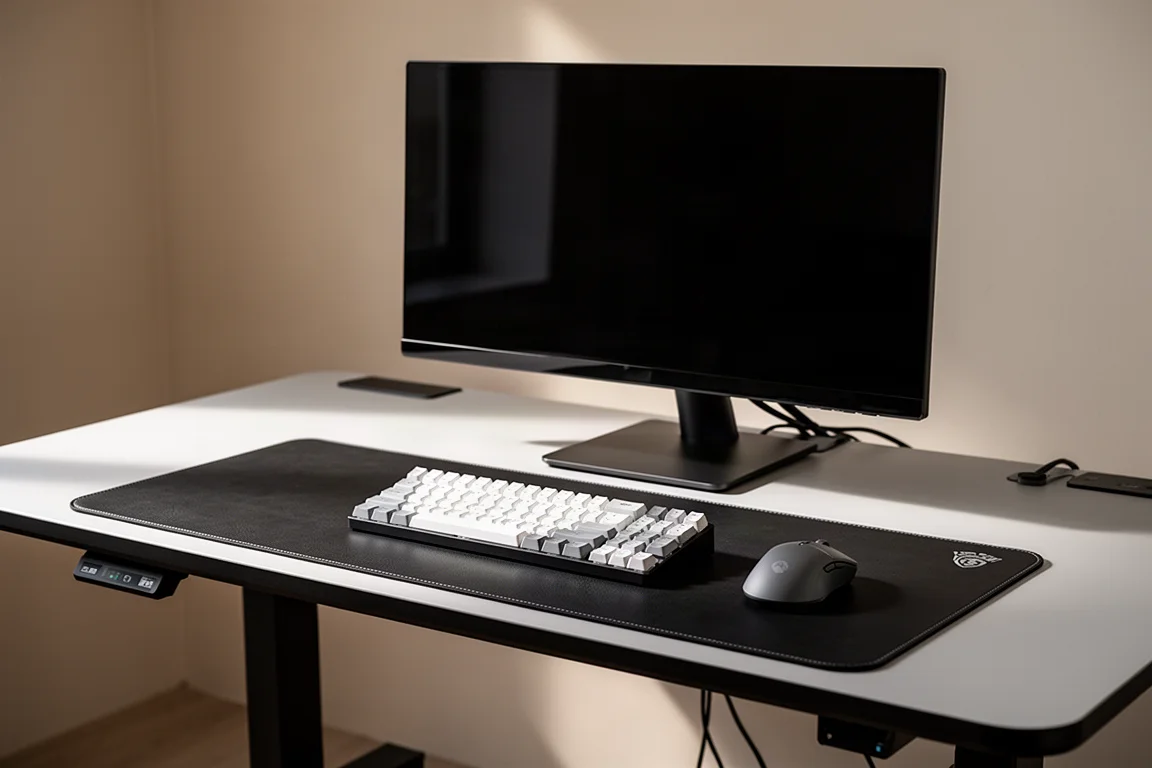
Building a gaming setup often means sorting through dozens of options in every category. This guide cuts through that noise and focuses on the gear that stands out for real-world use. These are the products that earn their place on a desk through daily reliability, thoughtful design, and performance that holds up over time.
This is not a budget-focused list. It is a collection of premium choices for anyone who wants a setup that feels complete and dependable. From the desk you sit at to the monitor you look at, every item here has a clear reason for being included.
The Desk: Secret Lab Magnus Pro XL
The Secret Lab Magnus Pro XL has been a standout piece of furniture since it arrived. The keypad is built directly into the desktop, which means no wires and no mounting hassle. The real strength, though, is how it handles power and cable management.
All power comes in through the leg at the bottom with a heavy-duty cord that can be routed through a UPS battery backup. The power strip sits inside a large tray that runs the full length of the back, with a fold-down cover. Cables can be tossed inside, the cover closes, and the desk looks clean. It is still the best cable management solution available.
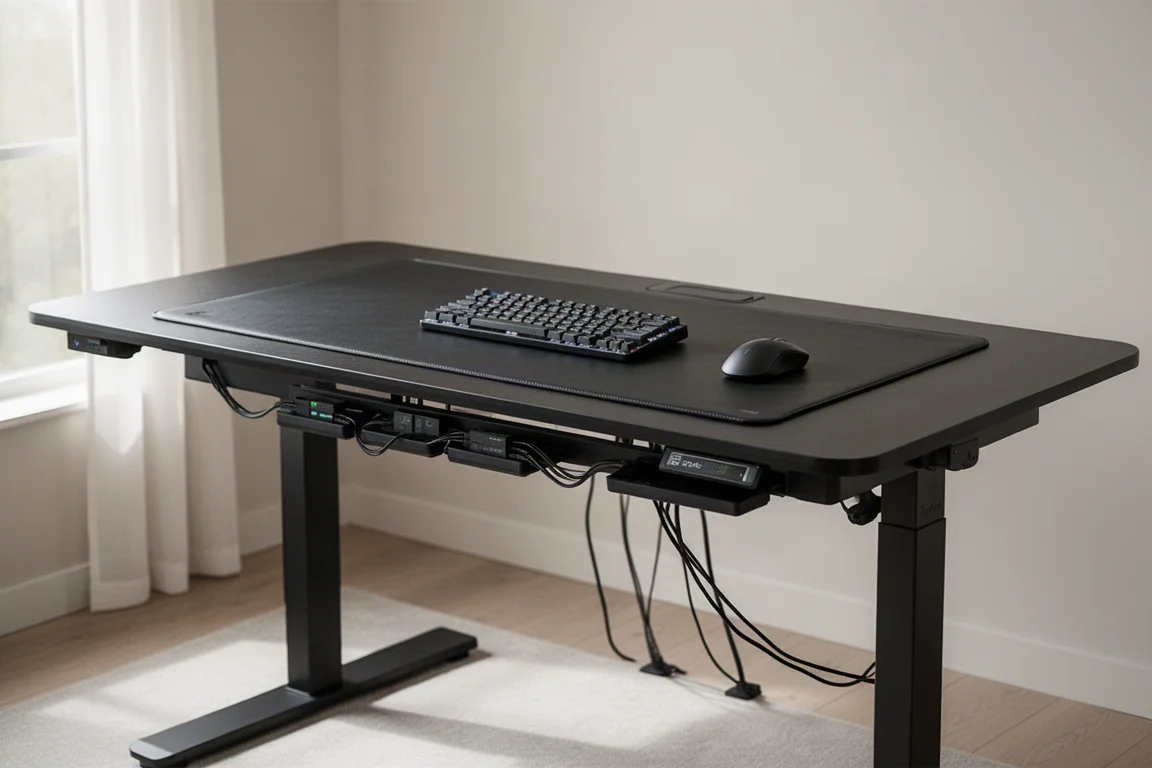
For anyone who swaps gear on the desk often, this design saves a significant amount of time. There is no need to spend 20 to 30 minutes redoing cable management every time something changes. Magnetic cable guides help position cables both on top of and underneath the desk for a tidy look.
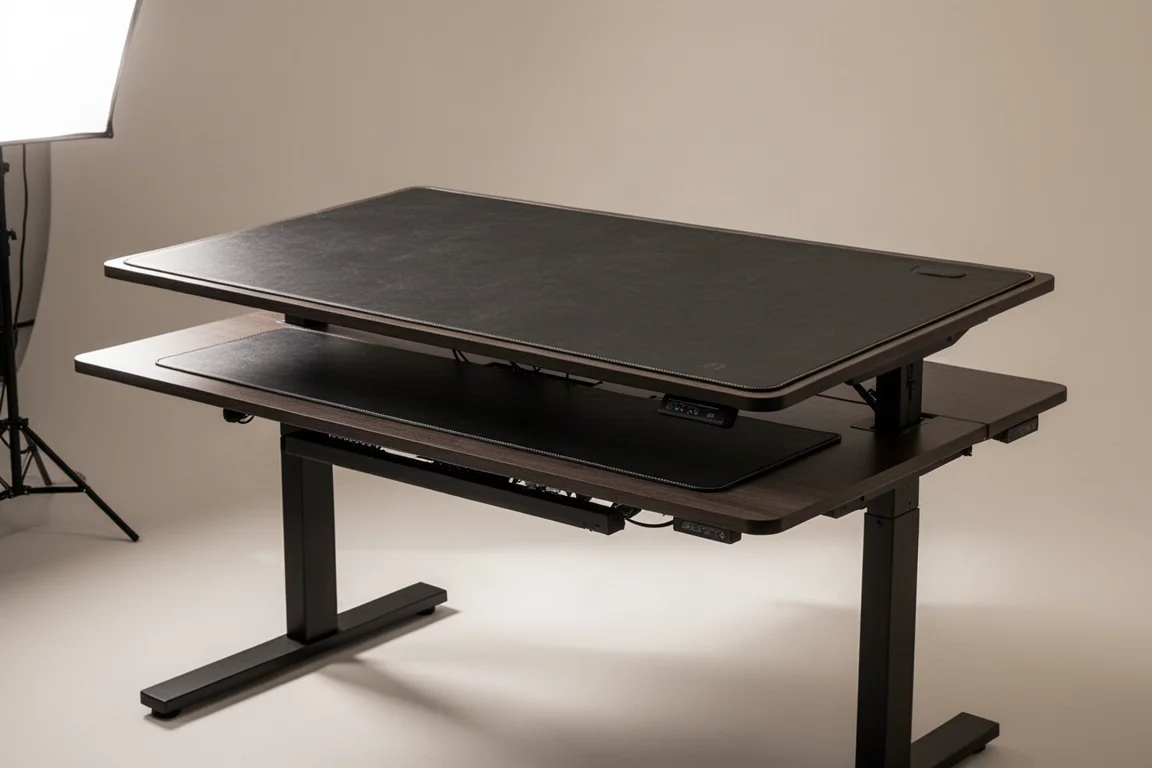
The desk mat is a large magnetic replaceable sheet available in a few finishes. The fake leather option has proven durable and easy to clean. One minor issue is that the mat compresses where cable guides or clamps are used, and those sections do not bounce back over time.
The desk is overengineered and overbuilt. It is stable, and the motors have remained quieter over time than many other sit-stand desks. It is not cheap, but it is a solid investment for anyone who spends long hours at a desk.
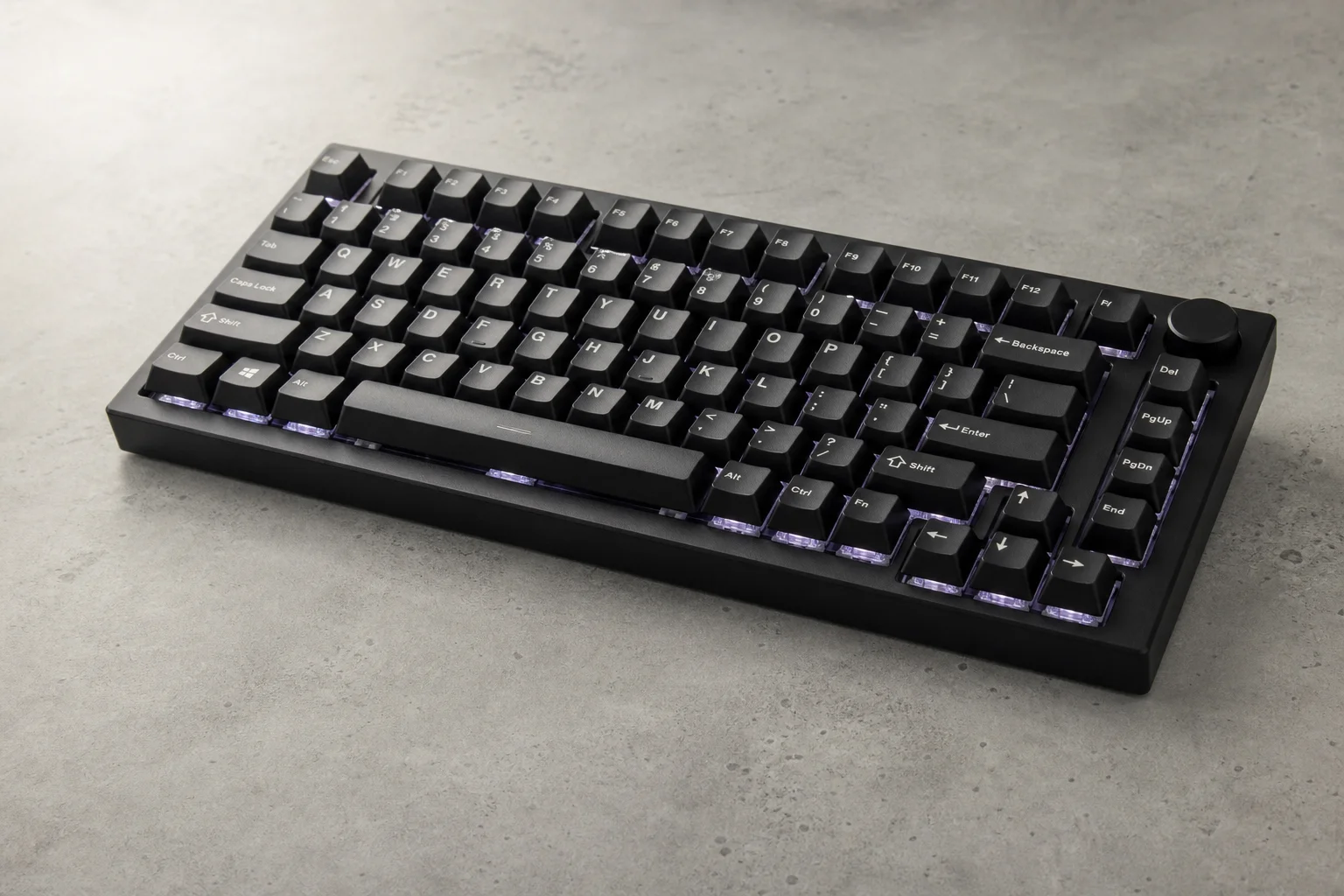
The Keyboard: Wooting 60HE
For the keyboard, the Wooting 60HE is the clear choice. It uses analog input with hall effect switches, which is where competitive gaming is heading. The ability to register partial key presses and adjust actuation points makes a real difference for games that require tight input timing.
The 60% layout is ideal for gaming because of its small footprint. It allows the keyboard and mouse to sit centered under the monitor, which suits a dedicated gaming setup. For anyone who needs a hybrid setup for editing or productivity, a board with a function row would be a better fit.
There are now more affordable competing boards available. For those on a budget or who prefer a 65% or 75% layout, those are valid options. The Wooting 60HE stands out for its build quality, innovation, and a 4-year warranty. The company focuses on one product and does it exceptionally well.
For anyone considering an analog board, full-size and compact 96% versions are also available. The choice comes down to personal preference and desk space.
The Wrist Rest: Carpio 2.0
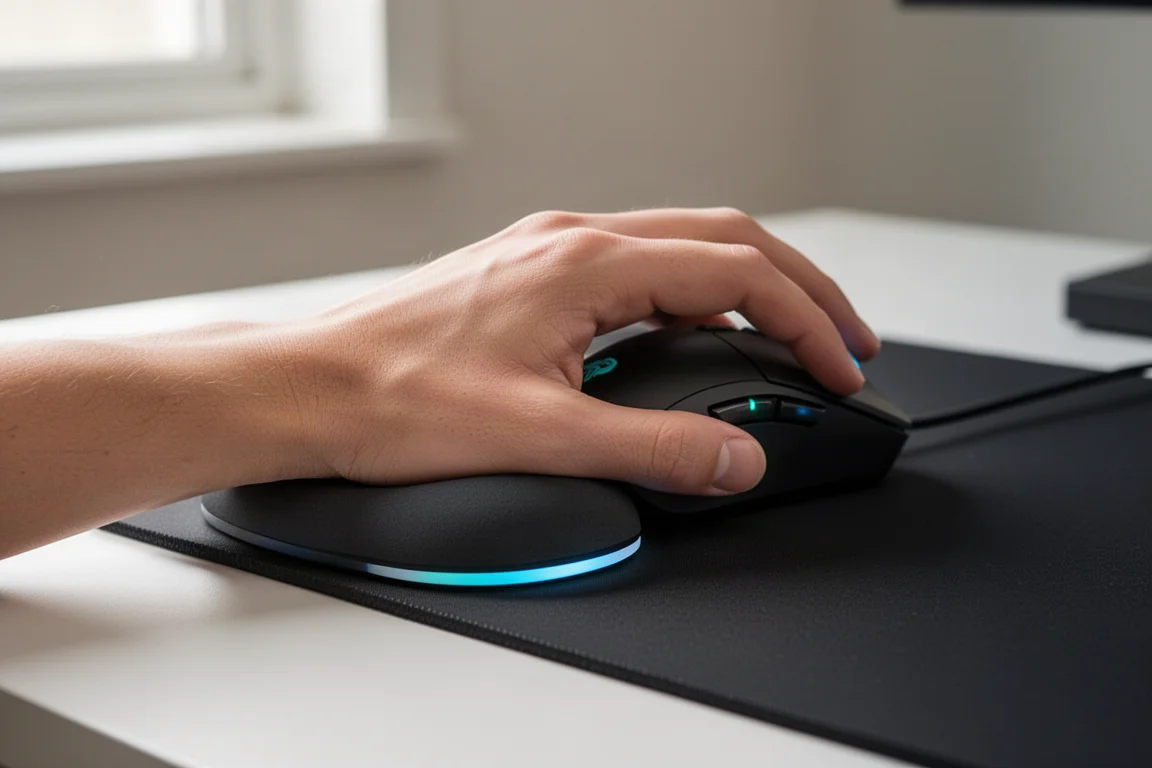
The Carpio 2.0 from Delta Hub is a palm rest designed to support the wrist while moving with the hand across the desk. It may look simple, but it has made a significant difference for anyone dealing with wrist strain.
The design allows the wrist to glide naturally, reducing the repetitive stress that can come from long gaming and work sessions. It is available in small and large sizes, for both left and right hands.
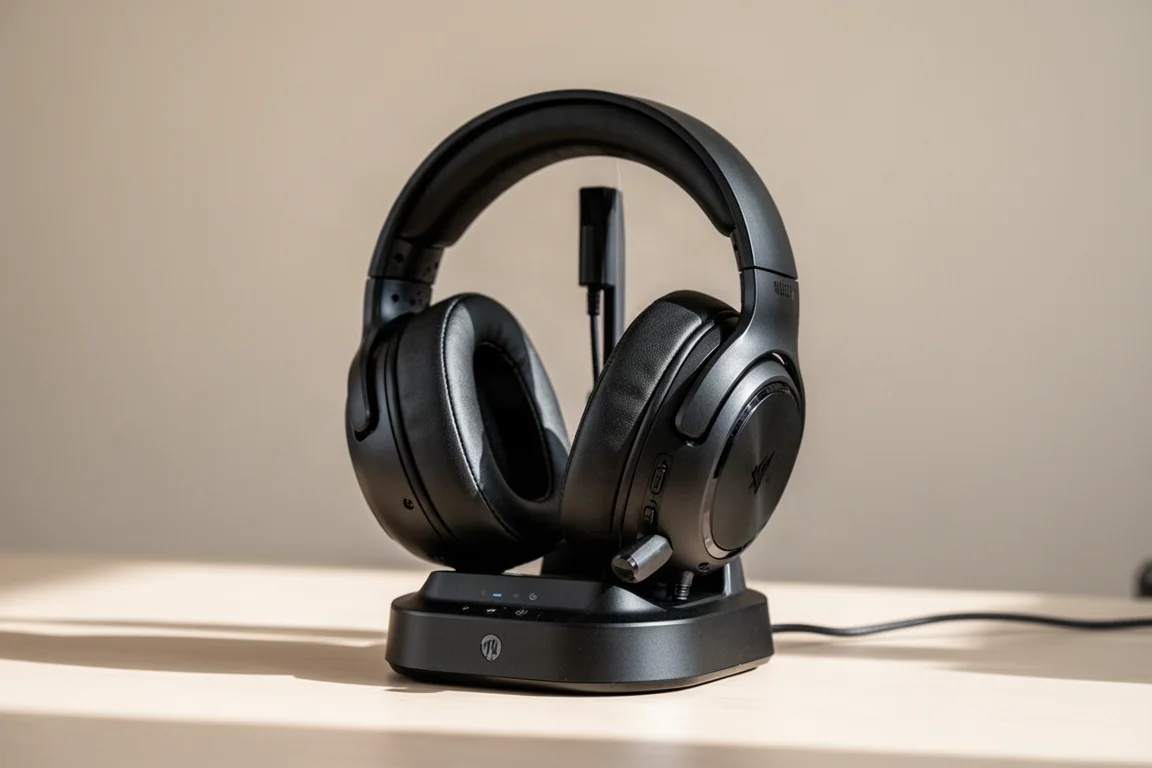
The limited edition version comes with a full Carpio unit in black plus custom colored pads in separate packaging. The pads can be swapped out and are not available as a separate purchase. The price matches the standard version, making it an accessible upgrade for anyone considering a wrist rest.
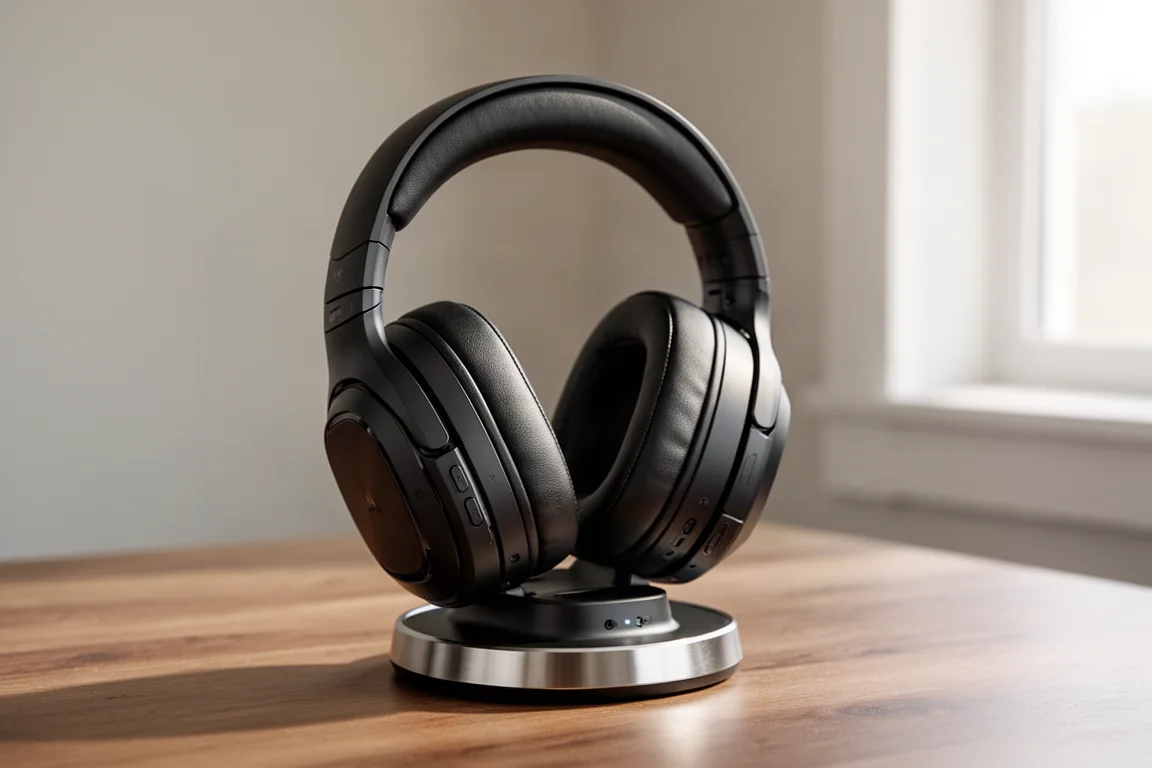
The Headset: Astro A50 Gen 5
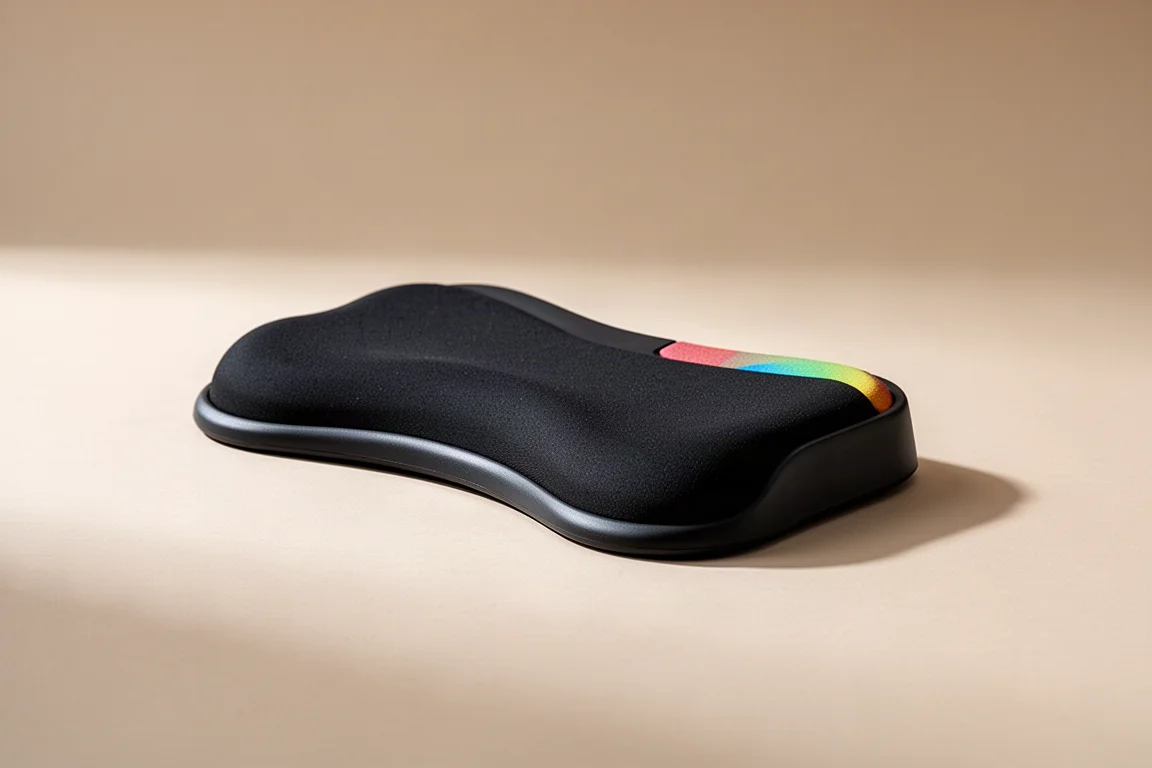
Wireless headsets offer convenience that is hard to beat. The Astro A50 Gen 5 stands out as the best overall option. It sounds great, has zero connection issues, and is light and comfortable for long sessions.
The microphone is among the best in wireless gaming, and the headset works equally well with console and PC. It features simultaneous Bluetooth, chat mix, and charges in the base station. It powers on when picked up, which is a small but appreciated touch.
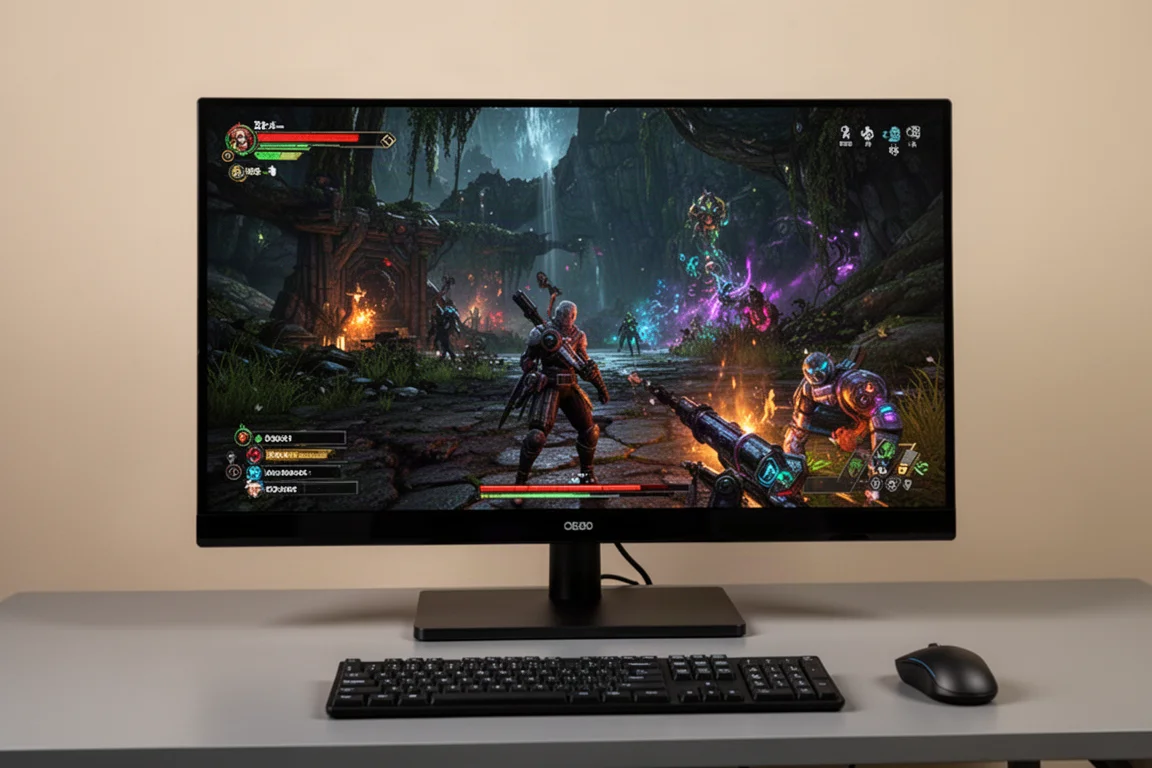
The headset performs well for both single-player immersive games and competitive titles. A mobile app handles EQ and settings, so no full-time software is needed. The build quality is solid and can handle some wear and tear.
The main downsides are the gaming aesthetic, the need to take the base station when moving to another room, and the lack of active noise cancellation. For those who need those features, alternatives exist, but the A50 Gen 5 remains the top pick for overall performance and comfort.
The Mouse: Razer Viper V3 Pro
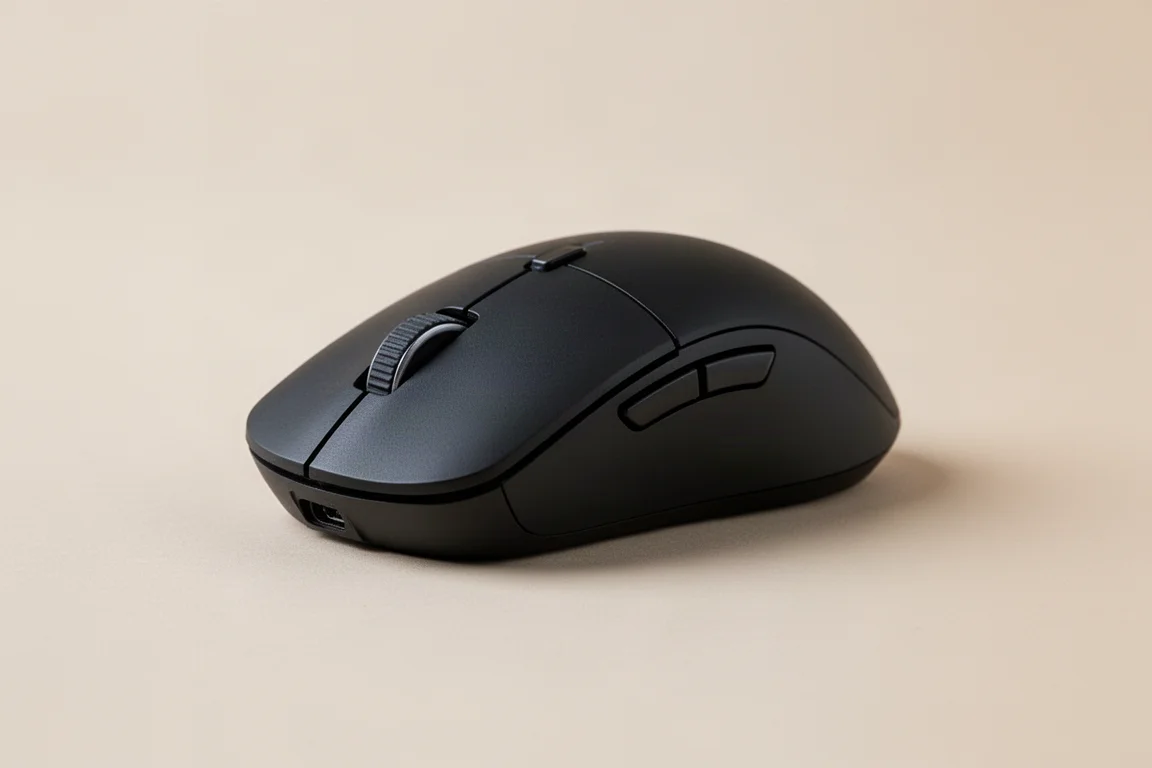
The mouse is a deeply personal choice, with size, shape, button count, and weight all playing a role. The Razer Viper V3 Pro has been a long-running main for good reason. It weighs 54 grams, which is comfortably in the lightweight category.
It has held up well with zero issues over extended use. The build quality is dependable and predictable. The only negative is that the mouse acceleration feature requires Synapse to be running. However, all settings can be saved to onboard memory, allowing the mouse to be used without any software.

The Mouse Runner-Up: Asus Harp 2 Ace
The Asus Harp 2 Ace is a strong contender that is very close in size and shape to the Viper V3 Pro. It supports up to 8K wireless or wired, has impressive latency, and is marginally lighter at just over 47 grams.
It includes Bluetooth mode for productivity and has dongle storage on the body. Web config means no need to run Armory Crate. The main issue with an early copy was trigger rattle on both mouse buttons, which is worth checking on a retail unit.
The Mouse Runner-Up: Pulsar X2H
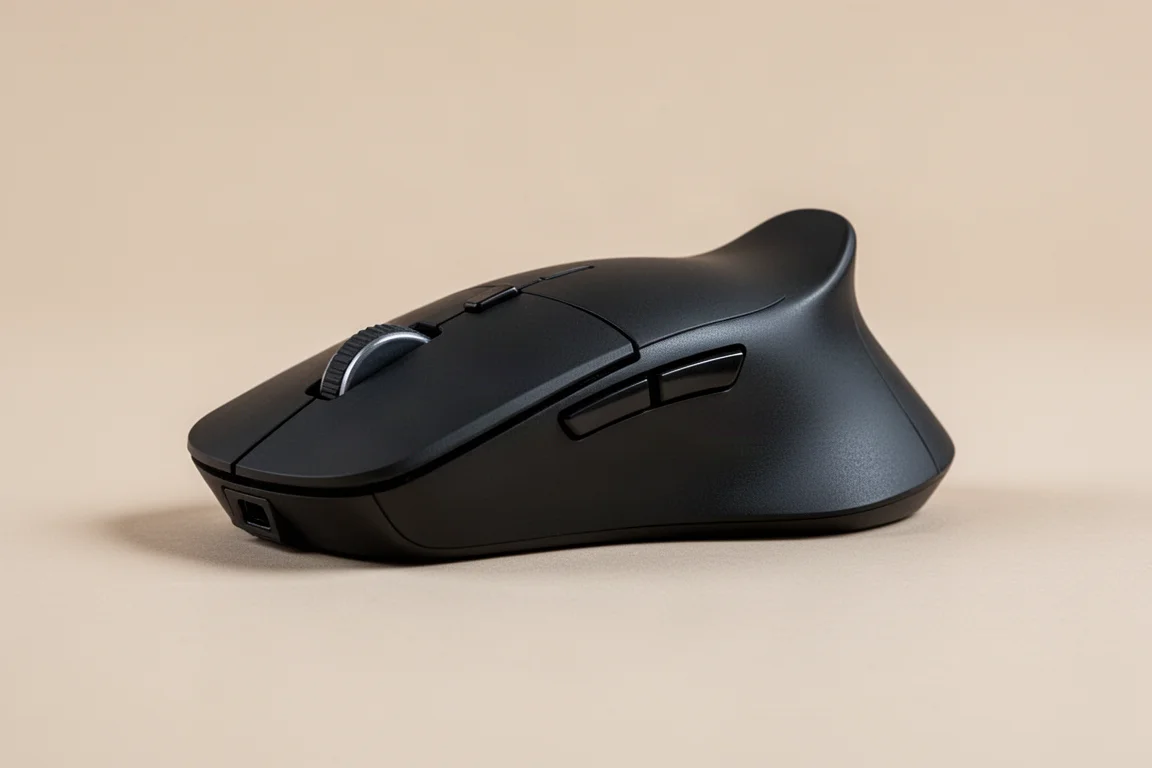
The Pulsar X2H has one of the best mouse shapes available. The slim waist, low front height, and thick rear with the hump pushed back make it a favorite for many grip styles. The custom version weighs around 57 grams, while the newer Crazy Light versions come in around 43 grams.
This shape is a strong contender for anyone who values ergonomics and control. It is a solid alternative to the Viper V3 Pro, especially for those who prefer a different feel.
The Mouse Pad: Lethal Gaming Gear Jupiter Pro
A good control surface makes a noticeable difference in aim stability. The Lethal Gaming Gear Jupiter Pro is the slowest pad in their lineup and helps steady shaky aim. It provides a consistent surface that works well for most gaming scenarios.
The Saturn Pro was a long-time favorite, but the Jupiter Pro has become the go-to choice. For most players, a general control surface will perform well in the majority of situations.

The Monitor: ASUS 27 Inch 1440p 480Hz OLED
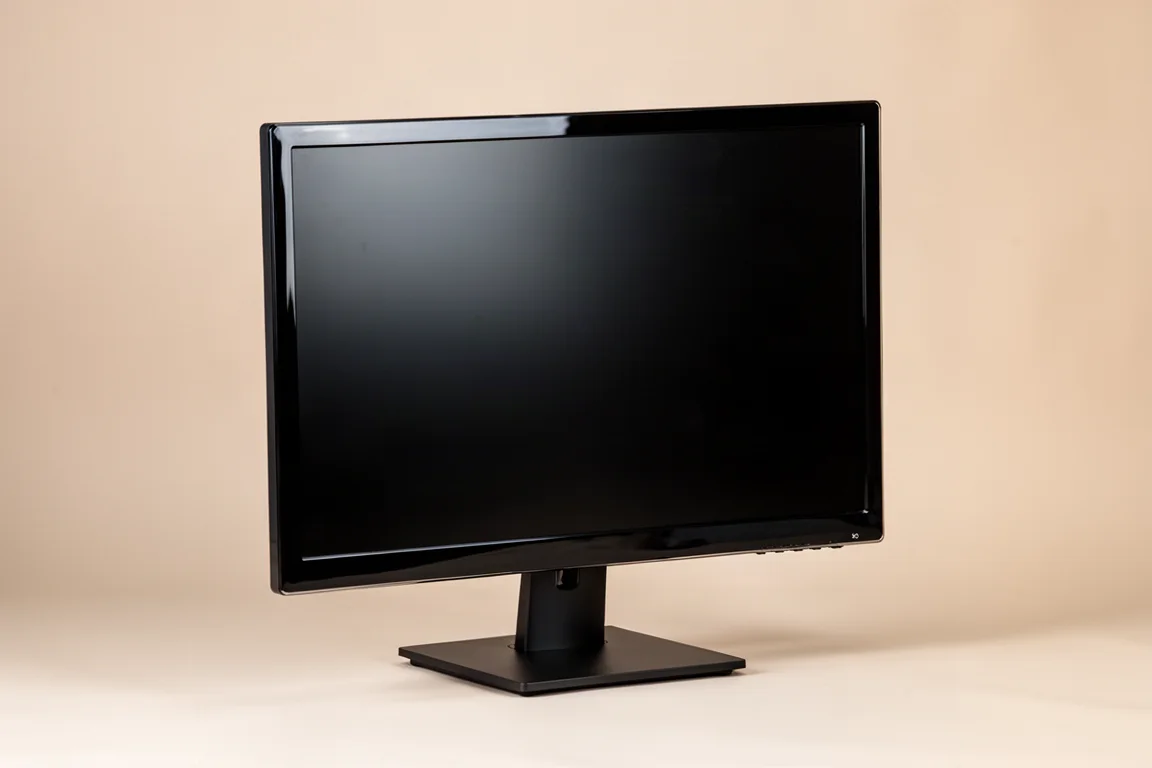
OLED monitors are a major step up from any other display technology. Each pixel turns on and off individually, meaning there is no backlight. This results in deep blacks, incredible contrast, and excellent HDR performance.
The ASUS 27-inch 1440p OLED runs at 480 Hz with a true black glossy coating. It also supports 720 Hz at 720p, though that mode looks rough and is rarely used. For competitive gaming, this is the monitor to own right now.
The Monitor: ASUS 32 Inch 4K 240Hz OLED
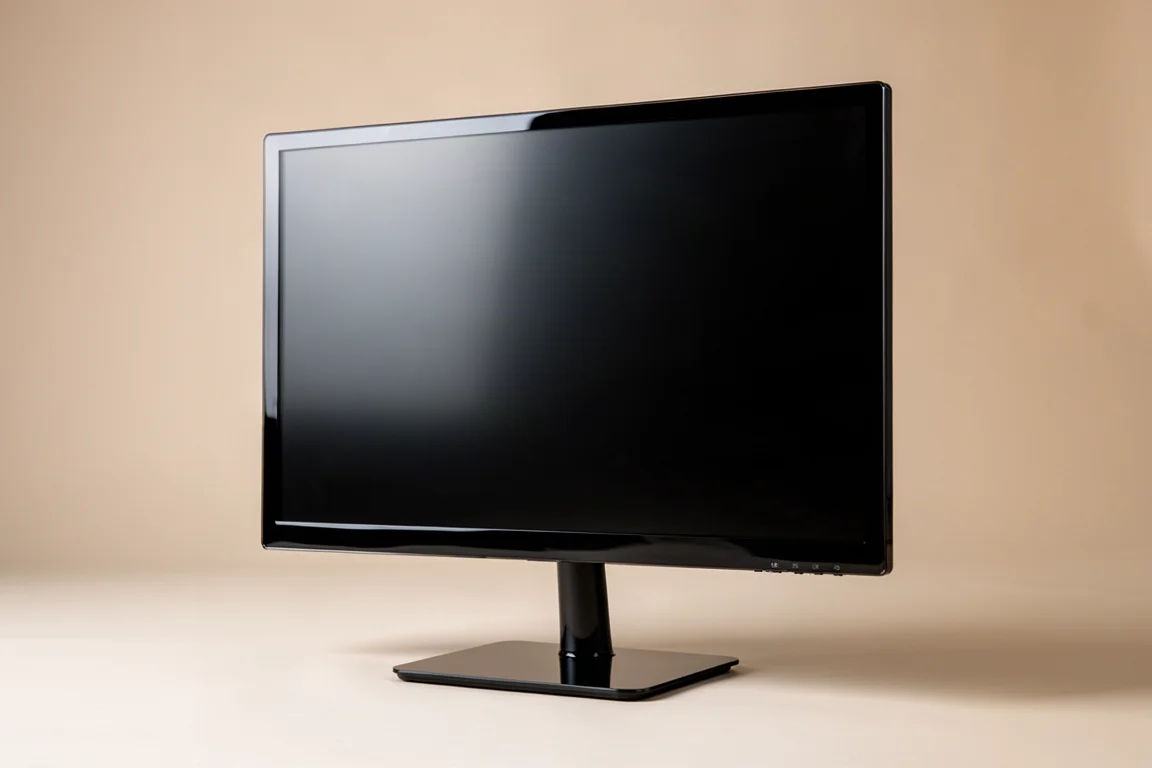
For a single monitor that handles everything, the ASUS 32-inch 4K OLED is the better choice. It runs at 240 Hz at 4K and 480 Hz at 1440p. The W OLED panel has the same true black glossy coating.
The 32-inch 4K experience is excellent for single-player games, with every detail visible even at a distance. It also works well for competitive titles, and 240 Hz is plenty fast for most situations. It can run 1080p at 480 Hz and even simulated modes that make the display area 27 inches or 24.5 inches.
The image quality is outstanding and versatile. It is also accurate enough for content creation. For anyone who plays a wide range of games, this is the monitor to get.
Overall Buying Advice
Building a top-tier gaming setup comes down to choosing gear that fits your specific needs. A hall effect keyboard is a clear upgrade for competitive play. The mouse is a personal choice, with size and shape being the most important factors. A general control mouse pad works well for most players.
Audio is also personal, but a wireless headset offers the best balance of convenience and performance. OLED monitors are worth the investment, with glossy W OLED being the preferred option for most rooms.
Conclusion
This setup represents the best of what is available for a premium gaming experience. Each product has earned its place through daily use and reliable performance. Whether you are upgrading one piece at a time or building from scratch, these choices provide a solid foundation for years of gaming.
Further reading
Related Reviews

Gaming Gear
Pulsar FS1 and PD170 Review: A Mouse and Mouse Pad Combo Worth Your Attention
The Pulsar FS1 gaming mouse and PD170 mouse pad bring a fresh shape, a clever dongle, and a surprisingly smooth surface. Here is a closer look.

Gaming Gear
Razer Green Collection 2025: A First Look at the Full Lineup
Razer's Phantom Green colorway lands across mice, a controller, a keyboard, a headset, and a fight pad. Here is what stands out from the unboxing.

Gaming Gear
Razer Nico Edition Gear Review: A Stylish Trio for Your Desk
Razer's Nico Edition lineup brings a striking silver, black, and white finish to the BlackShark V3 Pro, DeathAdder V4 Pro, and Huntsman V3 Pro TKL.