Mastering Plugins
Master Plan vs iZotope Ozone Maximizer: Two Paths to a Louder Master
A practical comparison of Music Hack's Master Plan and iZotope's Ozone Maximizer, covering how hard clipping, soft clipping, and limiting shape a finished master.

Introduction
Finishing a track usually comes down to one stubborn problem: making it loud enough to sit next to commercial releases without flattening the life out of it. The tools that do this work fall into a few families, and they all make different compromises. Hard clippers cut peaks off. Soft clippers round them off. Limiters react over time. Combination maximizers blend the two.
This comparison looks at two very different answers to the same problem: Master Plan from Music Hack, and the Maximizer inside iZotope Ozone. One is built around doing as little damage as possible with almost no controls, and the other hands you a full set of decisions and expects you to make them. Understanding what each one actually does to a waveform makes the choice much easier.
Hard Clippers, Soft Clippers, and Limiters Explained
A clipper’s job is simple to state: when a signal goes above or below the threshold you set, the clipper shaves off the part that goes too far.
A hard clipper does that with a hard cut. Below its limit it is identical to the input signal, with no distortion at all. The moment a sample crosses the threshold, the waveform becomes a flat line. All the distortion a hard clipper adds is concentrated in those crossing moments, which makes it intense but relatively rare. Many engineers like that trade: perfect until it isn’t.
A soft clipper takes a different approach. Instead of cutting, it uses math to clamp down progressively, applying more and more reduction as you push more level in. The result is distortion that starts earlier and is present far more continuously, but at a lower intensity. Push a soft clipper hard enough and it starts to look like a hard clipper with rounded edges.
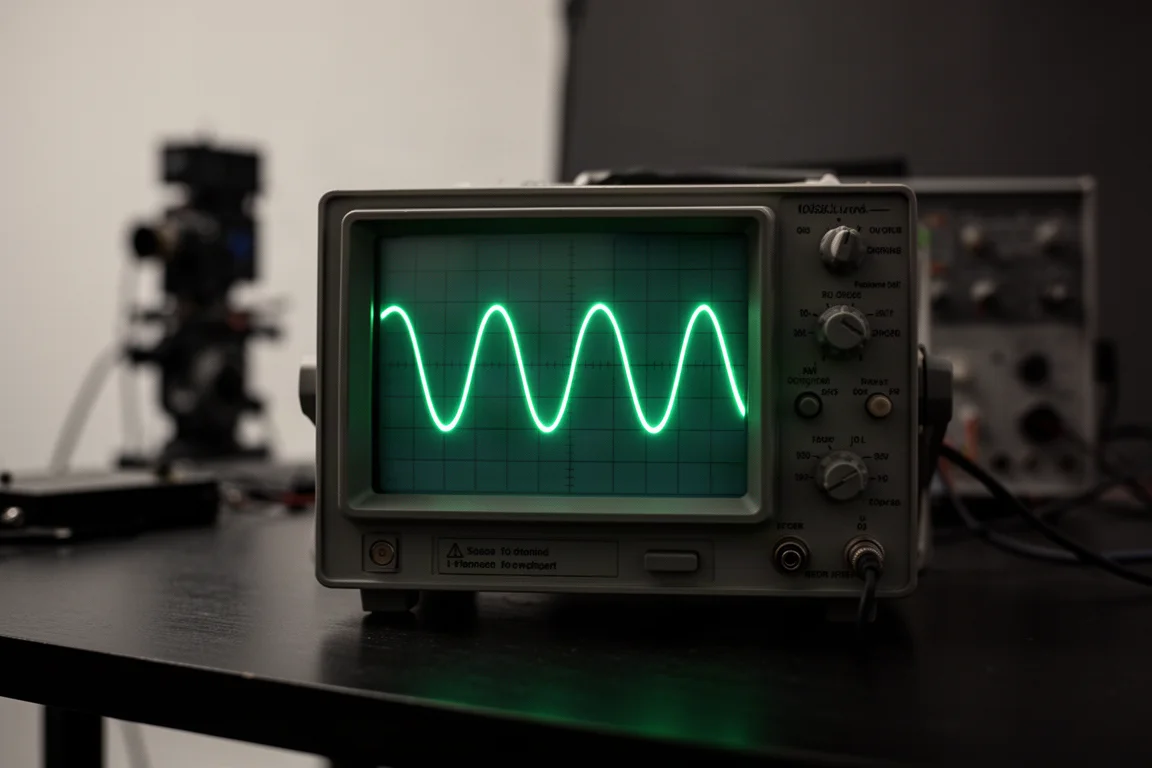
Both are what engineers call transfer functions. A number goes in, and a predictable number comes out, with no memory of what came before or what comes next. That is the defining characteristic of clipping, and it is also its limitation.
Limiters and compressors are different in kind. They react over time, so every output value depends on the history of values leading up to it. As a signal approaches the threshold, a limiter starts applying gain reduction gradually rather than abruptly, which is why a limiter can sound smoother when it is only occasionally touching the peaks. The speed at which it applies reduction is the attack, and the speed at which it lets go is the release. Engineers sometimes call this behaviour ballistics. A maximization limiter usually runs a very fast attack so nothing escapes above the ceiling, which leaves the release as the main creative and technical decision.
That decision has real consequences. A slow release holds the level down for longer after a loud moment, which costs you overall loudness but keeps the processing less reactive. A release that is too fast slams and lets go repeatedly, and that movement itself becomes audible as distortion. There is no universally correct setting, only a balance that suits the material.
Headroom and Streaming Loudness Targets
Before any of this matters, there is a practical ceiling. If peaks sit right at zero dB full scale, streaming services will apply their own processing on top, and the result is usually not what you wanted. Leaving headroom below full scale is the standard precaution.
Raising the average level of a track means reducing its dynamic range, and that is exactly what clippers and limiters do, in different ways and with different side effects. You can clip, you can limit, or you can combine the two. Which combination sounds best depends on the genre, the density of the mix, and how much distortion you are willing to accept in exchange for loudness.
Master Plan: Music Hack’s Transparent Loudness
Master Plan approaches the problem from an unusual angle. It has no attack or release controls, because it is not a limiter in the conventional sense. It does include some clipping in its processing, but it is designed to be far cleaner than a straight clipper, and it does nothing to a signal that does not need it.
That claim holds up under inspection. Pushed 20 dB into its input in an oscilloscope test, the waveform kept clean, rounded tops with no flat-topped clipping, which is not what you see from either a hard or a soft clipper at that kind of level. A saturation curve gives the plugin a subtle character that forms part of its box tone, but the peaks are left intact.
Loudness is controlled with a single loud knob, and metering is deliberately minimal beyond numeric readouts. That is a design choice rather than an oversight: meters can pull attention away from what you can actually hear. On a dynamic pre-master mix, Master Plan stayed clean while reaching the same measured output level as the other tools tested, and it recovered level immediately after loud moments instead of undulating back up. Transients came through sharp, with kick and snare hits keeping their snap.

For producers who want a loud, clean master without learning a new set of controls, that combination of transparency and simplicity is the main appeal. A ten-day free trial is available for anyone who wants to test it on their own material.
iZotope Ozone Maximizer: Flexibility With Trade-offs
Ozone takes the opposite approach, offering a classic limiter module alongside a Maximizer that blends clipping and limiting into one stage. The limiter has a fast attack and an adjustable release, and the compressor module can be neutralised by setting its ratio to one to one.
The Maximizer’s character control sweeps between the two techniques. Turned fully left, the processing behaves much like a hard clipper, and loud material picks up obvious clipping distortion. Turned fully right, the waveform tops stay clean, but the release recovery becomes slow, and that has audible consequences.
On a dynamic pre-master mix pushed through the Maximizer with a very slow character setting, the result pumped noticeably and changed the rhythmic feel of the track, and it ended up quieter overall than the alternatives. That is not a flaw in the plugin so much as the nature of the technique: you are choosing between distortion in loud passages and pumping with reduced level. Ozone gives you the controls to make that choice, along with extensive metering to see what is happening. What it does not do is make the choice for you.
Listening Tests on a Real Mix
Graphs only go so far, so the same pre-master mix was pushed into each tool at matched output levels. The source material was dynamic, peaking around minus 7.5 dB, with enough headroom to take a serious amount of gain before anything broke up.
The hard clipper responded well to this particular track. Because the mix was dynamic, only the loudest transients reached the threshold, and the distortion stayed concentrated on kick and bass onsets. When pushed further, that distortion showed up first in the low end as a growl or a crunch on kick hits, which is exactly where a clipper tends to reveal itself.
The soft clipper produced a different character entirely. High frequencies were rolled off rather than crunched, the low end began to disintegrate, and a broader saturation spread across the track. Transients came through noticeably rounded and blunt compared with the other tools. None of that is automatically wrong, but it is a different sound, and it is the sound you get whether or not you wanted it.
The Maximizer, set to its slowest character, pumped in a way that fought the rhythm of the track. Master Plan, pushed to a comparable output level, kept its clean waveform shape and left the transients intact.
What to Listen For When You Push Loudness
If you are learning to hear what a maximizer is doing, a few specific things are worth checking in this order.
Start with the low end. As you push more level into a clipper or limiter, kick and bass onsets are usually the first place distortion appears, as a growl or a soft crunch at the front of the hit. Back off when you hear it.
Then check the high end. Harshness on loud hits means you have gone too far, and it rarely improves with more level.
Then listen for movement. Any fluctuation in volume that does not belong to the music is pumping, and pumping fights the rhythmic feel that the mix was built around.
Finally, check tonal balance. Push hard enough and mids, highs, or lows can appear to drop out on hits, or a snare can lose its snap. Some of this you will hear; some of it you will only feel. Hiding the interface and listening without looking at meters is the fastest way to catch it, and if you cannot hear a difference, it is worth questioning what the meter is telling you.
Which Approach Fits Your Workflow
The choice comes down to how much you want to decide.
If your goal is a clean, loud master with as little fuss as possible, and you would rather spend your attention on the creative parts of the mix, a purpose-built tool like Master Plan is the more direct route. It handles one job, does it transparently, and does not ask you to tune attack, release, or character settings to get there.
If you want to shape how loud material is treated, and you are comfortable managing the trade-off between clipping distortion and limiter pumping, a suite like Ozone gives you more control and far more visual feedback. That control is genuinely useful when you know what you are listening for.
A third option is stacking several clippers and limiters in a chain, which some engineers do with strong preferences about order and placement. It can work well, but it is a considerably more complicated path to the same destination.

The most reliable way to choose is to test on your own music rather than on someone else’s example. A free trial on a track you know well will tell you more than any comparison chart, and the differences between these approaches tend to show up fastest on dynamic material with plenty of transients.
Conclusion
Hard clippers, soft clippers, and limiters all solve the same loudness problem by making different compromises, and the two tools here sit at opposite ends of that spectrum. Ozone hands you a full set of decisions and expects you to find the balance. Master Plan makes most of those decisions for you and aims for transparency instead. Both are legitimate approaches, and the right one depends on how much control you want over how your loud passages sound.
Further reading
Related Reviews
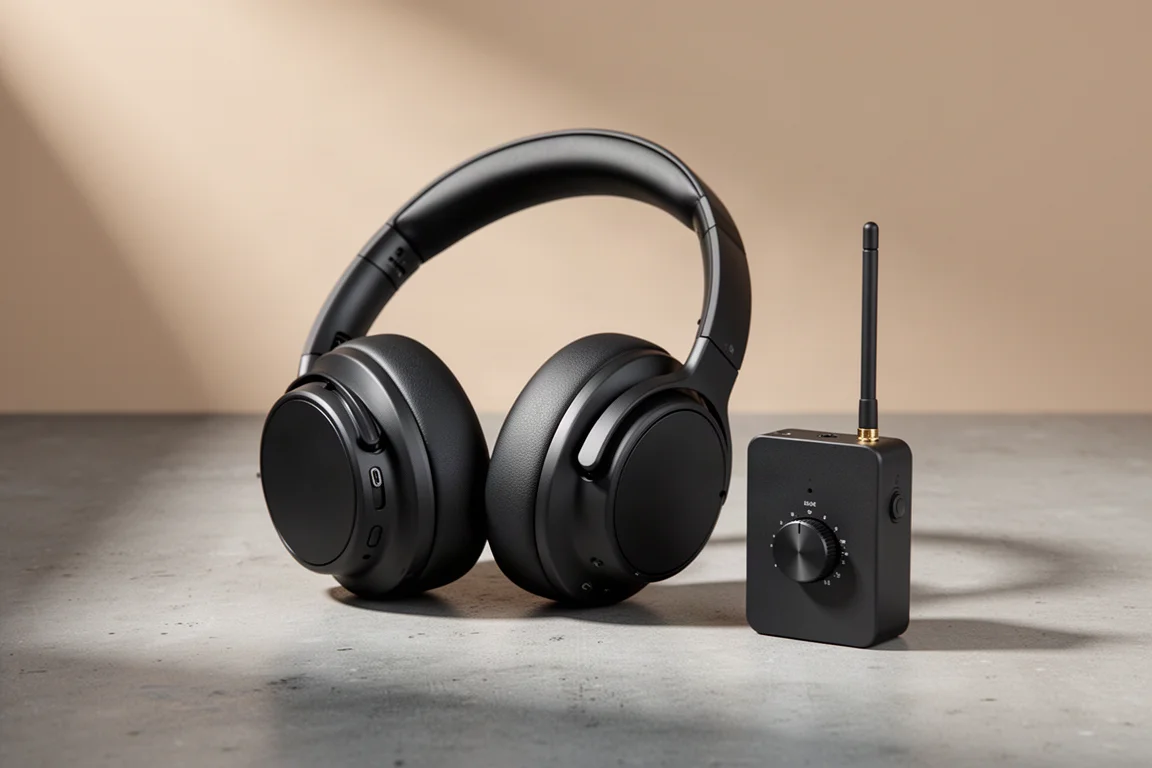
Studio Headphones
AIAIAI TMA-2 Studio Wireless Plus Review: Low-Latency Wireless That Works in the Studio
A studio-focused wireless headphone set with a low-latency lossless transmitter, Bluetooth and wired modes, plus the trade-offs worth knowing before buying.
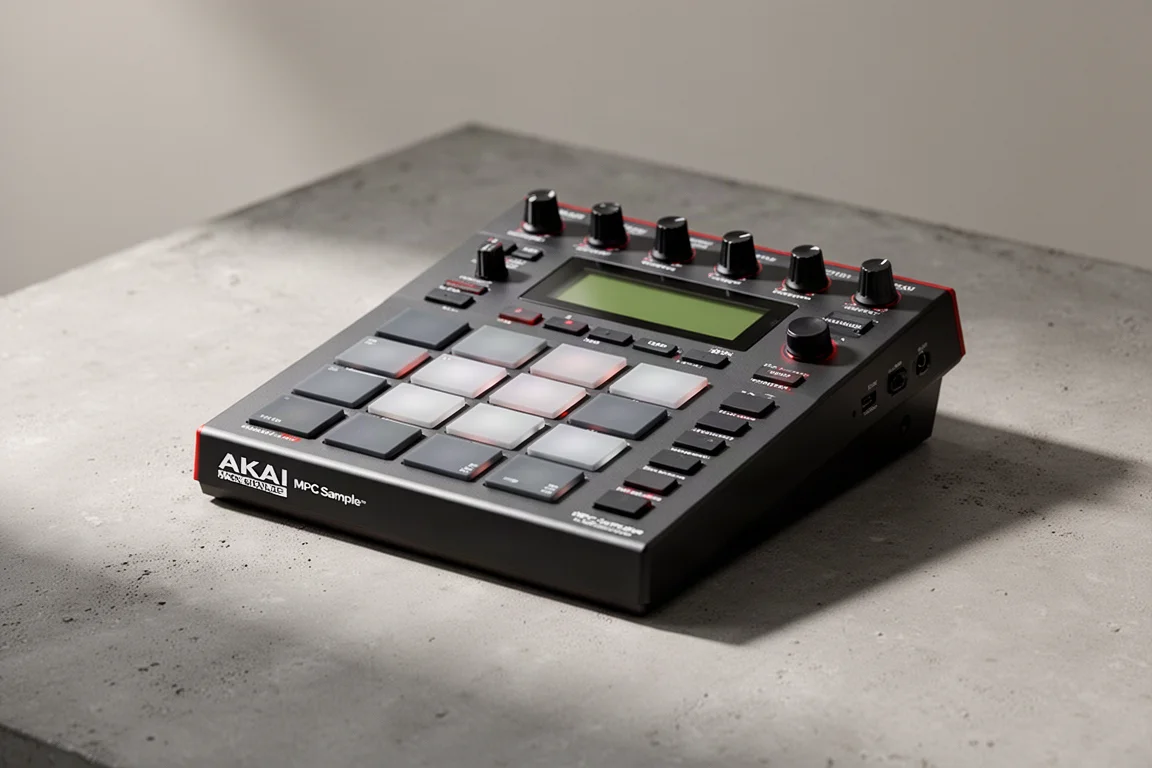
Music Production
Akai MPC Sample Review: A Portable Beatmaking Powerhouse
The Akai MPC Sample brings the classic MPC workflow into a portable, standalone device with a built-in speaker, mic, and battery. Here is our full review.

MIDI Controllers
Arturia KeyLab 88 MK3 Review: A Weighted Hammer Action Controller for Serious Virtual Instrument Work
The Arturia KeyLab 88 MK3 brings a fully weighted hammer action keybed, deep software integration, and hands-on controls to a flagship MIDI controller.