Streaming Amplifiers
Marantz M1 Review: A Compact Streaming Amplifier With Real Headroom
A close look at the Marantz M1, a compact streaming amplifier that pairs Class D power and Virtual Mode with HDMI switching for around $1,000.
Introduction
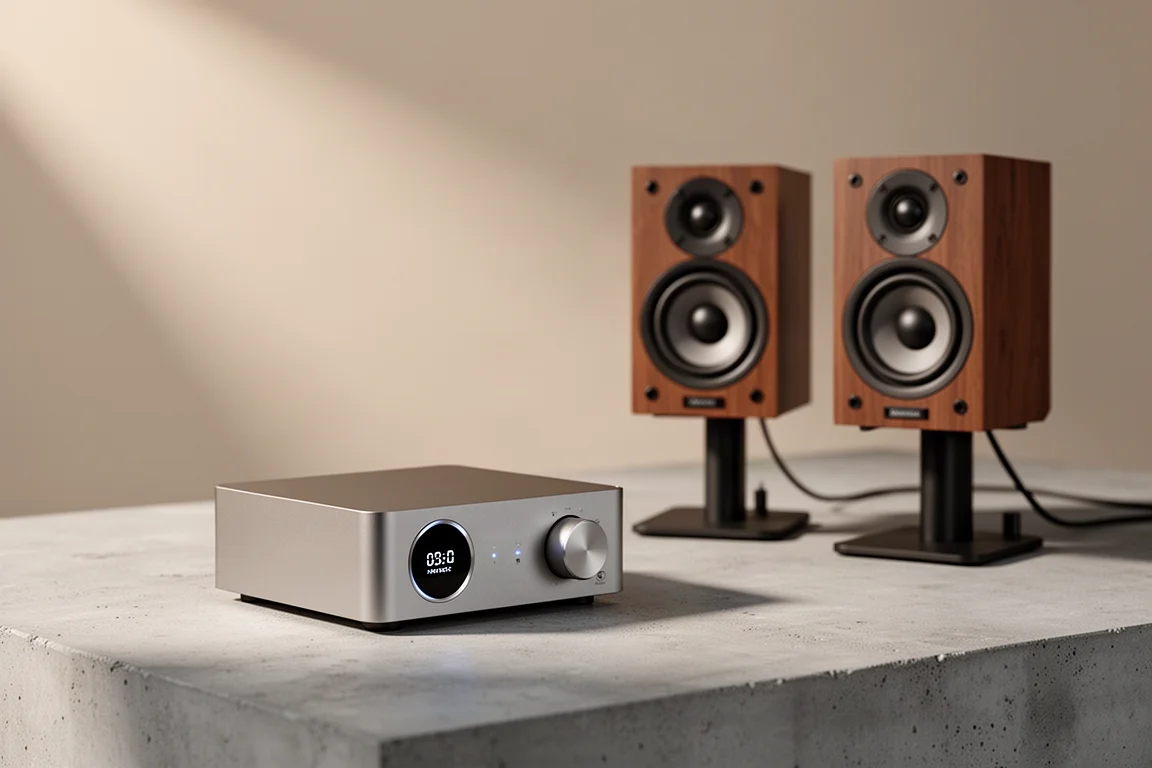
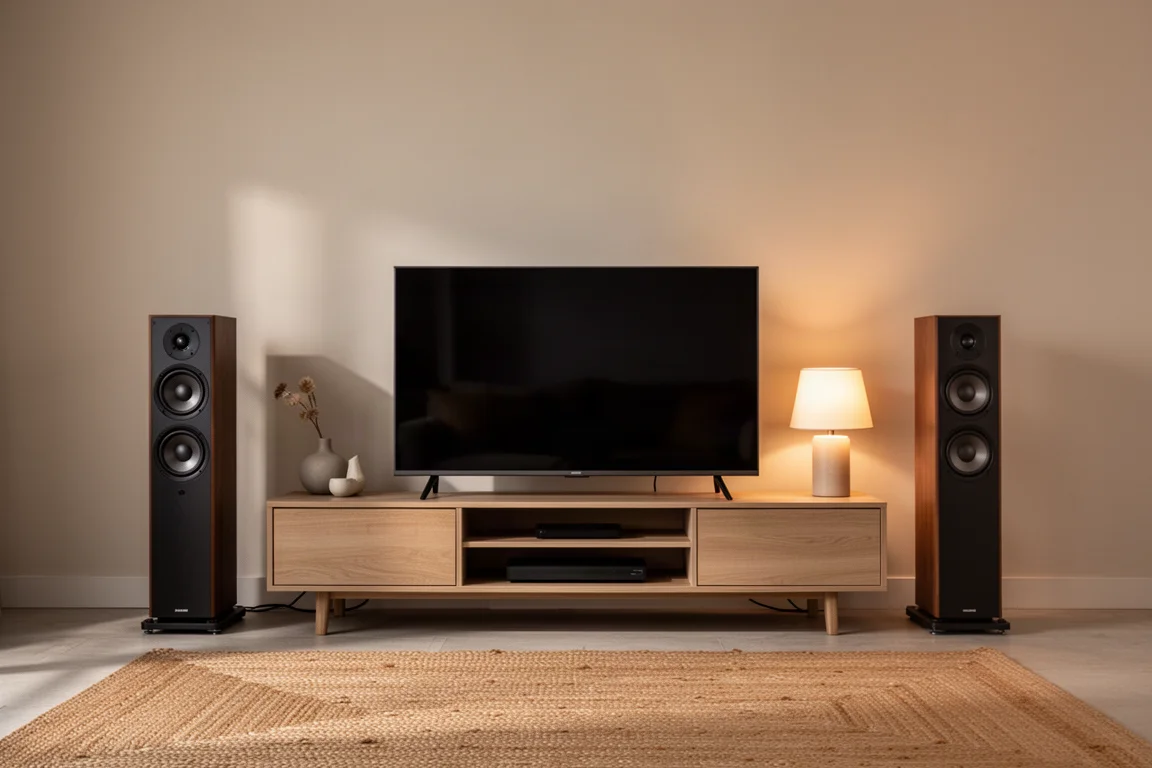
The Marantz M1 is a compact streaming amplifier priced at around $1,000, and it is one of the easiest pieces of hi-fi equipment to live with. It is small enough to sit on a sideboard beside a turntable or under a television, it streams over AirPlay and Bluetooth, and it accepts an HDMI connection so a television can wake it and take over the volume control.
What makes it more interesting than its feature list is the way it behaves. The output stage is Class D, yet it avoids the lean, clinical character that puts many listeners off Class D designs, and it drives low-impedance speakers without complaint. Its Virtual Mode can turn an ordinary pair of stereo speakers into something much closer to a surround system, without the extra speakers and cable runs that normally come with one.
The sections below cover where the M1 performs well, where it asks for compromises, and who should consider it.
Who the Marantz M1 Is For
The M1 makes most sense for listeners who stream nearly everything. If your music arrives through AirPlay, Bluetooth or a streaming service and your second source is a television, the M1 covers the whole job in a case the size of a hardback book. It suits apartments, bedrooms, offices and smaller living rooms, where a rack of full-size separates would be out of place.
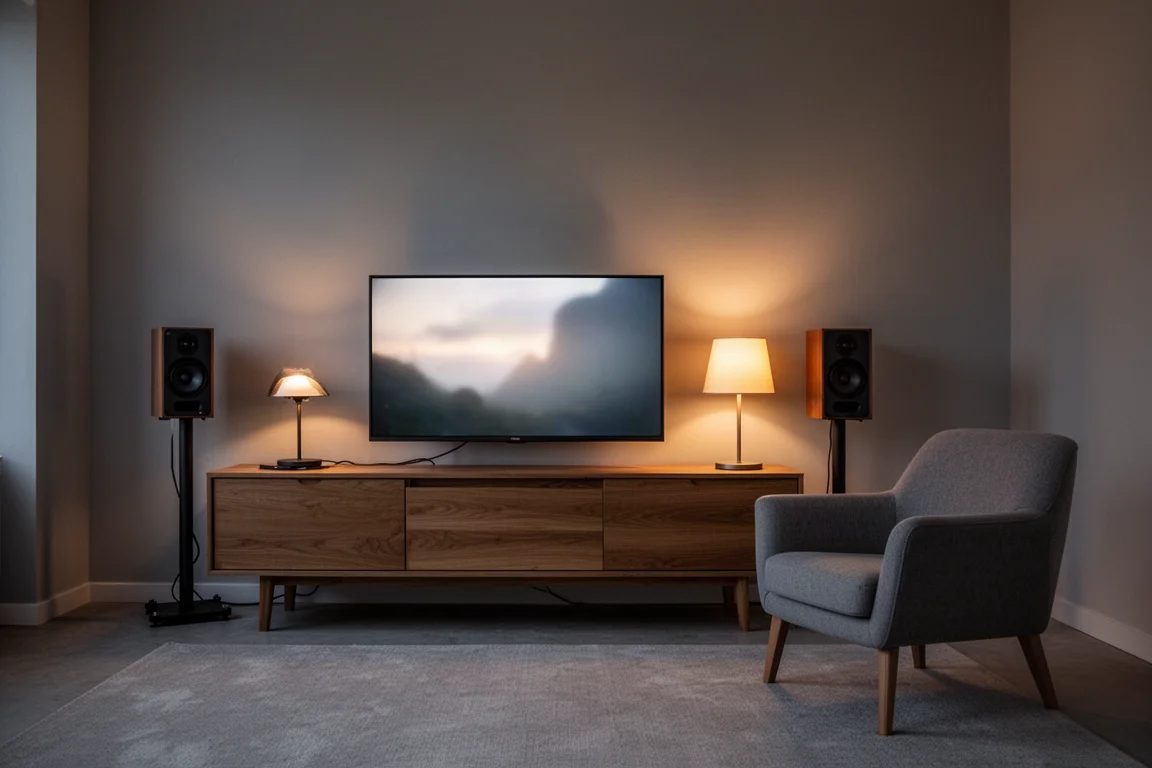
It is equally relevant for anyone who wants a film experience without surround clutter. A pair of decent stand-mounted speakers and the M1 will deliver far more scale than a television’s built-in speakers, and Virtual Mode adds a sense of space that a conventional stereo amplifier cannot provide. For listeners who would never buy a soundbar but do not want five speakers and a subwoofer in the room, this is a practical middle ground.
The M1 is a weaker fit for anyone who keeps several analog sources running at once. There is one analog input, and analog signals are converted to digital inside the amplifier, so a system built around two turntables, a CD player and a tape deck belongs with a larger integrated amplifier.
Main Strengths: Sound Quality and Virtual Mode
Sound quality is the first surprise. The M1 is a Class D design, and Class D carries a reputation for sounding thin and clinical. That is not what happens here. Across a range of speakers, including several low-impedance models rated at 4 ohms or lower, the amplifier stayed composed and never turned hard or brittle. The presentation is confident and full-bodied rather than analytical.
Power is generous for the size. The M1 delivers more than three times the rated output of the 35-watts-per-channel Technics GX70, which matters if your speakers appreciate current or your room is bigger than a desk.
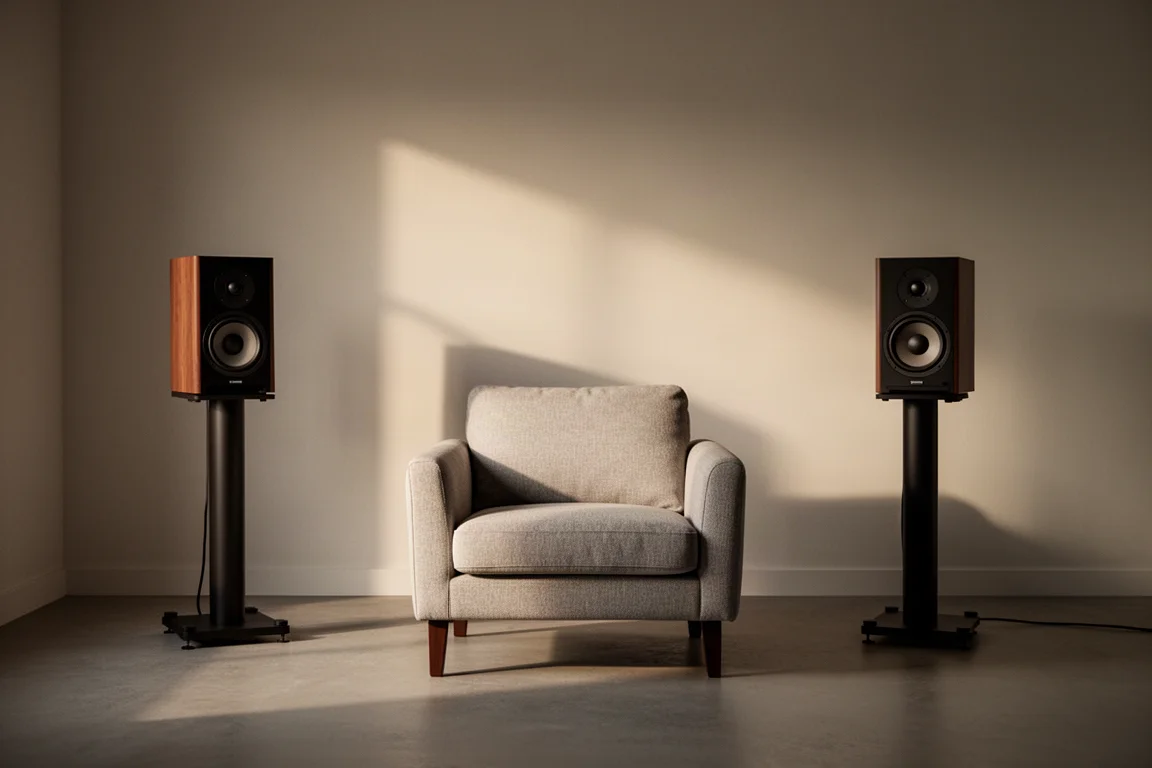
Virtual Mode is the headline feature, and it is more than a gimmick. Driving a pair of Bowers & Wilkins 705 Signatures, it produced a wide, enveloping presentation that made the speakers feel larger and more capable than they are. With films and television it is convincing enough that the missing centre channel stops being noticeable. In games it is unusually effective: with The Last of Us Part II Remastered running on a console through a television and into the M1, the direction of approaching enemies was easier to place than it was with a soundbar.
Music is a more mixed picture. On some material, particularly tracks with a Dolby mix, Virtual Mode added depth, scale and presence that plain stereo did not have. On other recordings it pushed the sound in a direction that did not suit the music, and switching it off was the better choice. Treat it as a tool rather than a default setting.
Living With the M1: Inputs, App, and Everyday Setup
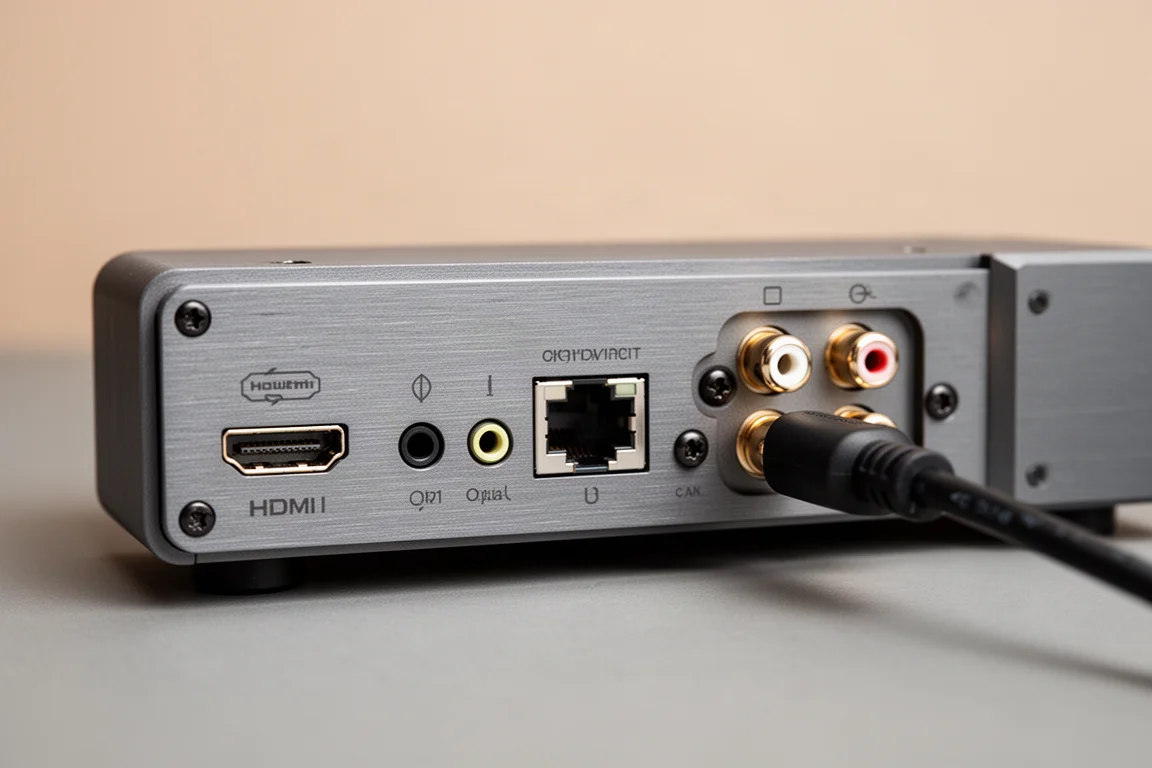
Connectivity covers the essentials and little more: HDMI, optical, USB, Ethernet, AirPlay, Bluetooth and one analog input. HDMI switching behaves the way it should. Turn the television on and the M1 wakes with it, defaulting to the HDMI input, so everyday film and television use needs no extra remote.
The HEOS control app is the most divisive part of the package. Some owners find it frustrating enough to work around it completely, sending music over AirPlay or through third-party apps instead. Building playlists can also make awkward services easier to browse inside the app.
Signal handling is worth understanding before buying. Marantz describes the signal as staying in the digital domain inside the M1, which is what allows features such as bass management to work. Analog inputs, including a turntable, are converted on the way in. In practice that is less troubling than it sounds. A Bluetooth-equipped turntable can send its signal to the M1 wirelessly, and in a casual comparison the result was close enough to a wired connection that the difference was hard to pick out.
One setting is worth changing on the first day. The M1 ships with power saving set to Auto Standby, and moving to Quick Start makes the amplifier respond noticeably faster when it wakes. It does not remove the pause that occurs when you change what is playing while the unit is already running.
Things to Consider Before Buying
The most noticeable quirk is a gap of roughly four seconds when you change source material. Moving from one album to another in a streaming app, or from one programme to the next, leaves a short silence while the M1 acquires the new signal. Turning off power saving does not affect it.
There is no remote control in the box. Over HDMI you can use the television remote for power and volume, and for everything else your phone becomes the remote. If you never plan to connect a television and you dislike controlling music from a phone, that is a genuine limitation.
Analog connectivity is limited to a single input, and it is digitized, so a system built around several analog sources will not fit. It is also worth checking the manual for file format support if you keep a local library on a drive or on network storage, since compatibility varies by format and device.
Tweeter hiss is worth knowing about if you listen from close range. With low-impedance speakers, no hiss was audible. With a more efficient pair, a very faint hiss could be heard from the tweeter with an ear close to the cabinet. On a desktop, where your ears may sit 18 to 24 inches from the speaker, that is worth checking before you commit. If your hearing rolls off well below the top octave, it will not matter at all.
Virtual Mode is not universally flattering, and it should not be treated as an automatic improvement. On some recordings it does more harm than good.
Marantz had nothing to share about forthcoming platform updates, so it is sensible to buy the M1 for what it does today rather than for features that might arrive later.
How the M1 Compares With Other Streaming Amps
The M1 sits in a crowded corner of the market, and most comparisons come down to inputs, headroom and app preference rather than dramatic differences in sound. The Technics GX70 offers more inputs and built-in room correction, and the two sound broadly similar, but its 35 watts per channel leave far less headroom than the M1. If you have any doubt about driving your speakers, the M1 is the safer purchase.
The WiiM Amp costs considerably less and gained free room correction through a firmware update, although that feature is set up from Apple devices. Even with correction applied, the M1 remained the preferred listen in a direct comparison, with more control, more body and a greater sense of presence.
Inside the Marantz range, the Model 40n takes a warmer, softer approach with a little less precision and separation, and it costs more. For a mix of films and music, the M1 is the stronger of the two. Anyone who wants a slim multi-channel receiver instead should look at the Cinema 70, a 7.2-channel AVR in a similar chassis that costs around $900 and makes less power.
Against the Naim Uniti Atom, the M1 gives up some industrial design flair. The Atom’s illuminated volume control and supplied remote are genuinely appealing, and it is a Class AB design that runs warm. But it is rated at 40 watts into 8 ohms, HDMI is an optional extra, there is no subwoofer output, and it costs roughly three to four times as much. The M1 holds its own on sound.
Audiolab’s 6000A, 7000A and 9000A are strong amplifiers, and the 7000A is the only one of the three with HDMI. The M1 stays competitive with the most expensive of them and is the more engaging listen against the cheaper models, and it adds Virtual Mode, which none of the Audiolab units offer.
Buying Advice
Buy the M1 if you stream most of your music, want a small system that does not dominate the room, and want films and games to sound far better than a television can manage on its own. It is a particularly good fit if you have no interest in a soundbar and no appetite for a full surround setup, and if your speakers are anything other than easy to drive, its headroom is reassuring.
Look elsewhere if you need several analog inputs, if you want a physical remote in the box, or if you need a full multi-channel receiver with room correction and the connections that come with it. The HEOS app is also worth trying before you buy if you intend to use it as your main control surface.
At around $1,000, the M1 sits well below far more expensive streaming amplifiers while offering more power and more input flexibility than most of them.
None of that changes the basic calculation. The M1 is a small amplifier that behaves like a much larger one, and the compromises it asks for are mostly about what you connect rather than how it sounds.
Conclusion
The Marantz M1 earns its place because it solves a specific problem well. It gives a small room a genuine hi-fi system, a credible film and gaming experience and a simple streaming interface in one compact box, and it does so without sounding like a budget Class D amplifier. Its limitations are real, and most of them concern analog inputs, the control app and the absence of a remote, but for a streaming-first listener they are easy to live with.
For anyone building a compact two-channel system around a television and a streaming subscription, the M1 is one of the more convincing options at its price.
Product link
View more details for Marantz M1
This product is mentioned in the review. Check the specifications, options, and compatibility before buying.
View more details for Marantz M1Further reading
Related Reviews
Streaming Amplifiers
Best High-Performance Streaming Amplifiers: Seven Full-Size One-Box Picks
Seven full-size streaming integrated amplifiers for serious two-channel systems, each chosen for a different priority: room correction, power, minimalism, musicality, or reference build.
Streaming Amplifiers
Best Mid-Tier Streaming Amplifiers: NAD M10 V2 vs Naim Uniti Atom
Two compact all-in-one streaming amplifiers compared on interface, app experience, sound character, and connectivity.
Streaming Amplifiers
Bluesound Power Node N331 Review: A Streaming Amplifier Built for More Than Stereo
The Bluesound Power Node N331 keeps the compact chassis of its predecessor and adds a more powerful amplifier, a dedicated center channel output, and a THX AAA headphone stage.