Home Theater Video
MadVR Envy vs Panamorph Anamorphic Lens: Two Home Theater Video Upgrades Compared
A practical comparison of two home theater video upgrades: what a video processor adds, what an anamorphic lens adds, and how they work together on a widescreen screen.
Introduction
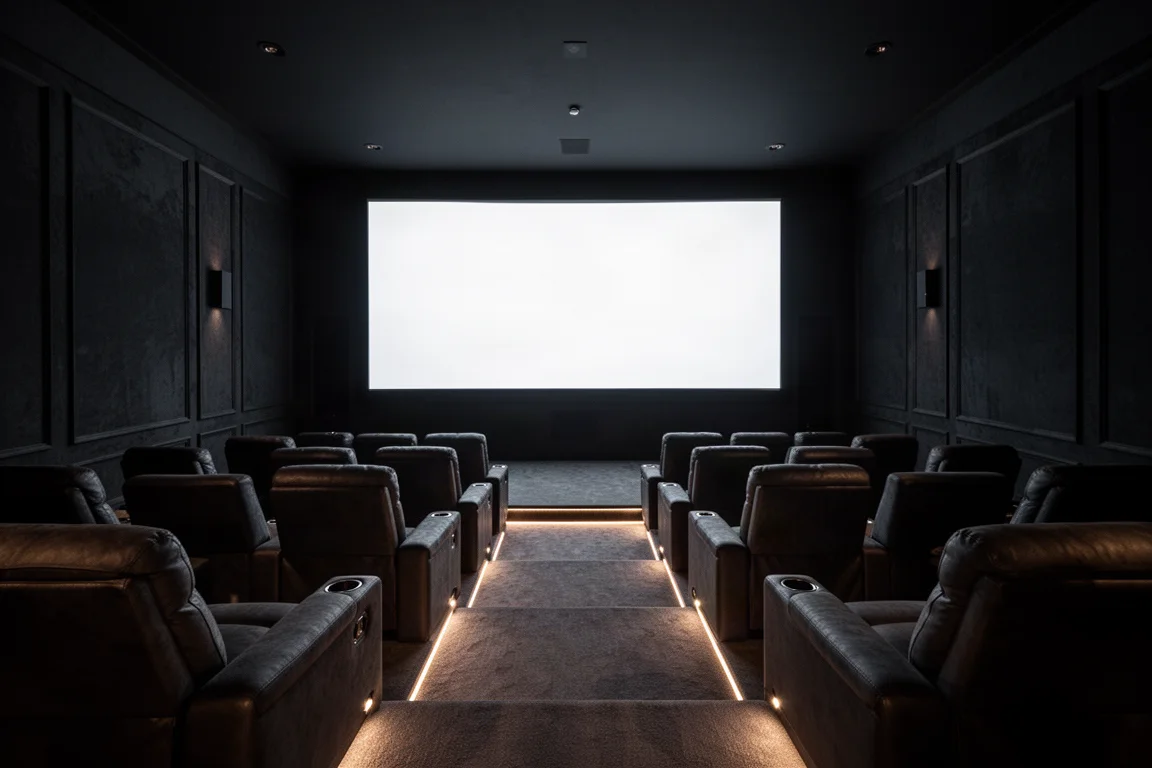
Most home theater owners build their room to recreate the experience of a commercial cinema, and that usually means a widescreen screen in the CinemaScope ratio of roughly 2.4 to 1. That ratio delivers an immersion a television cannot match at any size. It also introduces a set of video problems that have to be solved.
Two upgrades address those problems: an anamorphic lens placed in front of the projector, and a video processor installed between the surround sound processor and the projector or display. Each delivers meaningful benefits on its own, and the two are often confused with one another because they overlap in a few places. This guide explains what each device actually does, where they differ, and how they behave when used together.
The short version: a video processor makes a widescreen theater effortless to live with and improves HDR, while an anamorphic lens recovers brightness that a widescreen image otherwise loses. If you want both, they combine well.
What Each Upgrade Solves
On a 2.4 to 1 screen, the majority of films fit perfectly. Other content does not. Broadcast television is usually 16 by 9, many films are 1.85 to 1, and a growing number of streaming titles use 2 to 1. The standard solution is a projector with lens memory, which stores a zoom and shift position for each aspect ratio. You identify the ratio you are about to watch and select the matching memory with the remote.
That works, but it takes roughly 15 to 20 seconds, and because it relies on physical motors the precision can drift over time and require further adjustment.
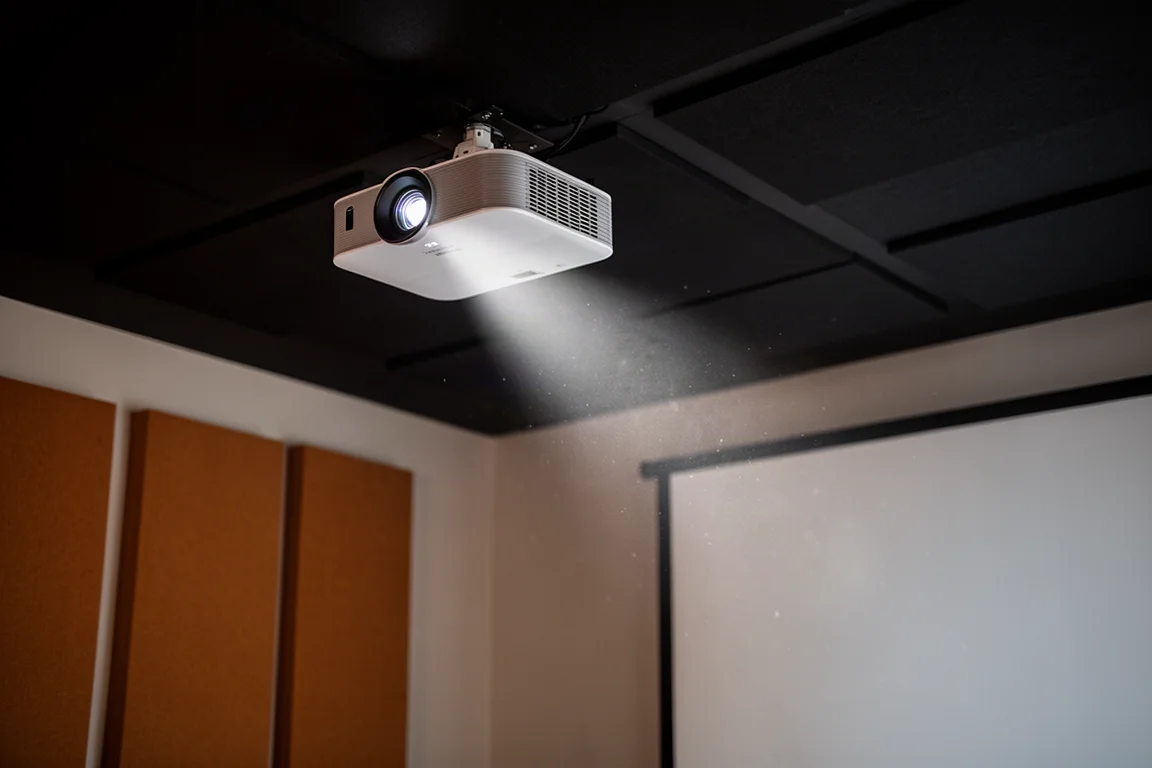
There is a second issue that is easy to miss. When a 2.4 movie plays on a 2.4 screen, the projector is still outputting a 16 by 9 image. The picture extends above and below the widescreen area, onto the screen frame and the wall behind it, and those extensions contain the black letterbox bars. As a result the film itself uses only about 75 percent of the pixels on the projector’s 4K chip, which means roughly 25 percent of the available lumens never reach the visible image.
MadVR Envy: Automatic Aspect Ratio Handling and Dynamic Tone Mapping
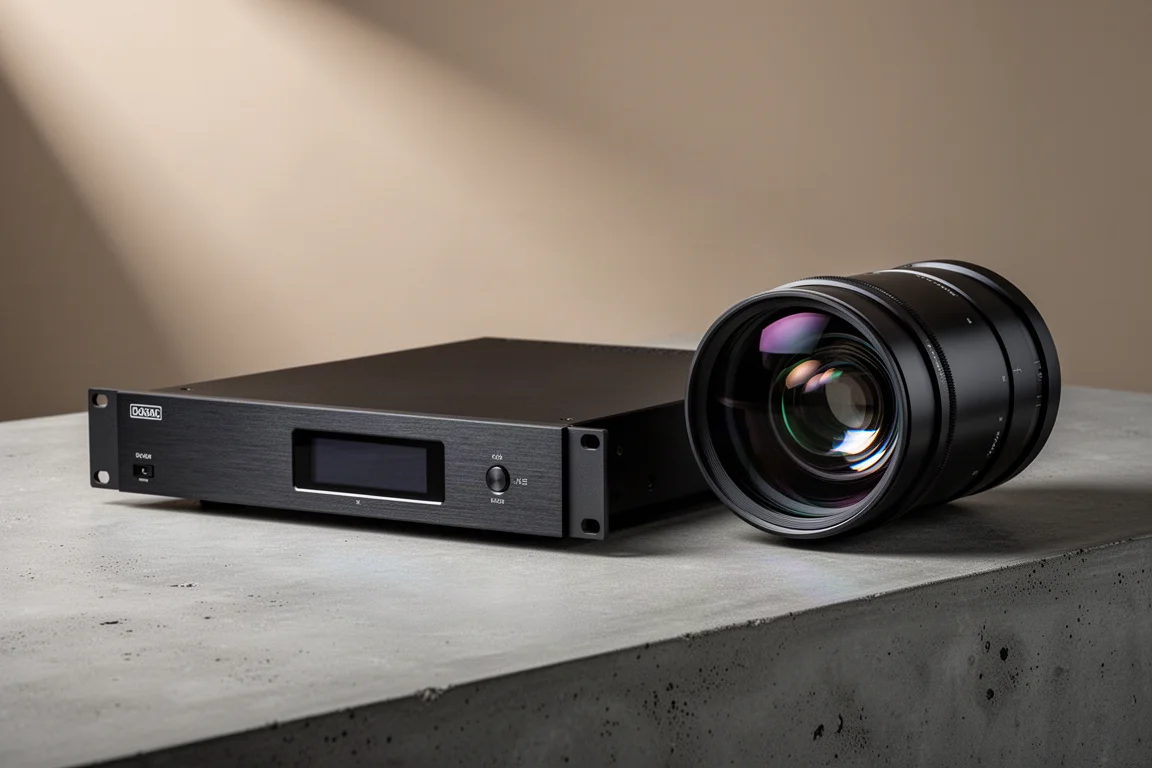
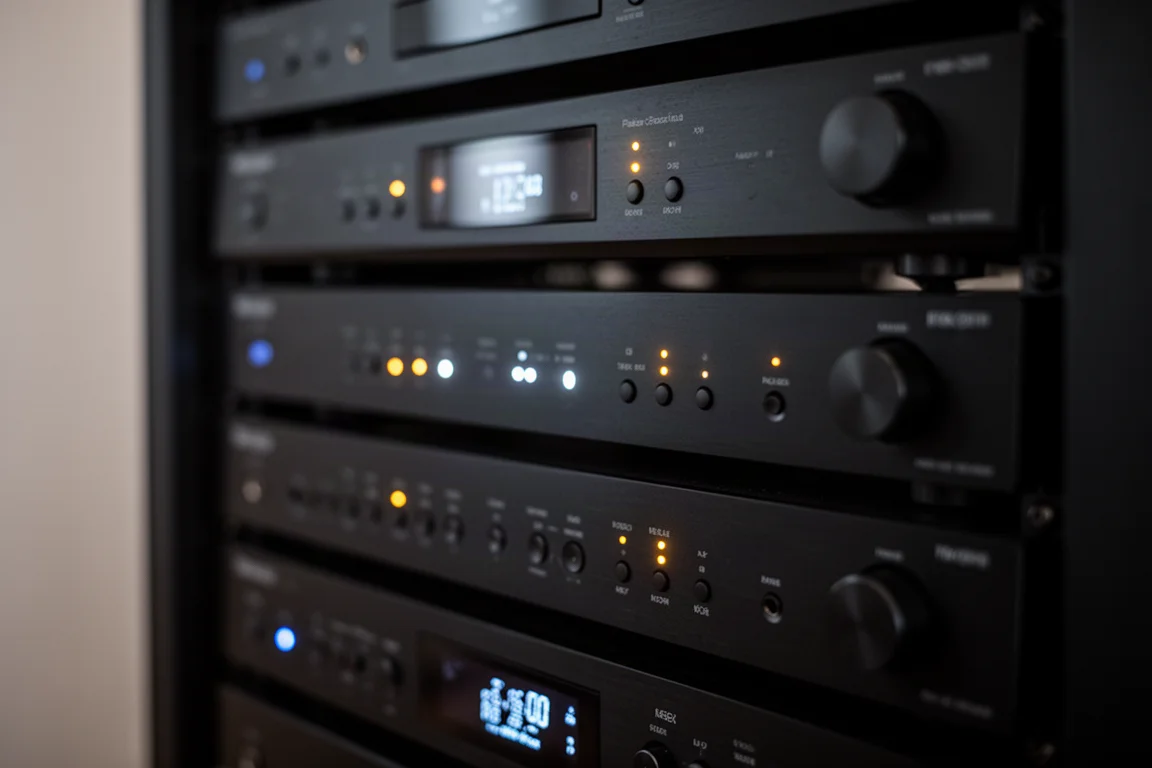
The MadVR Envy is a video processor, and the Extreme and Pro models carry a considerably more advanced processor than anything built into a projector. It knows the dimensions of your screen and can rescale any incoming aspect ratio to fit that screen in real time.
That matters because a projector offers only two anamorphic modes, one for 16 by 9 and one for 2.4, while a processor has no such limit. Content can be adjusted to fill the screen height instantly across every ratio it encounters, and it can even be configured to stretch some material to fill the screen. Just as importantly, you do not have to identify the aspect ratio yourself and then pick the right setting. The Envy detects the incoming ratio and changes on its own.
Because the digital stretching and scaling happen in the processor rather than in the projector, the scaling is also more accurate. The Envy has far more graphical processing power available to it than a projector does. The Extreme model adds geometry correction as well, which can fully remove the small amount of barrel distortion that appears when an anamorphic lens is in the light path. That distortion bulges the four sides of the image outward, and while most viewers never notice it, the correction produces a cleaner fit on the screen.
The other major benefit is HDR. High dynamic range was developed for televisions, which can reach brightness levels measured in nits that are often in the 400 to 1000 range. HDR content is typically mastered for 1000 nits, and sometimes for 4000 or even 10000. A television has relatively little work to do to display that well. A projector is far more limited and typically delivers somewhere between 50 and 150 nits, so the light the format calls for has to be squeezed into a much smaller budget through tone mapping.
Projectors include tone mapping features, and some handle it better than others, but limited processing power often leaves HDR looking too dark overall, with shadow detail lost and bright areas flattening out. The Envy applies dynamic tone mapping with a great deal of processing power behind it, and it goes further with additional settings that recover detail in dark shadows and in extremely bright highlights that would otherwise disappear.
One thing to be clear about: the Envy does not put back the 25 percent of brightness that a widescreen image loses. That is the anamorphic lens’s job.
Panamorph Anamorphic Lens: Reclaiming Widescreen Brightness
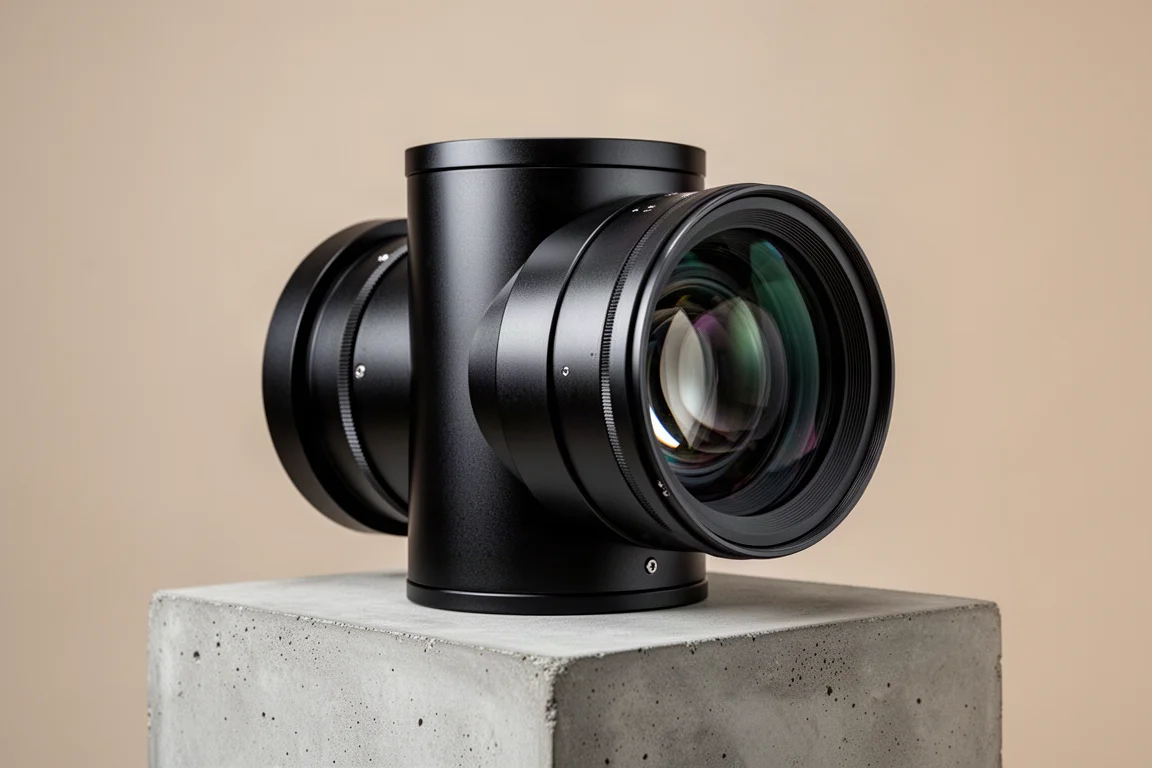
An anamorphic lens sits in front of the projector and reclaims pixels that would otherwise be wasted. The process happens instantly, but it is worth walking through in steps.
A 4K projector chip is 3840 pixels wide and 2160 pixels tall. The actual content in a 4K 2.4 movie uses the same 3840 pixel width but only 1600 rows of height, leaving 560 rows unused. Those are the rows generating the black bars above and below the picture. An anamorphic mode in the projector digitally rescales the image to occupy 3840 by 2133 pixels, stretching it vertically to fill that area. The lens then compresses the image optically, restoring the correct 2.4 aspect ratio.
The net result is a 25 percent boost in brightness, which is particularly valuable with 4K HDR content because it raises the nits available on screen and lets the projector produce a more dynamic image. For technical accuracy, many 4K chips are actually 4096 by 2160 pixels, but the process and the brightness gain are the same.
Switching between ratios is simple. To watch 16 by 9 content you select the other anamorphic mode in the projector, which rescales the image correctly for the scope screen. Because no change in lens zoom or shift is required, the change is instant and completely stable over time since it is digital rather than motor-driven.
The trade-off is the limited choice. A projector has two anamorphic modes, so with a lens you choose whichever of the two best suits the content you are watching. Subtitles are another consideration: subtitles that sit partly or fully in the black bar area below or above the picture are cropped out entirely by the lens.
Subtitles, Aspect Ratios, and Ease of Use
Subtitle placement is a real problem in widescreen theaters even without a lens. When a scope film carries subtitles that extend into the black bar area, the projector is projecting that area above and below the screen, so the text spills onto the screen frame and the wall behind it and cannot be read.
The MadVR Envy handles this in the same way it handles aspect ratios. It detects the presence of subtitles in the top or bottom black bar area and adjusts the image instantly, creating just enough room for the text to be read easily while the rest of the picture still fills the top and sides of the screen.
Automation is the other reason this kind of processor appeals to a particular kind of buyer. Not every owner of a high performance theater wants to become a video hobbyist. Many simply want the room to behave automatically, and a processor that identifies aspect ratios and subtitles on its own delivers exactly that.
How the Two Work Together
Each device is useful on its own, but they are not competing solutions. The processor handles real-time adjustment across every aspect ratio, more accurate digital scaling, geometry correction, subtitle management and HDR tone mapping. The lens handles light, returning the 25 percent of brightness that widescreen content gives up.
Put together, the combination is stronger than either part. The processor does the digital stretching and scaling more accurately than a projector can, and on the Extreme model it corrects the barrel distortion that the lens introduces. The lens then delivers the extra brightness and pixel density that the processor cannot provide on its own. For owners who want the most complete result, this pairing represents the top of the range.
Buying Advice
If you are designing or upgrading a high performance theater and the budget allows, the video processor is usually the sensible first step. It addresses the widest range of video problems at once, and in most rooms it delivers the largest single improvement to how the theater feels to use.
The anamorphic lens comes second, as a way to push the experience further. It makes the most sense when you are running a scope screen, watching a good deal of 4K HDR widescreen content, and either already have a projector with enough brightness or want to reduce the demand on it. If your projector is bright enough for your screen and your main frustration is fiddling with aspect ratios, the processor alone may be all you need.
A practical way to decide is to start with the problem that bothers you most. Manual ratio changes and dim HDR point to the processor. A widescreen image that feels short on punch, with no desire to change projectors, points to the lens.
Conclusion
A widescreen home theater asks more of its video chain than a standard room does, and these two upgrades answer different parts of that request. The MadVR Envy brings automatic aspect ratio handling, accurate scaling, subtitle awareness and advanced HDR tone mapping. The Panamorph anamorphic lens brings back the brightness that a 2.4 image otherwise leaves behind.
Used together, they cover both sides of the problem, and the result is a theater that is easier to live with and more impressive to watch.
Further reading
Related Reviews

Backpacking Gear
Building a 10 lb Base Weight: An Ultralight Backpacking Gear List
A practical walkthrough of the ultralight pieces behind a 10 lb base weight, from a 765 g pack and a roomy one-person tent to a full camp chair and a dependable water filter.

Road Bikes
10 New Road Bikes Worth Watching: Aero, Titanium, Steel and Endurance Standouts
A practical roundup of 10 new road bikes, from aero flagships chasing single-watt gains to titanium, steel and endurance platforms built for real roads.

Bikepacking Gear
11 Bikepacking Essentials for Long-Distance Cycling
Eleven bikepacking essentials for long-distance cycling, from a steel gravel frame and a two-person tent to helmet lights, packable gloves, and a frame bag that puts weight in the right place.