Home Theater Video Processors
MadVR Envy Mark III and Core M2 Lineup: Which Video Processor Fits Your Theater?
A practical breakdown of the MadVR Envy Mark III series and Core M2, covering what changed, what each model offers, and who each one suits.
Introduction
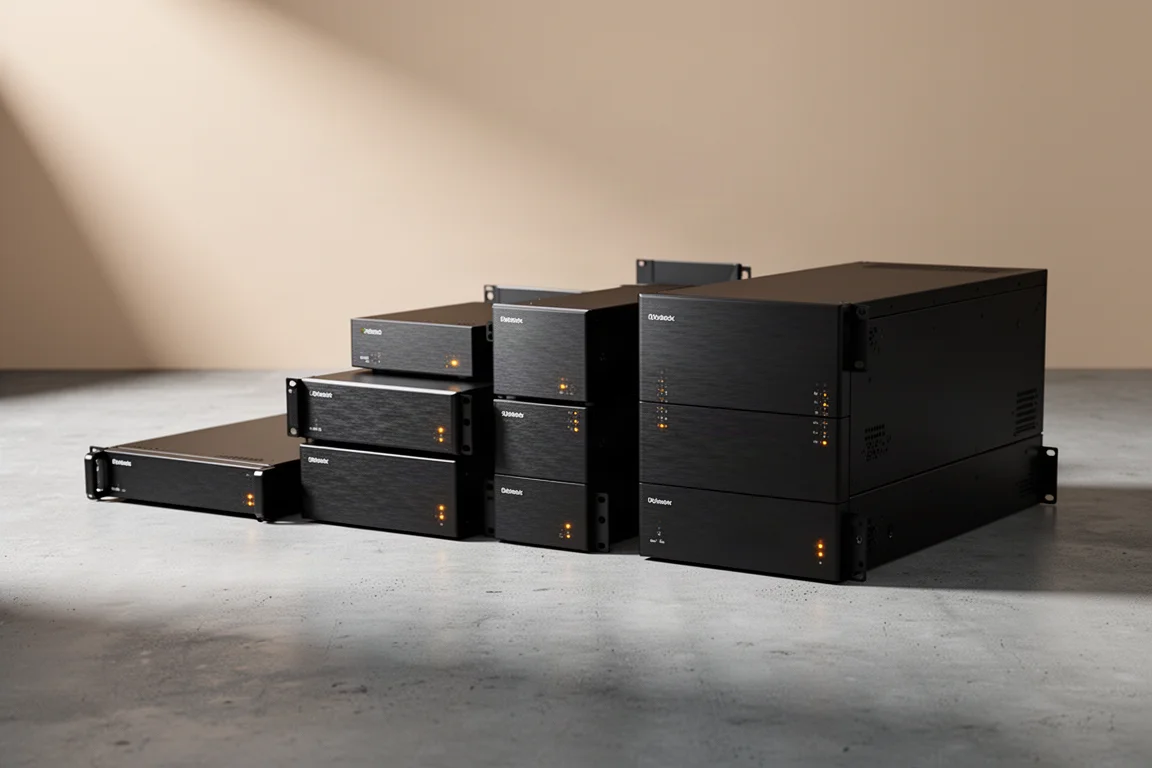
A dedicated video processor sits between your sources and your display and takes over the jobs that projectors, receivers, and televisions handle only partially: HDR tone mapping, aspect ratio management, motion processing, and calibration. The MadVR Envy family has been built around exactly that idea, and the newest generation pushes it further with more powerful GPUs, HDMI 2.1, variable refresh rate support, and AI-assisted processing.
This guide walks through the new Mark III models and the Core M2, explains what changed, and helps you work out which one makes sense for your room and your viewing habits.
What the New Envy Generation Changes
The Mark III series and the Core M2 are the most advanced video processors MadVR Labs has built so far, combining new GPUs with HDMI 2.1 and AI-driven video processing. The headline change is gaming. Older Envy units added roughly 220 milliseconds of delay, which was fine for movies but far too much for interactive content. The new models cut that delay dramatically, so gameplay feels smooth and responsive while the processor’s reference-level HDR tone mapping and color processing stay active.
Full HDMI 2.1 bandwidth and variable refresh rate support up to 360 Hz make the new models relevant for consoles as well as high-end gaming PCs pushing very high frame rates. Competitive players will still prefer a dedicated gaming monitor, but the new Envys let you keep their image processing in the signal path instead of falling back to an HDMI bypass.
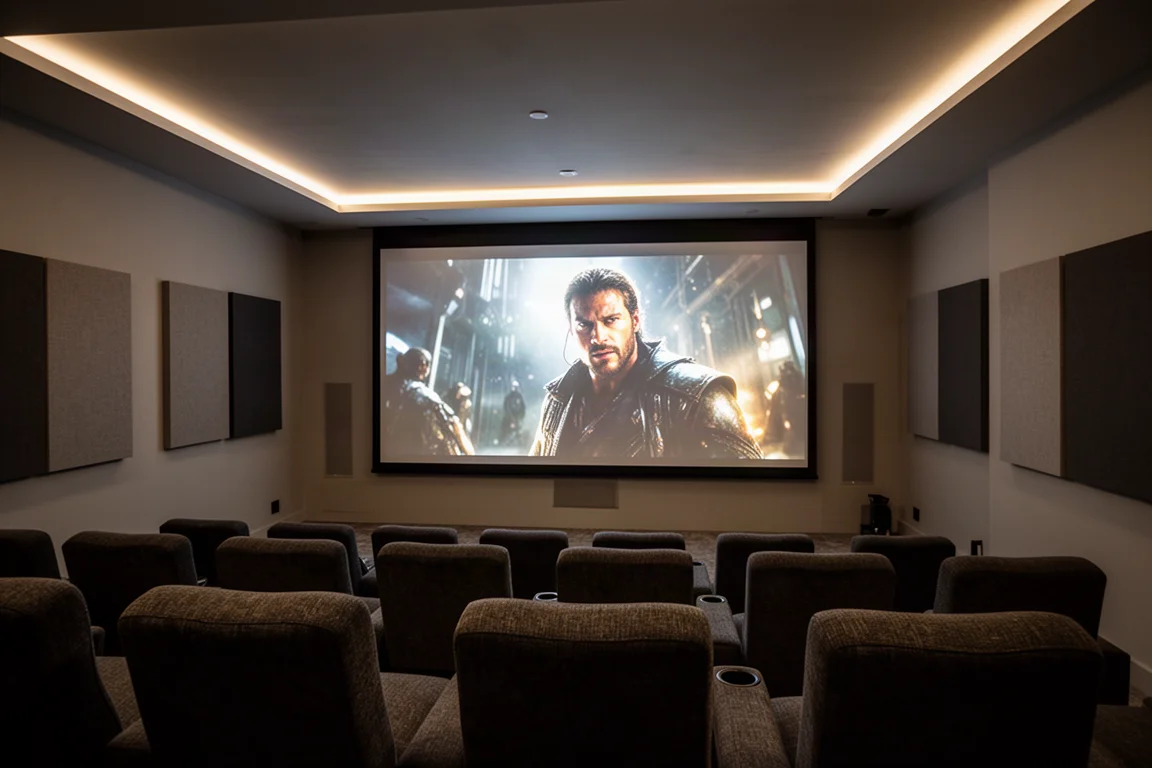
The Pro Mark III and Extreme Mark III also retain the same ECC RAM, Glacier X2 cooling system, and 4U chassis size as the Mark I generation, so moving up from a Mark 2 is a simple drop-in fit rather than a rebuild of your rack.
MadVR Envy Extreme Mark III
The Extreme Mark III is the flagship of the range and the model with the most headroom. It runs on an Nvidia 5080 GPU, a substantial step up in processing power and efficiency compared with the 4080 and 3080 used previously. It supports full HDMI 2.1 at 48 gigabits per second, which covers 8K, 4K120, and 12-bit 4:4:4, along with auto low latency mode and variable refresh rate up to 360 Hz.
Two capabilities set it apart from the rest of the lineup. The first is geometry correction, which is exclusive to the Extreme. If you use an anamorphic lens and see barrel or pincushion distortion at the edges, or you are dealing with alignment issues from a curved screen or an off-axis projector, this is the model that can dial those problems out. The second is Motion AI, which analyzes each pixel to smooth motion and sharpen detail without the artificial soap opera look that traditional motion smoothing produces, keeping camera pans and fast movement clean while preserving a filmic feel.
The Extreme Mark III is also the only model eligible for future paid hardware upgrades, and it is positioned to handle next-generation AI algorithms that the rest of the lineup cannot run. It carries ISF certification as well.
MadVR Envy Pro Mark III
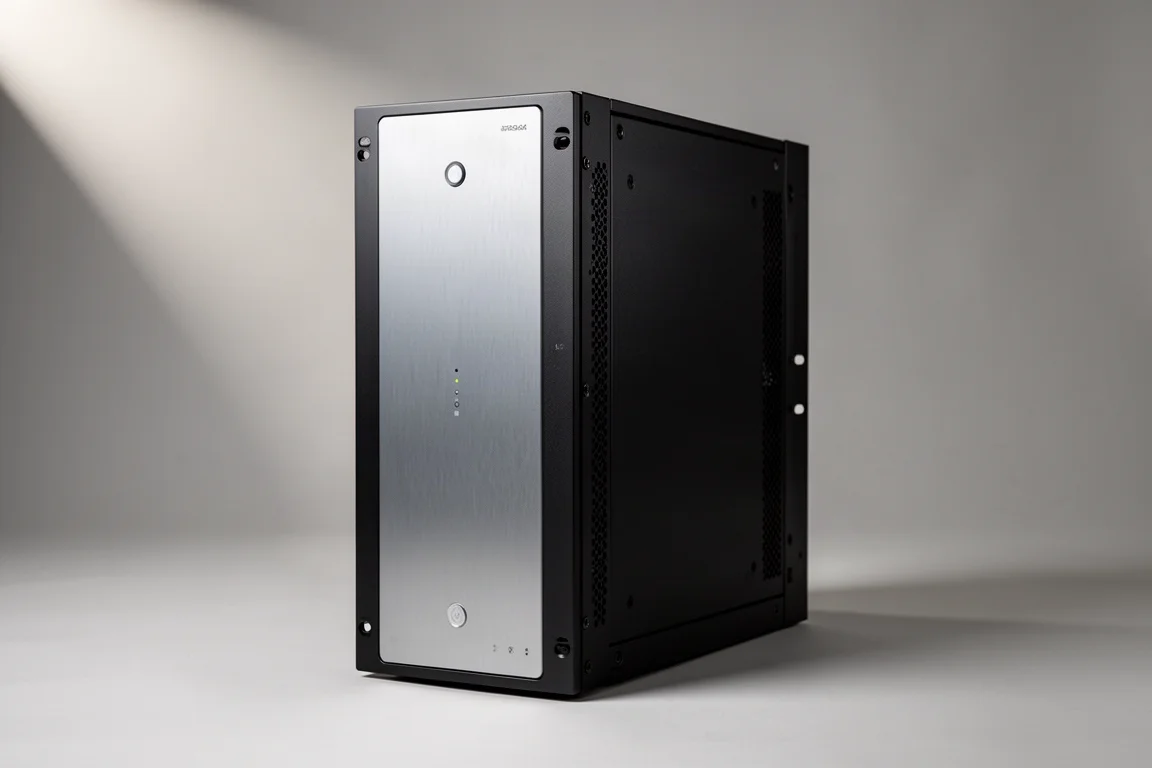
The Pro Mark III steps up to an Nvidia 5060 GPU, which gives it the processing headroom for advanced AI features without going all the way to the flagship. It matches the Extreme on connectivity: full HDMI 2.1 at 48 gigabits per second, 8K, 4K120, 12-bit 4:4:4, auto low latency mode, and variable refresh rate up to 360 Hz. It shares the same 4U chassis, ECC RAM, and Glacier X2 cooling as the Extreme.
Dynamic subtitle overlay is included here, as it is on any generation of the Pro and Extreme models. The feature moves subtitles into the active picture area when they would otherwise fall into the black bars, keeps the full image height and a constant image width, and can refine how the text appears by lowering brightness, reducing size, or adapting color so it blends with the scene.
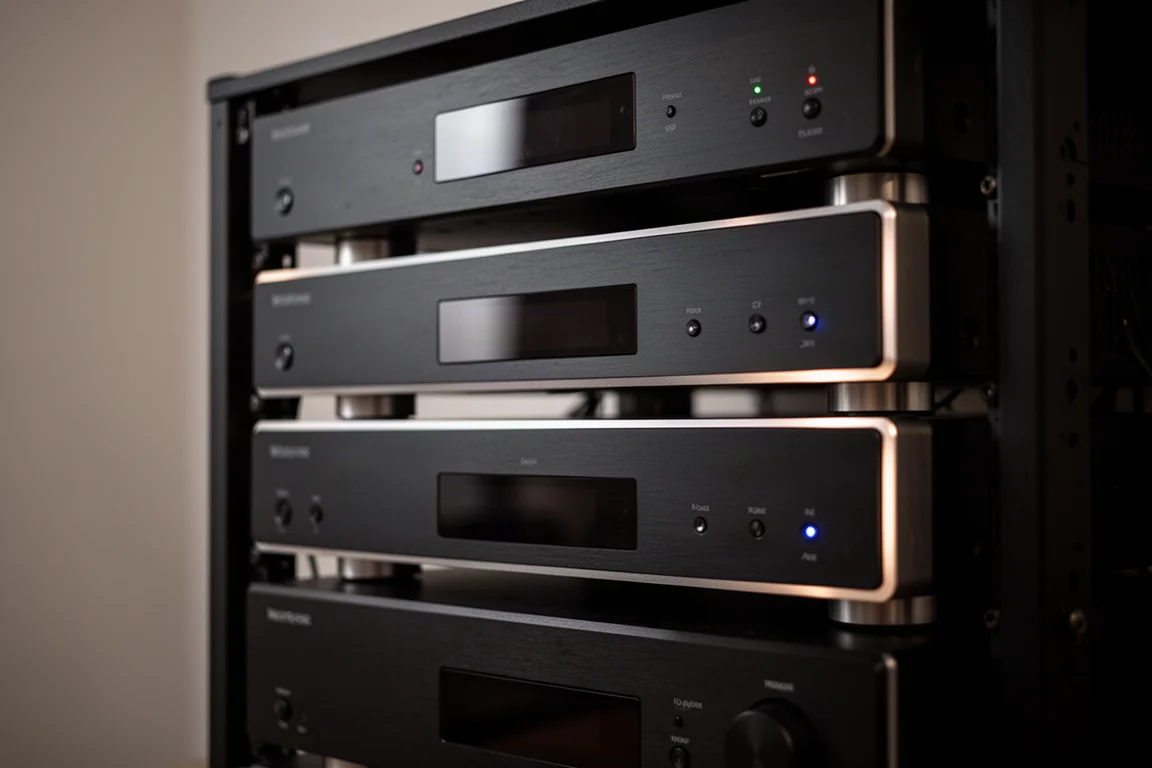
In practice the Pro sits in the middle of the range. If you are watching your budget, a Core M2 with the Premium package tends to offer better value. If you want the ultimate experience, the Extreme is the step up. That leaves the Pro as a middle ground that will not suit every buyer, though it remains a strong option for specific setups.
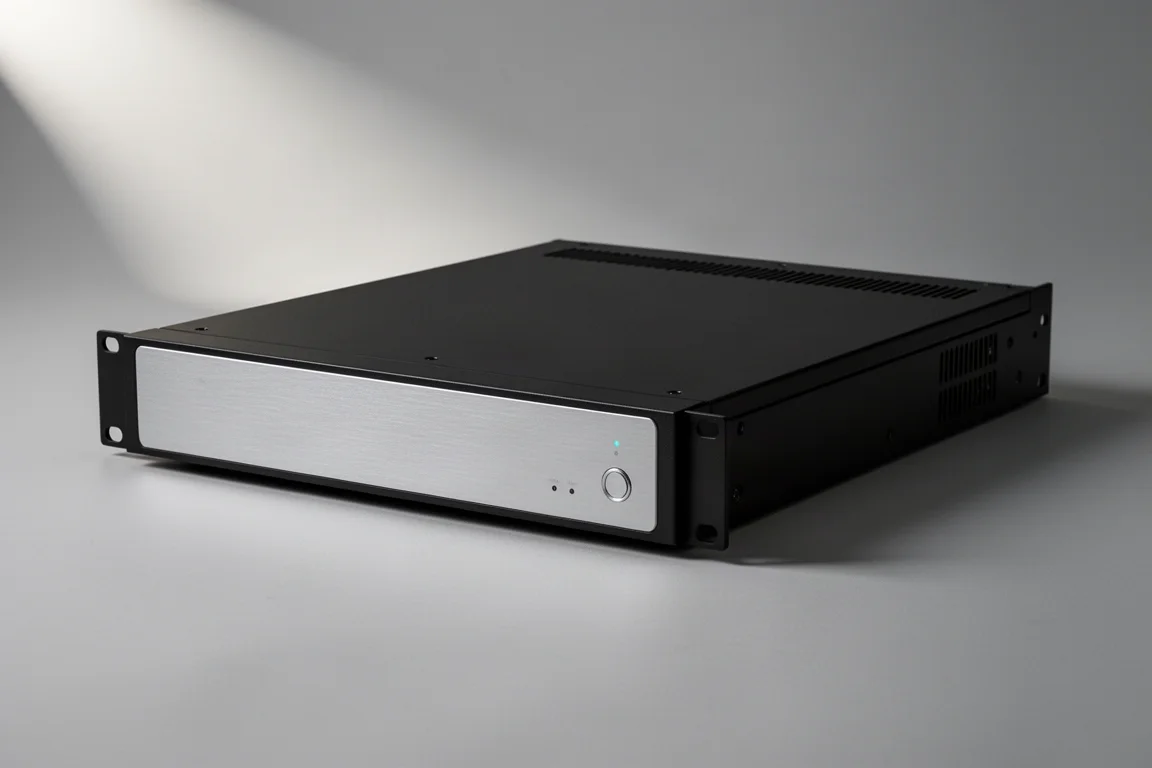
MadVR Envy Core M2
The Core M2 is the compact model in the new generation, standing just 2U tall like the Mark 1. It runs on the same Nvidia 5060 GPU as the Pro Mark III, so it inherits real processing capability in a smaller chassis, and it includes the core Envy features that transform a theater: dynamic tone mapping, aspect ratio management, subtitle handling, and upscaling.
What unlocks the Core M2’s full potential is the Core Premium package. Adding it enables full HDMI 2.1 performance with 8K, 4K120, and 12-bit 4:4:4, plus auto low latency mode and variable refresh rate for gaming. It also brings dynamic subtitle overlay, extra AI processing, and doubles the warranty from two years to four.
For most home theater owners, this is the model that makes the most sense: a compact unit with the same GPU as the Pro, a clear upgrade path through the Premium package, and a price point that delivers strong performance for the money.
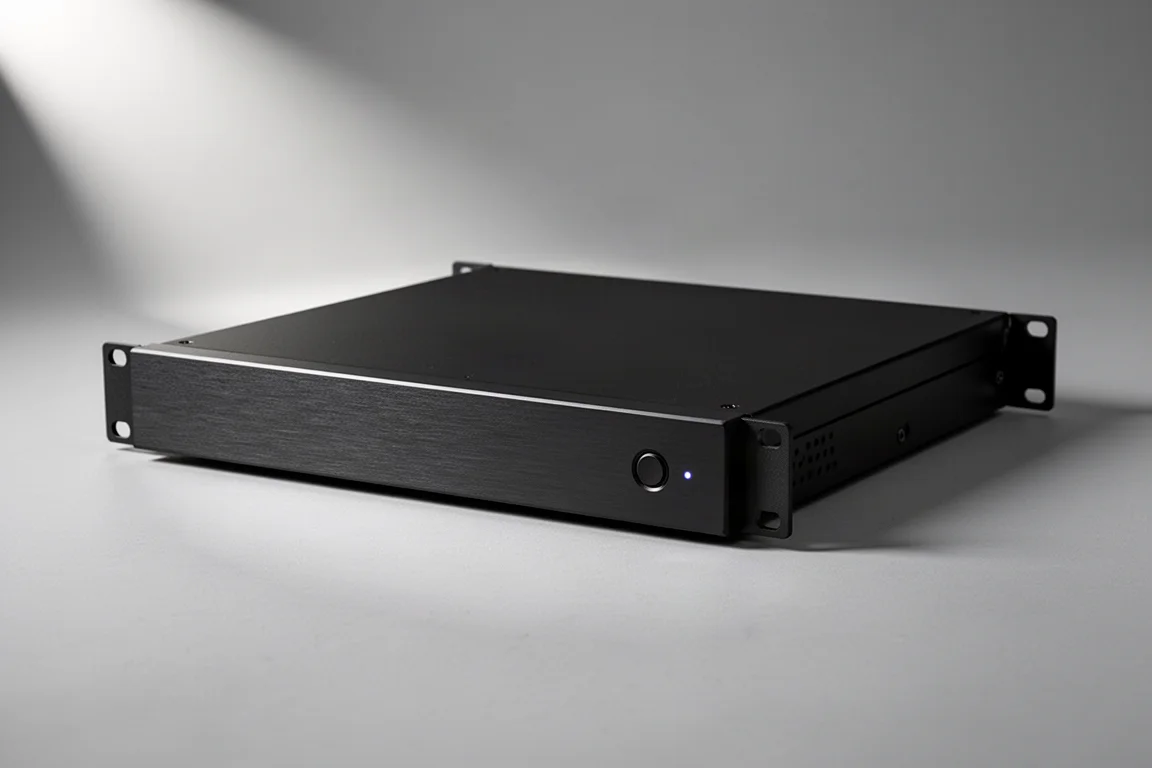
MadVR Envy Core Mark 1
The Core Mark 1 remains the entry point into the lineup at around $5,000. It does not have HDMI 2.1 or the newest AI tools, but it still delivers the core Envy experience: dynamic tone mapping, aspect ratio control, subtitle handling, and excellent upscaling. Adding the Premium package to it unlocks features such as dynamic subtitle overlay and advanced noise reduction.
Its HDMI 2.0 connection is all most movie, television, and sports viewing actually needs. Unless gaming in the theater is a priority and you want to step up for it, the Mark 1 is still a strong choice for modest systems.
Because the same HDR feature set runs across every current model, the Core Mark 1 does not give up image quality in the areas that matter most for film and television. The difference between it and the higher models comes down to connectivity, processing headroom, and how far you want to go with AI features.
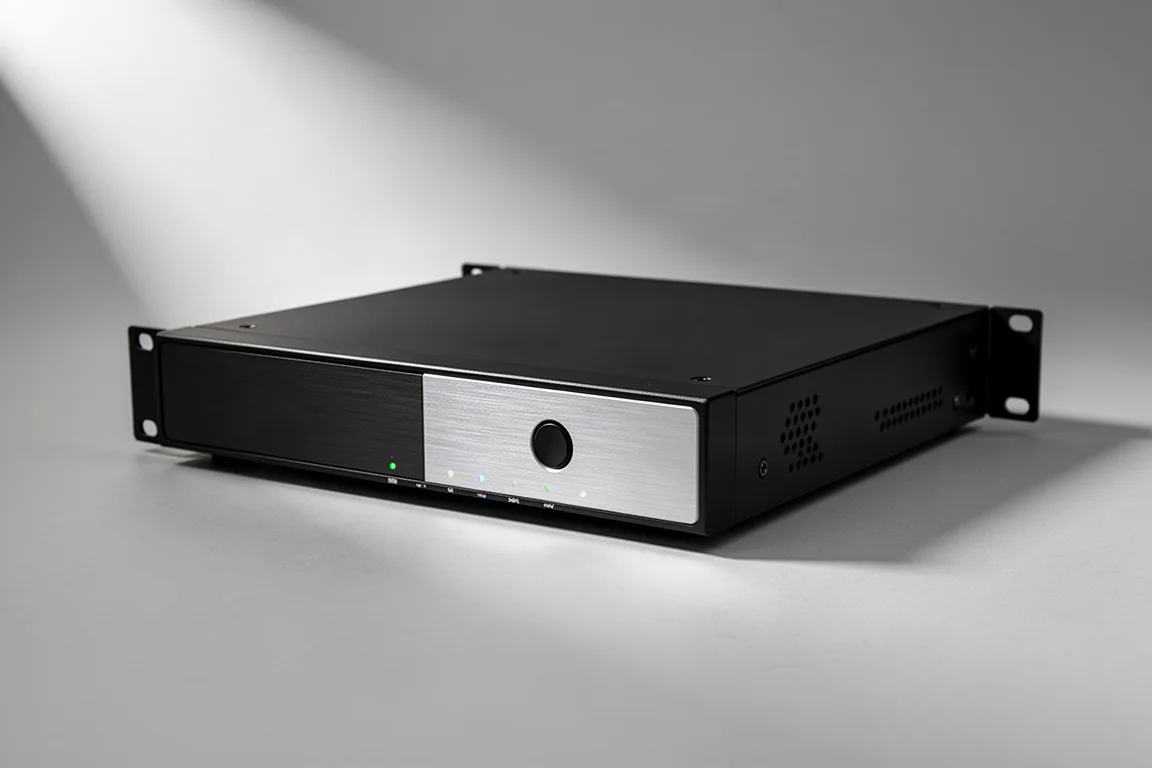
Core Features That Carry Across the Lineup
HDR is the biggest reason to add an Envy to a system. Films and shows are often mastered at brightness levels between 1,000 and 10,000 nits, far beyond what most displays can reproduce. Even flagship televisions that push past 2,000 nits cannot sustain that across a whole scene, and projectors typically deliver only 50 to 150 nits on screen. Tone mapping closes that gap.
Static tone mapping applies a single curve across an entire movie, which often leaves one scene too dark and another too bright, with shadows crushed or highlights clipped. The Envy uses dynamic tone mapping instead, analyzing every frame in real time and adjusting the picture based on both the source material and the peak brightness of your display. You enter your display’s peak brightness and the processor handles the rest.
Every current model, from the Core Mark 1 through the Core M2 and Pro Mark III to the Extreme Mark III, delivers the same HDR feature set: frame-by-frame 4K HDR dynamic tone mapping, selectable HDR looks, controls for highlight and global saturation, and recovery tools including contrast recovery, highlight recovery, and shadow detail recovery. Scenes that would otherwise blow out to white keep their detail and color, and dark scenes retain subtle information.
Aspect ratio management is the other feature owners rely on daily. Content arrives in many shapes, from 16:9 television and streaming to 2.0 productions and 2.4 Hollywood films. On a 16:9 display the Envy can shift the image up or down to remove one set of black bars. On a scope or widescreen system it removes the need to wait 10 to 20 seconds for a projector’s lens memory to move, and it avoids the drift and imprecision that lens memories can develop over time.
Mixed-aspect-ratio films benefit too. When a movie cuts between 2.4 and 16:9, the Envy rescales each shot so everything fits the screen instead of over-scanning and losing a large portion of the picture. Sports broadcasts, which are almost always 16:9, can be expanded onto a widescreen by subtly cropping the top and bottom and applying a gentle stretch toward the outer edges.
Upscaling is another core strength. High-definition content has to be scaled for a 4K projector or television, and the Envy’s processing power produces results that look close to true 4K, supported by sharpness, edge enhancement, grain reduction, artifact cleanup, and mosquito noise reduction controls. Stepping up to the Premium package or to the Pro and Extreme Mark III models unlocks upscaling to 8K and advanced AI noise and artifact reduction, while the Extreme Mark III adds Motion AI.
Profiles make all of this manageable. Any collection of settings can be saved as a profile and recalled with one button, so a Blu-ray player can have its own artifact reduction and subtitle handling while a streaming box uses a completely different setup. Adjustments first go into a temporary state, so you can experiment freely, then save or discard without risk. The included remote works over IR or RF, is fully backlit for dark rooms, and the processor integrates with home automation systems through a dedicated driver.
Setup is straightforward. The unit connects to your network, takes HDMI in from your receiver or processor, and sends HDMI out to your projector or television. A quick start guide covers the basics, and most people are running in about 10 minutes with default settings that already look good. Dealers can fine-tune settings on site or over a secure remote connection. Firmware updates download in 15 to 30 seconds, require a single button press, and can be rolled back just as quickly, with beta firmware available for those who want to preview upcoming features.
Which Model Should You Choose
The Core Mark 1 at around $5,000 is the entry point and remains a great fit for modest systems where HDMI 2.0 covers everything you watch. It delivers the full HDR tone mapping and aspect ratio toolset, and the Premium package adds dynamic subtitle overlay and advanced noise reduction.
The Core M2 is the sweet spot. It shares the Nvidia 5060 GPU with the Pro Mark III, keeps the compact 2U form factor, and gains full HDMI 2.1, gaming features, dynamic subtitle overlay, extra AI processing, and a four-year warranty when the Premium package is added. For most home theater owners, this is the model that makes the most sense.
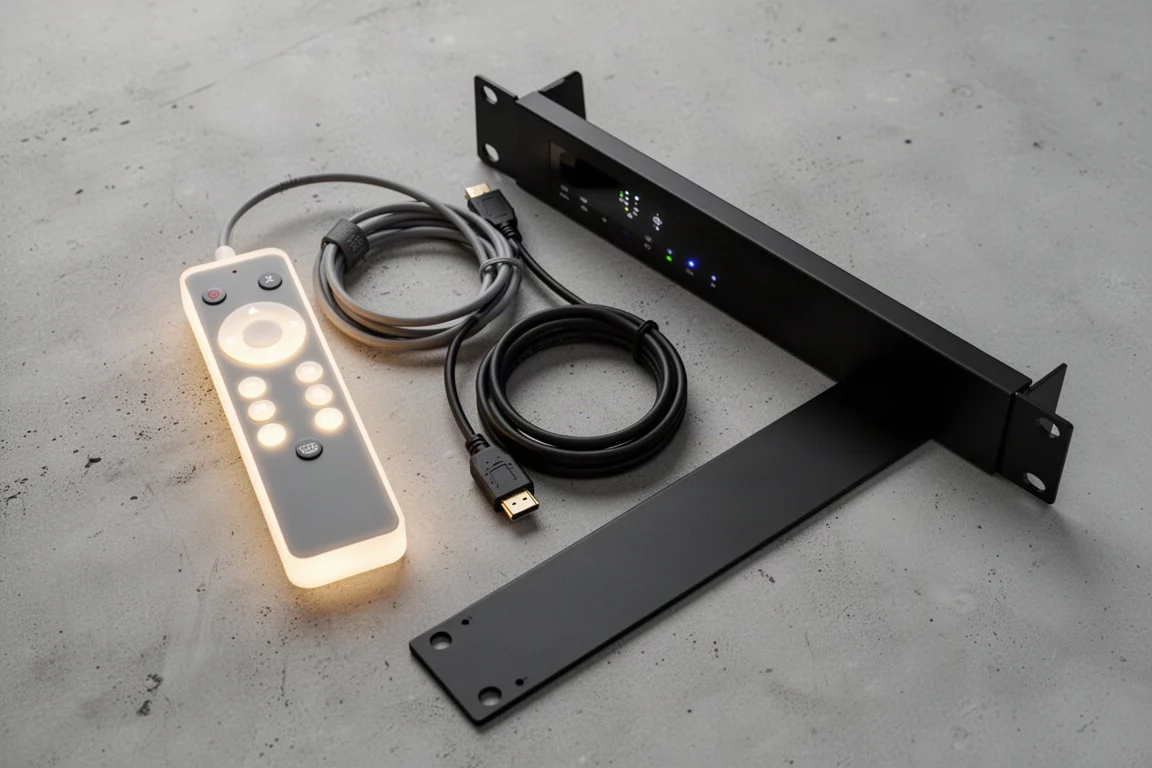
The Pro Mark III sits in the middle and is not the model most buyers need. A Core M2 with the Premium package generally offers better value, while the Extreme Mark III offers the ultimate experience. That said, the Pro remains worth considering for specific setups.
The Extreme Mark III is the flagship and the most expensive option, but it carries every top-tier feature: the Nvidia 5080 GPU, Motion AI, geometry correction, HDMI 2.1 with VRR up to 360 Hz, ISF certification, exclusive next-generation AI capabilities on the roadmap, and eligibility for future paid hardware upgrades.
Across the lineup, the underlying platform is designed to evolve. Firmware updates have a track record of adding meaningful value over time, and features on the roadmap include AI multi-frame noise and grain reduction, advanced motion compensated deinterlacing, content-adaptive AI sharpening, and a new chroma AI upscaling engine. Those promise cleaner, sharper, and more natural images, particularly from challenging sources such as older Blu-rays, interlaced broadcasts, and compressed streams.
Conclusion
The Mark III generation and Core M2 move the Envy platform forward with more GPU headroom, HDMI 2.1, and gaming support that finally makes these processors practical for interactive content. The Core M2 with the Premium package is the most balanced choice for most rooms, the Core Mark 1 remains a sensible entry point, and the Extreme Mark III is the reference option for enthusiasts who want every feature and the longest runway for future updates.
Further reading
Related Reviews
Home Theater Video Processors
madVR Envy Extreme Mark II and Envy Pro Mark II Review: Dynamic Tone Mapping for Home Theaters
A practical look at the madVR Envy Extreme Mark II and Envy Pro Mark II, two dedicated video processors built for dynamic tone mapping, aspect ratio control and 4K upscaling.

Backpacking Gear
Building a 10 lb Base Weight: An Ultralight Backpacking Gear List
A practical walkthrough of the ultralight pieces behind a 10 lb base weight, from a 765 g pack and a roomy one-person tent to a full camp chair and a dependable water filter.

Road Bikes
10 New Road Bikes Worth Watching: Aero, Titanium, Steel and Endurance Standouts
A practical roundup of 10 new road bikes, from aero flagships chasing single-watt gains to titanium, steel and endurance platforms built for real roads.