Home Theater Video Processors
madVR Envy Extreme Mark II and Envy Pro Mark II Review: Dynamic Tone Mapping for Home Theaters
A practical look at the madVR Envy Extreme Mark II and Envy Pro Mark II, two dedicated video processors built for dynamic tone mapping, aspect ratio control and 4K upscaling.
Introduction
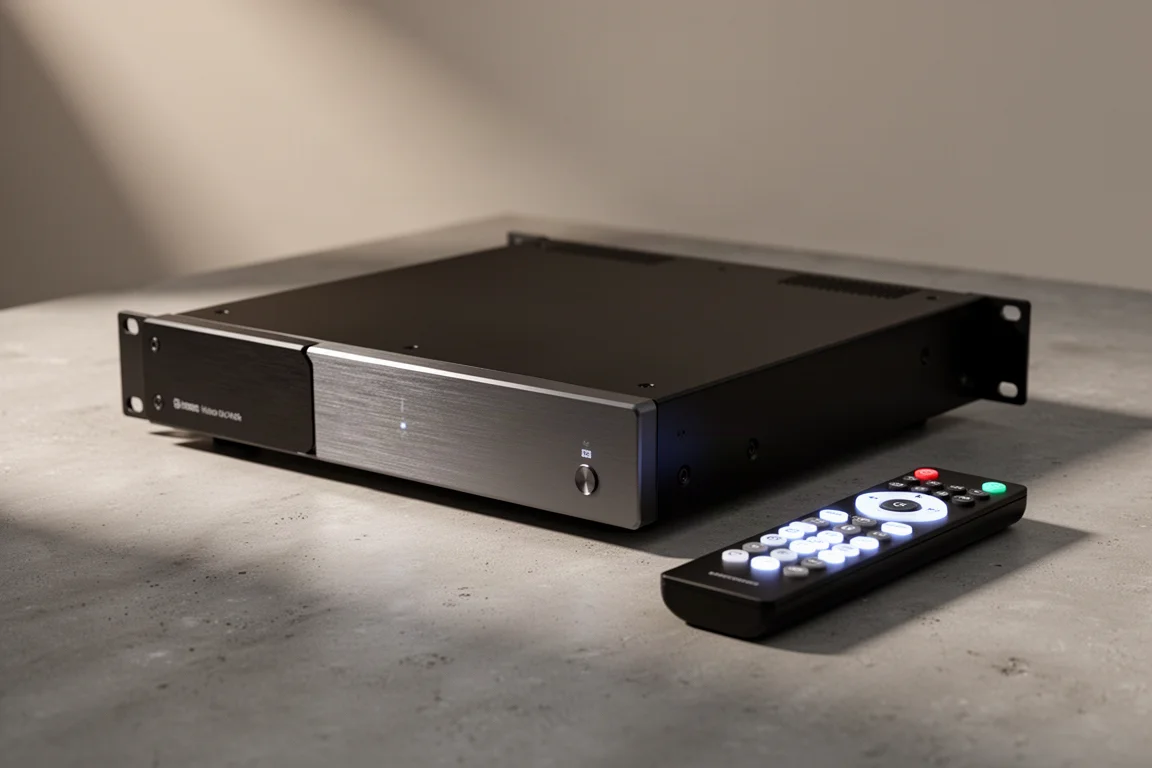
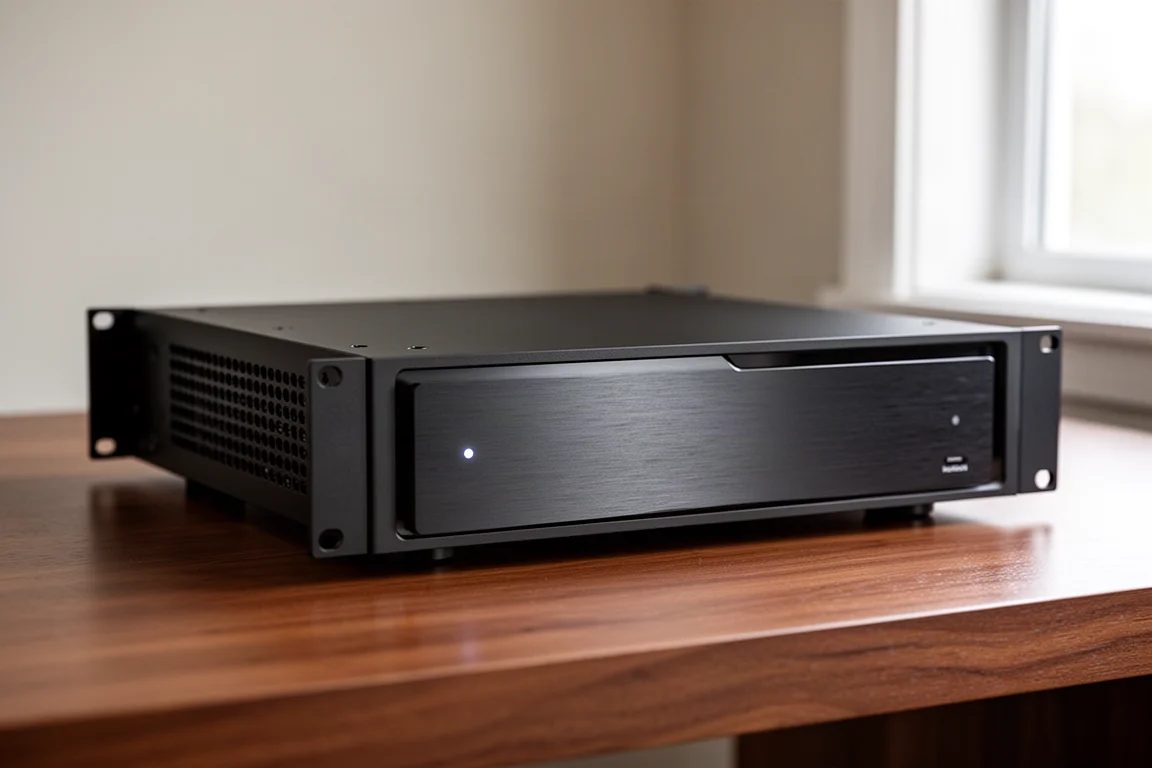
Home theater picture quality is limited less by the screen than by what happens to the signal before it reaches the screen. The madVR Envy Extreme Mark II and madVR Envy Pro Mark II are dedicated video processors built for exactly that job, taking over HDR tone mapping, aspect ratio management and upscaling with far more processing power than a television, projector or AV receiver typically brings to bear. Both arrive as the second generation of the Envy line, with a redesigned chassis, upgraded internals and a five-year warranty. This guide covers what each model does, how they differ, and which one makes sense for a given room.
What a Dedicated Video Processor Changes
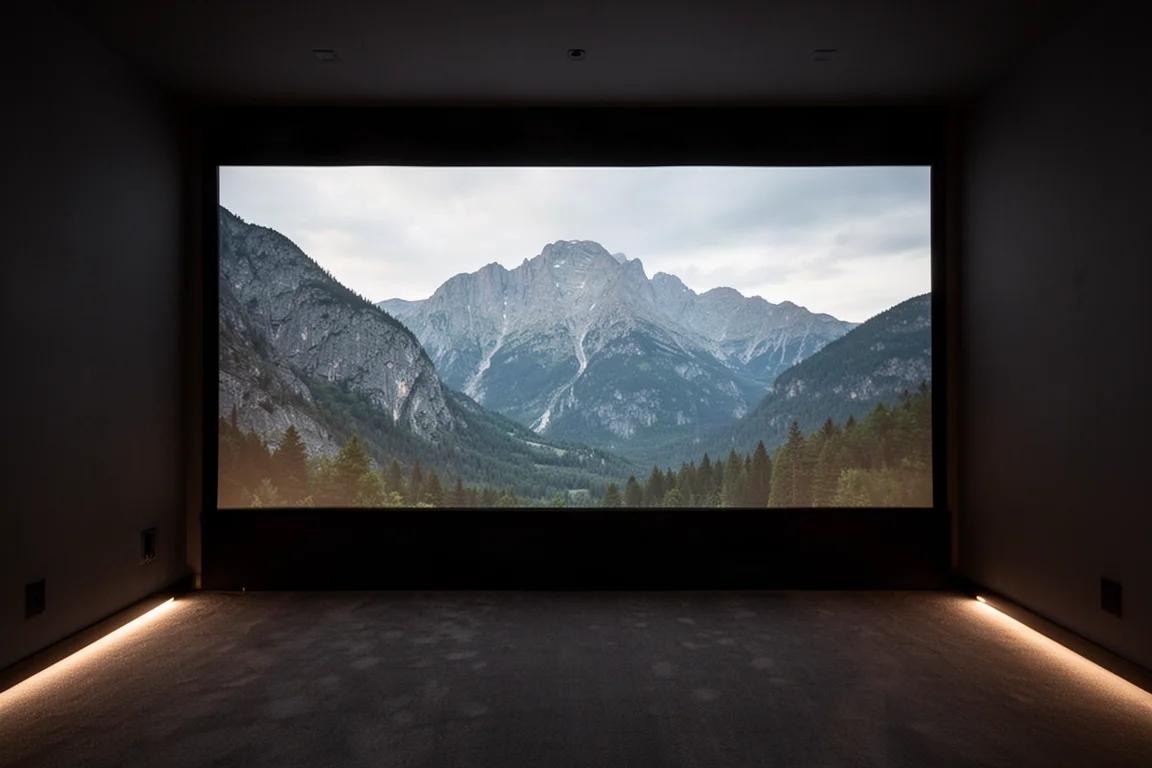
Dynamic tone mapping is the headline feature. HDR films are usually mastered for displays capable of somewhere between 1,000 and 10,000 nits, while the brightest consumer televisions tend to manage roughly 600 to 1,000 nits and front projectors often deliver only 50 to 150 nits. Static tone mapping applied one curve across an entire film, which frequently produced a dim, flat image. The Envy takes the brightness capability of your display as an input and analyzes every single frame independently, using that figure to build the best possible image for your screen.
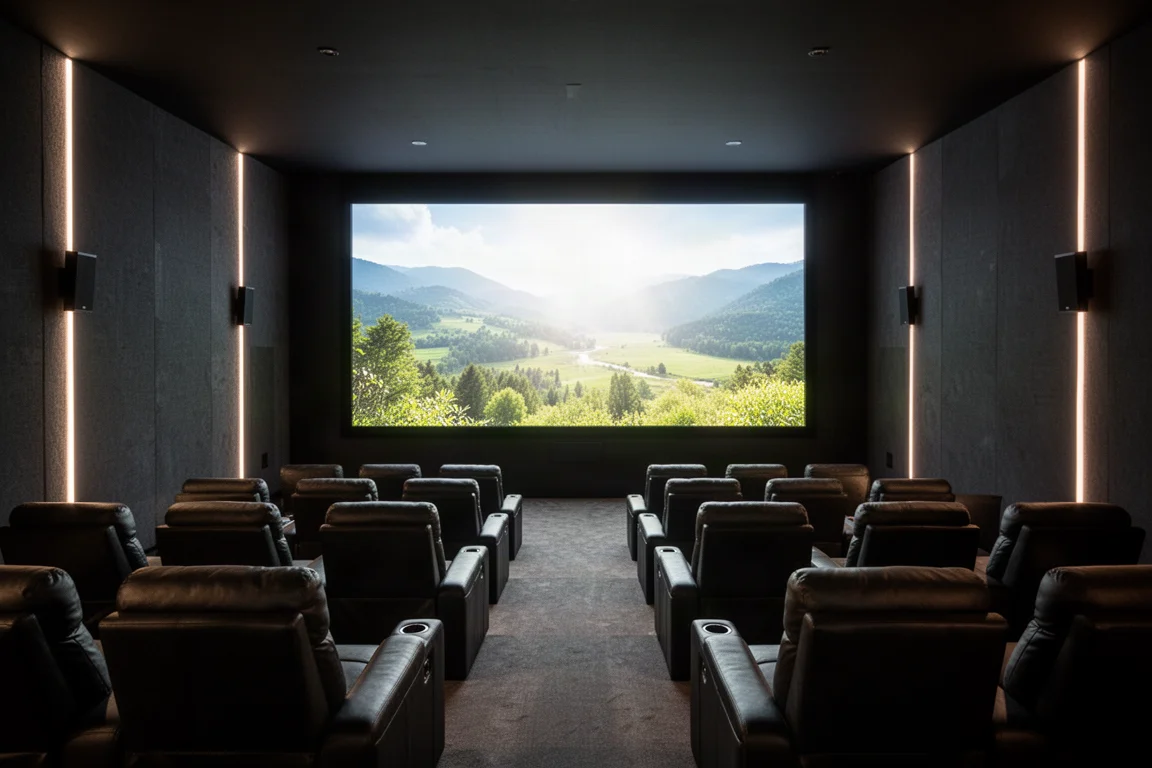
The practical result shows up at both ends of the brightness range. Highlights that would otherwise clip to a featureless white keep their color and detail, and shadow areas retain information that a simpler tone curve tends to crush.
HD sources receive similar attention. The Envy upscales 1080p content to 4K with enough processing headroom that the result can look close to a native 4K image, and it provides fine controls for sharpness, edge enhancement, grain reduction, compression artifact reduction and mosquito noise reduction. A small amount of sharpening on upscaled HD, plus a little noise reduction on older grainy transfers, is often all it takes to make legacy content far more enjoyable.
Shared Upgrades in the Mark II Generation
Both models share the same redesigned custom case, which reduces the footprint to four rack units and adopts improved heat sinks, airflow design and fans so the processor can be placed almost anywhere in a theater and remain nearly silent in use. Memory and storage are doubled compared with the previous generation on the Extreme Mark II, and both processors now ship with a redesigned backlit remote that offers more function buttons than the original. Both also carry a five-year warranty, which is uncommon in high-end audio visual hardware.
madVR Envy Extreme Mark II
The Extreme Mark II sits at the top of the range and is powered by an Nvidia 4080 GPU, with double the RAM and storage of its predecessor. That computational headroom is what makes the most demanding processing possible, and it is also what leaves room for features still in development, including motion AI processing aimed at reducing judder and motion artifacts. Owners of the Extreme Mark II are expected to receive those additions at no extra cost when they are released.
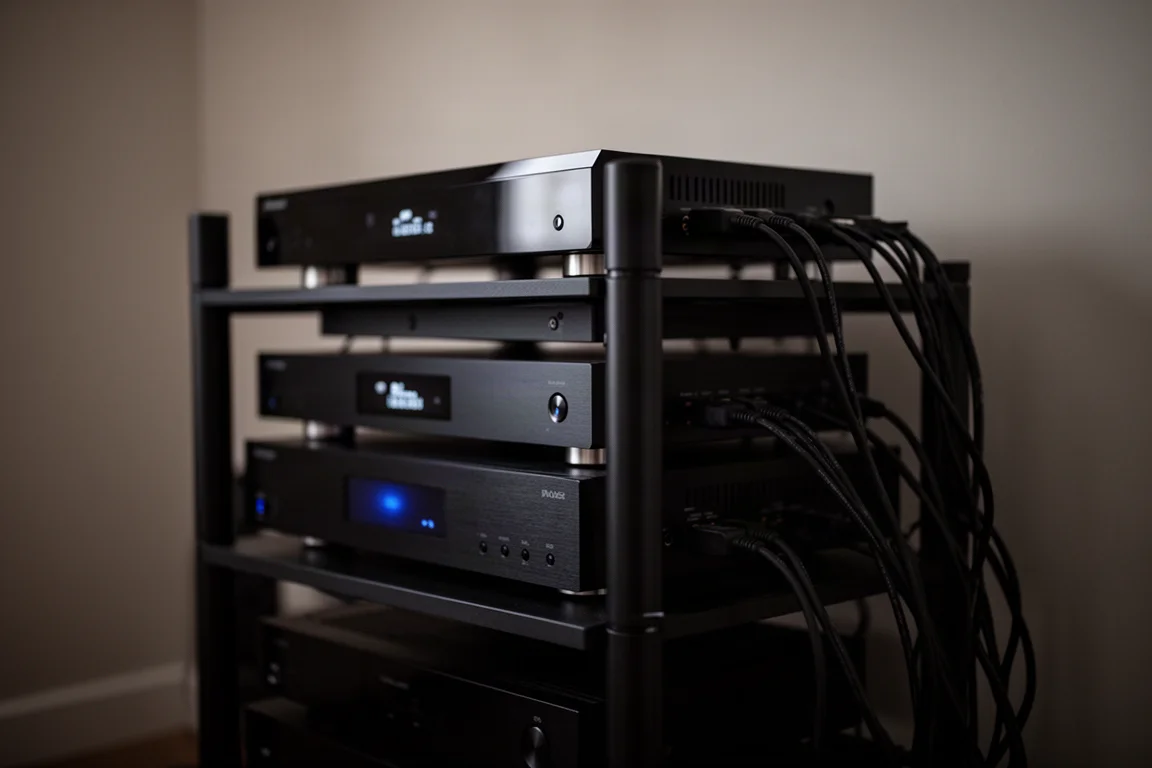
For a large scope screen paired with an anamorphic lens, the Extreme Mark II can correct barrel and pincushion distortion at the edges of the image, and it supports far more lens modes than the two typically offered by a projector.
madVR Envy Pro Mark II
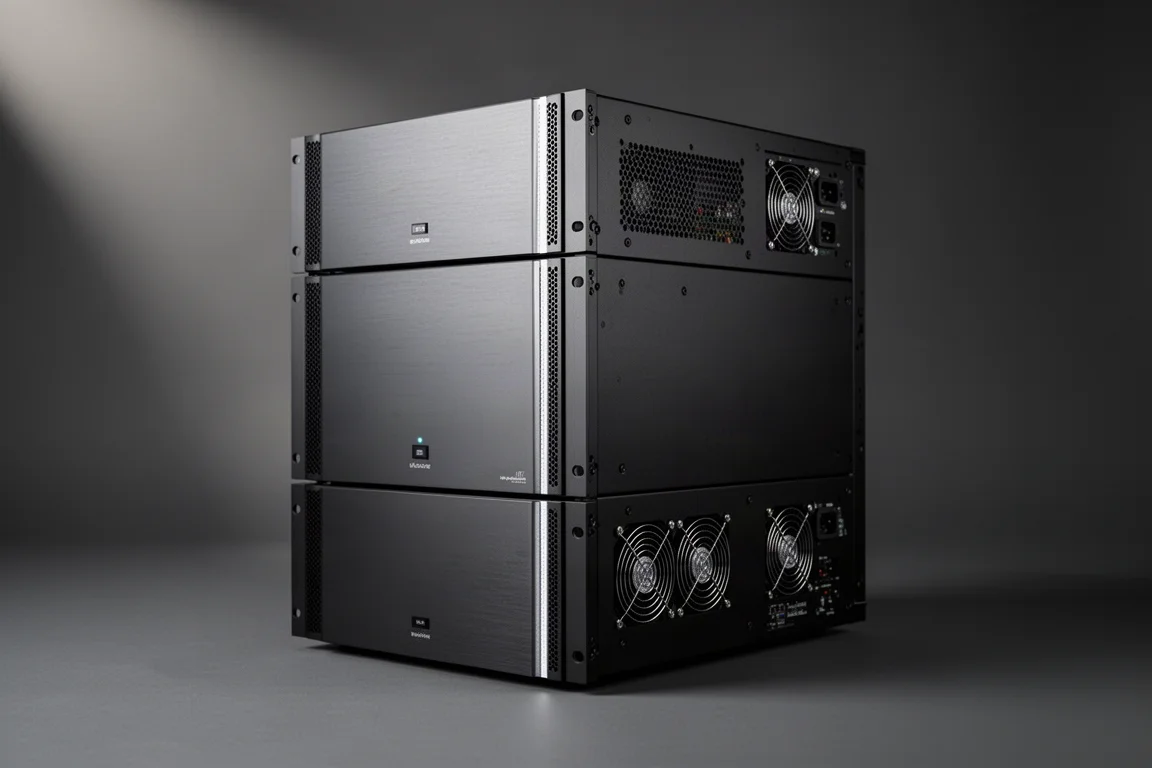
The Envy Pro Mark II keeps the same upgraded case, cooling design and premium components as the Extreme, but pairs them with a more modest GPU. For many rooms that is a sensible balance. The core benefits of dynamic tone mapping, automatic aspect ratio management and high-quality upscaling remain, while the processing demands of a smaller screen or a more conventional projector setup are comfortably covered.
Profiles, Firmware Updates and Setup
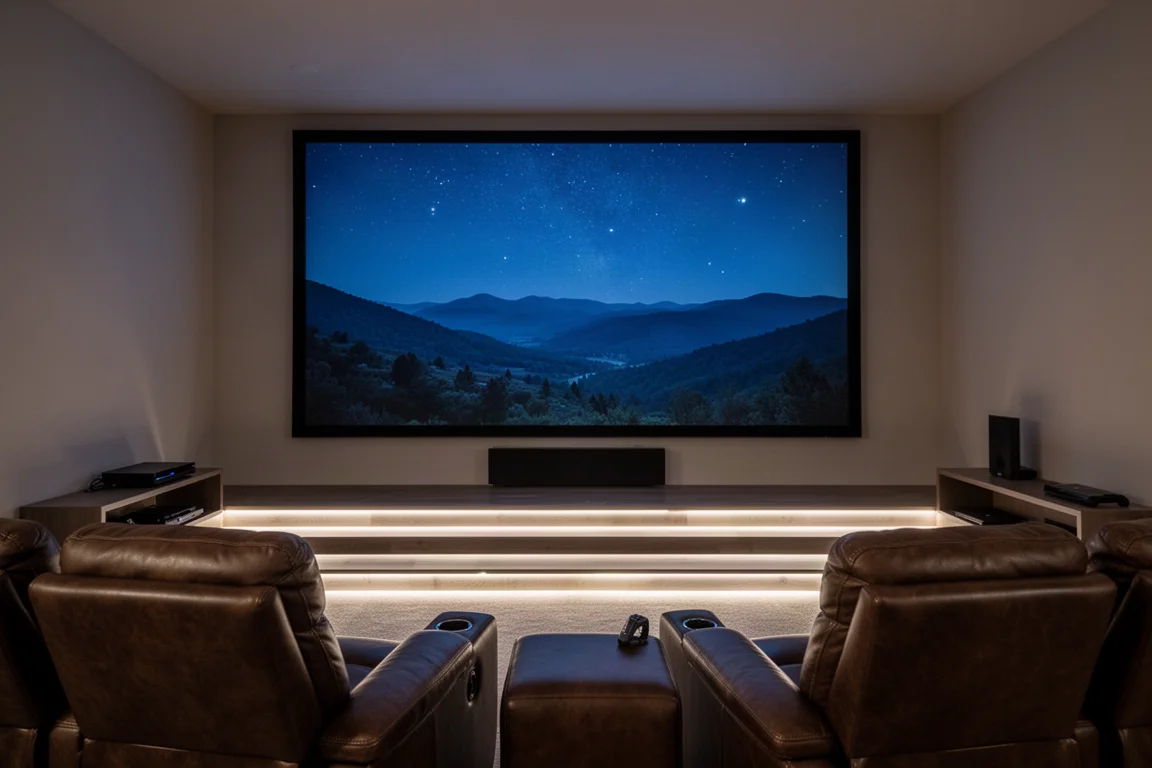
Aspect ratio handling is where the Envy tends to surprise people. Content arrives in 16:9, in 2.0 which is common on streaming services, and in 2.4 for most films. On a scope screen the processor can sense each ratio and rescale it to fill the screen automatically. Films that mix ratios, cutting between 16:9 and 2.4, are rescaled so that nothing is lost off the top and bottom of the picture. On a 16:9 display the image can be shifted up or down to remove one of the black bars, and for 16:9 sports on a widescreen setup a non-linear stretch fills the screen by slightly cropping the top and bottom and stretching the outer areas, which keeps the center of the action intact. Foreign films with subtitles placed below the image are handled by a slight shrink so the text stays visible, with no button presses required.
Settings can be grouped into profiles and recalled instantly, so a Blu-ray player and a streaming box can each have their own combination of artifact reduction and subtitle handling, and two setups can be compared side by side. Changes begin as temporary and can be saved to a profile or to the base setting once you are happy with them, with built-in help text on hand throughout. Firmware updates install online in about 15 to 30 seconds with one button press, and reverting to a previous version takes the same short process. Installation itself is straightforward: an HDMI cable in from the receiver or processor, an HDMI cable out to the display, and configuration handled by a dealer in person or through a remote session.
Buying Advice
Choose the Envy Extreme Mark II if you have a large screen, an anamorphic lens, or you want the most processing headroom for features still to come. Choose the Envy Pro Mark II if you want the same core image improvements and the same chassis and cooling design in a system where a more modest GPU is sufficient. In both cases the value comes from what the processor does with content you already own, rather than from any new source you would have to buy.
What to Consider Before You Buy
Two practical points are worth planning for. The first is cost. These are not inexpensive units, and the performance they deliver is the reason. Certified pre-owned units from earlier generations are sometimes available at a lower price point and carry a two-year warranty.
The second is processing delay. The Envy adds roughly 200 milliseconds to the video signal, which is irrelevant for films and television but noticeable in fast games. Running a second HDMI cable from the zero latency bypass output to the display removes that delay entirely.
A little patience with the menu system also helps, although the defaults a dealer configures are usually enough for everyday viewing by everyone in the household.
Conclusion
The madVR Envy Extreme Mark II and Envy Pro Mark II address the parts of home theater picture quality that displays and receivers handle least well: HDR tone mapping, aspect ratio changes and upscaling. Both bring the same redesigned, near-silent chassis, the same five-year warranty and the same deep control over how content fills a screen. The choice between them comes down to how much processing headroom your room and your future plans require.
Further reading
Related Reviews
Home Theater Video Processors
MadVR Envy Mark III and Core M2 Lineup: Which Video Processor Fits Your Theater?
A practical breakdown of the MadVR Envy Mark III series and Core M2, covering what changed, what each model offers, and who each one suits.

Backpacking Gear
Building a 10 lb Base Weight: An Ultralight Backpacking Gear List
A practical walkthrough of the ultralight pieces behind a 10 lb base weight, from a 765 g pack and a roomy one-person tent to a full camp chair and a dependable water filter.

Road Bikes
10 New Road Bikes Worth Watching: Aero, Titanium, Steel and Endurance Standouts
A practical roundup of 10 new road bikes, from aero flagships chasing single-watt gains to titanium, steel and endurance platforms built for real roads.