Video Processors
madVR Envy Extreme Mk II Review: AI Motion Handling for High-End Home Theaters
A second-generation flagship video processor with AI-based motion handling, deep HDR tone mapping, an all-aluminum chassis, and a five-year warranty.
Introduction
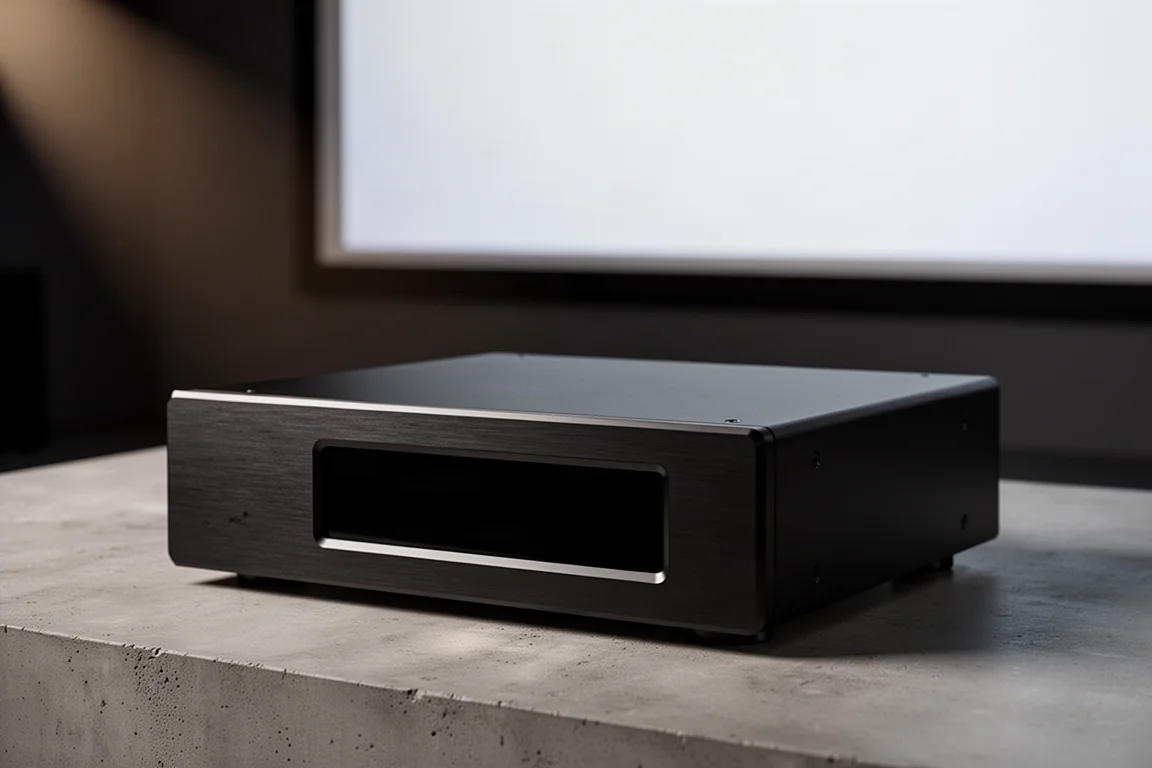
The madVR Envy Extreme Mk II is the second generation of the company’s flagship video processor, a dedicated component that sits between your sources and your display to handle the video processing that projectors and televisions often do not handle well on their own. The Mk II keeps the core promise of the original while changing a fair amount under the hood: a new custom chassis with a 20 mm aluminum front panel, improved cooling, all-new internal components, and a latest-generation GPU that doubles the available processing horsepower.
That extra headroom matters most for the AI-based algorithms at the center of the product, and it is a large part of why the Envy Extreme Mk II is positioned as a reference-class processor rather than a convenience accessory.
Two capabilities carry most of the story. The first is an AI-based motion interpolation engine built to reduce the perceived motion blur that modern displays add to film content. The second is HDR dynamic tone mapping that the company presents as best in class. Around those sit a deep calibration system, geometry and convergence correction, subtitle management, and a patent-pending nonlinear stretch technique for scope screens. A five-year parts and labor warranty covers the hardware, up from three years on the previous generation.
Who This Product Is For
madVR is direct about the positioning: this is a premium product and it is not aimed at budget buyers. It is built for people who value performance over dollars, and for home theaters where the rest of the chain has already been chosen carefully, including the projector, the room, the speakers, the seating, and the acoustic treatment. When every other link has been optimized, the video processor is the wrong place to leave a weak point.
It also suits owners of high-end projectors who like the way their projector renders an image but find its tone mapping or motion handling less convincing than they would like. The appeal of a separate processor is that it can give you the strengths of one device without forcing you to accept the weaknesses of another.
The third audience is professional calibrators and integrators. The calibration system is unusually deep, with support for a very large number of LUT points, which gives a trained operator room to work across the full color gamut rather than around the edges of it.
Main Strengths
The Mk II’s strengths cluster into three areas: motion handling, HDR tone mapping and color calibration, and build quality backed by a longer warranty. Each one addresses a limitation that owners of high-end projection systems tend to run into eventually.
AI-Based Motion Handling
Every modern display, whether LCD, LED, OLED, or laser-based projection, works on a principle called sample and hold. The panel puts up an image and holds it at full brightness for the duration of a frame, then swaps in the next one. Because that image stays static for a fraction of a second, persistence of vision causes the eye to perceive motion blur that was not in the source, or to exaggerate blur that was already there. Older display technologies such as CRT, plasma, and film projectors behaved differently: they flashed an image and let it fade, which is why they were not subject to the same effect.
The Envy Extreme Mk II uses AI-based motion interpolation to counteract that display-induced blur. The goal is not to force the strong soap opera look that many viewers switch off as soon as they unbox a television. Instead, the processing can be dialed from a subtle touch that takes the edge off the blur while preserving a cinematic look, all the way up to a much stronger, hyper-real presentation for viewers who prefer it, or for content such as nature documentaries where a higher frame rate can look more natural than a 24 fps cadence.
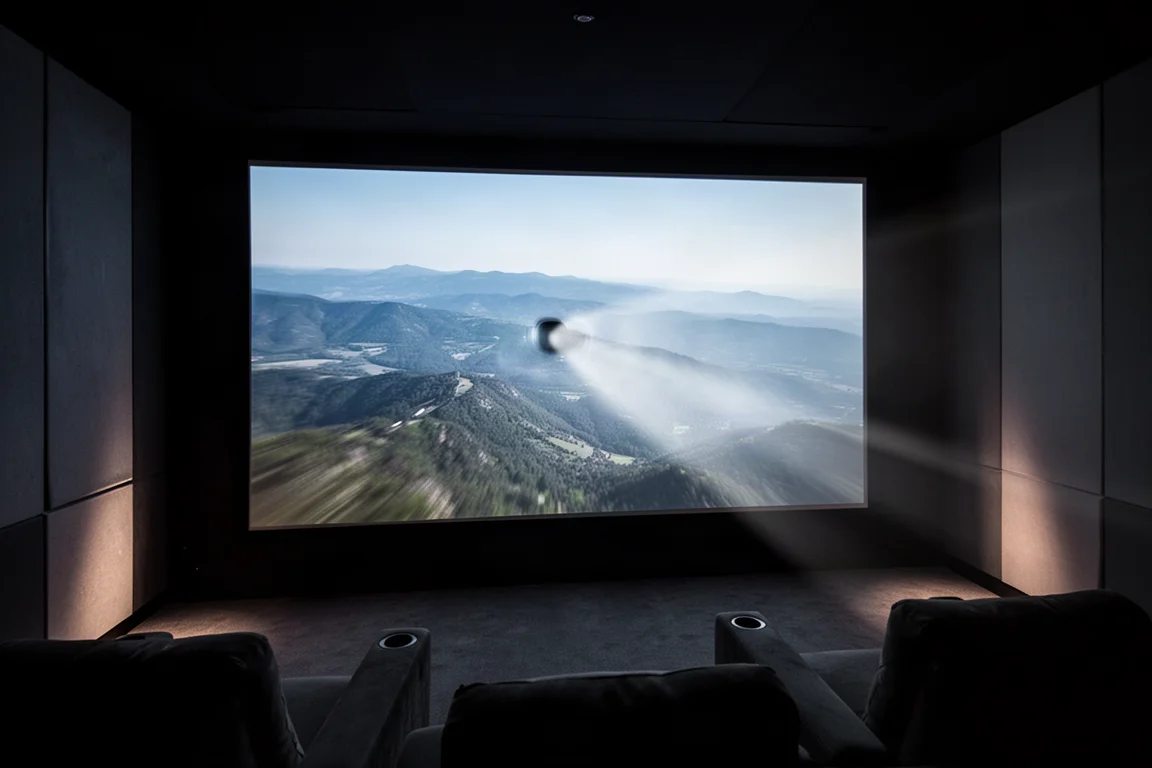
Motion handling remains a genuinely complex problem, and no implementation is perfect. Occasional artifacts can still appear, though the company reports fewer of them than with other motion interpolation algorithms. The practical benefit is a clearer, crisper image that still reads as film rather than broadcast video, and a level of control that lets you decide how far to push it.
Additional Processing Features
Nonlinear stretch is the most distinctive of the remaining tools. It is a patent-pending technique that compresses the image vertically while stretching it horizontally, correcting geometric distortion across both axes at once. On a scope screen, that means a figure at the edge of frame keeps natural proportions instead of appearing stretched wider than expected.
Subtitle management, geometry correction, and convergence correction round out the feature set. For anyone managing a projection setup with multiple sources and an unusual screen geometry, these are the features that quietly determine how usable the system is day to day.
HDR Tone Mapping and Color Calibration
Dynamic tone mapping is a core part of the platform, and it is the feature most likely to change how HDR content looks on a projector that handles tone mapping conservatively on its own. The Envy is designed to outperform the processing built into many displays, which is one of the main reasons buyers consider adding it to a chain that already works.
Color accuracy is handled through a 2D and 3D LUT system. The 1D LUTs manage grayscale and gamma, while the 3D LUTs manage color. The Envy Extreme Mk II supports 4,096-point 1D LUTs along with a 21-point 3D LUT that interpolates up to 16.7 million points, which gives a calibrator an unusually large amount of control across the full gamut.
You can also keep separate LUTs for different sources and formats. One might be dedicated to BT.709 SDR material such as 1080p Blu-ray, satellite, or broadcast television, while separate LUTs handle BT.2020 HDR content. For purists who want each source to look as correct as the display allows, that flexibility is a meaningful part of the value.
Build Quality, Cooling, and Warranty
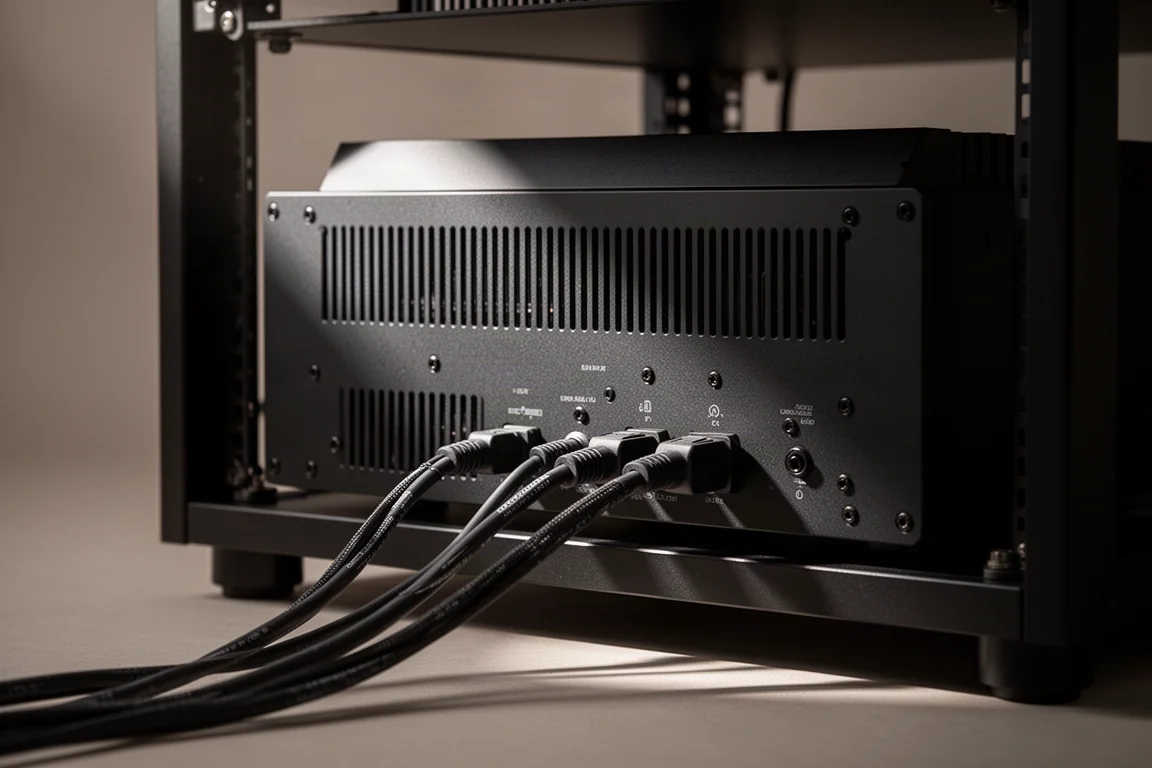
The Mk II arrives in an all-new custom case with a 20 mm aluminum front panel and an all-aluminum construction. Cooling received particular attention in this generation, and the chassis is built to move a substantial amount of heat away from the processing hardware. Given the amount of processing power running through the unit, thermal design is not a cosmetic concern, and the redesigned enclosure is clearly meant to support sustained operation.
The warranty has also been extended. The Envy Extreme Mk II carries a five-year parts and labor warranty, up from three years previously. That change reflects an emphasis on build quality and a willingness to stand behind the hardware over a longer ownership period, which matters for a component that sits at the center of a permanent home theater installation.
Things to Consider Before Buying
Price is the first consideration, and it should be. This is a premium processor whose cost is comparable to that of a projector, and it makes the most sense for buyers who have already invested heavily in the rest of the room. If your budget is finite, an upgraded projector or a better screen may deliver a larger visible improvement for the same money.
Motion interpolation, even in this AI-based implementation, is not flawless. Rare artifacts can still show up in individual scenes, so it is worth treating the feature as a tunable tool rather than a switch that solves motion blur permanently.
Setup takes some patience. There are many settings and many ways to adjust the output, which is exactly what enthusiasts want, but it also means the best results come from spending time with the menus rather than accepting the defaults.
Finally, no processor can reverse compression that is already in the source. Even high-quality streaming carries compromises that the Envy can only maximize rather than remove. The better your source material, the more the processing has to work with.
Buying Advice
Buy the Envy Extreme Mk II if you own a high-end projector and want better HDR tone mapping, finer control over motion, or more calibration depth than the display provides on its own. Buy it if your home theater is otherwise complete and you would rather add processing than replace a projector you already like.
Hold off if your display already handles these tasks to your satisfaction, if your budget would be better spent on a projector upgrade, or if you are not prepared to spend time tuning settings to your room and your preferences.
The five-year warranty is a genuine point in its favor for a long-term installation, and the all-aluminum chassis and upgraded cooling suggest a component intended to stay in a rack for years rather than seasons. madVR also offers a Pro version of this generation with the same calibration LUT support, so buyers with more demanding requirements have a step up available within the same family.
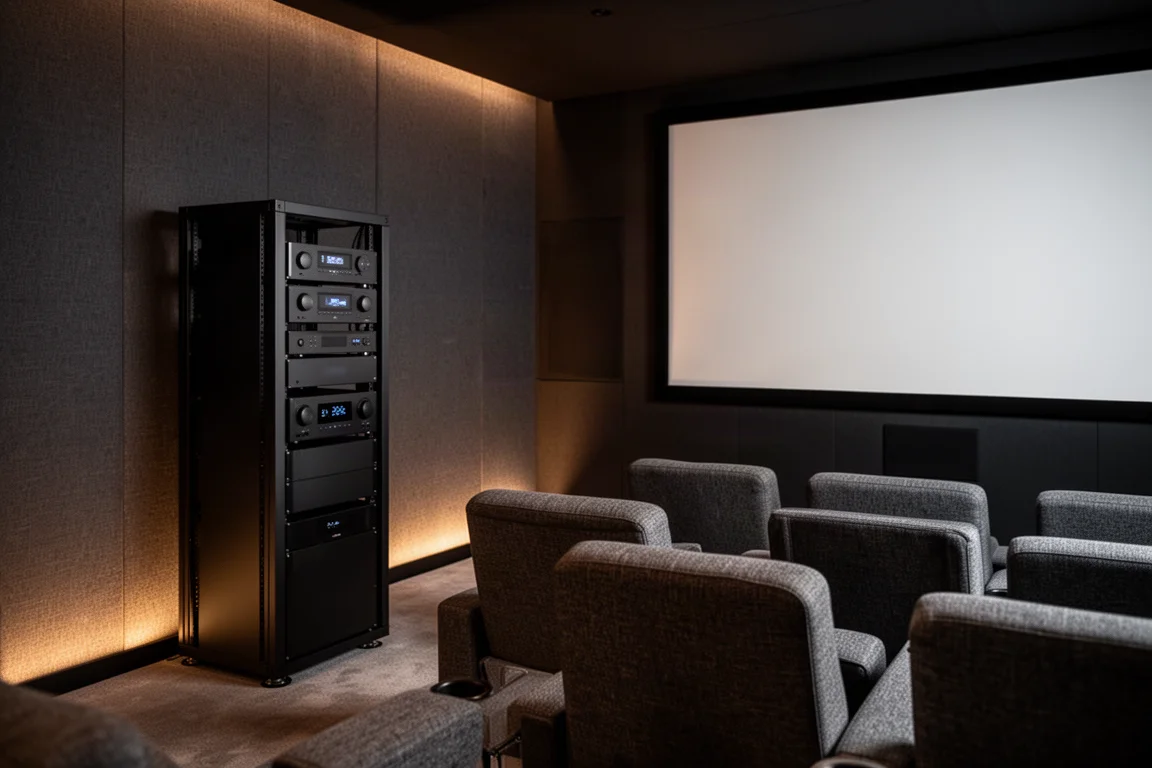
It helps to think about what you are actually paying for. You are not buying a single feature but a package: motion handling, tone mapping, calibration, geometry correction, and subtitle management in one box, with the freedom to combine them however your system needs. For a dedicated room built around a high-performance projector, that combination is often the difference between a very good picture and the picture the hardware is capable of producing.
Conclusion
The madVR Envy Extreme Mk II is a specialist component for a specialist audience, and it is honest about that. Its most compelling arguments are an AI-based motion engine that reduces display-induced blur without forcing a soap opera look, HDR tone mapping aimed at outperforming the processing built into most displays, and a calibration system with enough depth for professional work.
The second-generation hardware adds a new all-aluminum case, improved cooling, a latest-generation GPU with double the processing horsepower, and a five-year parts and labor warranty. If you are building a reference-level home theater and want the video side to keep pace with everything else in the room, the Envy Extreme Mk II is the kind of component that earns its place. If your budget or your priorities point elsewhere, a projector or screen upgrade will likely serve you better.
Product link
View more details for madVR Envy Extreme Mk II
This product is mentioned in the review. Check the specifications, options, and compatibility before buying.
View more details for madVR Envy Extreme Mk IIFurther reading
Related Reviews
Room Correction
Anthem ARC Genesis Beta Review: Smarter Speaker and Subwoofer Integration
A practical look at Anthem's ARC Genesis beta, including phase-aware speaker calibration, all-pass subwoofer blending, and the settings worth adjusting.
AV Processors
Anthem AVM 90 8K Review: A Reference-Grade AV Processor for Music and Movies
A close look at the Anthem AVM 90 8K AV processor: measured performance, two-channel and immersive listening notes, bass control, and what to weigh before buying.
Home Theater
Anthem AVM 90 Review: A 15.4-Channel Flagship Preamp Processor
A close look at Anthem's flagship preamp processor, covering its dual ESS DAC architecture, 15.4-channel layout, ARC Genesis calibration and four independent subwoofer outputs.