Home Theater
madVR Envy Core vs Pro vs Extreme: Which Video Processor Fits Your Room?
A practical comparison of the three madVR Envy video processors, covering the features they share, how the models differ, and how to choose between the Core, Pro, and Extreme.
Introduction
High dynamic range films are mastered for displays capable of 1,000 to 10,000 nits. Most of the best televisions reach roughly 600 to 1,000 nits, and front projectors commonly deliver somewhere between 50 and 150 nits. The first attempt at closing that gap, static tone mapping, applied a single curve to an entire film and often produced a dark, flat picture.
madVR Envy video processors take a different route. They use the brightness level your display can actually produce and analyze every single frame independently, applying sophisticated algorithms to generate the best image the screen is capable of. The family now has three members, and the newest one is designed to bring that processing to a much lower entry point.
What Every madVR Envy Model Gets Right
All three models share the same core processing set: frame-by-frame dynamic HDR tone mapping, motion handling, upscaling to 4K, aspect ratio management, subtitle management, and sharpening plus detail enhancement.
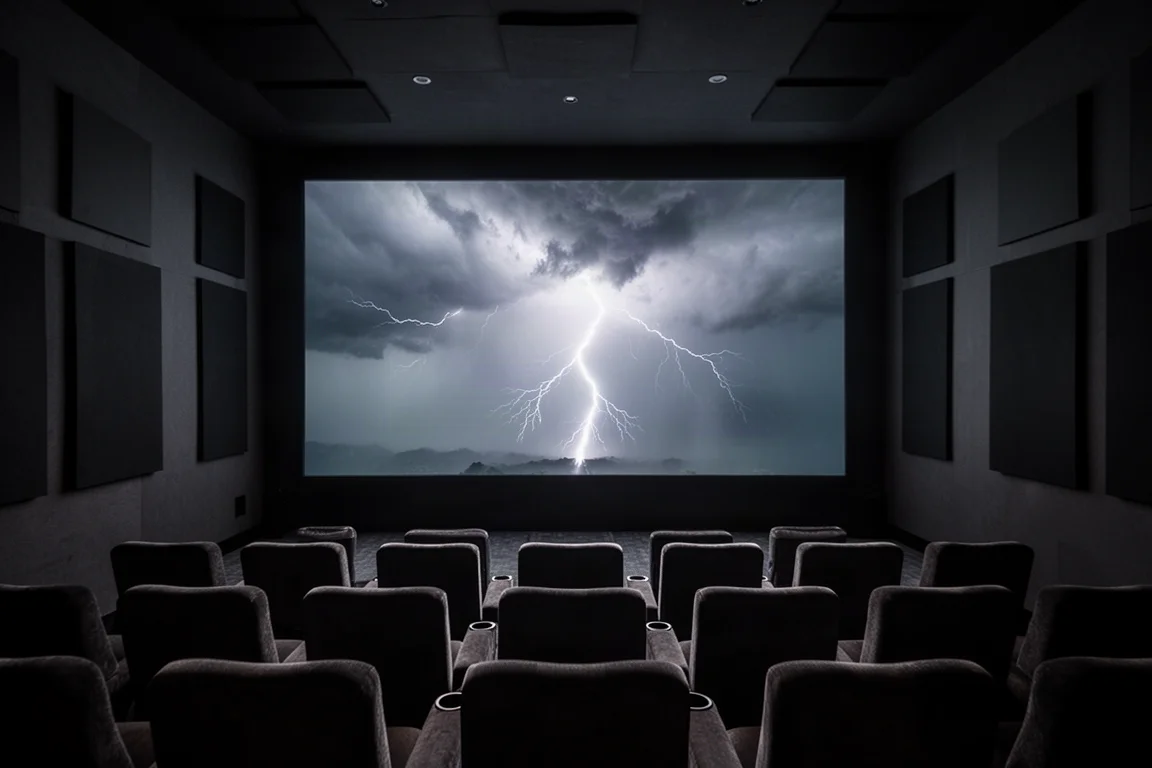
The tone mapping difference is easiest to see in bright highlights. In a scene with a lightning strike, a high-end projector without the Envy in the signal path can blow the highlight to flat white with no detail or color, while the same frame through the Envy keeps the full detail and color. The same benefit applies at the dark end, where shadow detail is preserved rather than crushed.
Aspect ratio management is the other headline capability. Content arrives in everything from 16x9 to 2.0 to 2.4. On a 16x9 screen, the Envy can shift the image up or down to remove one of the black bars. On a scope screen it can auto-sense the incoming ratio and fill the display, replacing lens memory presets that take 10 to 20 seconds to switch and can drift over time. Films that mix ratios, such as Interstellar, are rescaled automatically so 16x9 segments fit the scope screen instead of overscanning and losing roughly a quarter of the picture.
Sports fans with widescreen projection get a nonlinear stretch mode: a slight crop of the usually unused top and bottom of the frame, plus a gentle stretch toward the outer edges, so a 16x9 broadcast fills the screen. Subtitle management works automatically as well, shrinking the image just enough to keep subtitles from foreign-language films visible on a 2.4 screen.
HD material also benefits. Source devices, receivers, and displays can upscale to 4K, but they do not have the processing power of an Envy, which can make HD content look close to true 4K in sharpness and detail. Additional controls for sharpness, edge enhancement, and noise reduction let you refine the result further, and a touch of noise reduction makes older, grainier films more enjoyable to watch.
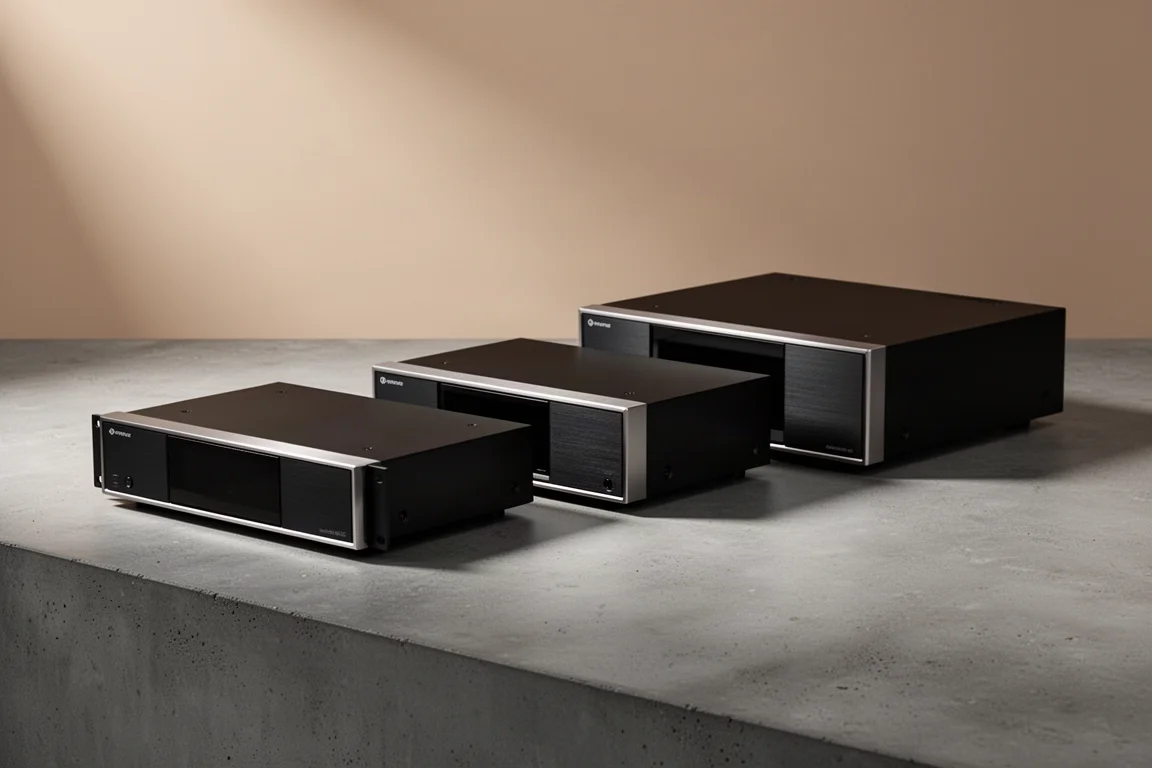
madVR Envy Core: The Most Accessible Envy
The Envy Core is the most affordable model in the range and is positioned as the most affordable video processor on the market. It arrives this fall with a limited-time introductory price of $4,995 in the US and an MSRP of $5,995.
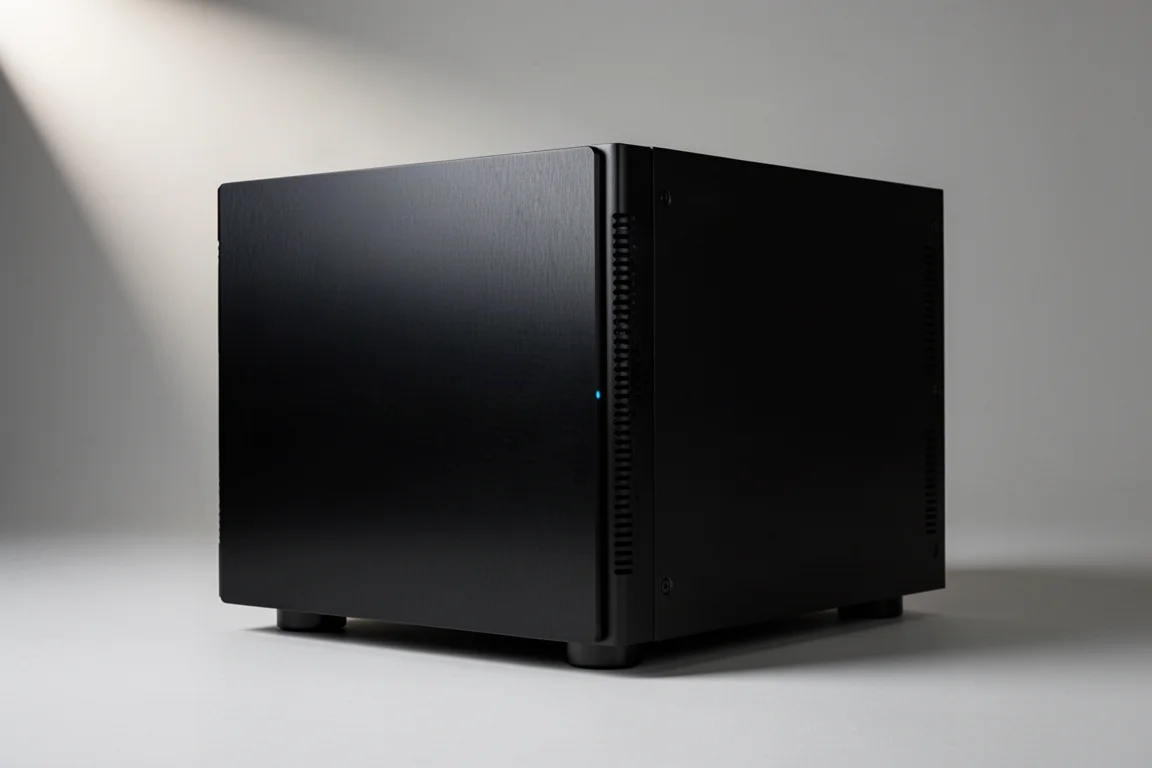
It carries the primary Envy feature set, including frame-by-frame tone mapping, motion handling, 4K upscaling, aspect ratio and subtitle management, and detail enhancement. The chassis is the smallest of the three at 2RU and weighs roughly half of what the Pro and Extreme weigh, which makes it easier to fit into media rooms and theaters where rack space is limited. An Nvidia 4060 GPU handles the processing.
Because introductory supply is expected to be limited, pre-ordering is worth considering if the Core matches your budget.
Core Premium Package: What the Add-On Unlocks
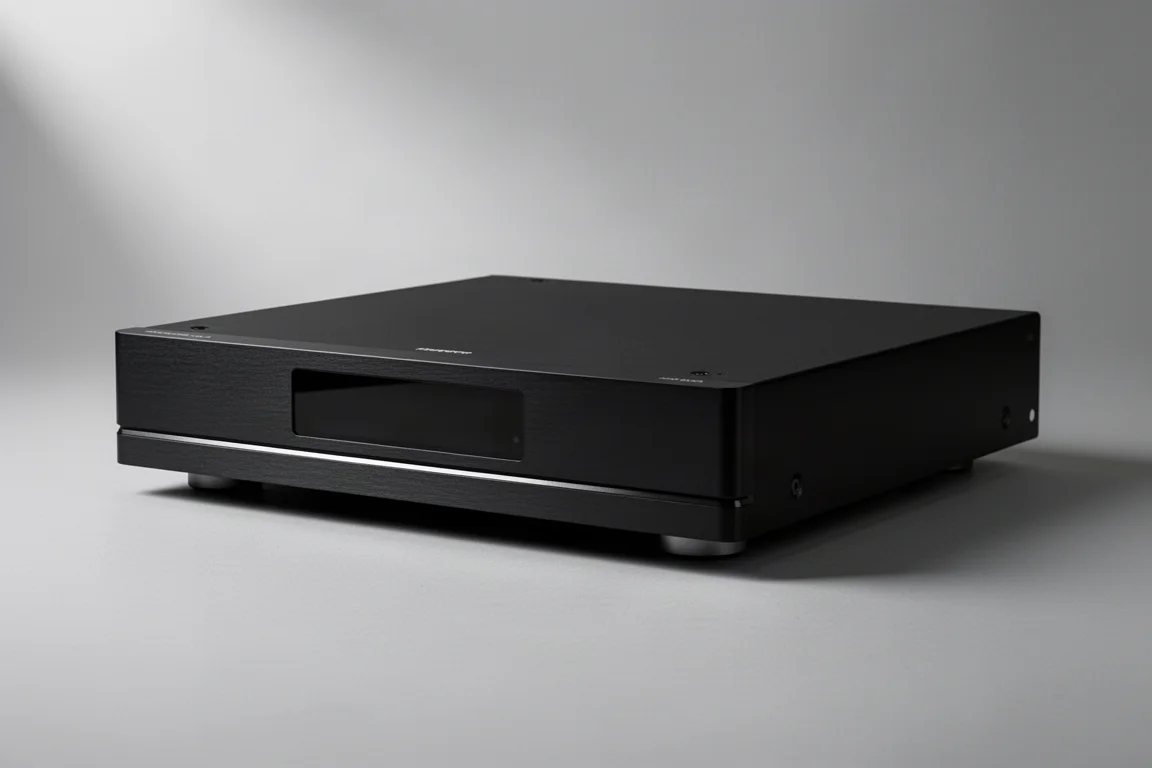
madVR Labs kept the Core’s price aggressive by leaving out a handful of features that some users want, then made those features available as a paid upgrade. The Core Premium Package is purchased directly from madVR Labs and currently costs $995.
It adds dynamic subtitle overlay, automatic activation of JVC and Sony lens memory over IP, AI-based artifact and noise reduction, advanced test patterns, unlimited profiles, and a warranty extension from two years to four years. The Core continues to receive standard firmware updates, and Premium Package owners will also receive additional advanced features in the future.
For buyers who want more control without moving to a higher tier, the Premium Package keeps the Core as the base unit while adding the capabilities that advanced users tend to ask for.
madVR Envy Pro: More Headroom for Advanced Systems
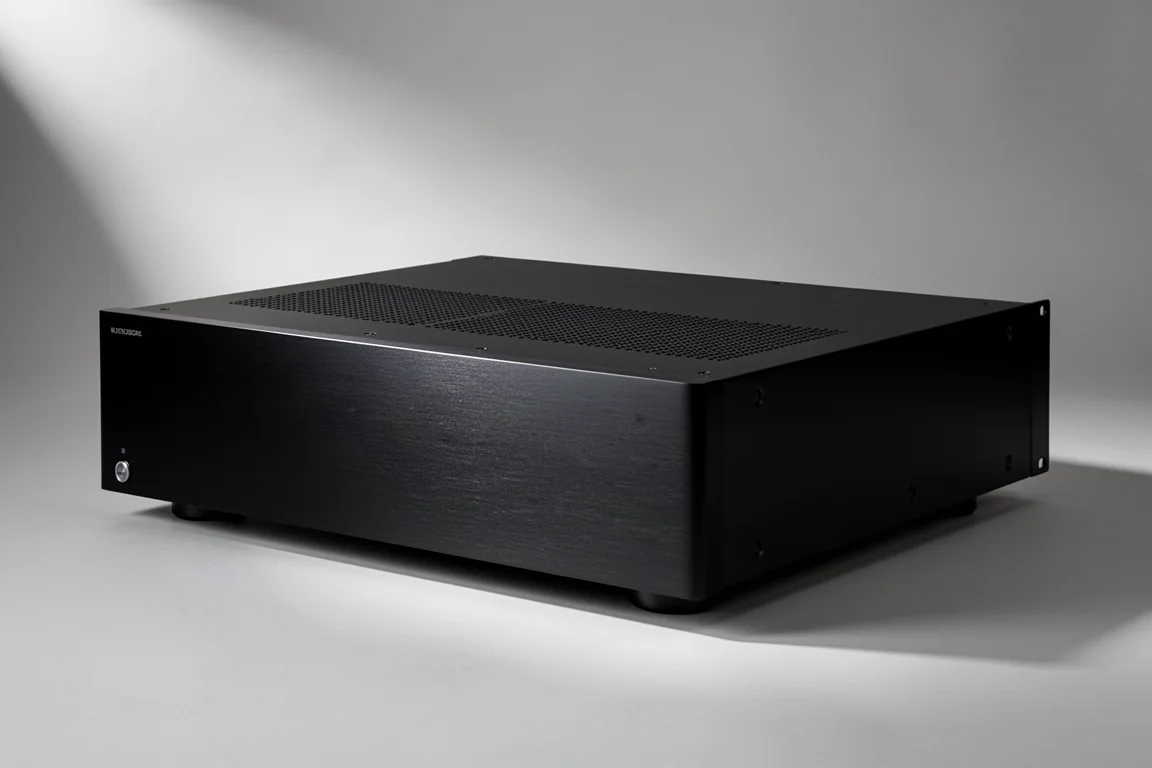
The Envy Pro sits in the middle of the range. It uses the same core processing as the Core, but adds more CPU processing power and RAM, more advanced cooling, and more advanced processing overall. It also carries a longer warranty and a more substantial, more luxurious chassis.
It is the sensible choice for a more advanced system when the Extreme is out of reach, though the Pro does not offer the future paid upgrade path that the flagship does.
madVR Envy Extreme: The Flagship
The Envy Extreme is the most powerful version. It uses an Nvidia 480 processor in place of the Core’s 4060 and roughly doubles GPU processing power, which allows it to run more features simultaneously at maximum capability without having to limit anything.
That extra headroom enables a set of advanced AI picture features. The most discussed is Motion AI, which analyzes every pixel to improve motion handling while avoiding the soap opera effect. The Extreme also adds upscaling to 8K and geometry control, and it is the only model in the range that is paid upgradable in the future, which matters if you want to keep adding capabilities over time.
The Extreme is aimed at buyers who want the most advanced feature set, or who genuinely enjoy tuning a system to its limits. If you simply want the biggest picture quality improvement per dollar, the Core covers the fundamentals.
Setup, Firmware, and Gaming Notes
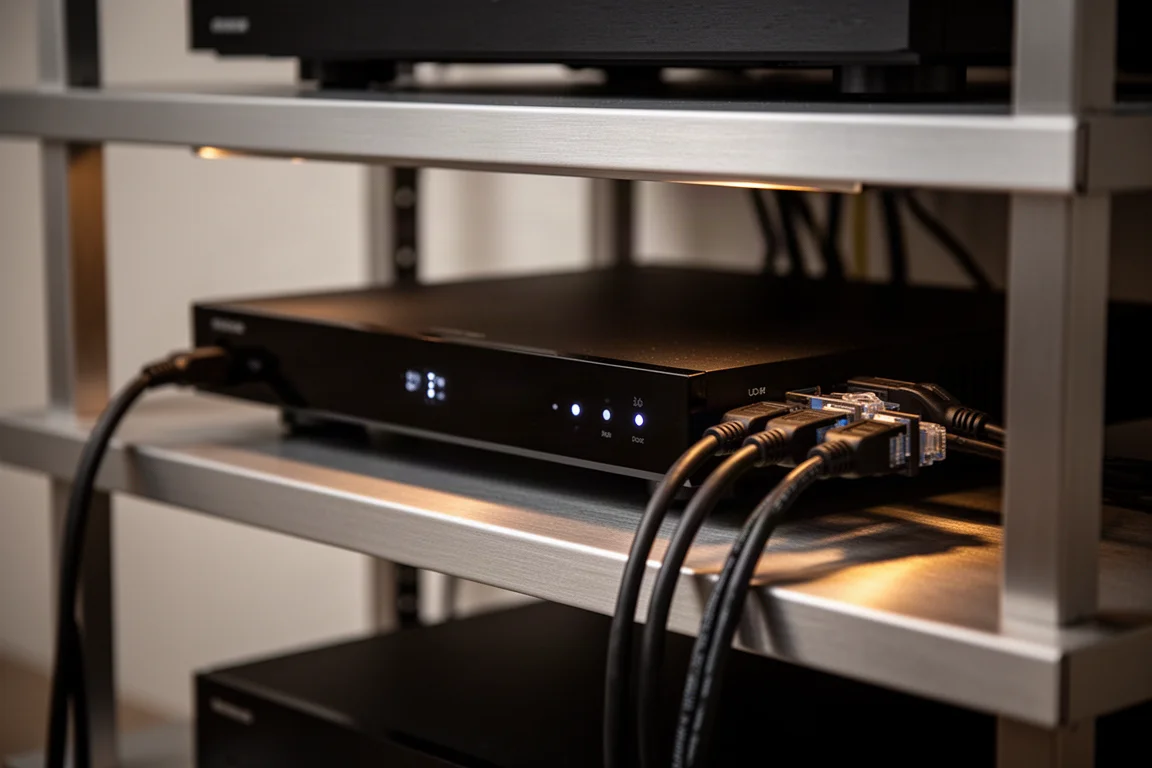
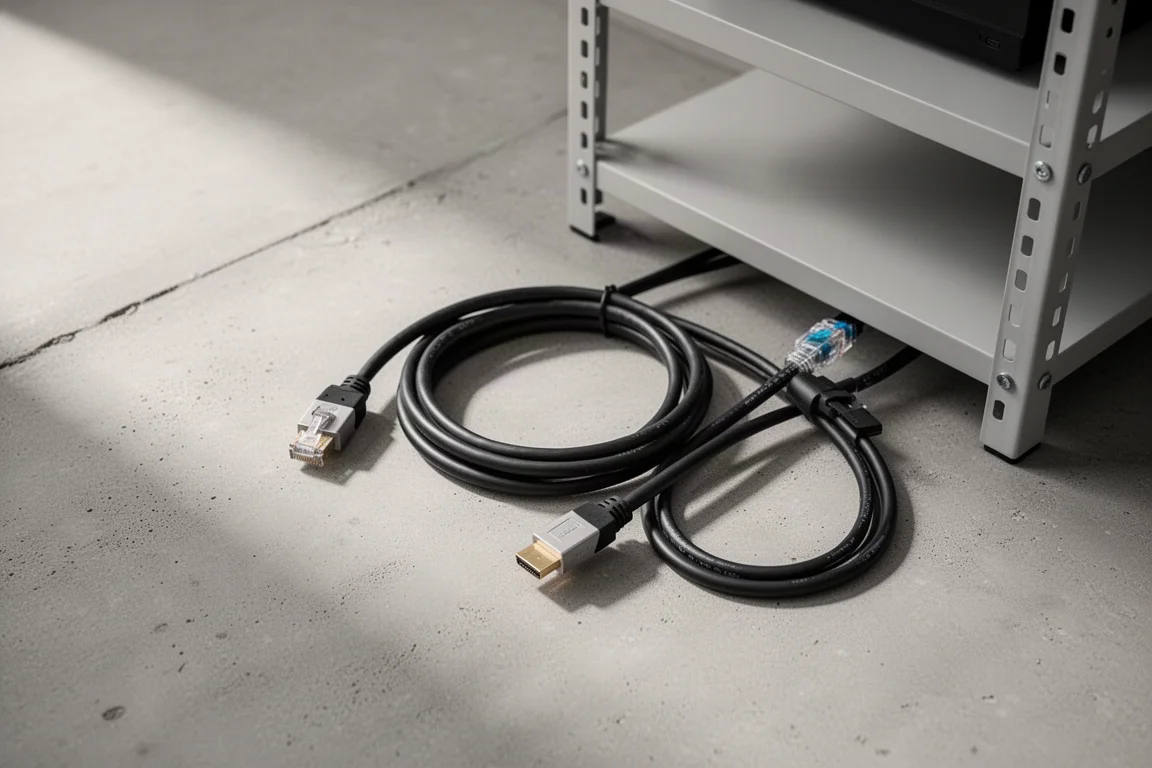
Installation is straightforward. You connect a network cable, run an HDMI cable from your processor or receiver into the input, run an output HDMI cable from the unit to the projector or television, and attach the simple remote antenna. A dealer then configures the Envy around your system and personal preferences, either in person or over a remote connection, which is useful for vacation homes and other remote locations.
Firmware updates take 15 to 30 seconds and complete online with a single button press. You can choose to install experimental or beta firmware if you want features early, and reverting to a previous version takes the same short process. The unit also backs itself up every day, so experimenting with settings carries very little risk.
Gamers should note that video processing adds roughly 200 milliseconds of delay to the signal. A gaming mode with lower latency is on the roadmap for all Envy models. Until then, serious gamers can run a second HDMI cable from the zero latency bypass output to the display to avoid the delay entirely.
Choosing Between Core, Pro, and Extreme
For most rooms, the Envy Core is the best price-to-performance option, and it is expected to become the biggest seller in the range. It delivers the tone mapping, aspect ratio management, and upscaling that transform a projector or television image, in the smallest and lightest chassis of the three.
Step up to the Pro if you have a more advanced system and want additional processing power, more advanced cooling, and a longer warranty, but the Extreme is beyond your budget. Choose the Extreme if you want the most advanced features, the highest simultaneous processing capability, and the only future paid upgrade path in the family. The Core Premium Package is a reasonable middle route for buyers who want more control without moving to a higher tier.
Conclusion
All three madVR Envy models share the features that matter most: frame-by-frame HDR tone mapping, 4K upscaling, aspect ratio management, and subtitle handling. The Core makes that feature set accessible at $4,995 during its limited-time introductory period, the Pro adds processing headroom and a longer warranty, and the Extreme is the flagship for buyers who want every advanced capability. Match the model to your room, your display, and your appetite for tuning, and the picture quality improvement will be the part you notice first.
Further reading
Related Reviews
Home Theater
Anthem AVM 90 Review: A 15.4-Channel Flagship Preamp Processor
A close look at Anthem's flagship preamp processor, covering its dual ESS DAC architecture, 15.4-channel layout, ARC Genesis calibration and four independent subwoofer outputs.
Home Theater
Apple TV 4K With AirPods: A Best-Value Home Theater Setup
An Apple TV 4K paired with AirPods over Bluetooth makes a compact home theater setup for movies, spatial music and late-night viewing, and it can be assembled for as little as $300.
Home Theater
Arcam AVR15, AVR25, AVR35, and AVP45 Compared: Which AV Amplifier Fits Your System?
Four new Arcam home theater components share nine-channel amplification and Dirac Live, but differ in power, processing ceiling, and channel flexibility.