Home Theater
Apple TV 4K With AirPods: A Best-Value Home Theater Setup
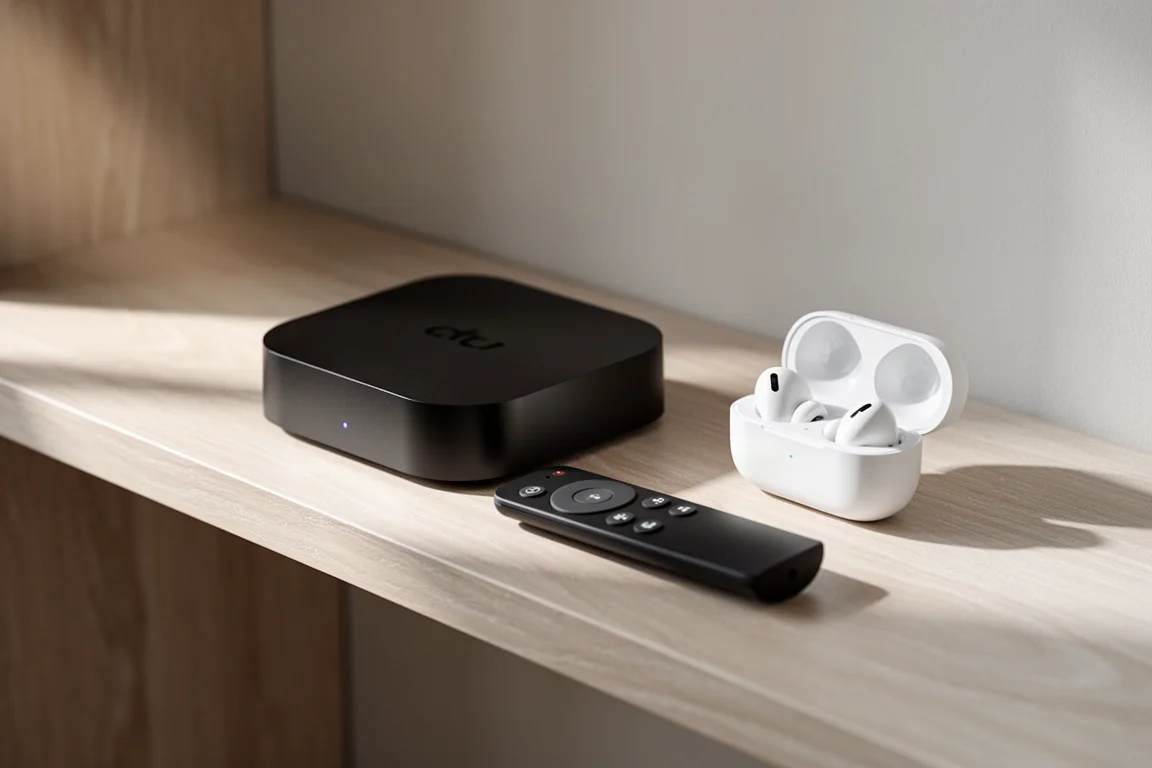
An Apple TV 4K paired with AirPods over Bluetooth makes a compact home theater setup for movies, spatial music and late-night viewing, and it can be assembled for as little as $300.
Introduction
Building a home theater setup normally means a receiver, several speakers and a room that cooperates with them. There is a far simpler route that costs much less and takes the room out of the equation altogether: an Apple TV 4K paired with a set of AirPods over Bluetooth.
The complete setup can be assembled for as little as $300, and it covers the three things most people actually do at home: watching films and series in surround sound, listening to spatial audio music, and following podcasts and long-form shows without being tied to the sofa.
What Makes This Setup Stand Out
The case for this pairing is not that headphones beat a well-built speaker system. It is that headphones remove the room from the equation. A speaker system almost always needs acoustic treatment before it performs at its best, and that is a project in its own right. Headphones pick up no room reverb, and they need no bass trapping to stay controlled.
The practical advantage matters just as much. You can watch a film late at night without disturbing anyone else in the house.
It is not strictly a solo experience either. Two sets of AirPods can be paired to the same Apple TV 4K at once, and Dolby Atmos decoding is maintained across both sets.

One caveat applies when two people listen together: the Atmos presentation is shared rather than individually tailored for each listener.
Apple TV 4K: The Streaming Hub
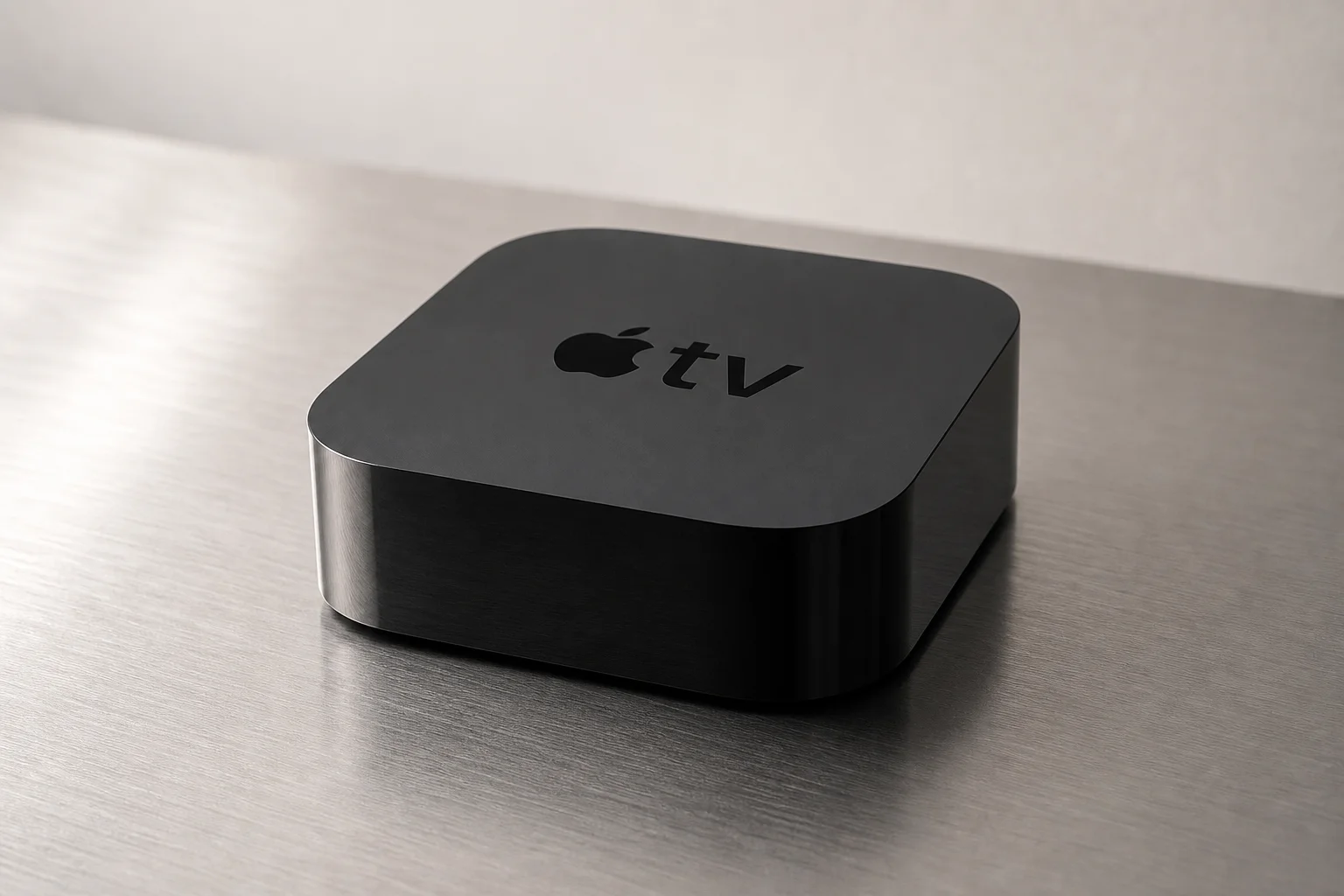
The Apple TV 4K is the center of the setup. AirPods connect to it over Bluetooth. Put the earbuds in your ears and the Apple TV will offer to pair with them, and pressing the TV button on the remote completes the pairing. A small line drawing of AirPods appears next to the clock in the top right of the screen to confirm that it worked, and the connection is restored automatically the next time you use them.
If you ever need to remove the AirPods from the Apple TV, the path runs through Settings, then Remotes and Devices, then Bluetooth. Once connected, the Apple TV remote controls the volume of the AirPods, and the usual gesture controls for play, pause and volume keep working.
The box is not limited to headphone listening. Its HDMI output can feed an AV receiver, DAC or amplifier and let that device handle conversion, or the AirPods can do the conversion instead. Roon can also stream directly to an Apple TV 4K, so no dedicated Roon-ready hardware is required. The one limitation worth knowing is that the Apple TV will not handle high-resolution audio, with output capped at 48 kHz.
Apple AirPods: The Everyday Pair
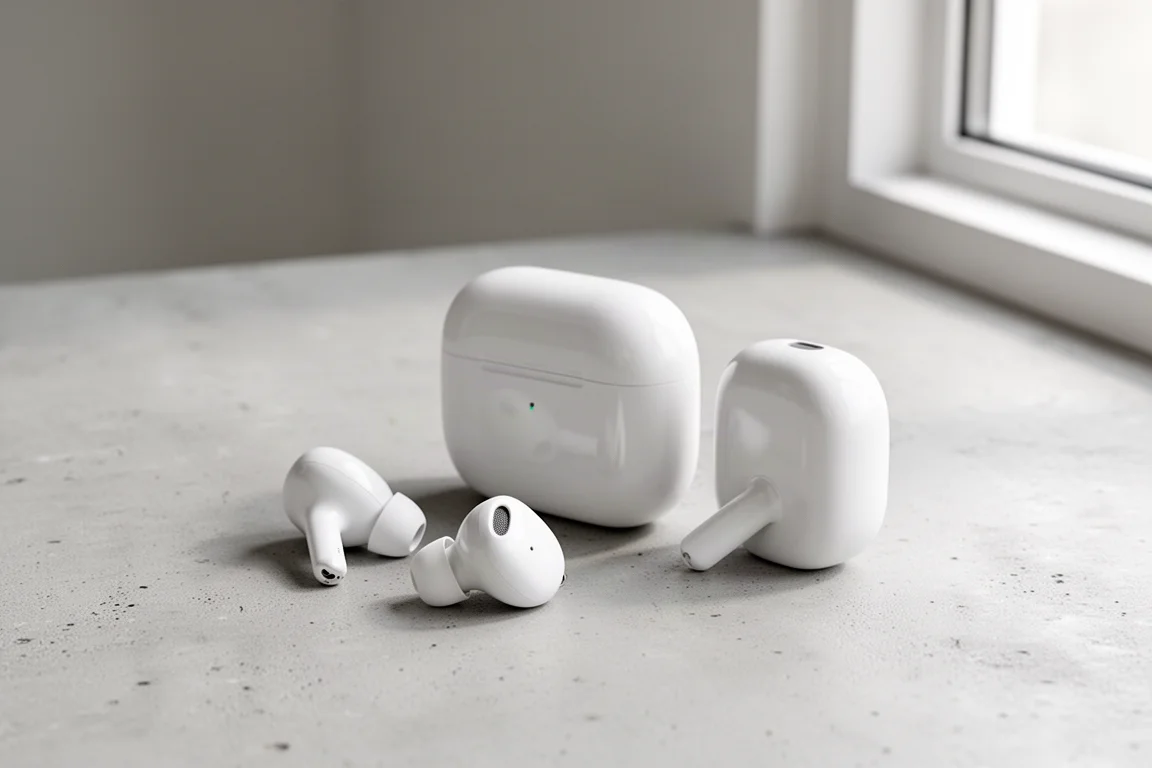
The standard AirPods are the most affordable way into this setup, and they connect in exactly the same way. Their strongest argument is comfort: they can be worn through a three-hour film without becoming a distraction, which is more than can be said for every headphone.
What they will not do is imitate a subwoofer. Deep, physical low end is not part of the package, and listeners who want that should look at the over-ear option instead. For dialogue, effects and music, the standard AirPods keep the presentation clear and easy to follow.

Late-night listening is where they earn their place. Because the audio comes from the Apple TV rather than a phone, long sessions do not drain a phone battery either, and when the content is conversational rather than visual you can leave the sofa and keep listening from another room, with Bluetooth range as the only real limit.
Apple AirPods Pro: Spatial Audio for Movies
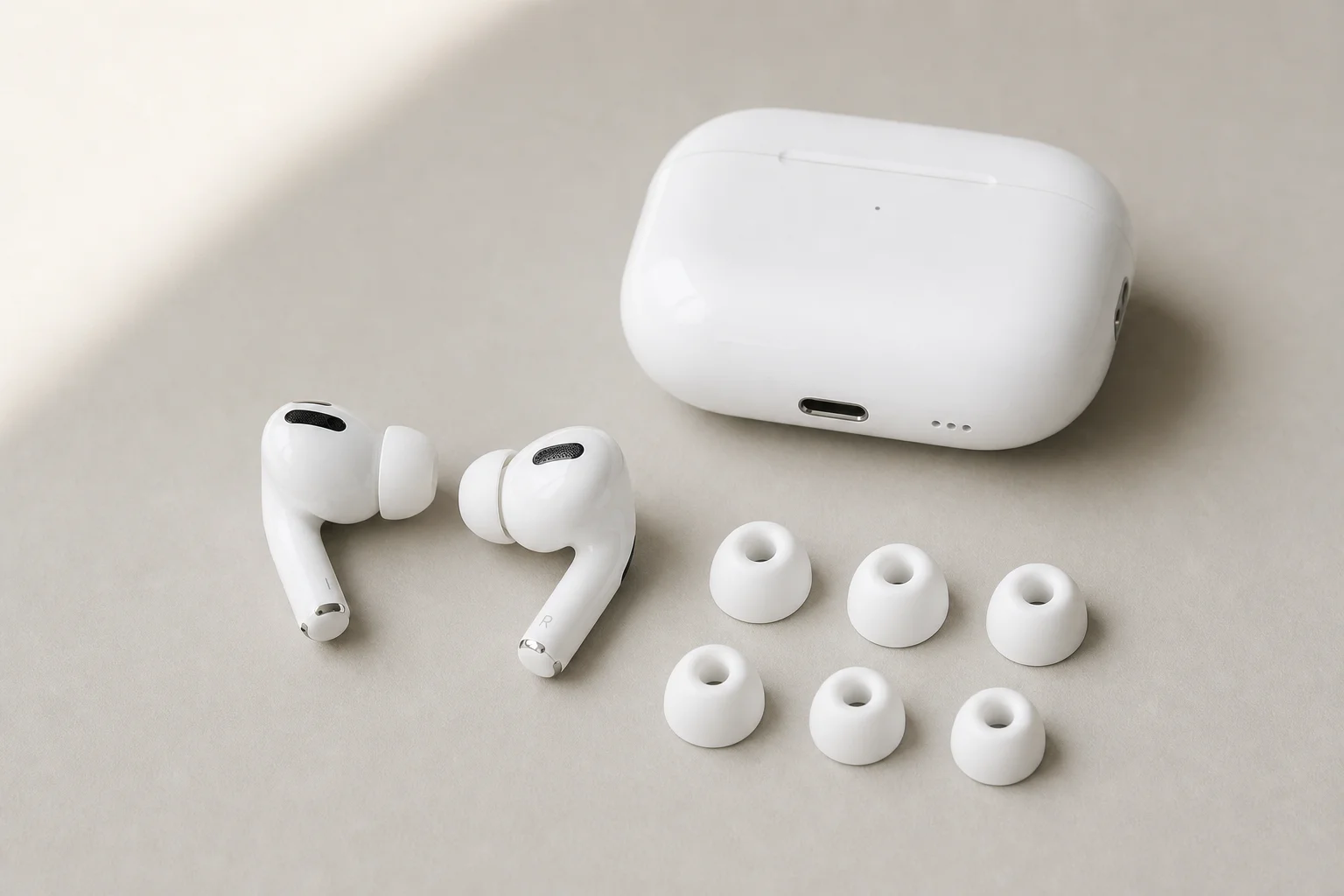
The AirPods Pro are where the film experience becomes genuinely surprising. Paired with the Apple TV 4K, they render surround sound binaurally, and the result is convincing enough that the soundtrack appears to come from the screen rather than from the earbuds. Dolby Atmos and 5.1 tracks are available on Netflix and Amazon Prime more often than not, although Netflix flags that availability in its show notes while Amazon Prime does not.
Placement is the real story. Front and side cues are easy to locate in the virtual space around the listener; height is present but modest, and sounds from behind are the weakest part of the illusion. Layering and localization come through more clearly with film soundtracks than with music. A good illustration is the slow dance in A Quiet Place, where Harvest Moon sits in front of the listener, hanging in open space rather than sitting inside the head.
Noise cancellation stays active when the AirPods Pro are paired to the Apple TV, and the gesture controls for play, pause and volume continue to work. The same pairing also makes Apple Music’s spatial catalogue easy to browse on a large screen, and that catalogue runs far deeper than the number of Dolby Atmos albums pressed losslessly to Blu-ray.
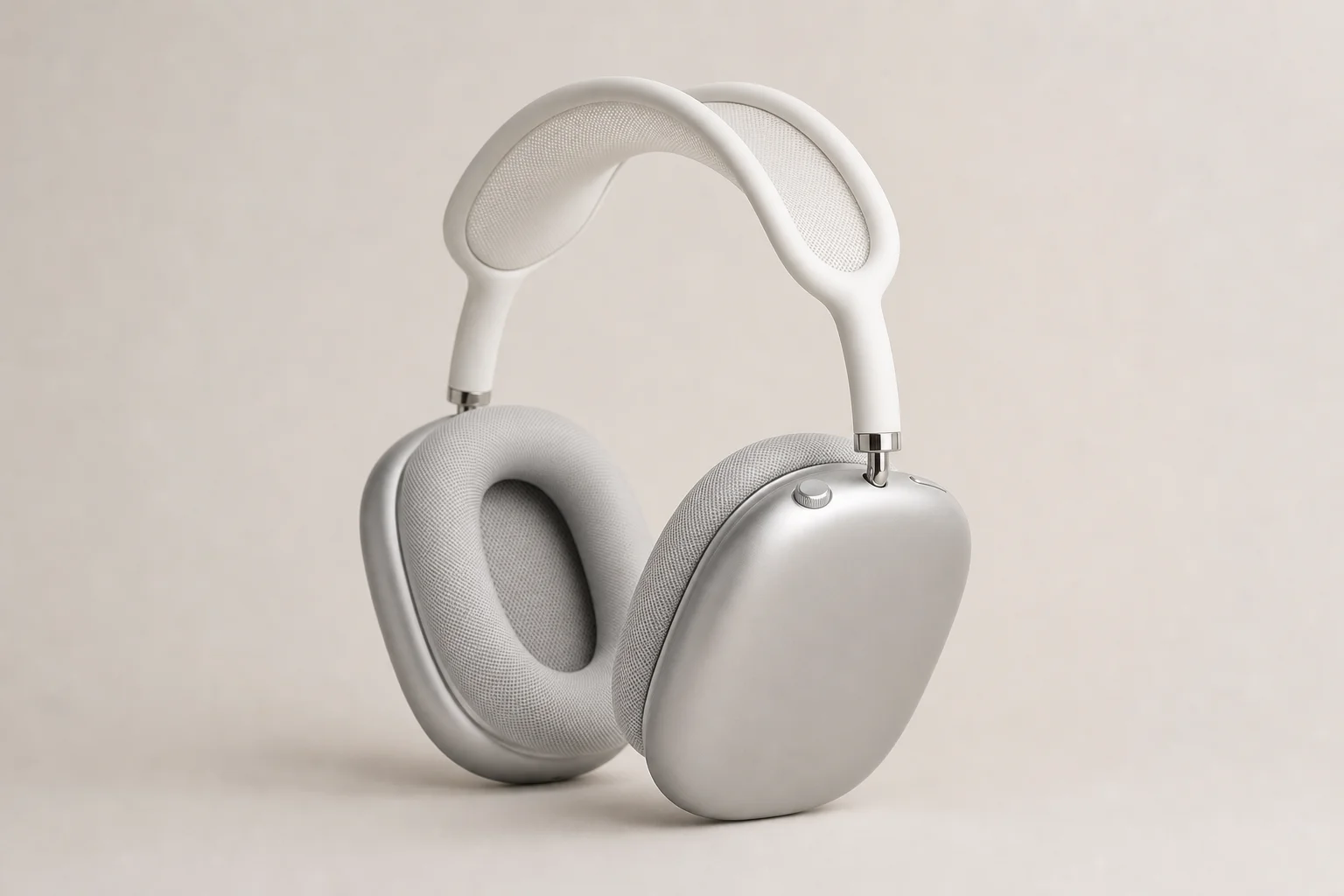
Apple AirPods Max: More Low-End Weight
If missing bass is the sticking point, the AirPods Max are the answer. Paired with the Apple TV 4K, they deliver noticeably more low-end impact than the standard AirPods and the AirPods Pro, which matters with effects-heavy soundtracks.
The trade-off is weight. The Max feel heavy after a while, and a three-hour film is exactly the kind of session where that becomes uncomfortable. The two earbud models can be worn for a full film; the over-ear model cannot.
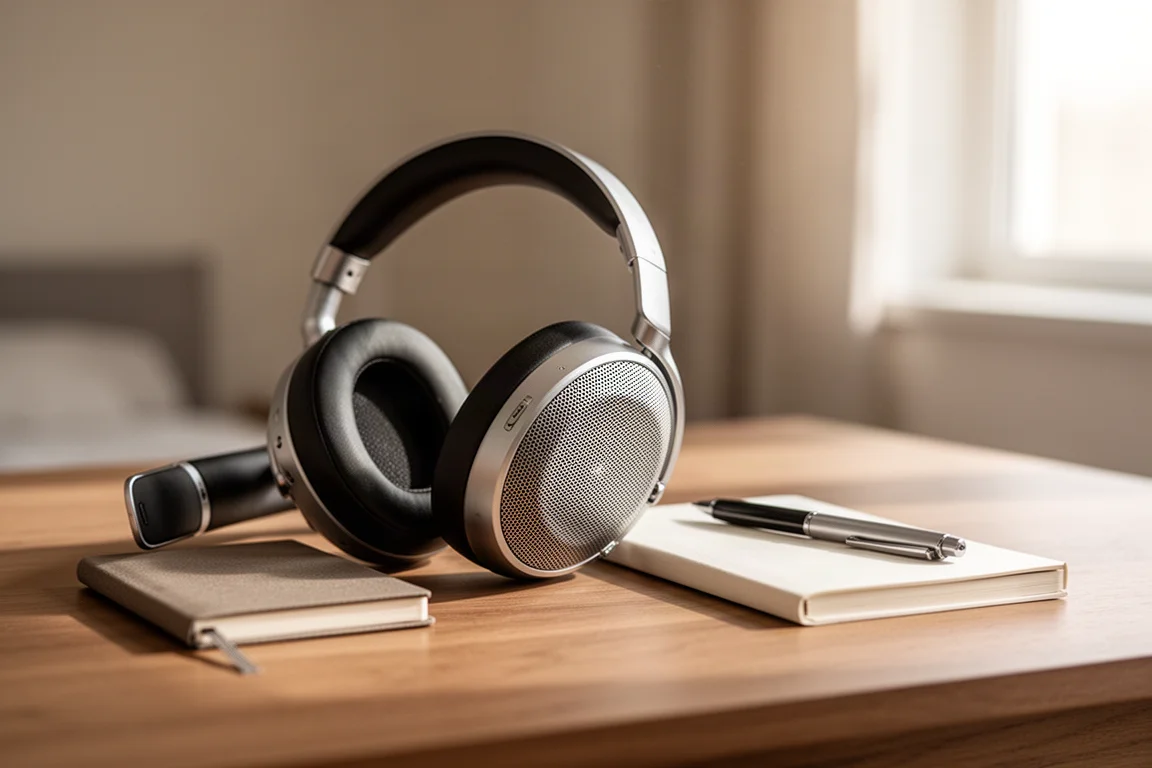
Connection is unchanged, since the Max pair over Bluetooth in the same way. The decision comes down to whether deeper bass is worth giving up long-session comfort.
What to Consider Before Buying
Several limits are worth knowing before committing to this setup.
The Apple TV 4K does not output high-resolution audio, so playback is capped at 48 kHz. Moving around the house is limited by Bluetooth range, which is the only real constraint on walking away from the screen. Bass is the other obvious gap: none of the AirPods models reproduce the physical depth of a subwoofer, and the over-ear model gets closest.
Availability of Dolby Atmos and 5.1 tracks depends on the streaming service, and services differ in how clearly they flag it. When two sets of AirPods are connected at once, Atmos is decoded for both but not individually customized. Whether other Bluetooth headphones behave the same way with an Apple TV 4K is an open question.
Buying Advice: Building the Setup
The appeal of this setup is how little it takes to start. An Apple TV 4K with a pair of standard AirPods covers the essentials for as little as $300, and it delivers surround sound in a room that would otherwise need acoustic treatment to sound its best.
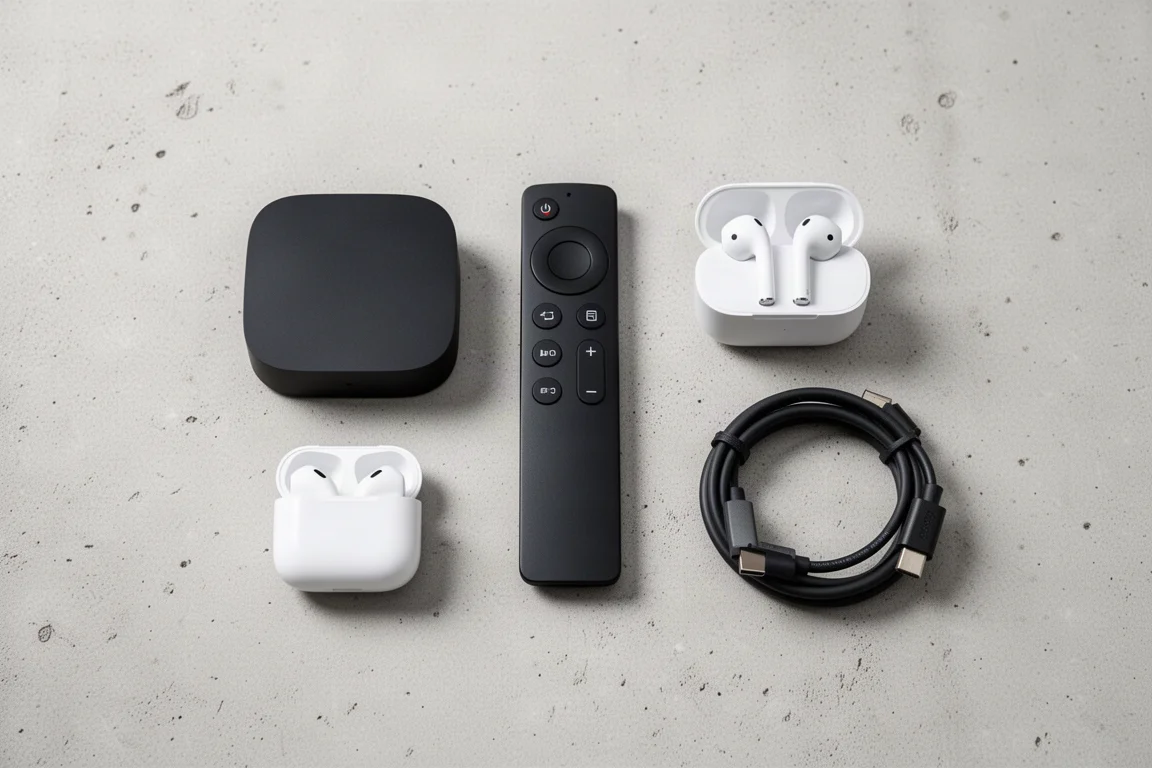
From there, the choice is about priorities rather than about spending more for its own sake. If spatial rendering and noise cancellation matter most, the AirPods Pro are the natural step up and stay comfortable through a full film. If deeper bass is the priority and viewing sessions tend to be shorter, the AirPods Max are the ones to consider. Adding a second pair turns the setup into something two people can share on the same screen.
Conclusion
An Apple TV 4K paired with AirPods solves the two problems people usually run into with home theater: cost and room acoustics. The standard AirPods keep the entry point low, the AirPods Pro add convincing binaural surround for films, and the AirPods Max trade comfort for extra low end. All three connect over Bluetooth, all three work late at night without disturbing anyone, and the whole arrangement can start for as little as $300.
Further reading
Related Reviews
Home Theater
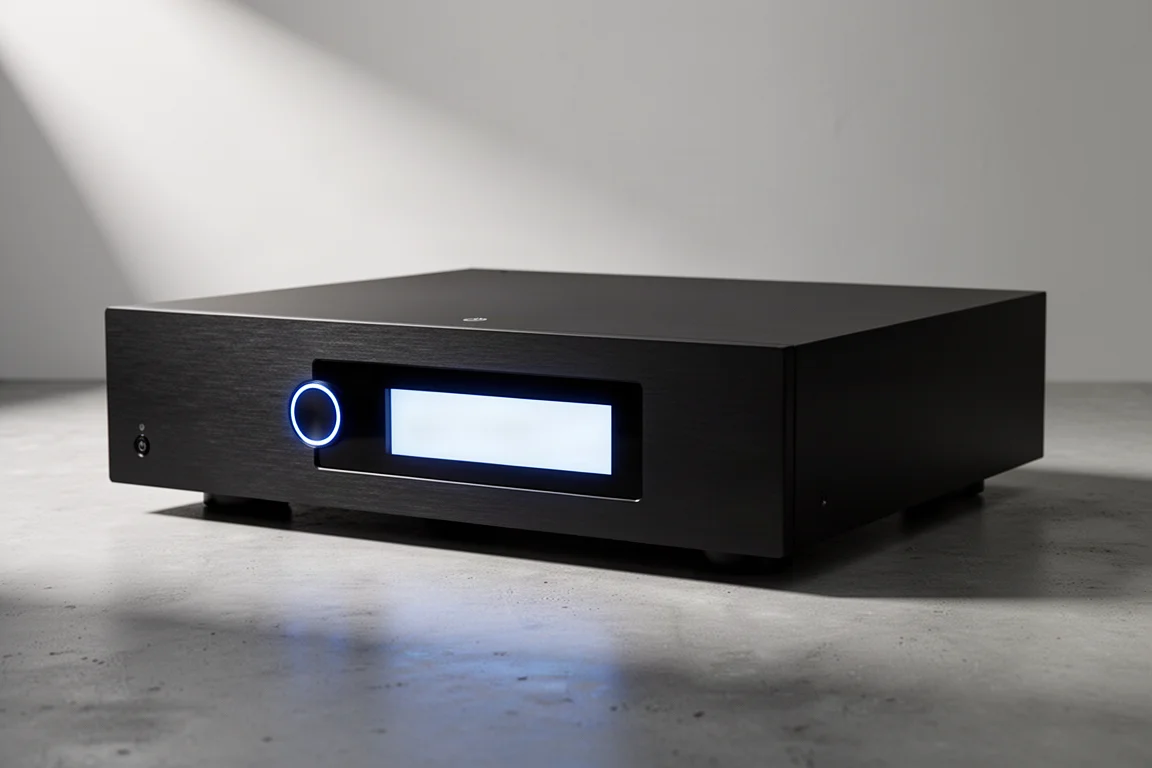
Anthem AVM 90 Review: A 15.4-Channel Flagship Preamp Processor
A close look at Anthem's flagship preamp processor, covering its dual ESS DAC architecture, 15.4-channel layout, ARC Genesis calibration and four independent subwoofer outputs.
Home Theater
Arcam AVR15, AVR25, AVR35, and AVP45 Compared: Which AV Amplifier Fits Your System?
Four new Arcam home theater components share nine-channel amplification and Dirac Live, but differ in power, processing ceiling, and channel flexibility.
Home Theater
Audio and Home Theater Gift Ideas: 13 Value Picks for Music and Movies
A practical gift guide for people who care about sound, covering budget three-way towers, powered desktop speakers, subwoofers, a receiver, headphones, and a streamer for spatial audio.