Streaming Amplifiers
Lyngdorf TDA 3400 Review: A Two-Channel Amplifier With Processor-Grade Control
A closer look at the Lyngdorf TDA 3400, its fully digital signal path, dual subwoofer bass management, RoomPerfect correction, and the browser interface that unlocks it all.
Introduction
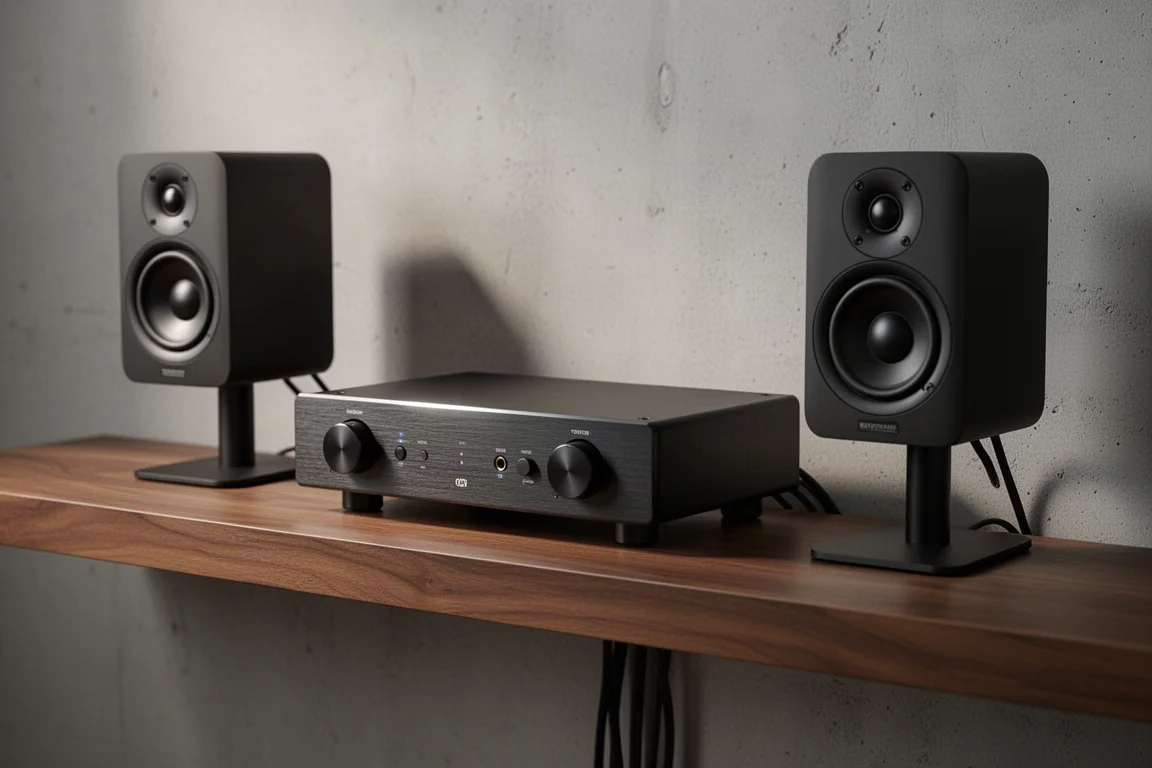
The Lyngdorf TDA 3400 is a two-channel digital streaming amplifier with a fully digital signal path and a level of configurability that is unusual for a stereo component. It can be operated three ways: with the supplied remote control, through a mobile app, or through a browser-based interface that exposes nearly every parameter on the device.
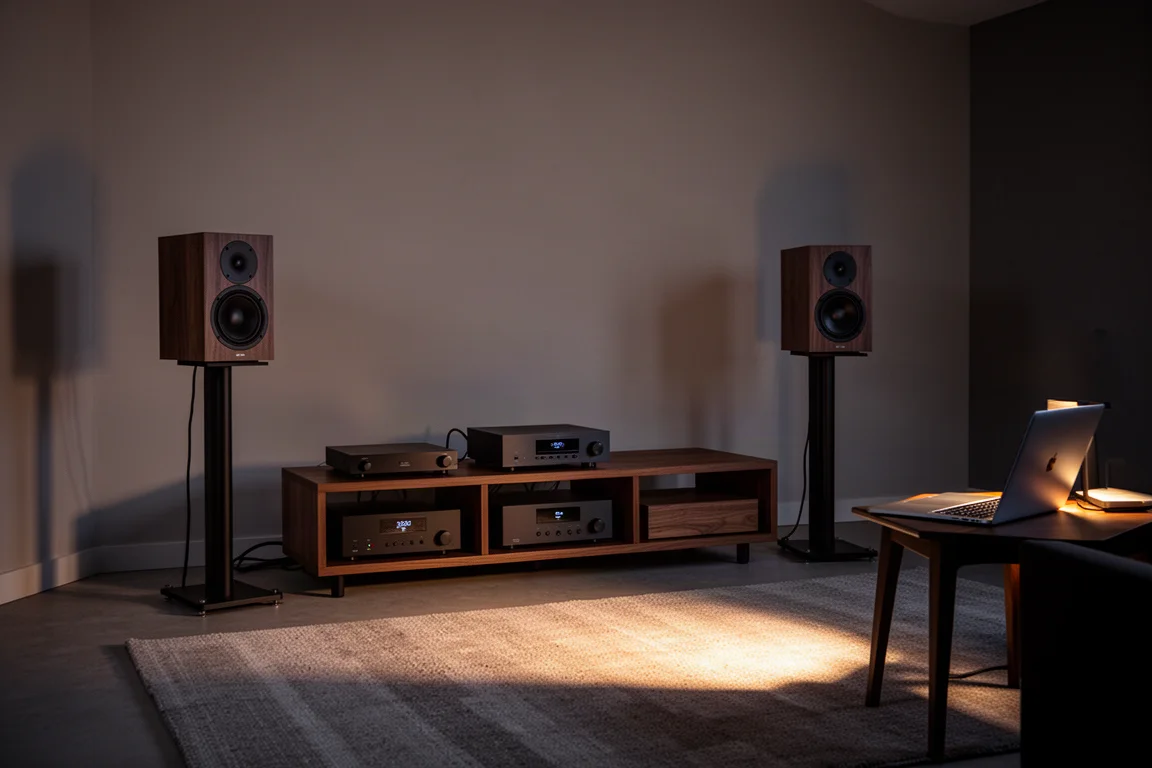
The browser interface is the part worth understanding before buying. The amplifier and the computer must be on the same network, whether by Ethernet or Wi-Fi, and the interface is reached by entering the model name followed by .local in a browser. From there, input naming, room correction, voicing presets, bass management, and parametric EQ are all reachable without touching the front panel.
That combination of a stereo amplifier and processor-grade control is the core of the TDA 3400’s appeal, and it is the reason this amplifier sits in a different category from a conventional integrated design.
Who This Product Is For
Three groups get the most from this amplifier.
Custom integrators and calibrators can document and reproduce a setup, because inputs, delays, levels, crossovers, and target curves are all defined in software rather than by fixed controls.
Two-channel listeners who want subwoofers in the system get bass management that is rarely offered outside an AV processor, including independent subwoofer outputs and selectable filter types.
Listeners who already own a preamp or processor can use the TDA 3400 as a dedicated power amplifier. Theater mode bypasses the volume control and processing entirely, so the amplifier simply amplifies.
If you prefer a component that works well straight out of the box with no configuration, the unit ships in a standard stereo configuration that most listeners will use as-is, and the deeper options can be left alone. Buyers who actively want to shape the sound, however, will find far more to work with here than on a typical stereo amplifier.
Main Strengths
Fully Digital Signal Path With Configurable Inputs
Everything in the TDA 3400 runs digitally from input to output, including the amplifier stage. Among the inputs is a balanced digital AES connection, which is uncommon on consumer two-channel products.
Every input is configurable. You can rename it, enable or disable it, assign voicing and EQ presets, apply its own delay, and trim its sensitivity so sources of different loudness match each other. That kind of per-input control normally appears on AV processors and receivers, not on stereo integrated amplifiers.
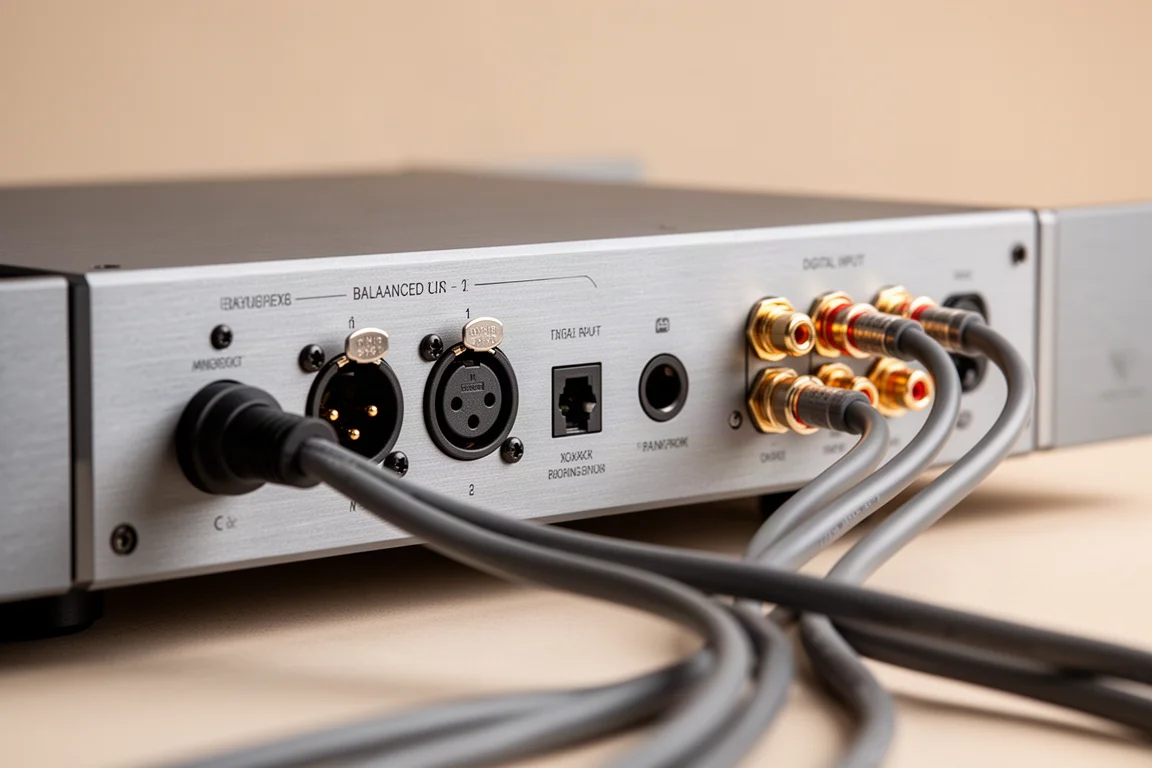
Theater mode is the most useful of these options for mixed systems. It turns the TDA 3400 into a dedicated amplifier and bypasses volume control and processing, which keeps it out of the way when another preamp is handling the signal.
Bass Management and Subwoofer Integration
The amplifier starts in standard stereo mode with the speaker outputs active and a full-range signal. Advanced mode adds subwoofers, with support for a single mono subwoofer, dual mono subwoofers, or dual stereo subwoofers. Presets are available for Lyngdorf speakers, and custom configurations are supported.
Bass management includes selectable crossover frequency, filter type, delays, and levels. Bench measurements of this unit matched the configured crossover frequencies and slopes exactly, including second-order and fourth-order Butterworth filters.
Subwoofer output can be taken from the XLR connections or from the digital RCA output. Speaker distances can be set for each channel, which matters for locked-in imaging at the main listening position.
The limiter is enabled by default. It is a soft clipping circuit, and it can be switched off if you prefer not to limit dynamic range. The amplifier is rated at 200 watts per channel into 8 ohms and 400 watts per channel into 4 ohms.
RoomPerfect and Editable Target Curves
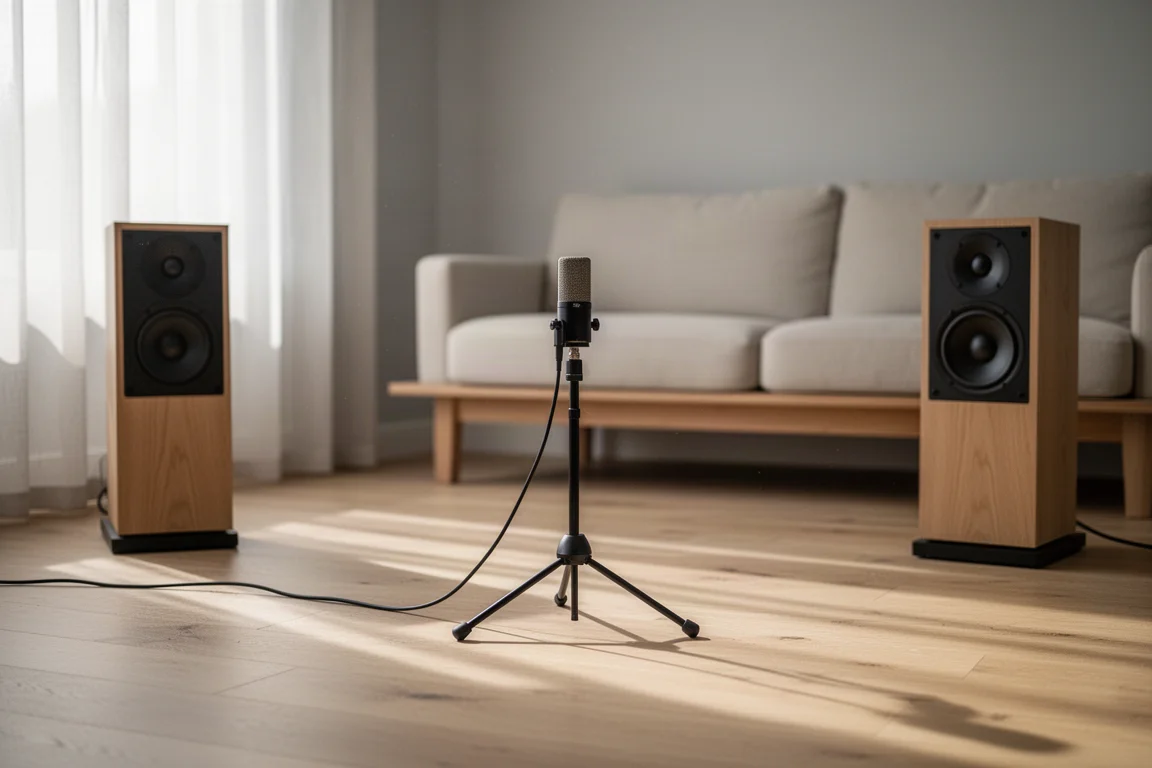
RoomPerfect handles room correction. One effective approach is to aim the microphone at the speakers from the main listening position and then take additional random measurements around the listening area, rather than following a strict grid.
After calibration, a range of target curves and EQ presets is available. The base two curve is a sensible starting point for many systems, since several of the factory options reduce bass energy substantially and can leave the sound thinner than expected.
Curves can be edited directly. Some presets include a dip around 2 kHz that assumes a directivity mismatch between midrange and tweeter; with a well-engineered speaker this can make in-room response worse rather than better, and removing it takes only a moment. The editor supports low-pass, high-pass, shelving, and parametric filters, with eight filter slots available. A parametric filter at 1 kHz with a Q of 2 and a gain of 8, for example, can be added in a few steps.
The correction engine applies cuts and then restores overall level, so comparing correction on and off stays level-matched.
Audio, HDMI, and Network Settings
Beyond the core audio path, the interface covers maximum and default volume, a subsonic filter for turntable rumble, HDMI options, streaming setup, and display brightness.
Network standby needs to be enabled if you want to reach the amplifier over the network while it is powered off. With deep sleep active instead, the interface is not accessible. Firmware updates and a factory reset are also handled here.
Things to Consider Before Buying
- The browser interface requires the amplifier and your computer or laptop to be on the same network. There is no remote or cloud route to the full configuration.
- Network standby must be enabled for the interface to respond while the unit is in standby, which is easy to overlook during a first setup.
- Several factory target curves reduce bass output noticeably, and the 2 kHz dip built into some presets may not suit well-engineered speakers.
- The limiter is on by default and needs to be switched off manually if you do not want it.
- Configuring the amplifier as a preamp with an external power amplifier takes a specific sequence of settings, so it is worth working through methodically.
Buying Advice
The TDA 3400 makes the most sense when you have a clear reason to use its configuration depth. If you plan to run subwoofers, correct a room, or apply parametric EQ at bass frequencies to reduce standing waves and uneven low-end response, the amplifier covers all of it in one box.
If you already own a preamp, theater mode plus the balanced digital input gives you a straightforward way to use the TDA 3400 purely as an amplifier, with volume control and processing removed from the chain.
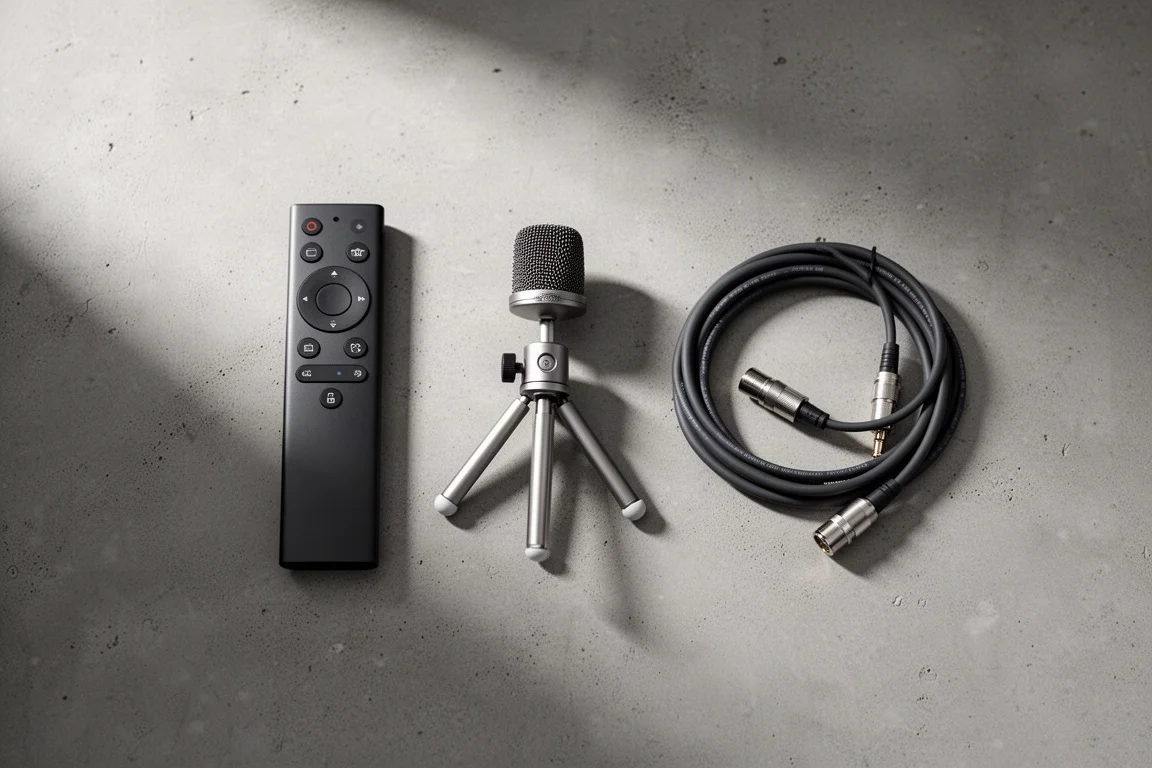
It is also worth deciding up front whether you will run the unit in standard stereo or advanced mode with subwoofers, because the output configuration and the available crossover controls change accordingly. Listeners who want a stereo amplifier they set up once and never revisit will pay for capability they may never open.
Conclusion
The Lyngdorf TDA 3400 pairs a fully digital two-channel amplifier with the kind of control depth usually reserved for AV processors. Inputs are individually configurable, bass management behaves exactly as its own settings promise, and RoomPerfect alongside an eight-band filter editor gives you genuine tools for matching a system to a room.
That flexibility is the reason to choose it. Buyers who want subwoofer integration, room correction, and parametric EQ inside a stereo component will find a great deal to work with, while those who want a simple, fixed stereo amplifier are better served by something with fewer options.
Product link
View more details for Lyngdorf TDA 3400
This product is mentioned in the review. Check the specifications, options, and compatibility before buying.
View more details for Lyngdorf TDA 3400Further reading
Related Reviews
Streaming Amplifiers
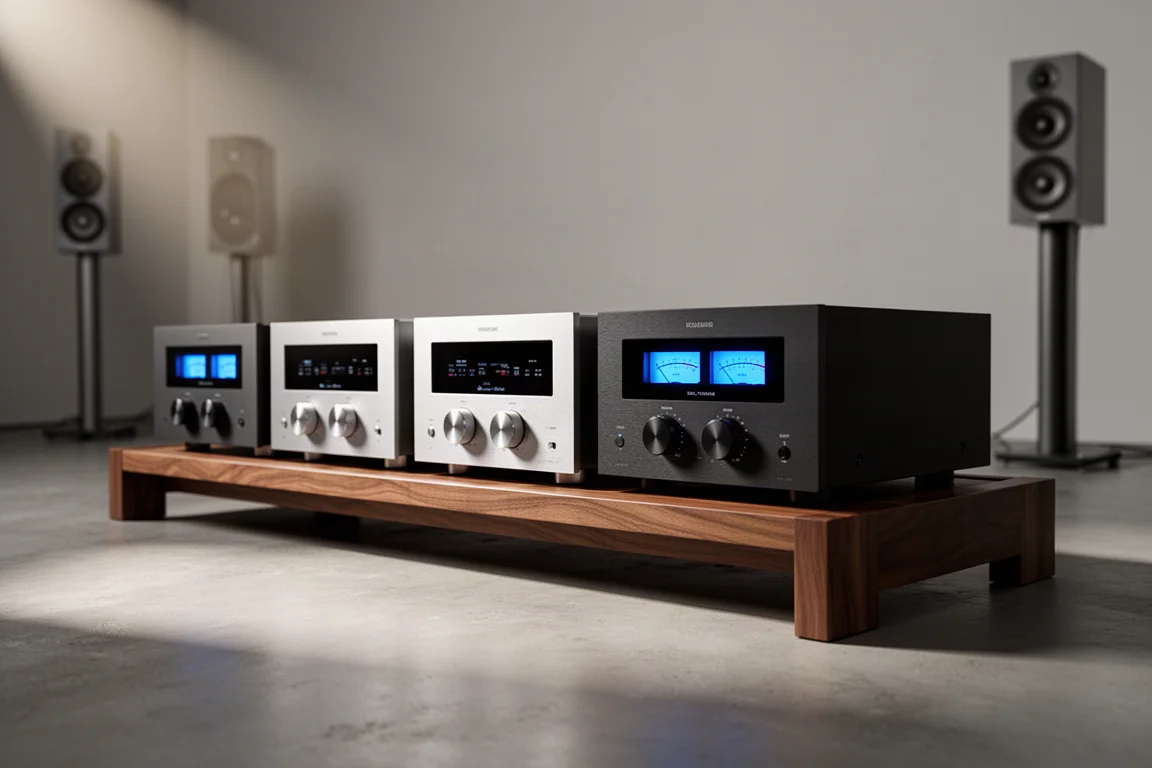
Best High-Performance Streaming Amplifiers: Seven Full-Size One-Box Picks
Seven full-size streaming integrated amplifiers for serious two-channel systems, each chosen for a different priority: room correction, power, minimalism, musicality, or reference build.
Streaming Amplifiers
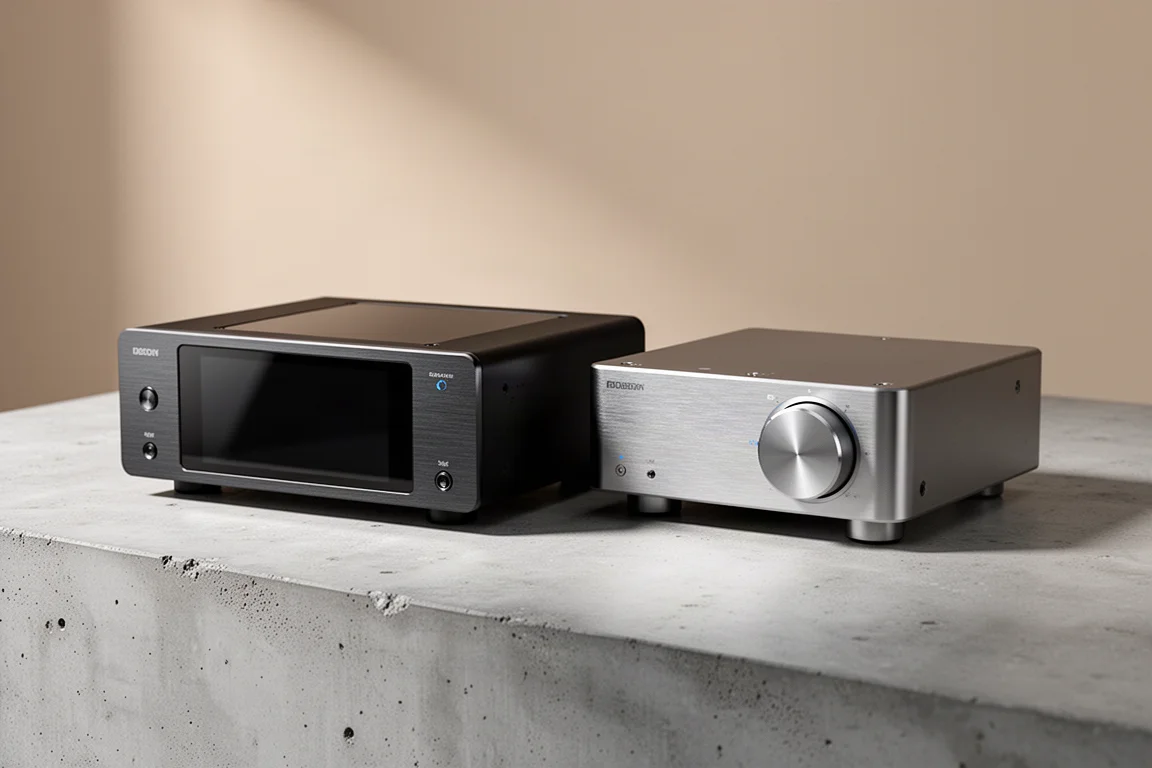
Best Mid-Tier Streaming Amplifiers: NAD M10 V2 vs Naim Uniti Atom
Two compact all-in-one streaming amplifiers compared on interface, app experience, sound character, and connectivity.
Streaming Amplifiers
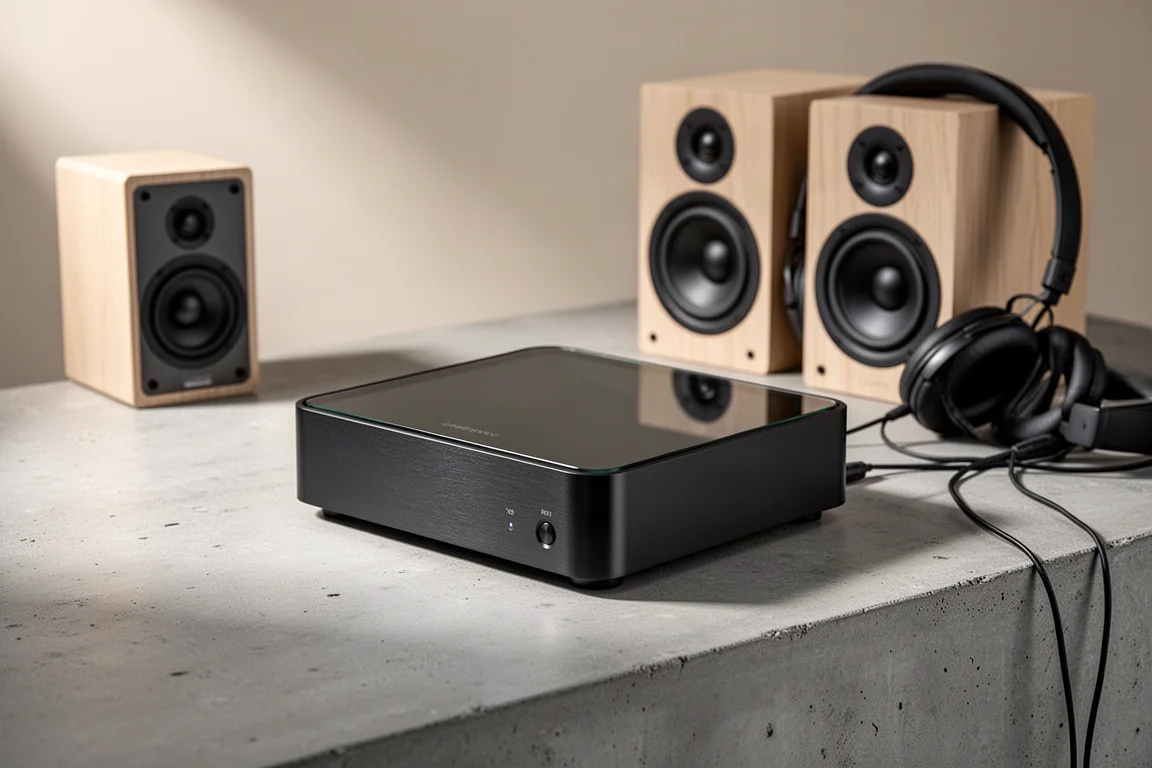
Bluesound Power Node N331 Review: A Streaming Amplifier Built for More Than Stereo
The Bluesound Power Node N331 keeps the compact chassis of its predecessor and adds a more powerful amplifier, a dedicated center channel output, and a THX AAA headphone stage.