Live Sound Gear
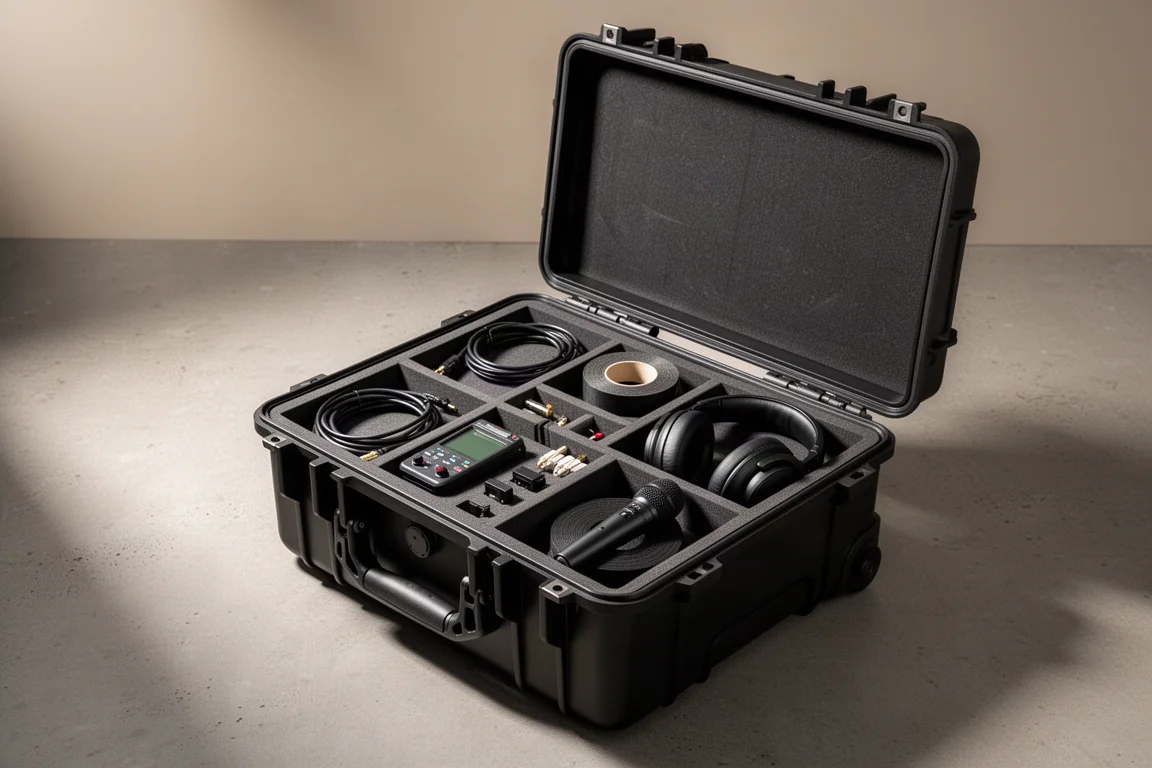
Live Sound Workbox Essentials: What to Pack in a Pelican 1510
A practical rundown of the cables, testers, adapters, tape, and tools that make a Pelican 1510 workbox genuinely show-ready.
Introduction
A personal workbox lives or dies by what is inside it. Too little and you are borrowing from other departments all night. Too much and you stop carrying it.
The setup below is built around one hard case and a set of tools that solve the problems that come up most often on a show site: verifying signal, adapting between connector types, labelling cable runs, and having a reliable microphone and a spare direct box within reach. None of it is exotic, and most of it costs far less than the downtime it prevents.
Start With the Case: Pelican 1510
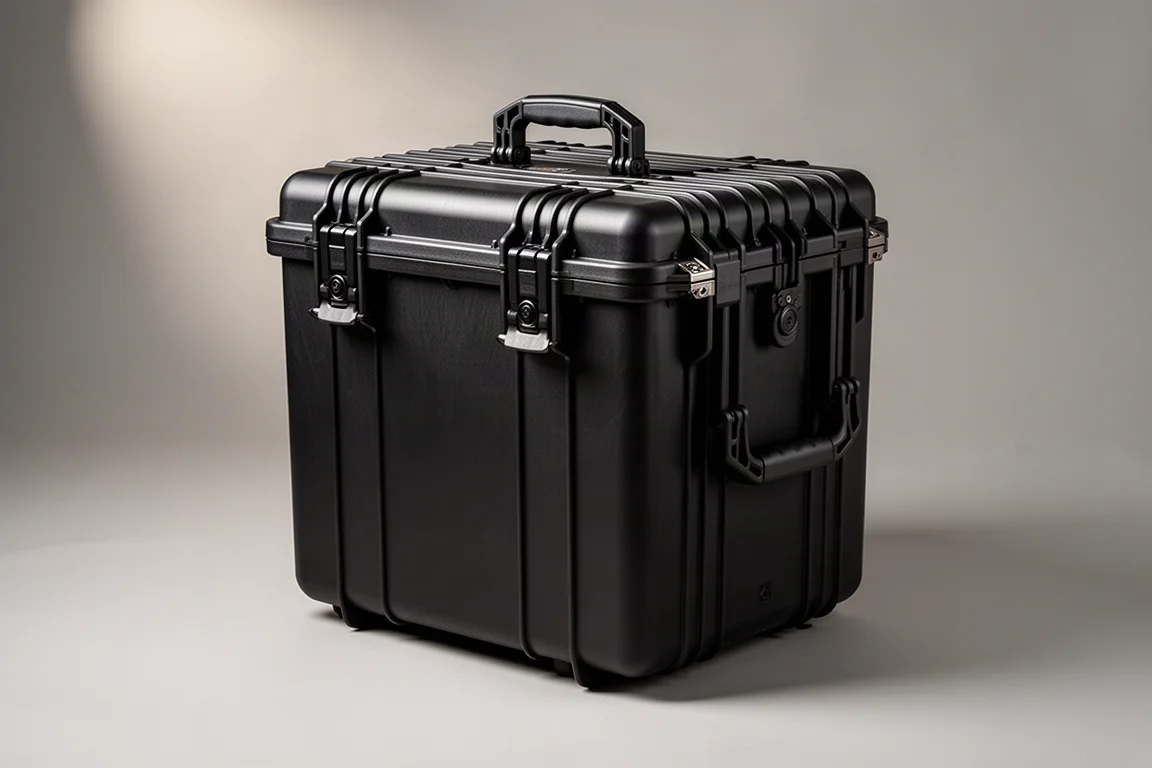
The Pelican 1510 is close to an industry standard for a personal workbox. It holds enough tools to cover a normal show without becoming too bulky to carry, and it is large enough for a 15-inch laptop alongside the rest of your kit.
The foam insert supplied with the case is the weak point. The idea is that you pluck foam cubes out to build compartments, which works reasonably well for protecting large pieces of equipment in a custom case. It is a poor fit for a toolbox you actually work out of, because the foam tears quickly and small items migrate into each other.
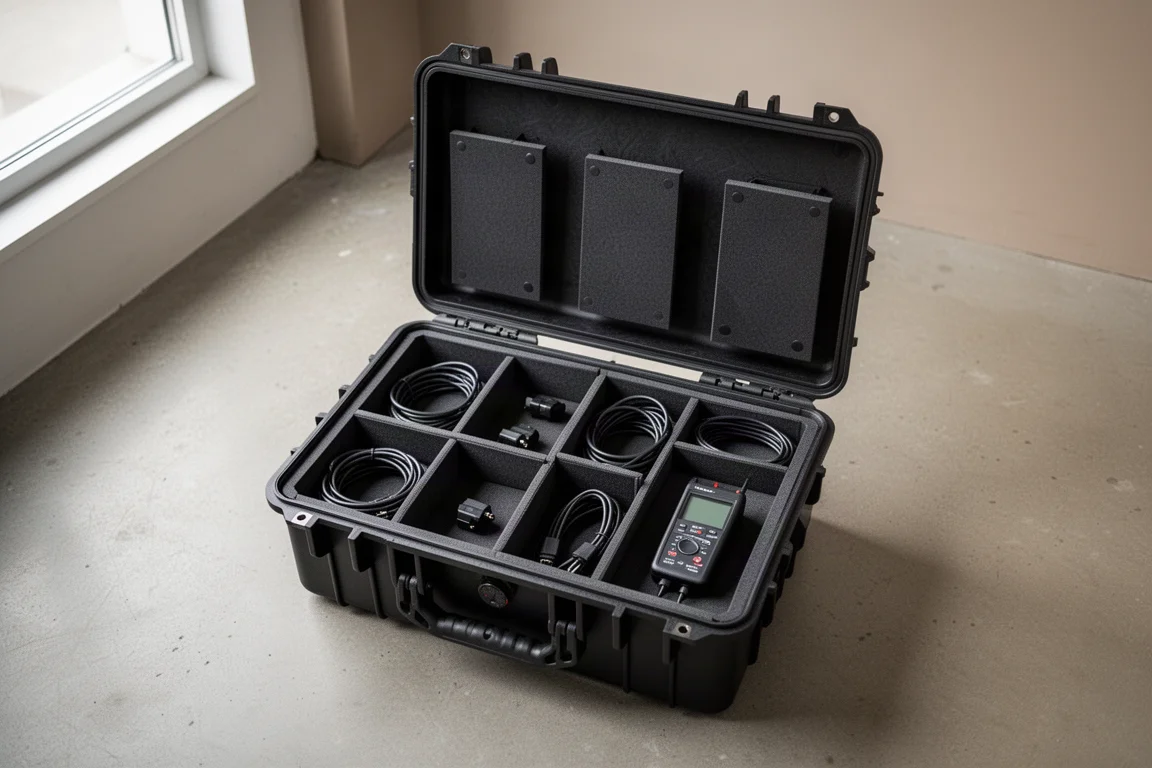
If you plan to open this case dozens of times a day, budget for a better insert from the start.
The Insert That Makes It Work: TrekPak
The TrekPak insert is a modular system that can be fully customised. Rigid panels and dividers let you build compartments to the exact shape of your tools, and you can reconfigure the layout whenever your kit changes.
It is rugged, clean and quick to adjust, which is why it is the preferred insert for this case after trying several alternatives. The practical benefit is that every tool has a defined home, so you can see at a glance what is missing at the end of the night.

Test Before You Trust: Cable Testers and the Q box
A simple audio cable tester that handles XLR, TRS and NL4 is the baseline tool. These are inexpensive, so it makes sense to choose a mid-priced unit that looks well built rather than the cheapest option available.
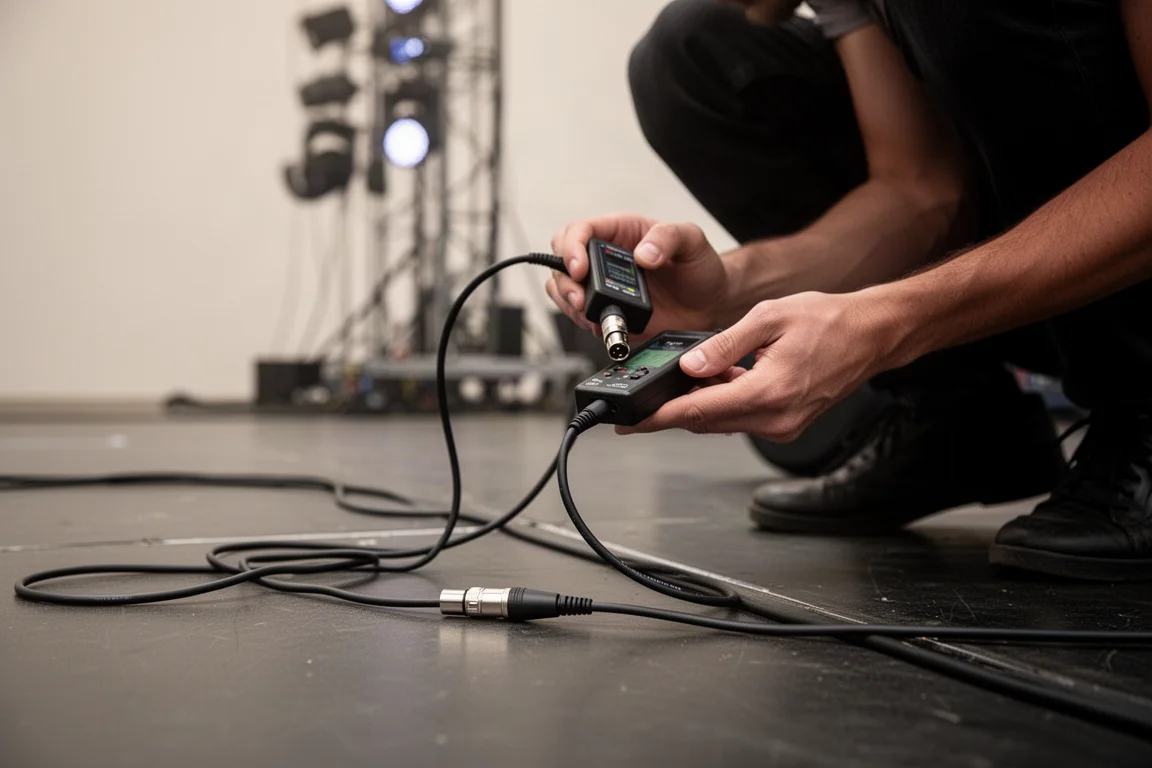
A cable tester is essential, but the Q box is more capable if you can justify the space. It generates tones and monitors inputs through a built-in speaker, so you can plug it in at any point in the signal chain and confirm that signal is reaching that point. That is particularly useful when you only need to verify what is coming out of a specific output or cable.
There are also two-piece transmitter and receiver testers that are well suited to long cable paths. You connect one part to the male end and the other to the female end, and LEDs indicate whether the cable is wired correctly or whether something is crossed or disconnected. Turning on phantom power lights the LEDs at the far end, which lets you confirm continuity and patching quickly.
A Multimeter You Will Actually Use
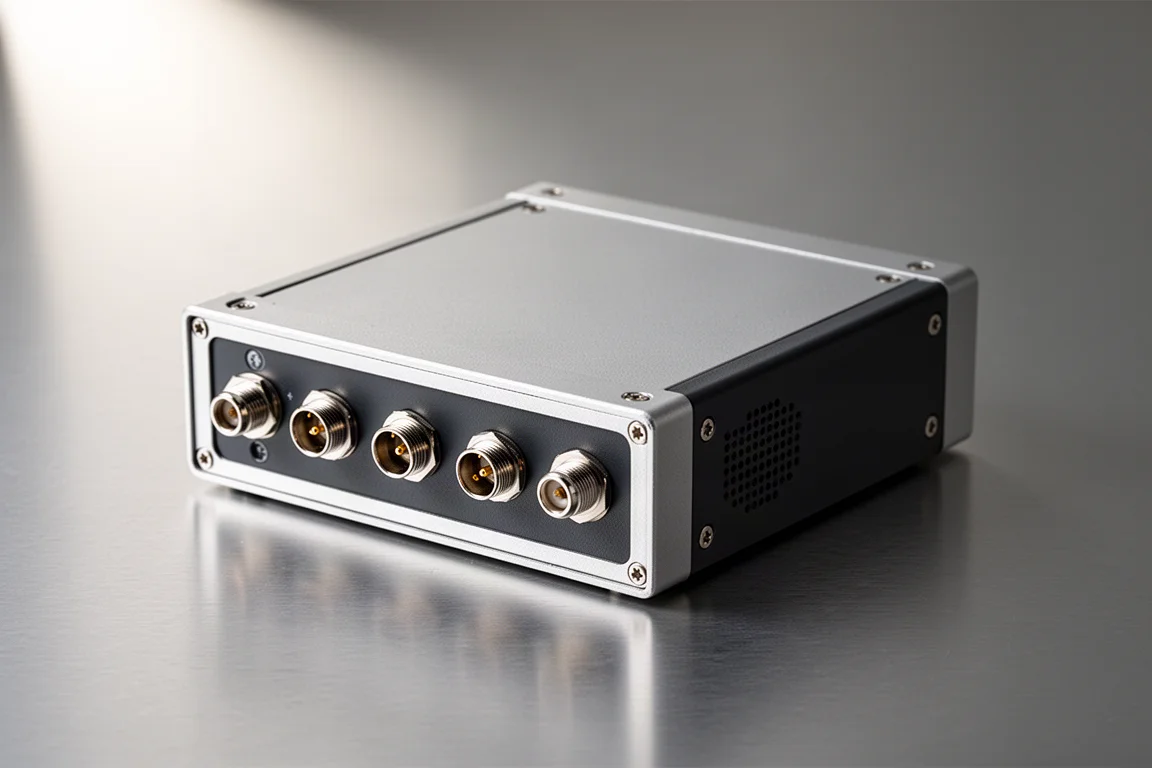
A multimeter belongs in the case, and if you work with three-phase power or feeder terminals it is not optional.
The one decision worth getting right is the display. An analog meter is harder to read and offers no real advantage, so a digital screen is worth the modest extra cost over a cheap analog unit.
Adapters That Save the Show
Adapters are the cheapest insurance in the box, and a few types earn their place permanently.
A 3.5mm to dual quarter-inch adapter is used on essentially every show to connect a phone or laptop to the console for system testing. Compared with a 3.5mm to XLR adapter, this one connects to the line inputs on smaller mixers, which avoids the risk of phantom power damaging the device.
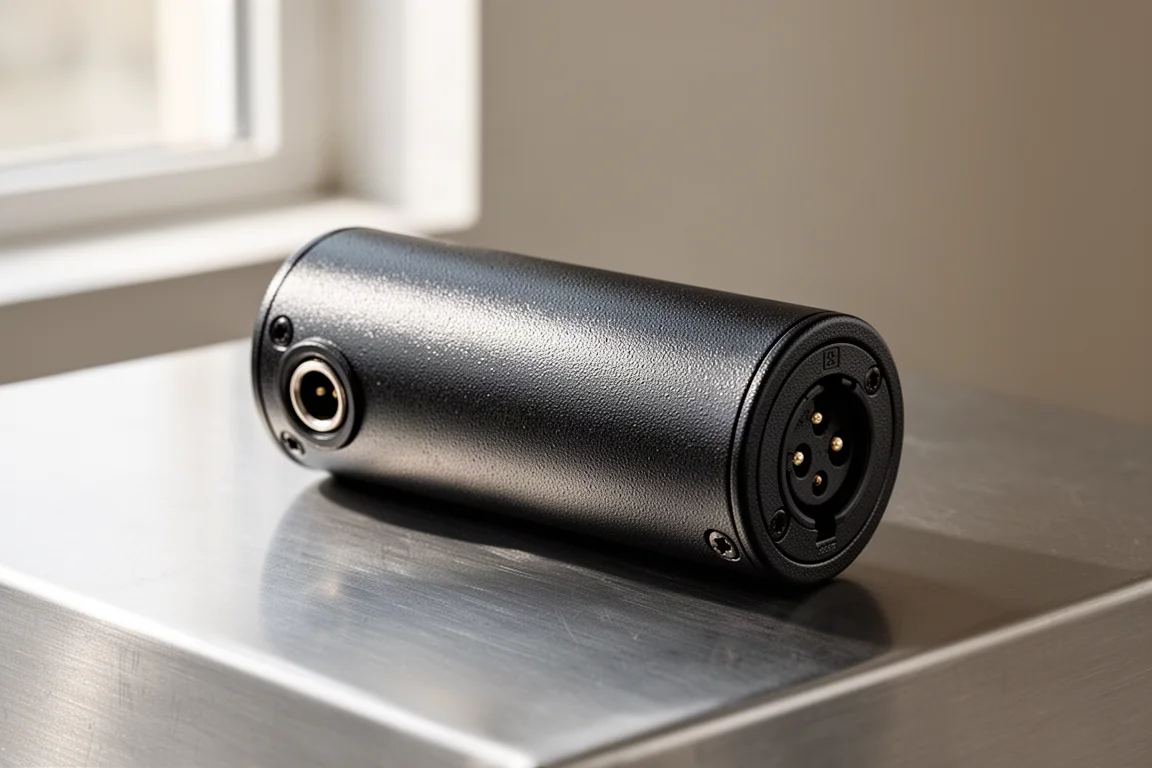
For getting auxiliary sources into the system, a stereo-to-balanced converter is the cleaner approach. It turns any 3.5mm output into a balanced signal, so placement is not limited by cable length and no direct box is required. A built-in level knob lets you disconnect and reconnect a device without a pop through the speakers, and because it sums the stereo signal into a single channel, only one XLR run back to the mixer is needed. It is also simple enough for non-audio people to use on stage.
XLR turnaround adapters are the other essential. If you run out of channels on a snake, a female-to-female adapter on one end and a male-to-male adapter on the other lets you turn any input into an output or any output into an input. Carrying at least four of each is sensible.
XLR to quarter-inch adapters cover the gap when a smaller console has TRS outputs instead of XLR. A female XLR to quarter-inch adapter connects an XLR line-level output to a TRS input, and a male XLR to quarter-inch TRS adapter connects a TRS output to an XLR input. Used on both ends of a long XLR cable, they effectively create a long TRS cable.
At least one XLR cable is required, and the connector type matters more than most people expect. Cables with Neutrik XLR connectors are more durable and far easier to repair than older designs held together by a tiny set screw.
Tape, Markers and Labelling
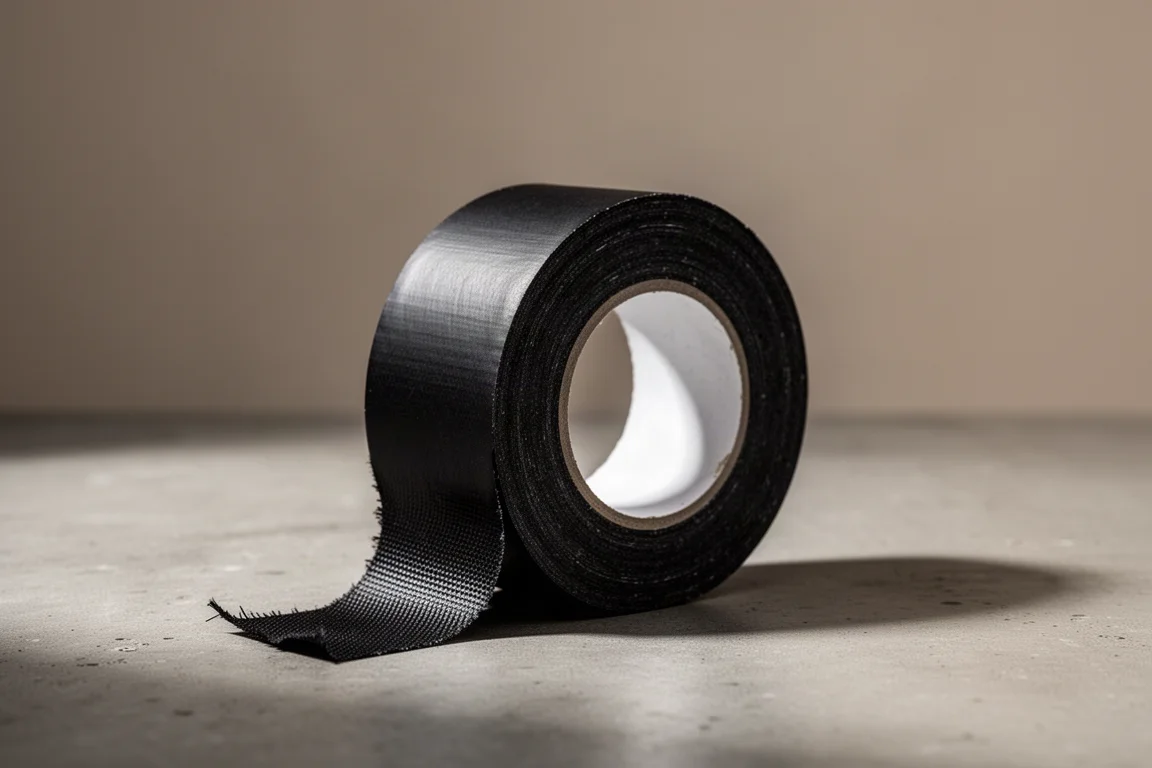
Black gaffer tape is essential for securing cables that would otherwise become a tripping hazard. Bright coloured gaffer tape is the practical choice for labelling snake heads, fan-outs and direct boxes, and different widths can be useful depending on the surface. At minimum, carry one standard roll.
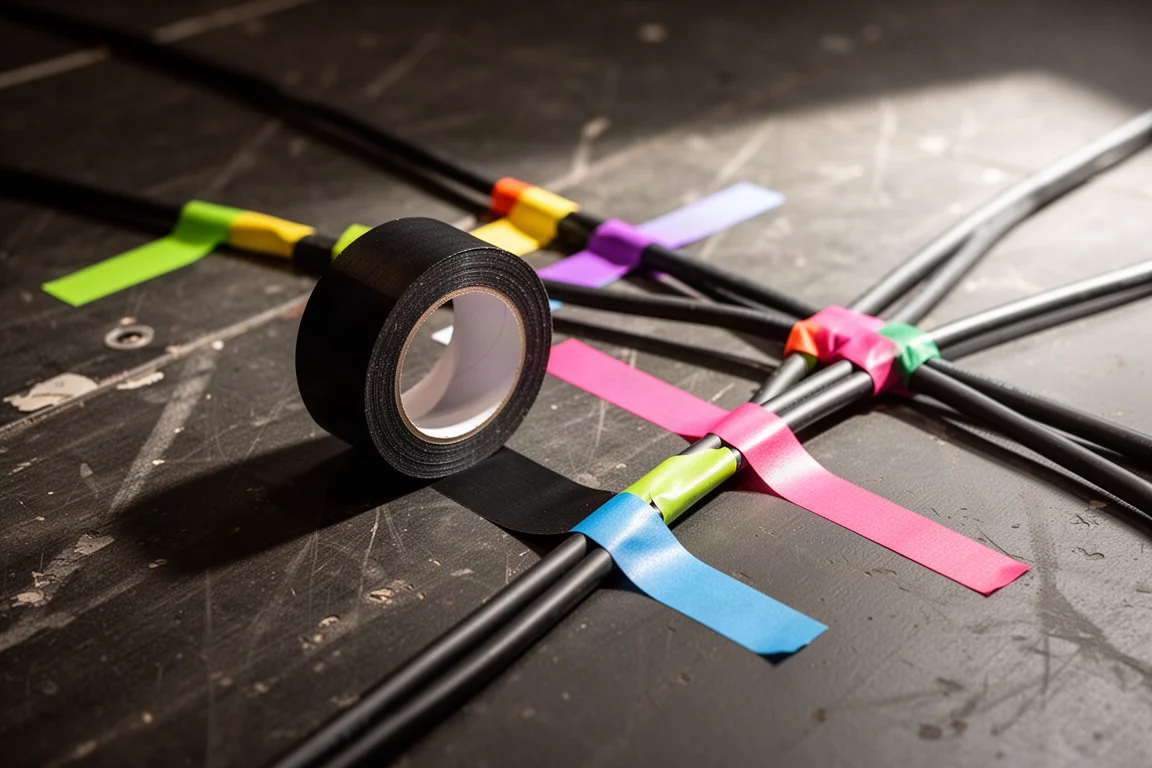
Brand matters here. Pro Gaff is strong, tears easily by hand and does not leave sticky residue on the surface it was applied to, which is exactly what you want on a show site.
Sharpies are the other consumable you will always need. Two 36-count boxes is not excessive, because they disappear quickly. They get used for labelling consoles, direct boxes, snakes, snake heads, sub snakes, sub snake heads, console fan-outs and anything else that needs marking. Carrying extras also means you can lend them out without running short yourself.
Microphones and Direct Boxes
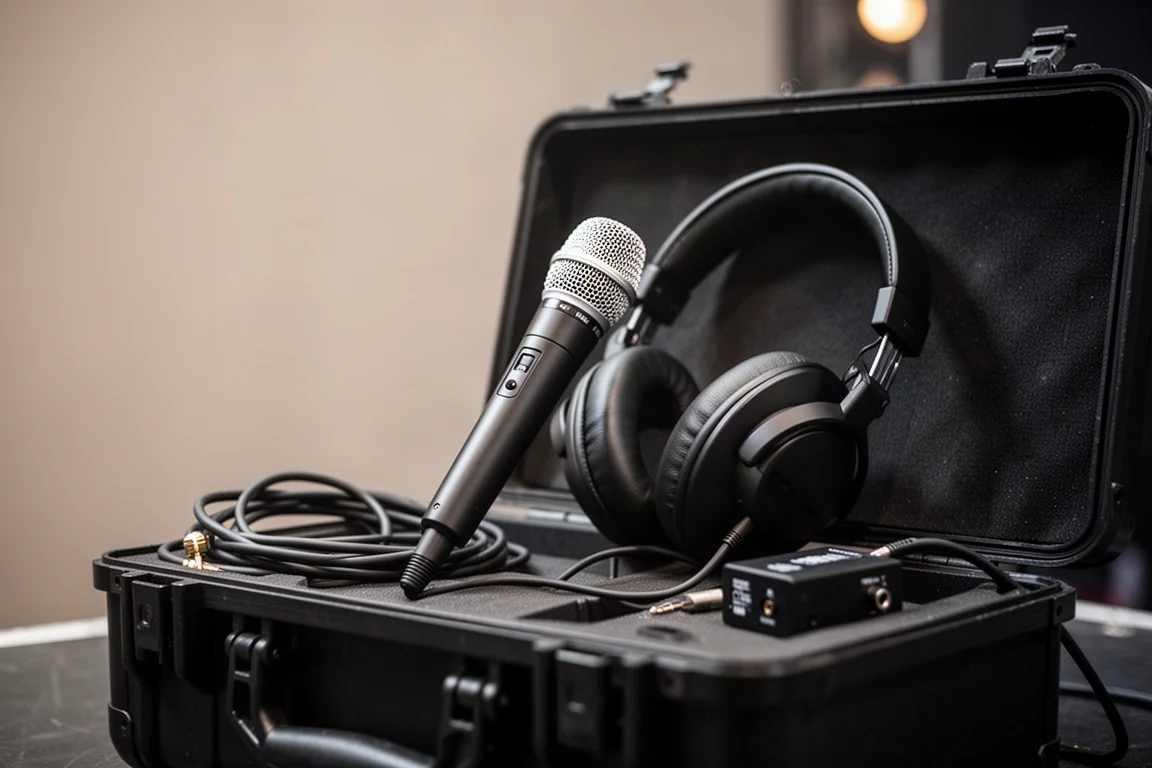
A full microphone kit usually lives somewhere on the show site, but having one microphone in your own case is worthwhile for the moments when you need it immediately.
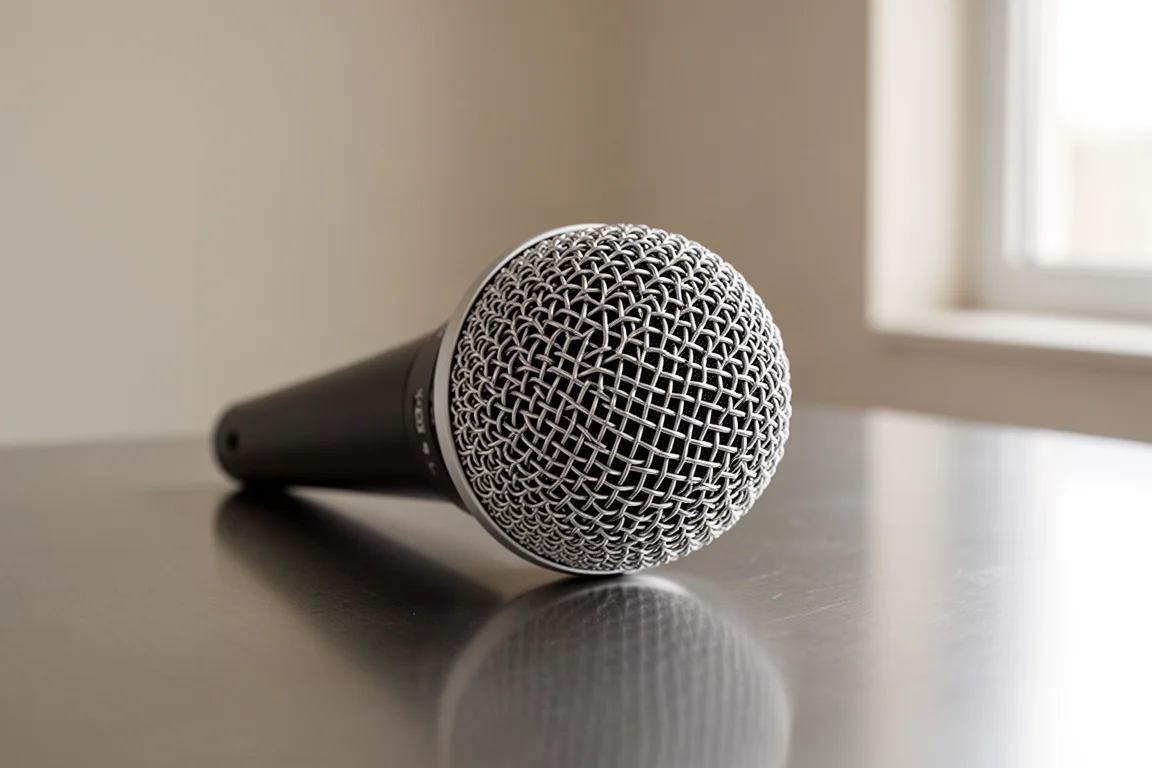
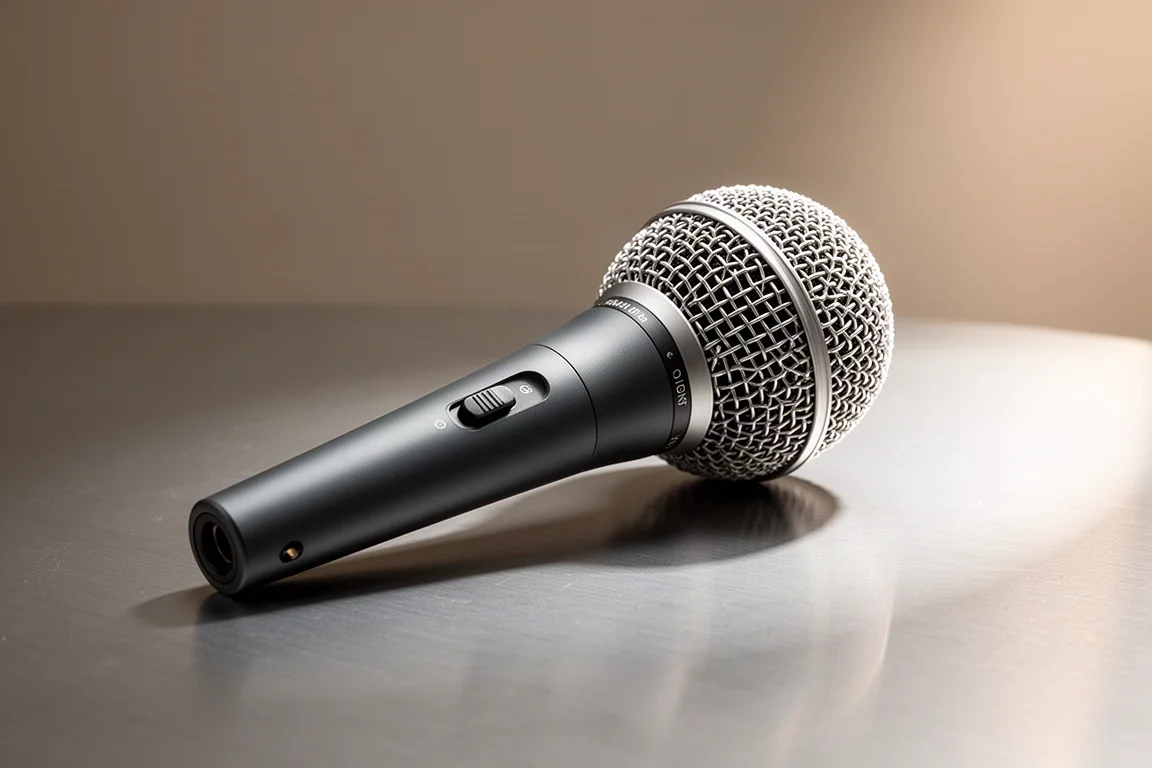
The Shure SM58 is an industry standard and effectively indestructible, so losing one is far more likely than breaking it. The SM58S adds a built-in on and off switch, which makes it useful as a talkback microphone to performers and crew on stage without muting and unmuting the channel on the console.
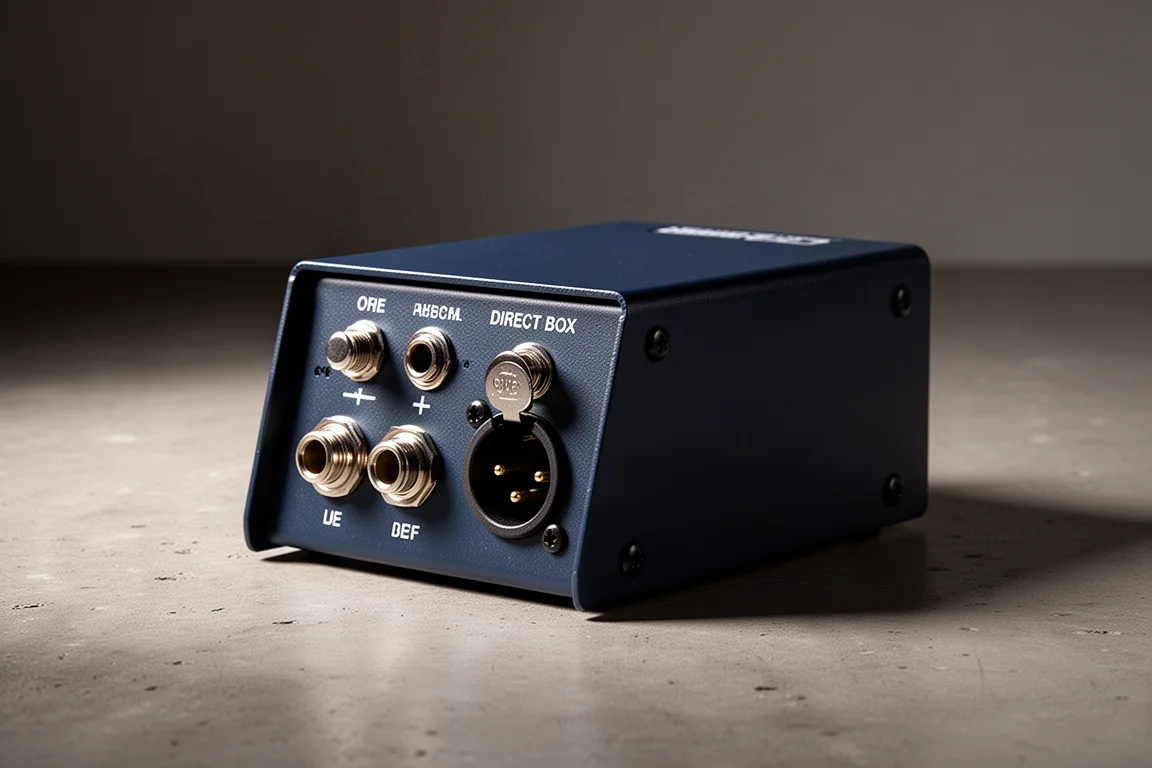
An extra direct box is also worth the space, because you never know when you will be one short. The Radial Pro is rugged and reliable, while the Whirlwind IMP 2 costs less and remains a dependable alternative. Either one works for keyboards and guitars, and both are useful when you need to run a long cable for an auxiliary input such as a phone or laptop on stage.
Headphones
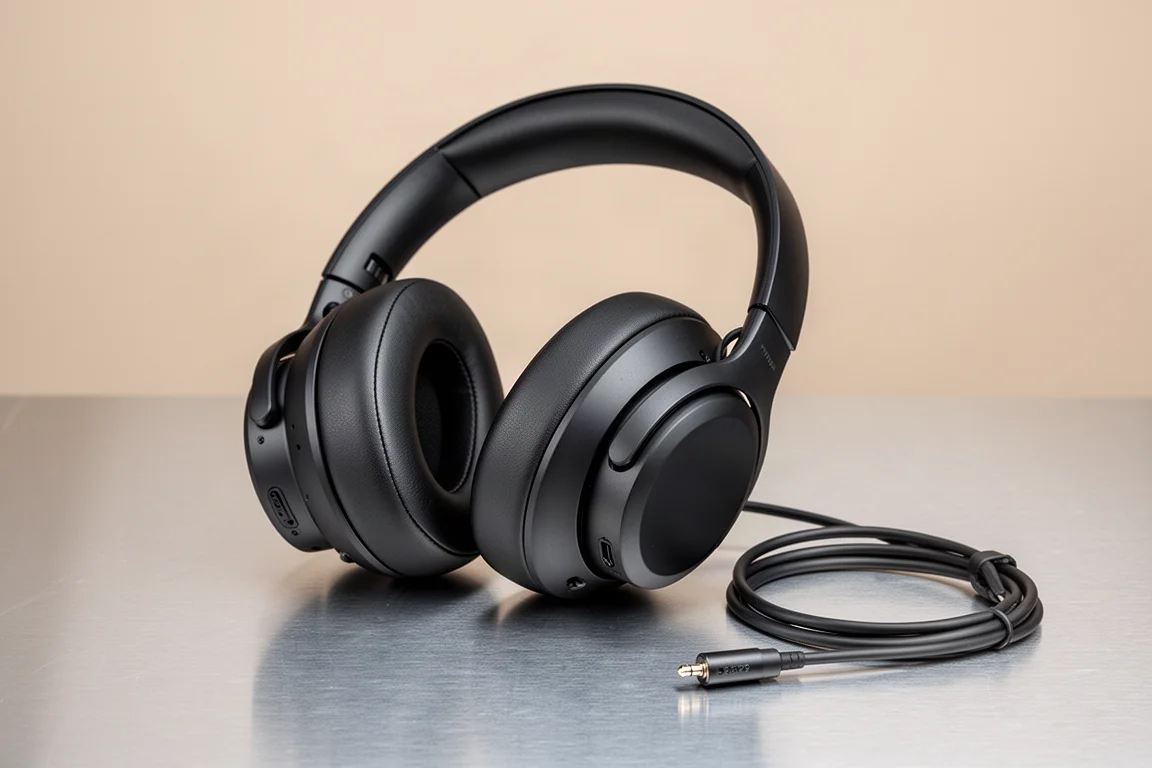
Headphone preference is personal, but for live sound the priority is portability, decent sound and decent isolation. A pair that meets all three becomes your baseline reference for tuning and mixing.
The Audio-Technica ATH-M50x has been in continuous use for this kind of work since 2011, and it remains the pick here specifically because it travels well.
Overall Buying Advice
Build the workbox in layers. Start with the Pelican 1510 and a TrekPak insert, then add test tools. A basic XLR, TRS and NL4 tester covers most situations, while the Q box adds tone generation and input monitoring for anyone who wants deeper diagnostics. A digital multimeter is the next sensible purchase, especially for three-phase and feeder work.
Adapters and consumables should be bought in quantity rather than one at a time: a 3.5mm to dual quarter-inch adapter, a stereo-to-balanced converter, four of each XLR turnaround adapter, XLR to quarter-inch adapters in both directions, and at least one good XLR cable with Neutrik connectors.
Finish with tape, markers, a microphone and a spare direct box. Black and coloured gaffer tape from a reputable brand, a generous supply of Sharpies, and a dynamic microphone that can double as talkback will cover the situations that come up most often.
Conclusion
A workbox is only as good as the problems it solves. Signal verification, connector flexibility, clean labelling and a spare microphone or direct box account for the majority of the moments when a show needs a fast fix. Pack those well, keep the layout tidy with a modular insert, and the case becomes something you are glad to carry rather than something you leave in the truck.
Further reading
Related Reviews
Audio Equipment
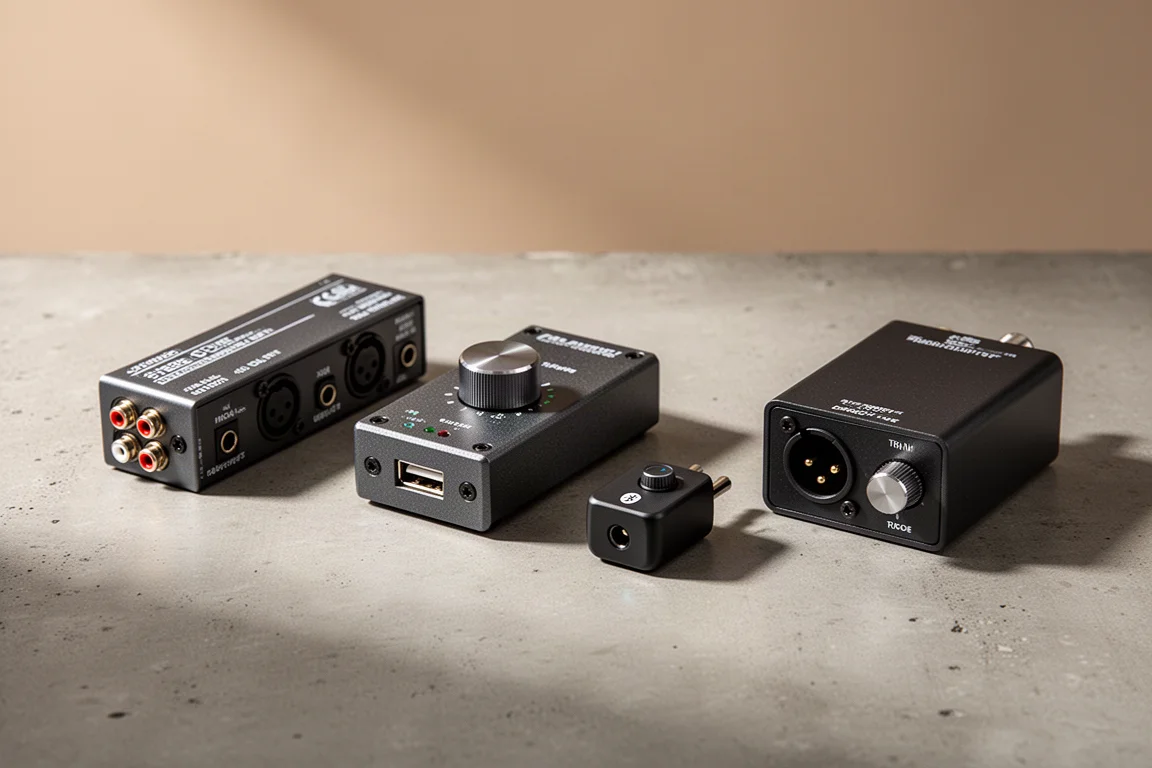
Clean Audio From Stage to PA: Four Radial Devices That Fix Unbalanced Connections
Why a passive XLR adapter introduces noise, and how four Radial devices deliver a properly balanced, protected connection from laptops, phones, and DJ mixers to a PA.
Immersive Audio
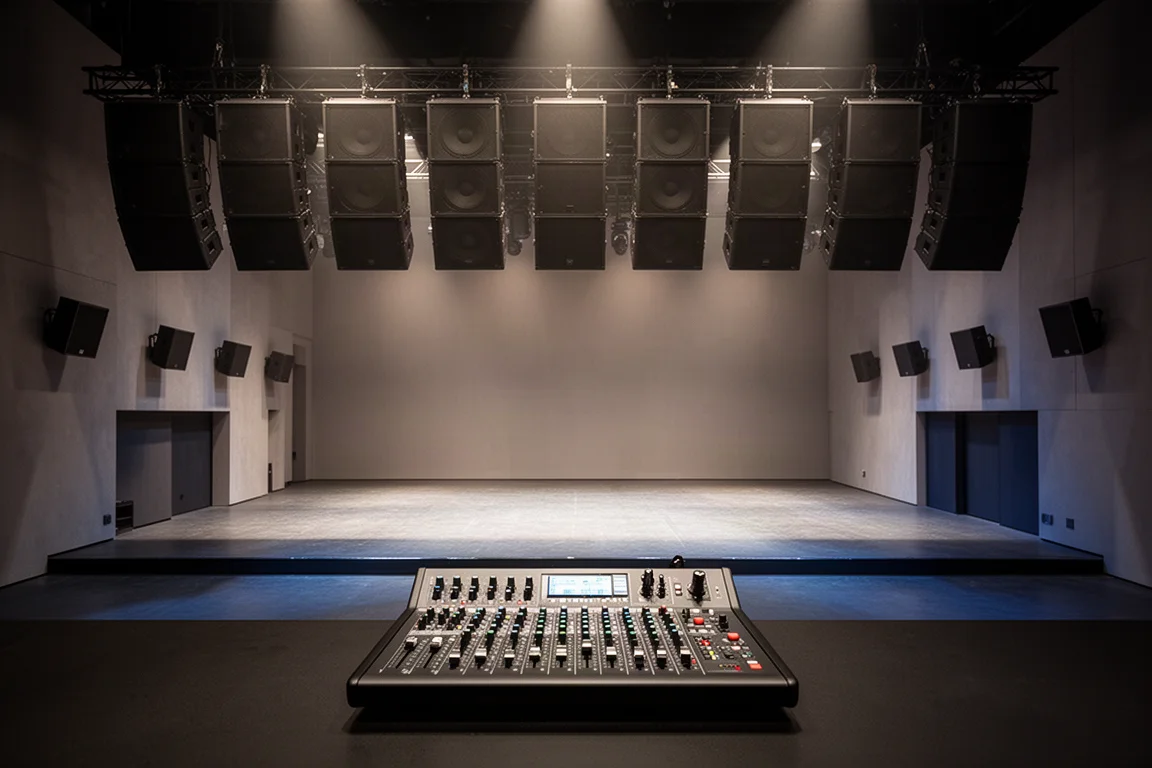
L-Acoustics L-ISA Review: Immersive Object-Based Mixing for Live Sound
L-ISA decorrelates signals in real time and places up to 64 objects inside a described space. Here is what changes in practice and what to weigh before buying.
PA Speakers
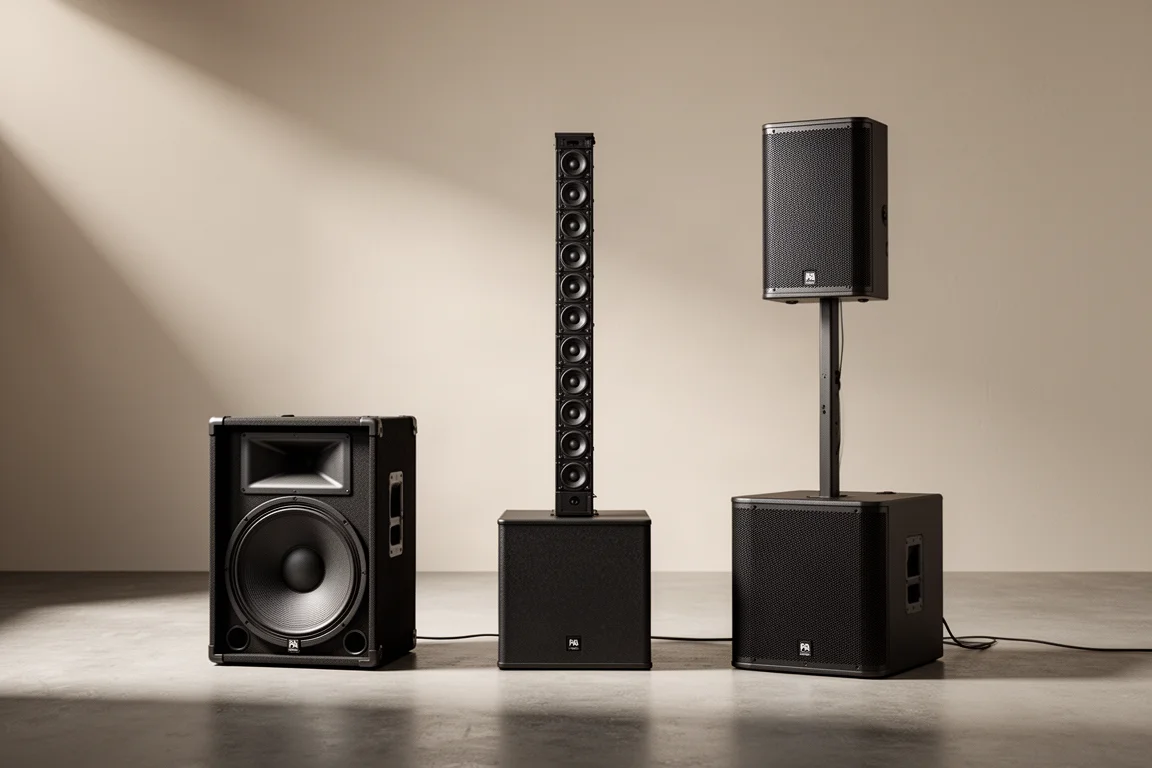
Point Source vs Line Array Speakers: Yamaha DHR12, Bose L1 Pro16, and QSC K12 Compared
A practical comparison of three powered speaker systems and how point source and line array designs shape coverage, distance behaviour, and clarity.