Smart Home
KiwiBit Boco Smart Bird Feeder Review: A Beginner-Friendly Way Into Backyard Birding
A hands-on look at the KiwiBit Boco smart bird feeder, covering setup, app features, solar charging, and what the free plan actually gets you.
Introduction
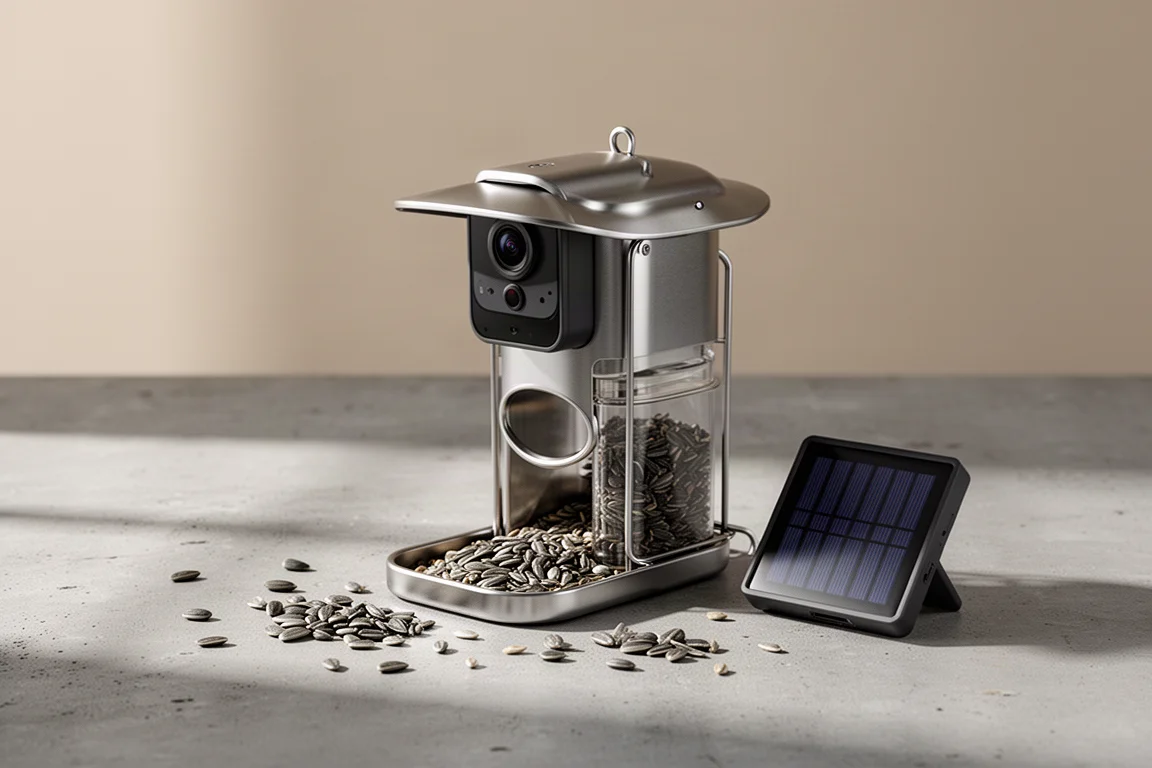
Smart bird feeders have gone from a niche gadget to a genuinely popular way to watch backyard birds without camping out at the window. The market now includes metal builds, quirky triangle designs, big-name options like Bird Buddy, and plenty of generic alternatives. The KiwiBit Boco is one example that covers everything most smart feeders have in common, which makes it a good reference point for anyone trying to understand the category as a whole.
This guide walks through the full experience: unboxing, assembly, app setup, mounting, charging, and what the free versus paid plans actually deliver. The process applies broadly, since most smart feeders follow a very similar path.
What You Get in the Box
Opening the box, the packaging makes some confident claims: 4K resolution, AI-powered visitor recognition, flexible placement with a detachable solar panel, and a removable split food storage system with independent valves. A nice touch is that the box art features an American goldfinch, so no mislabeled non-native birds here.
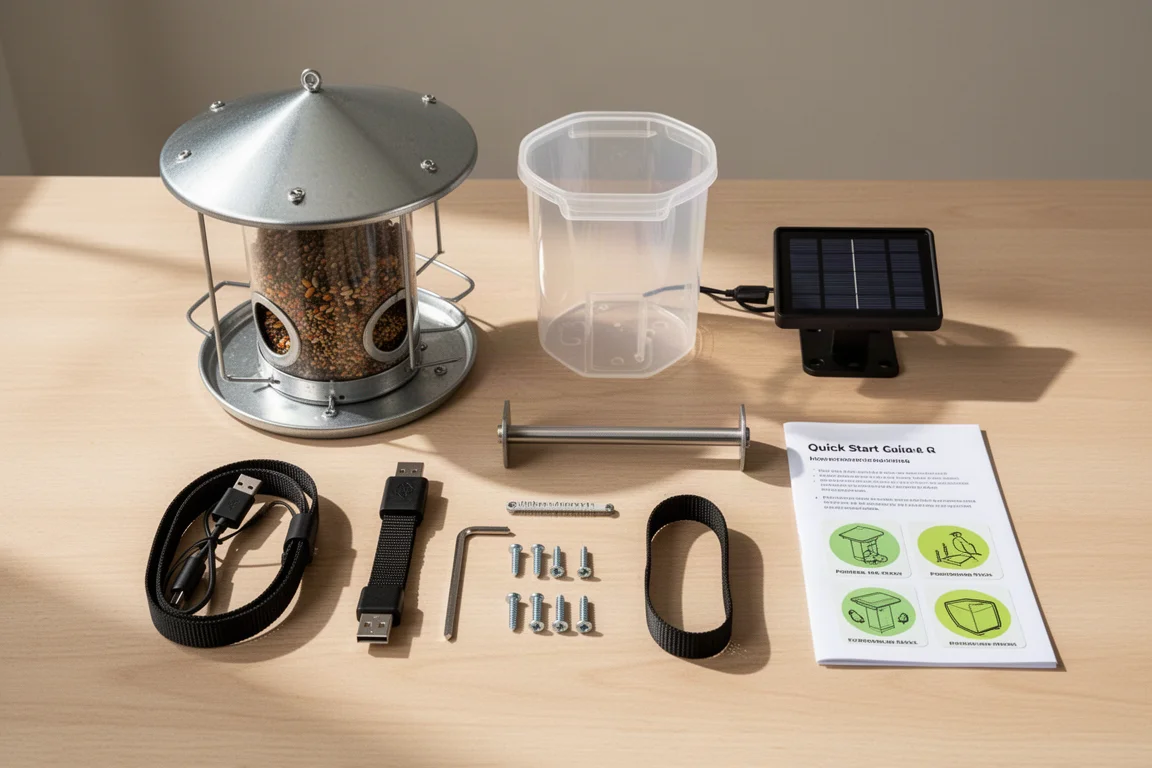
Inside, you get the feeder itself, which mixes metal construction on the body and stand with plastic on the perch, top, and camera housing. Around it are the removable seed tray, the camera unit, the solar panel with its mounting hardware, plus a quick start guide, user manual, positioning stickers for drilling, screws, a tree strap, and a USB-C charging cable.
The first step is always to charge the unit. It may have been sitting on a shelf with no charge at all. There is also a battery contact paper strip to remove from the bottom compartment; once that comes out and the battery goes back in, the unit powers on and the status light comes up.
Things to Consider Before Buying
Before buying any smart bird feeder, check two things carefully. First, Wi-Fi: most of these feeders only work on a 2.4 GHz network. If your home is 5 GHz only, make sure the model you choose supports it. Second, subscriptions: many brands now push cloud storage and premium features on top of the unit price, and the app can make it look like you must pay extra when you actually do not. Research what comes free before you commit.
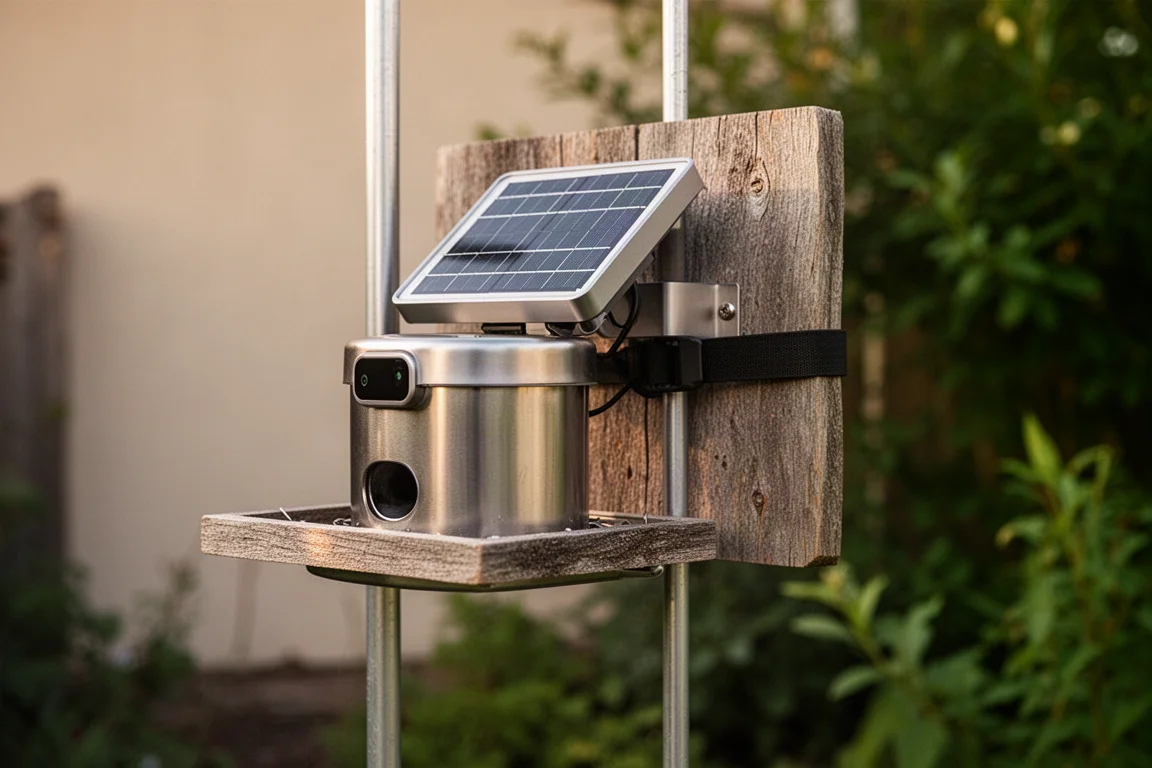
For placement, squirrels are the biggest long-term threat, since much of the feeder is plastic. A post with a squirrel baffle, placed away from anything animals can jump from, is the recommended permanent setup. For temporary testing, the Boco can be screwed onto a simple wooden board and strapped to a pole with the included tree strap.
One practical note from assembly: some of the included screws are soft metal and can strip out a little. Having your own drill and screws on hand helps, although most fasteners here are handled with the supplied Allen wrench.
Assembly and Setup
The Boco involves more assembly than some competitors, which makes it a useful learning exercise. The seed reservoir fits on top, the perch screws into the bottom, and a lower bracket locks in for board or pole mounting. The roof flips open at the press of a button on the back, revealing the seed filling port, and the removable reservoir simply pulls out for filling.
App setup follows the usual pattern: scan the QR code in the quick start guide, install the app, create an account, and let the app find the feeder over Bluetooth and local network. It will ask for your Wi-Fi credentials, and a firewall can interfere with the connection process. In practice the first pairing attempt failed and the second succeeded with the same password, so patience is warranted. Some brands use a QR code held in front of the camera instead, which can be finicky too.
After pairing, the device runs a firmware update, then asks about cloud storage and subscription options. The Boco also takes a microSD card for local storage, though one is not included.
Everyday Use and App Features
Once mounted and filled, the feeder starts recording motion events automatically, with small indicator lights confirming detection. On the free plan you get event alerts, a live stream with square or wide-angle views, snapshot and video recording, an audible alarm for scaring off squirrels, audio, and history. Without an SD card, the free cloud history only keeps about two days of footage.
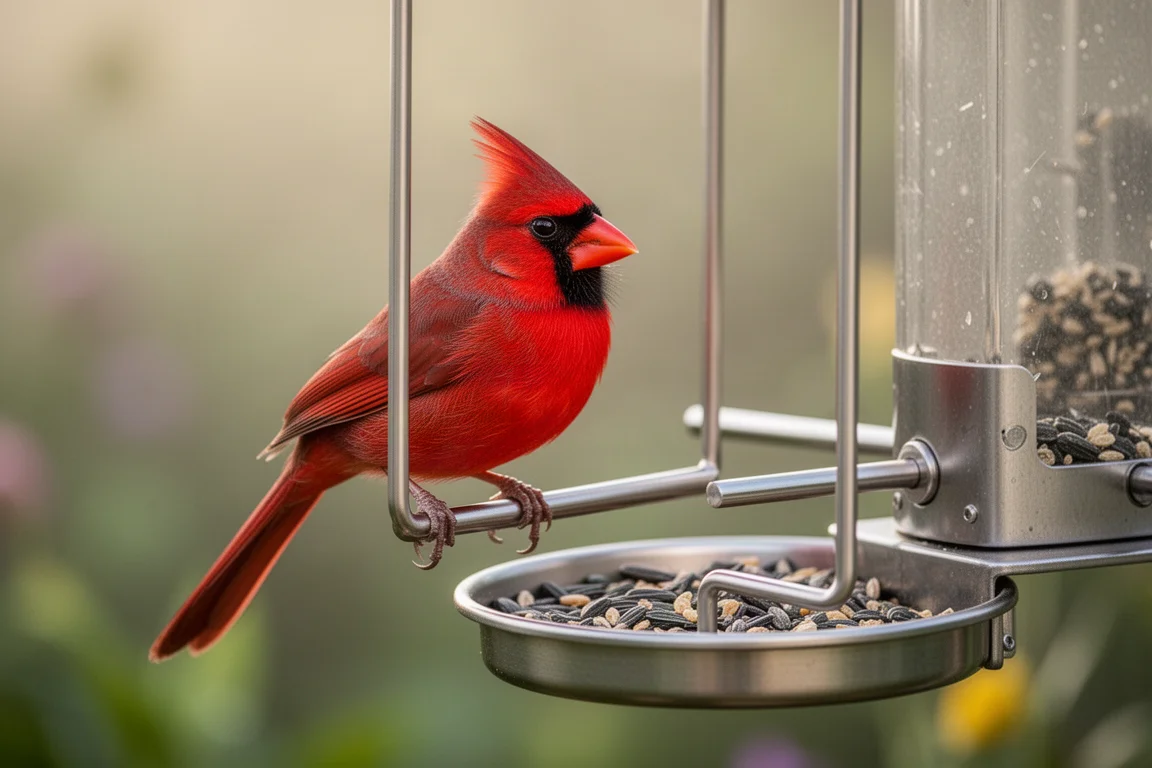
The camera has a fisheye-style lens, so birds look bigger when close to the lens, and the audio comes through clearly enough to hear calls. Over a couple of days, the test unit captured house sparrows, house finches, a striking northern cardinal, and even house sparrow parents feeding young.
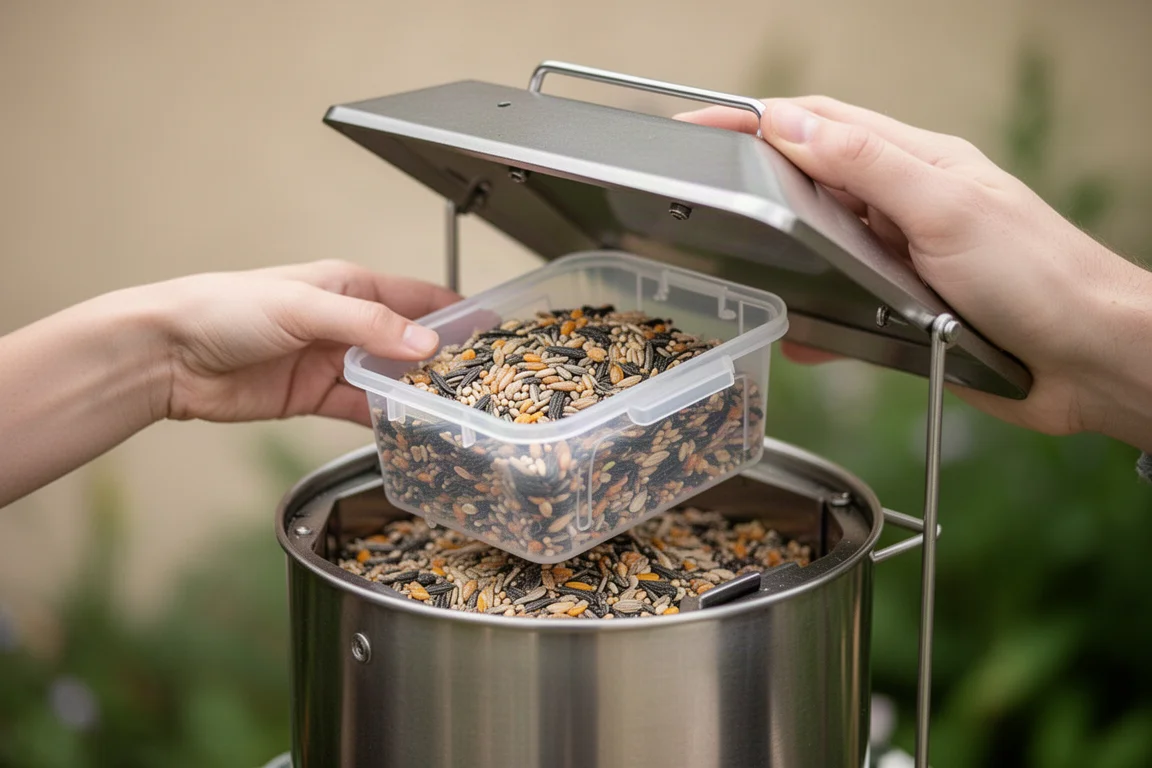
Two design details genuinely set the Boco apart. The removable seed tray means you can pull the reservoir out, fill it, and pop it back in without taking the whole feeder down. And the battery itself is removable, so you can charge it separately if needed. The detachable solar panel screws onto the back, plugs into the feeder, and kept the unit at a full 100 percent charge during testing. In consistently gloomy climates you may still need to bring the battery in occasionally.
One overlooked tip: the camera shipped recording in SD. Head into device settings, then video settings, then recording resolution, and switch it to 4K. This works on the free plan too, and there is an anti-flicker option for the light as well.
Premium Plan: Is It Worth It?
The premium plan costs about $48 per year, roughly $4 a month, and adds bird species identification, richer alert types, a gallery of bird photos captured at your feeder, and longer cloud retention than the free plan’s two days. The species ID shows a confidence percentage, so it is not just guessing wildly: it correctly tagged a house sparrow at 99 percent, though some clips only registered a generic “bird detected.”
Historically, AI identification on smart feeders has been hit or miss, and with limited backyard variety you often already know what is visiting. The sensible approach is to run the free plan first, see which features you actually miss, and only then decide whether premium earns its cost. Many people will not need it.
Buying Advice
If you are new to smart bird feeders, prioritize a few fundamentals over marketing claims. Confirm 2.4 GHz Wi-Fi support, check exactly what the free plan includes before assuming you need a subscription, and plan a squirrel-resistant mounting setup for anything long term. Features worth looking for include a removable seed reservoir for easy refilling, a detachable solar panel, and, if possible, a removable battery.
The KiwiBit Boco checks all of those boxes and pairs them with 4K recording, so it is a solid starting point whether you buy it specifically or use it as a benchmark for comparing other brands.
Conclusion
The KiwiBit Boco delivers the core smart feeder experience with a few thoughtful extras: a removable seed tray, a removable battery, an effective solar panel, and free-tier features that cover live viewing, recording, and event history. The premium plan adds species ID and cloud benefits, but it is optional rather than essential. Set it up near strong Wi-Fi, switch the camera to 4K, mount it somewhere squirrel-proof, and you will have a rewarding window into your backyard bird activity.
Product link
View more details for KiwiBit Boco Smart Bird Feeder
This product is mentioned in the review. Check the specifications, options, and compatibility before buying.
View more details for KiwiBit Boco Smart Bird FeederFurther reading
Related Reviews
Smart Home
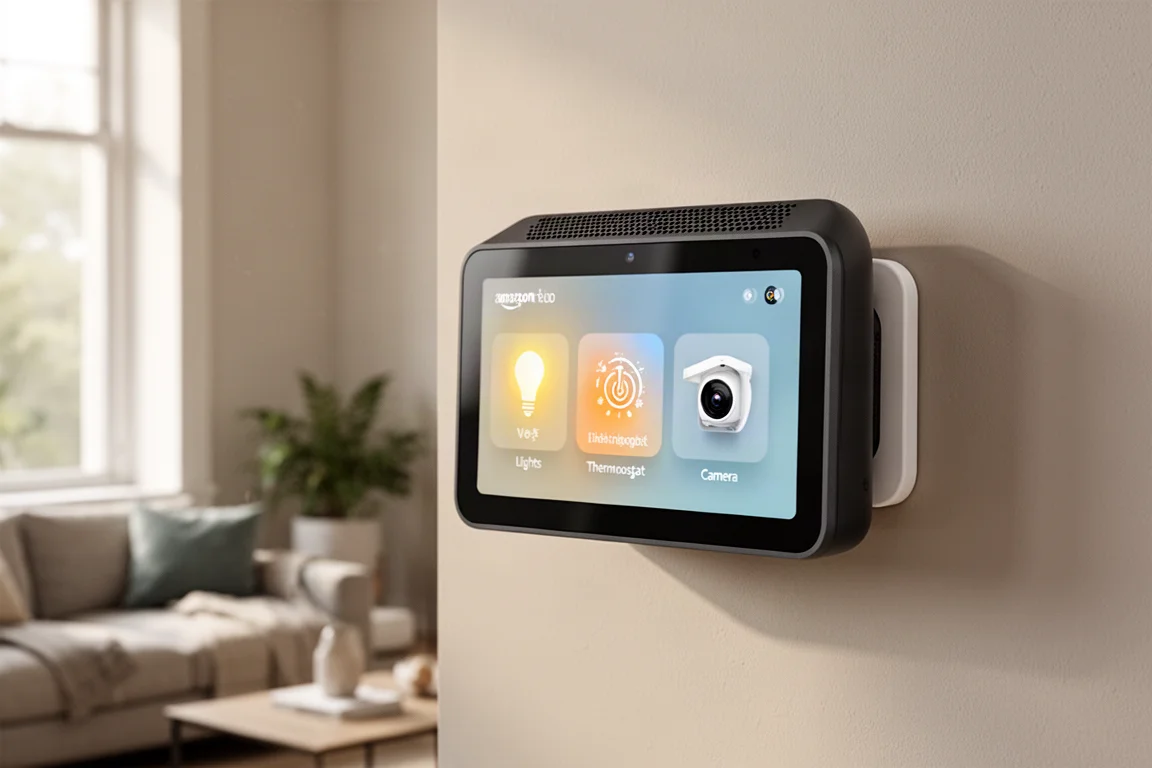
Amazon Echo Hub Review: A Smart Home Dashboard That Finally Gets It Right
The Amazon Echo Hub puts smart home controls front and center with a fast, simple interface. Here is how it performs as a family-friendly dashboard.
Smart Home
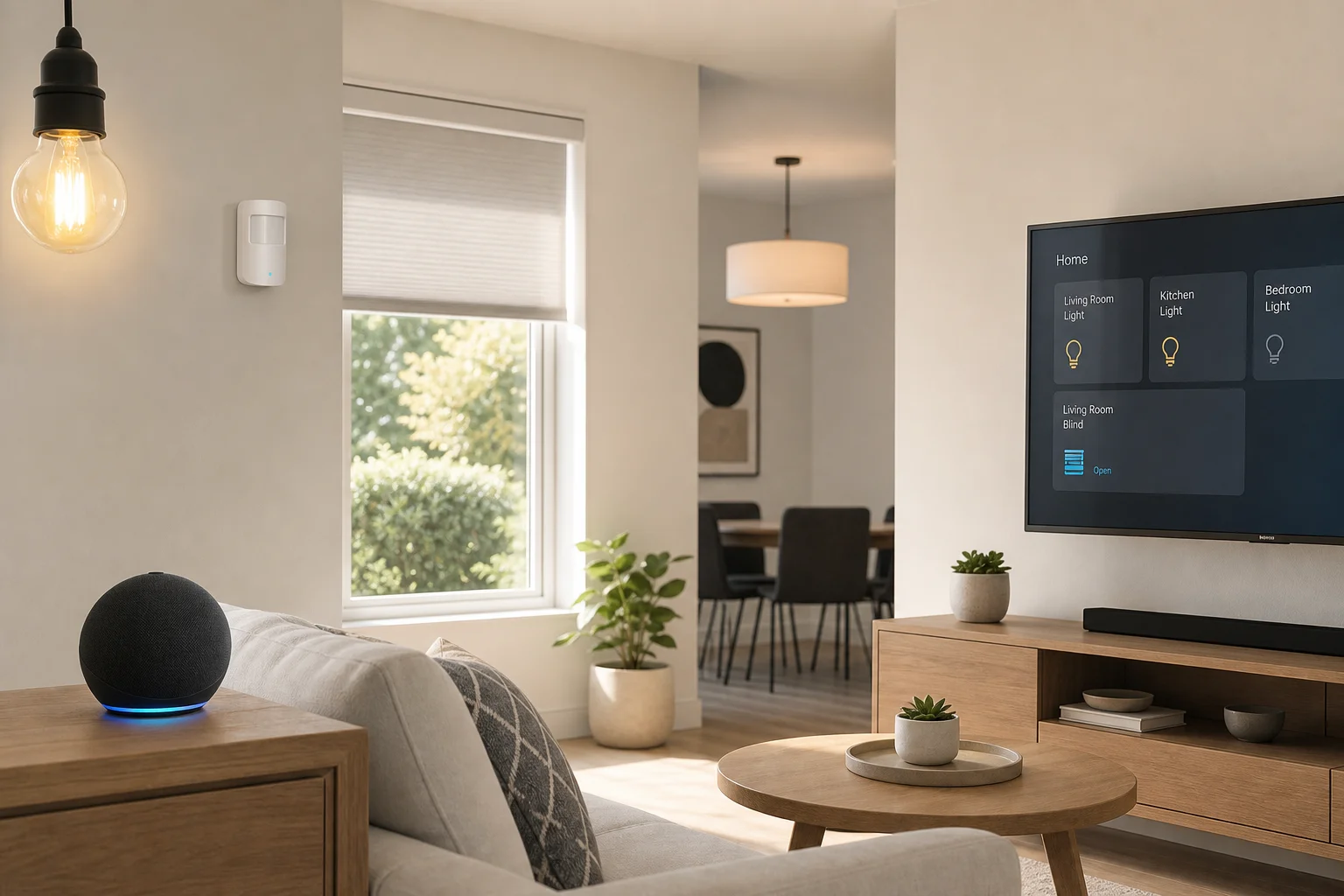
15 Amazon Smart Home Automations: Practical Ideas for Every Room
Fifteen practical Amazon Alexa routines and automations that solve real household problems, from pet care to security and entertainment.
Smart Home
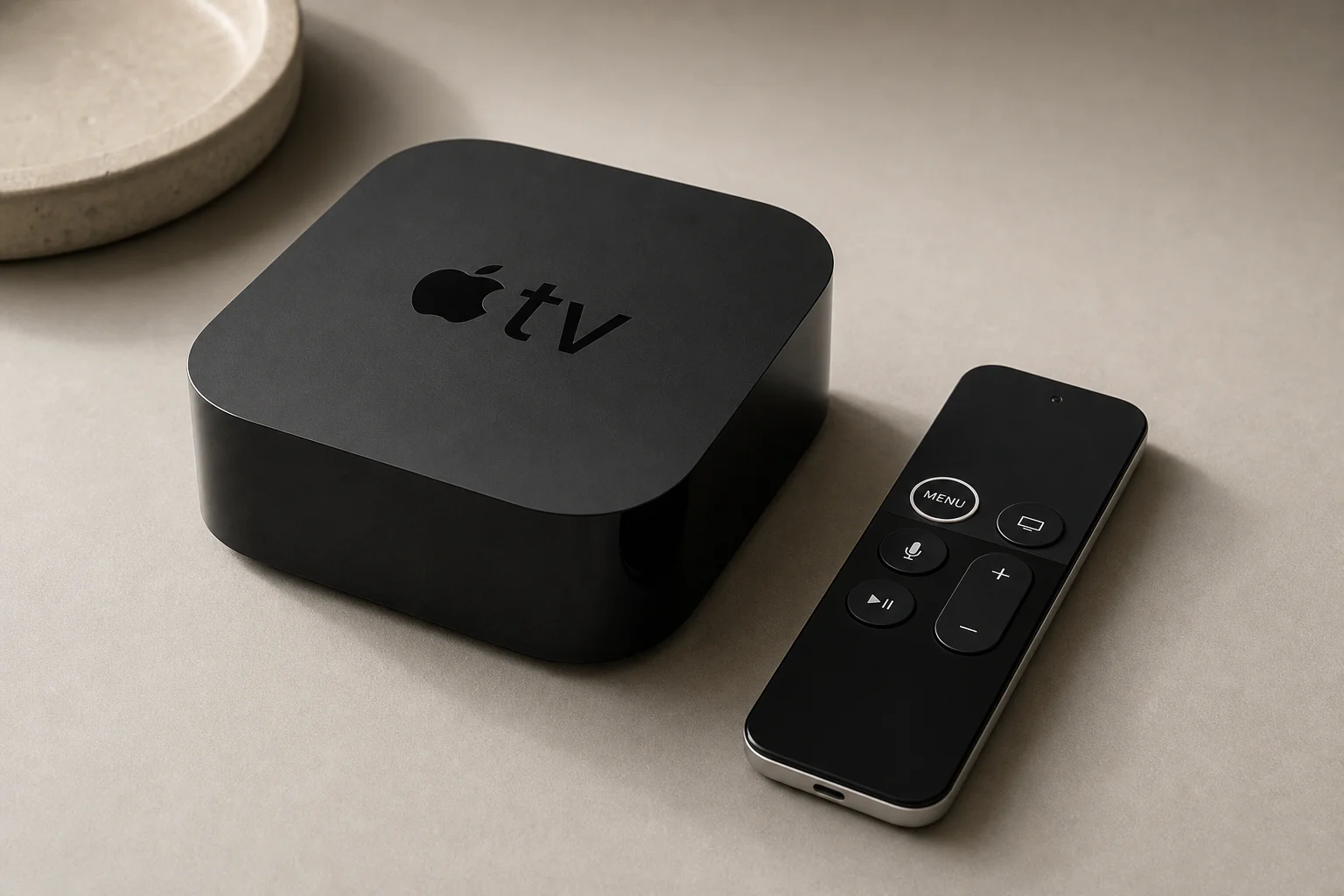
Apple TV as HomeKit Hub: Why It's Your Best Choice for Home Automation
The Apple TV combines HomeKit hub functionality with a display, camera viewing, and local automation control. Here's what makes it stand out from iPad and HomePod Mini alternatives.