E-Readers
Kindle Scribe vs Boox Go 10.3 Gen 2 Lumi: Which Writing E-Reader Fits You?
A practical comparison of two monochrome writing-capable e-readers with front lights, covering display quality, writing feel, and platform differences.
Introduction
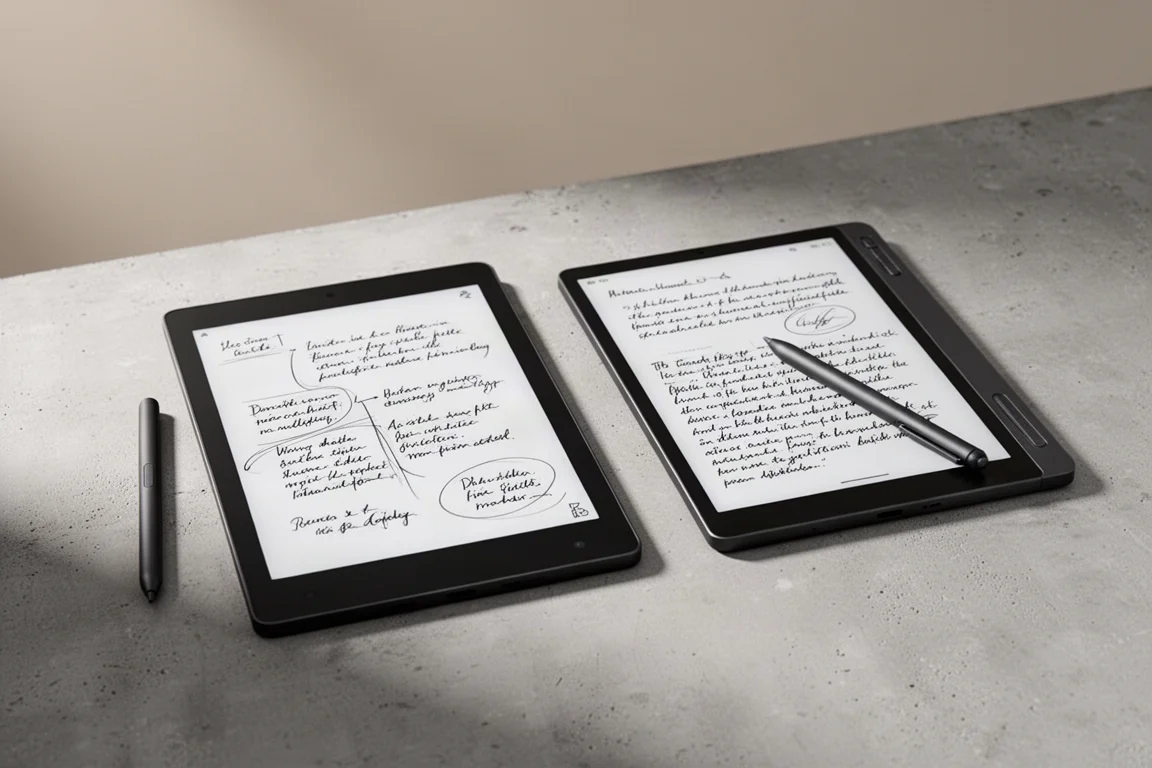
Finding a monochrome e-ink device with a front light, writing capability, and a screen around 10.3 inches or larger is getting harder. Two devices that still fit that description are the Kindle Scribe black and white front-lit edition and the Boox Go 10.3 Gen 2 Lumi. They look similar at a glance, but they are built around very different ideas of what a writing e-reader should be. This comparison looks at how they handle design, display quality, writing feel, and everyday usability.
Design and Build Quality
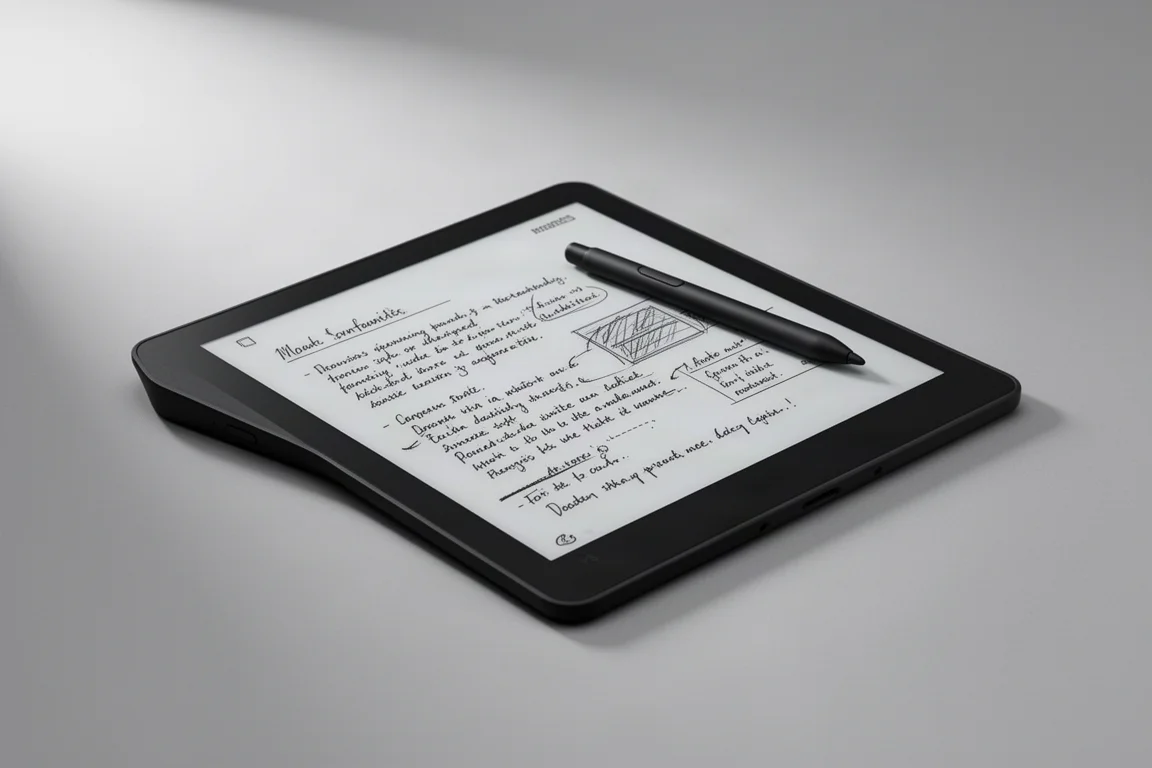
The Kindle Scribe has a design that feels closer to a general-purpose tablet, with a symmetrical layout that resembles an iPad. The Boox Go 10.3 Gen 2 Lumi, on the other hand, carries the familiar Boox asymmetrical side bezel, which gives it a distinct look. It is thinner and lighter than the Kindle Scribe, even though both are made from metal and glass.
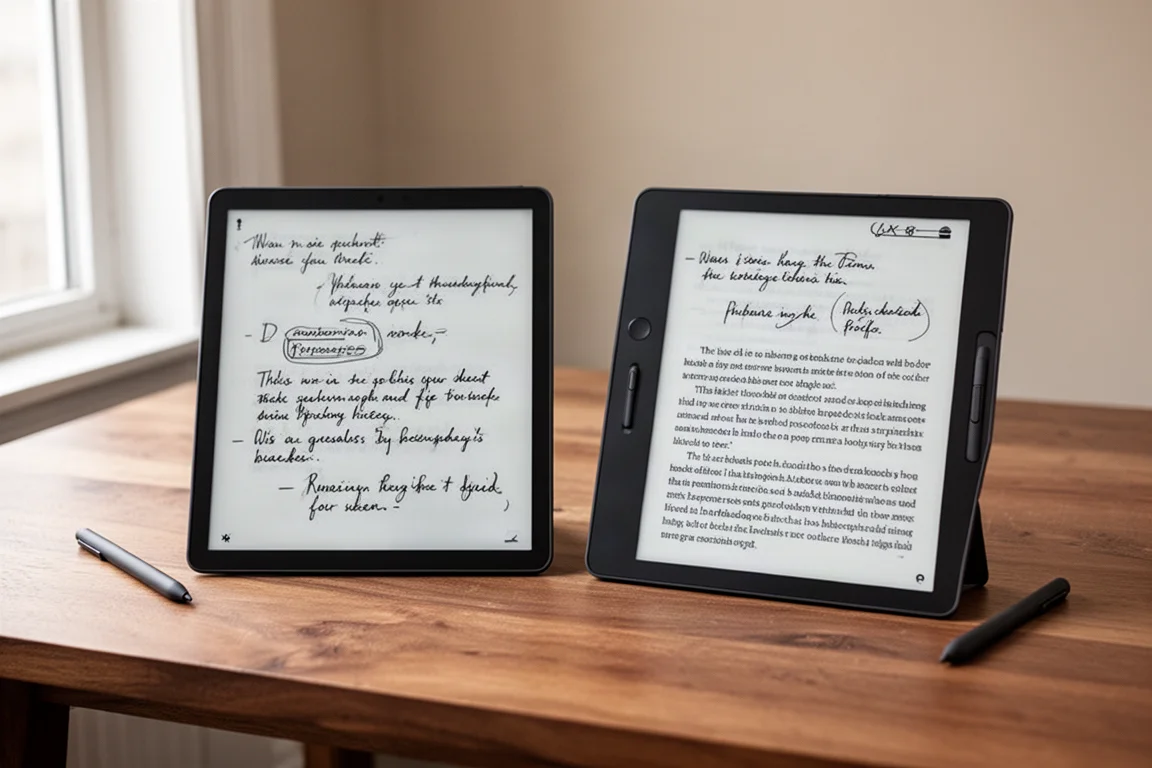
Both devices are beautifully made. The Kindle Scribe looks like a tablet that happens to have an e-ink screen, while the Boox Go 10.3 does not. For day-to-day handling, the thinness and the asymmetrical design of the Boox make it a nicer device to hold. That said, both feel premium and well built, so the choice here comes down to personal preference in form factor.
Display Performance
The Kindle Scribe has an 11-inch panel at 300 PPI, which gives it a natural readability advantage because smaller fonts render larger and are easier to read. The Boox Go 10.3 Gen 2 Lumi, at 10.3 inches, still performs strongly. In readability tests, the difference between the two at standard font sizes is very small, and the Boox actually renders thin fonts slightly better at smaller sizes, with fuller and darker strokes.
When it comes to contrast, the Boox Go 10.3 Gen 2 Lumi produces darker blacks across all lighting conditions, which gives it a slight contrast edge when the front light is off. The Kindle Scribe, however, is brighter on a pure white page without the front light, which matters for battery life and natural reading environments. With the front light at maximum, both devices wash out the black color somewhat, but the Boox shows a bit more washing out in average lighting conditions.
Reflectivity is very similar on both devices. The sharpness of reflections is nearly identical, but the Kindle Scribe dampens the intensity of reflections slightly better. Ghosting performance is clearly better on the Kindle Scribe, which shows much less residual image retention than the Boox. Refresh time is also faster on the Kindle Scribe, both in measurements and in side-by-side use.
Writing Experience
The Boox Go 10.3 Gen 2 Lumi has a much more paper-like surface, almost twice as rough as the Kindle Scribe. That roughness makes writing on it feel noticeably more pleasant, closer to pen on paper. The trade-off is a slight effect on image clarity and brightness.

Writing latency is where the Kindle Scribe dominates. It averages about 10 milliseconds of writing latency, while the Boox Go 10.3 Gen 2 Lumi averages around 32.5 milliseconds. The Boox uses an active stylus that is held back by unoptimized drivers and older panel technology, so the difference is immediately noticeable when writing side by side. The surface-to-screen distance is the same on both at about 1 millimeter, so there is no differentiation there.
Reading and Note-Taking
The Kindle Scribe is primarily a reader that also handles note-taking in a basic way. It has introduced AI transcription, handwritten notebook conversion to text, and compatibility with Google Drive, OneDrive, and Dropbox. These are meaningful steps toward opening up a platform that has historically been closed off. For users comfortable keeping notes on the device itself, it works well, but exporting and integrating notes beyond the tablet has been clumsy in the past.
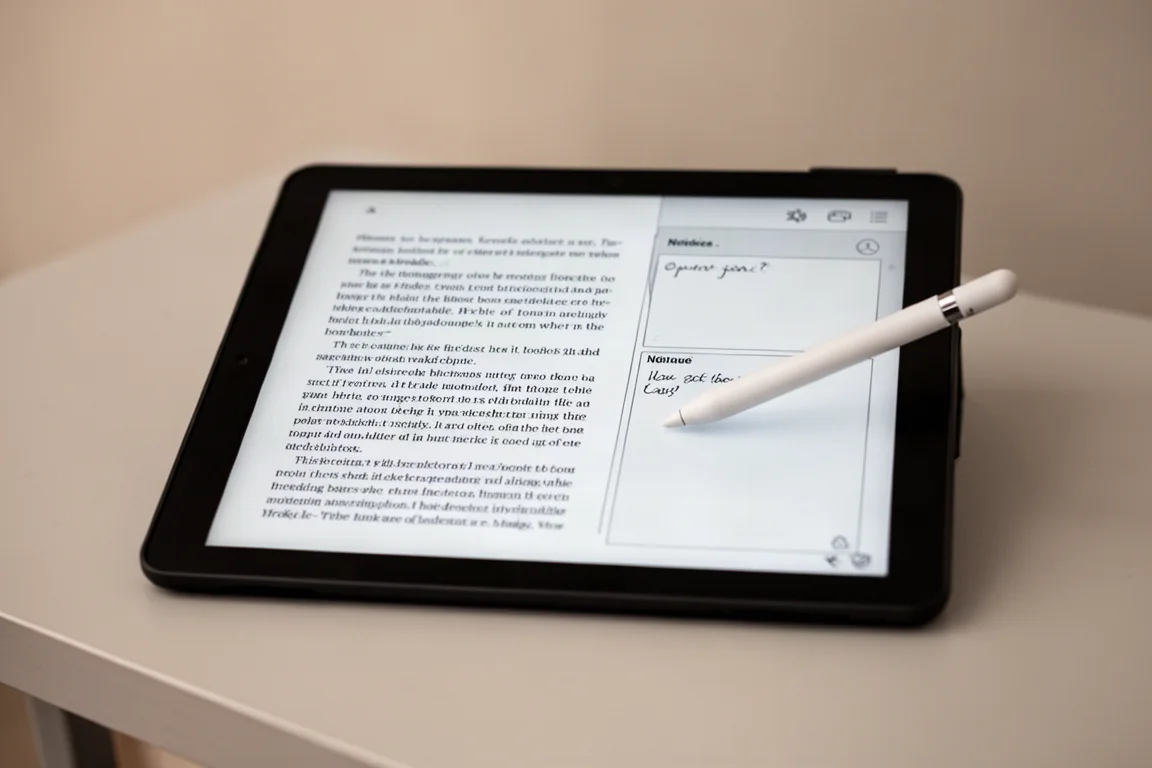
The Boox Go 10.3 Gen 2 Lumi is a full Android tablet with the Google Play Store. Its notebooks are far more powerful, with infinite pages, split-screen functionality for taking notes while reading, and the ability to build custom tables of contents, insert links to pages, other notebooks, webpages, documents, or files, and even insert images, shapes, and audio files. The capability ceiling is much higher on the Boox, though the user experience can be frustrating and sometimes illogical. The Kindle Scribe is simpler and more reliable for basic reading and writing, but it cannot grow with you the way the Boox can.
Battery Life and Efficiency
The Kindle Scribe has a lightweight, customized operating system that makes efficient use of its hardware. In reading tests with the front light off, at 50 percent, and at full brightness, the Kindle Scribe outperforms the Boox Go 10.3 Gen 2 Lumi. The same is true for writing, where both devices perform similarly with the front light off, but the Boox drains more battery at full front light intensity because its maximum brightness is much higher.

The Boox Go 10.3 Gen 2 Lumi runs a full Android OS, which requires more powerful hardware and consumes more power. On paper, the Boox has better specifications, but the Kindle Scribe does not need them because its operating system is purpose-built for reading and writing. In real-world use, the Kindle Scribe feels faster and lasts longer, which matters for a device you want to rely on daily.
Overall Buying Advice
The Kindle Scribe black and white front-lit edition is the better display performer. It wins on readability, ghosting, refresh time, writing latency, and battery life. It is the right choice if you want a device that simply works for reading and writing without introducing more complications or technical setup into your daily life.
The Boox Go 10.3 Gen 2 Lumi is the better platform if you need more capability. Its Android operating system, Google Play Store access, and powerful notebook features make it a more versatile tool for power users who want to integrate reading, writing, and other tasks into their workflow. The trade-offs are a rougher user experience, more ghosting, slower writing latency, and shorter battery life.
Conclusion
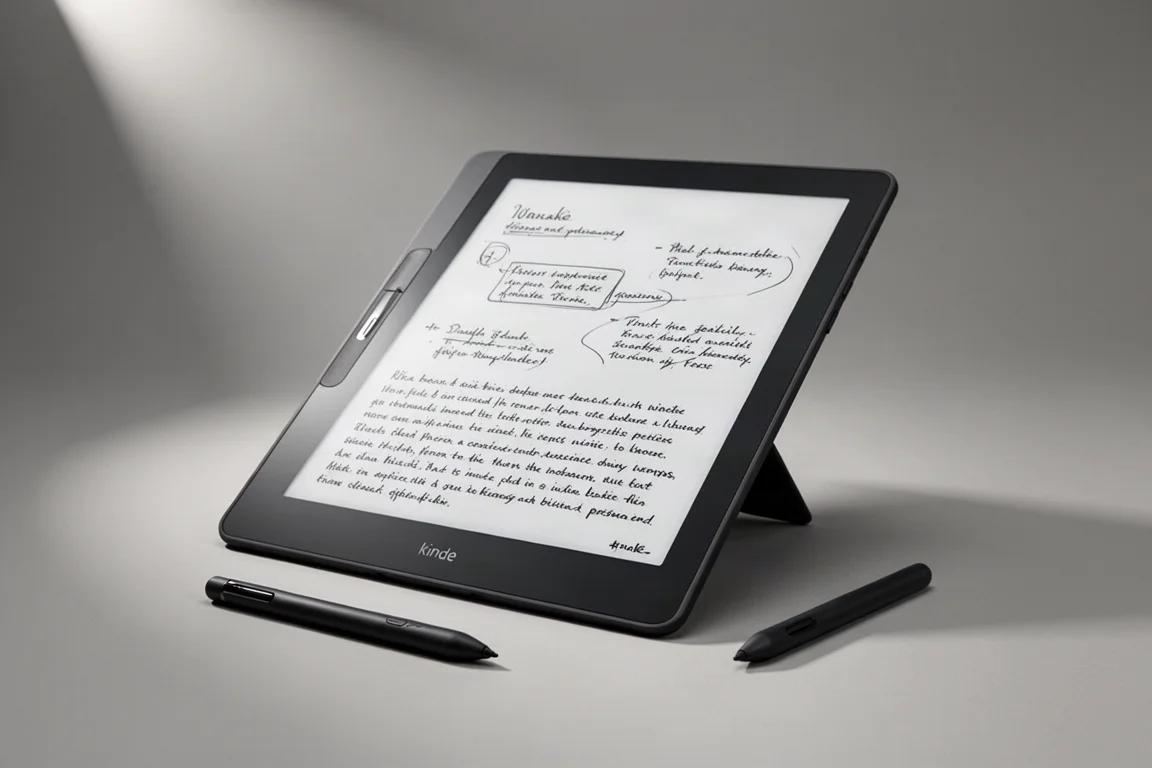
Both devices are excellent contenders, but they cater to different needs. If your priorities are reading, writing, and having it just work, the Kindle Scribe makes far more sense. If you need a device that can grow with you, handle complex notebooks, and run Android apps, the Boox Go 10.3 Gen 2 Lumi is the more capable choice. Consider what you value more: simplicity and display performance, or flexibility and platform openness.
Further reading
Related Reviews
E-Readers
Boox Go 10.3 Gen 2: A Deep Dive Into the Writing Experience, Screen Quality, and Everyday Trade-Offs
A detailed look at the Boox Go 10.3 Gen 2, covering the active pen, front light options, ghosting behavior, and how it compares to the Gen 1 and Note Max.
E-Readers
Boox Go 10.3 Gen II Classic Review: A Non-Front-Lit E-Reader With Trade-Offs
The Boox Go 10.3 Gen II Classic offers a sharp 300 PPI display and lighter build, but ghosting and pen precision issues are worth considering.

E-Readers
Boox Go 10.3 After OS 4.1: A Detailed Look at What Changed
A hands-on look at the Boox Go 10.3 after the OS 4.1 update, covering the new features, the frustrating bugs, and whether the upgrade is worth the risk.