E-Readers
Boox Go 10.3 Gen 2: A Deep Dive Into the Writing Experience, Screen Quality, and Everyday Trade-Offs
A detailed look at the Boox Go 10.3 Gen 2, covering the active pen, front light options, ghosting behavior, and how it compares to the Gen 1 and Note Max.
Introduction
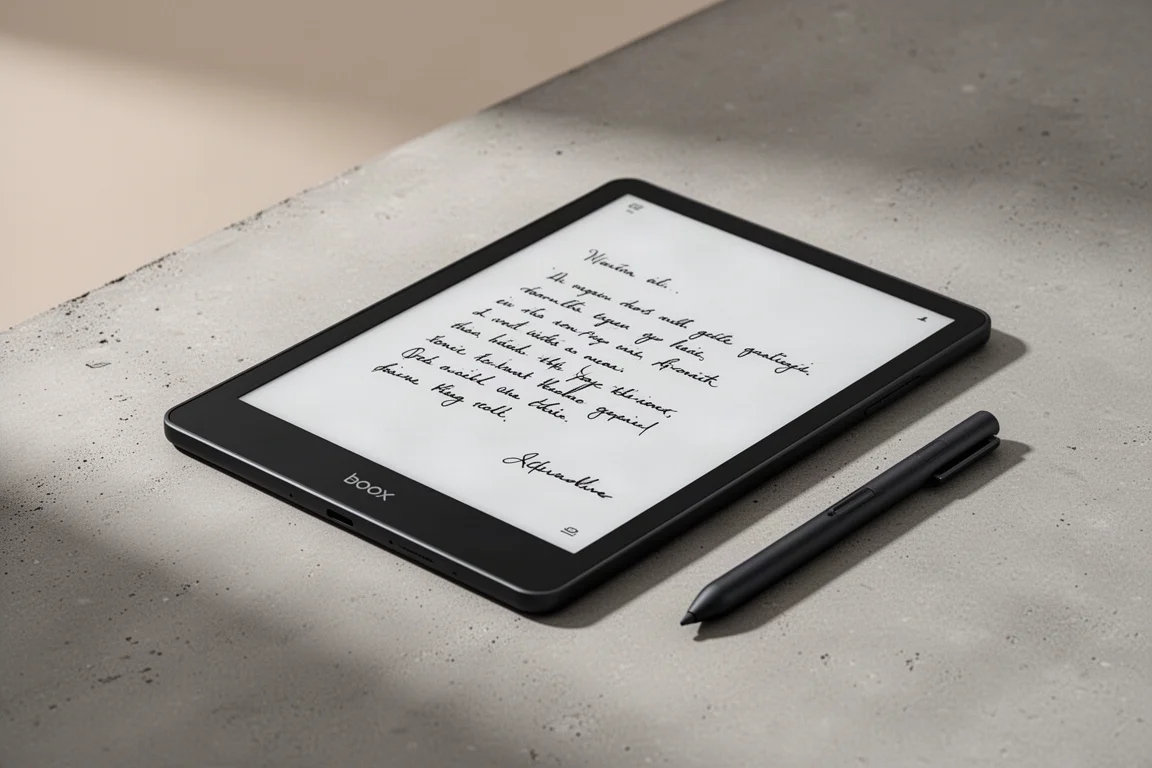
The Boox Go 10.3 Gen 2 has quickly become a daily driver for many users, but it is not without its compromises. This deep dive covers the writing experience, screen quality, ghosting behavior, and how the device fits into a broader Boox ecosystem. We also look at the Note Max and the original Go 10.3 Gen 1 to help you decide which one suits your needs.
The Writing Experience: Active Pen vs. EMR
The most significant change with the Go 10.3 Gen 2 is the shift from the Wacom EMR stylus to an active pen. The writing feel itself is relatively similar to the Gen 1, and in some ways it is faster. However, the pen comfort is a real concern. The metal body of the active pen is hard on the hand, and after 15 to 20 minutes of writing, hand fatigue can set in. This is a notable regression compared to the EMR pen on the Gen 1, which required no charging and was more comfortable for extended sessions.

The active pen also needs to be charged separately, as the device does not charge it. This adds a new maintenance step to your routine. If you are used to grabbing your device and writing without thinking about pen battery, this is a change you will need to plan around. Carrying a second charged pen is one way to avoid the “dead pen” moment, but it is an extra cost and an extra item to remember.
Screen Quality: Front Light and Resolution
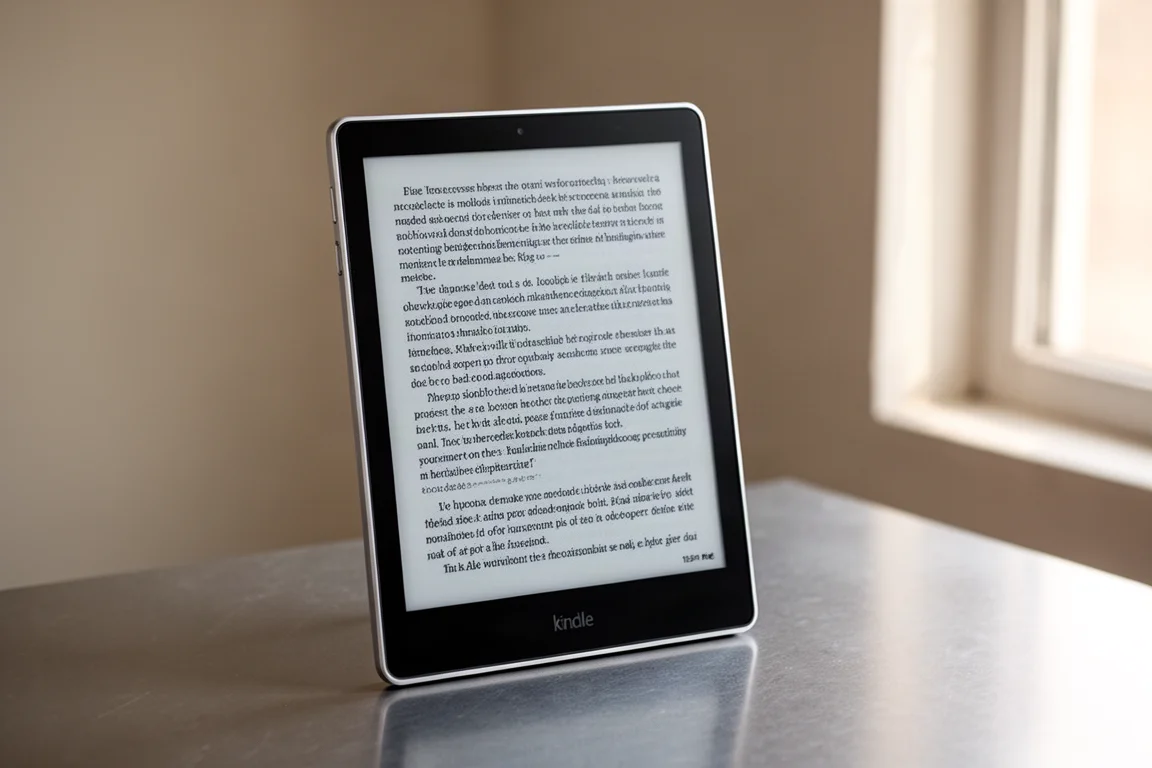
The Go 10.3 Gen 2 uses the same Carta 1200 display as the Gen 1, so the resolution is identical. Without the front light, the image quality is extremely close to the Gen 1, with almost no perceptible differences. The writing feel is also similar, though the active pen’s ergonomics remain the main drawback.
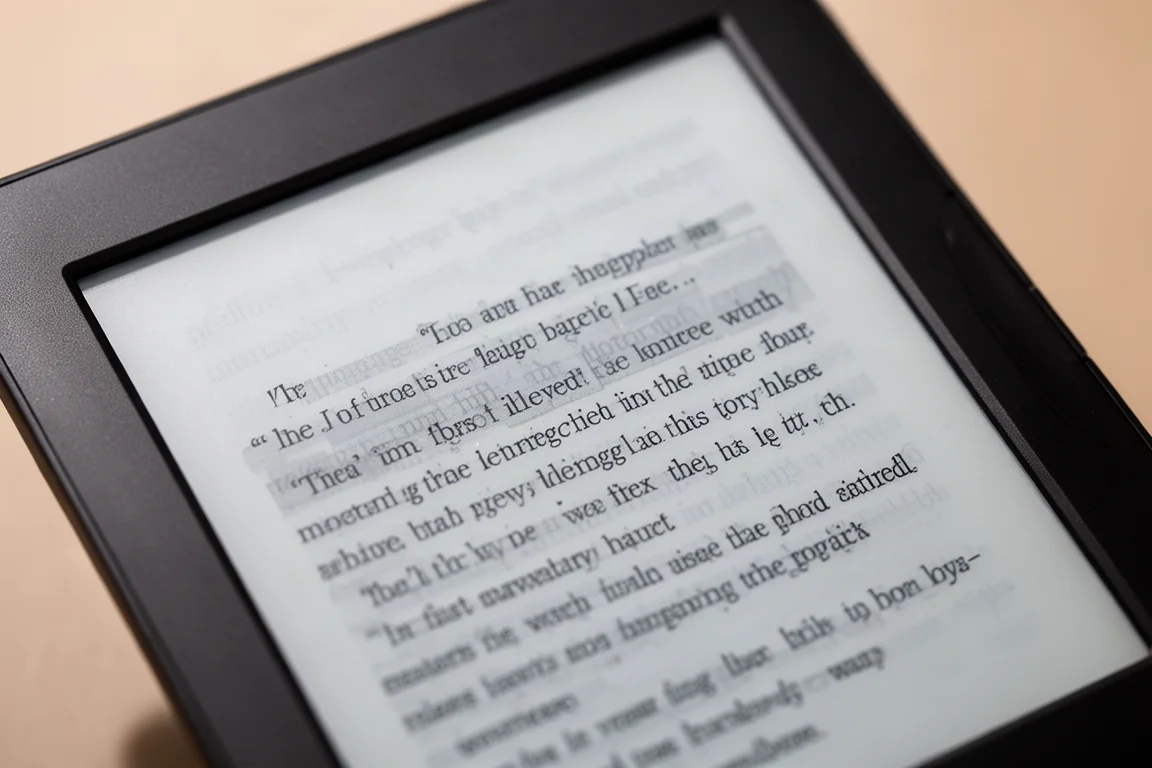
If you choose the Lumi version with the front light, you will get a slightly worse image quality. The added glass layer for the front light introduces a small amount of parallax and distortion, and the whites may appear very faintly darker. However, the front light itself is a significant convenience, especially for reading in low-light conditions. The trade-off is a small reduction in sharpness for the ability to use the device without external lighting.
Ghosting: The Persistent Issue
Ghosting has been a long-standing issue with Boox devices, and the Go 10.3 Gen 2 does not meaningfully improve on it. Both the Gen 1 and Gen 2, in all versions, show similar ghosting performance. The active refresh solution, whether it is BSR or a software-based approach, feels random at times. It does not intelligently clean up after closing UI overlays with strong black and white icons, which remains a frustrating issue.
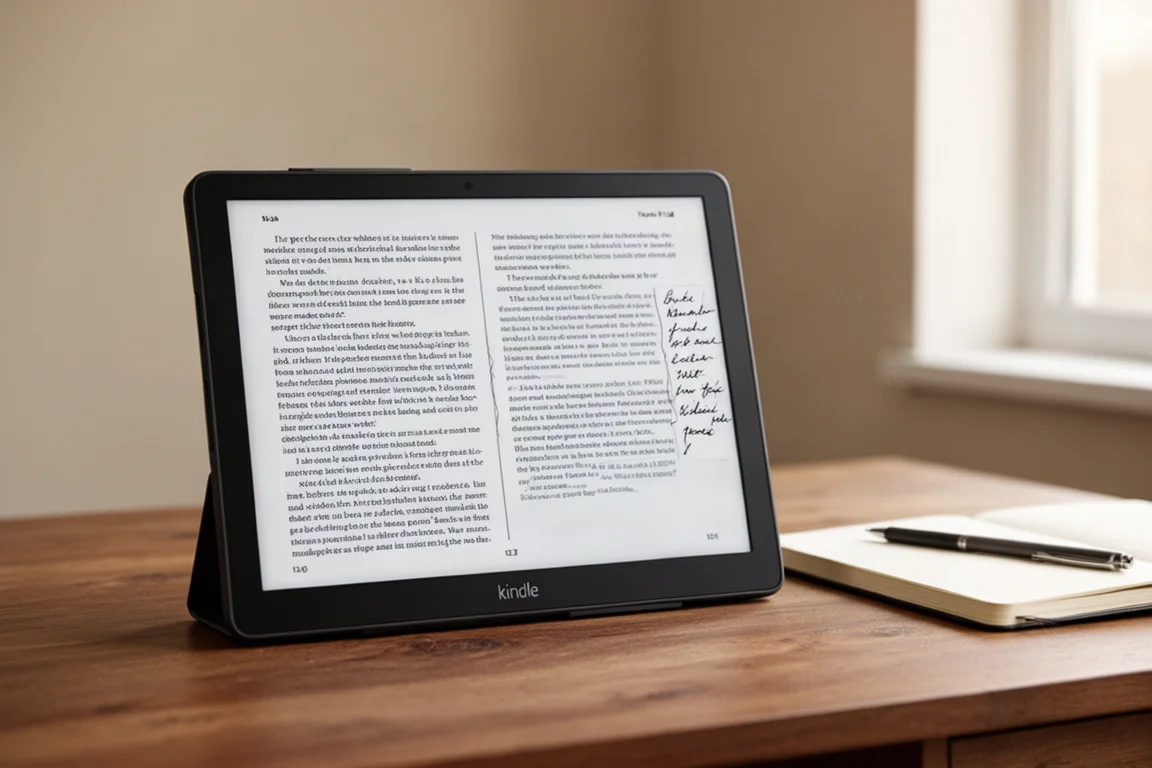
This is not a new problem. The Go 10.3 Gen 1 has had ghosting issues for two years, and the Note Max has had them for a year and a half. There is little reason to expect a fix for the Gen 2, especially since it uses the same Carta 1200 display. If ghosting is a dealbreaker for you, this is worth keeping in mind.
Note Max for University Students
For university students who read PDF textbooks and take notes, the Note Max offers several advantages. The larger 13.3-inch screen allows you to view two pages side by side or a document and a notebook simultaneously without feeling cramped. The writing feel is also preferred for longer-term use, and the larger screen makes 10-point or 12-point fonts much more readable.

However, the Note Max lacks a front light, which is a significant consideration if you study in dim environments. The Go 10.3 Gen 2 Lumi, with its front light, may be a better fit in that case. The active pen on the Gen 2 also requires separate charging, which is an extra responsibility to manage.

Gen 1 vs. Gen 2: Which One Makes More Sense?
If you are deciding between the Gen 1 and Gen 2, the key differences come down to the pen and the front light. The Gen 1 uses an EMR pen that never needs charging and is more comfortable for long writing sessions. The Gen 2 offers a faster writing response and an optional front light, but the active pen’s ergonomics and charging requirement are real drawbacks.
The screen resolution is identical between the two, and the ghosting performance is similar. If you value a comfortable, maintenance-free writing experience, the Gen 1 may be the better choice. If you need a front light and can tolerate the active pen, the Gen 2 Lumi is worth considering.
Buying Advice
Before purchasing, consider how you will use the device. If you write for long periods, the active pen’s comfort may be a deciding factor. If you read in low light, the front light on the Lumi version is a strong reason to choose it. If you need to read large PDFs and take notes simultaneously, the Note Max’s larger screen is a clear advantage.
The active pen is a compromise that some users are willing to make for a 300 PPI monochrome screen with a backlight. Others may prefer the EMR pen on the Gen 1 for its simplicity and comfort. There is no single right answer, but understanding these trade-offs will help you make an informed decision.
Conclusion
The Boox Go 10.3 Gen 2 is a capable device with a strong writing experience, but it is not without its faults. The active pen’s ergonomics and charging requirement are the main drawbacks, while the ghosting issue remains unresolved. The Note Max offers a larger screen for academic use, and the Gen 1 remains a solid choice for those who prefer the EMR pen. Consider your priorities carefully to choose the device that best fits your needs.
Further reading
Related Reviews
E-Readers
Boox Go 10.3 Gen II Classic Review: A Non-Front-Lit E-Reader With Trade-Offs
The Boox Go 10.3 Gen II Classic offers a sharp 300 PPI display and lighter build, but ghosting and pen precision issues are worth considering.

E-Readers
Boox Go 10.3 After OS 4.1: A Detailed Look at What Changed
A hands-on look at the Boox Go 10.3 after the OS 4.1 update, covering the new features, the frustrating bugs, and whether the upgrade is worth the risk.
E-Readers
Boox Go 6 Gen II Review: A Pocket-Sized Reader With Surprising Writing Power
The Boox Go 6 Gen II brings a refined design, a usable stylus experience, and a few notable trade-offs to the compact e-reader segment.