E-Readers
Kindle Scribe Colorsoft Review: Color Done Well, But At A Cost
The Kindle Scribe Colorsoft brings color to Amazon's writing tablet with excellent calibration and fast refresh, but a dark panel, heavy battery drain, and a high price hold it back.
Introduction
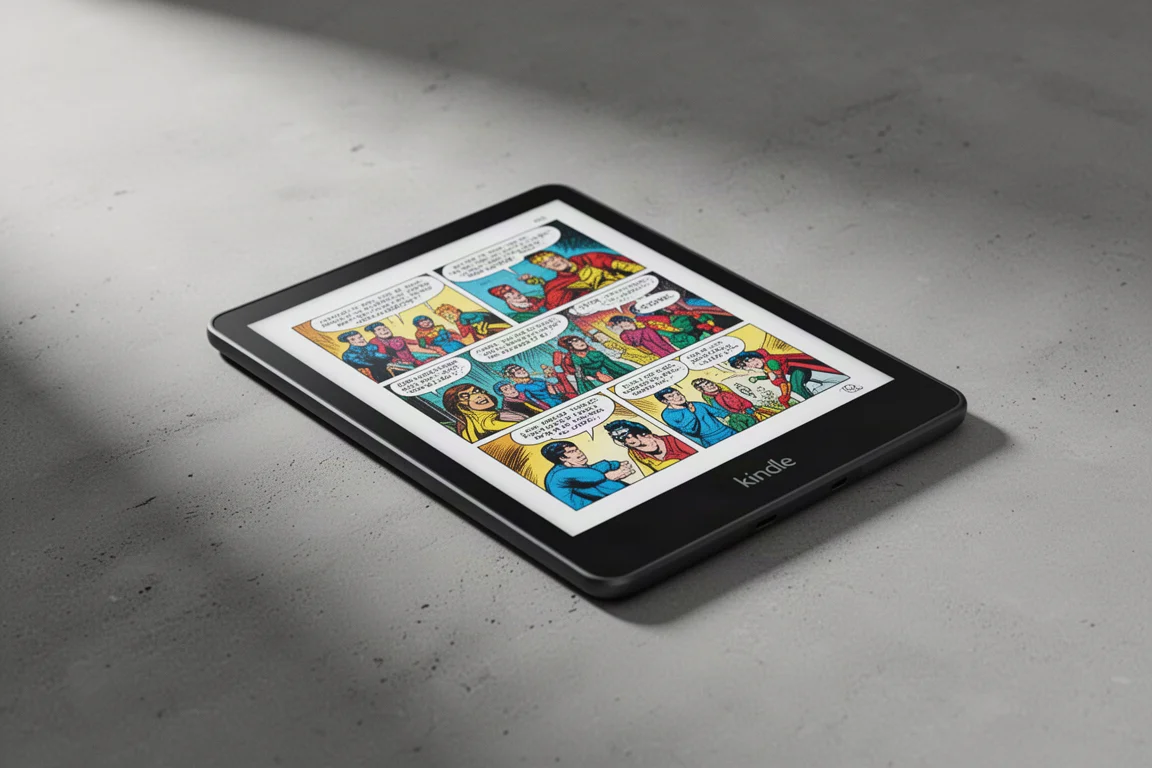
The Kindle Scribe Colorsoft is Amazon’s first color e-ink writing tablet, and it arrives with a lot of expectations. It combines the familiar Kindle Scribe writing experience with a color display that promises to make comics, magazines, and illustrated documents look genuinely good on e-ink. The device uses a Kaleido 3 panel, which is the same color e-ink technology found in several competing products, but Amazon has tuned it with its own calibration and front light system.
The result is a device that renders color impressively well, with a balanced and natural look that requires no tweaking. But that color performance comes with trade-offs. The panel is noticeably darker than a standard monochrome e-reader, ghosting is more visible, and battery life takes a real hit. And then there is the price, which sits well above what many people would consider reasonable for an e-reader, even one with writing capabilities.
This review looks at whether the Kindle Scribe Colorsoft justifies its premium price, and where it stands against the expectations set by previous Kindle Scribe models.
Who This Product Is For
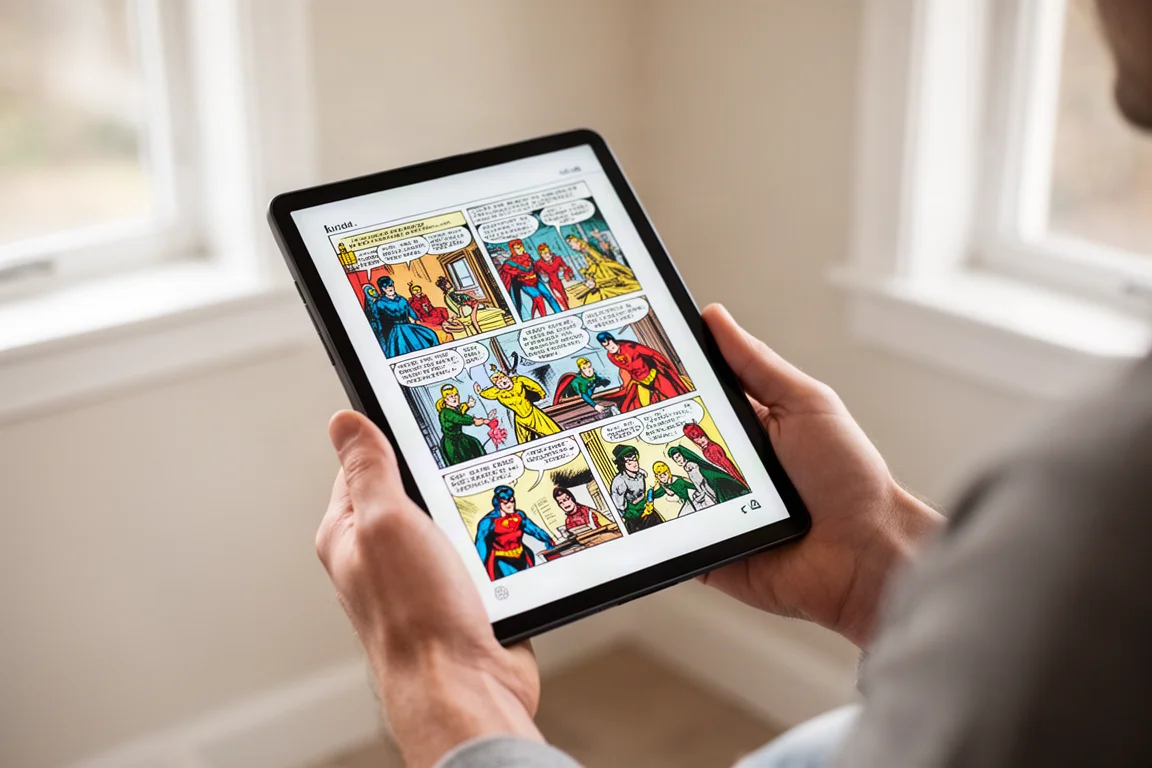
The Kindle Scribe Colorsoft is aimed at people who want a single device for both reading and writing, with the added benefit of color. It is most appealing to readers of comic books, graphic novels, magazines, and illustrated textbooks, where color is an essential part of the content. It also suits note-takers who want to annotate documents and PDFs with color highlights.
The 11-inch screen is a strong size for both reading and writing. It is large enough to display a full page of text comfortably, and it gives note-takers room to write without feeling cramped. The device feels well balanced in the hand, with a redesigned body that has a modern, premium look. The dark edges help the screen blend into the frame, which is a thoughtful touch given how dark the color panel naturally is.
That said, this is not a device for everyone. If you read mostly black-and-white text, a standard monochrome Kindle Scribe will give you a brighter screen, better contrast, and significantly longer battery life for less money. The Colorsoft only makes sense if color content is a genuine priority.
Color Quality and Display Performance
The headline feature of the Kindle Scribe Colorsoft is its color display, and in this area it delivers. Colors are rendered in a way that feels natural and well balanced. The calibration is impressive, and when you view color content under good lighting, the screen does a convincing job of mimicking paper. There is no need to dig through settings to get a good image, which is a significant advantage over some competing devices.
The default contrast setting, however, is set too high at three, which makes the screen look unnecessarily dark. Lowering it to two makes a substantial difference and is the first thing you should do after unboxing. There is also a vivid color mode, but it pushes saturation so far that it is only useful for very pale content that needs a boost.
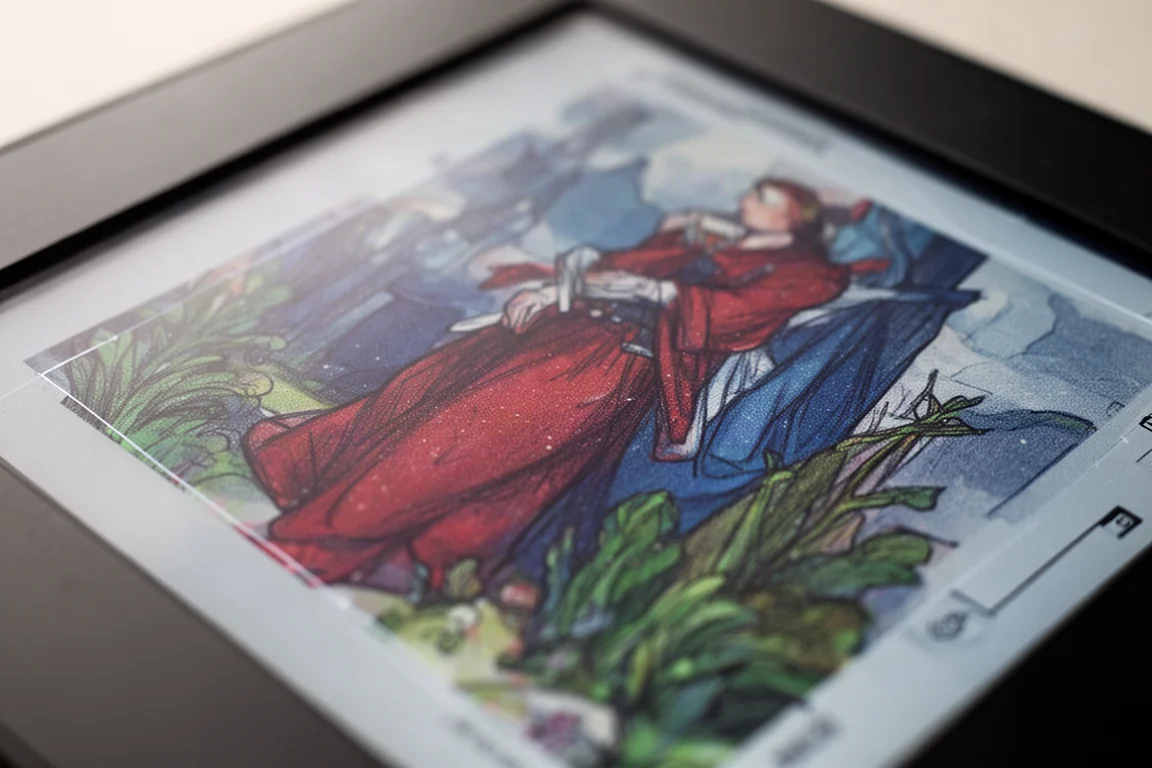
The color filter layer that makes color possible also affects sharpness and clarity. Text and images lose a little crispness compared to a true monochrome panel, and this becomes more noticeable with smaller fonts. At standard reading sizes, the effect is minor, but at smaller sizes, the edges of characters start to look jagged. For most reading, this is not a dealbreaker, but it is a visible compromise.
The panel is also much darker than a standard e-ink screen. In all but the brightest lighting conditions, you will need the front light on. The front light itself is excellent, with a smooth intensity curve and a pleasant color temperature range. But relying on it heavily has a direct impact on battery life.
Writing Experience and Stylus
The Kindle Scribe Colorsoft builds on the writing strengths of the previous Scribe models. The surface-to-screen distance has been reduced significantly, from around 1.55 mm on the older models to 0.95 mm here. That makes the writing experience feel much more direct and natural. Writing latency is excellent, averaging around 12.9 milliseconds, which is fast enough that the ink keeps up with your hand without noticeable lag.
The page refresh speed is also a highlight. Full page refreshes happen in under 200 milliseconds, which is noticeably quicker than many competing e-ink devices. This makes navigating documents and flipping between pages feel snappy.
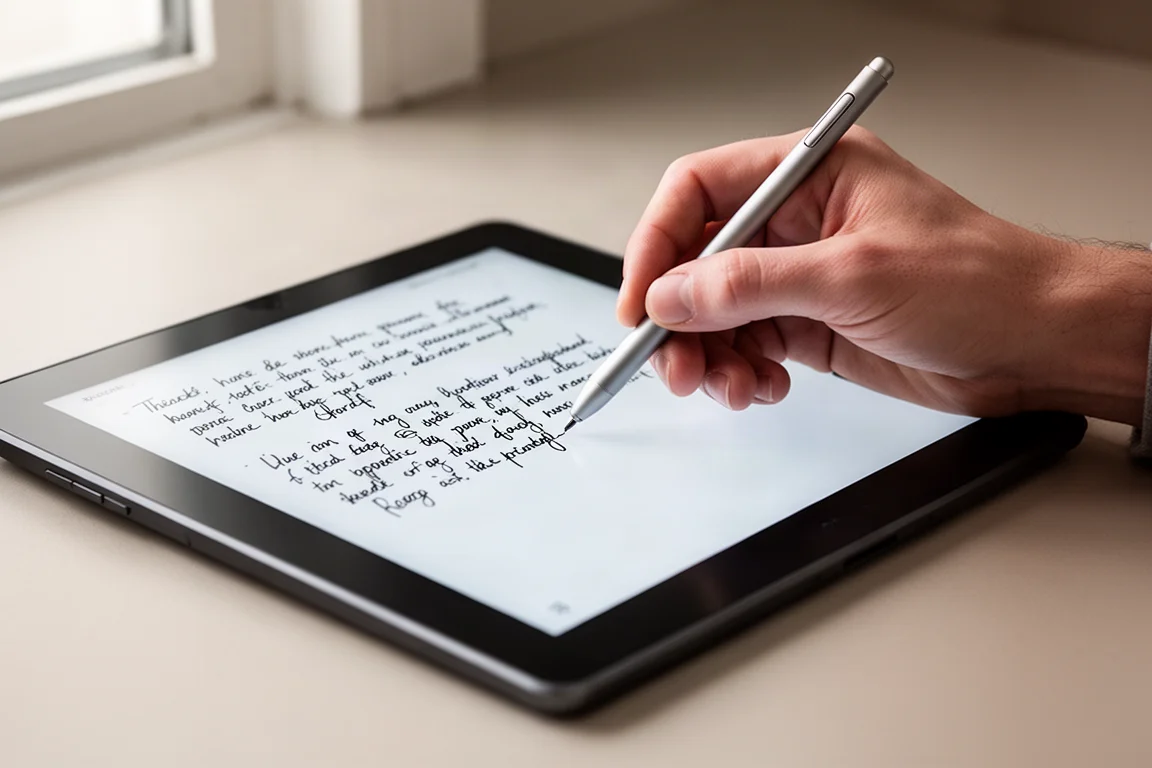
The included stylus has some changes compared to the previous premium pen. The body is now perfectly round, which removes the flat section that made it easy to feel the orientation and locate the button by touch. The material also feels more slippery. The eraser on top, however, is a genuine improvement, using a softer material that feels more like a real eraser when you use it.
The writing feel on the screen is slightly more slippery than the previous generation, which some users may notice. The surface roughness measurement is low, and the texture is so fine that the pen tip does not pick up much friction. It is still a pleasant writing experience, but it is a subtle change from the older models.
Battery Life and Real-World Usage
Battery life is where the Kindle Scribe Colorsoft struggles most. The color panel consumes more power than a monochrome display, and the need to use the front light frequently makes things worse. In testing, the device lasts around 50 hours of continuous reading with the front light off. With the front light at 50 percent, that drops to about 33 hours. At full brightness, it falls to around 7 hours.
Writing battery life follows a similar pattern, with about 16.7 hours of continuous writing per charge without the front light, dropping to 5.5 hours at full brightness. These figures are well below what previous Kindle Scribe models have delivered, and they change the traditional expectation that a Kindle lasts for weeks on a single charge.
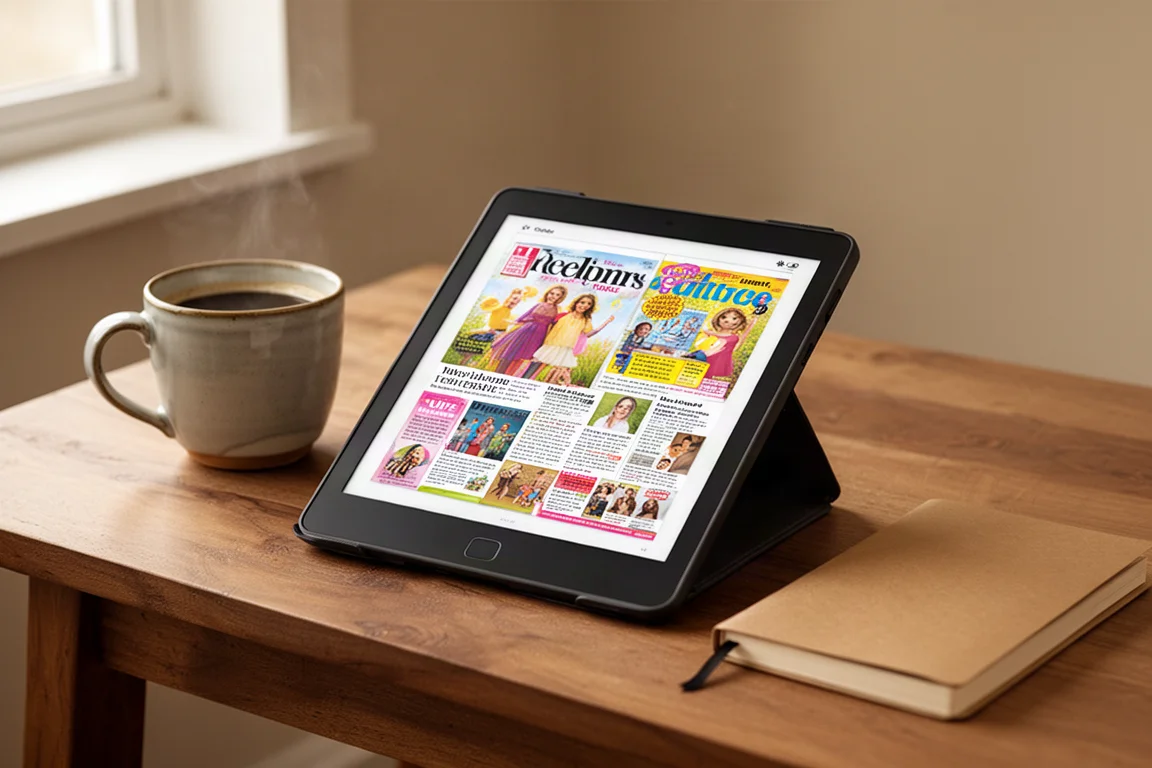
In real-world use, you will likely keep the front light between 50 and 75 percent brightness because of the panel’s inherent darkness. That means you should expect battery life in the range of 10 to 30 hours depending on how you use the device. For heavy readers and writers, that could mean charging every few days rather than every few weeks.
Ghosting is also more noticeable than on monochrome e-ink panels. This is an inherent characteristic of the Kaleido 3 technology, and while it is not catastrophic, you will see some image carryover between page turns, especially with graphics and mixed content.
Buying Advice
The Kindle Scribe Colorsoft is a well-made device with excellent color calibration, a fast refresh rate, and a genuinely improved writing experience. If you read a lot of color content and want a single device for reading and note-taking, it delivers on that promise.
The main obstacle is the price. The device costs well over $600, and with accessories like the folio cover, you can approach $700. That is a significant amount of money for an e-reader, especially when comparable color e-ink devices are available for less. The color quality is good, but it is not so far ahead of cheaper alternatives that it justifies the premium.
You should also be comfortable with the trade-offs. The screen is darker, ghosting is more visible, and battery life is substantially shorter than any previous Kindle Scribe. If those compromises do not bother you, and color content is a core part of your reading, the Kindle Scribe Colorsoft is a capable device. If you mostly read text, a standard monochrome Kindle Scribe offers a better experience for less money.
Conclusion
The Kindle Scribe Colorsoft is a good device that renders color well and writes beautifully. It is not, however, the best value in the color e-ink market, and it is not a clear upgrade over its black-and-white siblings for most readers. The dark panel, reduced battery life, and high price are real drawbacks that need to be weighed against the appeal of color.
If you are drawn to the idea of a color Kindle, it is worth exploring your options before committing. The Colorsoft is a solid choice within the Kindle ecosystem, but it is not the only way to get color e-ink, and it may not be the best way to spend your money.
Product link
View more details for Kindle Scribe Colorsoft
This product is mentioned in the review. Check the specifications, options, and compatibility before buying.
View more details for Kindle Scribe ColorsoftFurther reading
Related Reviews
E-Readers
Boox Go 10.3 Gen 2: A Deep Dive Into the Writing Experience, Screen Quality, and Everyday Trade-Offs
A detailed look at the Boox Go 10.3 Gen 2, covering the active pen, front light options, ghosting behavior, and how it compares to the Gen 1 and Note Max.
E-Readers
Boox Go 10.3 Gen II Classic Review: A Non-Front-Lit E-Reader With Trade-Offs
The Boox Go 10.3 Gen II Classic offers a sharp 300 PPI display and lighter build, but ghosting and pen precision issues are worth considering.

E-Readers
Boox Go 10.3 After OS 4.1: A Detailed Look at What Changed
A hands-on look at the Boox Go 10.3 after the OS 4.1 update, covering the new features, the frustrating bugs, and whether the upgrade is worth the risk.