Desktop Audio
Kanto Ora Review: Compact Active Desktop Speakers With Real Bass Punch
A practical look at the Kanto Ora active desktop speakers, from the DSP crossover and per-driver power to USB-C and Bluetooth inputs, plus whether the Kanto Sub8 is worth adding.
Introduction
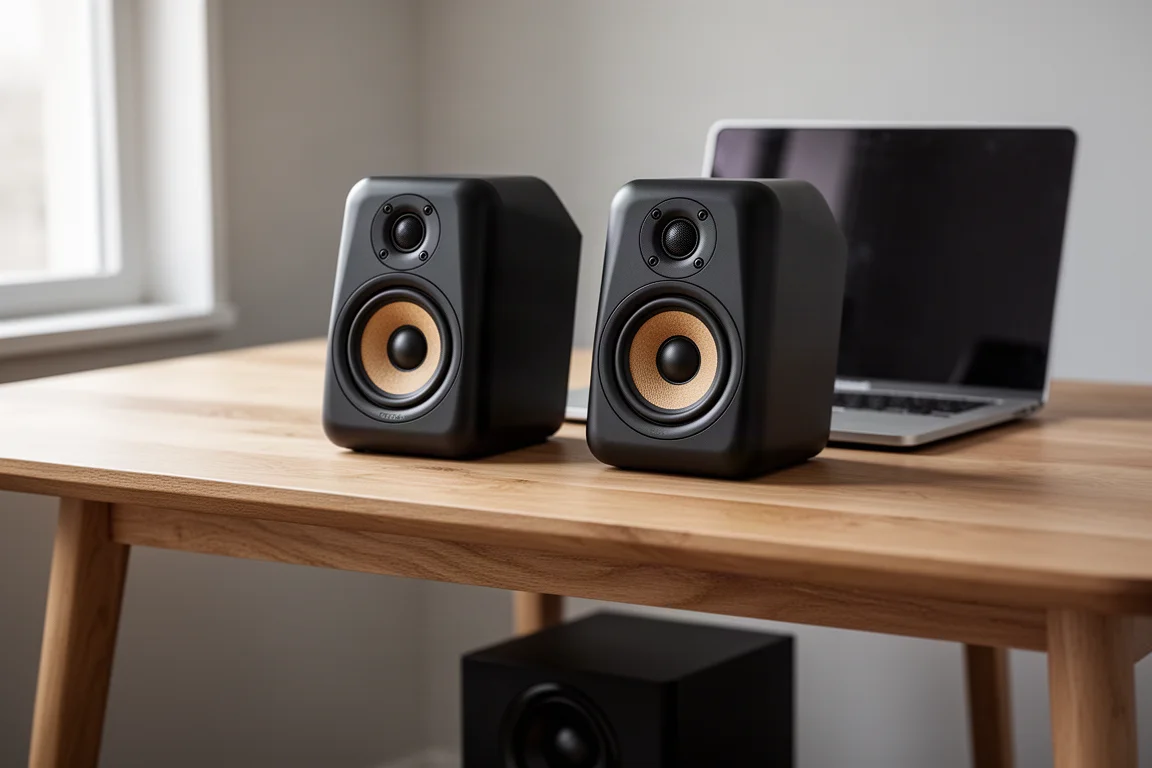
Desktop audio has a familiar failure mode. Small speakers end up sounding thin, forward, and tiring, all midrange and treble with nothing underneath. The Kanto Ora takes a different approach. It is a compact active speaker pair built around a 3/4-inch silk dome tweeter and a 3-inch paper cone woofer in each cabinet, with pricing around $349.99. The interesting part is not the driver count. It is the way the speakers are amplified and crossed over, and how much low-end weight they manage to produce from cabinets small enough to sit either side of a monitor.
Active, Not Powered: What the Kanto Ora Does Differently
The terms active and powered are often used interchangeably, but they describe two different designs. A powered speaker usually houses a single amplifier inside one cabinet and splits the signal between drivers with a conventional passive crossover. An active speaker uses DSP for the crossover and sends a separate, tailored amount of power to each driver.
In the Kanto Ora, total amplification is rated at 50 watts per channel, and that figure is divided between the drivers. Each woofer receives roughly 16 watts, and each tweeter roughly 9 watts. The practical benefit is control. Because crossover behaviour and power delivery are managed digitally, the system can keep a tighter grip on what each driver is asked to do, which is part of why the Ora stays composed when it is pushed hard.
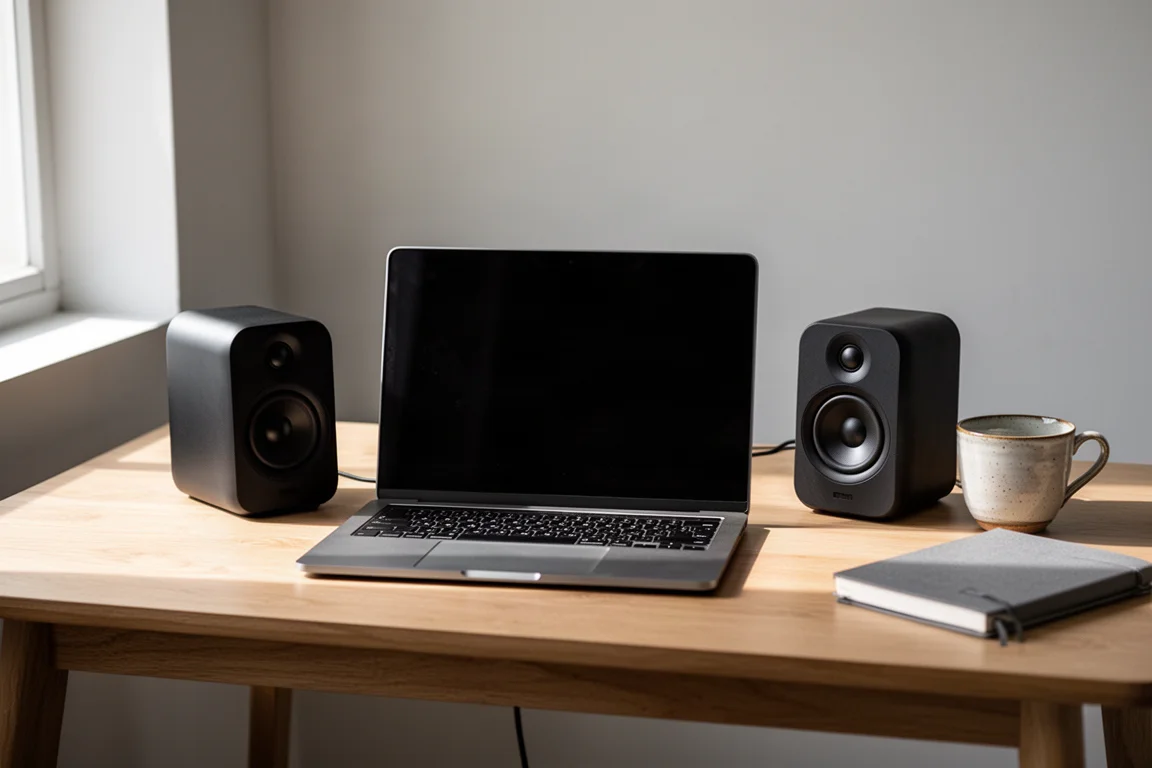
That architecture also explains why the Ora does not sound like a typical small computer speaker. It has headroom and discipline rather than simply more volume.
Cabinet, Drivers, and Build Quality
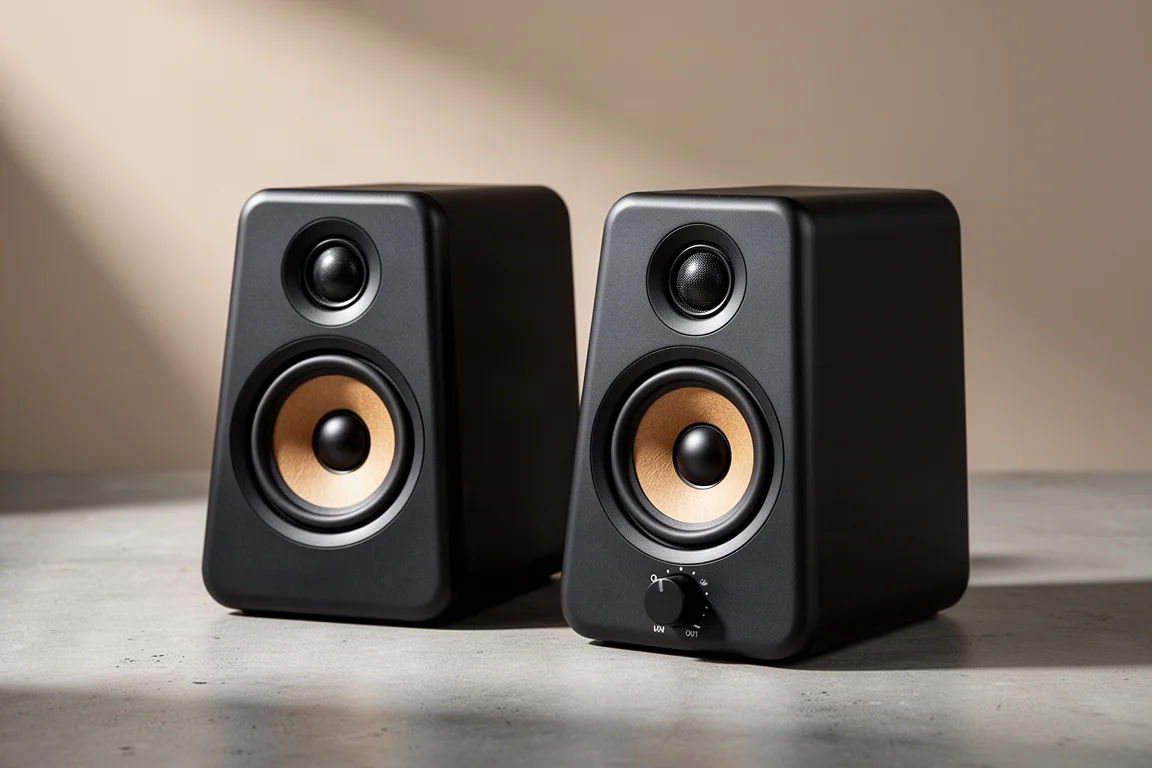
The cabinets are plastic, and the front-mounted input selector knob is plastic as well. The pair is very light, light enough that repositioning it is a one-hand job.
One speaker acts as the brains of the system. It carries the power connection and the input selector, and the second cabinet connects to it with a four-pin XLR cable. A 24V 2.5A power supply is included.
A threaded insert on the back of the cabinet allows wall mounting, which is useful if desk space is tight or if the listening position is better served by a wall-mounted arrangement.
Kanto Ora Sound Quality in Practice
Material that is badly recorded does not get flattered by the Ora, and that is a point in its favour. A speaker with limited clarity smooths over rough mixes instead of exposing them.
Cleaner recordings show more of the speaker’s character. Guitars come through with a plucked, airy quality and audible reverb, while vocals stay clean without being pushed forward at the listener. That balance matters, because a forward midrange is the most common complaint about small desktop speakers.
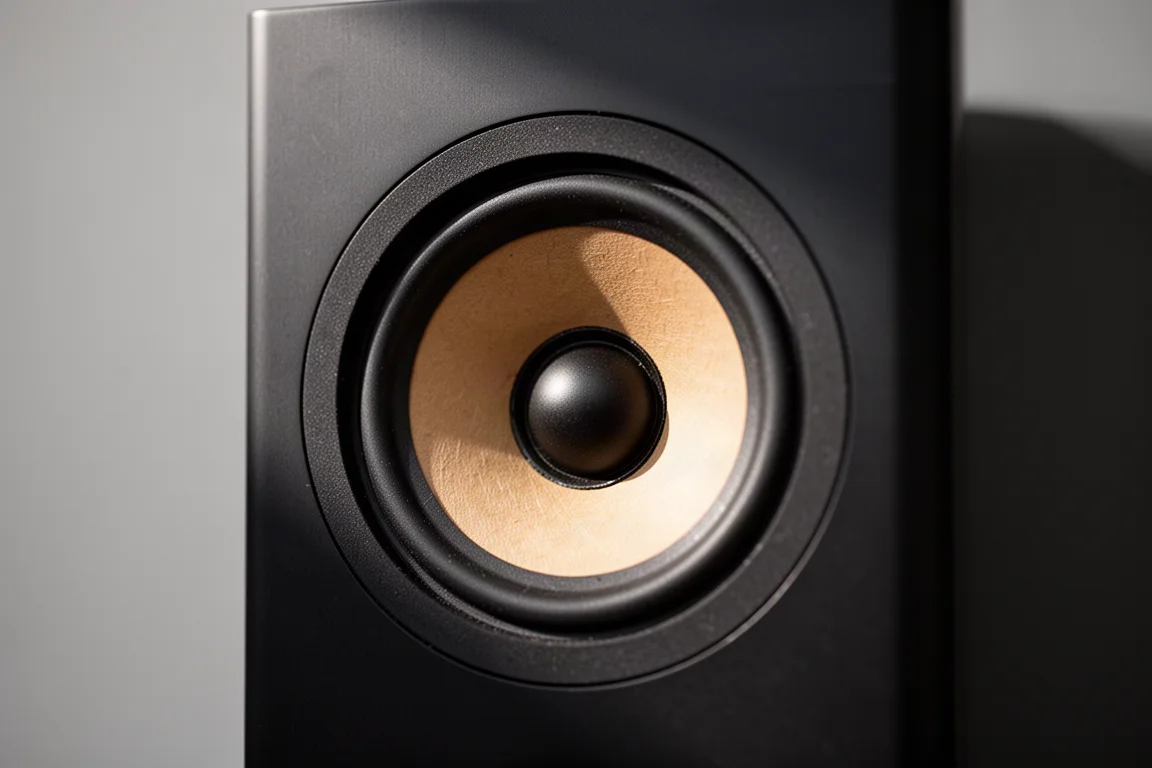
Headroom is better than the cabinet size suggests. Pushed to its maximum at roughly one and a half to two feet, the Ora reached around 84 dB with no audible distortion.
Bass is the real surprise. There is no published low-frequency rolloff figure for the Ora, but there is genuine punch in the lower midrange, roughly in the 80 to 100 Hz region. That is more low-end weight than most small desktop speakers deliver, and it is the main reason the Ora does not need a subwoofer for music listening alone.
Inputs, Bluetooth, and USB-C Connectivity
Three inputs are available: USB-C, Bluetooth, and an RCA pair for analog sources. The Bluetooth pairing button sits on the back of the cabinet, alongside the RCA inputs, the subwoofer output, and the power receptacle.
USB-C is the most useful connection for a desktop. Connected to a computer, the Ora appears as an audio output and plays without extra configuration. Bluetooth is just as simple, showing up in a phone’s device list as soon as the input is selected, and it sounds better than Bluetooth often does.
File handling is flexible across formats and quality levels. High-resolution FLAC and master-quality streams played without issue, and a 320 kbps stream did too. Switching between tracks at different bit and sample rates worked, with one brief hiccup during a track change that did not repeat and never interrupted playback mid-song.
The Kanto Sub8: A Sealed Companion for the Desk
Connecting a subwoofer to the Ora applies an automatic crossover, and the crossover point is worth dialing in by ear. Around 90 Hz proved to be a good landing point, and the integration was seamless rather than obvious.
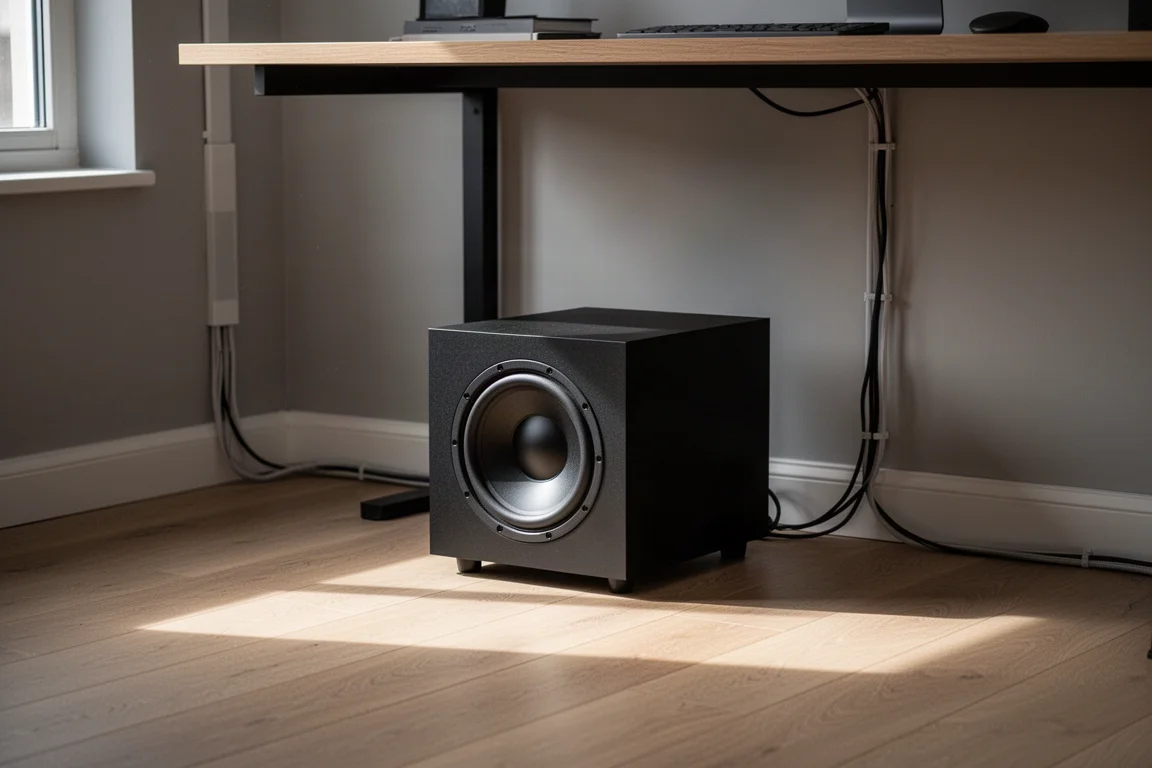
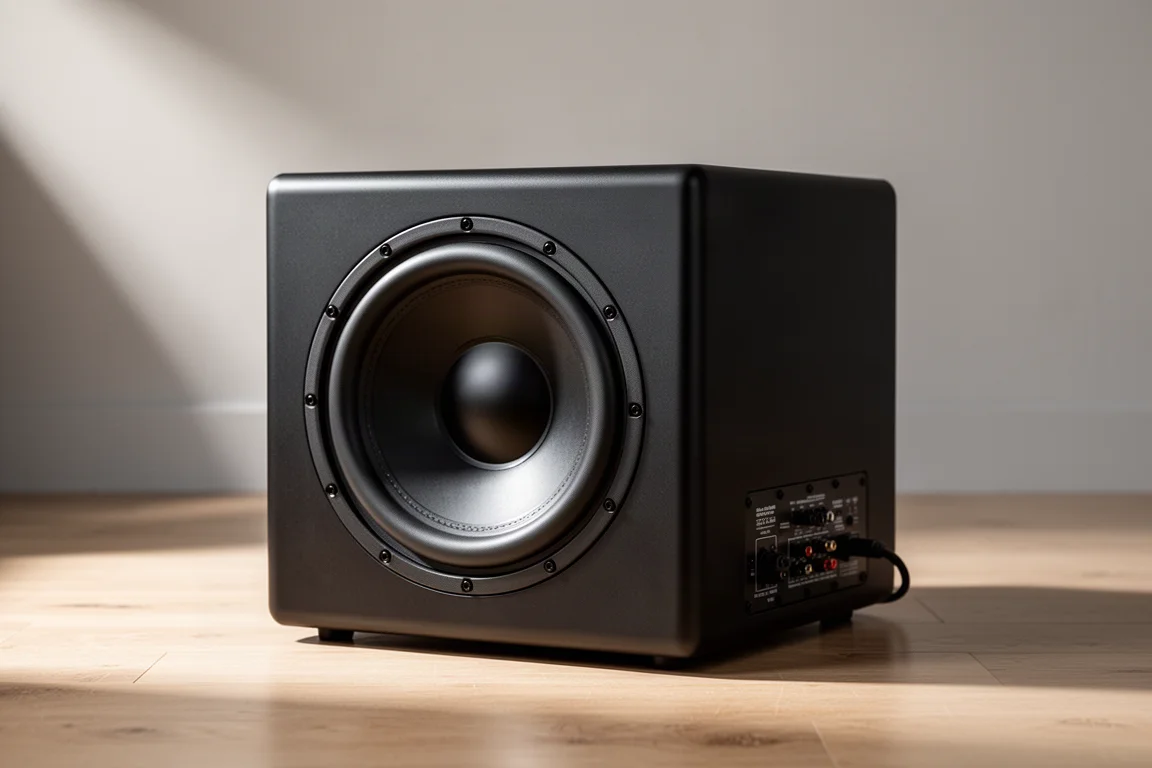
The Kanto Sub8 is a sealed, front-firing design with an 8-inch driver, rated down to 35 Hz and up to roughly 175 Hz, with 150 watts of amplification. It uses a phase switch rather than variable phase control, which is normal at this price point. It also has reassuring weight for its size, which helps it stay in place. Pricing sits at around $199.99, making it a modest addition to a $349.99 speaker pair.
Whether it is necessary depends on the work. For music, the Ora holds up on its own. For gaming, a subwoofer adds useful weight. For mastering, music production, or video editing, adding the subwoofer is the better call if accurate low-frequency information matters.
Desk Placement, Isolation, and Stands
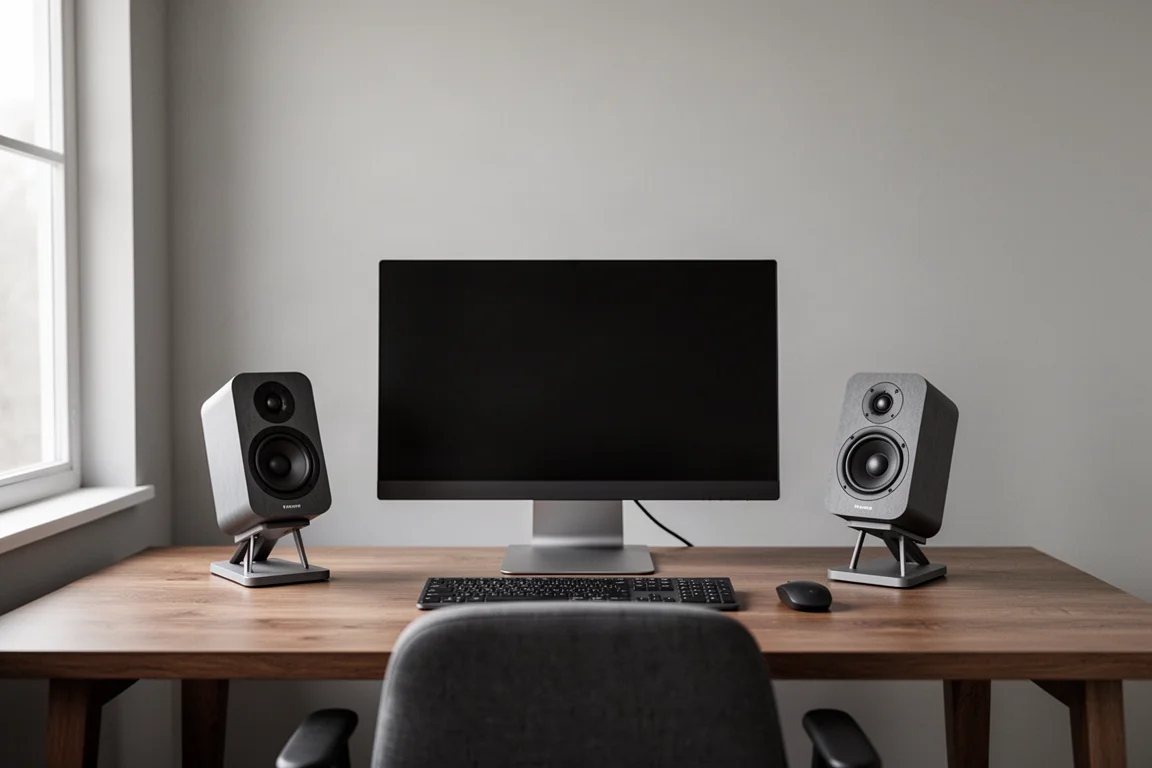
The Ora is directional, so cabinet angle matters. Tilting the speakers up toward the listener, or raising them to ear height, makes a clear difference to the image.
Isolation matters just as much. The Ora moves a surprising amount of energy for its size, and sitting it directly on a desk covered in other objects can introduce resonance in the midrange. Moving the speakers onto stands removed that resonance entirely. If stands are not an option, rubber bumpers under the cabinets help, and the threaded insert on the back allows wall mounting instead.
Kanto offers two stand options: a taller stand measuring 3.8 inches, and a shorter design that tilts the speakers upward toward the listener. Both serve the same purpose, which is decoupling the cabinet from the desk surface.
Buying Advice: Matching the Kanto Ora to Your Desk
At around $349.99, the Ora occupies a specific bracket. It is not a budget computer speaker, and it is not priced like a premium studio monitor. What it offers is a compact, self-contained system with USB-C and Bluetooth inputs, a subwoofer output, and enough low-end presence that a subwoofer is optional rather than mandatory.
That combination is what separates it from the small powered speakers many desks end up with. Those designs often cross over high, at 120 Hz or even 130 Hz, and lean heavily on treble with little midrange warmth, which is why they usually need subwoofer level adjustments before they sound balanced.
Other compact powered speakers in the $550 range use class AB amplification and can sound excellent, but they typically skip USB-C input. Anyone who wants a single-cable connection to a computer will find the Ora easier to live with.
Adding the Sub8 brings the total to roughly $550, and the result is a desktop system that reaches down to 35 Hz. For a desk in an apartment, a secondary room, or an office, that is a lot of capability for the footprint.
Conclusion
The Kanto Ora behaves like a larger speaker in the areas that matter most for desktop listening. Its active design, with DSP crossover management and separate power for each driver, helps it stay clean at volume and produce more lower-midrange weight than its 3-inch woofers would suggest. USB-C, Bluetooth, and RCA inputs cover the common sources, and the subwoofer output makes the Sub8 an easy addition rather than a complication.
For music, the Ora stands on its own. For gaming, production, or editing work, the Sub8 fills in the bottom end for a total of around $550. Either way, this is a compact, unobtrusive desktop system that does not sound like a compromise.
Further reading
Related Reviews
Desktop Audio
ADAM Audio D3V vs Kali Audio LP-UNF: Two $299 Desktop Monitors Compared
Two compact powered desktop monitors at the same price, compared on bass extension, linearity, placement settings, directivity, and realistic output limits.
Desktop Audio
Aiyima T9 Review: A Compact Tube Desktop Amplifier With a Built-In DAC
A budget desktop amplifier that pairs class D power with two tubes, a full DAC section, Bluetooth, tone controls, and a working VU meter.
Desktop Audio
Aune S9c Pro Review: A Weighty Desktop DAC and Headphone Amplifier With Real Power
A desktop DAC and headphone amplifier with a linear power supply, dual Sabre converters and five watts of balanced headphone output. Here is what to weigh before buying.