Smart Home
Jinvoo Tuya WiFi Smart Power Strip Review: Affordable Independent Outlet Control for Smart Homes
A compact smart power strip with four individually controllable outlets, a grouped USB bank, and a well-supported Home Assistant integration, at a budget-friendly price.
Introduction
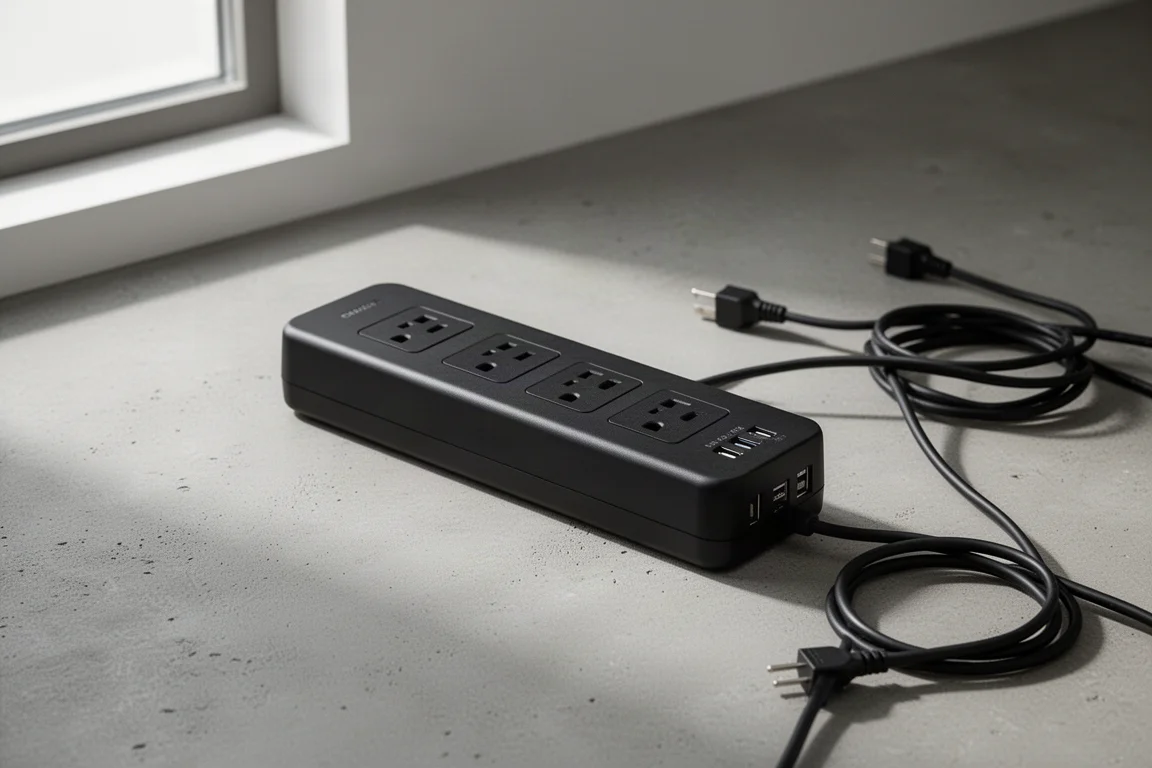
Wireless AC power control is one of those upgrades that quietly transforms a smart home build. Instead of stacking a pile of single smart plugs behind a shelf, a smart power strip gives you several independently controllable outlets from a single wall socket. The Jinvoo Tuya WiFi smart power strip is a compact, budget-friendly option in this category, and after roughly four months of continuous use in a demanding automated garden setup, it has proven to be a stable and genuinely useful piece of kit.
This review covers what the strip does well, where it falls short, and how to get it integrated into Home Assistant if that is the platform you are building on.
What the Jinvoo Tuya WiFi Smart Power Strip Is
The strip is built around the Tuya smart home platform, and it arrives in a form factor sold under many different brand names, all sharing the same core design. You get four individually controllable AC outlets plus a bank of USB power ports at the top that switch as a single group. Connectivity is 2.4 GHz WiFi only, so it is worth confirming that your router still supports that band. Most modern routers are backwards compatible, but it is a quick check that saves frustration later.
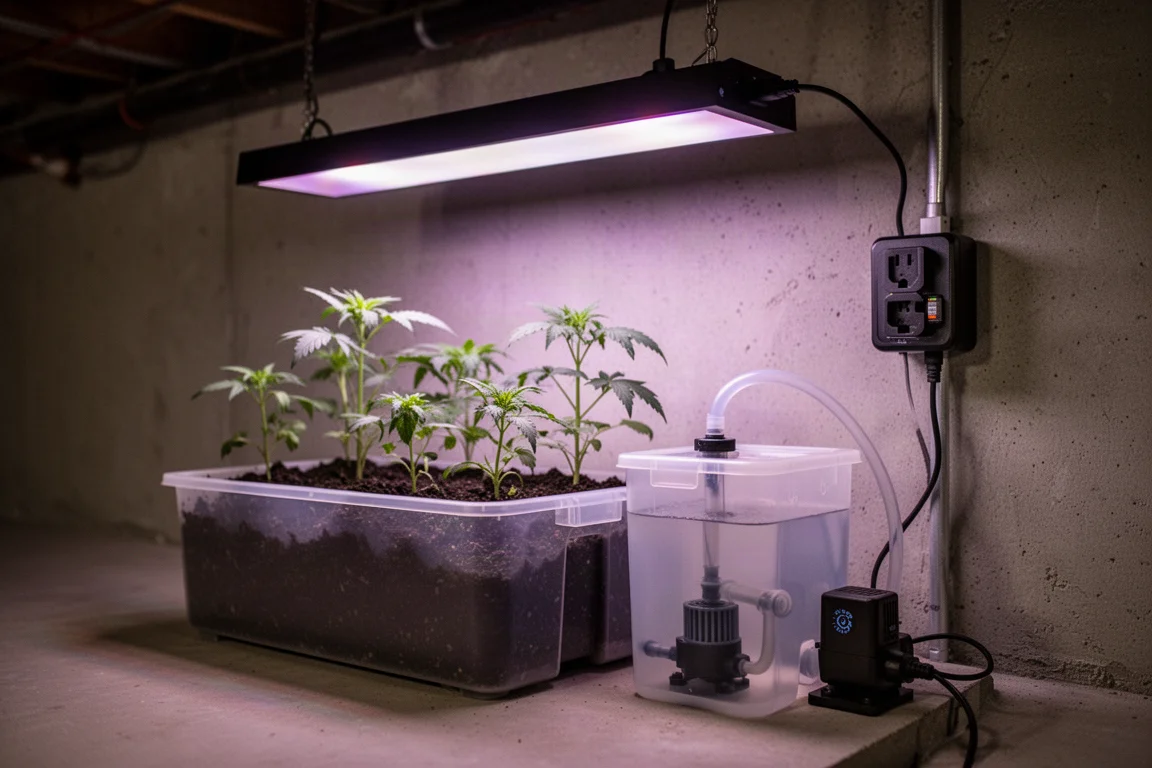
In a four-station automated basement garden, one strip per station handles grow light on and off timing, a circulation pump that stirs each nutrient reservoir at intervals through the day to save electricity, and a feeding pump that runs a couple of times per night. That is exactly the kind of multi-device, single-location workload this product is designed for.
Main Strengths
The price is the headline strength. At roughly 30 US dollars on Amazon, that works out to a little over seven dollars per independently controlled outlet, which is very hard to beat in this category. The compact form factor is the second big win: all four outlets sit side by side in one tidy box, so a single wall plug replaces a bulky stack of individual smart outlets.
The third strength matters most to Home Assistant users. Tuya has built and maintains the official Home Assistant integration itself, which is a meaningful commitment to the community. Four of these strips ran for about four months in the garden, and over that period only two of them needed a single reboot each. Other smart plugs in the same setup needed far more attention, so the reliability comparison is genuinely favorable.
Things to Consider Before Buying
The biggest drawback is the lack of local control. Early on there were rumors that the Tuya Home Assistant integration would gain a way to control devices without an internet connection, but that has not materialized and it looks unlikely to arrive. For anyone who values network isolation, there are mitigations, such as placing all IoT devices on their own VLAN so they cannot reach more sensitive equipment. With a stable internet connection, this limitation is annoying rather than a deal breaker.
The second consideration is electrical capacity. The strip is rated for 10 amps rather than the 15 amps of some single smart plugs, and the build feels light-duty. It is clearly designed around the smarts inside rather than heavy power delivery. If you plan to run something power-hungry, such as a large grow light pulling 700 or 800 watts, put that load on its own individual smart plug and reserve the strip for smaller devices like pumps. Before plugging anything in, tally up the total draw of your devices and make sure it stays well clear of 10 amps, or about 1,250 watts in North America.
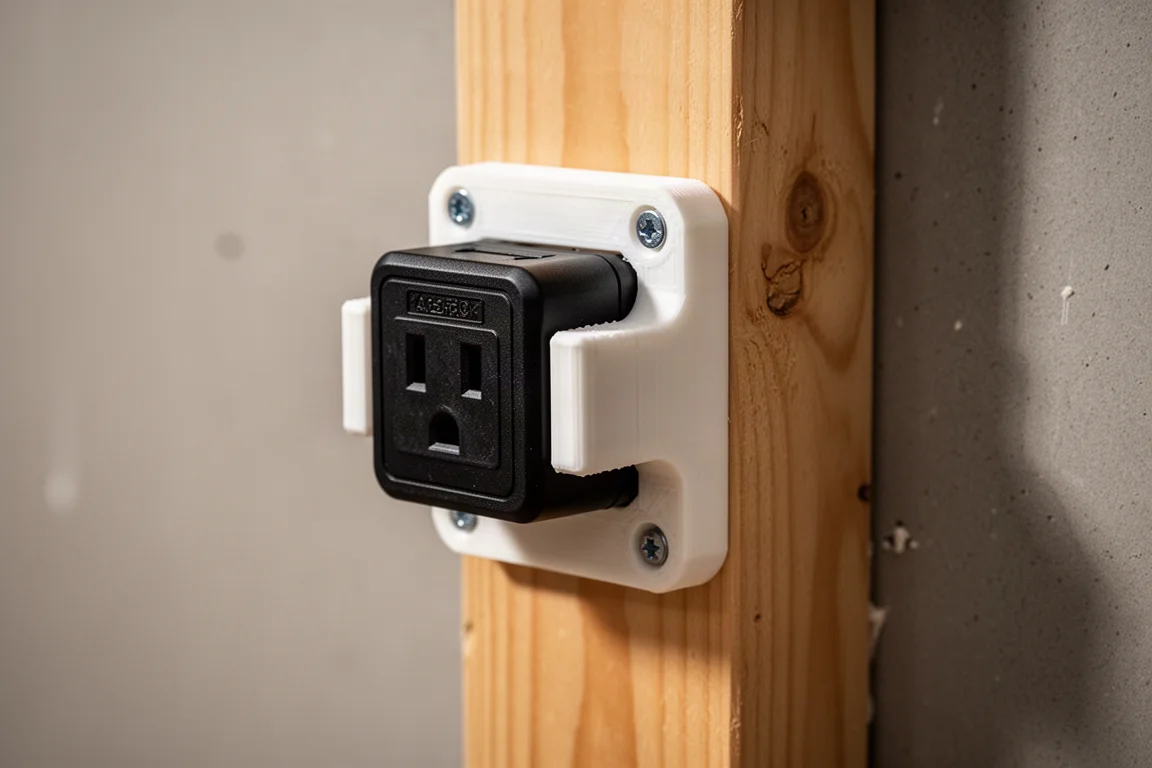
The final nitpick is mounting. There are no mounting holes, tabs, or brackets out of the box, so attaching the strip to anything is awkward. A simple 3D printed pressure-fit bracket with four screw holes solves the problem neatly, since the rubber feet on the back let the strip slide in and stay put.
Getting It Into Home Assistant
Setup happens in three stages: add the strip to the Tuya Smart Life app on your phone, create a free cloud project in a Tuya developer account, then connect that project to Home Assistant through the official Tuya integration.
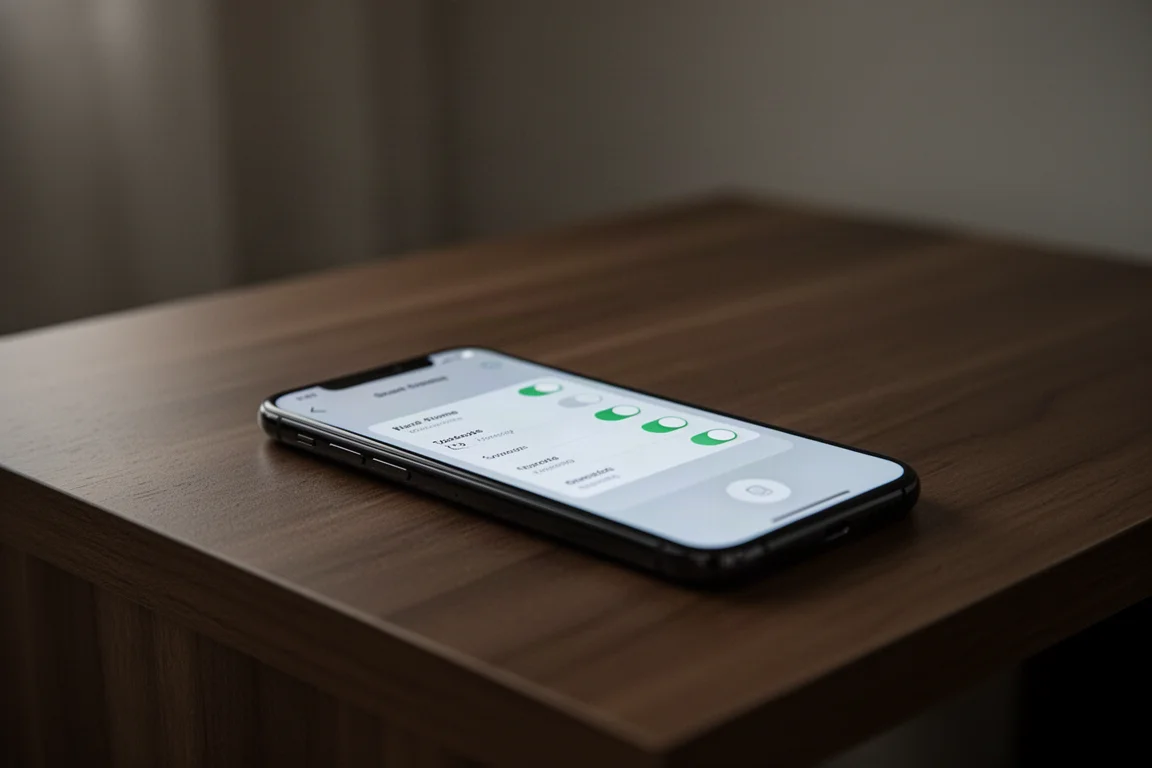
In the Smart Life app, manually add a WiFi power strip, unplug the strip for ten seconds, plug it back in, and hold the power button for five seconds to reset. When the power LED blinks slowly, join the hotspot the strip broadcasts, confirm discovery, and it is added to your account. Repeat for each additional strip.
On the Tuya website, create a separate developer account, which is free and does not require being a developer. In the IoT platform, create a cloud project under Smart Home, choose the data center nearest you, and add the device status notification API service. Then link your mobile app account by scanning the QR code shown on the project page, and grant full read, write, and manage permissions.
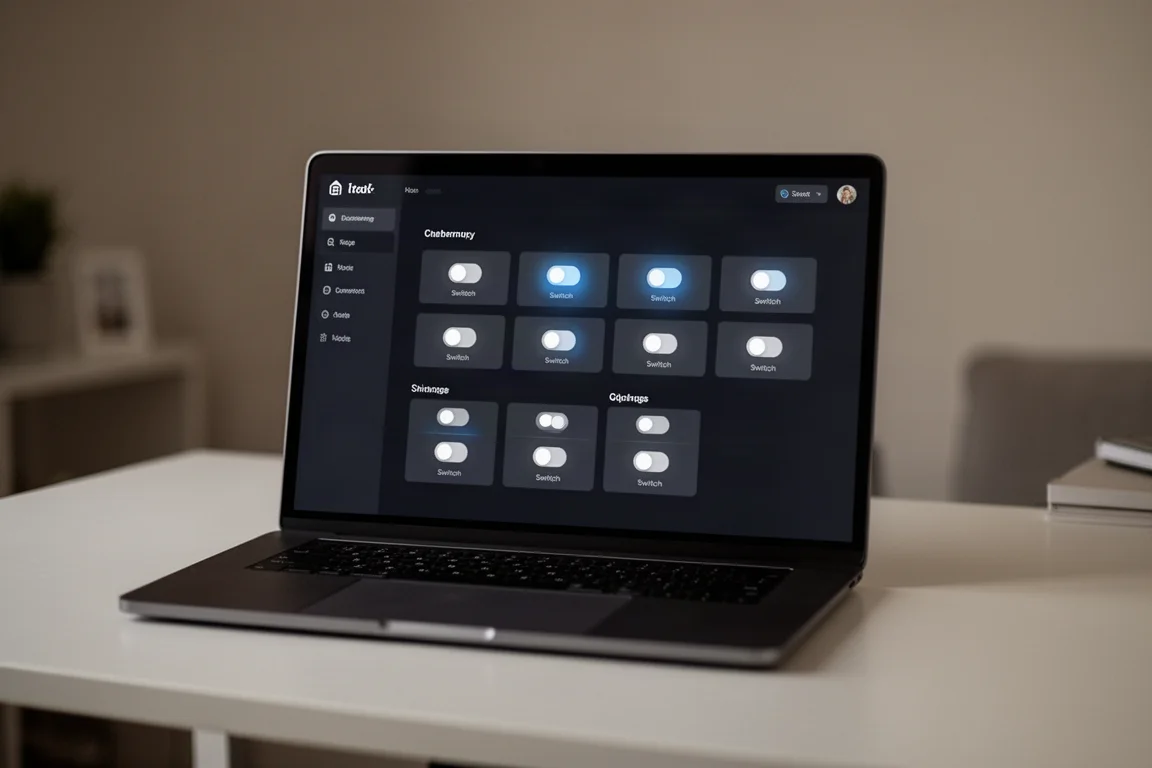
Finally, in Home Assistant, add the Tuya integration, pick the same country you selected for the developer account, and paste in the access ID and access secret from the cloud project overview. The username and password requested here are from your mobile Smart Life app, not the developer account, which trips up many first-time setups. Once connected, the outlet switches appear automatically, ready to be renamed and organized. A sensible naming scheme, such as ps1-outlet-1 with a descriptive suffix, makes building dashboard cards with grouped switches and header toggles straightforward.
Who This Product Is For
This strip is a strong fit for anyone consolidating multiple low-power devices in a single location, whether that is an automated grow setup, a media center, or a desk workspace. It is especially appealing to Home Assistant users who want dependable cloud-based integration backed by the platform vendor itself, at a price that makes outfitting several stations affordable.
It is a poor fit if local control is non-negotiable, or if you need to switch heavy loads approaching the 10 amp limit.
Buying Advice
If your use case matches the strip’s strengths, buy with confidence. Keep high-draw devices on individual smart plugs, verify your router supports 2.4 GHz, budget a few minutes for the cloud project setup, and consider a printed bracket if you plan to mount it. At roughly seven dollars per controlled outlet, the value proposition is difficult to argue with.
Conclusion
The Jinvoo Tuya WiFi smart power strip delivers compact, affordable, and dependable multi-outlet control with one of the more stable smart home integrations available. The missing local control and the 10 amp rating are real limitations, but for low-power device clusters in a single spot, it is an easy recommendation and excellent value for the money.
Product link
View more details for Jinvoo Tuya WiFi Smart Power Strip
This product is mentioned in the review. Check the specifications, options, and compatibility before buying.
View more details for Jinvoo Tuya WiFi Smart Power StripFurther reading
Related Reviews
Smart Home
Amazon Echo Hub Review: A Smart Home Dashboard That Finally Gets It Right
The Amazon Echo Hub puts smart home controls front and center with a fast, simple interface. Here is how it performs as a family-friendly dashboard.
Smart Home
15 Amazon Smart Home Automations: Practical Ideas for Every Room
Fifteen practical Amazon Alexa routines and automations that solve real household problems, from pet care to security and entertainment.
Smart Home
Apple TV as HomeKit Hub: Why It's Your Best Choice for Home Automation
The Apple TV combines HomeKit hub functionality with a display, camera viewing, and local automation control. Here's what makes it stand out from iPad and HomePod Mini alternatives.