AV Receivers
JBL MA Series AV Receivers: Five Models Compared for Home Theater
A practical comparison of the JBL MA310, MA510, MA710, MA7100HP, and MA9100HP, covering video support, connections, room correction, and the rooms each model suits.
Introduction
The JBL MA series brings five home theater AV receivers into a lineup positioned below the company’s Synthesis range, with a clear emphasis on straightforward setup rather than a front panel crowded with buttons. The MA310, MA510, MA710, MA7100HP, and MA9100HP share a common design language, a common approach to room correction, and a broadly common set of connections. What changes across the range is how many sources you can connect, which video formats are supported, whether a turntable can be plugged in directly, and how far the room correction software can be taken.
This guide walks through each model so you can match one to your room, your speakers, and the number of devices you actually own.
What the JBL MA Series Gets Right
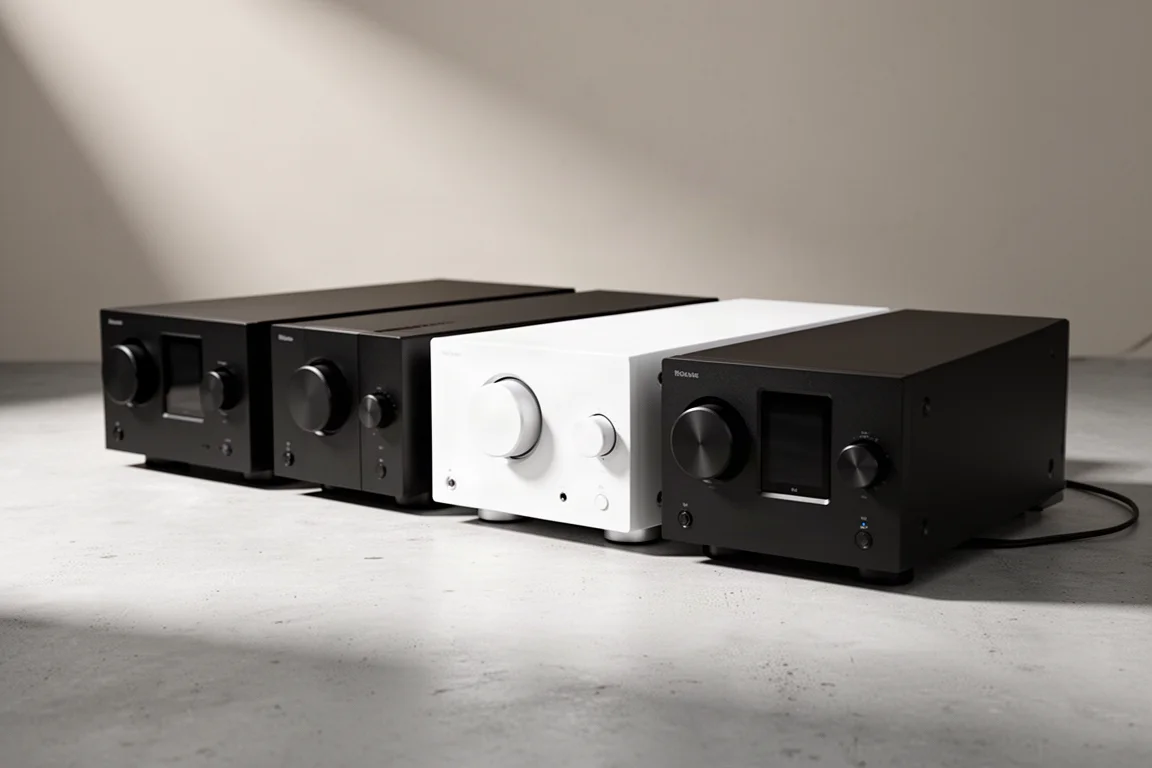
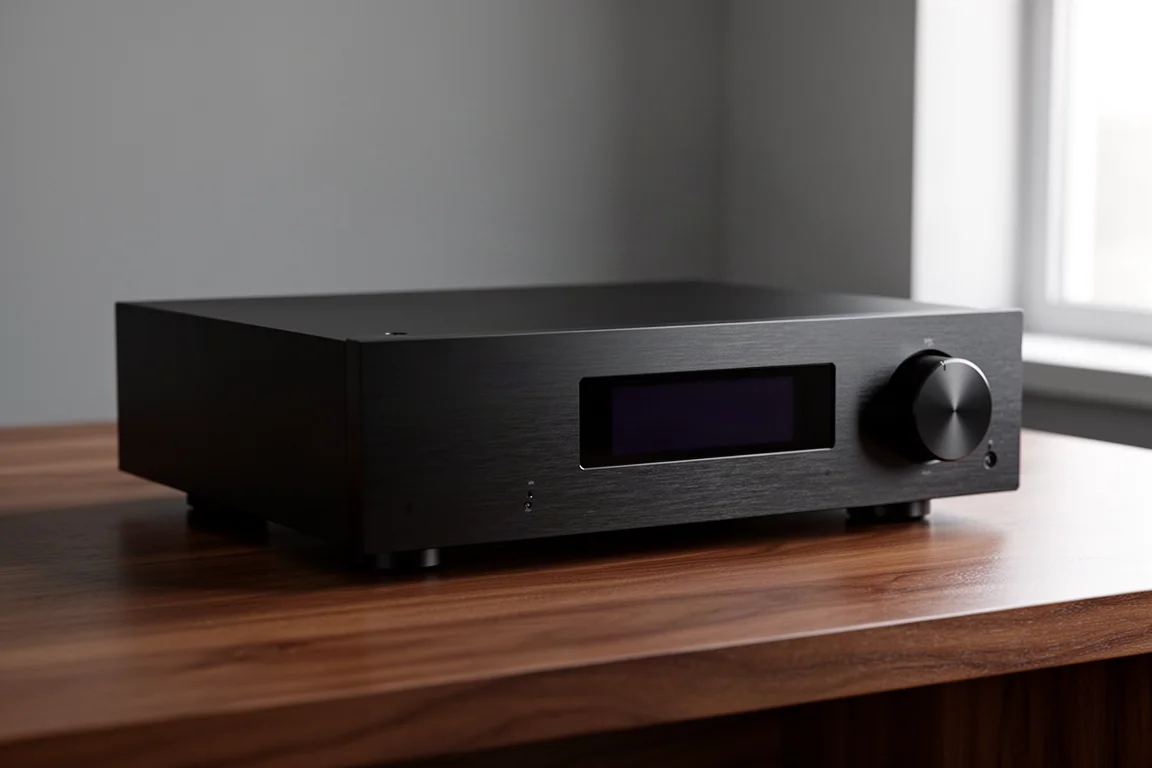
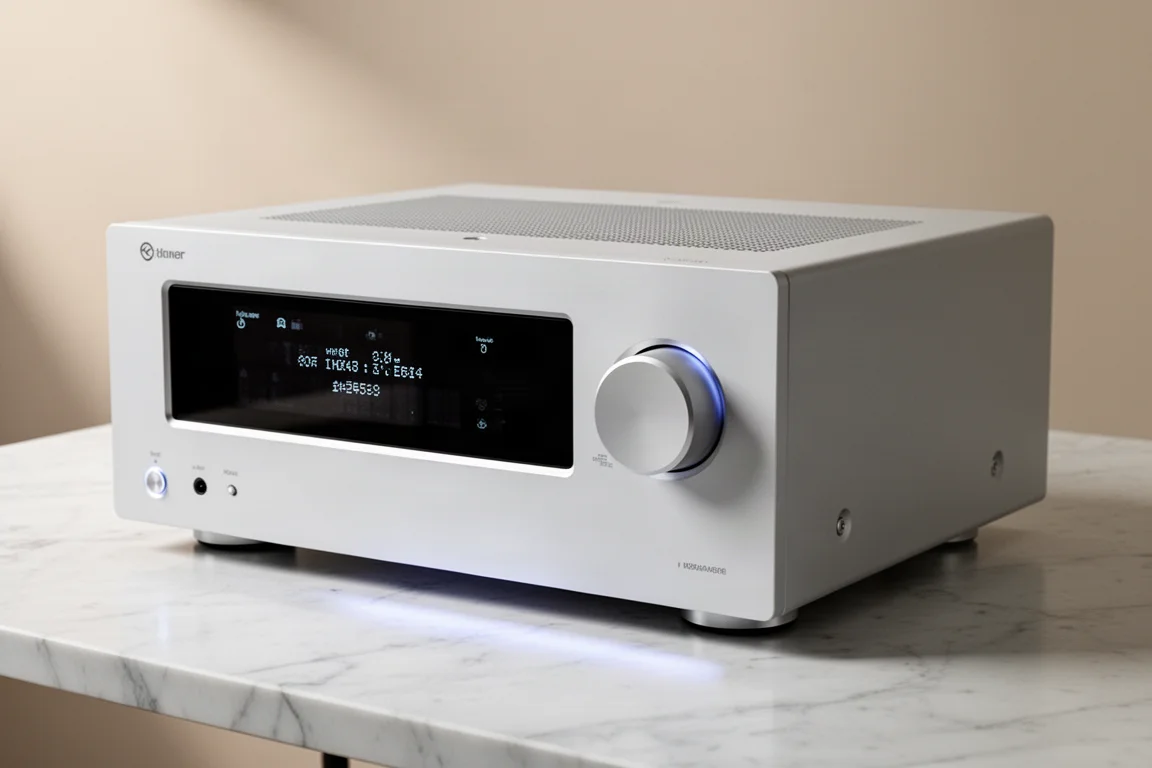
Every model in the lineup is built around simplicity. The front panel carries a power button, an input selector, a menu button, surround mode cycle buttons, a display, and a large volume control knob, and nothing beyond that. The remote follows the same logic, and the on-screen menus keep settings to what most owners will genuinely use. Cabinets are available in black or white, so the receiver can sit in a living space without drawing attention.
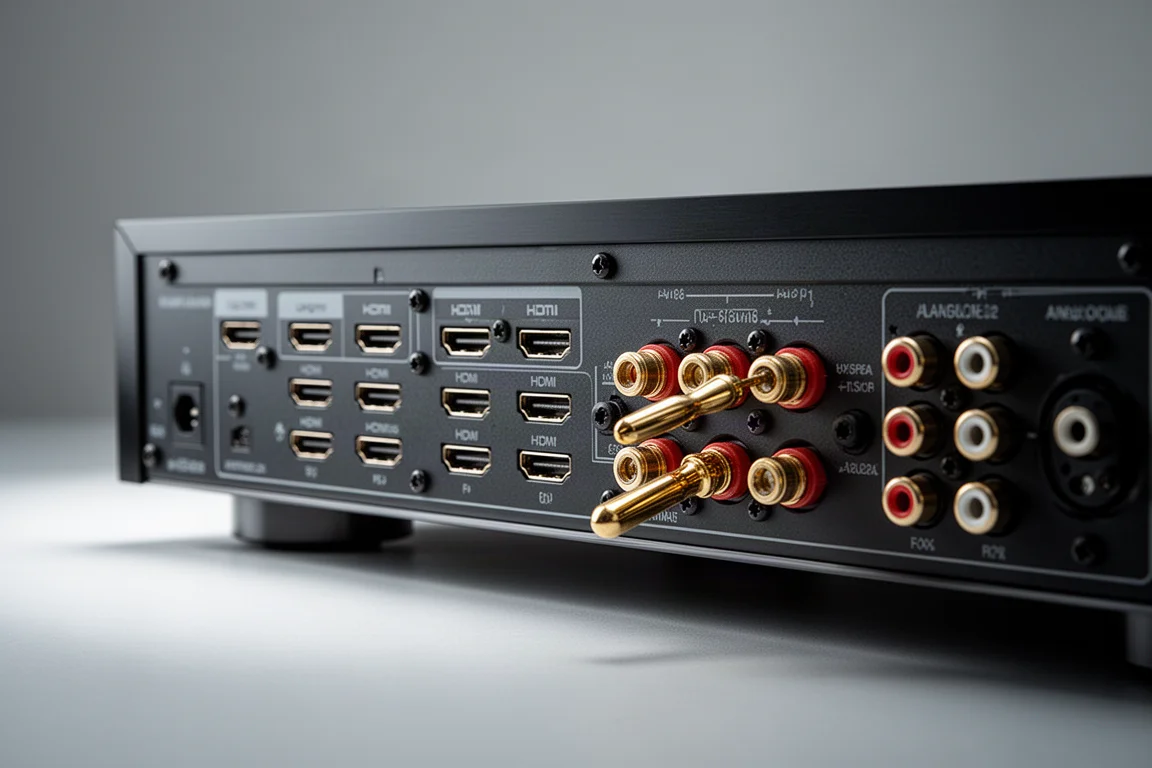
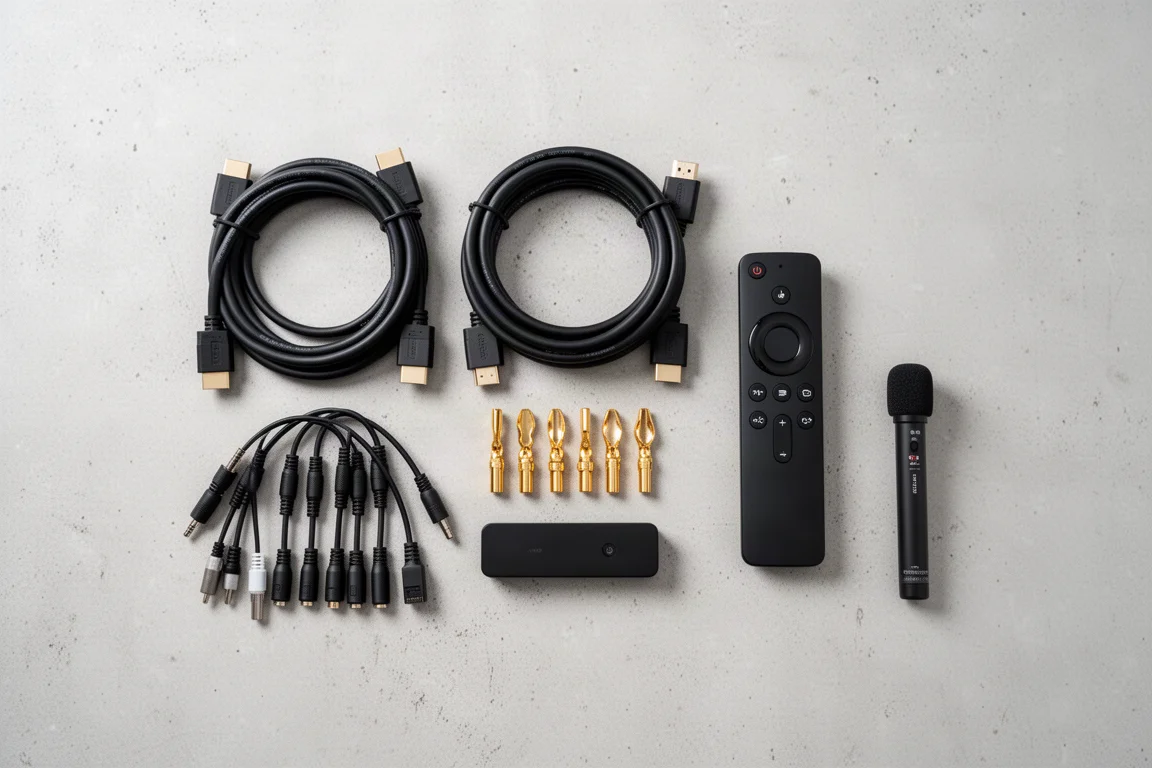
Around the back, the layout is clearly organised and the connections are consistent across the range. Speaker binding posts accept banana plugs, spade connectors, or bare wire, so existing cables will work. There is one optical and one coaxial digital input, an Ethernet port, two analog RCA inputs, and two subwoofer outputs that can be controlled separately, which matters when you want to fine-tune each subwoofer rather than treat them as a single unit. HDMI eARC is present on every model, allowing a single cable to carry both video and audio between the receiver and a TV or projector.
Wireless streaming is covered by Google Chromecast and Apple AirPlay 2, so content can be sent from a phone without extra hardware. All five receivers support Dolby Atmos and DTS:X, and all use Class D amplification. Room correction is handled by JBL’s EZ Set EQ, which walks through a measurement routine in a couple of minutes using an iPhone’s internal microphone, or a calibrated microphone on Android. It is a deliberately guided process, which makes it a realistic starting point for anyone who has never run room correction before.
JBL MA310: The Entry Point
The MA310 is the most straightforward model in the range and the one to look at if the priority is a clean 4K system. It is 4K capable and provides four 4K HDMI inputs with HDR support, which comfortably covers a game console, a streaming device, a disc player, and a set-top box. Bluetooth 4.1 Low Energy handles wireless connections from a phone or laptop.
If your display is 4K and you do not need a phono stage, Zone 2 output, or the newer Bluetooth codecs, the MA310 delivers the same core feature set as the rest of the family without extras you would not use.
JBL MA510: The 8K Step Up
The MA510 keeps the simple chassis and moves the video side forward. It has four 8K HDMI inputs with support for HDR10+ and Dolby Vision, which makes it the natural pick if you already own an 8K display or expect to add one. Bluetooth remains 4.1 Low Energy.
Everything else follows the family template: eARC for a single-cable TV connection, two separately controlled subwoofer outputs, an optical and a coaxial digital input, Ethernet, and EZ Set EQ for room correction. For a system built around current video formats, this is the lowest point in the range where 8K and Dolby Vision are available on every input.
JBL MA710: Turntable Support and Zone 2
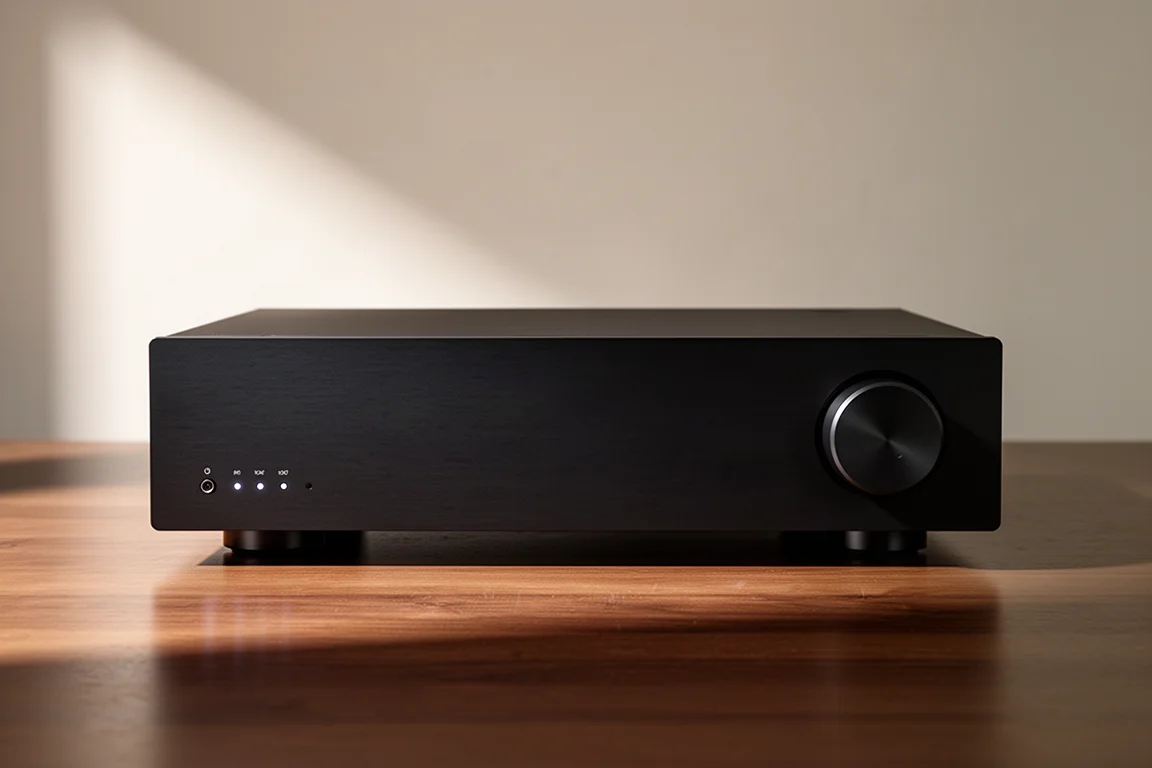
The MA710 changes the input mix with three 4K and three 8K HDMI inputs, all supporting HDR10+ and Dolby Vision. More importantly for some households, it is the first model in the lineup with a moving magnet phono input and a ground lug, so a turntable can be connected directly without a separate phono stage.
It also adds a Zone 2 analog output with a party mode setting, and the rear amplifiers can be configured for Zone 2 output, which makes a second room practical. Bluetooth steps up to 5.3 Low Energy with aptX HD and aptX Adaptive support, a meaningful difference for anyone who streams from a phone or laptop regularly.
JBL MA7100HP: The Dirac Live Upgrade Path
The MA7100HP keeps the three 4K plus three 8K HDMI arrangement and the phono input, and adds a second HDMI output, which helps when a system feeds both a television and a projector. Zone 2 output and Bluetooth 5.3 with aptX HD and aptX Adaptive carry over as well.
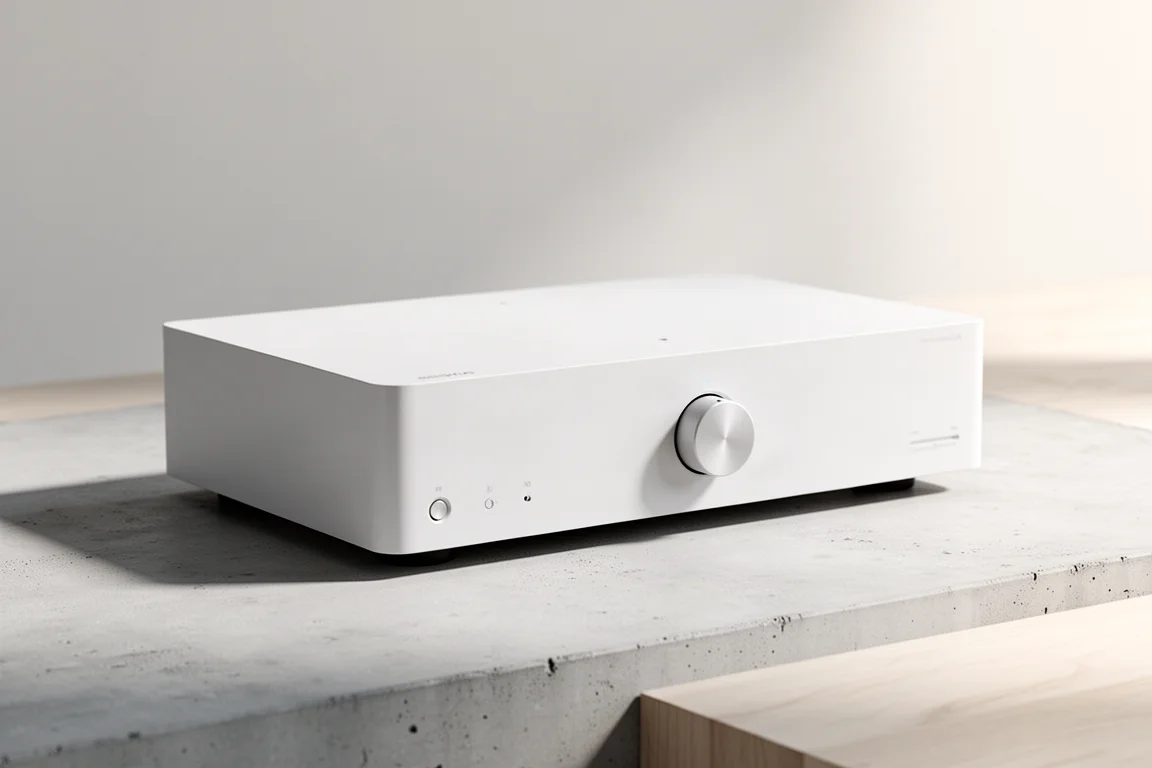
What separates this model and the flagship is room correction. Alongside EZ Set EQ, the MA7100HP can run Dirac Live, one of the more capable room correction platforms available, using a separately purchased license. Buyers who want a system that can be tuned more deeply over time, and who may upgrade their speakers later, have somewhere to go without replacing the receiver.
The rest of the experience is unchanged, which is the point. Setup remains guided, the back panel stays clearly organised, and the same speaker terminals accept whatever cable you already own.
JBL MA9100HP: The Flagship
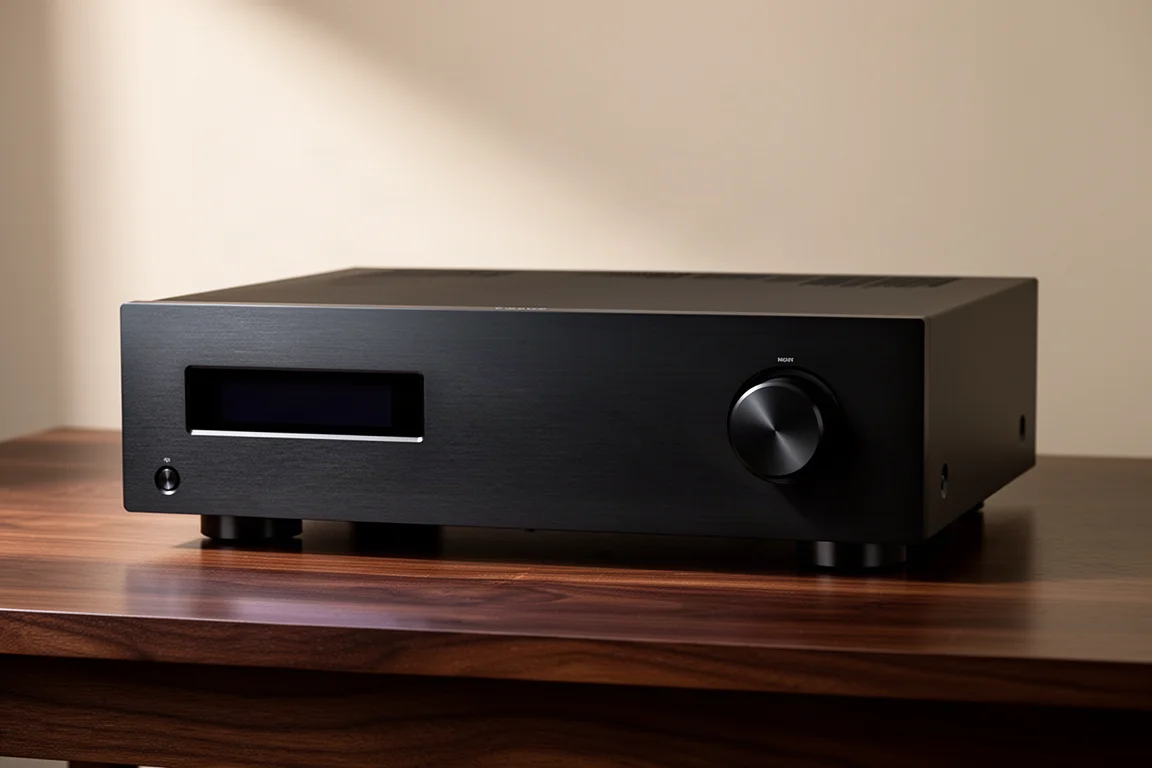
The MA9100HP sits at the top of the lineup with the same connectivity as the MA7100HP: three 4K and three 8K HDMI inputs with HDR10+ and Dolby Vision, a second HDMI output, phono input, Zone 2 output, Bluetooth 5.3 with aptX HD and aptX Adaptive, and the option of adding Dirac Live.
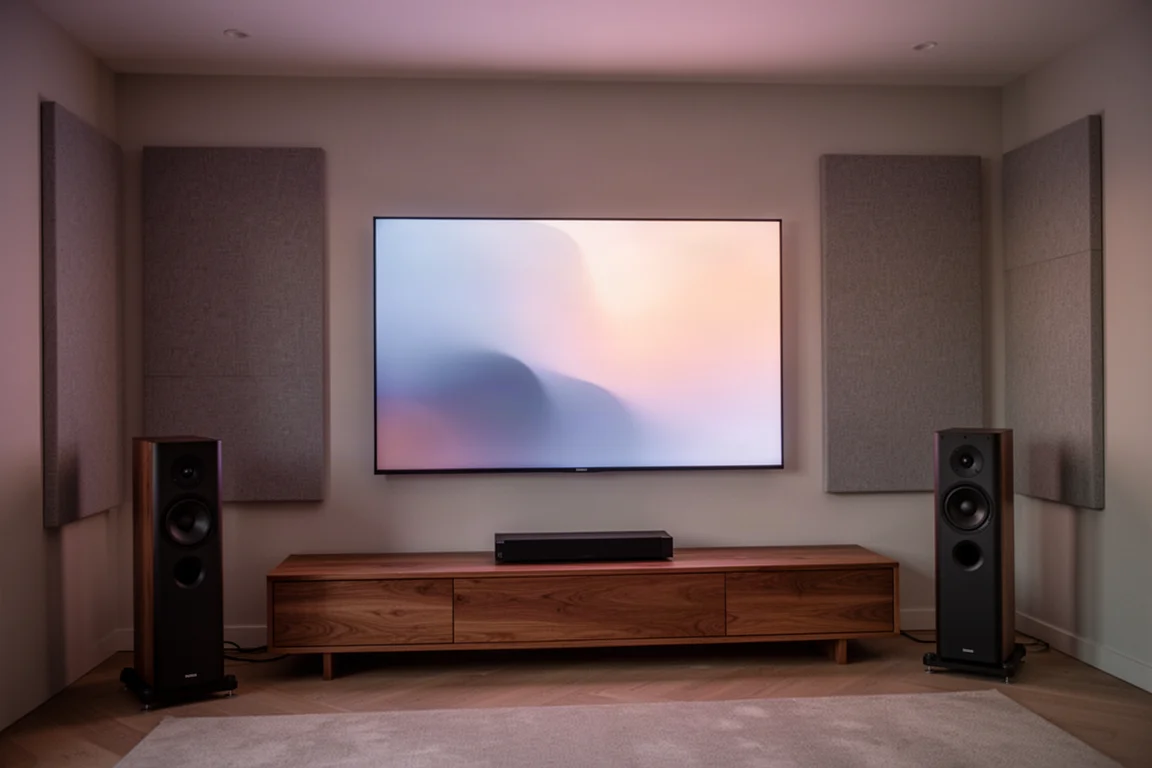
Paired with JBL Stage 2 speakers, the flagship showed what the platform can do. Bass had good texture and tone with convincing impact, and the midrange was detailed enough for horns and guitars to carry their character. The lower midrange could have used a touch more warmth, and the soundstage and imaging did not lock in the way higher-end separate components can. Power was never a concern: the amplifier section had enough current capability to drive the speakers well past comfortable listening levels, and demanding movie soundtracks played without the compression or clipping that lower-powered receivers can introduce. Running EZ Set EQ and listening again, the sound improved noticeably, evening out the frequency response and pulling the soundtrack together more cohesively.
Which JBL MA Receiver Fits Your Room?
Start by counting the devices you actually want connected. If four sources and a 4K display describe your setup, the MA310 covers it. If 8K video and Dolby Vision matter, the MA510 is the entry point for those formats.
Beyond that, the questions become practical. A turntable points to the MA710 or higher, because the phono input with a ground lug appears from that model upward. A second room points the same way, since Zone 2 output and configurable rear amplifiers also start with the MA710. Two displays, or a TV and a projector, call for the second HDMI output found on the MA7100HP and MA9100HP. And if better Bluetooth is important, the move to 5.3 with aptX HD and aptX Adaptive happens at the MA710 as well.
Room correction deserves its own moment in the decision. EZ Set EQ is included across the range and is designed to be simple enough that anyone can run it, with a short guided measurement and a clear result. Moving up to the MA7100HP or MA9100HP adds the option of a Dirac Live license for more advanced tuning. If you want the simplest possible improvement, EZ Set EQ is enough on its own. If you expect to keep refining the system, the two HP models leave that door open.
One more consideration is speakers. JBL engineered the MA receivers and the Stage 2 loudspeaker range to work together, which removes some of the guesswork from matching amplification to speakers. That pairing is not mandatory, but it is a straightforward route to a system that behaves predictably from the first listen.
Conclusion
The MA series covers a wide range of home theater setups without asking anyone to learn an intimidating control panel. The MA310 handles a simple 4K system, the MA510 adds 8K and Dolby Vision, the MA710 brings turntable support, Zone 2, and better Bluetooth, and the MA7100HP and MA9100HP add a second HDMI output plus the option of Dirac Live room correction. Match the model to your sources, your display, and how far you want to take tuning, and the rest of the setup stays refreshingly simple.
Further reading
Related Reviews
AV Receivers
Anthem MRX 740 8K Review: Composed Home Theater Sound With a Few Rough Edges
A close look at Anthem's mid-tier MRX 740 8K receiver, covering its sound, ARC Genesis room correction, HDMI 2.1 features and the daily quirks worth knowing before you buy.
AV Receivers
Anthem MRX 740 vs MRX 1140: Which AV Receiver Fits Your System?
A measured look at the Anthem MRX 740 and MRX 1140, covering preamp output performance, amplifier behaviour, bass management, and expansion headroom.
AV Receivers
Best AV Receivers for Home Theater: Denon, Onkyo, Marantz and Yamaha Compared
Four home theater receivers compared on features, sound character, setup and value, with clear guidance on which one fits which kind of buyer.