Telescope Mounts
iOptron SkyHunter Mount Review: A Portable Go-To Mount for Visual and Astrophotography
A lightweight portable go-to mount that works for visual observing out of the box and can handle astrophotography with the right setup.
Introduction
A lot of people looking for a portable go-to telescope mount eventually ask the same follow-up question: will this still work if I want to try astrophotography later? The iOptron SkyHunter is aimed squarely at that situation. It is designed to serve both visual observing and astrophotography, which makes it an interesting alternative to mounts that need extra hardware to make the jump.
What Is the iOptron SkyHunter?
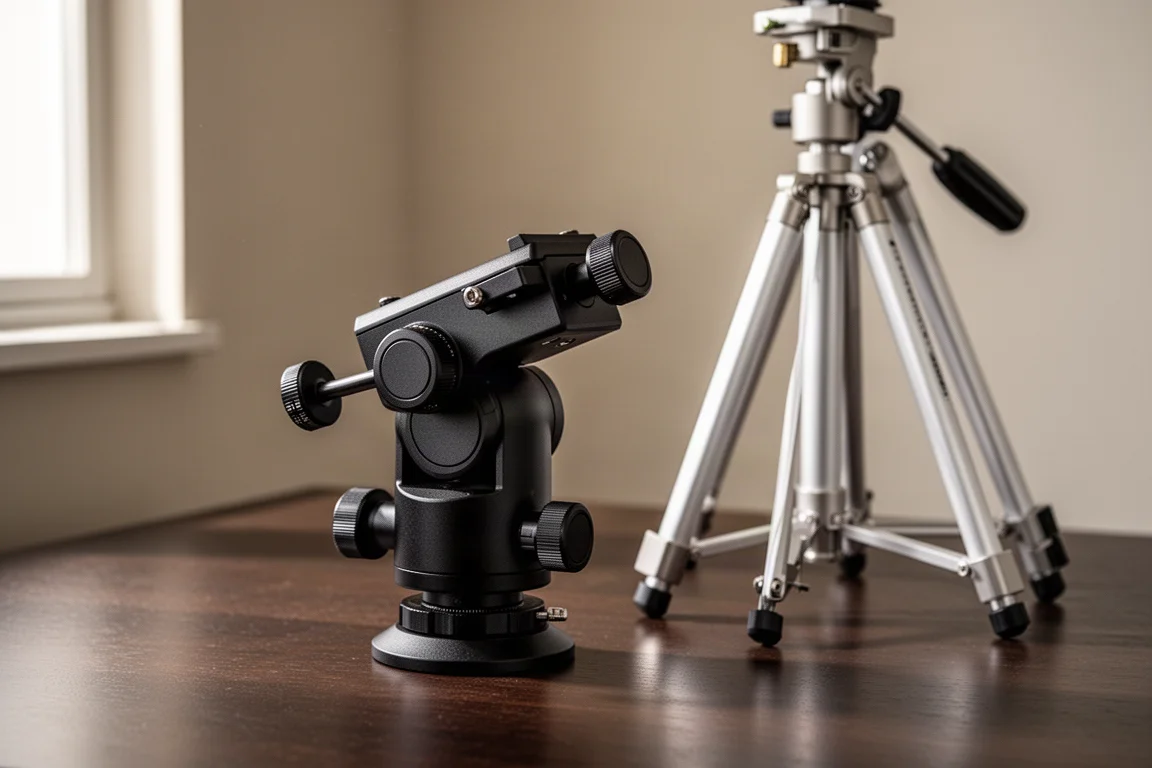
The SkyHunter is a compact go-to mount built to handle two roles. In altitude-azimuth mode it works as a simple point-and-observe mount for visual use, and it converts to equatorial mode by rotating the head vertically and setting the latitude with a large knob on the back of the mount. In equatorial mode you add the included counterweight to balance the telescope.
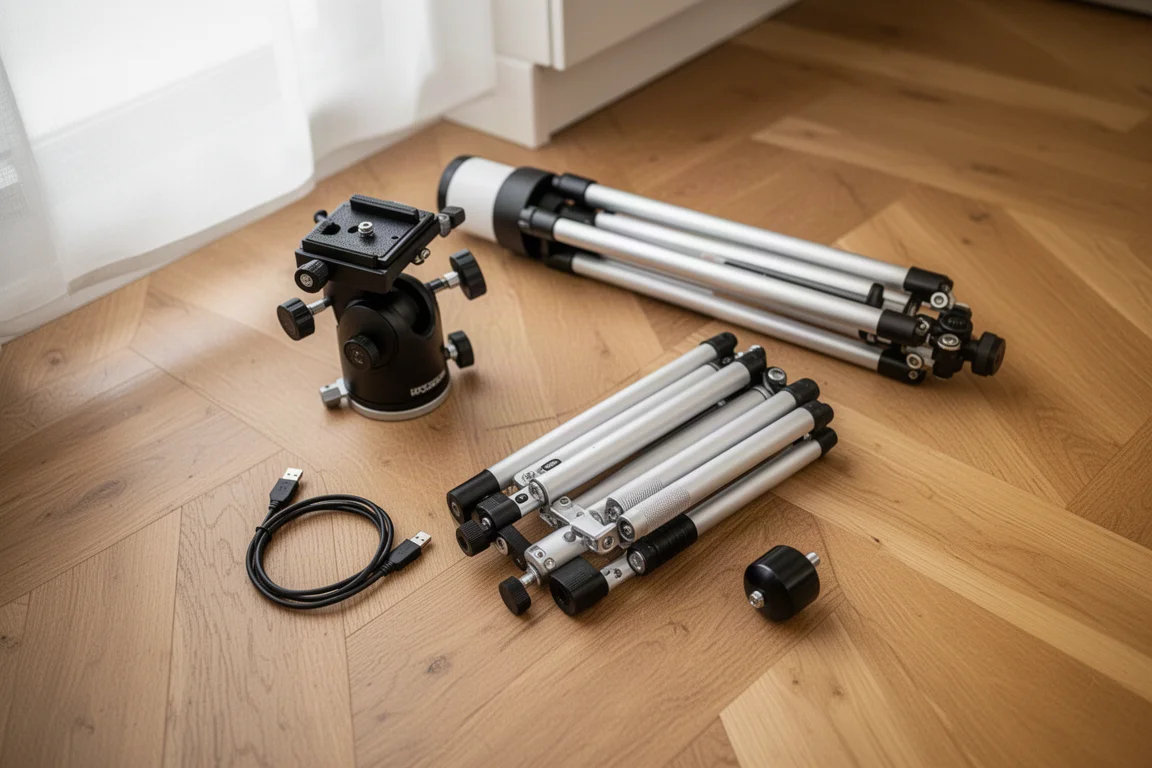
The box includes the tripod, the wedge, a USB cable, and the counterweight. Compared with the popular AZ GTi style of mounts, the SkyHunter feels noticeably lighter to carry, and it does not need the same pile of extra fittings and hardware-store connectors that AZ GTi astrophotography conversions typically demand.
Setup and Phone Control
Getting started is straightforward. The mount charges over USB, and the first step is a full charge. Once powered on, the mount creates its own Wi-Fi hotspot. You connect your phone to that network, open the Commander Light app, sync the phone’s time and location to the mount, and you have full control from the phone.
If you prefer a planetarium interface, the mount also works with SkySafari. Setup there means adding a telescope preset, selecting the iOptron CEM120/GEM28 equatorial GoTo profile, and setting the IP address to 10.10.100.254 with port 8899. Once connected, tapping a target such as Mercury and hitting Go To slews the mount straight to it.
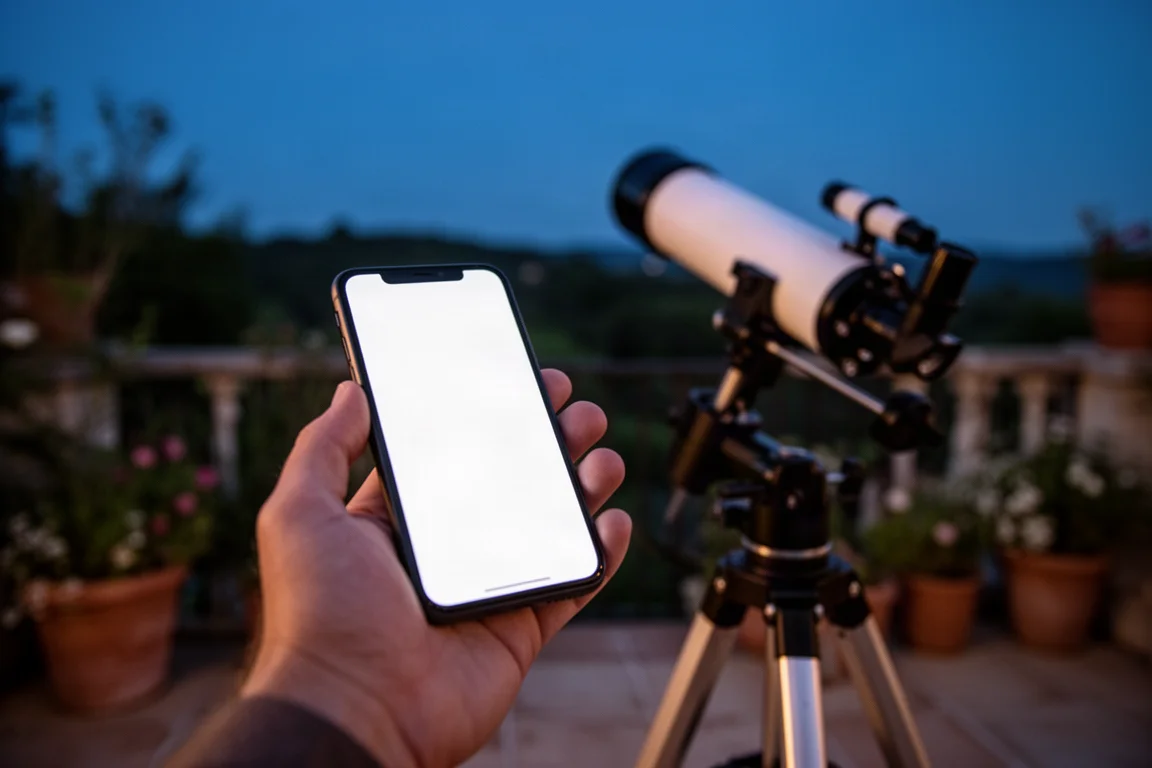
One small quirk worth knowing: there did not appear to be an option in the SkyHunter app to switch the mount between equatorial and alt-az modes, so mode changes need to be handled before you settle into a session.
How It Performs for Visual Observing
For visual use, polar alignment is pleasantly simple. The mount has a hole running through the polar axis: you look through it and centre Polaris in that hole. It is a quick, no-fuss method that gets you aligned without extra tools.
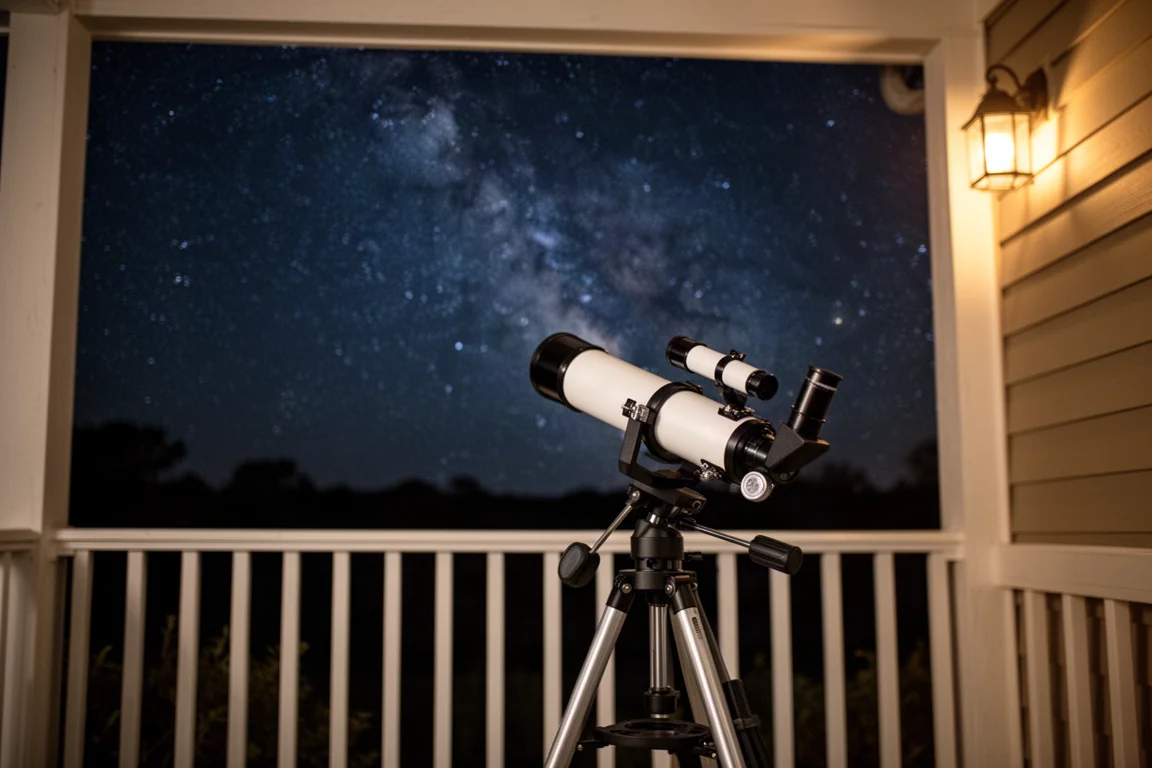
Once aligned on a first target such as Jupiter, adding a second target like Saturn gets you within roughly two or three degrees. After aligning on two objects, go-to accuracy improves noticeably. A third target, the double star Albireo, landed in the field, just a little off centre, and the globular cluster M15 also appeared in the eyepiece despite high altitude, light pollution, and porch lights working against it.
For a lightweight portable mount used from a suburban porch, that is a perfectly usable level of pointing performance for a night of visual observing.
Using the SkyHunter for Astrophotography
This is where things get more demanding. Connecting an ASIair unit to the SkyHunter took real persistence. The standard ASIair Pro setup used for other mounts would not connect, and even the workaround SD card approach caused the unit to stop working entirely. The combination that finally worked was an ASIair Mini together with a specific connection process shared by the community, so if you go this route, expect to follow documented steps rather than assuming plug-and-play.
Once connected, the experience improved sharply. Polar alignment was relatively easy, and guiding settled at around two arcseconds. That is not as tight as a dedicated imaging setup, but it is good enough for practical short-exposure work.
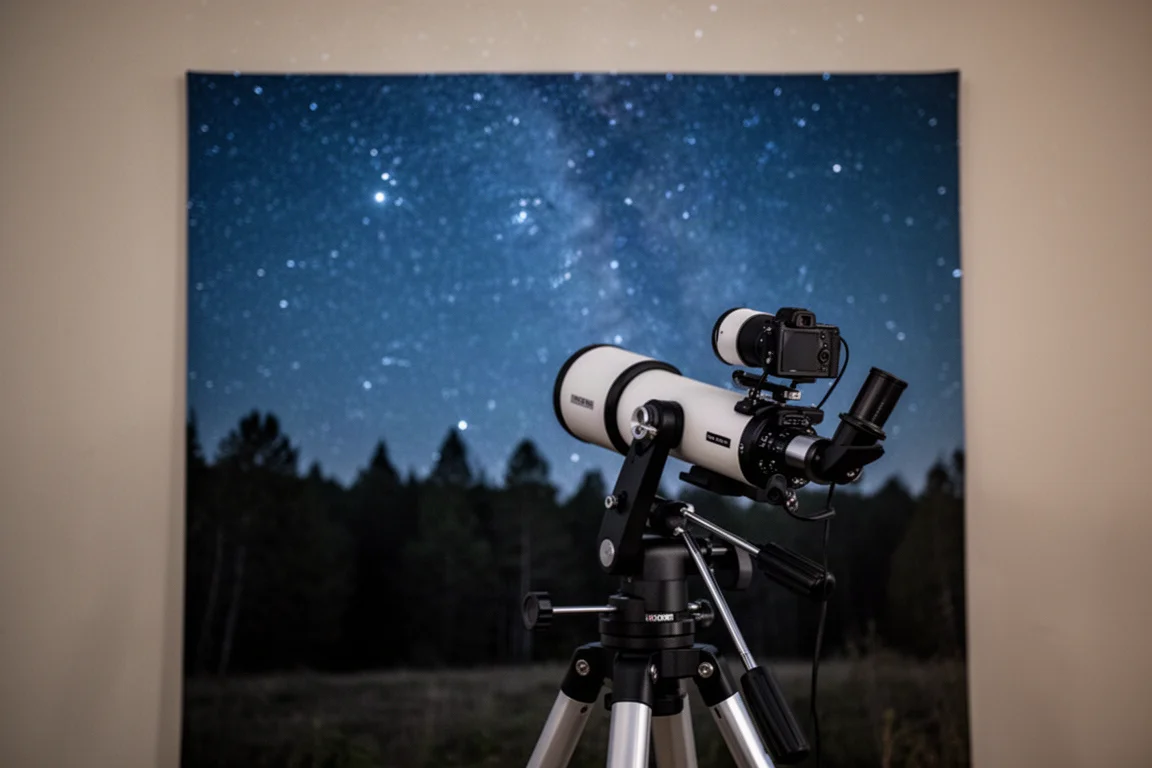
The proof is in the results. Waiting for Orion to clear a tree, the mount produced an image of the California Nebula with no star trails. An hour-long session on the Orion Nebula collected fifteen three-minute exposures with average guiding of about two arcseconds and round stars throughout. With final tweaks in Photoshop, that is a respectable result from a mount this size and weight.
Things to Consider Before Buying
The SkyHunter’s dual-role design is its biggest strength, but a few points deserve attention before you buy. The astrophotography workflow depends on getting the right ASIair hardware and the correct connection procedure, so budget some patience for that step. Guiding at around two arcseconds is fine for many targets but will not match a heavier dedicated imaging mount. And the missing EQ-to-AZ mode switch in the app means planning your mode before the session starts.
Buying Advice
If you mainly want a light, portable go-to mount for visual observing now, with a realistic path into astrophotography later, the SkyHunter covers both without the wedge-and-improvised-fittings route that some rival portable mounts require. If your focus is serious deep-sky imaging from day one, a dedicated equatorial setup will still guide tighter, and the SkyHunter should be seen as a flexible all-rounder rather than a maximum-performance imaging platform.
Conclusion
The iOptron SkyHunter does what its design promises: it is a genuinely light portable go-to mount that serves visual observers well out of the box, points accurately enough for a night of observing, and can produce clean, round-star astrophotography results once the imaging workflow is sorted. For anyone caught between the two hobbies, it is an easy recommendation.
Product link
View more details for iOptron SkyHunter Mount
This product is mentioned in the review. Check the specifications, options, and compatibility before buying.
View more details for iOptron SkyHunter MountFurther reading
Related Reviews
Telescope Mounts
Celestron Advanced VX Review: A Practical First Step Into Astrophotography Mounts
A 30-pound payload, familiar NexStar-style hand control, and free computer control software make the Advanced VX an approachable upgrade for visual astronomers moving into imaging.
Telescope Mounts
Track the Stars Panther Pro Review: A Premium Alt-Az Mount Built for Speed and Outreach
A Danish premium alt-az mount that skips polar alignment entirely, and what that means for solar, planetary, EAA, and public outreach use.
Astrophotography
ASKAR FRA400C Review: A Versatile 400mm Refractor for Astrophotography and More
The ASKAR FRA400C is a compact 72mm refractor that balances reach, versatility, and portability for astrophotographers and visual observers.