Hi-Fi Streaming
iFi Zen Stream vs Innuos Zen Mini Mk III: Which Music Streamer Fits Your System?
A wireless streamer and a Roon core take two very different paths to the same goal. Here is how to decide which one belongs in your system.
Introduction
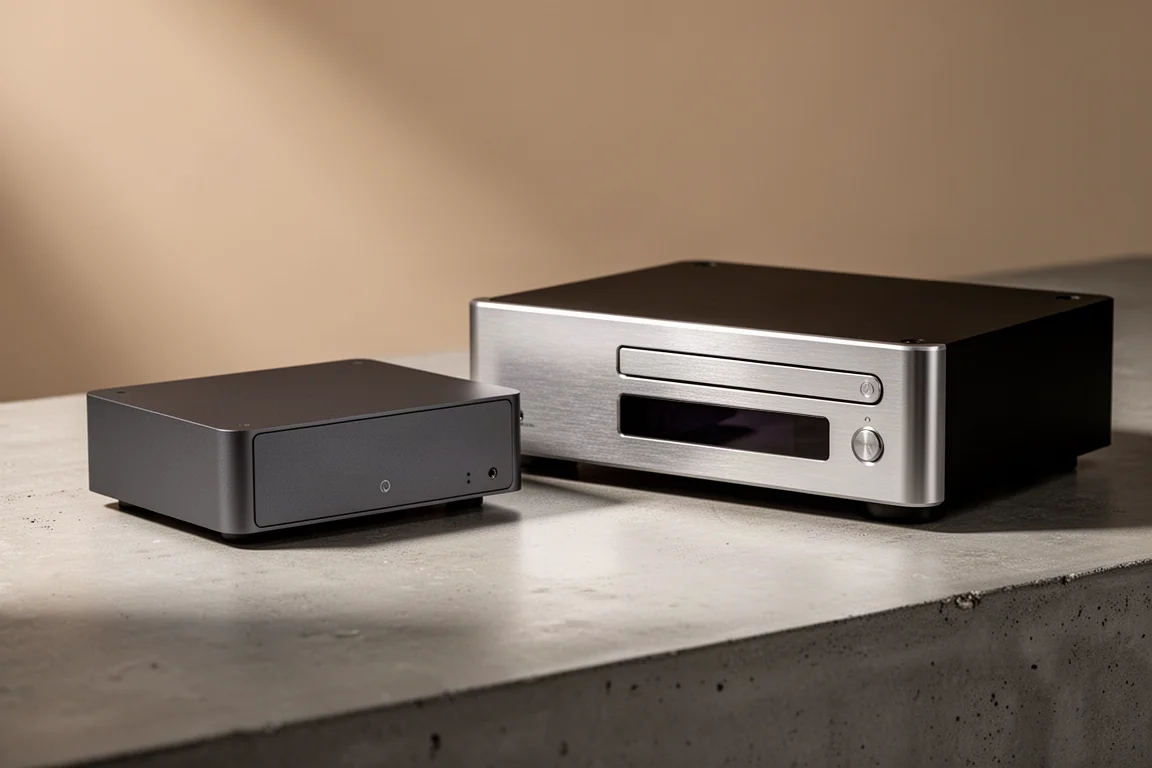
Two network streamers, roughly a thousand dollars apart in price, and a genuinely difficult decision between them. The iFi Zen Stream sells for around $400. The Innuos Zen Mini Mk III sells for around $1,400, more than three times as much. On paper that gap suggests an easy call. In practice the cheaper unit is the more convenient one in several everyday situations, and the more expensive unit earns its price in a narrower but important set of jobs.
Both devices can serve files from NAS drives and hard drives, so that part of the story is not what separates them. The difference sits in how you stream, which apps can connect, and how much setup stands between you and the music.
This is not a case of one streamer being better than the other. It is a case of two streamers built for different listeners.
What Matters Most in a Streamer
Streamers are unusual components. Sound quality matters, but the first thing most owners notice is how easy the device is to live with. A streamer that sounds superb and takes ten minutes of app navigation to change a track will get used less than a streamer that sounds very good and responds immediately.
That is the lens worth using here. The relevant questions are straightforward: which apps can connect to it, does it need a cable run to the router, what role does it play in a Roon setup, how does it feed a DAC, and how quickly can its mode be changed when someone else wants to play music.
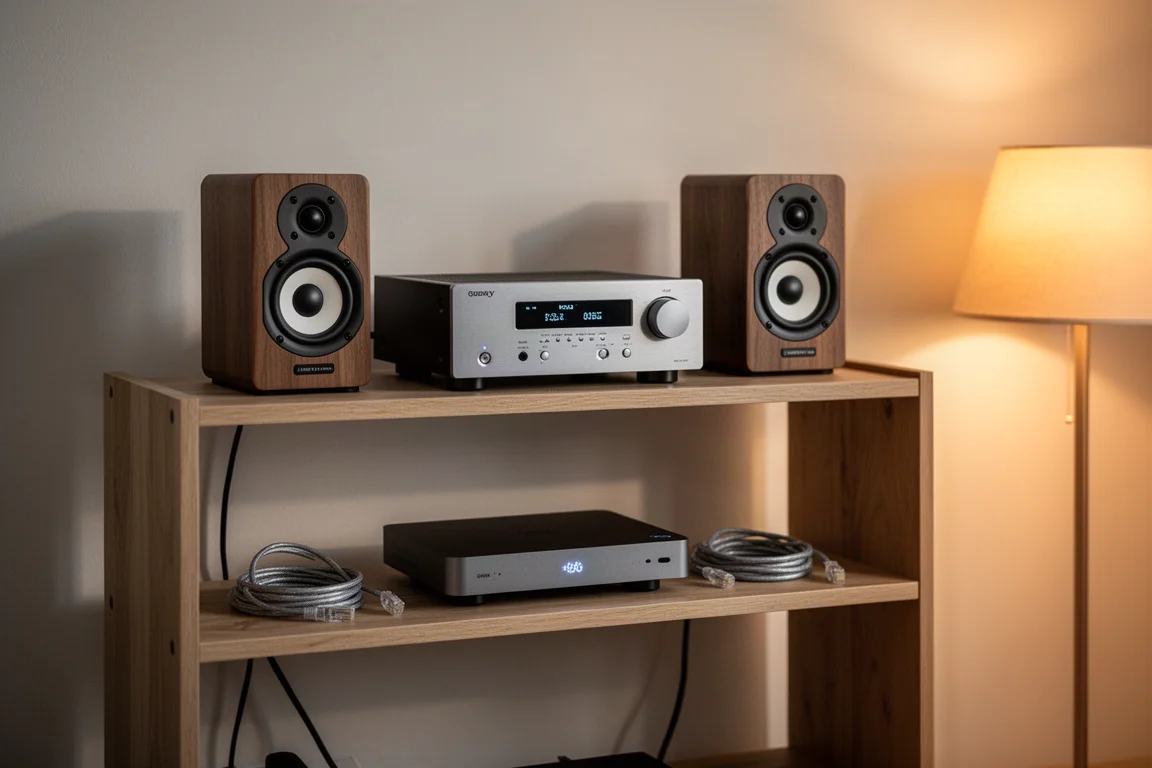
Convenience is not a compromise on sound here. The iFi Zen Stream delivers sound quality at the same level as the far more expensive Innuos, which makes the usability differences the deciding factor rather than the audio itself.
iFi Zen Stream: Wireless Convenience and App-Friendly Streaming
The iFi Zen Stream is a simple device that does several things a more expensive streamer cannot. It connects over Wi-Fi, so no ethernet cable has to run from the router to the listening position. That wireless connection has proven reliable in use.
It supports Tidal Connect, which means Tidal can be opened and connected directly to the hi-fi system without any third-party software in between. It also works with a broad list of compatible apps, including JRiver, rather than locking owners into a single ecosystem.
For guests and family members the practical benefit is large. Anyone within range can connect from their own account on their own phone and play through the system. No shared tablet, no borrowing someone else’s phone, no app that only works on one device.
The Zen Stream is Roon Ready rather than a Roon core. It can act as an endpoint in a Roon system, but something else, such as a computer or laptop, has to serve as the core.
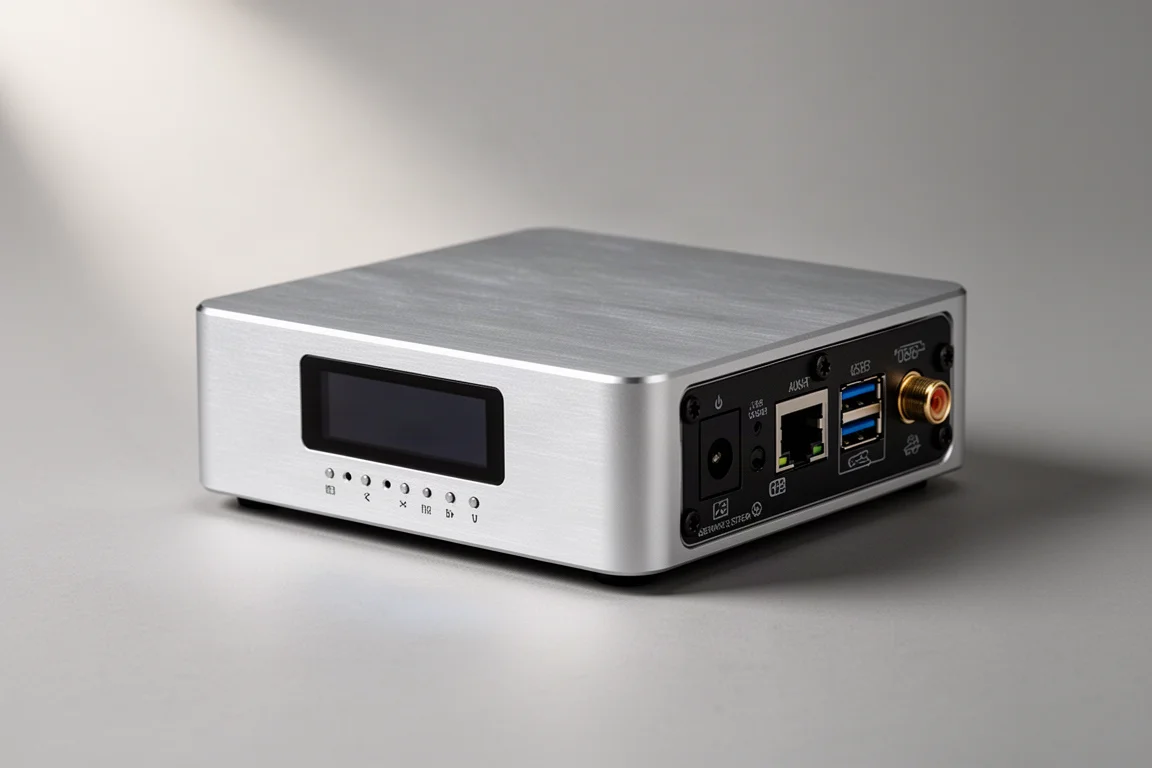
Mode switching is handled by small physical dip switches on the back. Moving between Roon Ready and Tidal Connect is a matter of flipping a switch, which is quicker and more direct than digging through a web interface.
At around $400, with sound quality that holds up against a streamer costing more than three times as much, it is an easy recommendation for anyone whose listening is mostly Tidal, Spotify, or a similar streaming service.
Innuos Zen Mini Mk III: Roon Core, CD Ripping, and USB Output
The Innuos Zen Mini Mk III costs around $1,400 and has been a mainstay in a reference system for more than two years. It is an excellent device, and the reasons it costs more are specific.
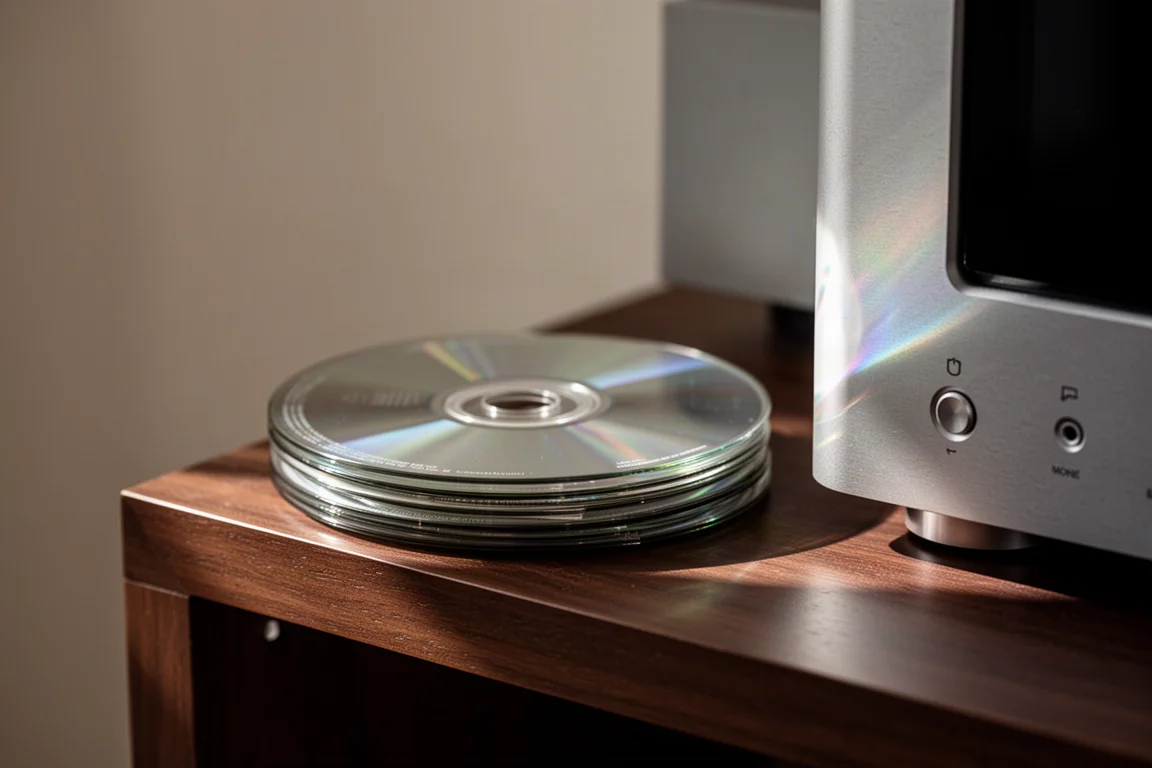
First, it can act as a Roon core. That is different from being Roon Ready. A core ties every music source together inside one piece of software, and many streamers can only act as endpoints. Second, it has a built-in CD ripper, which matters to anyone with a physical collection they want available alongside streaming. Third, it offers a USB output for connecting to a DAC or an integrated amplifier with a DAC inside. USB is the highest-resolution connection available short of I2S, and when this streamer was bought around three years ago, finished streamers with USB output were hard to find.
It also has an internal DAC. That DAC is decent, but an external one is still the preferred route.
The trade-offs are real. There is no Tidal Connect, so Tidal playback runs through Roon or another layer rather than connecting directly. The unit needs an ethernet connection, which is awkward when the router sits far away. And changing modes is more involved: it means opening an app or a web page, entering an IP address, and navigating settings rather than flicking a switch.
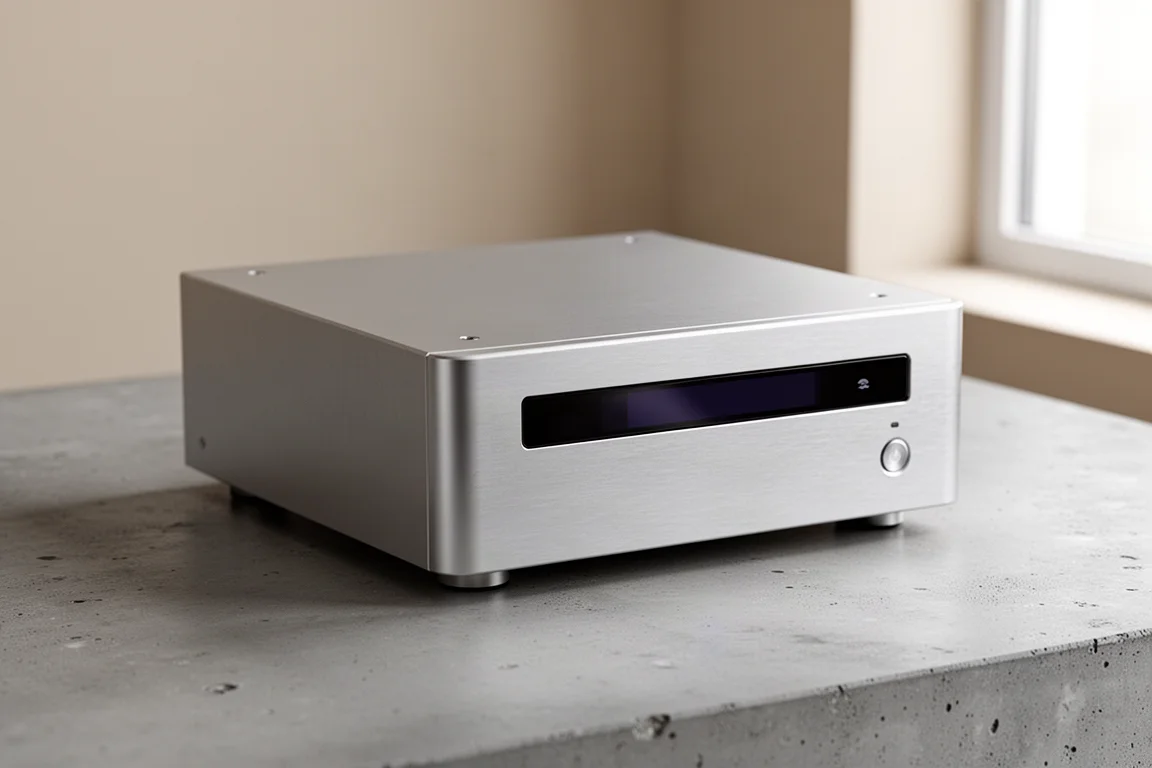
USB Output and App Support Compared
USB is the highest-resolution connection available outside I2S, which is why it matters on a streamer. Coaxial and optical outputs are useful fallbacks when USB is not available, but USB is the connection most DAC stacks prefer. The Innuos Zen Mini Mk III offers it, and that was a deciding factor at a time when few finished streamers did.
App support runs the other way. The Zen Stream works with a long list of compatible apps, including JRiver, and adds Tidal Connect on top. The Innuos does not offer Tidal Connect at all.
So the two devices are strong in different places: one in connection quality and Roon duty, the other in app flexibility and direct service support.
Roon Core vs Roon Ready: The Practical Difference
Roon is software that ties music sources together so that streaming is easy. Within that system, a core and an endpoint are not the same thing. The Innuos Zen Mini Mk III can be the core. The iFi Zen Stream is Roon Ready, meaning it can be an endpoint.
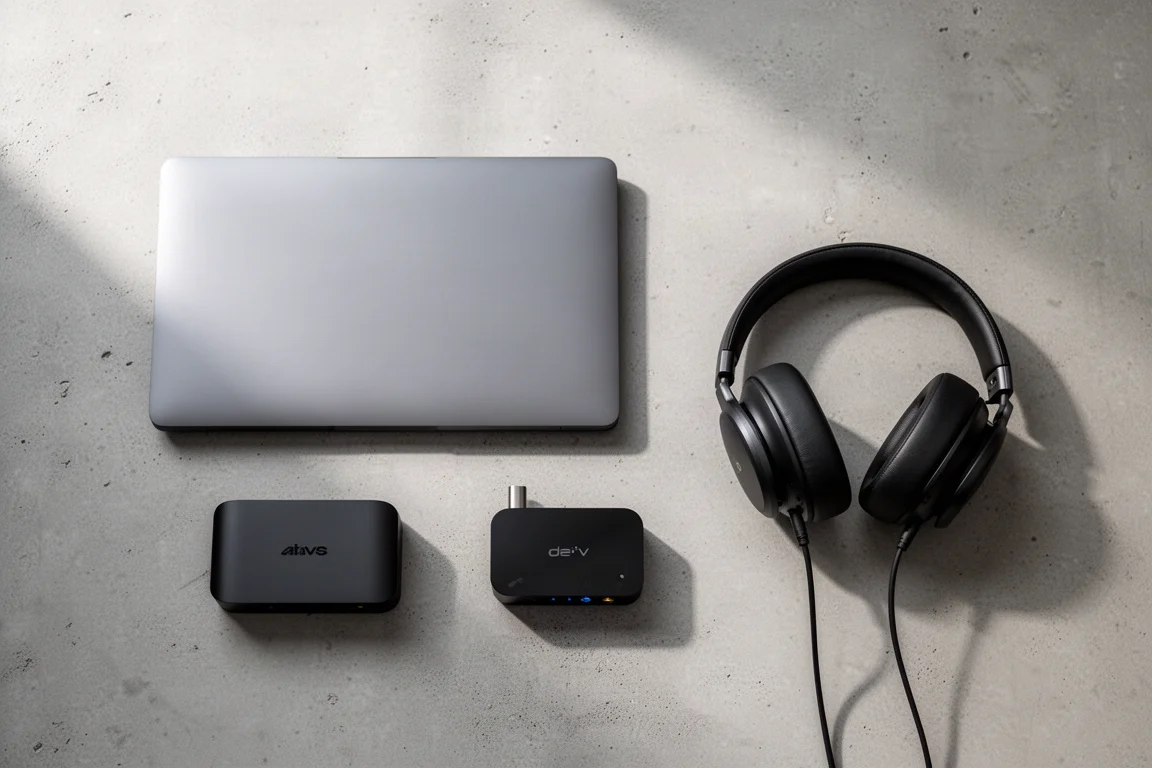
For a Roon user, that distinction decides the purchase. Running Roon with the Zen Stream means a laptop or computer has to stay in the chain as the core, which adds a second device and a second thing to manage. If Roon is the centre of the setup, the Innuos is the simpler answer despite the price.
If Roon is not part of the plan, the calculation flips. A listener who only wants Tidal or Spotify, and who would rather not configure anything, gets everything needed from the Zen Stream.
Switching Modes and Running Two Systems
Mode switching sounds like a minor detail until guests arrive. On the Zen Stream, physical dip switches on the back move the unit between Roon Ready and Tidal Connect. It is quick, tactile, and can be done with a fingernail or a coin.
On many other streamers, including the Innuos, the same change means opening an app or typing an IP address into a browser, then working through settings to move between Roon core, Roon Ready, and DLNA. It works, but it is a quirky process that takes longer and requires more finessing.
That difference points to a sensible way to run two systems. Keep the Innuos in the main listening room as the Roon core, where its CD ripping, USB output, and Roon role all earn their keep. Add the Zen Stream upstairs as a Roon Ready endpoint, where it can switch to Tidal Connect in seconds when a guest or family member wants to play from their own phone.
Buying Advice: One System or Two
For a single system, the choice comes down to two questions: is Roon central to how you listen, and do you have CDs you want to rip and keep alongside your streaming library? Everything else follows from those answers.
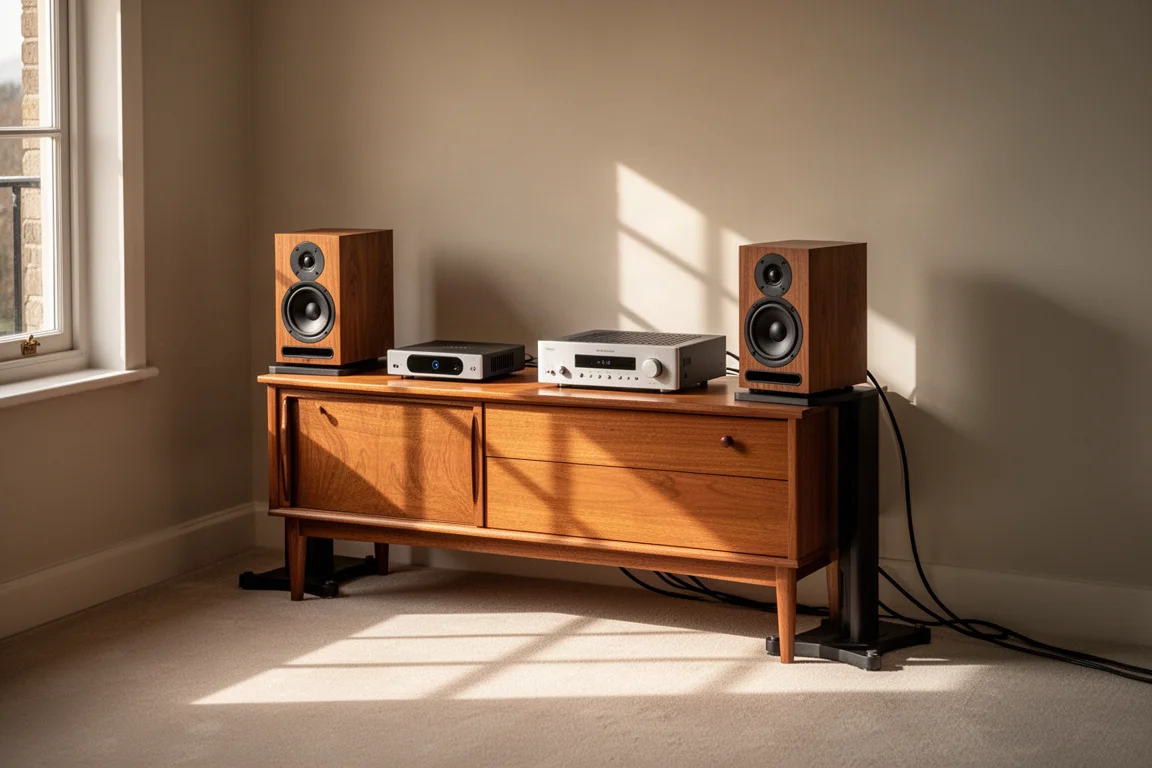
If Roon is central, or if you have a CD collection you want available in the same library as your streaming services, the Innuos Zen Mini Mk III is the one to buy. Its price is high, but it takes on several jobs at once, and it does them well.
If you stream Tidal, Spotify, or similar services and want the shortest path from phone to speakers, the iFi Zen Stream is the better buy. It costs around $400, it connects over Wi-Fi, it works with a wide range of apps, and its sound quality is on par with the more expensive unit.
For two systems, buy both. Use the Innuos as the Roon core in the main room and the Zen Stream as the flexible endpoint elsewhere. The pair covers nearly every situation without either device having to compromise.
Conclusion
The iFi Zen Stream and Innuos Zen Mini Mk III are not really competitors. One is a low-cost, wireless, app-friendly streamer. The other is a Roon core with CD ripping and USB output at more than three times the price.
Choose the Innuos if Roon and physical media are part of your routine. Choose the Zen Stream if convenience and app freedom matter more. If you have room for two systems, the pair together handles almost everything.
Further reading
Related Reviews
Hi-Fi Streaming
Cambridge Audio CXN100 Review: A Full-Width Streaming Deck With a Warmer Voice
The Cambridge Audio CXN100 pairs a new ESS DAC stage with Gen 4 StreamMagic in a familiar full-width chassis. Here is where it improves on the CXN V2, and where it does not.

Backpacking Gear
Building a 10 lb Base Weight: An Ultralight Backpacking Gear List
A practical walkthrough of the ultralight pieces behind a 10 lb base weight, from a 765 g pack and a roomy one-person tent to a full camp chair and a dependable water filter.

Road Bikes
10 New Road Bikes Worth Watching: Aero, Titanium, Steel and Endurance Standouts
A practical roundup of 10 new road bikes, from aero flagships chasing single-watt gains to titanium, steel and endurance platforms built for real roads.